Best Selling Products

Upgrade Duolingo Super
29 USD

Upgrade genuine Capture One account
120 USD

Autodesk All App Account Copyright
120 USD

Genuine Adobe Illustrator account
99 USD

Upgrade Genuine Office 365
49 USD

MidJourney Account
29 USD

Windows 10 & 11 Pro Key
36 USD

Freepik Premium Account
59 USD

Adobe Premiere Pro Account
99 USD

Plugin Retouch4me
69 USD

ChatGPT Plus Account (GPT-4)
16 USD

Adobe Photoshop Copyright - Full App
120 USD

Copyright Adobe Lightroom Account
59 USD

Genuine Cheap Canva Pro
39 USD

Capcut Pro 1 Year
39 USD
Photo Editing Apps That Help Remove Bruises and Restore Perfect Skin
Nội dung
- 1. Current demand for photo editing apps that remove bruises and hide injuries.
- 1.1. Addressing accidental collisions and injuries
- 1.2. Protecting sensitive personal information and images.
- 1.3. Trends in Aesthetic Perfection in Portrait Photography
- 2. Essential features of a skin blemish removal app
- 2.1. Clone Stamp Tool for Copying Skin Tones
- 2.2. Color Correction Capabilities
- 2.3. Tools for smoothing and preserving skin texture (Texture Retention)
- 3. Review of the best photo editing apps for removing bruises and getting beaten up.
- 3.1. Facetune - The ultimate in blemish treatment and skin rejuvenation.
- 3.2. Snapseed - A completely free blemish correction tool
- 3.3. PicsArt - Diverse solutions for covering and layering makeup
- 4. A step-by-step process for naturally removing bruises from photos.
- 4.1. Step 1: Remove abnormal pigmentation of the bruise.
- 4.2. Step 2: Apply the touchpoint defect removal tool
- 4.3. Step 3: Even out skin texture and add shine.
- 4.4. Step 4: Apply a layer of fine particles to synchronize the entire image.
- 5. Appvip.ai - A reputable platform for upgrading to premium photo editing app accounts.
- 6. Common mistakes to avoid when correcting damaged skin areas.
- 6.1. Completely eliminate the natural muscle mass and shadows of the face.
- 6.2. Select a sample area of skin that is dissimilar in brightness and location.
- 6.3. Leaving editing boundary lines too sharp.
- 7. Conclusion
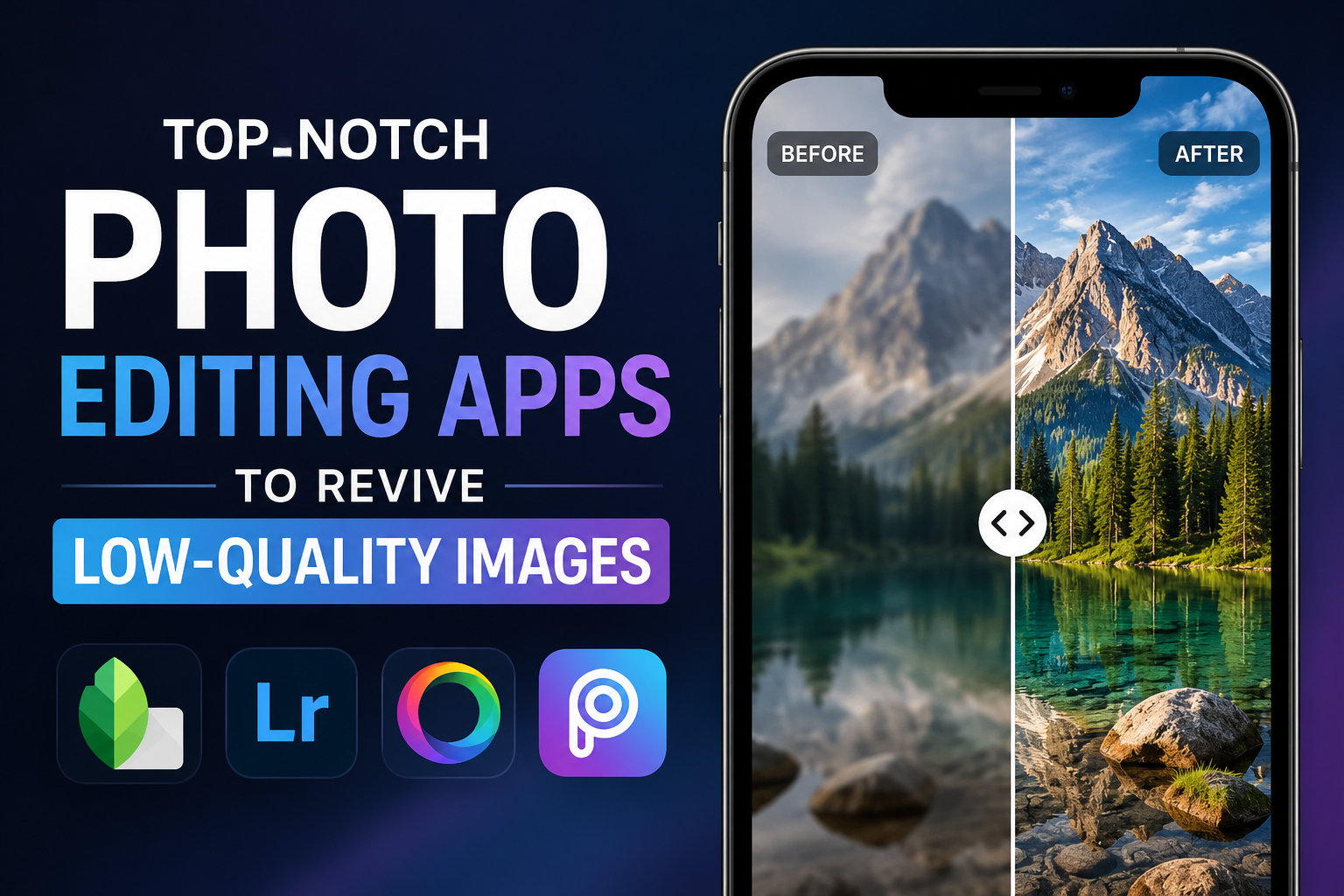
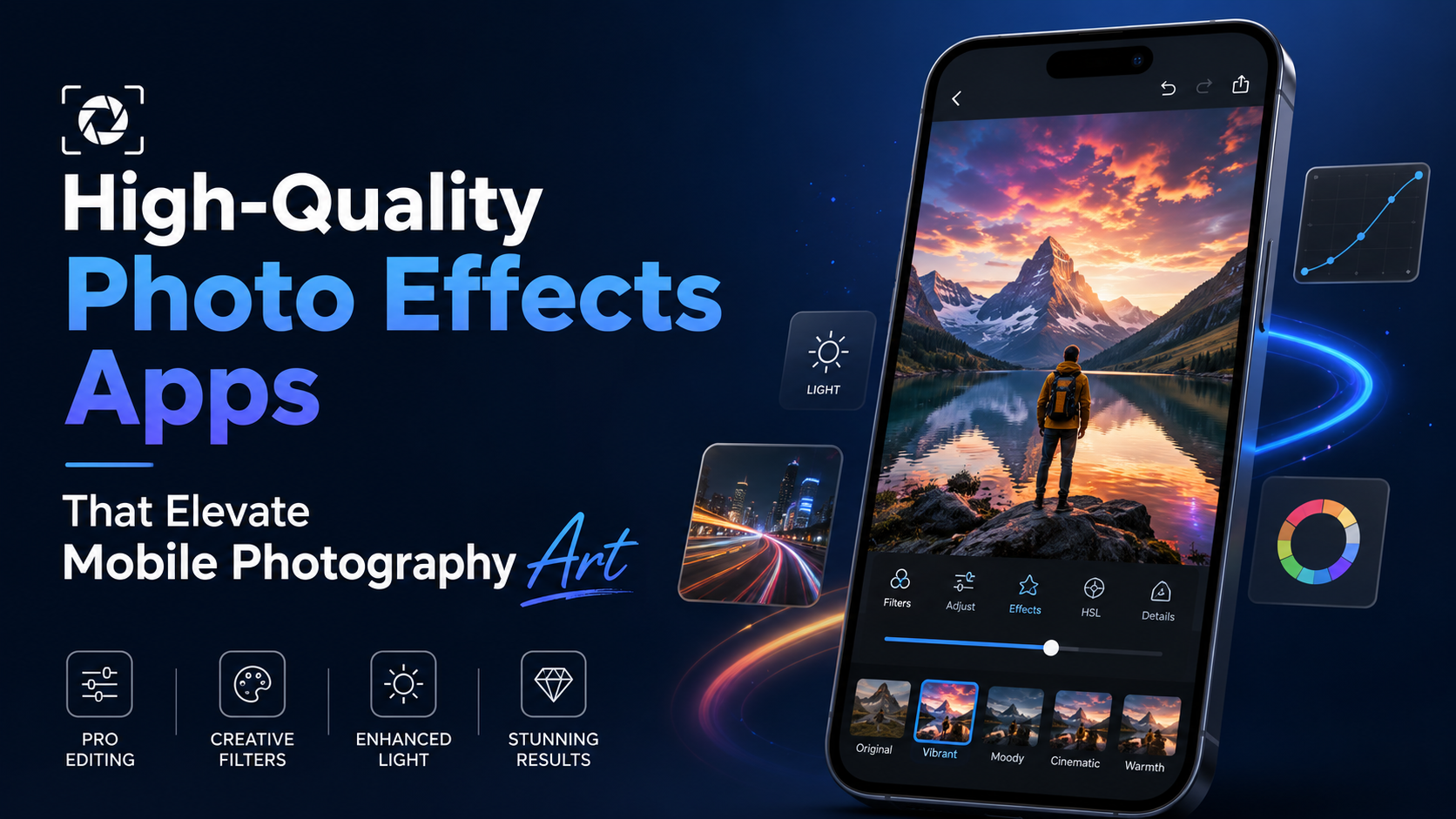
Discover a list of photo editing apps that help conceal bruises and smooth out skin injuries using intelligent AI technology to help you regain a flawless appearance.
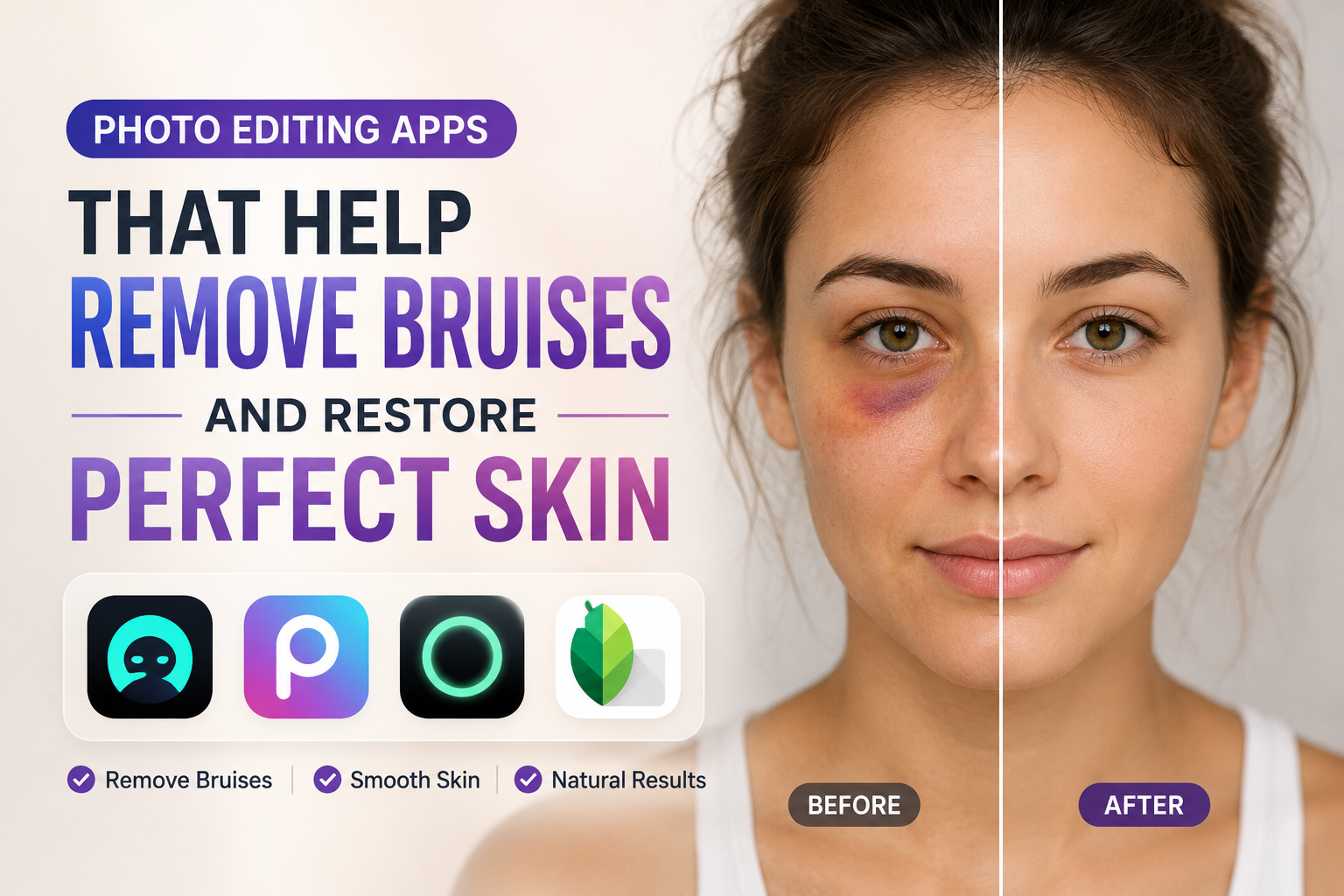
1. Current demand for photo editing apps that remove bruises and hide injuries.
Everyday life is full of unexpected situations that can leave the body vulnerable to surface damage. The need to maintain a polished appearance in the digital space has fueled the search for professional skin retouching tools.
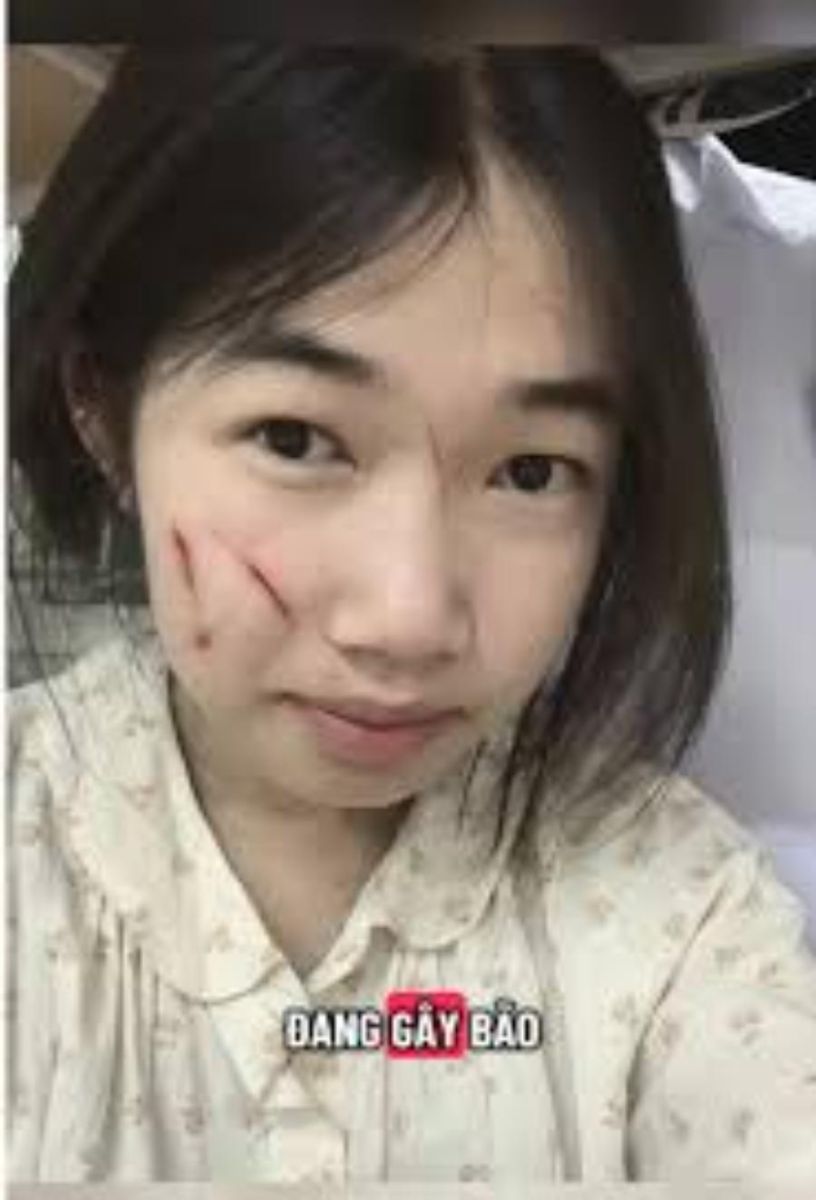
1.1. Addressing accidental collisions and injuries
Sports activities, household accidents, or car collisions can easily leave behind bruises and hematomas (blood clots under the skin). These bruises often take several weeks to disappear completely, while users' needs for taking photos, keeping souvenirs, or working cannot be postponed.
1.2. Protecting sensitive personal information and images.
In many situations, users need to conceal injuries or bruises from impacts to avoid scrutiny or misunderstandings from colleagues, friends, or family. Using technology to blur these marks helps users protect their privacy and maintain their personal image in the best possible condition.
1.3. Trends in Aesthetic Perfection in Portrait Photography
Modern photography always aims for aesthetic appeal and respects the beauty of the subject. Digital editing tools act like a magical concealer, helping to remove abnormal skin pigmentation such as dark spots and redness, bringing uniformity to skin tone.
2. Essential features of a skin blemish removal app
A high-quality bruise and wound removal app shouldn't simply blur the affected area. It needs to incorporate intelligent graphics processing algorithms to ensure realism.
2.1. Clone Stamp Tool for Copying Skin Tones
This feature allows users to take a piece of healthy, smooth skin from a nearby area and apply it to a bruised or injured area. The app's algorithm automatically blends the skin's brightness and texture so the patched area is undetectable.
2.2. Color Correction Capabilities
Bruises often change through various colors such as dark purple, green, and lemon yellow depending on the body's recovery stage. The application needs advanced color-neutralizing capabilities to help neutralize these contrasting pigments, restoring the user's original skin tone.
2.3. Tools for smoothing and preserving skin texture (Texture Retention)
A common flaw of cheap software is that it creates large areas of smudged, blurry skin, making the skin look like wax figures. A professional application will be able to smooth out bumps while preserving natural pores and skin texture, making the photo look unedited.
3. Review of the best photo editing apps for removing bruises and getting beaten up.
The current mobile application system offers many tools to assist in skin treatment; below are some of the most prominent names with powerful blemish-removing features.
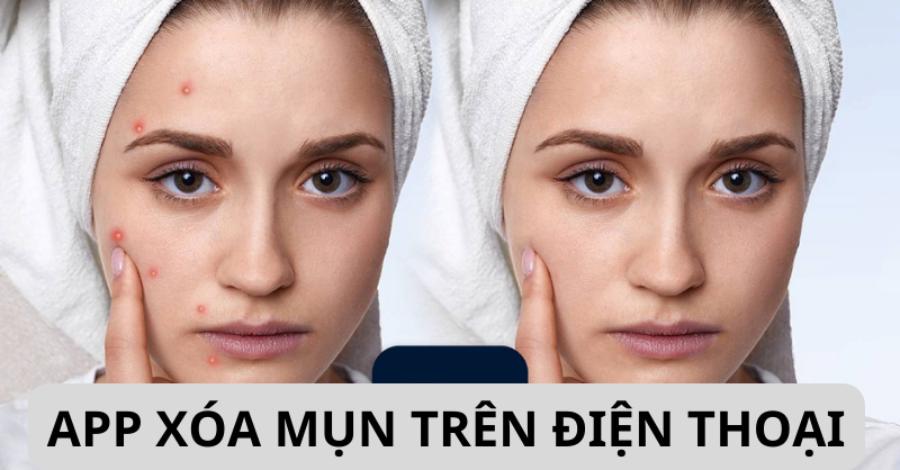
3.1. Facetune - The ultimate in blemish treatment and skin rejuvenation.
This app has been dubbed the digital makeup wizard thanks to its set of tools that can deeply penetrate the epidermal surface.
-
Strengths: The "Patch" feature replaces bruised skin with flawless skin with just one touch, combined with the "Vanishing" tool to completely remove minor scratches.
-
How to apply: Suitable for close-up shots of faces and high-resolution portrait shots.
3.2. Snapseed - A completely free blemish correction tool
This product from Google offers advanced photo editing features without charging users any fees.
-
Strengths: The "Healing" tool works extremely intelligently, allowing you to gently swipe your finger over the bruise and the system automatically calculates and removes the injury based on the surrounding environment.
-
How to use: Suitable for both beginners and semi-professional users thanks to its intuitive interface and fast processing algorithm.
3.3. PicsArt - Diverse solutions for covering and layering makeup
This platform offers a different approach by combining blemish blurring with the application of digital makeup layers.
-
Strengths: Users can use the drawing tool to apply a skin-tone color over bruises, then adjust the opacity and blend mode to cleverly conceal the injury.
-
How to apply: This is the optimal choice for artistic photos and fashion photos that require the intervention of many graphic effects.
4. A step-by-step process for naturally removing bruises from photos.
Following a scientific editing process will help you avoid image distortion and maintain the highest possible overall authenticity in your photos.
4.1. Step 1: Remove abnormal pigmentation of the bruise.
Users need to access the detailed color adjustment settings (HSL or Selective Color). Select the area that matches the bruise color (e.g., purple or blue), then reduce the saturation of that area and increase the luminance to soften the bruise.
4.2. Step 2: Apply the touchpoint defect removal tool
Using a small Healing brush or Clone Stamp, dab small amounts onto the boundary areas between the bruise and healthy skin. Breaking down the dabbing motions instead of sweeping in one long stroke will help the AI algorithm identify and blend colors more accurately.
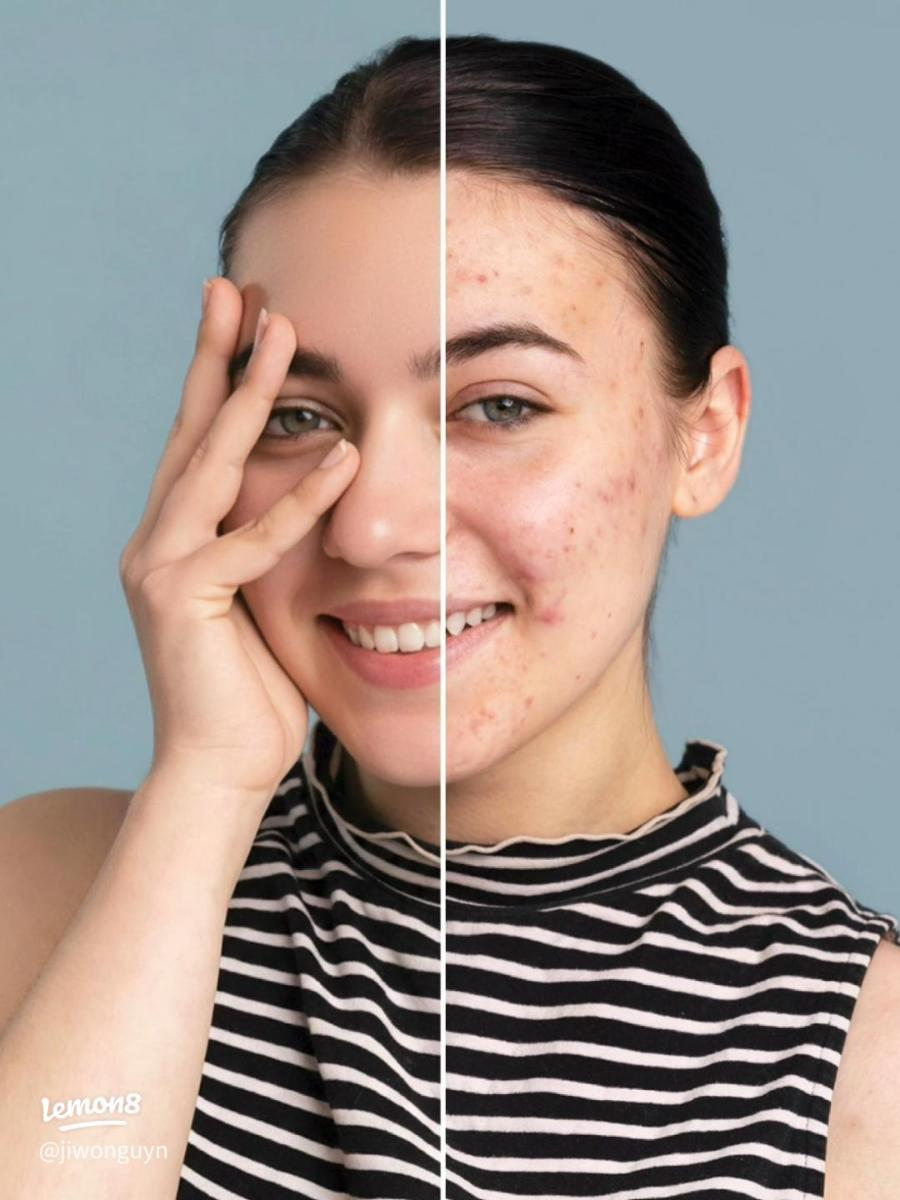
4.3. Step 3: Even out skin texture and add shine.
Impact bumps often create uneven patches of light and shadow due to the raised bump catching the light. You need to use the Dodge & Burn tool to smooth out these shadow areas, removing the bumpy appearance of the bump on the skin's surface.
4.4. Step 4: Apply a layer of fine particles to synchronize the entire image.
A small amount of grain effect is added to the entire image after the skin retouching is complete. This grain layer acts to connect the retouched skin area with the original skin area, tricking the viewer into thinking it's a natural, unedited photo.
5. Appvip.ai - A reputable platform for upgrading to premium photo editing app accounts.
For users who need advanced image processing and want to use advanced AI blemish removal tools, appvip.ai is an excellent choice. This website specializes in providing VIP and Premium account upgrades for leading photo editing apps worldwide at very reasonable prices. Owning a premium account from this platform will unlock all intelligent blemish removal filters, speed up image processing, and eliminate all limitations, providing the smoothest and most professional design experience.
6. Common mistakes to avoid when correcting damaged skin areas.
Overuse of editing tools is the main reason why photos look unnatural and viewers can easily spot signs of manipulation.
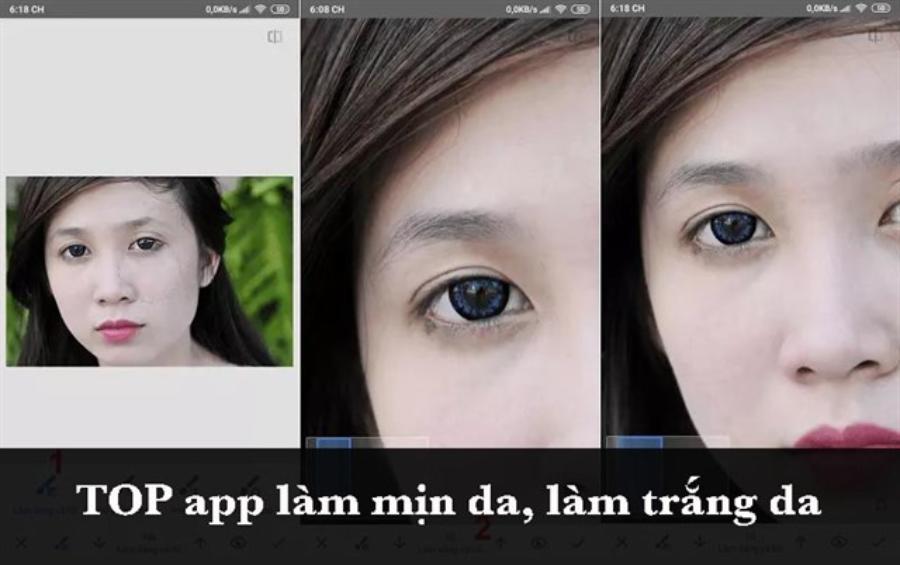
6.1. Completely eliminate the natural muscle mass and shadows of the face.
The brutal removal of bruises can sometimes flatten anatomical features such as cheekbones, under-eye bags, or jawline. This distorts the subject's face and diminishes its three-dimensional depth.
6.2. Select a sample area of skin that is dissimilar in brightness and location.
Taking a patch of skin from your arm to graft onto an injured area of your face is a serious mistake. Each area of the body has a completely different epidermal structure, pore thickness, and pigmentation, so you must always take a skin sample from a symmetrical or adjacent area to the injury.
6.3. Leaving editing boundary lines too sharp.
This error occurs when you use a brush with too much hardness, creating harsh lines around the newly applied skin area. Users should always set the brush's edge opacity to maximum so that the skin patches blend together smoothly.
7. Conclusion
The help of photo editing apps that specialize in removing blemishes and skin imperfections has given users immense confidence, helping to eliminate unwanted imperfections in mobile photography. By seamlessly combining features like color correction, skin patch cloning, and AI-powered texture smoothing, you can completely restore healthy, radiant skin in the digital space. Always remember the rules of moderate editing, respecting the natural structure of the body to create beautiful, authentic photos full of positive energy.





















VIP Products








Best Selling Products
Upgrade Duolingo Super
29 USD
Upgrade genuine Capture One account
120 USD
Autodesk All App Account Copyright
120 USD
Genuine Adobe Illustrator account
99 USD
Upgrade Genuine Office 365
49 USD
MidJourney Account
29 USD
Windows 10 & 11 Pro Key
36 USD
Freepik Premium Account
59 USD
Adobe Premiere Pro Account
99 USD
Plugin Retouch4me
69 USD
ChatGPT Plus Account (GPT-4)
16 USD
Adobe Photoshop Copyright - Full App
120 USD
Copyright Adobe Lightroom Account
59 USD
Genuine Cheap Canva Pro
39 USD
Capcut Pro 1 Year
39 USD