1. Trends in using photo editing apps in the digital age.
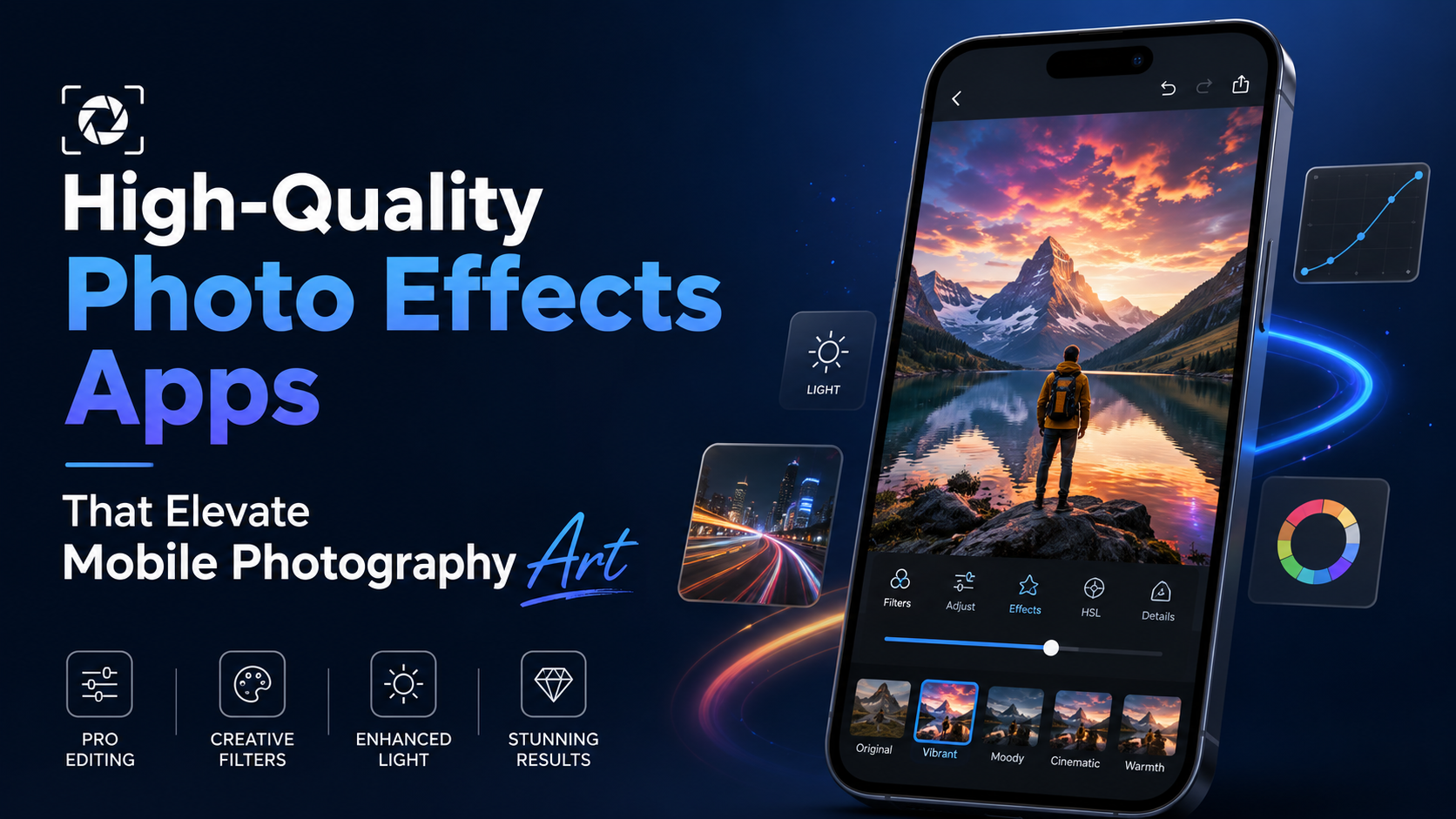
The explosion of image-focused social media platforms like Instagram, Pinterest, and TikTok has set new aesthetic standards. Users are no longer satisfied with plain, unadorned photos with few highlights.
1.1. The need to assert personal style in online space.
Each photo shared on a personal page serves as a message reflecting the owner's aesthetic taste. Consistently applying a style of effect, such as classic, cinematic, or modern, helps build a cohesive personal style, making a strong impression on viewers at first glance.
1.2. Optimizing post-production time through intelligent technology
Traditional computer-based photo editing requires users to have extensive knowledge of complex technical parameters. The advent of mobile applications has shortened this process to seconds, allowing anyone to create high-quality work with just a few taps on the screen.
1.3. Strong support for business and communication activities.
Eye-catching product images are a core factor influencing online consumer purchasing behavior. Small business owners and content creators are leveraging visual effects to highlight product features and create a professional atmosphere for their advertising campaigns.
2. Criteria for choosing a suitable photo effects application
The current app market has seen the emergence of hundreds of different editing tools. Users need to rely on specific criteria to find the best software for their needs.
2.1. A diverse and constantly updated library of effects.
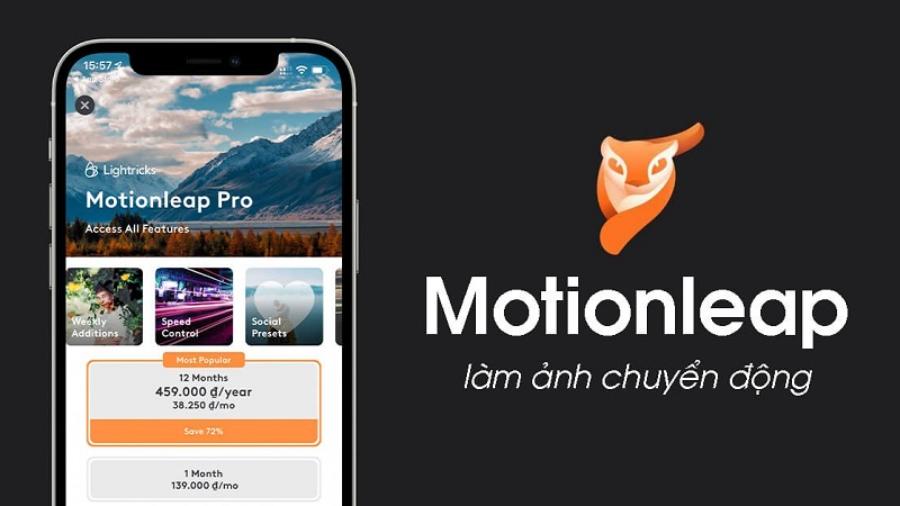
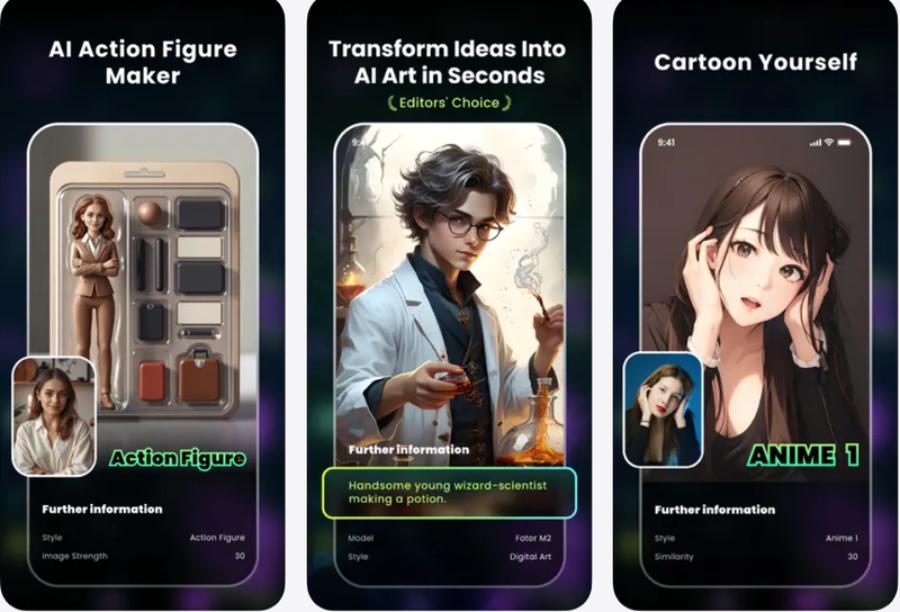
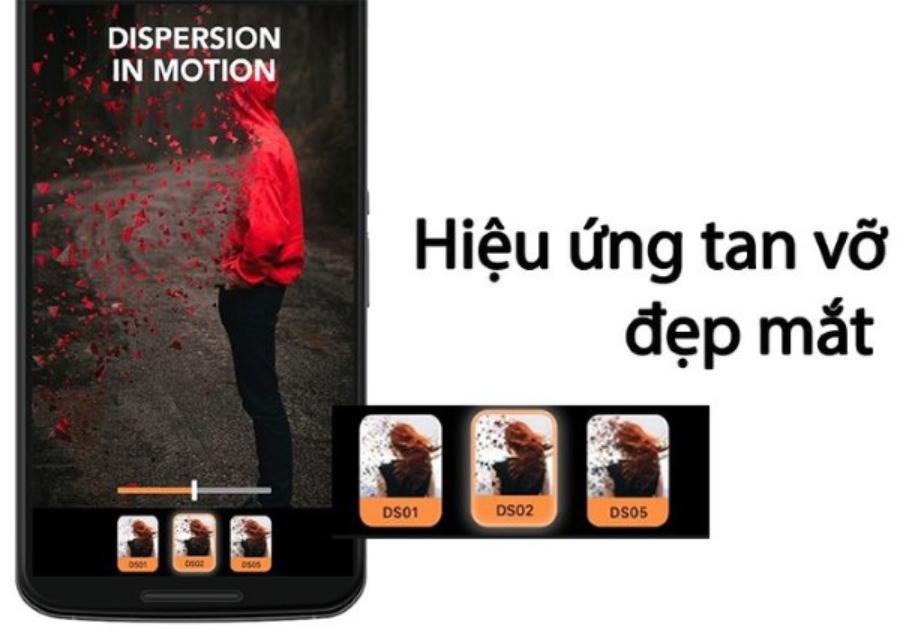
A good software program should have a rich catalog of effects, ranging from basic color filters to light leaks, film grain, and double exposure effects (Double Explorer). Developers also need to regularly update their software to reflect the latest aesthetic trends among young people, so it doesn't become outdated.
2.2. Intuitive and easy-to-use interface
User-friendly interface design plays a crucial role in the user experience. Adjustments for effect intensity and categories must be logically organized to prevent beginners from being overwhelmed by too many features.
2.3. Ability to publish images while maintaining their original resolution.
Many free apps often significantly reduce image quality after applying effects, resulting in grainy or blurry images. You should prioritize software that allows you to save images in high-quality formats such as PNG or maintain the camera's original resolution.
3. Evaluating the most popular photo editing apps currently available.
Each tool on the market has its own unique strengths, targeting different user groups with varying creative goals.
3.1. VSCO - Redefining classic film color style
This brand has established a firm position in the hearts of photography enthusiasts thanks to its collection of film colors that excellently mimic the legendary roll film lines of Kodak, Fuji, and Agfa.
-
Advantages: The fine grain and fade effects of this application create a nostalgic, profound, and highly artistic feel.
-
Optimal usage: Suitable for street photography, outdoor portraits, or nature landscapes that require emotional depth.
3.2. PicsArt - Suitable for surreal ideas and photo collages
This platform functions as a comprehensive studio, allowing users to deeply manipulate the image structure with powerful cropping and graphic effects tools.
-
Advantages: It boasts glitter effects, sketch effects, and a huge sticker library, allowing users to freely transform their photos into futuristic images.
-
Optimal usage: Suitable for designing cover photos, creating unique profile pictures, or other unconventional and creatively free-flowing publications.
3.3. Adobe Lightroom Mobile - The pinnacle of lighting effects adjustment
The mobile version of this legendary software offers absolute control over advanced lighting and color parameters.
-
Advantages: The ability to create and save custom filters (Presets) allows users to quickly apply a range of complex lighting effects to multiple photos at once.
-
Optimal usage: The perfect choice for professional photographers who want to meticulously manage the details of light and shadow areas and the color saturation of their work.
4. Step-by-step guide to creating professional photo effects.
Applying effects indiscriminately can ruin the composition and aesthetics of a photograph. Users need to follow a structured process to achieve the best results.
4.1. Step 1: Rough processing and basic layout adjustment
Before adding any effects, you need to ensure the photo has been properly cropped according to the rule of thirds and the horizon line has been straightened. Correcting basic angle errors will create a solid foundation for the following steps.
4.2. Step 2: Adjust background lighting
Users should adjust the brightness, contrast, and shadows of the original image. This step helps ensure that the color effects applied later are displayed accurately and smoothly.
4.3. Step 3: Select and customize the intensity of the effect
Choose an effect that suits the content and mood of the photo. It's important to note that you shouldn't use the filter at its maximum level (100%); lower the slider to between 40% and 70% so the effect blends naturally with the original colors, avoiding an artificial look.
4.4. Step 4: Add environmental overlays to create accents.
Add a touch of classic dusty effect, a few soft sunbeams in the corner of the screen, or a mystical mist effect. These small details will create depth of space, making the viewer feel as if the photo was taken with a professional camera.
5. Tips to help you master photo effects on your phone.
Acquiring these advanced techniques will help you optimize your work time and enhance the aesthetics of your products.

5.1. The rule for combining the effects of hot and cold.
Contrast in color temperature always creates a powerful visual effect. If your original photo has a predominantly cool blue tone, try adding a warm yellow light streak effect to create an ideal balancing highlight for the overall image.
5.2. Utilize the image selection feature to apply effects.
The entire photo doesn't always need the same effect. Modern apps allow you to use brushes or a sweep bar to apply a background blur effect only to the background, keeping the main subject sharp and prominent.
5.3. Use the history feature to compare before and after editing.
Touching and holding the screen while editing a photo is the quickest way to check the changes. Constantly comparing it to the original photo helps you control the level of intervention, avoiding over-editing that would ruin the authenticity of the moment.
6. Appvip.ai - A website for upgrading your account with copyrighted photo effects at a good price.
For professional content creators, appvip.ai is a must-visit destination for accessing the full range of advanced features from leading photo editing software. The system specializes in providing Premium account upgrades, unlocking a vast library of exclusive hidden effects, intelligent AI-powered color filters, and completely eliminating annoying ads, delivering an absolutely smooth creative experience at the most economical cost!
7. Conclusion
Mastering photo editing apps is the key to unlocking your full creative potential. From subtle vintage color filters to the magical transformations of artificial intelligence, modern technology has brought a miniature professional studio into your hands. Understanding the characteristics of each tool, adhering to a scientific editing process, and constantly experimenting with new styles will help you create outstanding photographic works that attract attention and perfectly capture the wonderful moments of your life.