Best Selling Products

Windows 10 & 11 Pro Key
36 USD

Genuine Adobe Illustrator account
99 USD

MidJourney Account
29 USD

Copyright Adobe Lightroom Account
59 USD

Adobe Premiere Pro Account
99 USD

ChatGPT Plus Account (GPT-4)
16 USD

Plugin Retouch4me
69 USD

Freepik Premium Account
59 USD

Upgrade Duolingo Super
29 USD

Genuine Cheap Canva Pro
39 USD

Upgrade Genuine Office 365
49 USD

Autodesk All App Account Copyright
120 USD

Capcut Pro 1 Year
39 USD

Adobe Photoshop Copyright - Full App
120 USD

Upgrade genuine Capture One account
120 USD
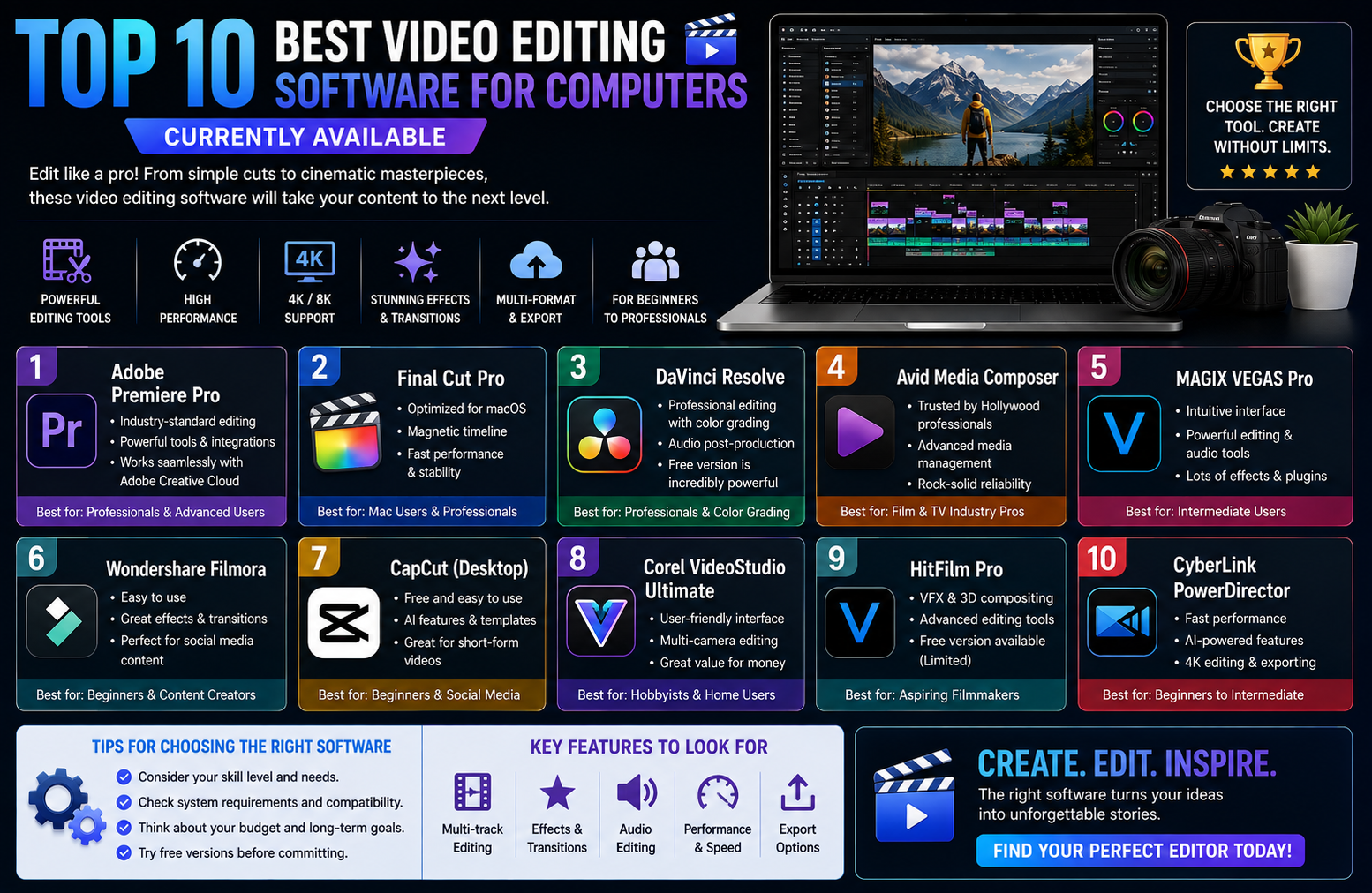
Top 10 best video editing software for computers currently available.
Nội dung
- 1. CapCut PC – The king of short video creation for social media.
- 2. Adobe Premiere Pro – The gold standard for professional filmmakers
- 3. DaVinci Resolve – The wizard of color grading and visual effects.
- 4. Wondershare Filmora – The perfect balance for vloggers
- 5. Final Cut Pro – The ultimate optimization for the Mac ecosystem
- 6. Camtasia – The number one solution for video lectures and tutorials.
- 7. Canva – Create drag-and-drop videos online without worrying about hardware requirements.
- 8. Clipchamp – A convenient default video editor on Windows
- 9. Shotcut – Powerful open-source software, free for life.
- 10. OpenShot – A lightweight editor for low-spec computers.
- 11. Conclusion
Do you want to create viral TikTok videos, build a professional YouTube channel, or simply preserve precious family moments?
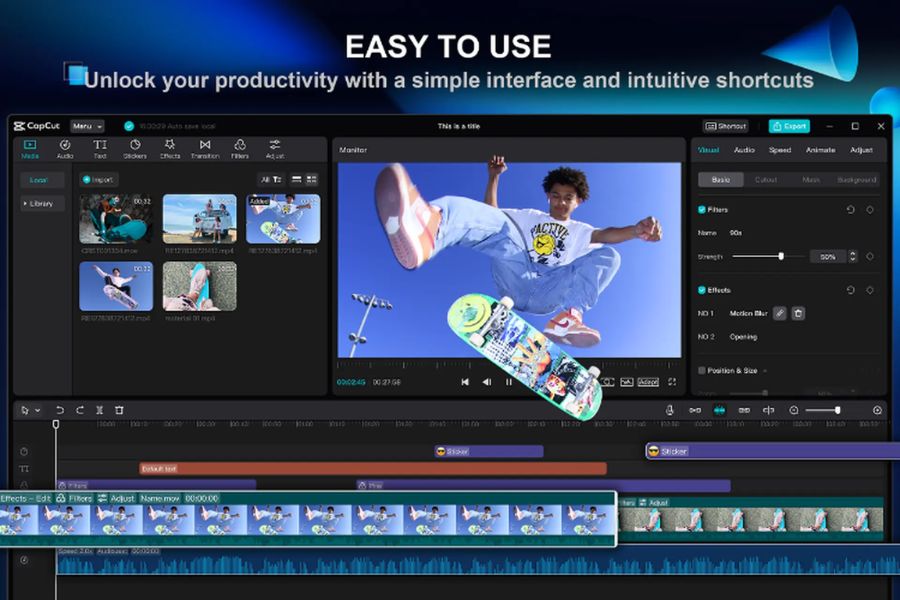
1. CapCut PC – The king of short video creation for social media.
If you're a TikToker, Reels Creator, or YouTuber specializing in short video formats, then CapCut PC is the ultimate must-have. Emerging from its hugely successful mobile version, this PC video editing app inherits the simplicity of the mobile version but boasts a significantly improved user interface. The app's biggest selling point is its massive resource library, updated hourly to reflect current trends, ensuring your videos stay on-trend quickly without the hassle of designing your own effects.
-
Key advantages: Intuitive interface in Vietnamese, extremely rich library of background music and sound effects, automatic subtitle generation (Auto Caption) with up to 90% accuracy.
-
Disadvantages to note: Some advanced features and exclusive effects require a paid Pro account, and processing long videos isn't always smooth.
-
Recommended configuration: Windows 10/11 or macOS 10.14 or later, minimum 8GB RAM, a dedicated graphics card is an advantage.
-
Suitable for: Beginners, content creators on TikTok, Facebook Reels, and YouTube Shorts.
2. Adobe Premiere Pro – The gold standard for professional filmmakers
When it comes to high-level video editing on computers at Hollywood or advertising agency levels, Adobe Premiere Pro is always the top choice. It's a true "monster" in the post-production world, allowing you to deeply manipulate every frame, every audio track, and manage large projects scientifically. The perfect combination of Premiere with related software like After Effects (for visual effects) or Photoshop makes the workflow of professional editors seamless and optimized.
-
Key advantages: Top-notch multi-camera editing capabilities, professional Lumetri Color grading system, and support for thousands of third-party plugins.
-
Disadvantages to note: The licensing cost is quite expensive (monthly fee), it consumes a lot of hardware resources, and the interface is relatively complex for beginners.
-
Recommended configuration: Intel Core i7 or AMD Ryzen 7 processor, 16GB RAM (32GB recommended), RTX 3060 graphics card or higher.
-
Suitable for: Professional editors, filmmakers, professional vloggers, and media students.
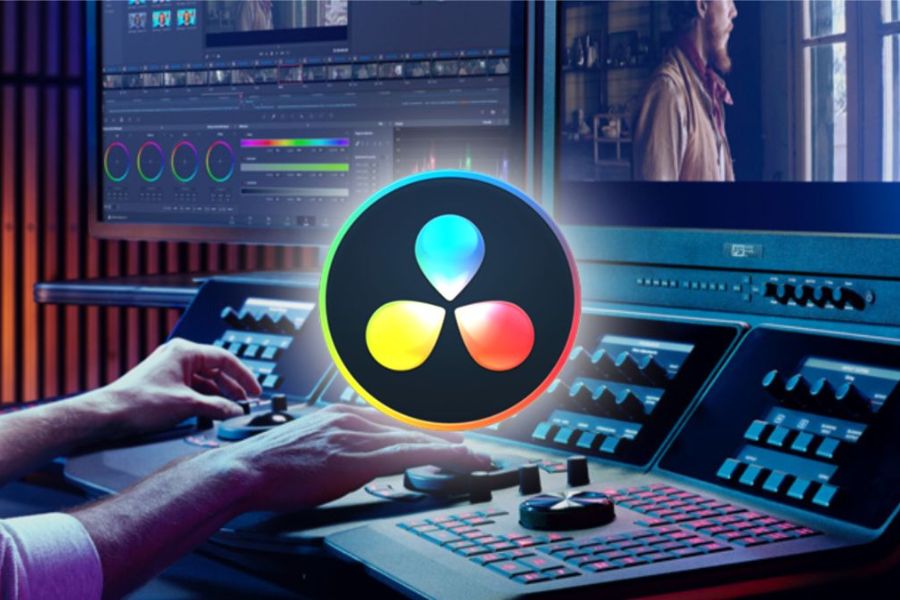
3. DaVinci Resolve – The wizard of color grading and visual effects.
If you're looking for a video editing solution on your computer that's as powerful as Premiere but also has the best free version on the planet, DaVinci Resolve is the answer. Dubbed the "king of color," this software is the go-to choice for major studios when it comes to color grading for blockbuster films. Furthermore, recent versions of DaVinci integrate the Fusion special effects library and Fairlight audio processing, making it an incredibly powerful all-in-one tool.
-
Key advantages: The free version boasts up to 85% of premium features, a node-based color correction tool with unparalleled detail, and excellent hardware optimization.
-
Disadvantages to note: The tab-based (Page) management interface requires users to spend a lot of time getting used to it and demands a powerful graphics card (GPU).
-
Recommended configuration: Minimum 16GB RAM, graphics card with 4GB or more of VRAM (NVIDIA or Apple Silicon preferred).
-
Suitable for: Film enthusiasts, colorists, and small to medium-sized studios.
4. Wondershare Filmora – The perfect balance for vloggers
Do you find CapCut too simple but Premiere too complex? Wondershare Filmora is the perfect bridge to help you create professional-quality videos on your computer without feeling overwhelmed. Filmora boasts a modern interface, intelligent drag-and-drop functionality, and a wide range of built-in title templates and eye-catching transition effects. A major plus in recent versions is the integration of intelligent AI tools such as automatic background trimming and noise filtering with a single click, saving you significant post-production time.
-
Key advantages: Extremely fast video export speed, a rich and highly applicable library of built-in effects, easy to learn and get familiar with after just a few hours of practice.
-
A drawback to note: The free version will insert a rather large watermark when exporting videos; removing it requires purchasing a licensed version.
-
Recommended configuration: Intel i5 6th generation or higher, 8GB RAM, Intel HD Graphics 5000 or dedicated graphics card.
-
Suitable for: YouTubers, vloggers, teachers giving online lectures, and corporate marketing staff.
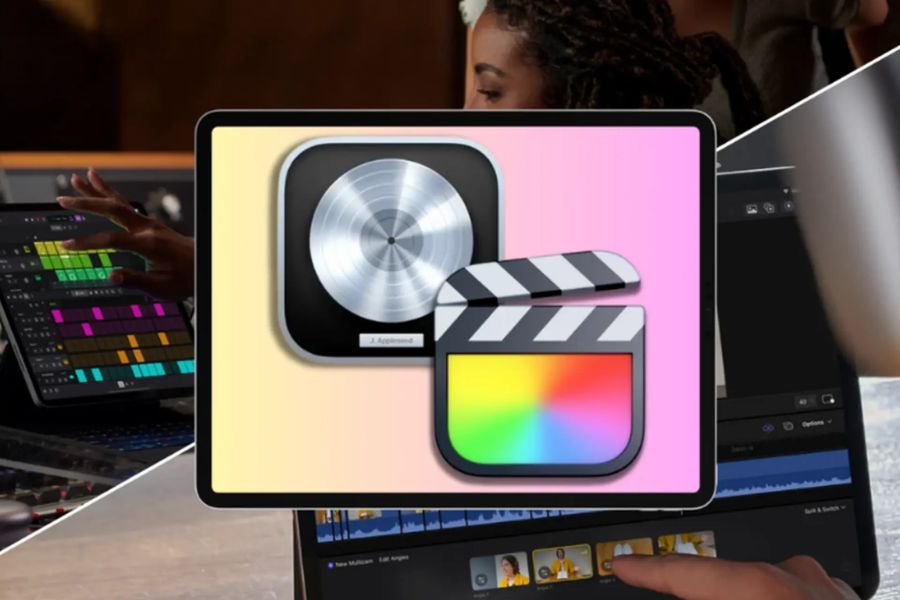
5. Final Cut Pro – The ultimate optimization for the Mac ecosystem
Designed specifically for Apple Mac owners, Final Cut Pro is a video editing software that delivers an incredibly smooth experience. Thanks to deep optimization of Apple hardware, especially Apple Silicon chips (M1, M2, M3, M4), this software can render 4K and 8K video lightning fast while keeping the machine cool. Final Cut's exclusive Magnetic Timeline automatically connects clips, preventing overlapping or unwanted black gaps.
-
Key advantages: Unbeatable rendering and file export speeds on macOS, elegant and minimalist interface, one-time purchase for lifetime use (no monthly subscription).
-
Disadvantages to note: Only supports macOS (Windows users are completely powerless), and the one-time purchase cost is quite high.
-
Recommended configuration: Any Mac model (MacBook, Mac Mini, iMac) using Apple Silicon chips, 8GB or more of RAM.
-
Suitable for: Loyal users of the Apple ecosystem, vloggers, and independent filmmakers.
6. Camtasia – The number one solution for video lectures and tutorials.
If your work involves screen recording, creating software tutorials, or designing e-learning materials, Camtasia is your most powerful tool. Unlike typical video editing software, this computer-based video editing tool focuses on capturing every movement on the screen with the sharpest quality. It also features an intelligent zoom in/out cursor system, callout bubbles, and smooth motion effects to help viewers easily focus on the content you're conveying.
-
Key advantages: Integrated high-quality screen recording and audio recording tools, diverse mouse pointer and note effects, and support for exporting files in SCRM format for educational purposes.
-
Disadvantages to note: Basic color correction and video editing capabilities, relatively high licensing price compared to specialized features.
-
Recommended configuration: Windows 10 or macOS 10.15, Core i5 processor, 8GB RAM, SSD hard drive for smooth recording.
-
Suitable for: Teachers, lecturers, gamers who want to record their screen, and training and development (L&D) professionals in businesses.
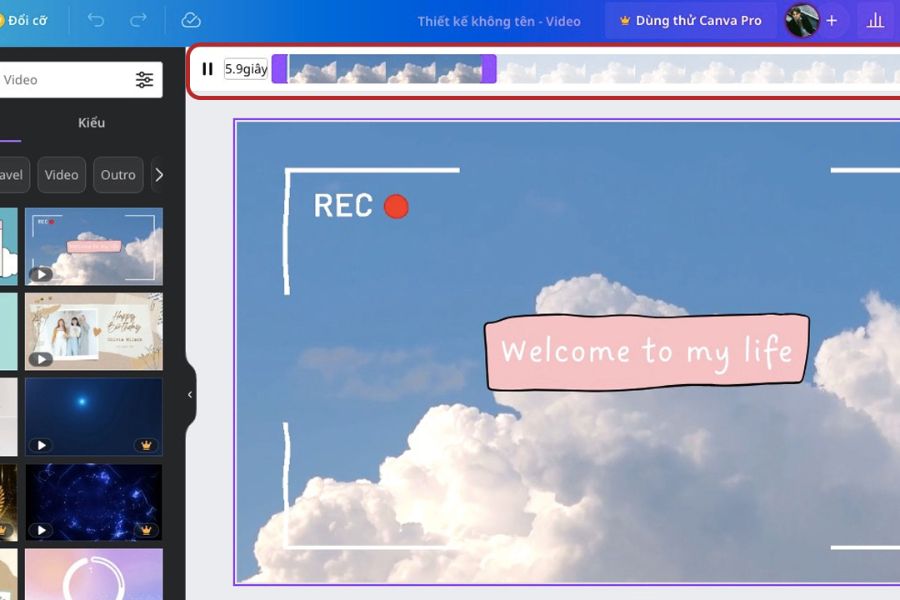
7. Canva – Create drag-and-drop videos online without worrying about hardware requirements.
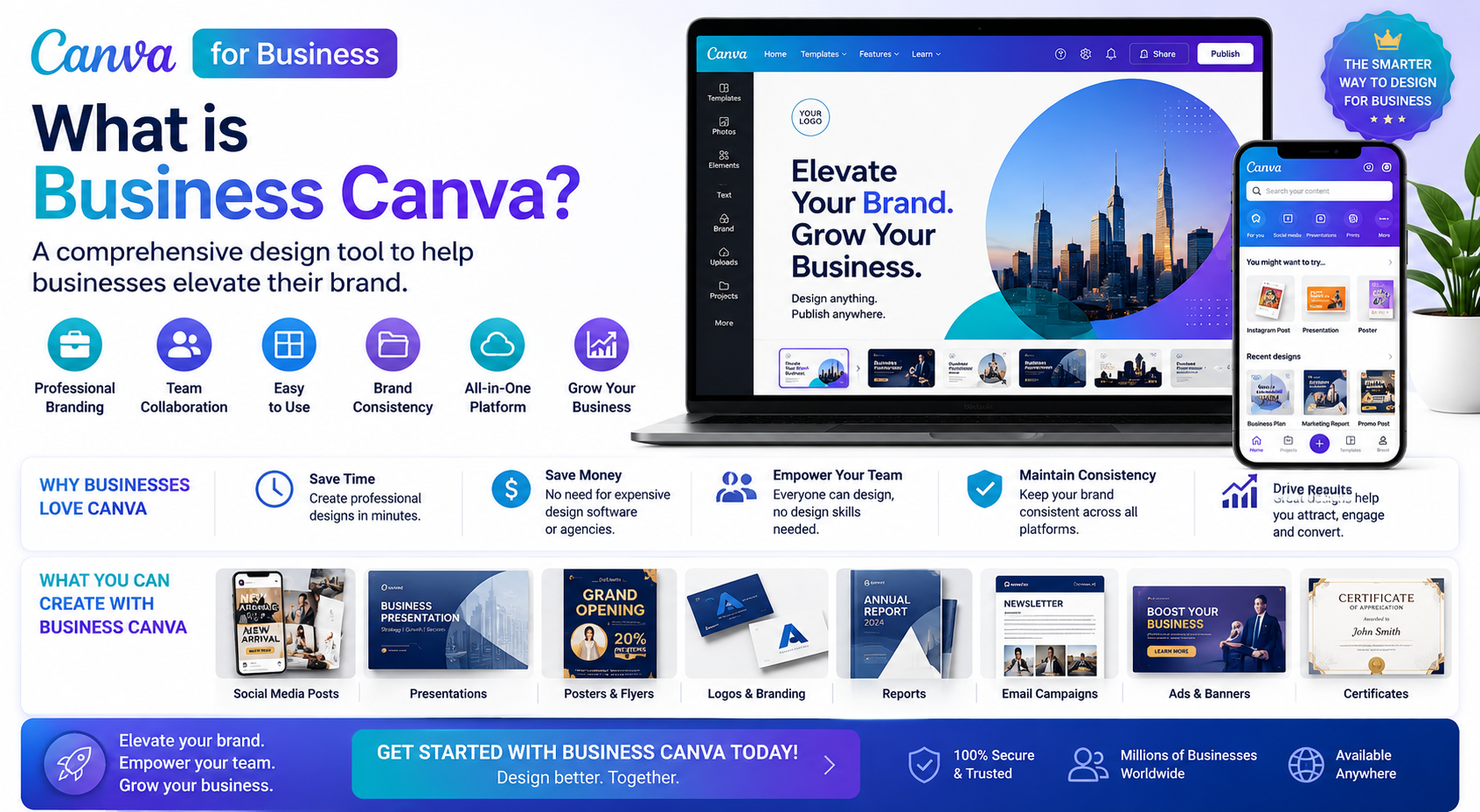
Do you have an outdated computer with extremely weak specifications but still want to create stunning advertising videos? Canva is the perfect solution, working right in your web browser. Essentially a graphic design tool, Canva has significantly improved video creation on computers through its intuitive drag-and-drop mechanism. You don't need to know complex editing techniques; simply choose a template you like, change the text, replace images, and add music to instantly create a professional-looking promotional product.
-
Key advantages: No computing resource usage (runs in the cloud), millions of free stock videos and images, easy real-time teamwork.
-
Key drawbacks: Completely dependent on an internet connection, making it impossible to deeply access advanced special effects or sound editing tools.
-
Recommended configuration: Any computer that can run a web browser smoothly (Chrome, Edge, Safari) and has a stable internet connection.
-
Suitable for: Content marketing professionals, small online shop owners, and students giving presentations.
8. Clipchamp – A convenient default video editor on Windows
Recognizing the growing demand for video editing on computers , Microsoft has integrated Clipchamp into Windows 11 as a default application, replacing the legendary Windows Movie Maker. This browser brings a fresh perspective with its modern, clean, and extremely user-friendly interface. Clipchamp offers a full range of basic features such as cutting and splitting videos, adding color filters, inserting text, and especially an AI text-to-speech tool that works incredibly naturally in Vietnamese.
-
Key advantages: Completely free and available on Windows 11, excellent AI voice-over feature, supports 1080p video export without watermarks.
-
Disadvantages to note: The advanced effects library is limited, and occasional lag may occur when processing very large original video files.
-
Recommended configuration: A computer running Windows 10 or Windows 11, with a minimum of 8GB of RAM.
-
Suitable for: General users, students working on group projects, and anyone who needs to create videos quickly without installing heavy software.
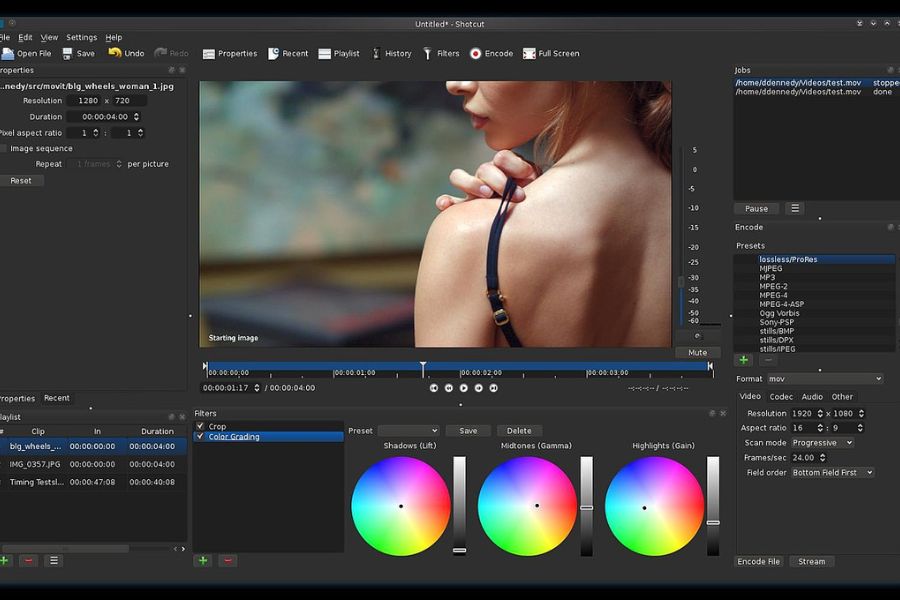
9. Shotcut – Powerful open-source software, free for life.
For those who love the freedom of the open-source world and don't want to pay any licensing fees, Shotcut is a major icon. This computer video editing software is completely free, ad-free, watermark-free, and offers excellent cross-platform support. Behind its seemingly rugged and classic appearance lies an incredibly impressive set of features, supporting most of the latest video formats, including 4K quality thanks to its powerful FFmpeg encoder.
-
Key advantages: 100% free, requires no high-end hardware, supports editing on the native timeline without needing to import files.
-
Disadvantages to note: The interface is somewhat outdated and difficult to get used to for those accustomed to modern graphics, and the Vietnamese-language instruction manual is limited.
-
Recommended configuration: 2GHz processor, 4GB RAM (8GB recommended for HD video), graphics card supporting OpenGL 2.0.
-
Suitable for: People who enjoy tinkering with open-source technology, and those who need legally free software for their businesses.
10. OpenShot – A lightweight editor for low-spec computers.
Rounding out the list is OpenShot, a video editing application designed for low-end or older computers. OpenShot's design philosophy is to simplify complex processes. You simply drag and drop files, cut and paste on an infinite number of layers, and publish. Despite its lightweight nature, OpenShot still boasts impressive features such as 3D text effects (linked with Blender), smooth keyframe animation, and basic digital transition effects.
-
Key advantages: Extremely lightweight and takes up very little hard drive space, user-friendly interface for children and the elderly, supports over 70 languages.
-
A drawback to note: Occasionally, the application may crash if you try to cram too many heavy effects at once.
-
Recommended configuration: 4GB RAM, 500MB free hard drive space, any dual-core processor.
-
Suitable for: People with older computers, older adults who want to learn video editing, and elementary/middle school students who want to get acquainted with filmmaking concepts.
11. Conclusion
The journey to mastering video editing on a computer has never been easier and more accessible thanks to the 10 top-notch tools mentioned above. From the streamlined speed of CapCut PC and Canva to the high-end, cinematic post-production world of Adobe Premiere Pro and DaVinci Resolve, each software program has its own mission to realize all the creative ideas in your head. Listen carefully to your needs and understand the capabilities of your computer to choose the most suitable companion. Investing time in mastering a tool today is the first step in creating million-view videos and establishing your personal mark in the digital age.





















VIP Products








Best Selling Products
Windows 10 & 11 Pro Key
36 USD
Genuine Adobe Illustrator account
99 USD
MidJourney Account
29 USD
Copyright Adobe Lightroom Account
59 USD
Adobe Premiere Pro Account
99 USD
ChatGPT Plus Account (GPT-4)
16 USD
Plugin Retouch4me
69 USD
Freepik Premium Account
59 USD
Upgrade Duolingo Super
29 USD
Genuine Cheap Canva Pro
39 USD
Upgrade Genuine Office 365
49 USD
Autodesk All App Account Copyright
120 USD
Capcut Pro 1 Year
39 USD
Adobe Photoshop Copyright - Full App
120 USD
Upgrade genuine Capture One account
120 USD