Best Selling Products

ChatGPT Plus Account (GPT-4)
16 USD

Upgrade genuine Capture One account
120 USD

Freepik Premium Account
59 USD

Copyright Adobe Lightroom Account
59 USD

Genuine Cheap Canva Pro
39 USD

MidJourney Account
29 USD

Windows 10 & 11 Pro Key
36 USD

Adobe Premiere Pro Account
99 USD

Adobe Photoshop Copyright - Full App
120 USD

Capcut Pro 1 Year
39 USD

Upgrade Duolingo Super
29 USD

Upgrade Genuine Office 365
49 USD

Genuine Adobe Illustrator account
99 USD

Plugin Retouch4me
69 USD

Autodesk All App Account Copyright
120 USD
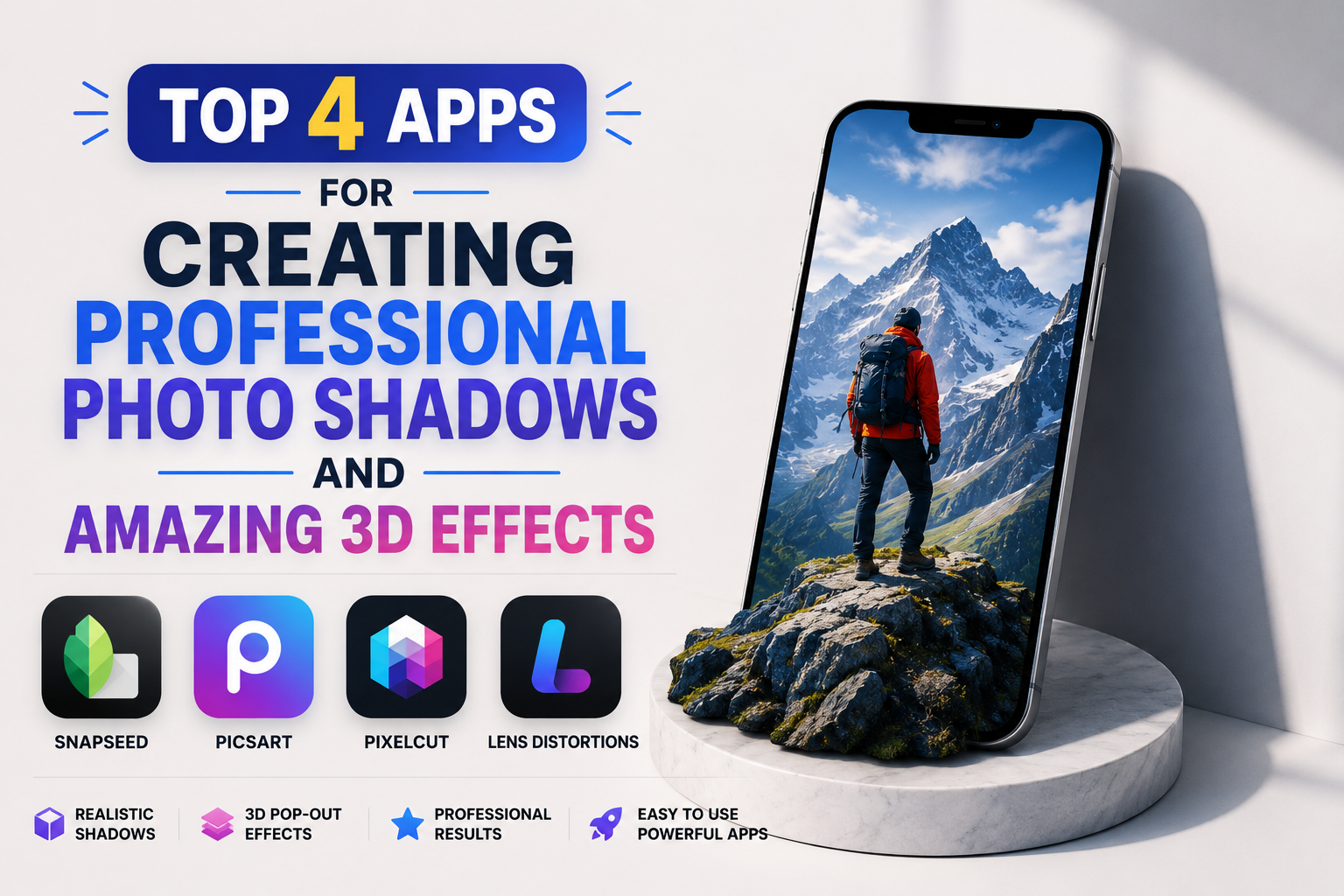
Top 4 Apps for Creating Professional Photo Shadows and Amazing 3D Effects
Nội dung
- 1. The importance of shadow effects in image editing
- 1.1. Creating depth and three-dimensional (3D) space
- 1.2. Enhancing the realism of image manipulation (Manip)
- 1.3. Stimulating purchasing behavior through product images in e-commerce.
- 2. Top apps for creating shadows for photos on mobile phones today.
- 2.1. Pixelcut AI
- 2.2. PicsArt Photo Editor
- 2.3. Snapseed
- 2.4. Photoroom
- 3. Appvip.ai - A repository of AI tools for optimizing automatic shadow effects.
- 4. Step-by-step process for creating natural shadows in photos using a phone.
- 4.1. Step 1: Identify the main light source in the photograph.
- 4.2. Step 2: Separate the background and set up the initial shadow layer.
- 4.3. Step 3: Adjust the distance and angle (Position & Angle)
- 4.4. Step 4: Adjust Blur and Opacity
- 4.5. Step 5: Check color consistency and export image
- 6. Evaluate the advantages and disadvantages of current shading methods.
- 6.1. Traditional manual shading method using tools
- 6.2. Automatic AI algorithm for creating shadows
- 6. Conclusion
Discover a list of top photo shadowing apps that help create depth and realistic 3D shadow effects for your product and art photos.
1. The importance of shadow effects in image editing
Shadows are not simply dark streaks appearing behind objects; they are a physical principle of light that helps the human brain perceive the distance, shape, and texture of objects in space.
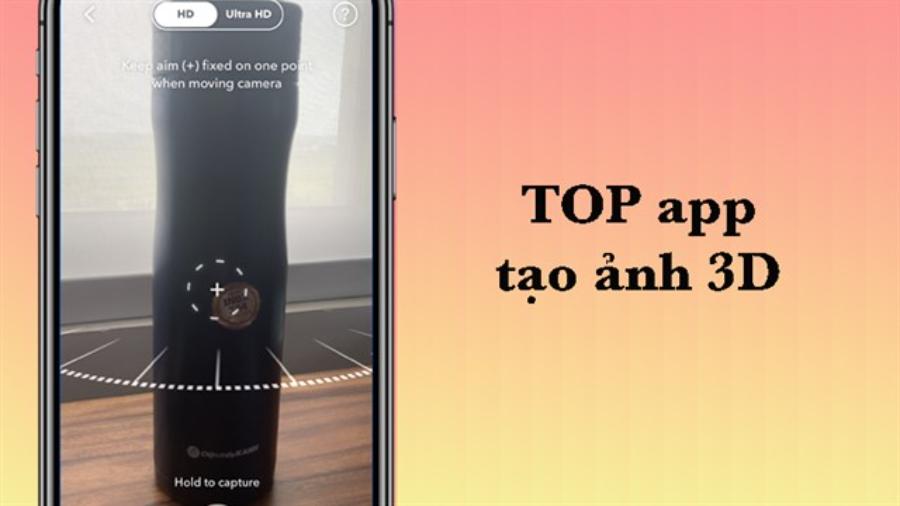
1.1. Creating depth and three-dimensional (3D) space
Every photograph or digitally manipulated image is initially displayed as a flat, two-dimensional image. The appearance of a smooth shadow band at the subject's feet immediately deceives the eye, creating an invisible space between the subject and the background. This element gives the image a noticeable depth and dimensionality, making it appear much more vibrant.
1.2. Enhancing the realism of image manipulation (Manip)
Separating a person or object from one photograph and placing it in a different setting is easily noticeable without consistent lighting. Shadowing acts as a catalyst, helping the new subject land naturally, blending with the direction of the sun and the existing light sources of the new background.
1.3. Stimulating purchasing behavior through product images in e-commerce.
Advertising photography studios always pay attention to the shadows of products. A handbag, a cosmetic bottle, or a pair of shoes with soft shadows cast at the bottom always gives a more premium, luxurious, and trustworthy feel than photos that are cropped flat and uneven.
2. Top apps for creating shadows for photos on mobile phones today.
The tech market is constantly updating with editing apps that incorporate incredibly intelligent lighting simulation algorithms, making shadow creation easier than ever before.
2.1. Pixelcut AI
This application is considered one of the top tools for online sellers thanks to its ability to automate the process of background removal and shadow creation.
-
Key feature: Pixelcut uses artificial intelligence to scan the dimensions of an object, then automatically suggests different types of shadows such as floor shadows, backdrop shadows, or shadows cast at an angle to the sun.
-
Advantages: Extremely fast operation; users can adjust the blur, offset, and rotation angle of the shadow with just a slider.
-
Disadvantages: The free version limits the number of photos that can be exported per day and includes a developer license.
2.2. PicsArt Photo Editor
This popular photo editing platform boasts a comprehensive set of shadow customization tools, offering absolute freedom for those who prefer to manually adjust images.
-
Key features: The "Shadow" feature in the object editing section allows users to manipulate the X and Y coordinate axes to shift the shadow area in any desired direction. Additionally, you can change the color of the shadow instead of just using the traditional black.
-
Advantages: A huge set of built-in features, allowing you to combine shading with color filters and light leak effects to create the perfect overall effect.
-
Disadvantage: The interface is somewhat complex for beginners due to the large number of submenus.
2.3. Snapseed
This completely free app from Google remains a reliable choice thanks to its Double Exposure tool and Advanced Editing features, which allow for the creation of highly artistic manual shadows.
-
Key features: Although it lacks an automatic "Create Shadows" button, Snapseed allows users to duplicate layers, change the color scheme to dark, and use the Brush tool to precisely paint the desired shadow areas pixel by pixel.
-
Advantages: Completely free, ad-free, and does not degrade the resolution of the original image when saved.
-
Disadvantage: Requires users to have artistic sense and good finger control skills when performing manual drawing operations.
2.4. Photoroom
Dubbed the wizard of commercial photo design, this app offers studio-quality shadow creation solutions.

-
Key feature: Photoroom automatically separates the subject from the background and creates a soft shadow layer based on an algorithm that simulates softbox lighting in professional studios.
-
Advantages: The shadows have an incredibly smooth gradient from dark to light, creating a very natural and luxurious feel.
-
Disadvantage: The cost of upgrading to the Pro version to unlock all premium shadow types is relatively expensive.
3. Appvip.ai - A repository of AI tools for optimizing automatic shadow effects.
The professional platform at appvip.ai offers a smart shadow creation solution by comprehensively analyzing the geometric structure of objects along with the surrounding background light. The website's AI algorithm automatically calculates the blind spots and light diffusion to generate a perfectly proportioned shadow, allowing the subject to blend seamlessly into the new background without any visible signs of editing. This entire complex process is handled entirely on a high-speed cloud server system, saving users maximum time and effort, making it especially suitable for busy content creators and business owners.
4. Step-by-step process for creating natural shadows in photos using a phone.
Creating aesthetically pleasing shadows requires the artist to strictly adhere to the fundamental laws of physics regarding light in real-world space.
4.1. Step 1: Identify the main light source in the photograph.
The first thing to do before placing a shadow is to carefully observe the photograph to determine the main source of light (left, right, top, or back). Shadows always appear on the opposite side of the light source; if the light comes from the top left corner, the object's shadow must be in the bottom right corner.
4.2. Step 2: Separate the background and set up the initial shadow layer.
Use automatic or manual tools to place the subject into a separate layer. Activate the shadow feature in the application to generate a default dark border around the object.
4.3. Step 3: Adjust the distance and angle (Position & Angle)
Drag the coordinate sliders to move the shadow layer away from or closer to the object's base. The distance of the shadow represents the object's height above the ground; the closer the shadow is to the base, the more the object is grounded, and the farther the shadow is, the more the object appears to be floating.
4.4. Step 4: Adjust Blur and Opacity
In reality, no shadow in nature has razor-sharp edges unless the light source is extremely strong and close. Increase the Blur setting to blur the edges of the shadow, and reduce the Opacity to around 30%-50% to see some detail of the background beneath the shadow.
4.5. Step 5: Check color consistency and export image
The color of shadows is often influenced by the ambient light and isn't always pure black. Add a touch of blue if shooting outdoors, or a warm yellow if shooting under incandescent lighting, to achieve perfect harmony before saving the file in high-quality format.
6. Evaluate the advantages and disadvantages of current shading methods.
Users can choose between two main technology trends depending on the nature of their work and their individual graphic design skills.

6.1. Traditional manual shading method using tools
This method requires patience and a good sense of spatial awareness from the person performing the alignment operations.
-
Advantages: Provides absolute precision according to the designer's unique artistic vision. You can stretch and bend the shadows to follow complex terrains, such as shadows cast on stairs or rough walls.
-
Disadvantages: It takes a lot of time to process a single image. This method is completely unsuitable for those who need to process a large number of product images at once for uploading to a website.
6.2. Automatic AI algorithm for creating shadows
Artificial intelligence is gradually replacing complex manual tasks thanks to its superior processing speed.
-
Advantages: Saves up to 90% of working time thanks to intelligent shape recognition. Creates smooth shadow transitions that closely follow the actual outlines of objects with just one click or touch of the screen.
-
Disadvantage: In rare cases with objects that have very complex structures or too many voids (such as wicker baskets, mesh panels), the algorithm sometimes cannot perfectly shade through the small gaps.
6. Conclusion
The emergence of photo shading apps has opened up an incredibly convenient solution for enhancing image quality, transforming plain, monotonous photos into surprisingly vibrant and dynamic images. Understanding the laws of light interaction, combined with the flexible use of manual adjustment applications and AI-powered automation platforms like appvip.ai, will help you create the highest quality images!





















VIP Products








Best Selling Products
ChatGPT Plus Account (GPT-4)
16 USD
Upgrade genuine Capture One account
120 USD
Freepik Premium Account
59 USD
Copyright Adobe Lightroom Account
59 USD
Genuine Cheap Canva Pro
39 USD
MidJourney Account
29 USD
Windows 10 & 11 Pro Key
36 USD
Adobe Premiere Pro Account
99 USD
Adobe Photoshop Copyright - Full App
120 USD
Capcut Pro 1 Year
39 USD
Upgrade Duolingo Super
29 USD
Upgrade Genuine Office 365
49 USD
Genuine Adobe Illustrator account
99 USD
Plugin Retouch4me
69 USD
Autodesk All App Account Copyright
120 USD