Best Selling Products

Adobe Premiere Pro Account
99 USD

Windows 10 & 11 Pro Key
36 USD

Upgrade Genuine Office 365
49 USD

Autodesk All App Account Copyright
120 USD

Plugin Retouch4me
69 USD

Freepik Premium Account
59 USD

Capcut Pro 1 Year
39 USD

Copyright Adobe Lightroom Account
59 USD

Genuine Adobe Illustrator account
99 USD

Upgrade Duolingo Super
29 USD

Genuine Cheap Canva Pro
39 USD

ChatGPT Plus Account (GPT-4)
16 USD

MidJourney Account
29 USD

Adobe Photoshop Copyright - Full App
120 USD

Upgrade genuine Capture One account
120 USD
Top AI for Quickly and Easily Creating Video Subtitles
Nội dung
- 1. Otter.ai: A smart phonetic transcription tool
- 2. Veed.io: Create simple subtitles
- 3. Kapwing: An automatic subtitle creation tool.
- 4. Subly subtitle tool
- 5. AI tool for creating subtitles (Descript)
- 6. Auris AI subtitle creation tool
- 7. Trint: A smart subtitle creation tool
- 8. Sonix.ai: An effective subtitling solution
- 9. Kapwing: A comprehensive video editing tool.
- 10. Happy Scribe: Transcription and Subtitle Solution
- 11. Vidnoz: A smart video creation platform
- 12. Conclusion
In today''s digital age, video has become an indispensable part of marketing and education. However, to optimize the viewer experience, adding subtitles is crucial. AI-powered automatic subtitle generation tools not only save time but also ensure high accuracy, providing users with higher-quality videos. This article from Sadesign will introduce some of the top AI tools to help you create subtitles quickly and easily, thereby enhancing the effectiveness of your message delivery.
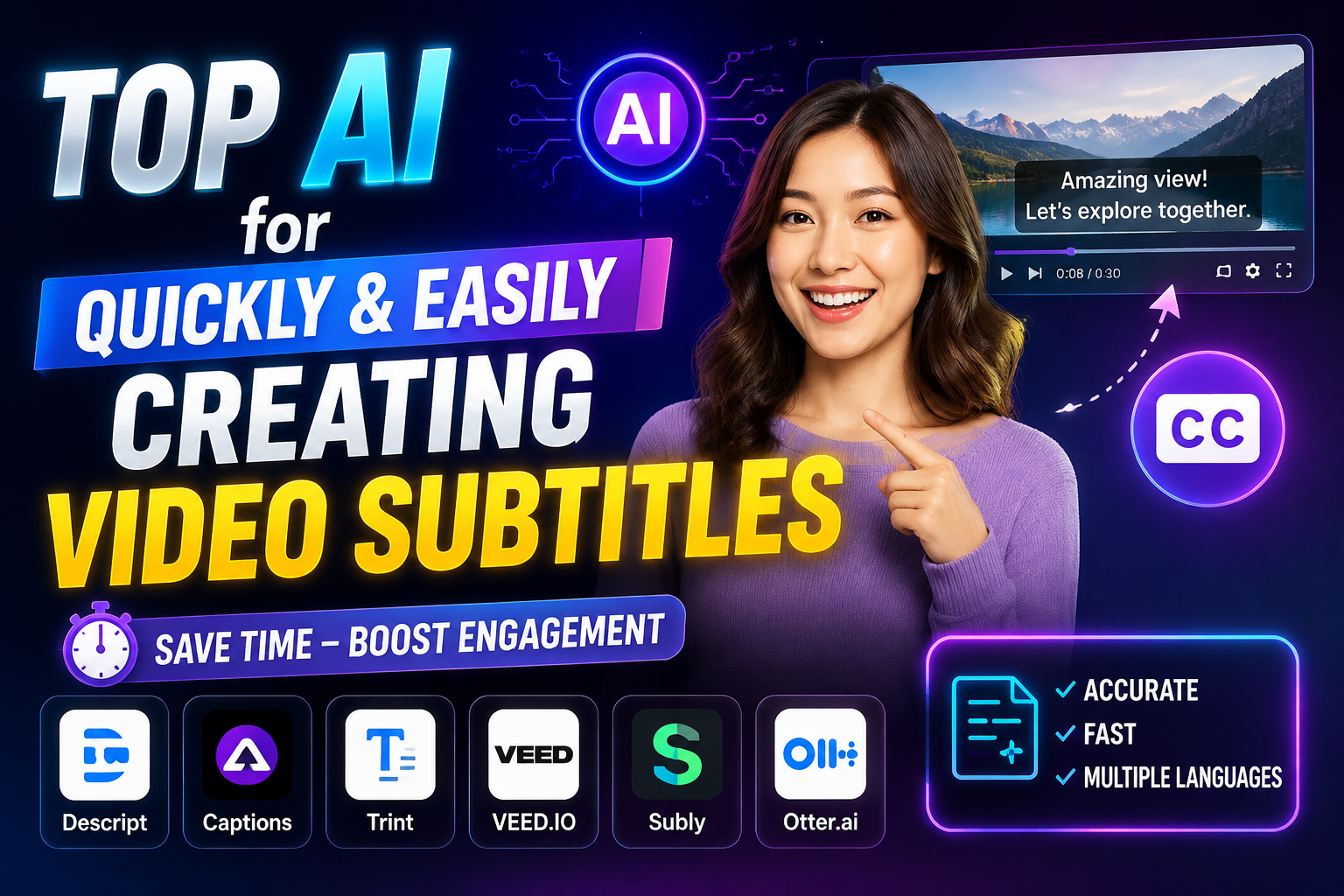
1. Otter.ai: A smart phonetic transcription tool
Otter.ai is an automatic transcription platform that helps users efficiently record meetings, interviews, and lectures. The app works on the web, iOS, and Android, offering flexibility for users anywhere. With advanced speech recognition technology, Otter.ai accurately converts audio to text, allowing users to easily follow content without manual note-taking.
One of Otter.ai's highlights is its ability to automatically create notes in real time. Users simply press the record button, and the application automatically converts the audio into text. Additionally, Otter allows users to insert images from presentations, adding value to the recording. The intelligent search feature also makes it easy for users to find information within recordings, saving considerable time.
With its free version limited to 600 minutes per month, Otter.ai is an ideal choice for those who need to take general notes. For professional users, paid plans start at $8.33 per month with many expanded features. This is a useful tool for students, journalists, and professionals in many fields, helping them optimize their workflows.
2. Veed.io: Create simple subtitles
Veed.io is an online tool that helps users create subtitles for videos quickly and efficiently. Available on multiple platforms including web and iOS, Veed.io stands out with its user-friendly interface. Users simply upload their videos, and the tool automatically generates captions, saving time and improving video quality.
Veed.io not only automatically generates subtitles but also allows users to easily edit them. You can change the font, color, and size of the subtitles to match the style of your video. In addition, the app supports many different video formats, making it easy to share videos on social media platforms.
One of the biggest benefits of Veed.io is its ability to create more engaging videos with clear and easy-to-read subtitles. This not only helps viewers understand better but also enhances accessibility to a wider audience, including those who are hearing impaired. With Veed.io, creating subtitles is easier than ever.
3. Kapwing: An automatic subtitle creation tool.
Kapwing is one of the most popular and easy-to-use automatic subtitle creation tools available today. The application supports web, iOS, and Android platforms, offering users flexibility. With its user-friendly interface and intuitive subtitle creation process, Kapwing allows users to create subtitles in just a few simple steps, saving time and effort.
Kapwing uses AI technology to recognize audio and convert it into accurate text. This enhances video quality, making it easier to understand for all audiences. Users can customize subtitles with options for color, font, and size to match the video's style.
In addition to creating subtitles, Kapwing offers many other useful video editing features. You can cut and merge videos, add background music and effects to create the perfect final product. With Kapwing, creating engaging and professional content is easier than ever.
4. Subly subtitle tool
Subly is an AI-powered automatic subtitle generator that helps users create subtitles for videos easily and efficiently. With a user-friendly interface, Subly allows users to create subtitles without extensive editing. This tool supports multiple languages and features automatic audio detection, saving time for content creators.
One of Subly's strengths is its high accuracy in subtitle creation. Users can easily upload videos and let Subly process them automatically. This not only helps create high-quality subtitles but also provides a better video viewing experience for viewers. Subly is also suitable for beginners, making it easy for them to learn the technology.
With its free version and affordable paid packages, Subly is an attractive option for those who need to create subtitles for videos. This tool not only improves accessibility but also enhances the quality of video content, making it look more professional.
5. AI tool for creating subtitles (Descript)
Descript is one of the standout tools in the field of AI subtitling, highly regarded for its extremely accurate speech-to-text conversion capabilities. Beyond automatic subtitling, Descript also offers powerful video editing tools, allowing users to easily cut, splice, and adjust content.
Users can upload videos, and Descript will automatically generate subtitles, saving significant time during content creation. Descript's intuitive interface also makes it easy to use, even for those with little video editing experience. The subtitle editing feature is also optimized, allowing users to quickly adjust subtitles if needed.
With a free version and paid plans starting at $12/month, Descript offers great value to content creators. This tool not only helps improve video quality but also saves users time effectively in the production process.
6. Auris AI subtitle creation tool
Auris AI is a fantastic online subtitle creation tool that saves users time and effort when creating videos. With advanced artificial intelligence (AI), Auris AI can recognize speech and automatically generate subtitles with high accuracy. This tool supports many different languages, expanding the reach of your videos.
One of Auris AI's standout advantages is its ability to export subtitles in various formats, making it very convenient for sharing and publishing videos. Users can easily upload videos and let Auris AI process them, creating high-quality subtitles without spending a lot of time.
With a free version and paid plans starting at $10/month, Auris AI is an ideal choice for those who want to improve the quality of their videos. This tool not only helps create subtitles quickly but also provides a better viewing experience for users.
7. Trint: A smart subtitle creation tool
Trint is one of the outstanding AI tools for automatic subtitling, thanks to its ability to recognize speech and convert it into text with high accuracy. This tool allows users to create subtitles for videos directly on the platform, saving time and effort. With Trint, users can easily edit subtitles directly within the system, ensuring the final content is always perfect.
One of Trint's strengths is its ability to support many different languages, allowing users to create subtitles for international videos without difficulty. This is especially useful for those working in multicultural environments or needing to reach a global audience. Users simply upload the video, and Trint will automatically process it to quickly generate subtitles.
Trint also offers a free version, along with paid plans starting at $48/month, providing users with many options. This tool not only helps improve video quality but also enhances accessibility for viewers, making content more understandable for all audiences.
8. Sonix.ai: An effective subtitling solution
Sonix.ai is a powerful AI tool for automatic subtitling, helping users create subtitles for videos quickly and accurately. With advanced speech recognition technology, Sonix.ai can smoothly convert audio to text, making it easy for users to monitor and manage their video content.
One of Sonix.ai's standout features is its powerful customization capabilities. Users can easily save and apply generated subtitles, and edit the content to suit the specific requirements of each video. This ensures that subtitles are always accurate and easy to read, enhancing the viewer experience.
Sonix.ai also offers a free version along with paid plans starting at $22.50/month, providing users with a variety of options. This tool not only saves time in video production but also helps improve content quality, making it more engaging for viewers.
9. Kapwing: A comprehensive video editing tool.
Kapwing is a powerful online tool that allows users to easily create and edit videos. With a user-friendly interface, Kapwing offers many features, including the ability to automatically create subtitles. Users simply upload their videos, and Kapwing will quickly convert the audio into text, saving time in the content production process.
Kapwing's standout feature is its flexible editing capabilities. After creating subtitles, users can easily change the font, color, and size to match the video's style. Additionally, Kapwing allows users to add images, background music, and effects, making videos more engaging. This makes Kapwing an ideal choice for those who want to create attractive and professional content.
With its free version and affordable paid plans, Kapwing offers great value to users. This tool not only helps create subtitles but also provides all the necessary tools for producing complete videos, from editing to publishing.
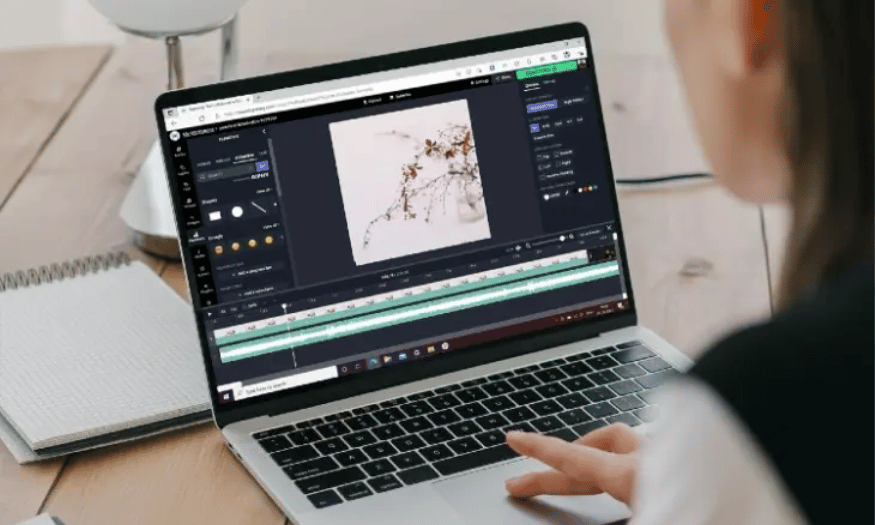
10. Happy Scribe: Transcription and Subtitle Solution
Happy Scribe is an online platform specializing in providing video transcription and subtitling services. With its accurate speech recognition capabilities, Happy Scribe allows users to create recordings and subtitles quickly. This tool supports multiple languages, helping users reach a global audience without difficulty.
One of Happy Scribe's advantages is its easy editing capabilities. Users can customize recordings and subtitles, correct errors if necessary, and export in various formats. This ensures that the content is always accurate and meets the requirements of each video. Happy Scribe also supports integration with many different platforms, making it easy for users to share their content.
With paid plans starting at $12 per hour, Happy Scribe is a reasonable option for those who frequently need to create subtitles for videos or transcribe content. This tool not only saves time but also enhances video quality, making it look more professional.
11. Vidnoz: A smart video creation platform
Vidnoz is an online tool that provides a comprehensive video creation solution, including the ability to automatically generate subtitles. With its user-friendly interface, Vidnoz allows users to create videos quickly and efficiently. The tool uses AI technology to recognize audio and convert it into text, making it easy for users to create subtitles for any video.
One of Vidnoz's highlights is its ability to optimize videos for social media platforms. Users can choose video sizes suitable for each platform, from Instagram to YouTube. This makes content more accessible to audiences and attracts more attention. Besides creating subtitles, Vidnoz also offers many video editing features, allowing users to add images, background music, and special effects.
Vidnoz offers a free version along with affordable paid packages, providing users with many options. With Vidnoz, creating engaging and professional video content is easier than ever, helping users attract the attention of their audience.
12. Conclusion
Using AI tools to create subtitles for videos is not just a trend, but also a practical solution to improve content quality. With the tools introduced, you can easily create accurate and fast subtitles. Take advantage of these technologies to enhance the viewer experience and expand your audience. In today's digital world, investing in quality subtitles is a smart move for anyone wanting to succeed in media and education.





















VIP Products








Best Selling Products
Adobe Premiere Pro Account
99 USD
Windows 10 & 11 Pro Key
36 USD
Upgrade Genuine Office 365
49 USD
Autodesk All App Account Copyright
120 USD
Plugin Retouch4me
69 USD
Freepik Premium Account
59 USD
Capcut Pro 1 Year
39 USD
Copyright Adobe Lightroom Account
59 USD
Genuine Adobe Illustrator account
99 USD
Upgrade Duolingo Super
29 USD
Genuine Cheap Canva Pro
39 USD
ChatGPT Plus Account (GPT-4)
16 USD
MidJourney Account
29 USD
Adobe Photoshop Copyright - Full App
120 USD
Upgrade genuine Capture One account
120 USD