Best Selling Products

Upgrade Genuine Office 365
49 USD

Windows 10 & 11 Pro Key
36 USD

Copyright Adobe Lightroom Account
59 USD

Upgrade Duolingo Super
29 USD

Plugin Retouch4me
69 USD

MidJourney Account
29 USD

Autodesk All App Account Copyright
120 USD

Upgrade genuine Capture One account
120 USD

Genuine Cheap Canva Pro
39 USD

Capcut Pro 1 Year
39 USD

Freepik Premium Account
59 USD

Adobe Photoshop Copyright - Full App
120 USD

ChatGPT Plus Account (GPT-4)
16 USD

Genuine Adobe Illustrator account
99 USD

Adobe Premiere Pro Account
99 USD
Top Professional Photo Editing Software for Computers Today
Nội dung
- 1. Why choose photo editing software on a computer instead of a phone?
- 1.1 Large display space and high color accuracy
- 1.2 Powerful performance and superior handling of compressed and RAW files
- 1.3 A flexible shortcut system and mouse precision
- 2. Top professional photo editing software for computers (Paid)
- 2.1 Adobe Photoshop – The "King" of the Design and Image-Manipulation World
- 2.2 Adobe Lightroom – A Haven for Color Grading and Batch Photo Library Management
- 2.3 Affinity Photo – A Heavyweight Challenger to Adobe's Dominance
- 3. Top best free photo editing software for computers
- 3.1 GIMP (GNU Image Manipulation Program) – Power Approaching Photoshop
- 3.2 PhotoScape X – A Versatile Solution for Quick, Instant Photo Editing
- 3.3 Paint.NET – The Perfect Upgrade From Windows' MS Paint
- 4. The trend of online photo editing and AI apps (No installation needed)
- 4.1 Canva – The Nation's Go-To Graphic Design and Photo Editing Platform
- 4.2 Pixlr – A Miniature Photoshop Experience Right in Your Browser
- 5. A guide to choosing software suited to your computer's specs and real-world needs
- 6. Conclusion
Most of that magic is decided by the post-production "wizards" sitting behind a computer screen. Owning and mastering the right photo editing software for your computer is the universal key. It not only helps you clean up unwanted details and rebalance lighting but also helps you turn everyday moments into richly cinematic works of art.
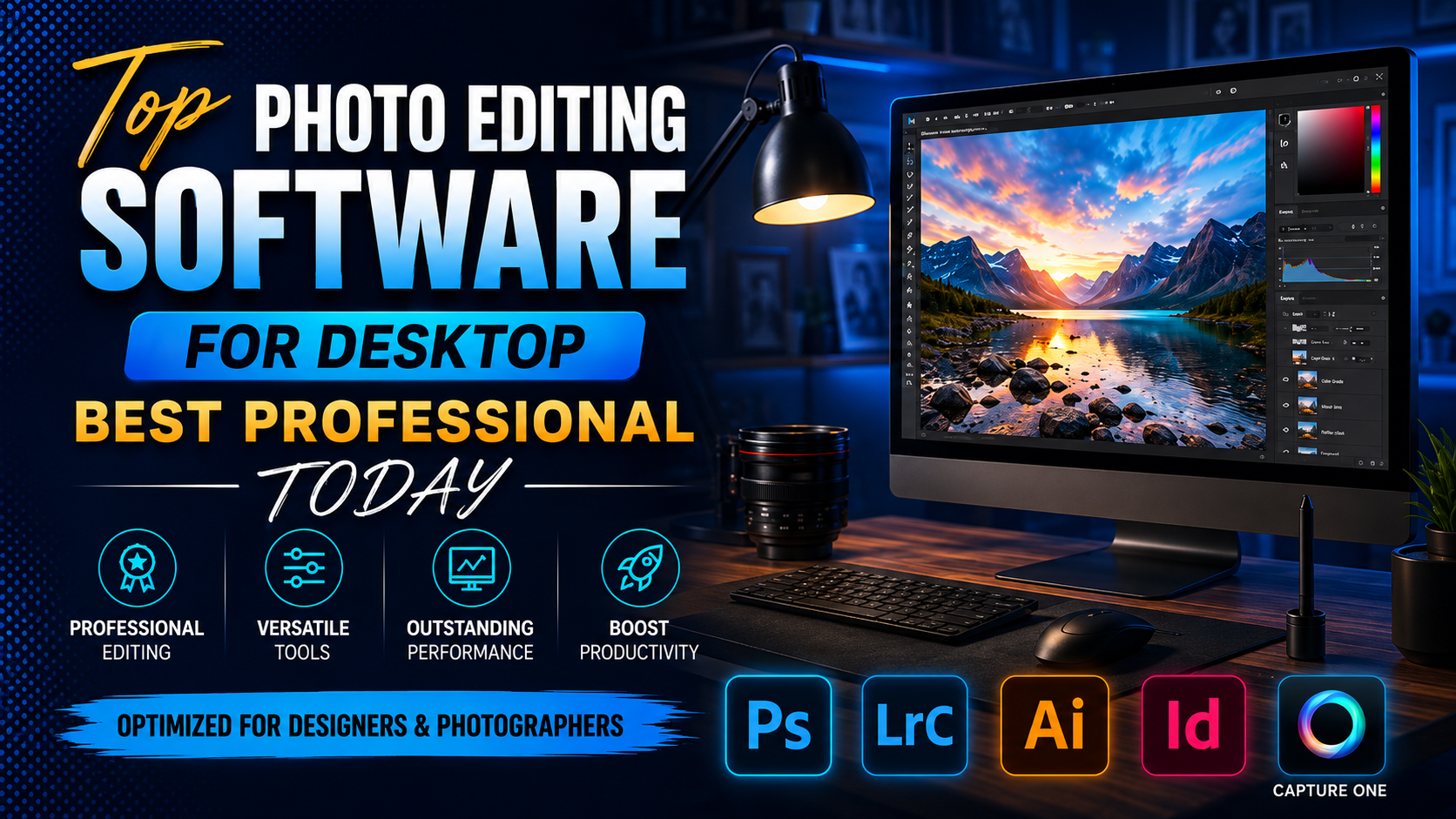
1. Why choose photo editing software on a computer instead of a phone?
1.1 Large display space and high color accuracy
Computer monitors, especially ones made specifically for graphics work, have wide color coverage, displaying image detail in the most faithful way. When editing photos on a phone, the screen is too small, making it easy to miss small flaws such as dust on the lens, stray hairs covering the face, or unwanted details in hidden corners. Moreover, color deviation on mobile devices is very large. A photo that looks very vivid on your phone may look pale or take on a blue cast when viewed on a computer or sent for printing. Working on a PC lets you fully control every pixel of the image, ensuring a consistent output quality.
1.2 Powerful performance and superior handling of compressed and RAW files
Professional photographers always shoot in RAW format — a format that preserves all the raw data from the camera sensor to optimize exposure recovery and color grading. A RAW file ranges from a few dozen to hundreds of megabytes in size. Mobile phones, no matter how powerful, will run into overheating, lag, or automatically reduced photo quality when having to carry such heavy files. A computer with a multi-core processor, a discrete graphics card, and large RAM capacity can smoothly process hundreds of RAW files at once without any performance degradation.
1.3 A flexible shortcut system and mouse precision
Using a finger to tap and swipe on a phone's touchscreen makes it very hard to achieve absolute precision when you need to carefully select and cut out extremely tiny details. In contrast, the combination of a mouse, keyboard, and graphics tablet (Wacom) on a computer delivers precision down to the millimeter. The rich shortcut system of desktop software helps users cut down operation time by up to 70%, turning complex command sequences into instant mouse clicks.
.jpg)
2. Top professional photo editing software for computers (Paid)
2.1 Adobe Photoshop – The "King" of the Design and Image-Manipulation World
There's no need to introduce Adobe Photoshop too much, since the name of this software has long become a common verb for photo editing. Launched over 30 years ago, Photoshop is still the gold standard of the global creative industry today.
Standout features: An unlimited layer and mask system lets you cut, composite, and blend images in an incredibly magical way. In recent versions, Adobe has integrated Firefly AI with the Generative Fill feature, letting users add or remove objects just by typing a simple English text prompt. In addition, the Neural Filters help smooth skin, change facial expressions, or even change the direction of light with just a few sliders.
Advantages: Unlimited creative capability, a massive plugin ecosystem, and resources (brushes, actions, mockups) from a global community. Perfectly integrates with other software in the Adobe suite such as Illustrator or Premiere Pro.
Disadvantages: Requires a powerful computer configuration (minimum 16GB RAM, discrete graphics card). The monthly subscription-based payment model can be a financial burden for students or non-professional users.
2.2 Adobe Lightroom – A Haven for Color Grading and Batch Photo Library Management
If Photoshop can be compared to an all-purpose sculpting workshop, where you can craft anything from nothing, Adobe Lightroom is a streamlined digital darkroom, specialized for event, wedding, graduation, or landscape photographers.
Standout features: A smart Catalog-management capability, letting you categorize photos by date, tag, star rating, or facial recognition. An in-depth color-grading toolkit including HSL/Color, Color Grading, and a Tone Curve helps transform a photo's color tone smoothly and finely.
Advantages: Lets you batch-edit by copying and pasting parameters from one photo onto thousands of other photos in just one second. Non-destructive editing capability preserves the original file, letting you revert to the initial state at any time.
Disadvantages: No complex photo-compositing tools, can't work with stacked layers like Photoshop, and the ability to remove unwanted details is only at a basic level.
2.3 Affinity Photo – A Heavyweight Challenger to Adobe's Dominance
Developed by Serif, Affinity Photo has quickly become a phenomenon in the graphics world, voted the best Photoshop alternative thanks to its "buy once, use forever" business model.
Standout features: Fully supports advanced features such as HDR photo editing, panorama photo editing, working with print-standard CMYK color space, and professional digital painting. Affinity Photo's rendering speed and responsiveness are extremely well optimized, often running smoother than Photoshop on the same hardware configuration.
Advantages: Extremely reasonable pricing, no requirement to pay monthly. An intuitive interface, able to read and export Photoshop's PSD format intact.
Disadvantages: The user community in Vietnam is still thin, making it harder to find in-depth tutorials in Vietnamese. The built-in brush and effect system isn't as rich as Adobe's.
.jpg)
3. Top best free photo editing software for computers
3.1 GIMP (GNU Image Manipulation Program) – Power Approaching Photoshop
GIMP is often dubbed the most perfect free copy of Photoshop. This open-source project has existed and developed steadily over many years thanks to contributions from programmers around the world.
Standout features: Provides a comprehensive editing toolkit from layer management and complex selection creation to color-curve adjustment and artistic effect filters. GIMP also supports scripting to automate editing tasks.
Advantages: Completely free for both personal and commercial purposes. An extremely lightweight install size, using very little RAM, and can run smoothly on older operating systems or lower-spec computers.
Disadvantages: The default interface is fairly cluttered and carries the classic look of software from previous decades. The user experience (UX) isn't very smooth, requiring newcomers to patiently learn it.
3.2 PhotoScape X – A Versatile Solution for Quick, Instant Photo Editing
PhotoScape X is an extremely interesting piece of software, well-loved by office workers, online shop owners, or social media content creators thanks to its "simple but effective" philosophy.
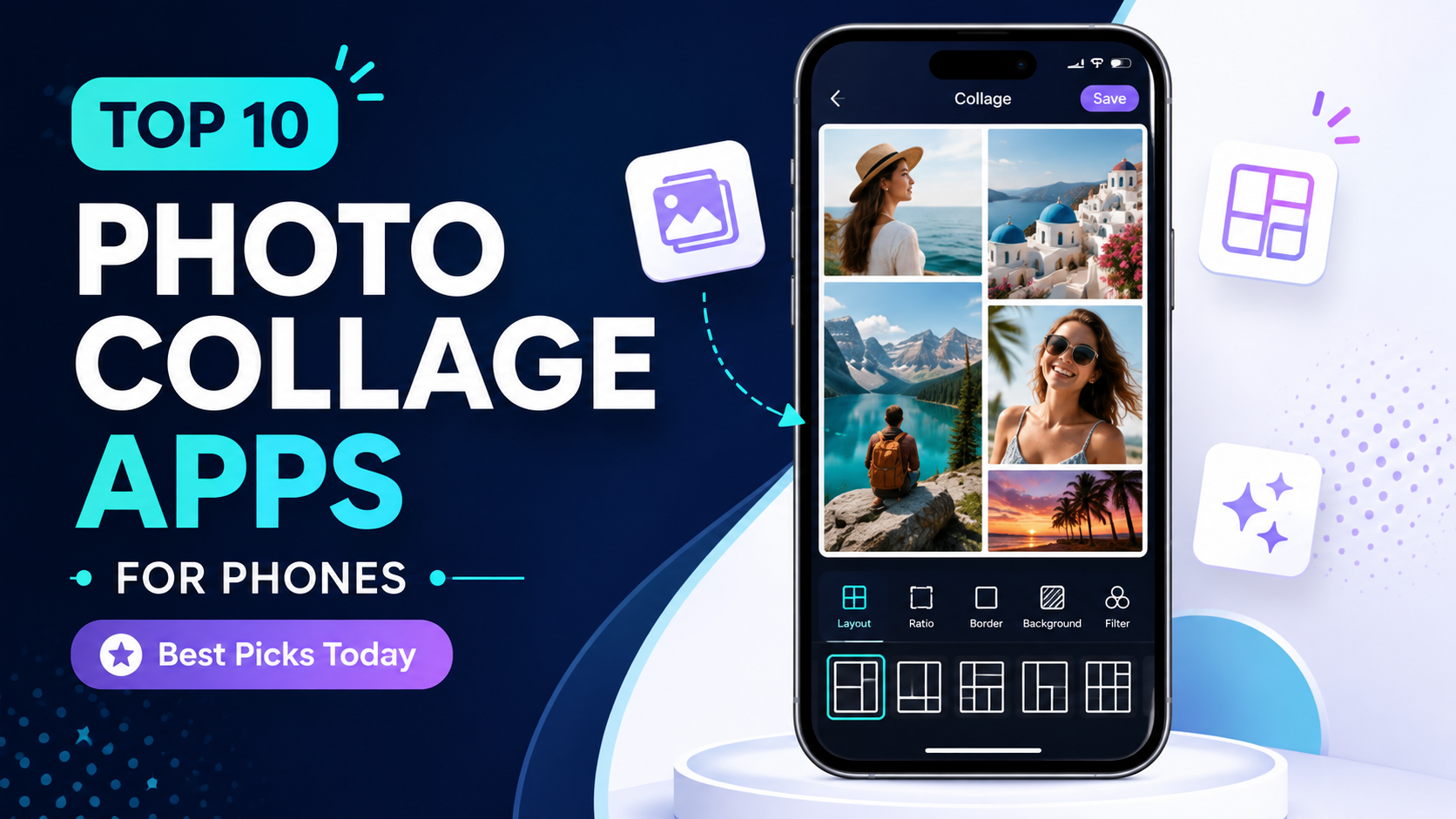
Standout features: Comes with a built-in library of eye-catching classic Film Effects color filters. Includes tools for combining photos into a frame (Collage), creating animated images (GIF), splitting a photo into multiple smaller parts (Splitter), and, notably, an extremely fast batch watermark-insertion feature.
Advantages: A modern, intuitive-style interface, with most features working on a one-click or slider-drag basis. You don't need any graphics knowledge to get familiar with it within 15 minutes.
Disadvantages: The free version has limits on some advanced color filters and in-depth editing tools. Not suited for complex artistic photo-compositing tasks.
3.3 Paint.NET – The Perfect Upgrade From Windows' MS Paint
If you feel Windows' default Paint tool is too basic, but Photoshop feels like a labyrinthine maze, Paint.NET (https://www.getpaint.net/) is the ideal stopping point for you.
Standout features: Supports working with layers — something MS Paint can never do. The software integrates basic editing tools such as increasing sharpness, blurring, denoising an image, and removing red-eye from flash photography.
Advantages: Lightning-fast startup and processing speed, an extremely clean interface familiar to Windows users. Completely free, with a treasure trove of community-written plugins to expand its features.
Disadvantages: The drawing and selection tools are still fairly basic, without good support for handling high-quality image files such as RAW.
.jpg)
4. The trend of online photo editing and AI apps (No installation needed)
4.1 Canva – The Nation's Go-To Graphic Design and Photo Editing Platform
Although it started out as a layout and poster-design tool, Canva has now developed an extremely formidable AI-powered photo editing toolkit.
Advantages: No installation needed, with data automatically synced between computer and phone. Canva offers one-tap features such as automatic background removal (Background Remover), AI-powered frame expansion (Magic Expand), and background-blur focus adjustment. A massive template library helps you create professional media images in just a few minutes.
Practical application: Best suited for making profile pictures, Facebook cover photos, YouTube thumbnails, presentation slide design, or quick advertising materials.
4.2 Pixlr – A Miniature Photoshop Experience Right in Your Browser
Pixlr is a great solution for anyone who wants to experience a professional workflow with layers and masks but is stuck using a lower-spec computer or a borrowed machine where installing outside software isn't allowed.
Advantages: Split into two distinct versions: Pixlr X for basic editing and quick effect additions; and Pixlr E, with an interface almost cast directly from Photoshop, complete with in-depth toolbars. Integrates many smart automatic AI features to optimize working time.
.jpg)
5. A guide to choosing software suited to your computer's specs and real-world needs
To help you save trial-and-error time and avoid your computer freezing up, refer to the systematic needs table below to find the tool best suited for you:
6. Conclusion
A beautiful photo isn't simply a mechanical reflection of reality — it's a place where an artist pours their thoughts, tells a story, and stirs deep emotions in the viewer's heart. Searching for the ideal photo editing software for your computer is much like a master painter searching for the paintbrush that fits their hand best. The best tool isn't the most expensive one — it's the one that serves your creative thinking most perfectly and fits your device's capability.





















VIP Products








Best Selling Products
Upgrade Genuine Office 365
49 USD
Windows 10 & 11 Pro Key
36 USD
Copyright Adobe Lightroom Account
59 USD
Upgrade Duolingo Super
29 USD
Plugin Retouch4me
69 USD
MidJourney Account
29 USD
Autodesk All App Account Copyright
120 USD
Upgrade genuine Capture One account
120 USD
Genuine Cheap Canva Pro
39 USD
Capcut Pro 1 Year
39 USD
Freepik Premium Account
59 USD
Adobe Photoshop Copyright - Full App
120 USD
ChatGPT Plus Account (GPT-4)
16 USD
Genuine Adobe Illustrator account
99 USD
Adobe Premiere Pro Account
99 USD