Best Selling Products

Upgrade Genuine Office 365
49 USD

Adobe Premiere Pro Account
99 USD

Freepik Premium Account
59 USD

Genuine Adobe Illustrator account
99 USD

Genuine Cheap Canva Pro
39 USD

Adobe Photoshop Copyright - Full App
120 USD

Copyright Adobe Lightroom Account
59 USD

Capcut Pro 1 Year
39 USD

MidJourney Account
29 USD

Windows 10 & 11 Pro Key
36 USD

ChatGPT Plus Account (GPT-4)
16 USD

Upgrade genuine Capture One account
120 USD

Upgrade Duolingo Super
29 USD

Plugin Retouch4me
69 USD

Autodesk All App Account Copyright
120 USD
Transforming Static Memories into Vibrant Films Using Photo Editing Programs
Nội dung
- 1. The technological nature of video editing solutions from static source materials.
- 1.1. How the image motion algorithm works
- 1.2. The harmonious combination of visual and auditory elements in a file
- 2. Classify video creation programs from images according to their intended use.
- 2.1. AI-powered automation tools for busy people
- 2.2. Multi-layered timeline software suite for intensive customization needs
- 3. A comprehensive survey of the ecosystem of video creation programs from featured images.
- 3.1. ProShow Gold / Producer - The immortal legend of photo and video editing.
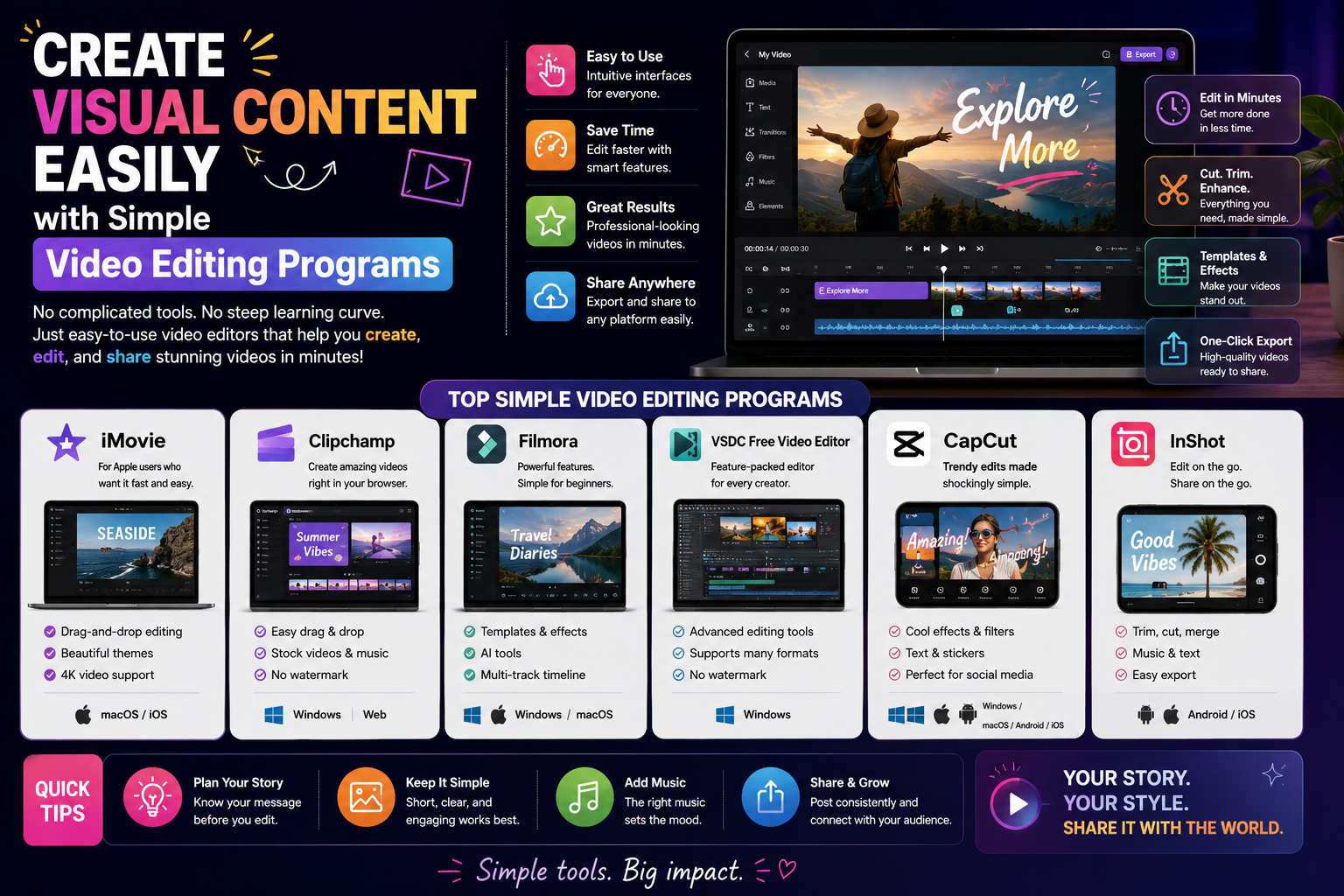
- 3.2. Wondershare Filmora - A versatile editor that balances all elements.
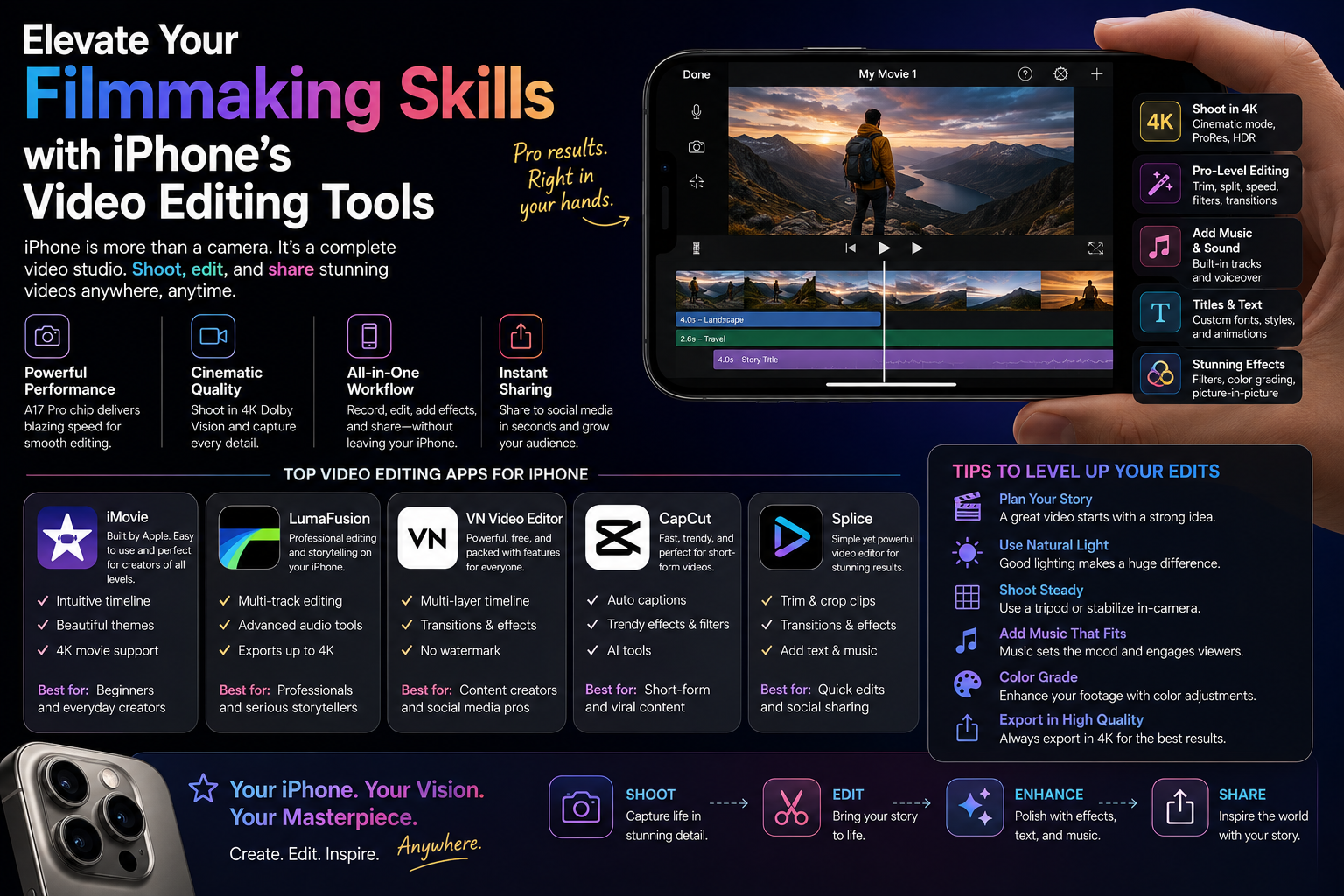
- 3.3. CapCut - A groundbreaking innovation in next-era editing tools.
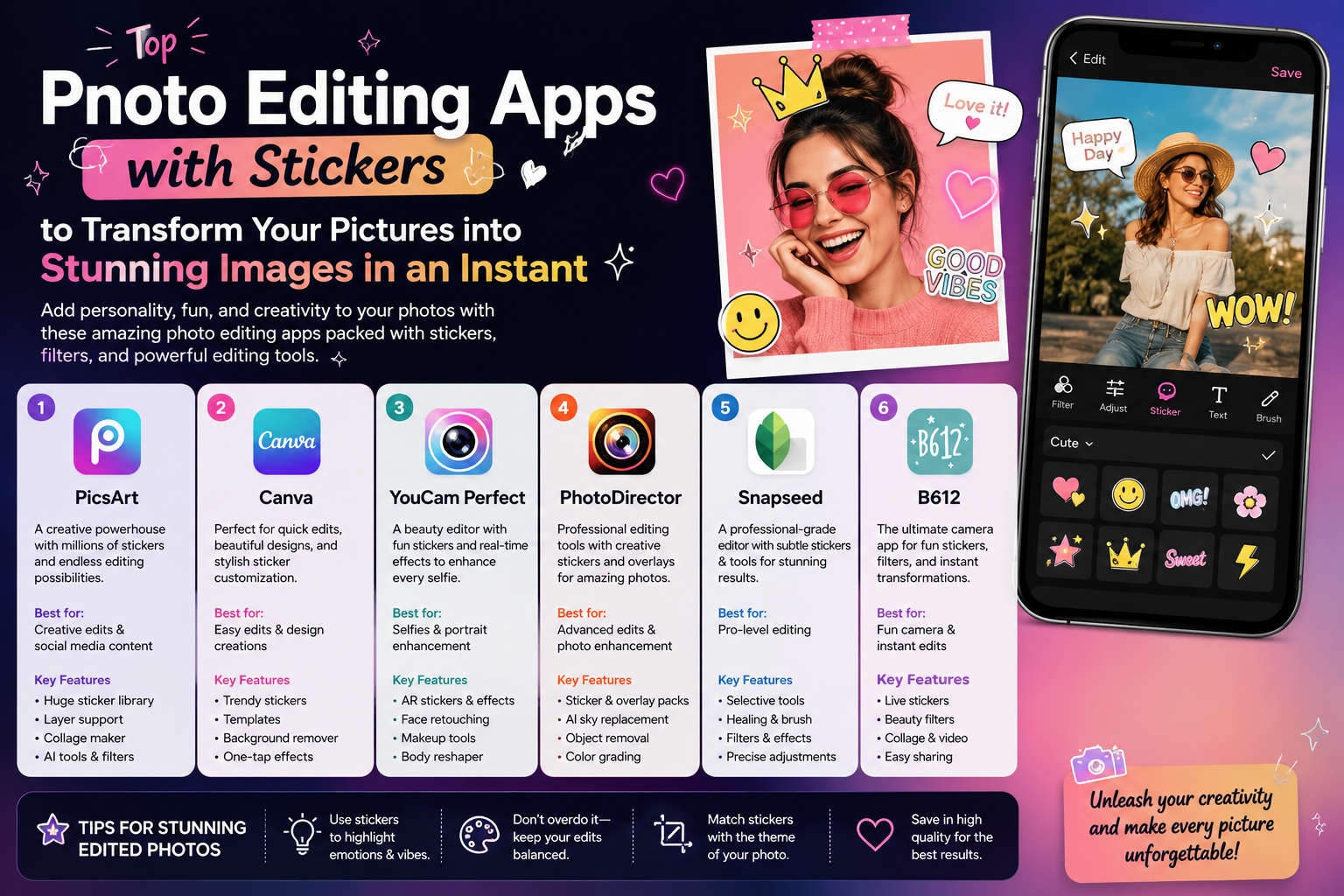
- 3.4. Canva - Create photo clips online without installation.
- 4. A 4-step process for optimizing still images into cinematic footage.
- 4.1. Step 1: Pre-processing the quality and size of the input images
- 4.2. Step 2: Set up the timeline and apply the Ken Burns motion effect.
- 4.3. Step 3: Interweave transition points and incorporate thematic sound.
- 4.4. Step 4: Synchronize color filters and proceed with publishing the product.
- 5. Create stunning videos from photos using next-generation AI technology at appvip.ai
- 6. Conclusion
A guide to using programs to create videos from images on computers and phones. Methods to transform still images into artistic moving films with lively background music.
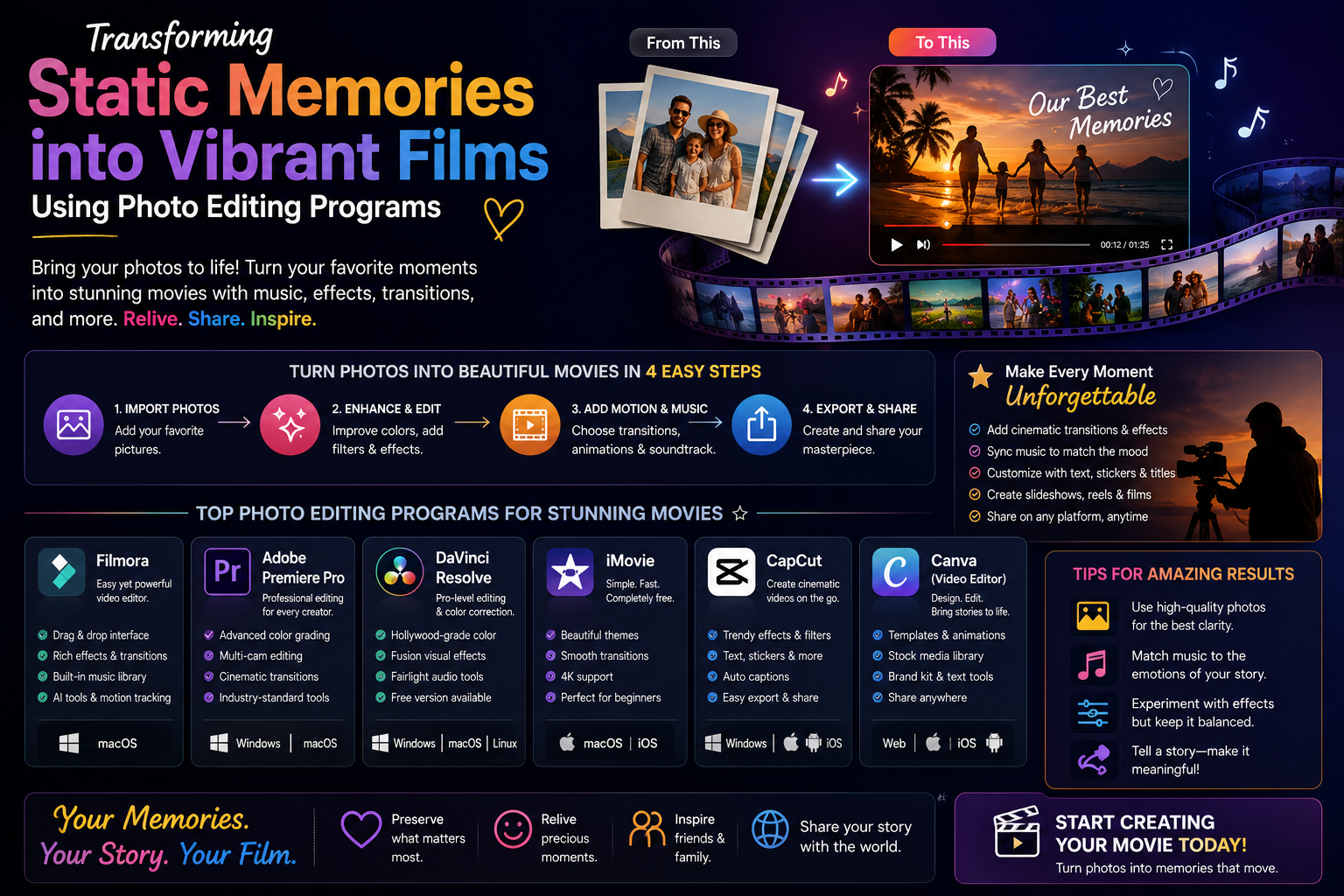
1. The technological nature of video editing solutions from static source materials.
1.1. How the image motion algorithm works
The technical basis of this process is based on arranging image files in a fixed chronological order with a display speed measured in seconds. Computer algorithms manipulate pixels to create simulated lens movement effects such as zooming, zooming out, or panning. The addition of keyframes ensures a smooth transition from one image to another, eliminating the initial feeling of stiffness and disjointedness.

1.2. The harmonious combination of visual and auditory elements in a file
The success of a film made from photographs depends heavily on the compatibility of the music. The editor is responsible for synchronizing the transitions to match the rhythm (beat) of the sound waves. The way the sound intensity fluctuates at climactic moments creates a continuous emotional flow, helping to keep viewers engaged with the content for longer.
2. Classify video creation programs from images according to their intended use.
2.1. AI-powered automation tools for busy people
This segment aims for absolute minimalism, with machine learning handling all data analysis. Users simply upload a raw photo album, and the AI automatically identifies the subject, categorizes the background, automatically crops, and selects appropriate color filters. The process of publishing a video with background music in this group typically takes less than a minute, making it extremely suitable for sharing everyday stories.
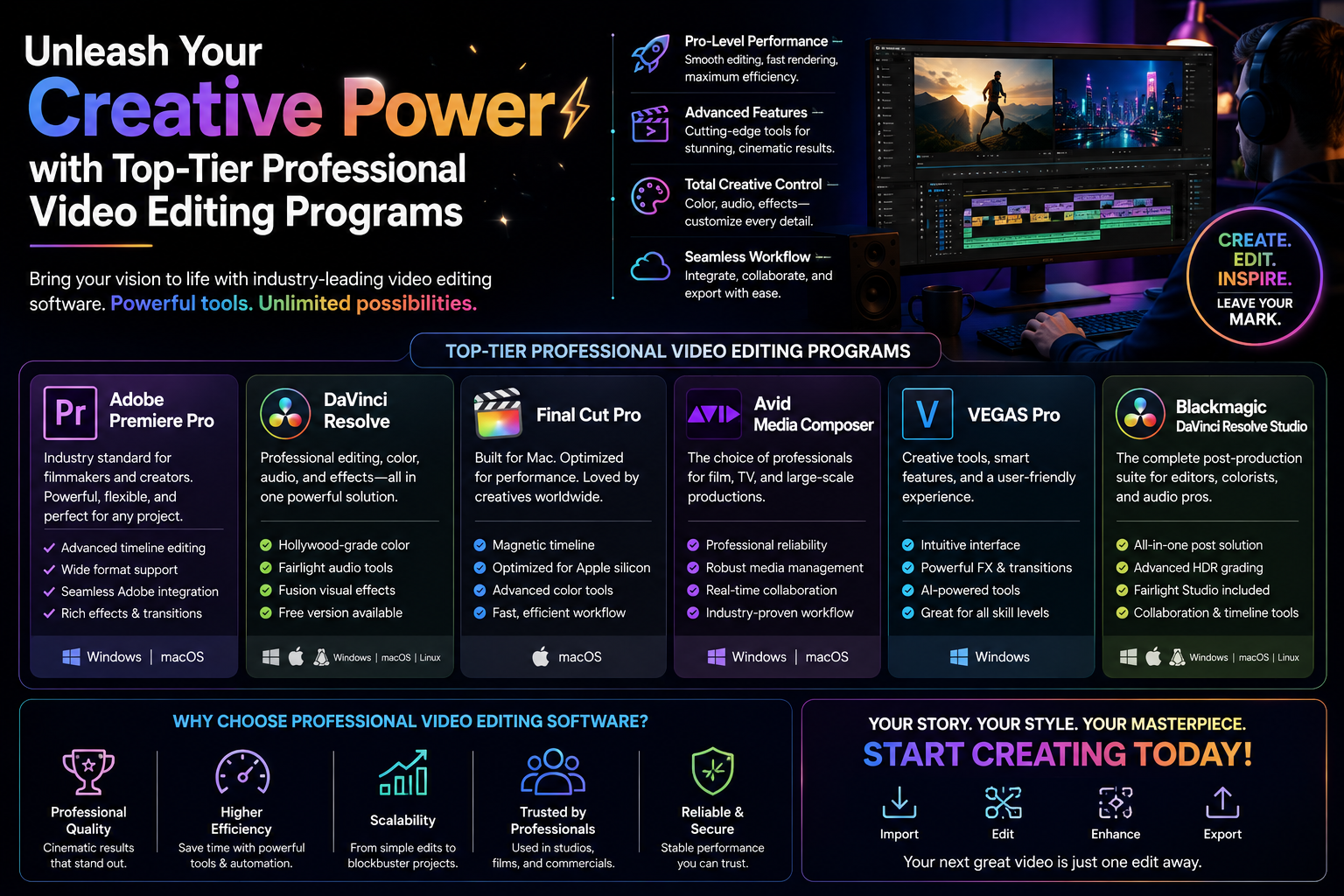
2.2. Multi-layered timeline software suite for intensive customization needs
Semi-professional users or advertising content designers will require more in-depth intervention from this group. The system provides a detailed control panel with multiple independent tracks that allow for overlapping multiple image layers, adding motion graphics, and customizing the display time of each frame down to the millisecond.
3. A comprehensive survey of the ecosystem of video creation programs from featured images.
3.1. ProShow Gold / Producer - The immortal legend of photo and video editing.
Despite the emergence of many new tools in the market, ProShow still holds a prominent position in the wedding and event photography industry in Vietnam.
-
Feature architecture: The software boasts a vast library of exclusive transition effects called "Slide Styles" and "Transitions". These effects are incredibly complex and highly artistic, ranging from page-turning and lighting effects to cubic 3D movements.
-
Strengths: Extremely stable ability to process hundreds of images simultaneously. Intuitive tools for adding background music and synchronizing audio, support for exporting files to many traditional disc formats or high-quality digital files.
-
Weaknesses: The graphical interface has a classic style and lacks groundbreaking updates to meet the modern trend of vertical short-form video on social media.
3.2. Wondershare Filmora - A versatile editor that balances all elements.
Filmora is the perfect alternative to outdated software thanks to its modern design philosophy that closely follows youth trends.
-
Feature architecture: Integrates "AI Smart Cutout" functionality and a resource library of effects directly linked to major graphic libraries worldwide. Automatic video creation from photos minimizes setup time.
-
Strengths: Attractive interface, full Vietnamese language support. The text transition effects and animated stickers have a youthful, trendy vlog style.
-
Weakness: Requires a computer with at least a mid-range to high specifications to prevent resolution loss during project previews.
3.3. CapCut - A groundbreaking innovation in next-era editing tools.
Building on the success of its mobile platform, the desktop version of CapCut reshaped the way people create videos from images.
-
Functional architecture: Provides millions of design templates shared by the creative community. Users simply choose a template they like and replace the empty image fields with their own personal images.
-
Strengths: Completely free for basic editing tasks, a rich library of royalty-free background music, and an extremely accurate automatic tempo-setting algorithm.
-
Weakness: Over-reliance on pre-made templates can easily lead to repetitive ideas in video productions, lacking individuality.
3.4. Canva - Create photo clips online without installation.
Canva makes creating films from photos as simple as designing a regular office slide presentation.
-
Feature architecture: Organizes videos into independent pages, supports drag-and-drop of images from cloud storage directly into pre-designed geometric frames.
-
Strengths: Possesses the largest library of decorative graphics, icons, and borders currently available. Supports multiple users accessing and editing a project remotely.
-
Weakness: Tools for deeply manipulating sound or creating complex motion effects for images are still rudimentary.
4. A 4-step process for optimizing still images into cinematic footage.
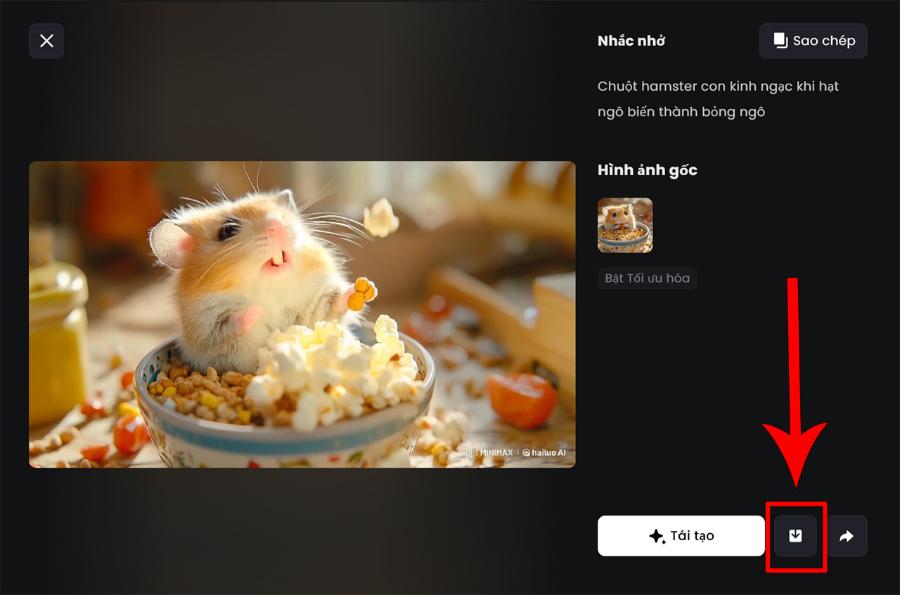
4.1. Step 1: Pre-processing the quality and size of the input images
The quality of the source material is a core factor determining the sharpness of the final video. You should prioritize selecting high-resolution images with uniform brightness. Using image sharpening tools before importing them into video editing software will help prevent pixelation and blurring when exporting files in Full HD or 4K.
4.2. Step 2: Set up the timeline and apply the Ken Burns motion effect.
Place all the selected photos into the timeline in accordance with the story's narrative. Apply the Ken Burns effect (slowly zooming in or out on a focal point in the photo) with an ideal display duration of 3 to 5 seconds per photo. This makes the still images feel like a slow-motion, contemplative film.
4.3. Step 3: Interweave transition points and incorporate thematic sound.
Insert subtle transition effects like cross-dissolve at the points where the two images meet to create a smooth transition. Place the music file in the audio track below, and adjust the image cut-off points to match the strong drum beats of the song to create a powerful visual resonance.
4.4. Step 4: Synchronize color filters and proceed with publishing the product.
Apply a general color filter to all the image slides to create a consistent artistic style for the video. Carefully check the subtitles, if any, then export the file in the common MP4 format for easy sharing on all mobile platforms.
5. Create stunning videos from photos using next-generation AI technology at appvip.ai
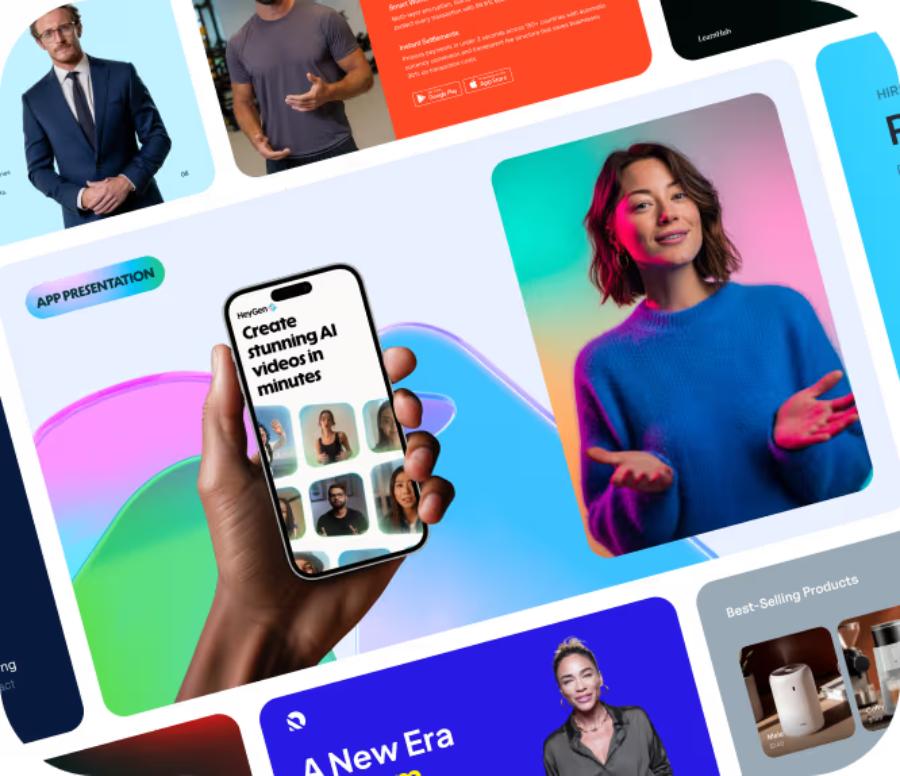
The explosion of artificial intelligence technology in 2026 has completely redefined the way films are made from static footage. Capitalizing on this trend, the super app appvip.ai was born as a revolutionary solution, helping to realize any creative idea in seconds. Completely different from traditional manual solutions, the integrated multi-model AI system here goes beyond simply stitching together images. Advanced machine learning technology can automatically analyze the context of an image, automatically restore blurry details, increase sharpness to HD standard, and recreate incredibly realistic physical movements for the characters in the image. Users can experience the process of automatically creating videos from text or images, intelligently removing backgrounds, changing costumes, or creating virtual MCs to speak vividly.
6. Conclusion
The use of a suitable video editing program is the springboard that helps you preserve life's priceless moments in the most vivid way. Ultimately, graphic design equipment or software only serves as a tool to assist in post-production; the core value that evokes emotion in the viewer lies in the storyteller's heart and the historical significance behind each image. The next era will be the absolute dominance of next-generation artificial intelligence solutions, where the boundary between still images and moving videos will be completely blurred.





















VIP Products








Best Selling Products
Upgrade Genuine Office 365
49 USD
Adobe Premiere Pro Account
99 USD
Freepik Premium Account
59 USD
Genuine Adobe Illustrator account
99 USD
Genuine Cheap Canva Pro
39 USD
Adobe Photoshop Copyright - Full App
120 USD
Copyright Adobe Lightroom Account
59 USD
Capcut Pro 1 Year
39 USD
MidJourney Account
29 USD
Windows 10 & 11 Pro Key
36 USD
ChatGPT Plus Account (GPT-4)
16 USD
Upgrade genuine Capture One account
120 USD
Upgrade Duolingo Super
29 USD
Plugin Retouch4me
69 USD
Autodesk All App Account Copyright
120 USD