Best Selling Products

ChatGPT Plus Account (GPT-4)
16 USD

MidJourney Account
29 USD

Windows 10 & 11 Pro Key
36 USD

Adobe Photoshop Copyright - Full App
120 USD

Plugin Retouch4me
69 USD

Freepik Premium Account
59 USD

Copyright Adobe Lightroom Account
59 USD

Adobe Premiere Pro Account
99 USD

Upgrade genuine Capture One account
120 USD

Genuine Cheap Canva Pro
39 USD

Upgrade Duolingo Super
29 USD

Autodesk All App Account Copyright
120 USD

Capcut Pro 1 Year
39 USD

Genuine Adobe Illustrator account
99 USD

Upgrade Genuine Office 365
49 USD
Veo 3.1: An upgrade that makes AI video more "lively" than ever before.
Nội dung
Google has refined Veo 3.1 to not only create beautiful images but also to “convey emotion.” Contextual sound, seamless character interaction, and subtle visual details make AI videos incredibly lifelike.
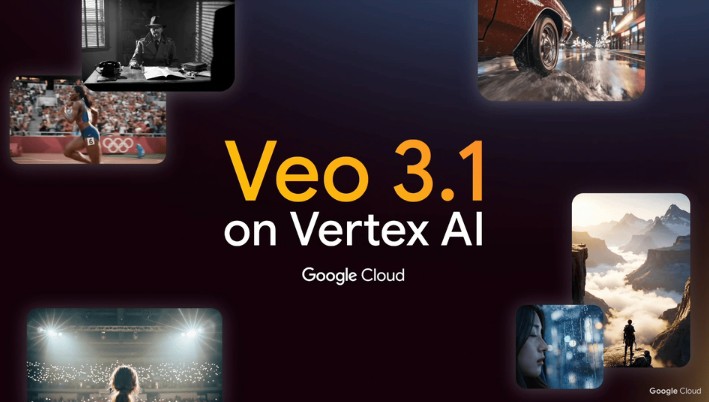
Google, a pioneer in AI research, has not stayed out of this race. Following the impressive launch of Veo 3 in early 2025—an AI video model considered the biggest competitor to OpenAI's Sora 2 —Google quickly released Veo 3.1 , an upgraded version expected to be even more refined in terms of both technology and creative experience.
Veo 3.1 is more than just a minor update. It's a strategic step for Google in transforming AI video from a "technology demo" into a professional production tool. While previous Veo generations focused primarily on demonstrating the model's capabilities, Veo 3.1 aims for practical effectiveness: creating longer videos with natural-sounding audio, coherent storytelling, and easier control. This article will help you understand what Veo 3.1 is, why it's different, its notable improvements, the remaining challenges, and most importantly, how it will impact the video creation and production industry in the near future.
1. Basic information about Veo 3.1
Veo 3.1 is the latest public release of the content-generating video model developed by Google DeepMind. It inherits the entire core architecture from Veo 3, but focuses on three major areas of improvement: richer native audio, longer video lengths, and enhanced narrative continuity.
While the previous Veo 3 could only create short clips of about 5–8 seconds with high fidelity, Veo 3.1 allows users to create videos up to 60 seconds long in certain modes. This means that, instead of just using AI to create "experimental clips" or "visual ideas," users can now create complete film scenes with a clear beginning, climax, and ending.
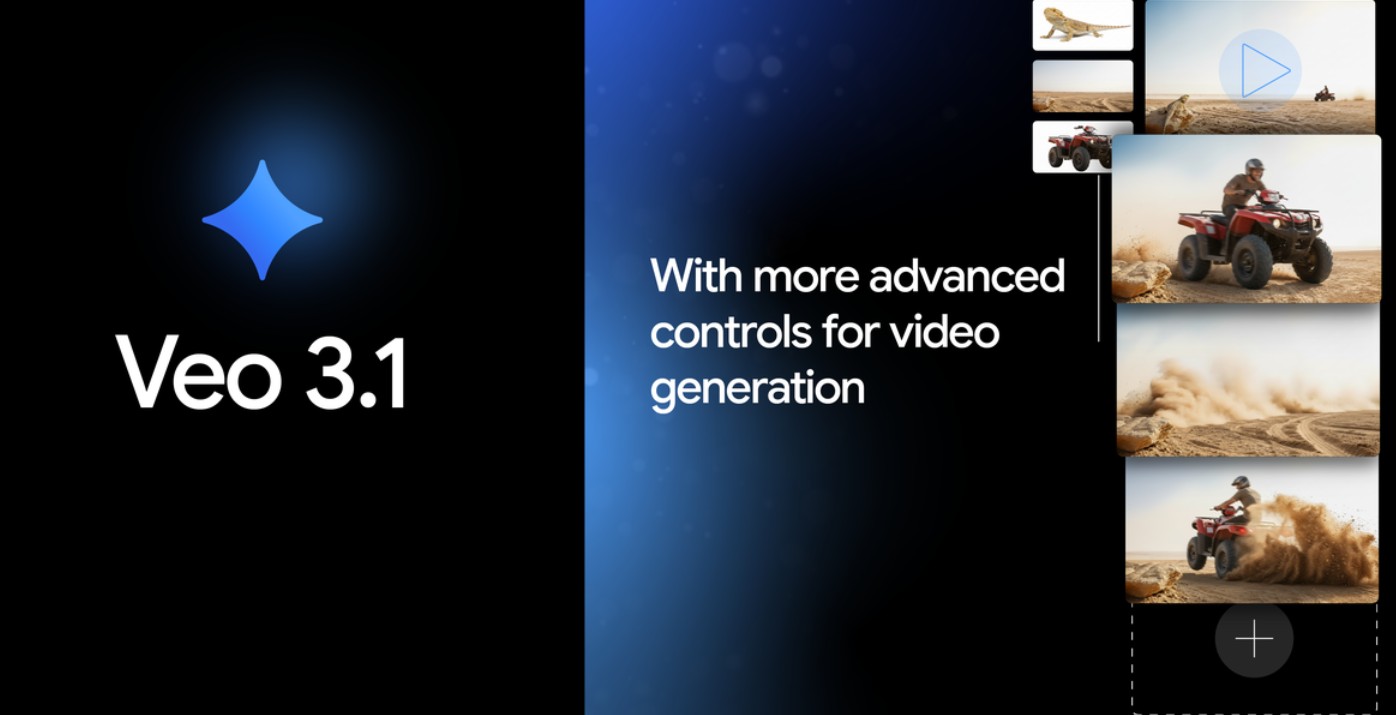
Another notable feature is that Veo 3.1 supports two operating versions: Veo 3.1 Standard, which focuses on the highest image quality and fidelity, suitable for commercial productions; and Veo 3.1 Fast, which allows for faster video creation, serving the ideation or creative testing phase. This structure makes the production process more flexible: creators can use the "Fast" version to create a draft, then switch to the "Standard" version to render the final version in high resolution.
But that's not all; Veo 3.1 also introduces a range of new features aimed at filmmakers and content designers, such as providing start and end frames to guide composition, "video components" that allow the use of multiple reference images simultaneously to increase the accuracy of characters and environments, and extended shots that help lengthen videos while maintaining a coherent storyline.
2. Richer original sound across multiple features.
When it comes to video, many people often focus on the visual element, forgetting that sound is the soul of emotion. A beautiful shot will become lifeless without the sound of wind, footsteps, or natural dialogue. Google understands this, and that's why Veo 3.1 has been designed to deliver a rich, deep, and seamless audio experience.
In Veo 3, users experienced basic audio synchronization, meaning the model could add ambient sounds and voiceovers that matched the action. But in Veo 3.1, Google took that to a new level. Audio is no longer just an "extra" but an integral part of the video creation process.
Veo 3.1 can automatically generate contextual sounds based on descriptions or situations in the scene. For example, if the user enters the prompt "a girl walking on a cobblestone street on a light rainy afternoon," Veo 3.1 will not only render the image of the girl and the rain, but also add the sound of her shoes touching the wet stones, the pattering of rain, and the gentle echoes of the quiet street, all perfectly synchronized with the image movement.
This significantly saves creators post-production time. Previously, audio processing required a dedicated team of sound technicians for everything from recording, editing, EQ adjustment, and mixing; now, AI can automate up to 80% of that process. Content creators can focus more on creativity instead of technical processing.
Notably, Veo 3.1 also added a "character-synchronized audio" feature, meaning the character's mouth movements precisely match the generated dialogue. Google uses a deep learning system to simulate lip movements and tones, making the dialogue sound more natural and avoiding a "robotic" or "simulated" feel.
For filmmakers, advertisers, or content creators, the ability to simulate both visuals and sound in a single production is a huge leap forward. You don't need to add extra effects or hire voice actors, because AI can automatically generate "sound performances" that closely match the original creative intent.
3. Advanced scene and shot control
While previous AI video tools operated quite automatically, Veo 3.1 focuses on giving creators more control over detail. This is especially important for designers, directors, or screenwriters, because in animation creation, controlling composition, lighting, and pacing is crucial.
Veo 3.1 allows users to provide the first and last frames of a video. This means you can predefine how a scene begins and ends, allowing the AI to seamlessly connect the middle sections. For example, if you want a video to begin with a sunrise over a mountain and end with a panoramic view of the ocean, Veo 3.1 will automatically create the appropriate transitions, ensuring a cohesive visual flow.
In addition, Google has added a "composition for video" feature that allows users to import multiple reference images at once. The AI will then use these images to better understand the style, colors, characters, composition, and lighting you desire. This is an extremely useful tool for those working in branding or video advertising, where visual consistency is crucial.
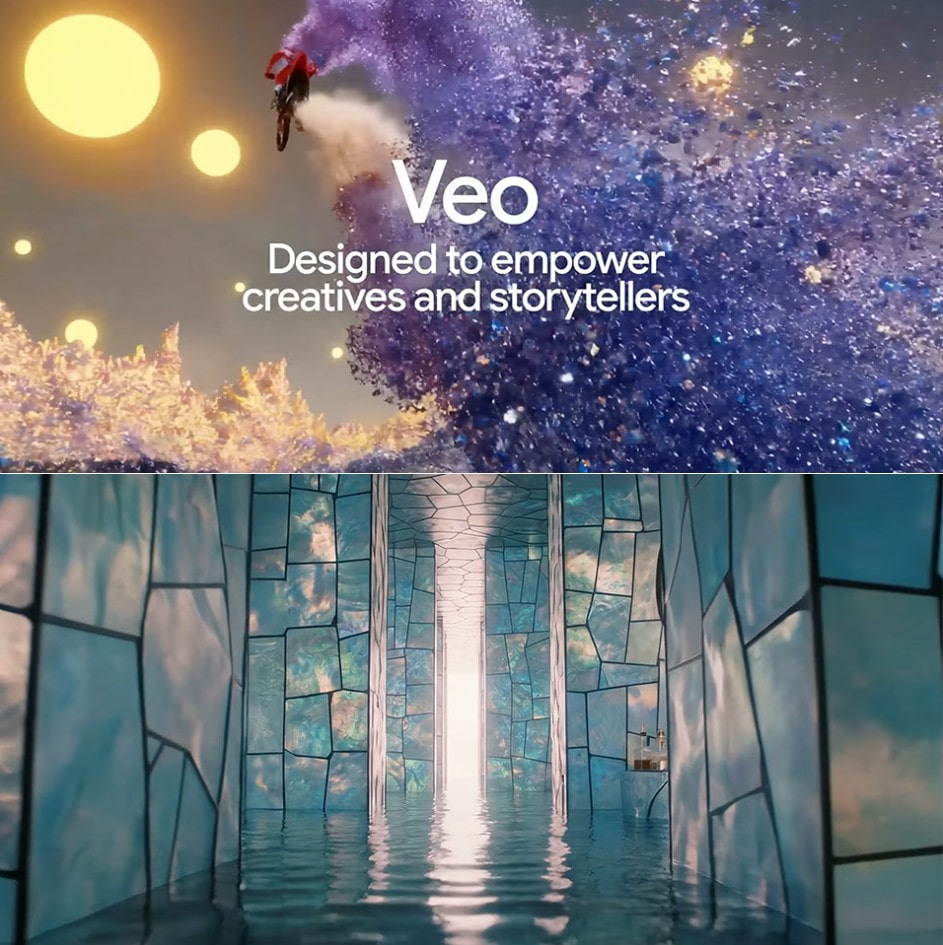
Another improvement in Veo 3.1 is its "scene extension" capability. Suppose you have a short 10-second video clip but want to extend it by a few seconds for a smoother feel; Veo 3.1 can create a contextual extension, preserving the characters and lighting.
Specifically, Veo 3.1's system can handle multiple prompts within the same video sequence. Users can divide the video into different scenes and specify actions for each scene. This allows the AI to understand the storyline, maintaining consistency in characters, props, and style throughout.
This opens up enormous potential for storytelling. A content creator can write a prompt like a mini-script: “Scene 1: The character walks out of the small room; Scene 2: He walks down the street and sees the fiery sky; Scene 3: The camera pans to the character as the lights fade.” In just a few minutes, Veo 3.1 can create this entire sequence of scenes with natural movement, logical lighting, and unified space.
Additionally, Google has added cinematic presets such as dolly camera effects, push/pull, zoom, depth of field, and film color LUTs. With these presets, users can recreate Hollywood filmmaking styles without needing in-depth technical knowledge. For independent designers and filmmakers, this helps them create videos that feel much more "realistic" and professional.
4. Improve video quality and length.
While Veo 3 focused on demonstrating the ability to “create short, high-fidelity scenes,” Veo 3.1 aims to create longer, more narrative, and cinematic scenes. Google has upgraded the model to handle longer frame sequences without losing detail, while also improving the connectivity between scenes.
According to the developers, Veo 3.1 can create clips up to one minute long while maintaining 1080p resolution. Compared to other models like Runway Gen-3 or Pika Labs, this is a clear advantage. With a longer duration, users can tell complete stories from beginning to end, instead of just creating short "concept art" clips.
Another highlight is its ability to maintain image consistency between scenes. Previously, one of the major limitations of AI video was that when changing camera angles or shots, the characters and environment would often become slightly distorted or details would change (e.g., the character's clothing would be a different color, their face would look different). With Veo 3.1, Google has refined the character recognition algorithm, resulting in more stable images and avoiding the "continuity errors" often seen in older AI video versions.
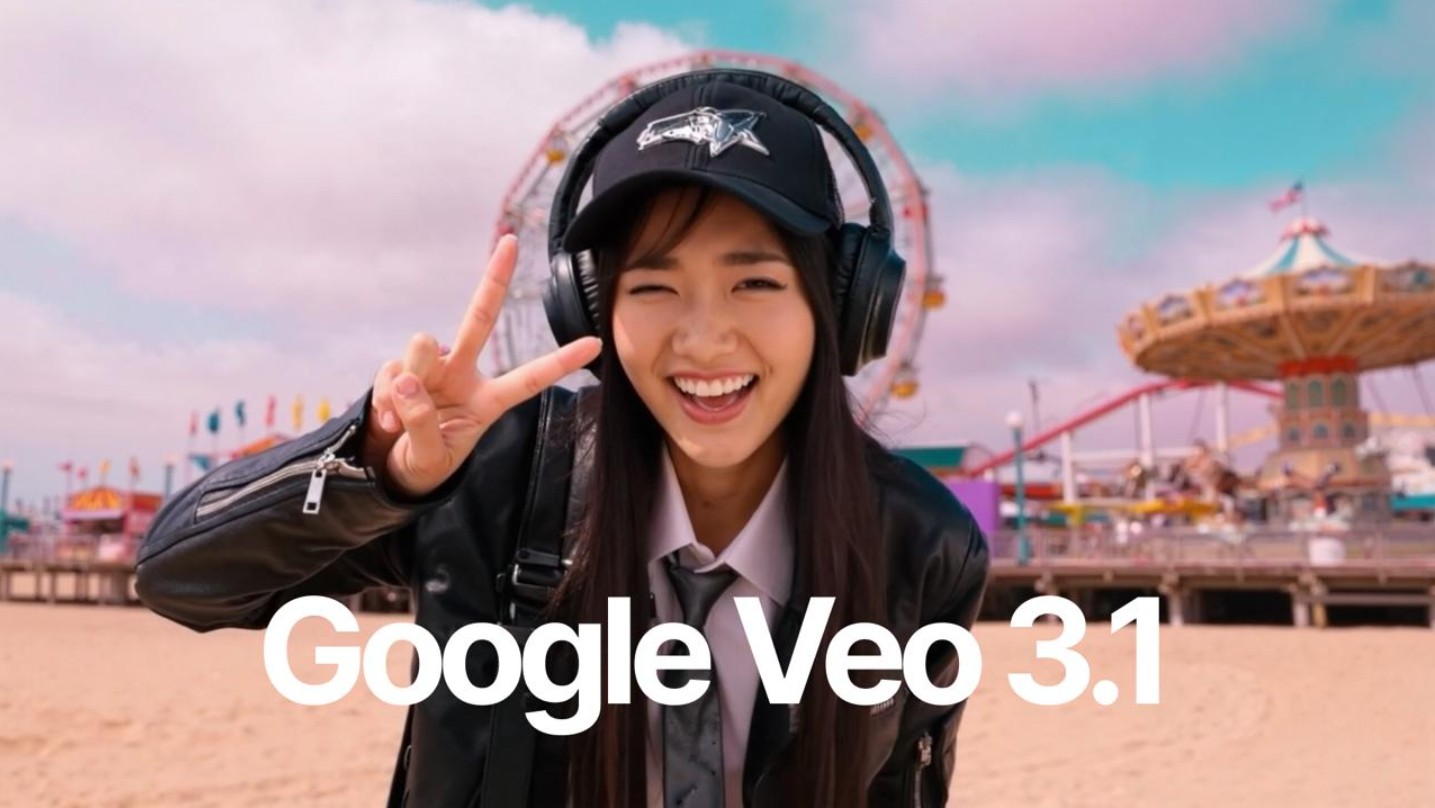
In particular, Veo 3.1 supports both horizontal (16:9) and vertical (9:16) video formats, making it easy for creators to produce content for platforms like YouTube, TikTok, Instagram, or TV commercials. This demonstrates Google's realistic vision: they want Veo to be a cross-platform tool, suitable for both filmmakers and digital content creators.
In terms of visuals, Veo 3.1 delivers higher fidelity thanks to deep learning on a massive dataset combined with scene understanding. When you input a prompt, the AI not only "draws" the image but also "understands" the context; for example, morning light is different from nighttime light, and reflections on water are different from reflections on metal. This is what makes AI videos increasingly closer to reality.
However, it's important to note that creating long, high-quality videos also means increased computing costs. For individual users, rendering a 60-second video can take several minutes or more, depending on configuration and service bandwidth. Google is optimizing this with the Veo 3.1 Fast model, which allows for faster video creation for testing purposes before rendering the final version in high quality.
5. Safety, origin, and watermark
When AI technology reaches a point where it can create nearly realistic videos, the question is no longer "What can AI do?" but "What can AI be used for?". Google has taken a step ahead in this area by integrating security systems and verifying the origin of content from the outset.
Veo 3.1 utilizes SynthID, a digital watermark technology that identifies AI-generated content in ways invisible to the naked eye. This watermark allows platforms to verify and trace video origins, ensuring transparency and preventing forgery. This is a significant move in the context of the increasing prevalence of deepfakes and fake videos.
In addition, Google also enforces strict censorship policies regarding sensitive content. Veo models do not allow the creation of videos containing violence, incitement, hatred, or private content without the subject's consent. At the same time, Google encourages users to label content as "AI-generated" when sharing it publicly.
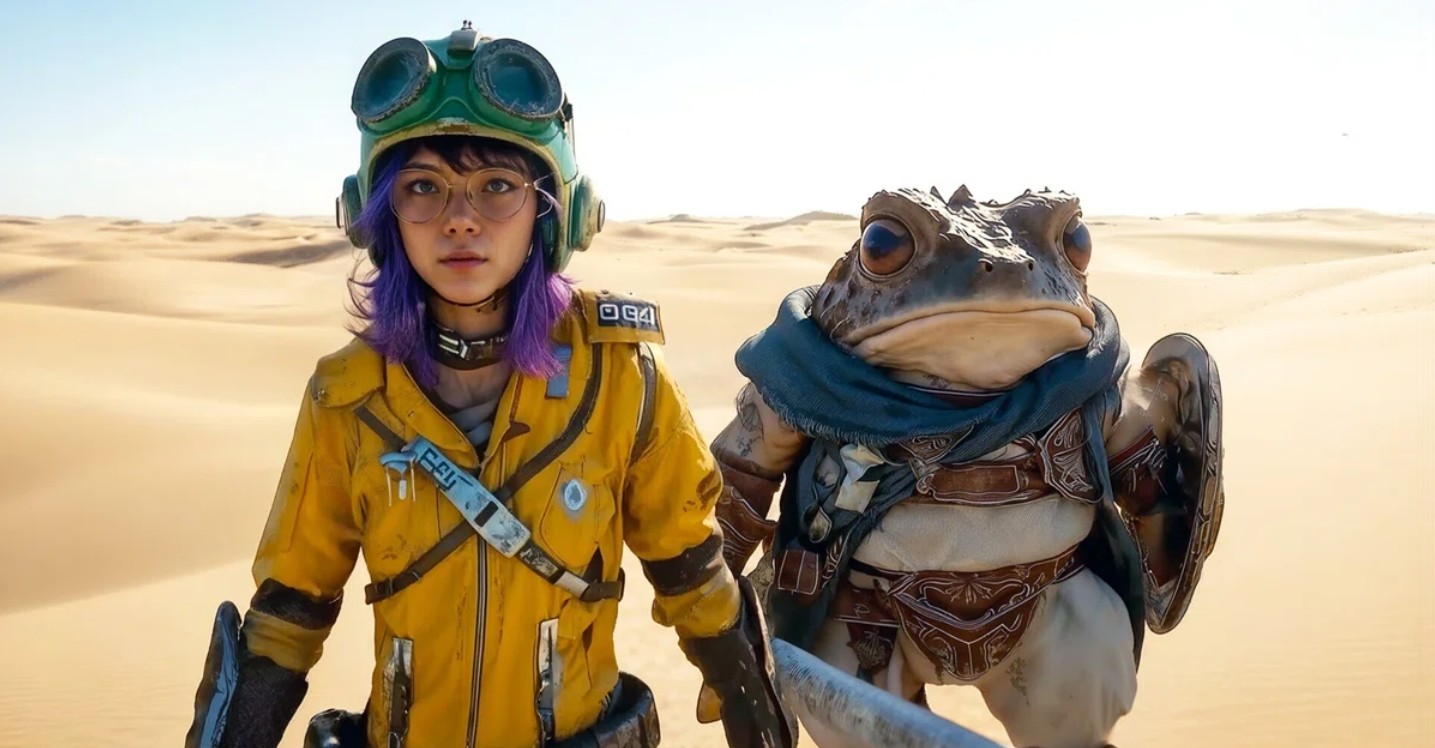
From an ethical standpoint, this is a necessary step. As AI becomes more powerful, creating videos that fake the voices, faces, or even speech of real people is entirely possible. Google is trying to proactively manage the risks, rather than waiting for an incident to occur.
However, creators still need to be aware of their responsibility in using the tool. Veo 3.1 is just technology; how you use it—for creative purposes, education, or information manipulation—remains a matter of ethics and law.
6. What limitations and risks still exist in Veo 3.1?
Despite its high praise, Veo 3.1 is still not perfect. Some testers have noted minor flaws in complex scenes, such as uneven lighting, distorted objects, or unnatural character movement in close-ups. While these are minor, they show that the AI still has room to learn about the micro-details of human movement.
Furthermore, high realism also brings ethical risks. A video created by AI but with the voice, images, and emotions of a real person could be exploited to create deepfakes or spread misinformation. Google has integrated SynthID and moderation policies, but cannot guarantee 100% that the technology will not be abused.
Finally, there's the legal aspect. Using copyrighted images, real people, or material in prompts can lead to intellectual property disputes. Businesses and creators need to be cautious, ensuring that input data does not violate copyright law, especially when videos are used for commercial purposes.
Veo 3.1 is proof that Google is serious about turning AI into a true creative partner. From understanding scenes and creating natural sounds to controlling motion and lighting, this model not only helps users "create videos faster" but also upgrades creative thinking; you are no longer limited by technical skills but only by your own imagination.





















VIP Products








Best Selling Products
ChatGPT Plus Account (GPT-4)
16 USD
MidJourney Account
29 USD
Windows 10 & 11 Pro Key
36 USD
Adobe Photoshop Copyright - Full App
120 USD
Plugin Retouch4me
69 USD
Freepik Premium Account
59 USD
Copyright Adobe Lightroom Account
59 USD
Adobe Premiere Pro Account
99 USD
Upgrade genuine Capture One account
120 USD
Genuine Cheap Canva Pro
39 USD
Upgrade Duolingo Super
29 USD
Autodesk All App Account Copyright
120 USD
Capcut Pro 1 Year
39 USD
Genuine Adobe Illustrator account
99 USD
Upgrade Genuine Office 365
49 USD