Best Selling Products
Capcut Pro 1 Year
39 USD
Genuine Adobe Illustrator account
99 USD

Freepik Premium Account
59 USD
Plugin Retouch4me
69 USD
Genuine Cheap Canva Pro
39 USD

ChatGPT Plus Account (GPT-4)
16 USD

MidJourney Account
29 USD
Windows 10 & 11 Pro Key
36 USD
Adobe Premiere Pro Account
99 USD

Upgrade Duolingo Super
29 USD
Autodesk All App Account Copyright
120 USD
Upgrade Genuine Office 365
49 USD
Copyright Adobe Lightroom Account
59 USD
Upgrade genuine Capture One account
120 USD
Adobe Photoshop Copyright - Full App
120 USD
What is Autodesk 2013? Discover its features, advantages, and detailed usage instructions.
Nội dung
Autodesk 2013 is a popular software version for those seeking tools for engineering, architecture, construction, and 3D design. With its diverse software ecosystem, Autodesk supports users in creating drawings, modeling ideas, and handling professional projects on their computers. Although released some time ago, versions from 2013 can still be explored for learning, working on older projects, or researching traditional design processes. So, what exactly is Autodesk 2013, what software is included, and who is it suitable for? Let''s explore the important information below to better understand this version and choose the right tool for your needs.
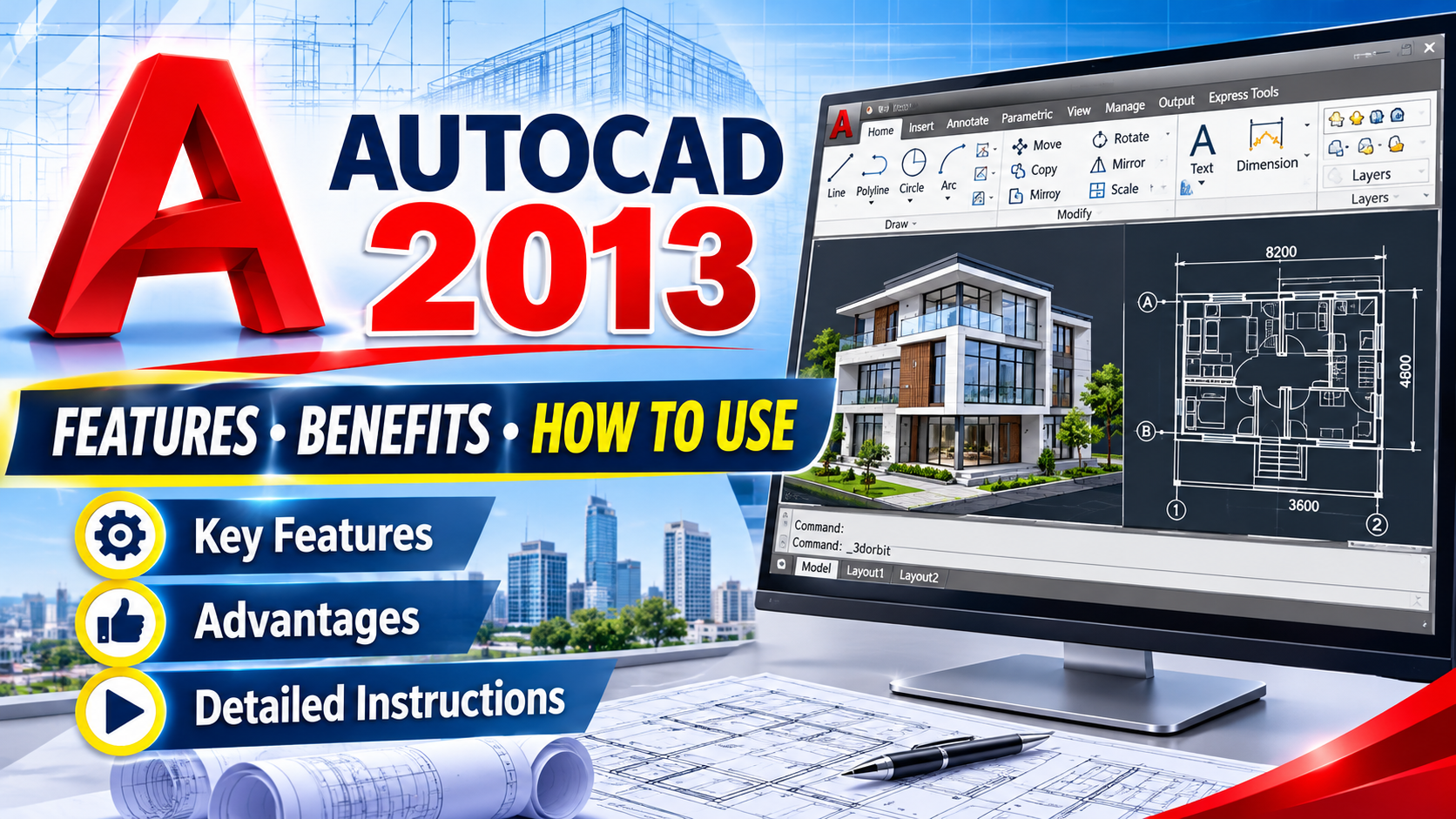
1. What is Autodesk 2013?
Autodesk 2013 is a general term for software versions released by Autodesk in 2013. It's not the name of a single software program, but rather a group of versions encompassing various specialized applications serving engineering design, modeling, construction, and manufacturing. Depending on their field of work, users can choose the appropriate software to create 2D drawings, build 3D models, or manage design data. Each application possesses its own set of tools, meeting different professional requirements.
Some of the widely known Autodesk software during this period included:
-
AutoCAD 2013: Supports 2D technical drawing and 3D modeling, suitable for many industries.
-
Autodesk 3ds Max 2013: Used for 3D modeling, interior and exterior design, animation, and visual effects.
-
Autodesk Maya 2013: Focusing on 3D modeling, character animation, and graphic content production.
-
Autodesk Revit 2013: Supports building design using the Building Information Modeling (BIM) methodology.
-
Autodesk Inventor 2013: Used for mechanical design, product development, and simulation of machine parts.
Thanks to this diversity, Autodesk offers solutions that serve many different design workflows. However, users need to identify the correct software and specific version before installation, rather than viewing Autodesk 2013 as a single toolset.
2. Key features of Autodesk 2013
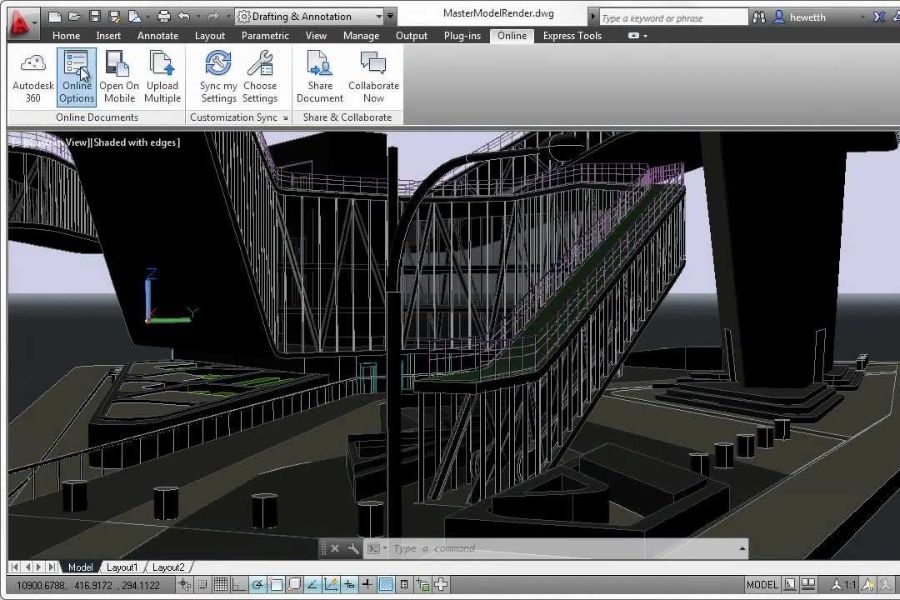
A notable feature of Autodesk software in 2013 was its ability to support professional design workflows, from basic drawing creation to highly detailed model development. Depending on the application, users could utilize drawing, editing, modeling, and product presentation tools to meet their work requirements.
Some typical features include:
-
2D drawing design: Creating lines, geometry, dimensions, and necessary components to represent a technical drawing.
-
3D modeling: Building objects, structures, or product details in three-dimensional space using specialized tools.
-
Flexible editing: Change the size, shape, and structure of the design without having to repeat the entire process.
-
Design data management: Organizing drawings, models, and related components to facilitate the workflow.
-
Publishing drawings and images: Create technical documents or visual images for communication, presentations, and idea generation.
It's important to note that not all Autodesk 2013 software packages have all of these features. Actual usability depends on the application, version, and computer configuration.

3. Advantages of using Autodesk 2013 software
Despite being an older generation of software, Autodesk 2013 can still be valuable in situations where users need to work with pre-existing design data or use a familiar software environment. For beginners, learning the older version also helps to better understand the basic principles of engineering design.
Here are some notable advantages:
-
Suitable for legacy projects: In some work environments, legacy versions may be maintained to serve existing processes or data.
-
The interface is relatively familiar: Users who have used previous versions of this software can easily recognize many basic design operations.
-
Foundational knowledge support: Learners can practice technical drawing, model building, and become familiar with computer-aided design thinking.
-
Meeting specific needs: If the workflow has already been established for this version, continued use may help limit changes in the short term.
-
Useful reference: Students and engineers can learn how design tools have evolved over the generations.
However, the advantages of Autodesk 2013 do not mean it is always the best choice. Users need to consider compatibility, job requirements, and software support status before deciding to use it long-term.
4. Who is Autodesk 2013 suitable for?
Not everyone needs to use the latest software version. In some situations, Autodesk 2013 may still be suitable if it meets the project requirements and the existing computer system. It's important to clearly define the usage objectives to avoid choosing unnecessary tools or tools that will hinder your work.
Those who might be interested in this version include:
-
Engineering students: Learn the principles of drawing blueprints, design operations, and the process of building models.
-
Architects and construction professionals: Study or modify existing projects created using the relevant software.
-
Mechanical Engineer: Works with existing product design data, machine parts, and technical drawings.
-
3D Graphic Designer: Learn the modeling, lighting, and animation processes in projects using older software.
-
Businesses maintain the legacy system: They continue to operate the existing design process until the software migration is completed.
If the goal is learning or processing legacy data, the 2013 version might be worth exploring. Conversely, those preparing to join a new project should check the requirements from the business, client, or training provider to choose the appropriate version.
5. Computer system requirements for using Autodesk 2013
Computer specifications are a crucial factor to consider before installing any design software. Autodesk applications may require different resources depending on the type of work, the complexity of the drawing, and the graphics processing capabilities. Therefore, a single configuration should not be applied to all software from 2013.
To choose the right computer, you should pay attention to the following components:
-
CPU: Responsible for processing instructions and performing calculations during the design process.
-
RAM: Adequate RAM capacity helps to minimize slowdowns when opening multiple drawings or processing large models.
-
Graphics card: Particularly important for 3D rendering, animation, and complex model display applications.
-
Hard drive storage: You need enough space for the installation files, project data, and accompanying resources.
-
Operating system: You must check compatibility with the specific software version before installation.
Since Autodesk 2013 was released a long time ago, its system requirements may differ significantly from modern software. Newer computers may also not be fully compatible with the installer or older supporting components. Therefore, please refer to the official system documentation for the correct application before proceeding with the installation.
6. Basic Autodesk 2013 Installation Guide
The Autodesk 2013 installation process must be performed according to the specific software version you choose. Since each application may have its own installation package and requirements, the steps below are for general guidance only.
-
Step 1: Determine the software you need: First, decide whether you need AutoCAD, 3ds Max, Maya, Revit, or Inventor. Choosing the right application helps avoid downloading the wrong installer and saves setup time.
-
Step 2: Check your computer's specifications: Compare your operating system, CPU, RAM, and graphics card with the software's requirements. If your computer doesn't meet the necessary conditions, you should find a suitable alternative before installation.
-
Step 3: Prepare a legitimate installation package: Prioritize official installation sources or packages you have the right to use. Avoid downloading files from unknown sources as they may contain malware or have been modified.
-
Step 4: Proceed with installation: Open the installer and follow the on-screen instructions. Carefully read the component options to install only the tools necessary for your work.
-
Step 5: Activate your license: Follow the proper licensing procedures for your software and account. Do not use cracking tools or activation files from unknown sources.
-
Step 6: Testing: Once complete, open the software, try creating a simple drawing or model, and test the basic functions. If you encounter errors, refer to the error message in the application's support documentation.
7. Conclusion
Autodesk 2013 is the general name for design software versions released in 2013, serving various fields such as architecture, construction, mechanical engineering, and 3D graphics. Tools from this generation can still be useful for learning, research, or working on older projects that require compatibility. However, before installing, you should identify the correct software, check your computer's specifications, and find out about license support status. If your goal is to launch a new project or work long-term in a professional environment, choosing a supported version will make it easier to update features, exchange data, and ensure system security.








VIP Products

Best Selling Products
Capcut Pro 1 Year
39 USD
Genuine Adobe Illustrator account
99 USD
Freepik Premium Account
59 USD
Plugin Retouch4me
69 USD
Genuine Cheap Canva Pro
39 USD
ChatGPT Plus Account (GPT-4)
16 USD
MidJourney Account
29 USD
Windows 10 & 11 Pro Key
36 USD
Adobe Premiere Pro Account
99 USD
Upgrade Duolingo Super
29 USD
Autodesk All App Account Copyright
120 USD
Upgrade Genuine Office 365
49 USD
Copyright Adobe Lightroom Account
59 USD
Upgrade genuine Capture One account
120 USD
Adobe Photoshop Copyright - Full App
120 USD