Best Selling Products

Upgrade genuine Capture One account
120 USD

Adobe Premiere Pro Account
99 USD

Plugin Retouch4me
69 USD

Windows 10 & 11 Pro Key
36 USD

Genuine Cheap Canva Pro
39 USD

Copyright Adobe Lightroom Account
59 USD

Upgrade Duolingo Super
29 USD

MidJourney Account
29 USD

Upgrade Genuine Office 365
49 USD

ChatGPT Plus Account (GPT-4)
16 USD

Adobe Photoshop Copyright - Full App
120 USD

Capcut Pro 1 Year
39 USD

Genuine Adobe Illustrator account
99 USD

Freepik Premium Account
59 USD

Autodesk All App Account Copyright
120 USD
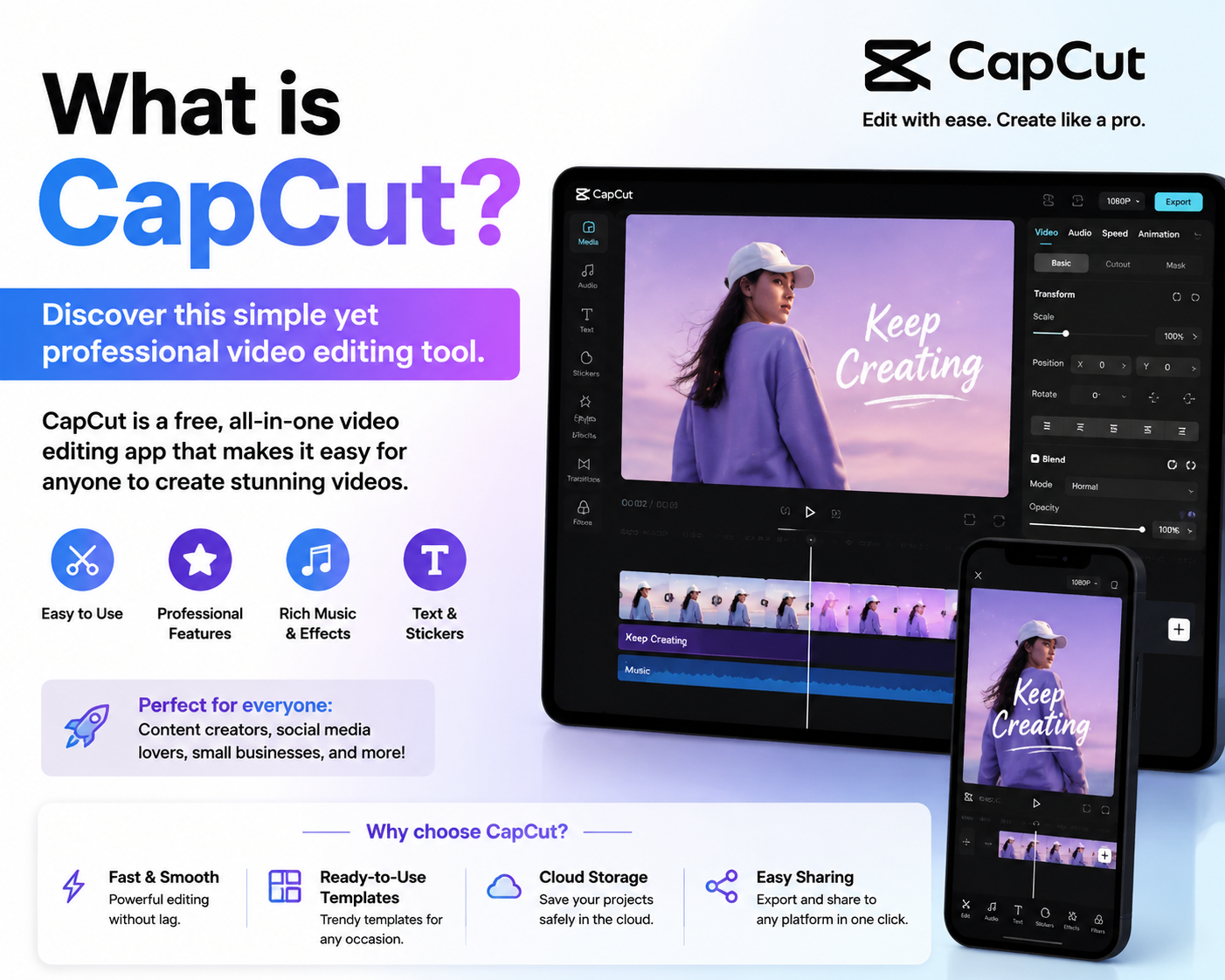
What is CapCut? Discover this simple yet professional video editing tool.
Nội dung
- 1. What is CapCut?
- 2. Why is CapCut chosen by so many people?
- 3. Key features of CapCut
- 3.1. Quickly cut, splice, and edit videos
- 3.2. Customize video speed
- 3.3. Inserting text and stickers
- 3.4. Add music and sound effects.
- 3.5. Diverse Filters and Color Adjustments
- 3.6. Eye-catching effects and transitions
- 3.7. Smart editing tools
- 4. Who is CapCut suitable for?
- 5. Basic CapCut usage for beginners
- 6. What are the differences between free and paid CapCut?
- 7. Tips for using CapCut to make your videos more engaging.
- 8. Should I upgrade my official CapCut account at Sadesign?
- 9. Conclusion
Short videos are increasingly becoming an important part of content creation, sales, and personal branding.
1. What is CapCut?
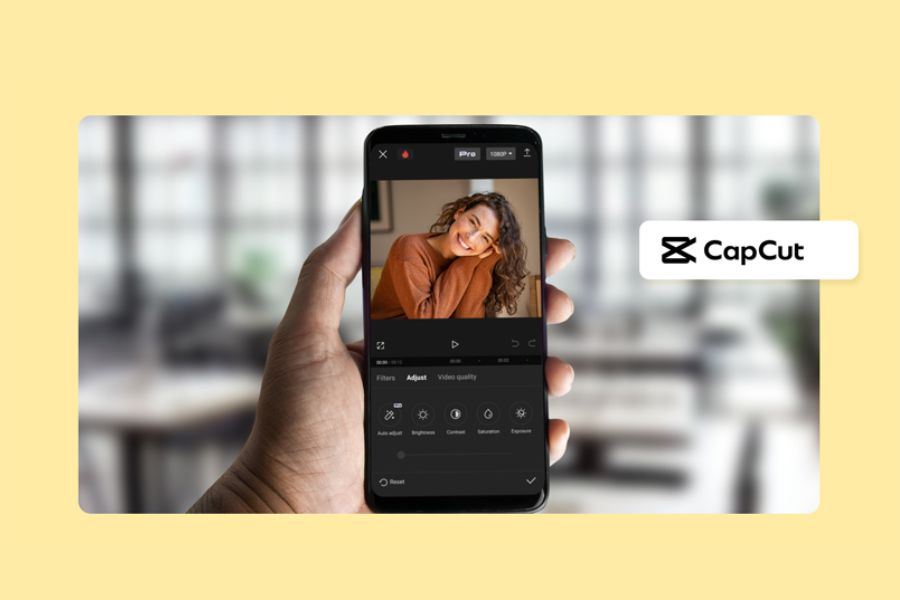
What is CapCut? It's a video editing application developed to help users easily create and edit content directly on their phones, computers, or browsers. The application first appeared in China in 2018, then spread widely internationally and quickly became familiar to the content creation community.
CapCut's popularity is closely linked to the rapid growth of short videos, especially on TikTok. Requiring no in-depth video editing knowledge, CapCut offers an intuitive interface and a range of tools from basic to advanced. Thanks to this, you can easily cut, edit, color correct, add sound, text, effects, and create a visually appealing video with just a few clicks.
2. Why is CapCut chosen by so many people?
One of the things that makes CapCut appealing is its simplicity. Beginners can easily start with familiar operations such as selecting videos, trimming unnecessary segments, merging scenes, adding music, or inserting text without spending too much time learning how to use it. The intuitive interface makes the editing process smoother and more accessible.
CapCut is not just simple; it also boasts a rich set of tools that allow users to unleash their creativity. From everyday videos, travel videos, and sales videos to TikTok, Reels, and YouTube Shorts content, you can customize it in many different styles. This is why CapCut is increasingly used by both beginners and experienced content creators.
3. Key features of CapCut
3.1. Quickly cut, splice, and edit videos
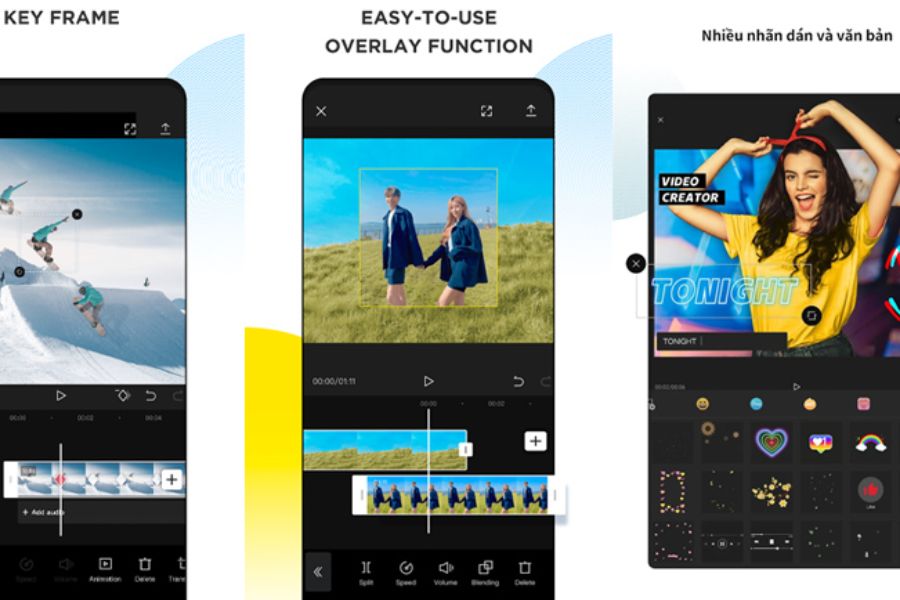
CapCut provides a full range of basic editing tools such as cutting, splitting, merging, copying, or rearranging video segments. You can easily remove shaky, unnecessary, or inappropriate footage to make your video more concise and focused.
The advantage is that the entire editing process is done directly on the timeline. Simply drag and drop content segments, and you can change the order or adjust the duration of each scene. This feature is especially useful for those new to video editing.
3.2. Customize video speed
Video speed can make a big difference in emotion and rhythm. CapCut lets you speed up long segments of content or slow down key moments to create emphasis.
You can also combine different speed levels within the same video. For example, an intro can be sped up to create a fast-paced feel, then switched to slow motion at a highlight moment. This technique makes the video more dynamic and adds depth.
3.3. Inserting text and stickers
Text helps viewers quickly grasp the main content of a video. With CapCut, you can add titles, subtitles, annotations, or calls to action with various fonts and effects.
Besides text, stickers are also a fun tool for adding emphasis. Small, well-placed icons can make videos more engaging and visually appealing. However, they should be used sparingly to avoid clutter and losing focus on the content.
3.4. Add music and sound effects.
A video with beautiful visuals but lacking suitable sound often struggles to evoke the full emotion. CapCut supports adding background music, sound effects, and various other audio formats, making it easy for users to create the right atmosphere for their videos.
You can adjust the volume, trim the music, or choose when the sound appears. When the image and sound are properly synchronized, the video becomes more engaging and creates a professional feel, even when shot with a phone.
3.5. Diverse Filters and Color Adjustments
Color plays a crucial role in determining the style of a video. CapCut offers a variety of filters with different styles, allowing users to quickly change the look of their images without manually adjusting each parameter.
If you want more control over the image, you can also manually adjust elements such as brightness, contrast, saturation, and various other color parameters. This allows the video to have a clear, warm, cinematic, or unique style depending on the content and your preferences.
3.6. Eye-catching effects and transitions
CapCut boasts a variety of visual effects and transitions that help videos connect more smoothly. The right effects can highlight important moments and make videos less monotonous.
However, adding more effects doesn't automatically make a video beautiful. A polished product prioritizes moderation, choosing effects that suit the content and maintaining continuity throughout the video. This is also the secret to making a video look professional instead of overusing effects.
3.7. Smart editing tools
One notable aspect to consider when learning about CapCut is the increasing integration of intelligent tools. These features assist users in processing images, videos, and performing quick editing tasks that previously required professional software.
Thanks to the ability to partially automate the process, users can save considerable time when producing content. Especially for those who need to create videos frequently, these smart tools make the process from idea to finished product faster and more convenient.
4. Who is CapCut suitable for?
CapCut is suitable for a wide range of users, from beginners learning video editing to professional content creators. If you just want to create simple videos to preserve memories, share your life, or post on social media, CapCut's basic tools are sufficient for your needs.
For TikTokers, online sellers, freelancers, or anyone who frequently creates content, CapCut also offers many advanced tools to create more eye-catching videos. Its fast editing capabilities, extensive effects library, and numerous creative support features make the app a worthwhile option for daily video production.
5. Basic CapCut usage for beginners
Step 1: Create a new project
Open CapCut and select "Create New Project," then choose the video or image you want to use. You can select one or more files to include in the same project.
Step 2: Cut and paste content
Upload the video clips to the timeline and cut out unnecessary parts. Then rearrange the scenes to create a complete narrative.
Step 3: Add music and text
Choose background music that suits the content, then add a title, subtitles, or other necessary information. Consider the size and placement of the text to ensure it's easy for viewers to follow.
Step 4: Add effects and adjust colors.
You can use filters, effects, or transitions to make the video more lively. If you want a consistent visual style, try using a single color scheme throughout the video.
Step 5: Review and export the video
Once complete, review the entire video from beginning to end to check the image, sound, text, and effects. If everything is satisfactory, you can proceed to export the video with the settings appropriate for the platform you want to upload it to.
6. What are the differences between free and paid CapCut?
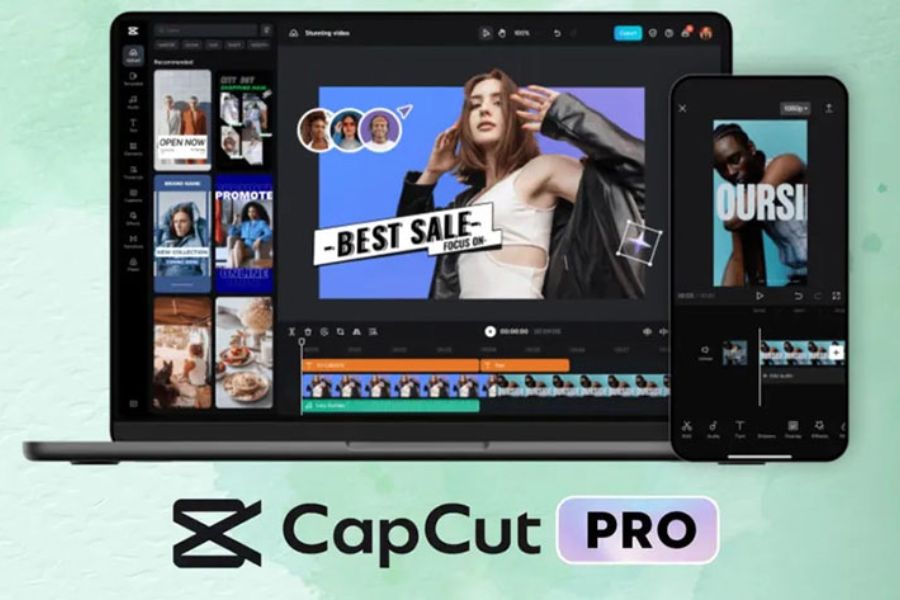
The free version of CapCut already provides quite a few tools for basic video editing. This is a suitable option if you're just starting out or only need to cut, splice, add music, insert text, and use some common effects.
Meanwhile, the paid version expands creative possibilities with more advanced resources and tools. Depending on the time and service package, users can access additional effects, templates, premium resources, or advanced features. Therefore, if you frequently create videos and want to save editing time, using the premium version can provide a more convenient experience.
7. Tips for using CapCut to make your videos more engaging.
A video with great content but a lengthy opening is easily overlooked. Prioritize important information or striking visuals in the first few seconds to grab attention. Additionally, avoid cramming too many effects into a video. Prioritize clear visuals, appropriate audio, easy-to-read text, and a logical editing pace. When these elements are harmoniously combined, the video will feel natural, professional, and more memorable.
8. Should I upgrade my official CapCut account at Sadesign?
If you frequently edit videos and want to explore more advanced features, upgrading to a genuine CapCut account is a worthwhile option. Instead of just using the basic tools, an upgraded account can give you access to more resources and features to support your content creation process.
At Sadesign, you can consider upgrading to an official CapCut account for a more convenient video editing experience. Choosing an official account not only provides a stable experience but also gives you more peace of mind for long-term use, especially if CapCut is a tool you frequently use for work, sales, or content creation.
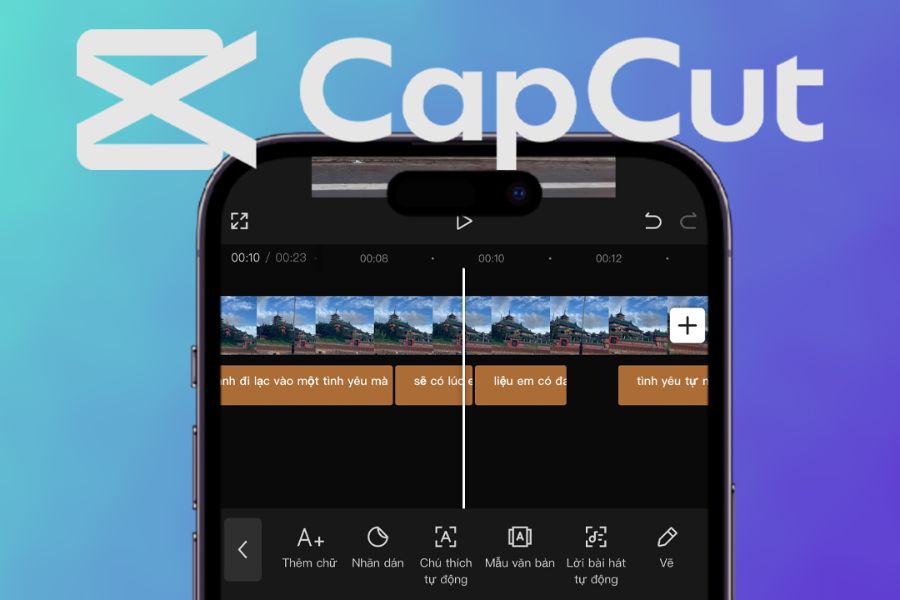
9. Conclusion
Based on the information above, you should now have a better understanding of what CapCut is and why it's so popular. From basic editing operations like cutting, splicing, adding music, and inserting text to filters, effects, and smart tools, CapCut makes the video creation process much simpler. If you're looking for an easy-to-learn, feature-rich tool that fits the current video creation trends, CapCut is a worthwhile choice. Especially for those who frequently create content, sell online, or build a personal brand, effectively utilizing CapCut's features will help you create polished, engaging videos with a unique personal touch.





















VIP Products








Best Selling Products
Upgrade genuine Capture One account
120 USD
Adobe Premiere Pro Account
99 USD
Plugin Retouch4me
69 USD
Windows 10 & 11 Pro Key
36 USD
Genuine Cheap Canva Pro
39 USD
Copyright Adobe Lightroom Account
59 USD
Upgrade Duolingo Super
29 USD
MidJourney Account
29 USD
Upgrade Genuine Office 365
49 USD
ChatGPT Plus Account (GPT-4)
16 USD
Adobe Photoshop Copyright - Full App
120 USD
Capcut Pro 1 Year
39 USD
Genuine Adobe Illustrator account
99 USD
Freepik Premium Account
59 USD
Autodesk All App Account Copyright
120 USD