Best Selling Products

Upgrade Genuine Office 365
49 USD

Genuine Adobe Illustrator account
99 USD

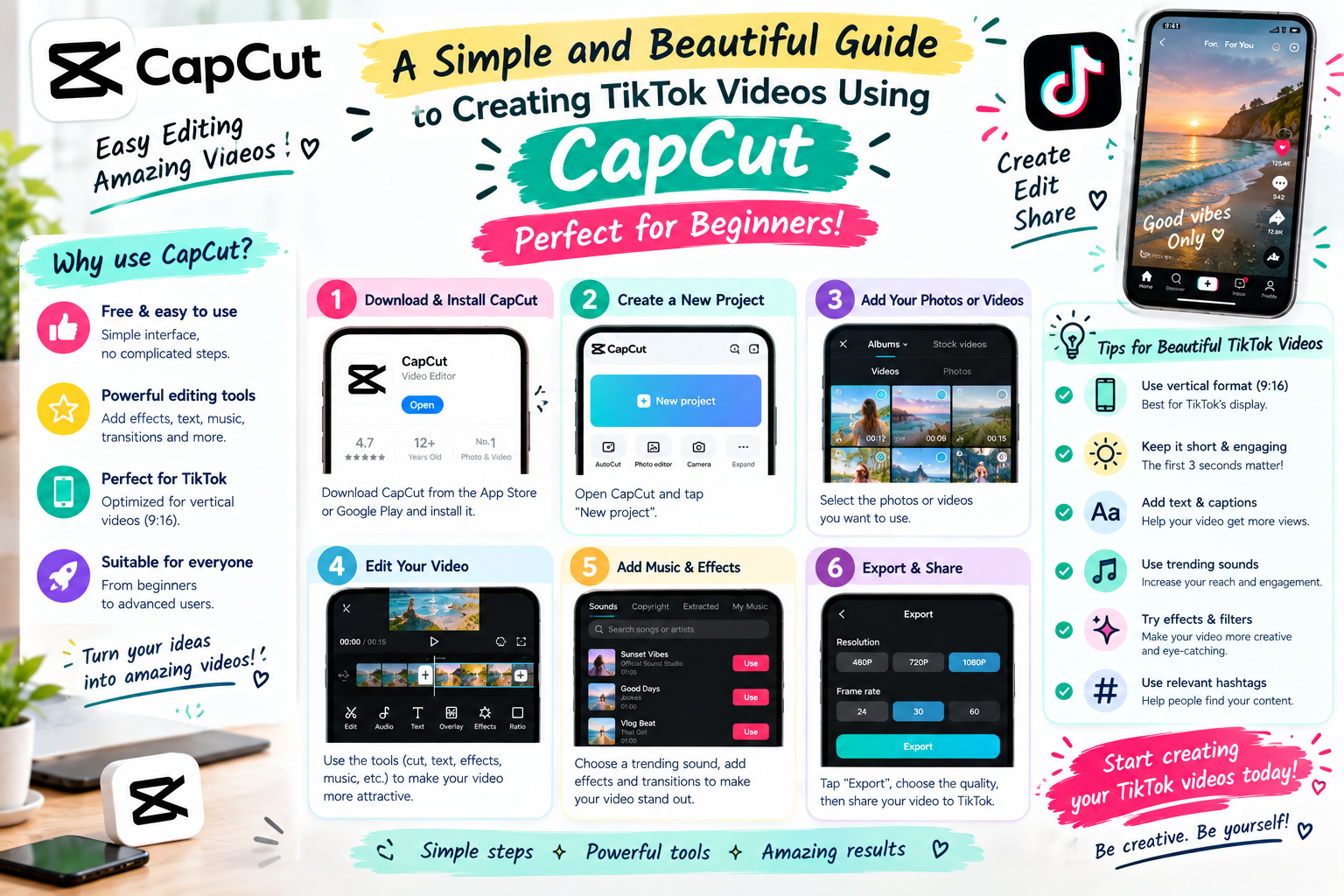
Capcut Pro 1 Year
39 USD

MidJourney Account
29 USD

Plugin Retouch4me
69 USD

Upgrade genuine Capture One account
120 USD

Freepik Premium Account
59 USD

Copyright Adobe Lightroom Account
59 USD

Genuine Cheap Canva Pro
39 USD

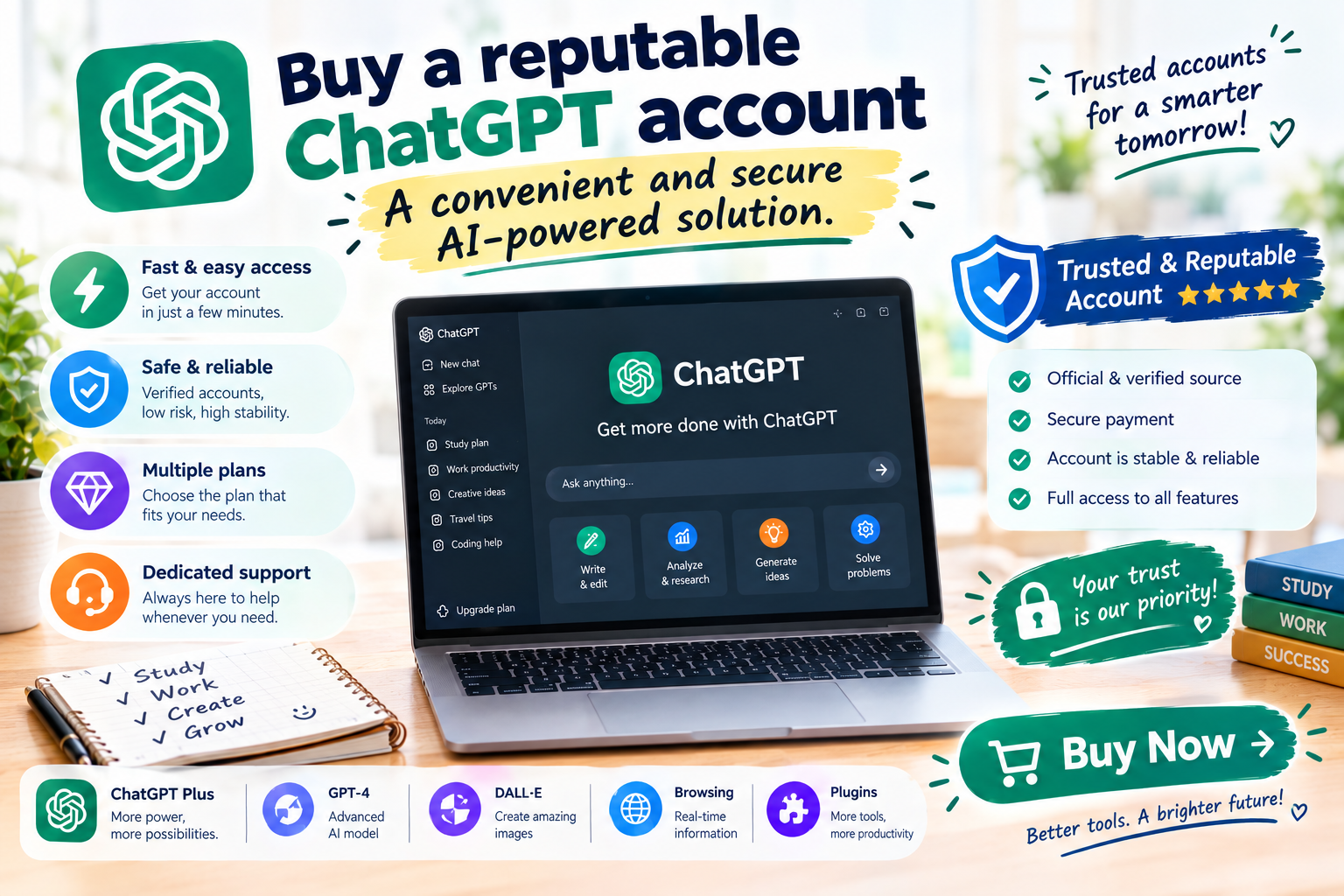
ChatGPT Plus Account (GPT-4)
16 USD

Windows 10 & 11 Pro Key
36 USD

Adobe Premiere Pro Account
99 USD

Autodesk All App Account Copyright
120 USD

Upgrade Duolingo Super
29 USD

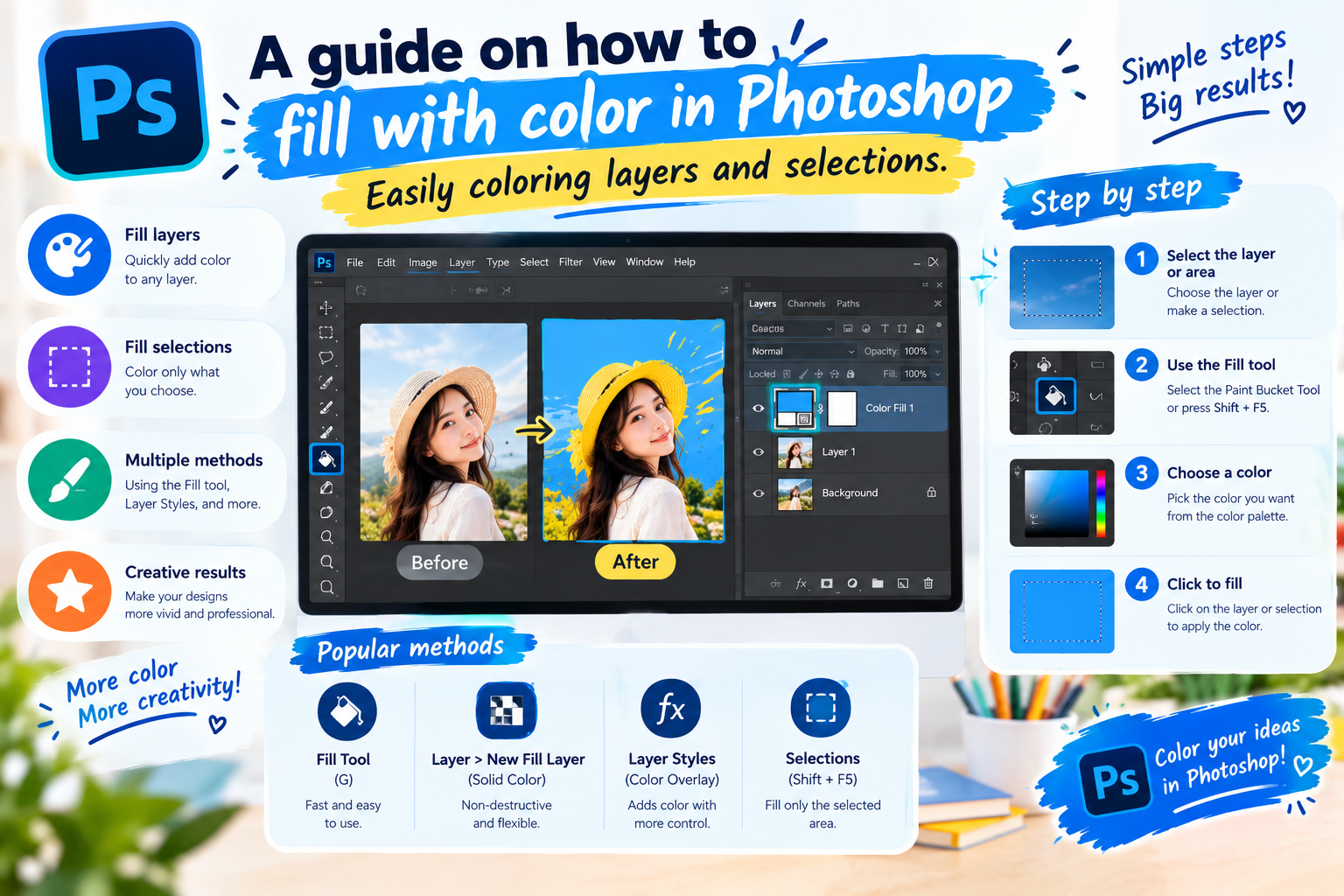
Adobe Photoshop Copyright - Full App
120 USD
What is ElevenLabs? How to use ElevenLabs to create AI voices.
Nội dung
- 1. What is ElevenLabs?
- 2. What are the advantages and disadvantages of ElevenLabs?
- 2.1 Advantages of ElevenLabs
- 2.2 Limitations to Note
- 3. Key features of ElevenLabs
- 3.1 Text-to-Speech
- 3.2 Voice Conversion
- 3.3 AI Voice Design
- 3.4 API Support
- 4. Basic usage of ElevenLabs for creating AI voices
- Step 1: Register or log in to ElevenLabs
- Step 2: Enter the content you want to read.
- Step 3: Select Voice and Model
- Step 4: Adjust the parameters
- Step 5: Generate and test the audio.
- 5. Advanced ElevenLabs Usage Guide
- Step 1: Choose or create your own voice.
- Step 2: Prepare a purposeful document.
- Step 3: Adjust vocal style
- Step 4: Listen and fine-tune
- 6. Who is ElevenLabs suitable for?
- 7. Some notes when using ElevenLabs
- 8. Conclusion
More and more content creators are choosing AI voices for videos, podcasts, commercials, and other digital products without having to record their own voices. Among the prominent tools available today, ElevenLabs stands out for its ability to create natural-looking voices with rhythm and emotion that closely resemble real human voices. So what is ElevenLabs, what features does this tool have, and how do you use ElevenLabs to create AI voices? Let''s explore the details in the article below.
1. What is ElevenLabs?
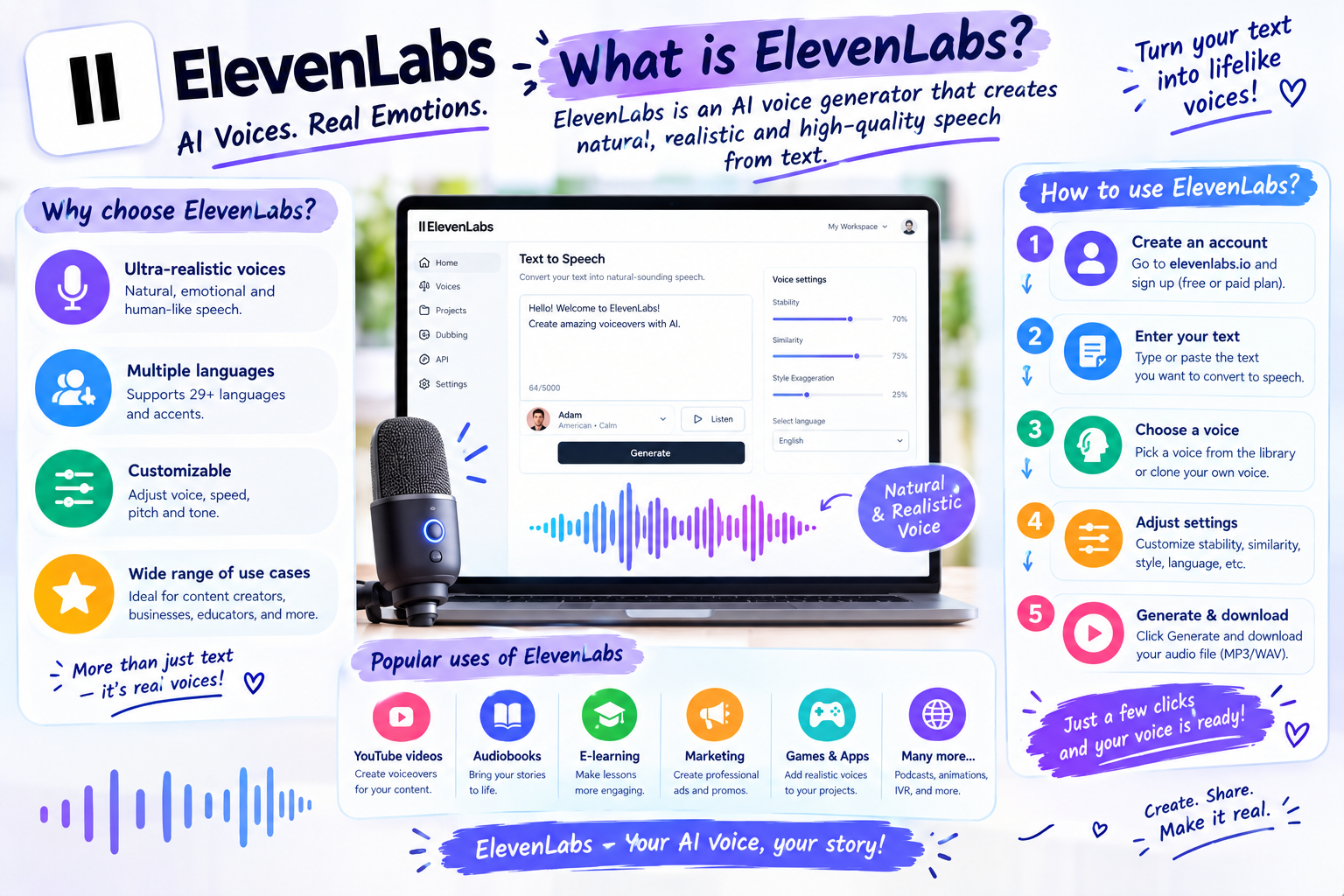
ElevenLabs is an AI platform specializing in speech technology, notable for its ability to convert text to speech and process audio using artificial intelligence. Instead of manually recording each line of dialogue, users simply prepare the content, choose a suitable voice, and let the AI create a complete audio file. A key feature is its ability to reproduce intonation, speed, and nuances in pronunciation, resulting in a more natural-sounding audio experience. ElevenLabs was founded in 2022 by Piotr Dąbkowski and Mateusz Staniszewski.
The tool quickly gained recognition within the content creation and AI product development community. In 2024, ElevenLabs announced an $80 million funding round, making the company a unicorn startup with a valuation exceeding $1 billion. If you want to experience AI tools to make your creative work, learning, and content production more convenient, you can check out Sadesign's ElevenLabs upgrade service to choose a suitable package.
2. What are the advantages and disadvantages of ElevenLabs?
2.1 Advantages of ElevenLabs
ElevenLabs has a relatively intuitive interface, so beginners can get started without needing a deep understanding of AI technology. The audio quality is also a highlight, especially when the input text is clearly prepared and matches the chosen voice.
-
Natural-sounding voice: AI can create a reading style with rhythm and intonation instead of mechanically pronouncing each word.
-
Multiple voice options: Users can search for voices suitable for different types of content.
-
Multilingual support: Suitable when creating content for a wide range of audiences.
-
Easy to use: The process from entering text to creating an audio file is relatively simple.
-
Versatile applications: Can be used for TikTok videos, YouTube, podcasts, audiobooks, advertisements, or training content.
-
There are tools available for developers: APIs that help integrate AI voice technology into websites and applications.
2.2 Limitations to Note
Besides its advantages, ElevenLabs also has some points to consider, especially if you frequently create large quantities of content.
-
Some features and usage limits depend on the specific service plan.
-
The quality of the voiceover still depends on the input text and the settings.
-
Some advanced features may take some time to get used to.
-
The process of creating and processing audio requires an internet connection.
-
Users should carefully review the terms of use and voice usage rights when producing commercial content.
3. Key features of ElevenLabs
3.1 Text-to-Speech
Text-to-Speech is the most commonly used feature on ElevenLabs. Users input the content they want read aloud, select a suitable voice and model, and then create the audio. Depending on the tools and interface at the time, users can adjust several elements to make the voice more appropriate to the content.
-
Choose your voice.
-
Adjust the speed.
-
Customize voice stability.
-
Adjust the level of stylistic expression.
-
Listen to a preview before using the final version.
3.2 Voice Conversion
ElevenLabs also offers speech processing tools based on input audio files. Users can input audio samples into the system to create different versions of speech as needed. This feature is useful in situations where you need to retain the original expression of a recording but want to change the output voice. When using it, you should also ensure you have permission to use the content and voice input into the system.
3.3 AI Voice Design
Instead of simply choosing from pre-made voices, users can utilize voice design tools to create a voice that perfectly matches their desired description. Characteristics such as age, gender, or vocal style can be used as a basis for voice creation. This is an interesting option for long-term content creators who want to develop a unique voice-over style for their channel.
3.4 API Support
ElevenLabs provides APIs that allow developers to integrate voice generation capabilities into other products or systems. This feature is suitable for businesses, programmers, or projects that need to automate the audio creation process.
4. Basic usage of ElevenLabs for creating AI voices
Step 1: Register or log in to ElevenLabs
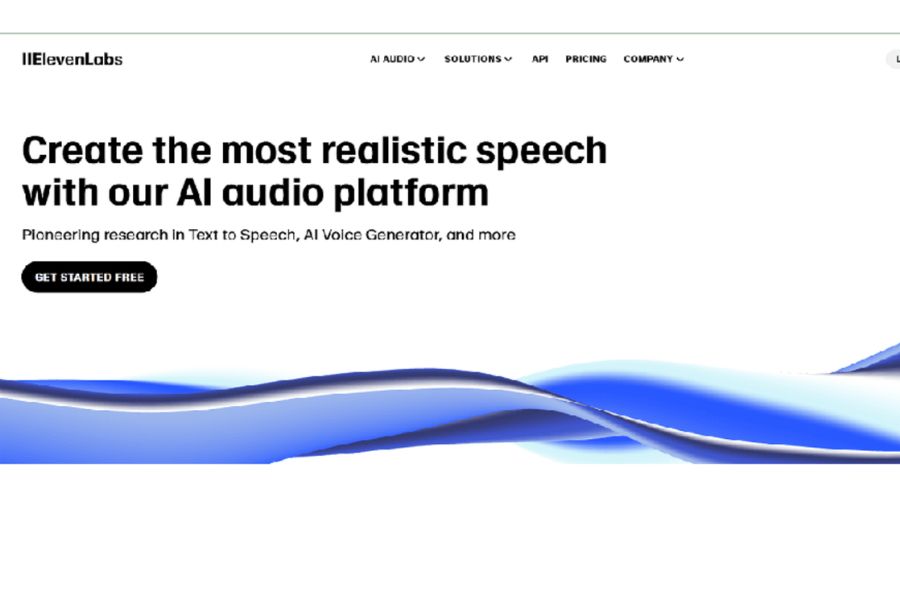
Access the ElevenLabs website and log in to your account. Depending on the time, the system may support various login methods. Once completed, you will be taken to the main working interface. If you are a new user, you should take some time to familiarize yourself with the voice creation area, voice library, and editing options.
Step 2: Enter the content you want to read.
Find a text-to-speech tool and then input the text you want to audioize. For a more natural result, you should write clear sentences, use appropriate punctuation, and divide the content into paragraphs instead of putting the entire long text in at once.
Some notes:
-
Write short, easy-to-understand sentences.
-
Use commas and periods in the correct positions.
-
Check for spelling errors before creating.
-
Break down lengthy content into smaller sections.
-
Read through the text beforehand to identify sentences that are too long or difficult to pronounce.
Step 3: Select Voice and Model
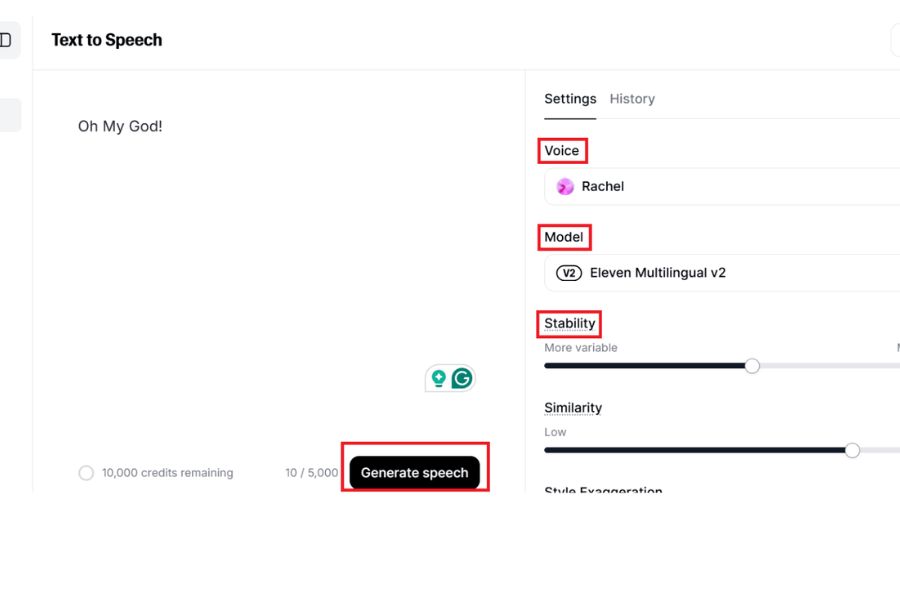
After entering your content, choose a voice that suits the topic. A knowledge-sharing video might need a clear voice, while an entertainment video might be better suited to a more lively and expressive voice. You can also try different voices to find the one that best fits your content.
Step 4: Adjust the parameters
Next, customize the parameters provided in the interface. The goal is to create a voiceover with a speed, stability, and style that matches the content. Avoid adjusting too many parameters at once. Create a short sample, listen to it, and then make further adjustments. This will help you easily see the changes between each setting.
Step 5: Generate and test the audio.
Once you've completed the setup, select Generate to have ElevenLabs process the content. After the system finishes generating, listen to the entire audio clip. If some pronunciations sound unnatural, you can go back and edit the text or change the settings and recreate it.
5. Advanced ElevenLabs Usage Guide
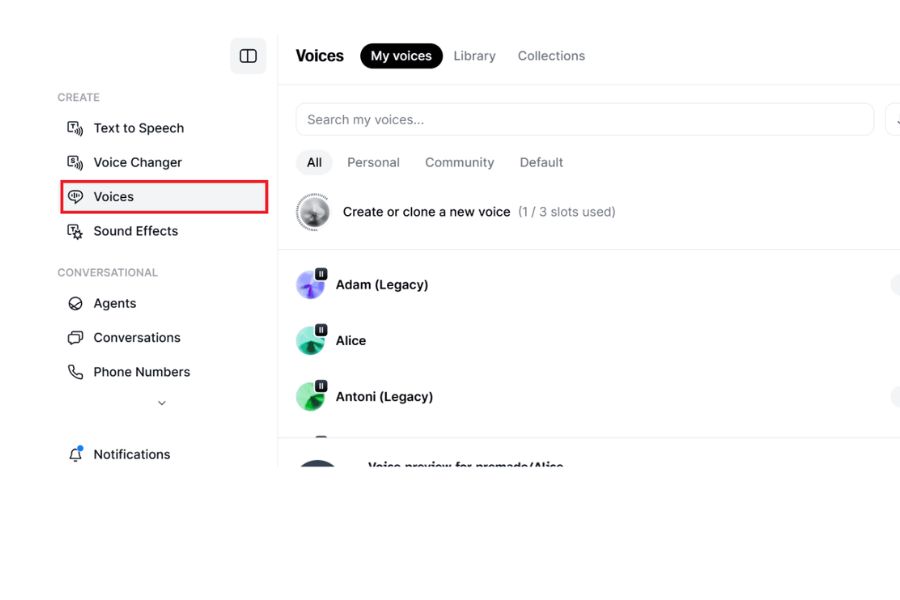
Step 1: Choose or create your own voice.
In the voice management area, you can choose from pre-existing voices or explore voice creation tools based on descriptions. When building content for a long-term channel, using a consistent voice can help videos maintain a more cohesive style.
Step 2: Prepare a purposeful document.
One of the factors that significantly impacts the results is the script itself. AI can process text better when the wording is clear and concise.
You should:
-
Use punctuation to create pauses.
-
Break down a long sentence into several shorter sentences.
-
Write numbers and symbols in a way that is easy to pronounce.
-
Check proper names and technical terms.
-
Divide the text into sections based on main ideas for easier management.
Step 3: Adjust vocal style
Settings related to stability or the level of stylistic expression can alter the feel of the voice. Therefore, try making small adjustments and listening to the results instead of changing too many parameters at once. For example, instructional content often requires a clear and stable voice, while storytelling may need a more dynamic style to avoid a monotonous sound.
Step 4: Listen and fine-tune
After each generation, check for sections where the pronunciation isn't quite right. If the problem lies in the wording, revise the script. If the problem is in the reading style, adjust the voice or parameters. The process of writing content → creating voice → listening → editing → regenerating will help you quickly find the right result.
6. Who is ElevenLabs suitable for?
Thanks to its AI-powered voice-over capabilities, ElevenLabs can be used in a wide range of audio and digital content-related work. You don't necessarily need to be an AI expert to utilize this tool. With clear content and a defined desired style, creating voiceovers becomes much simpler. Some groups of people who can use ElevenLabs include:
-
TikTok creator: Create voiceovers for short videos without recording your own audio.
-
YouTuber: Create voiceovers for tutorial videos, knowledge sharing, or storytelling.
-
Podcaster: Assists in creating audio content and experimenting with various voice styles.
-
Advertiser: Create a preview for a product promotional video.
-
Teachers and trainers: Convert lesson content into audio to make it more accessible to learners.
-
The book publisher said: "Supports creating text-based versions of books."
-
Developers: Integrate voice technology into websites or applications via APIs.
It's important to choose a voice based on its intended use, rather than just one that sounds good. A voice suitable for entertainment videos may not be appropriate for training or advertising content.
7. Some notes when using ElevenLabs
ElevenLabs speeds up the voice generation process, but the AI still requires user control. Don't rush to use the first audio file without listening to the whole thing first. Even minor errors in pronunciation, pauses, or intonation can make the video sound unnatural. To use ElevenLabs more effectively, keep the following in mind:
-
Review the script before creating it: The clearer the content, the easier the results will be to control.
-
Choose the right voice: Determine your target audience and content style beforehand.
-
Always listen to the audio file again: Pay special attention to proper names, figures, and terminology.
-
Avoid overusing AI voices: For content that requires personal emotion, a real human voice can sometimes create a better connection.
-
Be mindful of usage rights: If using someone else's voice or audio sample, ensure you have the appropriate usage rights.
-
Check the terms of business: If you're creating content for business, advertising, or monetization, carefully review the benefits of your account plan.
-
Manage your usage limits: Each plan may have different limits, so keep track of your remaining characters or credits.
8. Conclusion
ElevenLabs is a noteworthy tool in the field of AI voice, especially for those who frequently create videos, podcasts, or other digital content. From a simple piece of text, you can quickly generate a complete voiceover and further edit it to suit your own style. If you want to use advanced features and utilize ElevenLabs more conveniently, you can upgrade ElevenLabs at Sadesign to choose a package that suits your needs. When combined with a well-prepared script and a suitable voiceover, AI can become a helpful assistant, significantly shortening content production time.





















VIP Products








Best Selling Products
Upgrade Genuine Office 365
49 USD
Genuine Adobe Illustrator account
99 USD
Capcut Pro 1 Year
39 USD
MidJourney Account
29 USD
Plugin Retouch4me
69 USD
Upgrade genuine Capture One account
120 USD
Freepik Premium Account
59 USD
Copyright Adobe Lightroom Account
59 USD
Genuine Cheap Canva Pro
39 USD
ChatGPT Plus Account (GPT-4)
16 USD
Windows 10 & 11 Pro Key
36 USD
Adobe Premiere Pro Account
99 USD
Autodesk All App Account Copyright
120 USD
Upgrade Duolingo Super
29 USD
Adobe Photoshop Copyright - Full App
120 USD