1. What is Gemini Veo 3 AI? Google's new step in the AI era.
Gemini Veo 3 AI is a next-generation AI-powered video creation technology developed by Google, allowing users to transform ideas into vibrant videos from just a few lines of text or a single image. Beyond producing impressive video quality, Gemini Veo 3 AI stands out for its ability to seamlessly synchronize audio, effects, and motion, delivering an experience nearly identical to a professionally produced video. This is considered a significant advancement in AI content creation, helping individuals, businesses, and creators save considerable video production time.
Key features of Gemini Veo 3 AI:
-
Convert text or images into high-quality videos in just minutes.
-
Automatically generate audio, voiceovers, and effects that match the video content.
-
It simulates motion, lighting, and realistic cinematic settings.
-
Supports the creation of sharp videos with high resolution and detailed images.
-
The Veo 3 Fast version is optimized for speed, significantly reducing processing time.
-
It is possible to create short video clips of about 8 seconds with smooth effects.
-
Integrated directly into the Gemini ecosystem, allowing users to easily manipulate the software without needing advanced editing software.
-
Suitable for creating social media content, advertising, education, communications, and many other fields.
2. Breakthrough features when creating AI videos with Gemini Veo 3 AI
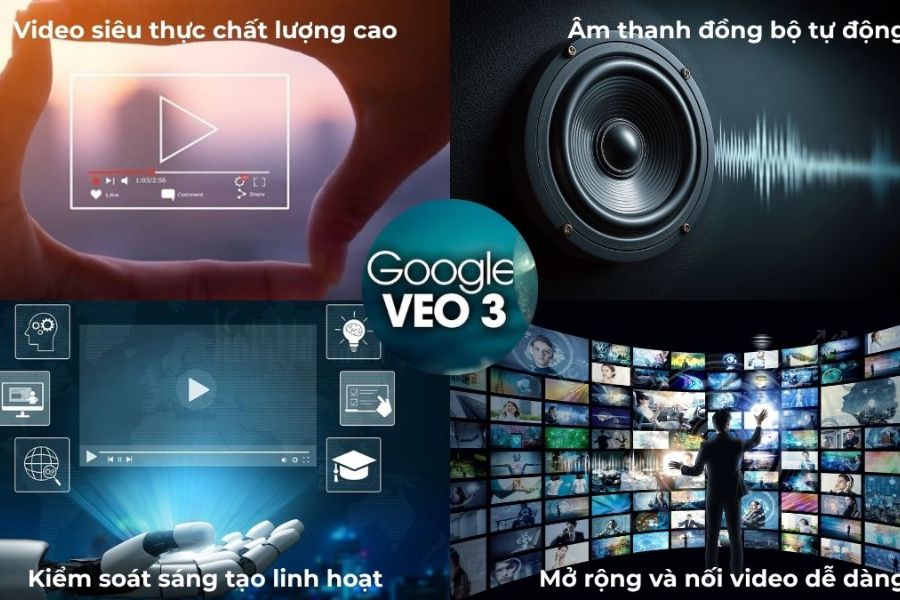
More than just a text-to-video conversion tool, Gemini Veo 3 AI offers advanced technologies that elevate content quality to a new level. From realistic image creation and intelligent audio synchronization to flexible creative control, Gemini Veo 3 AI is becoming the top choice for those who want to produce professional videos quickly without needing complex video editing skills.
Key features of Gemini Veo 3 AI:
-
Create hyper-realistic videos with impressive quality: Supporting resolutions from HD to 4K, reproducing natural lighting, motion, and physics effects, the resulting videos feel as authentic as if they were shot with a professional camera.
-
Intelligent audio synchronization: Gemini Veo 3 AI can automatically generate ambient sounds, sound effects, background music, and dialogue that match the content, providing a more immersive and seamless viewing experience.
-
Easily convert text or images into videos: Users simply enter a description or upload an image, and the AI will automatically build the context, characters, and movements to match the original idea.
-
Flexible video customization: Supports multiple aspect ratios such as landscape, portrait, or square, meeting the needs of content creation on YouTube, TikTok, Facebook, and other digital platforms.
-
Smooth video extension and stretching: AI can extend footage, maintaining consistency in character, style, and setting, making storytelling more natural and engaging.
-
Fast processing speed: With performance-optimized versions, Gemini Veo 3 AI significantly shortens video production time, thereby increasing work efficiency for content creators and businesses.
3. Instructions for creating AI videos directly on Gemini Veo 3 AI
Creating videos with Gemini Veo 3 AI is one of the fastest ways to turn ideas into impressive footage without needing advanced video editing experience. With a user-friendly interface and simple process, users can create a complete video from short descriptions in just a few minutes.
3.1. Log in to Gemini
First, visit the official Gemini website and select the Sign In button to begin. Then, choose the Google account you want to use, enter your password, and complete the authentication process. With just a few simple steps, you can access Google's powerful AI ecosystem and start experiencing Gemini Veo 3 AI .
3.2. Enter the video description prompt.
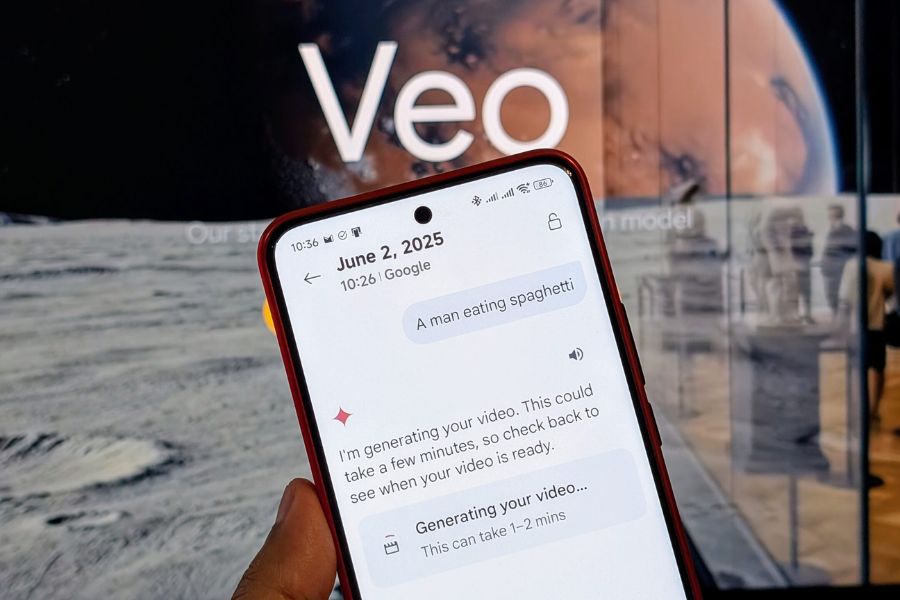
After successfully logging in, on the main interface, select the Tools section and click on the Create Video feature . Next, enter a description of the video you want the AI to create. The more detailed the prompt is about the setting, characters, style, and emotions, the easier it will be for Gemini Veo 3 AI to understand your idea, thus creating a video that is closer to your wishes.
3.3. Start creating a video
Once you've finished the description, press the Submit button or the Enter key to start processing. Within minutes, Gemini Veo 3 AI will automatically analyze the request, create appropriate images, motion, and sound to build the complete video. After receiving the results, you can preview, evaluate the quality, and further adjust the prompt if you want to optimize the video to match your original vision.
4. Tips for writing effective AI video creation prompts using Gemini Veo 3 AI
To fully utilize the power of Gemini Veo 3 AI , writing a high-quality prompt is crucial to the final result. The more detailed and clear the prompt, the easier it is for the AI to understand the idea, thus creating a video that closely matches the desired visuals, motion, and emotion. Instead of simply describing the concept, users should provide additional context, style, and technical elements to help Gemini Veo 3 AI create more professional and engaging footage.
Tips for optimizing prompts when using Gemini Veo 3 AI:
-
Describe the setting in detail: Specify the location, time, lighting, and mood of the scene. For example, "a beach at sunset, soft golden sunlight, gentle waves, a relaxing atmosphere" will yield more accurate results than a general description.
-
Add camera movement to the prompt: Requests such as "camera pan from left to right," "slow zoom on the subject," or "top angle" will help make the video more dynamic and immersive.
-
Use concise, clear statements: Avoid including too many irrelevant points in a single prompt. A coherent structure will help Gemini Veo 3 AI process information faster and generate more accurate content.
-
Define your video style from the start: Clearly state your desired style, such as cinematic, 3D animation, short film, product advertisement, or travel vlog, so that the AI can shape the content accordingly.
-
Detailed character and action descriptions: If the video features characters, include information about their appearance, clothing, expressions, and actions to increase consistency in the footage.
-
Continuously experiment and refine your prompt: Sometimes, simply changing a few keywords or adding more details can significantly improve video quality. This is a secret many content creators apply when working with AI.
-
Combining emotional elements and atmosphere: Keywords like "warm," "dramatic," "suspenseful," "inspiring," or "luxurious" will help Gemini Veo 3 AI create videos with more depth and appeal to viewers.
5. Some important notes when using Gemini Veo 3 AI to create videos.
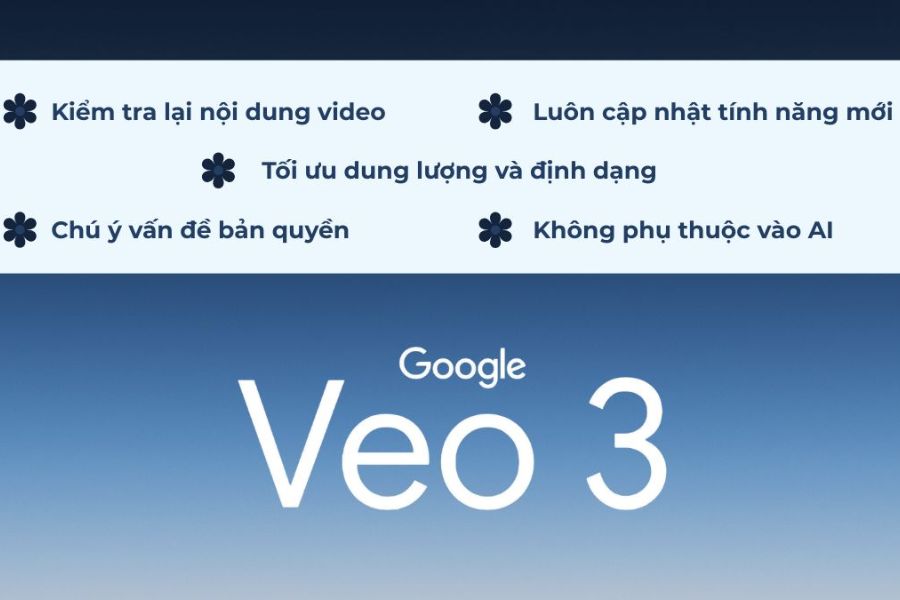
Although Gemini Veo 3 AI boasts the ability to create high-quality videos quickly, users still need to combine the power of AI with human control to achieve the best results. Understanding the principles of use not only improves video quality but also minimizes errors related to content, copyright, and viewer experience. Below are some important points to remember when working with Gemini Veo 3 AI.
Things to know when using Gemini Veo 3 AI:
-
Carefully review the content after creating the video: Even with powerful AI processing capabilities, errors in imagery, motion, or logical consistency can sometimes occur. Review the entire video before publishing.
-
Be mindful of copyright issues: Avoid using copyrighted images, characters, or ideas when creating content. This helps ensure your videos are safer when uploaded to digital platforms.
-
Choose the appropriate resolution and format: Depending on your intended use, you should select the appropriate video quality to ensure a good viewing experience and optimize storage space.
-
Not entirely dependent on AI: Gemini Veo 3's AI is an effective creative tool, but manual editing, adding effects, or fine-tuning content is still essential for creating professional-quality products.
-
Stay up-to-date with the latest features: Google regularly upgrades Gemini Veo 3 AI with numerous improvements to image, sound, and performance. Updating to the latest version will help you take full advantage of the most advanced technologies.
-
Optimize the prompt before creating the video: A clear, detailed, and structured command will help the AI understand the requirements correctly, resulting in higher quality results that are closer to the original concept.
-
Ensure content is compatible with the platform: Each platform, such as TikTok, YouTube, or Facebook, has its own requirements for aspect ratio and video length, so adjustments should be made from the start.
6. Conclusion
The introduction of Gemini Veo 3 AI marks a significant leap forward in the field of artificial intelligence-based content creation. Not only does it help users quickly create videos from text, but this technology also delivers impressive image quality, natural motion, and the ability to visually realize ideas. In the context of the increasing demand for video content production, Gemini Veo 3 AI is becoming a potential solution for creators, marketers, businesses, and anyone wanting to create professional videos without investing heavily in technical skills or complex equipment. It is considered one of the most noteworthy AI technologies, contributing to changing how people approach and produce digital content in the future.