Best Selling Products

Upgrade Duolingo Super
29 USD

ChatGPT Plus Account (GPT-4)
16 USD

Upgrade genuine Capture One account
120 USD

Genuine Cheap Canva Pro
39 USD

Copyright Adobe Lightroom Account
59 USD

Upgrade Genuine Office 365
49 USD

Capcut Pro 1 Year
39 USD

Windows 10 & 11 Pro Key
36 USD

MidJourney Account
29 USD

Adobe Premiere Pro Account
99 USD

Genuine Adobe Illustrator account
99 USD

Autodesk All App Account Copyright
120 USD

Freepik Premium Account
59 USD

Plugin Retouch4me
69 USD

Adobe Photoshop Copyright - Full App
120 USD
What Is Photo Manipulation? From Photoshop Techniques to Visual Art
Nội dung
- 2. What Are the Characteristics of Photo Manipulation?
- 2.1. Combining Multiple Visual Elements
- 2.2. Using Advanced Photoshop Techniques
- 2.3. Creativity and Imagination
- 2.4. Image Transformation
- 2.5. High Aesthetic Value
- 3. What You Need to Prepare Before Designing in the Manipulation Style
- 3.1. Creating a Storyboard
- 3.2. Compositing Skills
- 3.3. Color Blending Skills
- 3.4. Shadow Creation Skills
- 3.5. Using High-Quality Images
- 4. Applications of Manipulation
Photo Manipulation is not only a software-based technique but also an art of composition and visual storytelling. This article helps you gain a deeper understanding of the core characteristics of this style.
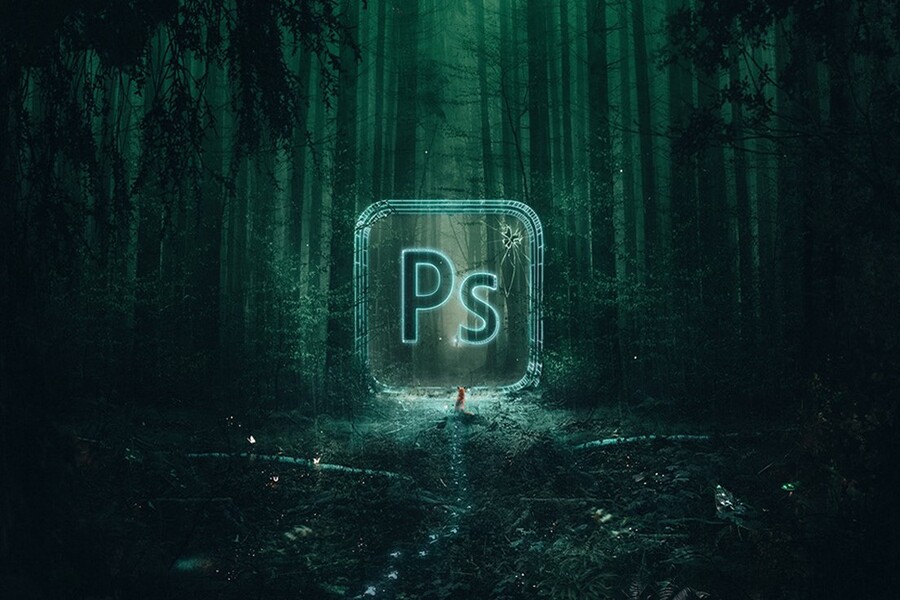
1. What Is Manipulation?
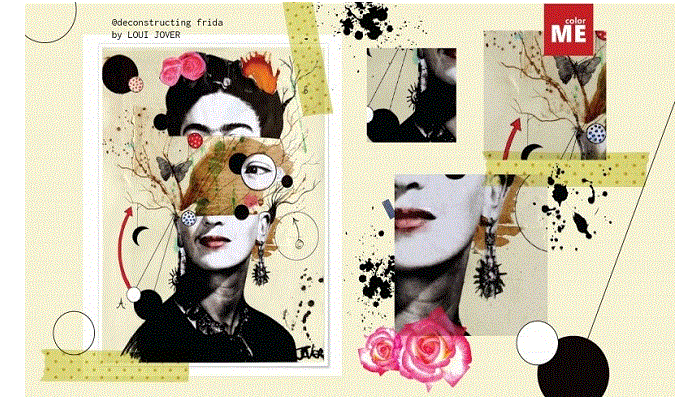
Photo Manipulation is a visual art form that combines photography and graphic design, in which artists use image-editing software such as Adobe Photoshop to transform, combine, and reconstruct various visual elements into a highly creative final artwork.
Unlike traditional photo editing, which mainly focuses on adjusting lighting, color, or removing imperfections, manipulation allows designers to go beyond the limits of reality. From separate images that may have no relation to one another, artists can create surreal environments, imaginative narratives, or visually powerful symbolic imagery.
The essence of Photo Manipulation does not lie in how powerful the software is, but in the creative thinking of the artist. Photoshop is merely a tool, while ideas, imagination, and aesthetic sensitivity are the factors that determine the quality of the final work. A skilled manipulation designer not only knows how to use software but also understands how to tell stories through images and organize compositions that immerse viewers in the worlds they create.
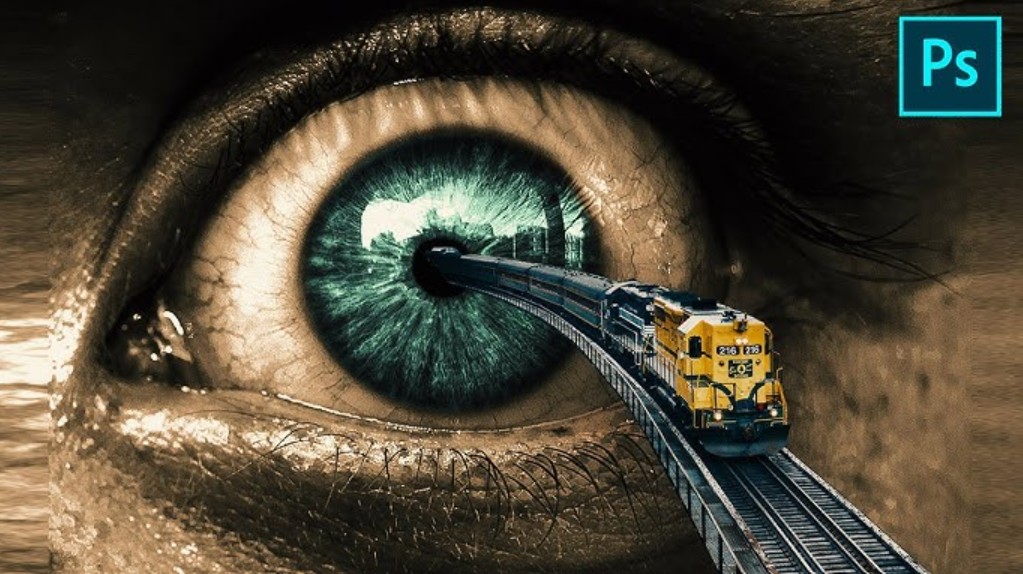
To create a design in the manipulation style, designers must master various skills, including precise image compositing, effective layout design, harmonious color blending, realistic lighting and shadow creation, and overall visual space management. Every small detail contributes to the credibility and impact of the final artwork.
2. What Are the Characteristics of Photo Manipulation?
Photo Manipulation possesses distinctive characteristics that clearly separate it from other photo editing or graphic design styles. These characteristics are reflected not only in technique but also in creative thinking and visual approach.
2.1. Combining Multiple Visual Elements
One of the most recognizable characteristics of manipulation is the combination of multiple images to create a unified artwork. Artists may use landscape photos, portraits, objects, textures, or lighting effects from different sources and then merge them into a completely new environment.
This process requires subtlety and keen observation. Simply combining multiple images does not automatically create manipulation. The elements must work together harmoniously in terms of scale, perspective, lighting, and color. When done successfully, viewers find it difficult to distinguish between original elements and added components, and this is often considered the greatest achievement of a manipulation artwork.
2.2. Using Advanced Photoshop Techniques
Manipulation requires a strong technical foundation in Photoshop or equivalent image-editing software. Mastery of layers, masks, blend modes, adjustment layers, and selection tools is essential.
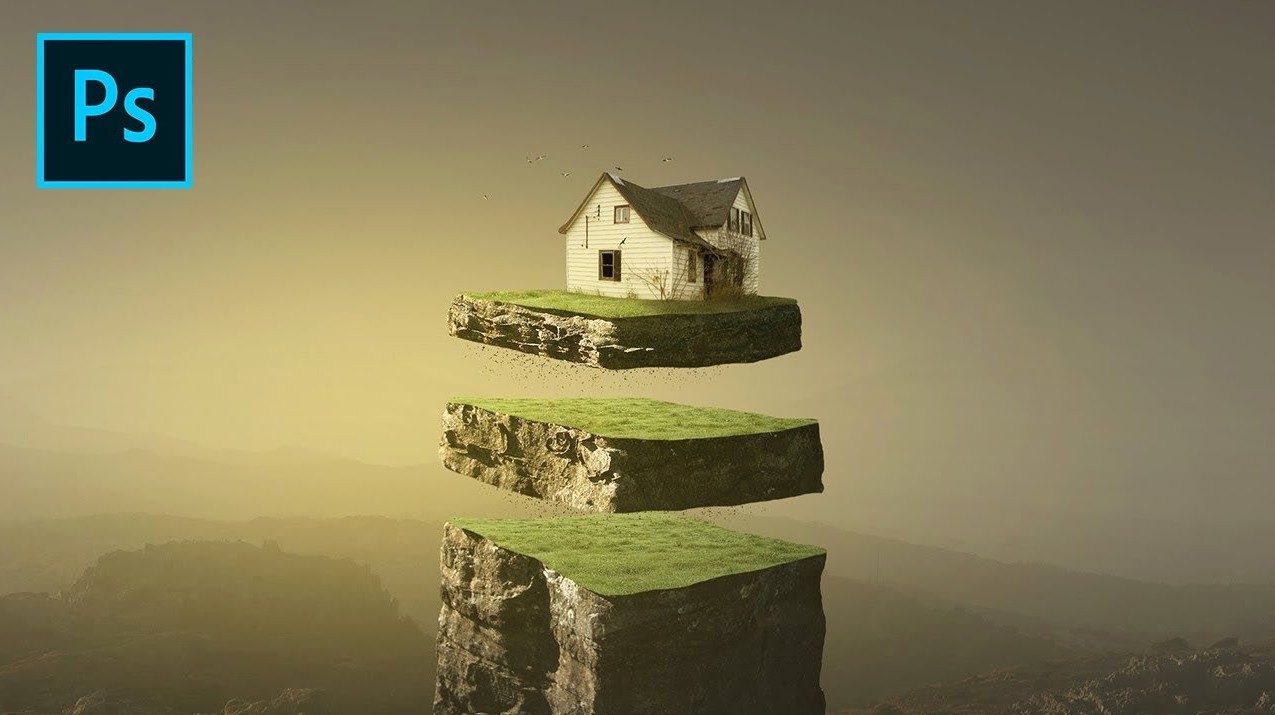
Unlike quick editing tasks, manipulation is a meticulous process that demands patience and precision. Even a small mistake in masking or lighting can break the realism of the entire composition. Therefore, technical proficiency in manipulation goes beyond simply knowing how to use tools; it involves understanding the purpose of each technique and applying it effectively and flexibly.
2.3. Creativity and Imagination
Creativity is the soul of Photo Manipulation. Without imagination, manipulation would merely become a collection of disconnected image composites lacking emotional impact. Artists need the ability to visualize the artwork in their minds before beginning, from the overall scene down to the smallest details.
Imagination enables designers to move beyond the ordinary limitations of photography and create symbolic, metaphorical, or surreal imagery. These may depict scenarios that are impossible in reality yet feel entirely believable visually, captivating viewers and sparking curiosity.
2.4. Image Transformation
Manipulation allows artists to alter the structure, color, and lighting of images according to their vision. Objects can be distorted, enlarged, reduced, or reshaped to fit the overall concept. Lighting can be adjusted to evoke specific emotions, ranging from dark and mysterious to vibrant and dreamlike.
This transformative capability makes manipulation a powerful tool for communication. By altering imagery, artists can guide viewers’ emotions and create deeper, multi-layered interpretations.
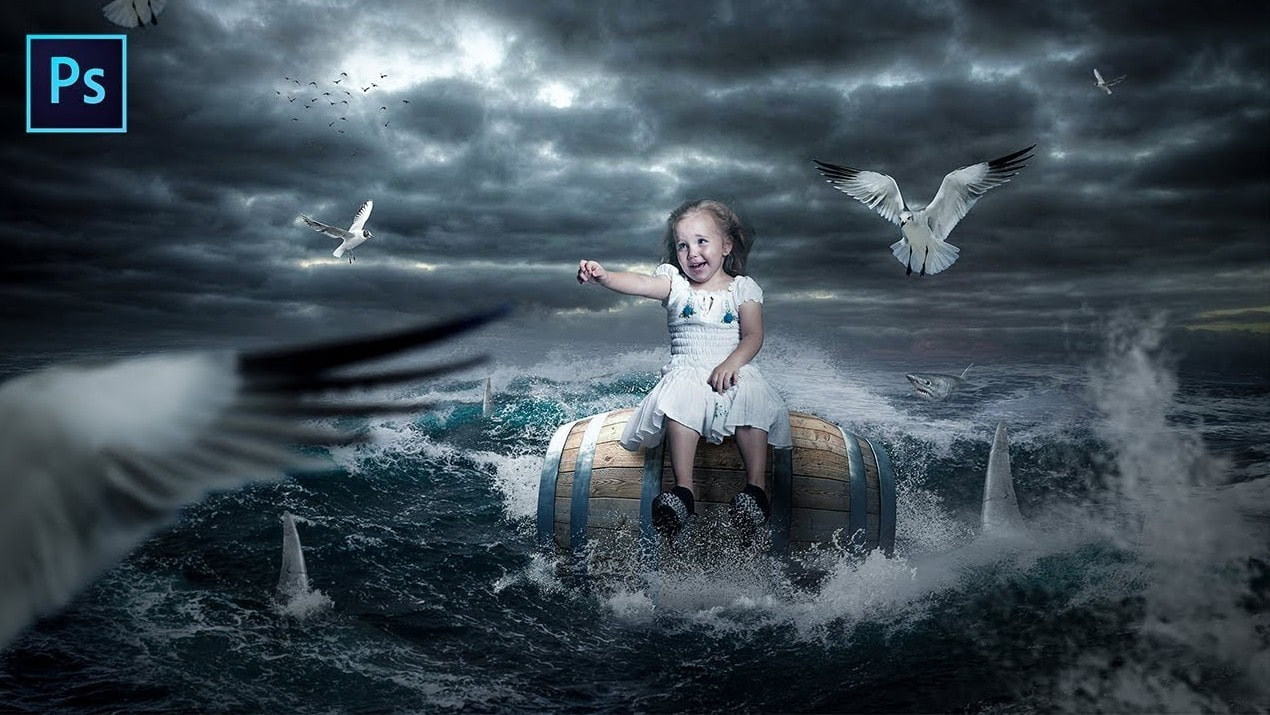
2.5. High Aesthetic Value
A successful manipulation artwork is not only impressive because of its concept but must also achieve a high level of aesthetic quality. This is reflected in balanced composition, harmonious color schemes, consistent lighting, and equilibrium among visual elements.
Aesthetic sensitivity is not an innate trait but rather the result of continuous practice, observation, and experience. Manipulation artists need a refined eye to know when to add details, when to simplify, and how to create a composition that is rich in visual information without becoming overwhelming.
3. What You Need to Prepare Before Designing in the Manipulation Style
To seriously and professionally pursue manipulation, designers must prepare both mentally and technically. Proper preparation from the beginning makes the execution process more efficient and helps minimize avoidable mistakes.
3.1. Creating a Storyboard
A storyboard serves as the preliminary blueprint for the entire manipulation artwork. It helps visualize ideas, composition, and visual elements before beginning detailed work in Photoshop.
In a storyboard, designers can sketch primary and secondary elements, determine their placement within the frame, and define relationships between visual components. Even if drawing skills are limited, simple shapes and notes are often sufficient to clarify the concept.
Storyboarding not only saves time during production but also prevents situations where designers realize halfway through the project that the composition is ineffective or the concept lacks consistency. Although often overlooked by beginners, it is a crucial habit among professional designers.
3.2. Compositing Skills
Image compositing is the most fundamental technical skill in manipulation. Separating subjects from their original backgrounds requires a high level of precision, especially for complex details such as hair, fur, soft edges, or transitional lighting areas.
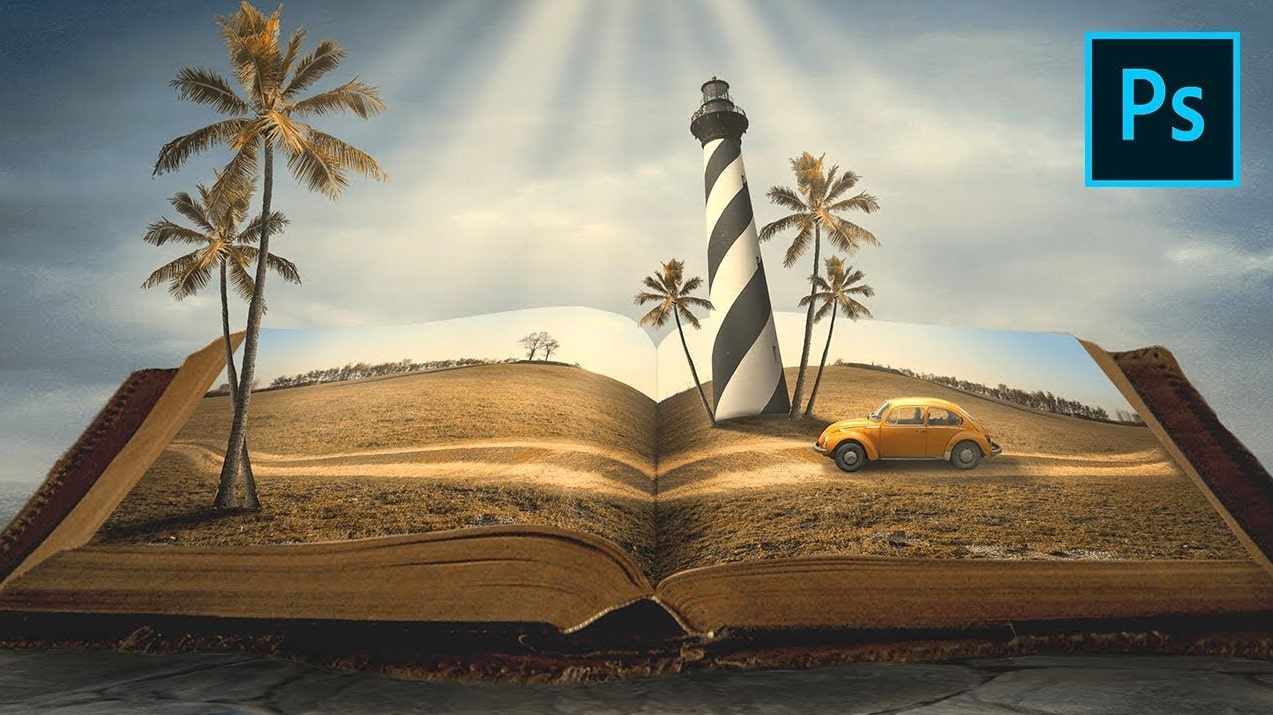
Adobe Photoshop offers excellent tools for this process. Quick Selection Tool, Magic Wand Tool, and Object Selection Tool allow fast initial selections. Select & Mask with Refine Edge helps refine difficult details. For projects requiring absolute precision, the Pen Tool remains the best choice, despite being more time-consuming.
Strong compositing skills ensure that subjects blend naturally into new environments without visible outlines or signs of editing.
3.3. Color Blending Skills
After compositing, one of the biggest challenges beginners face is inconsistency in color and lighting among different image elements. Each source image is typically captured under different conditions, causing the final composition to appear disconnected.
Color blending helps unify tone, brightness, and contrast across all elements within the artwork. Using adjustment layers such as Color Balance, Curves, Levels, Hue/Saturation, and Gradient Map, designers can create a consistent color environment that makes the image feel more harmonious and realistic.
This skill requires significant practice and experience because there is no universal formula for color blending. Every artwork demands a unique approach depending on the intended concept and emotional atmosphere.
3.4. Shadow Creation Skills
Lighting and shadows are crucial factors in determining the realism of a manipulation artwork. Once the primary light source has been established, adding appropriate shadows to surrounding objects helps create depth and visual logic.
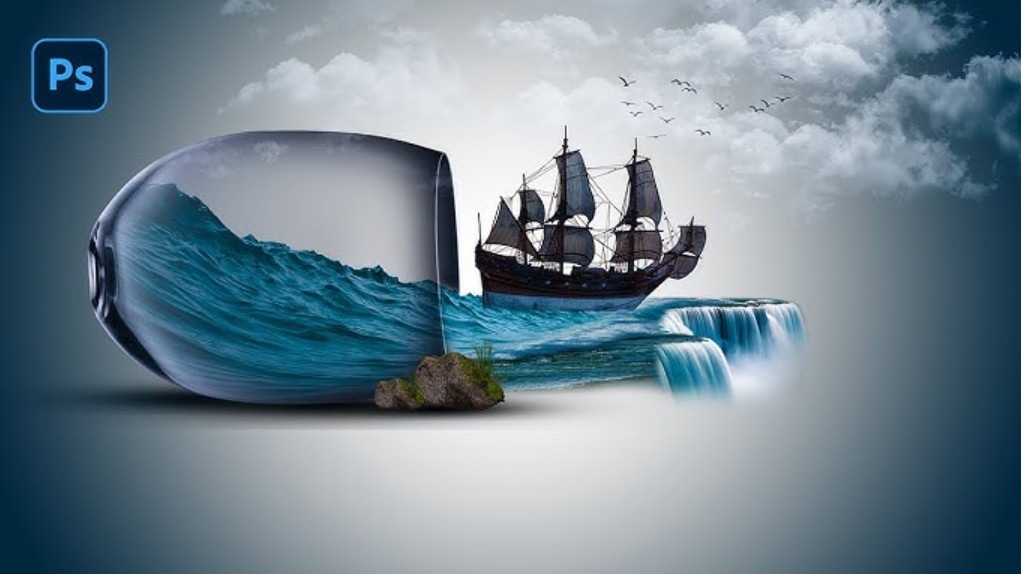
Incorrect shadow direction, intensity, or shape can make an artwork appear artificial and unconvincing. This skill requires designers to understand real-world lighting principles and carefully observe how light interacts with objects under various conditions.
3.5. Using High-Quality Images
The quality of source images directly affects the quality of the final manipulation artwork. Using high-resolution stock images allows designers to adjust color, lighting, and details without encountering issues such as pixelation or excessive noise.
Manipulation often involves extensive editing and transformation, meaning low-quality images quickly reveal their weaknesses and reduce the overall aesthetic value of the work. Although fundamental, this factor is critically important in any design style.
4. Applications of Manipulation
Photo Manipulation is not limited to personal artistic expression. It is widely applied across many industries and aspects of modern life.
In advertising, manipulation is used to create striking product visuals that tell stories and capture audience attention. These images commonly appear on posters, banners, flyers, and digital marketing campaigns, helping brands stand out in highly competitive environments.
For personal artistic projects, manipulation serves as a medium through which artists express their individuality, style, and perspective. Many manipulation artworks have become powerful personal signatures, widely shared on social media platforms or exhibited in art galleries.
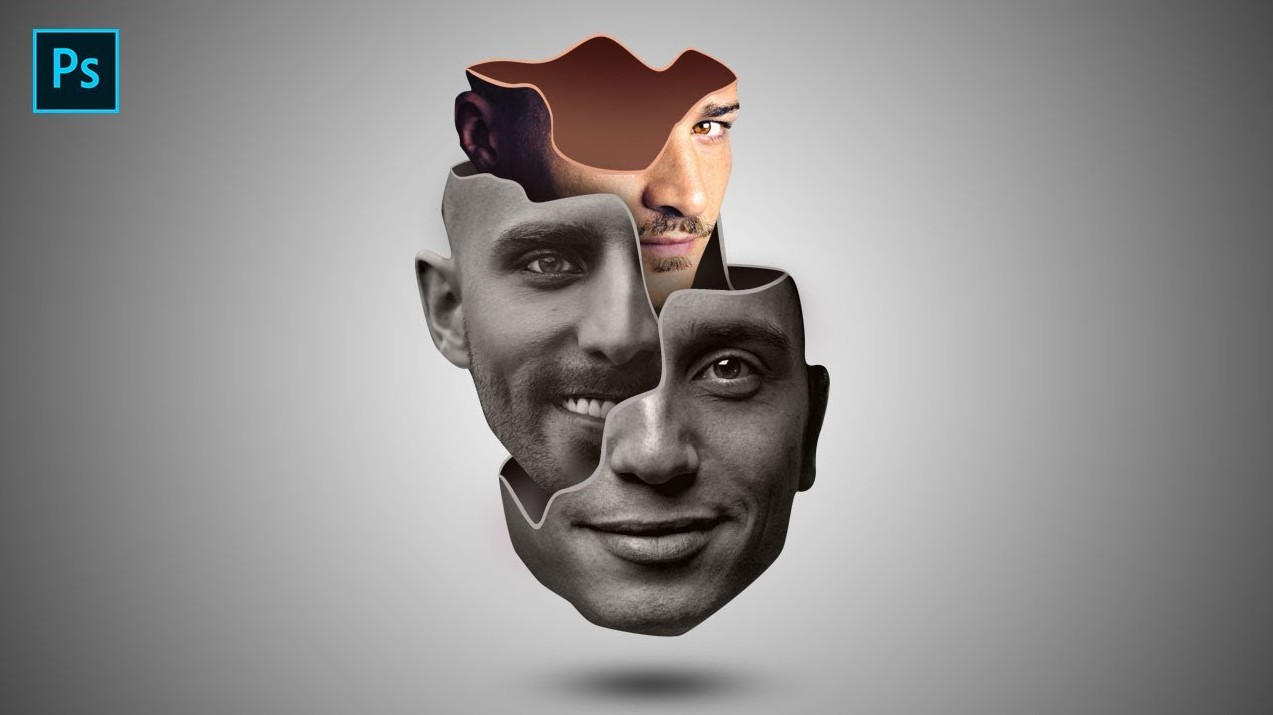
In the fashion industry, manipulation plays an important role in building brand identity and communicating the spirit of new collections. Through image transformation and creative visual storytelling, designers can create iconic visuals that clearly express fashion trends and inspirations.
In media and publishing, manipulation is used to illustrate articles and make content more engaging and accessible. A strong manipulation image can often communicate information far more quickly and effectively than text alone.
Photo Manipulation is not merely a photo-editing technique but an art form that requires a harmonious combination of technical skills, creative thinking, and aesthetic sensitivity. For those pursuing a professional design career, investing time in learning and mastering manipulation not only enhances personal capabilities but also opens up numerous career opportunities in the future. As technology and creative demands continue to evolve through 2026 and beyond, Photo Manipulation will undoubtedly remain one of the fundamental pillars of modern design.





















VIP Products








Best Selling Products
Upgrade Duolingo Super
29 USD
ChatGPT Plus Account (GPT-4)
16 USD
Upgrade genuine Capture One account
120 USD
Genuine Cheap Canva Pro
39 USD
Copyright Adobe Lightroom Account
59 USD
Upgrade Genuine Office 365
49 USD
Capcut Pro 1 Year
39 USD
Windows 10 & 11 Pro Key
36 USD
MidJourney Account
29 USD
Adobe Premiere Pro Account
99 USD
Genuine Adobe Illustrator account
99 USD
Autodesk All App Account Copyright
120 USD
Freepik Premium Account
59 USD
Plugin Retouch4me
69 USD
Adobe Photoshop Copyright - Full App
120 USD