Best Selling Products

Windows 10 & 11 Pro Key
36 USD

Autodesk All App Account Copyright
120 USD

Upgrade Duolingo Super
29 USD

ChatGPT Plus Account (GPT-4)
16 USD

Upgrade genuine Capture One account
120 USD

Upgrade Genuine Office 365
49 USD

Adobe Photoshop Copyright - Full App
120 USD

Genuine Adobe Illustrator account
99 USD

Capcut Pro 1 Year
39 USD

Plugin Retouch4me
69 USD

Genuine Cheap Canva Pro
39 USD

MidJourney Account
29 USD

Freepik Premium Account
59 USD

Copyright Adobe Lightroom Account
59 USD

Adobe Premiere Pro Account
99 USD
What Is UI UX? Why Is It an Indispensable Field of the Digital World?
Nội dung
Every time you open a food-ordering app, scroll through social media or transfer money through online banking, you are interacting with the results of UI and UX design work. When everything runs smoothly, is easy to understand and feels pleasant, you barely notice the presence of design. But when an app is confusing, buttons are hard to find or responses are sluggish, you immediately feel annoyed and ready to leave. This article will help you understand what UI and UX are, how these two concepts differ, what people in this profession actually do, which tools they need, and why this is a career path worth considering.
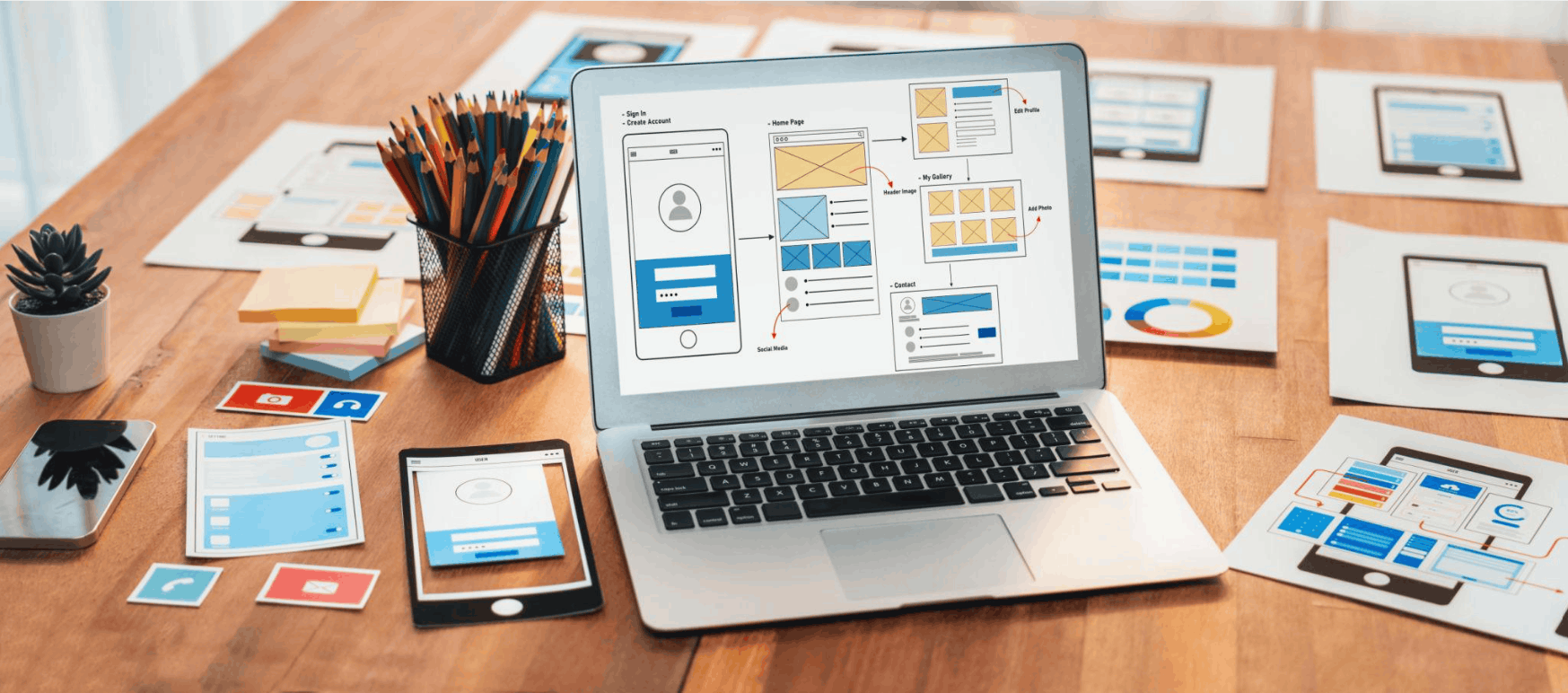
1. User interface (UI) design and the art of making a first impression
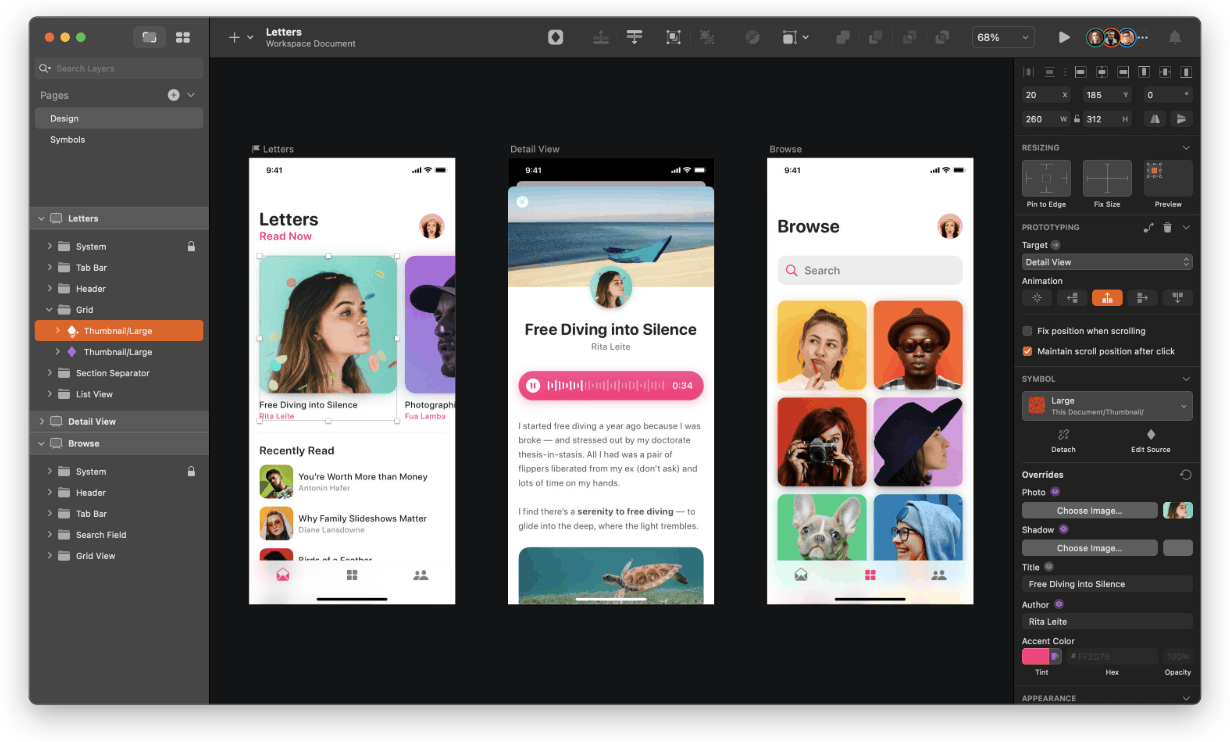
UI stands for User Interface. It is everything users see and touch when using a digital product, including icons, buttons, navigation bars, menus, forms, images, colors, fonts and the way all those components are arranged on the screen. In other words, UI is the layer of direct communication between humans and the system.
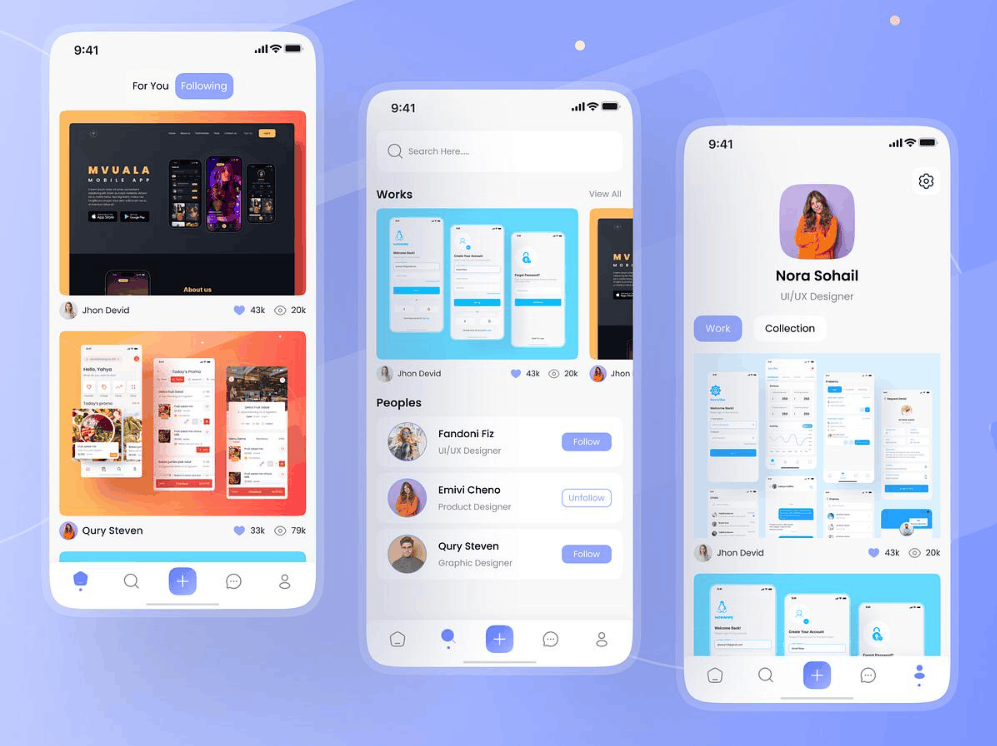
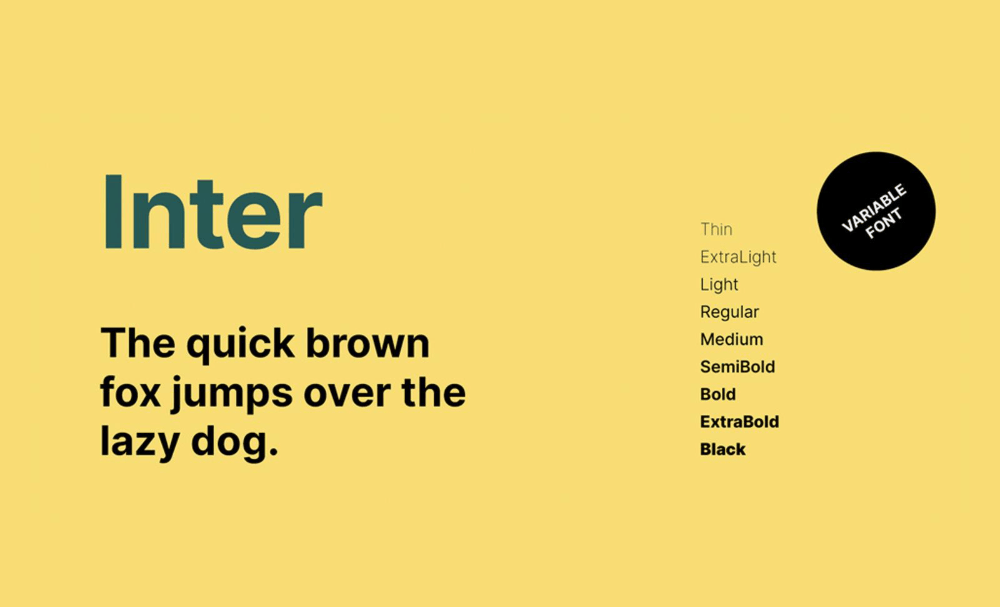
UI design is not simply about making a product look good. A good interface must help users immediately understand where they are, what they can do and what the next step is without having to think too much. To achieve that, designers must weigh a whole range of factors such as color palette, type system, white space, contrast, consistency across screens, touch target size and the hierarchical layout of information. Decisions that seem minor, such as the color of a call-to-action button or the spacing between two lines of text, all affect users' ability to read, understand and operate the product.
The importance of UI lies in the fact that users form a judgment about a website or app within just the first few seconds. A clean, professional and easy-to-understand interface creates a sense of trust and encourages them to explore further. Conversely, a cluttered interface, glaring colors or confusing navigation will make them leave quickly, raising the bounce rate and missing opportunities to convert customers. Therefore, UI is the face of the product, the place that turns an ordinary interface into an attractive and useful experience through imagery, language and aesthetic elements.
2. User experience (UX) design and the customer journey
UX stands for User Experience. If UI answers the question of what the product looks like, then UX answers the question of how the product works and feels when used. UX design covers the entire user journey, from the moment they learn about the product, use it for the first time, complete a task, up to when they come back or recommend it to others.
The goal of UX is not only to make the product usable, but also to make it useful, easy to learn, efficient and satisfying. To do this, UX designers must start by understanding users. They research needs, habits, goals and the difficulties users encounter, then turn those insights into concrete solutions. This process usually goes through several stages such as research, building user personas, mapping journeys, designing interaction flows, building interface frameworks, testing and continuous improvement.
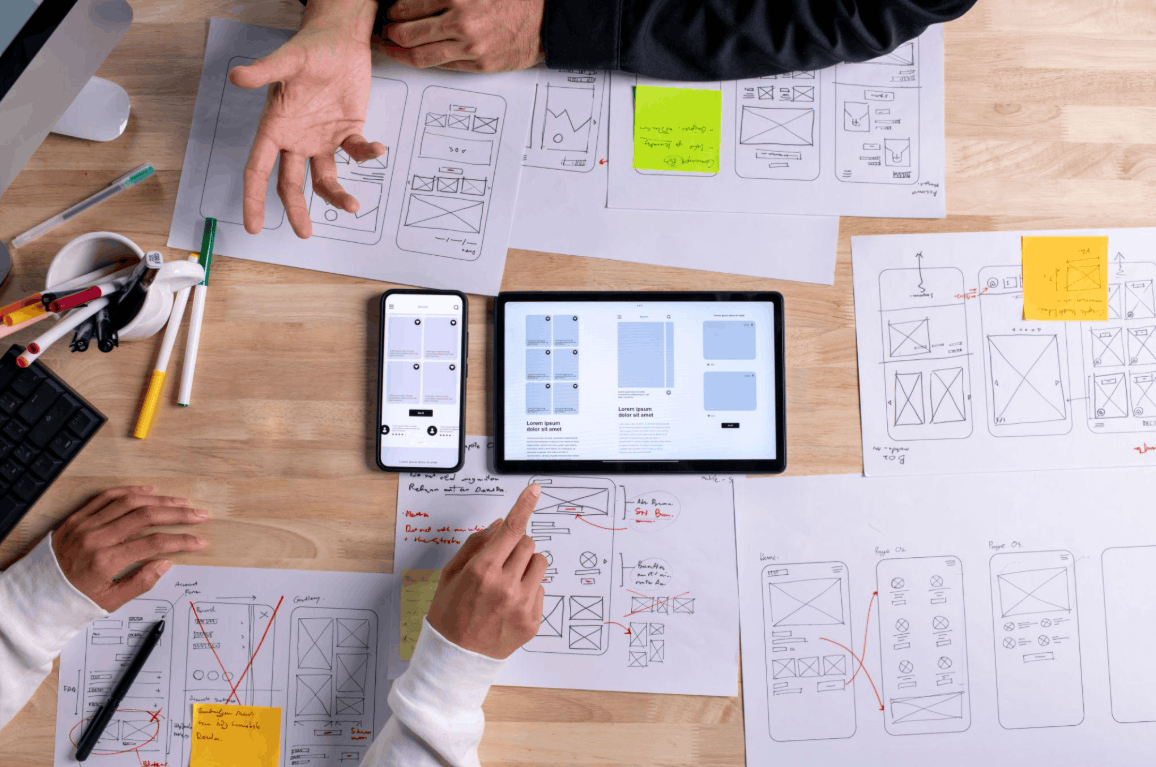
UX is also inseparable from the business and technical context. A good UX designer must consider business requirements, technological limits and market conditions to come up with solutions that are both feasible and valuable. Imagine you want to book a ride through an app. The app recognizing your location, suggesting frequently used destinations, displaying the price clearly and letting you book with just a few taps is the result of UX thinking. A good experience makes users feel that the product truly understands them.
3. Popular UI UX tools for designers
To turn ideas into concrete products, designers need a suitable set of tools. Each tool has its own strengths, and which one to choose often depends on the scale of the project as well as the habits of the team.
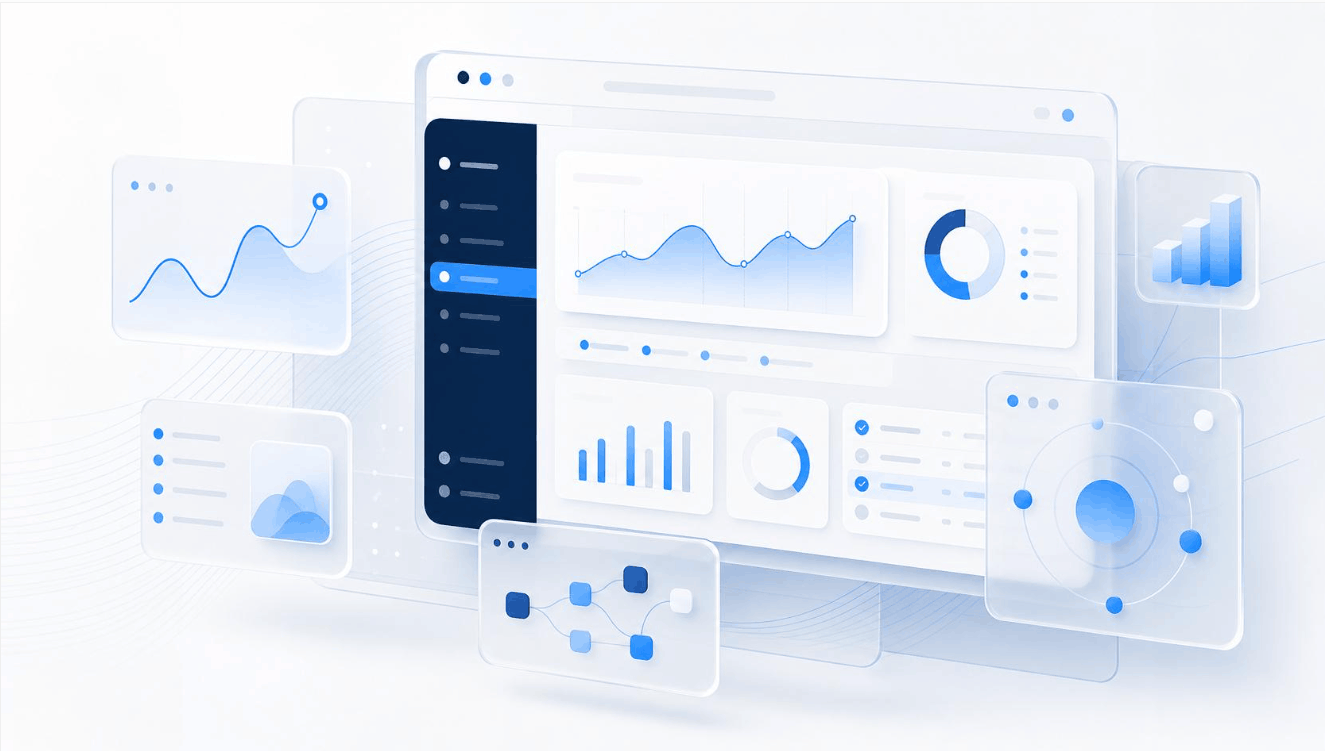
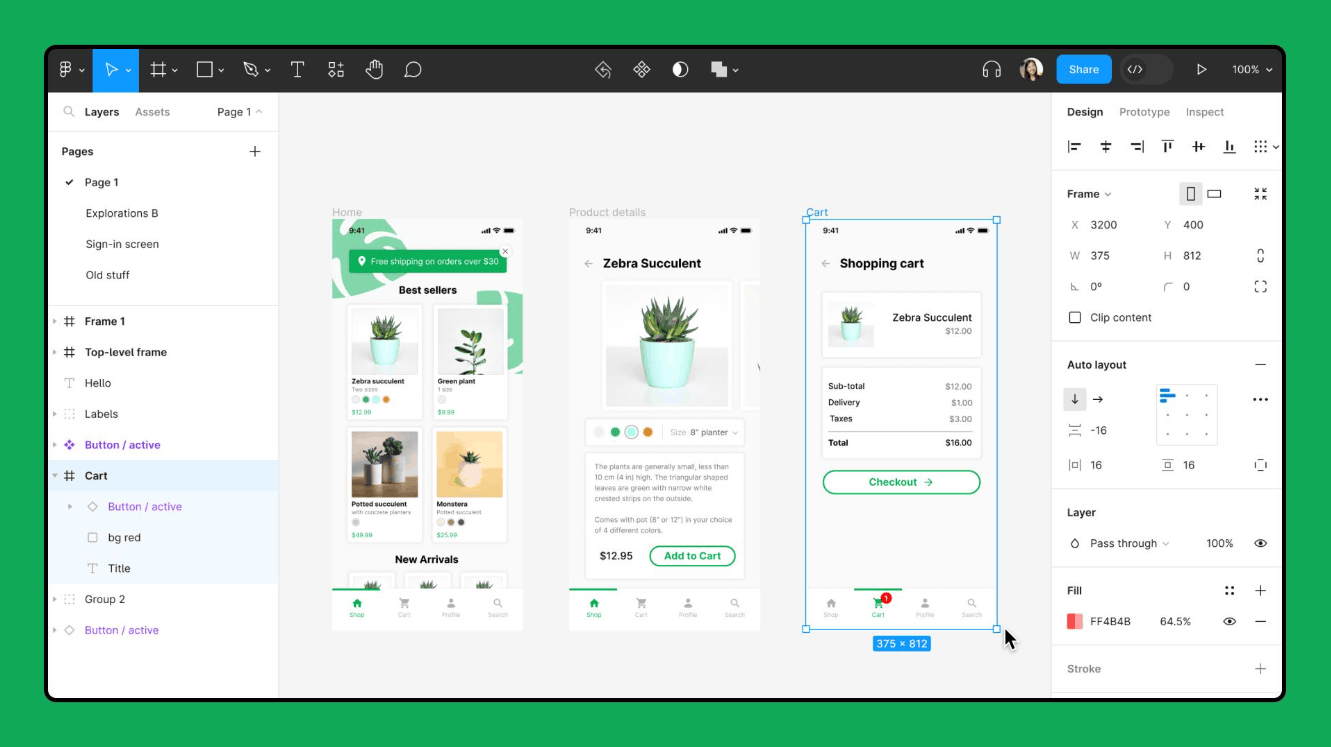
Figma is currently the most widely used tool. Operating on a web platform, Figma allows multiple people to edit a file at the same time in real time, supporting interface building, prototype creation, design system management and handoff to developers in the same environment. Sketch is a familiar choice for macOS users, strong in vector interface design and with a rich plugin ecosystem.
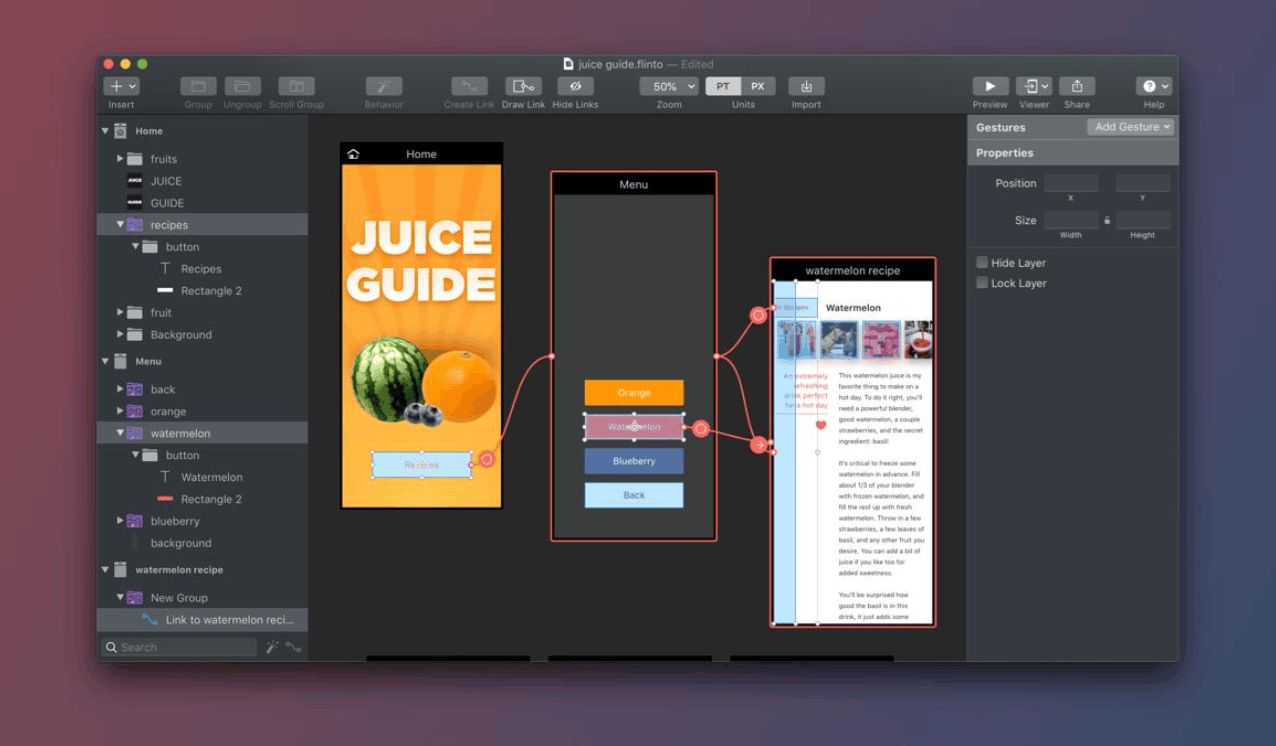
Flinto is a macOS program specializing in creating interactive prototypes. With Flinto, you can create screen transition effects, micro-interactions, insert videos or GIF animations directly into the design and even add interface sounds, making ideas more vivid. Webflow, on the other hand, suits those who want to design websites without being proficient in HTML or CSS. This tool lets you build a prototype into a real web page, automatically generating standard HTML and CSS code as you add micro-interactions, and also provides many ready-made interface templates to save time.
In addition, tools such as Framer, InVision or Principle support prototyping and animation, Miro and FigJam serve teamwork and idea mapping, while Maze or UserTesting help test with real users. What matters is that tools are only a means, while design thinking is what determines the quality of the product.
4. The difference between UI and UX
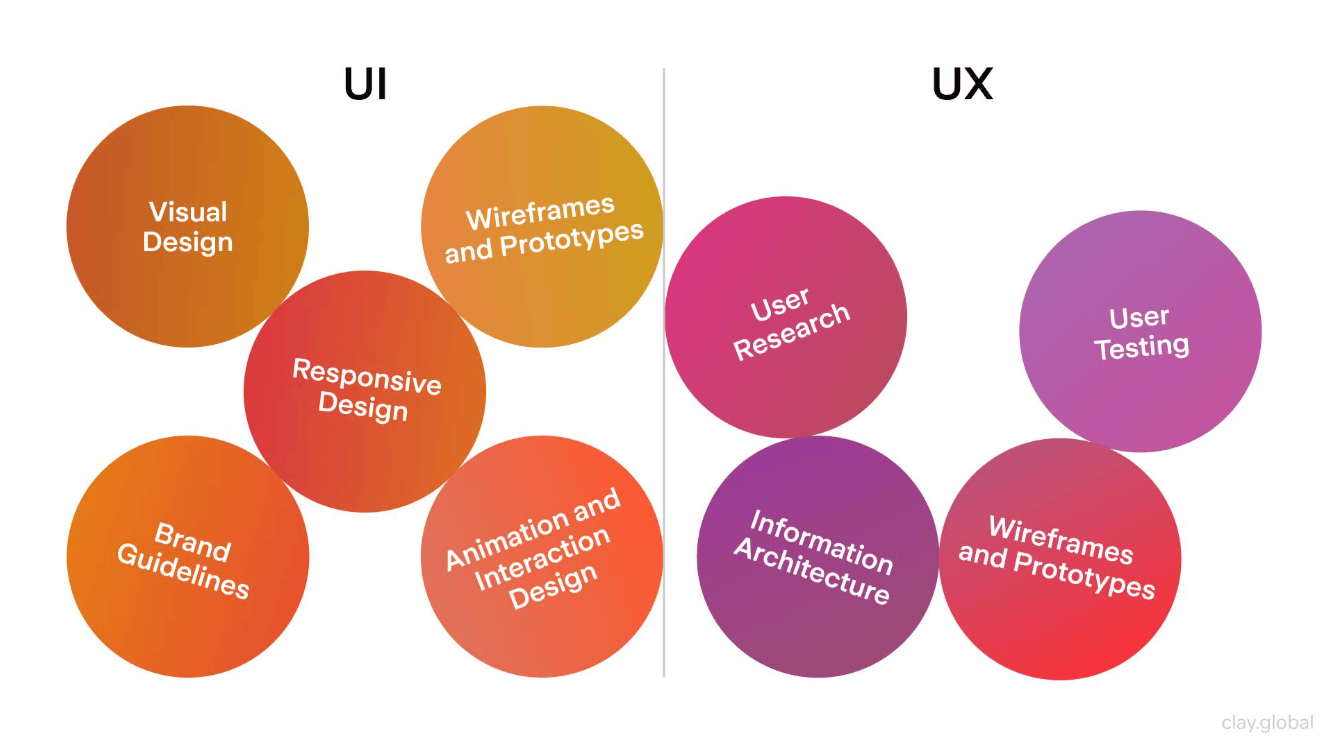
Although they are often mentioned together and sometimes used interchangeably, UI and UX are two different concepts in focus and scope.
UI focuses on presentation. It cares about every detail of the screen, how labels are named, the visual style, design rules and the structure of components. The question UI needs to answer is what the product looks like and how the elements are arranged. UX focuses on usability and the user's overall feeling. The question of UX is whether users can achieve their goals easily, quickly and with satisfaction.
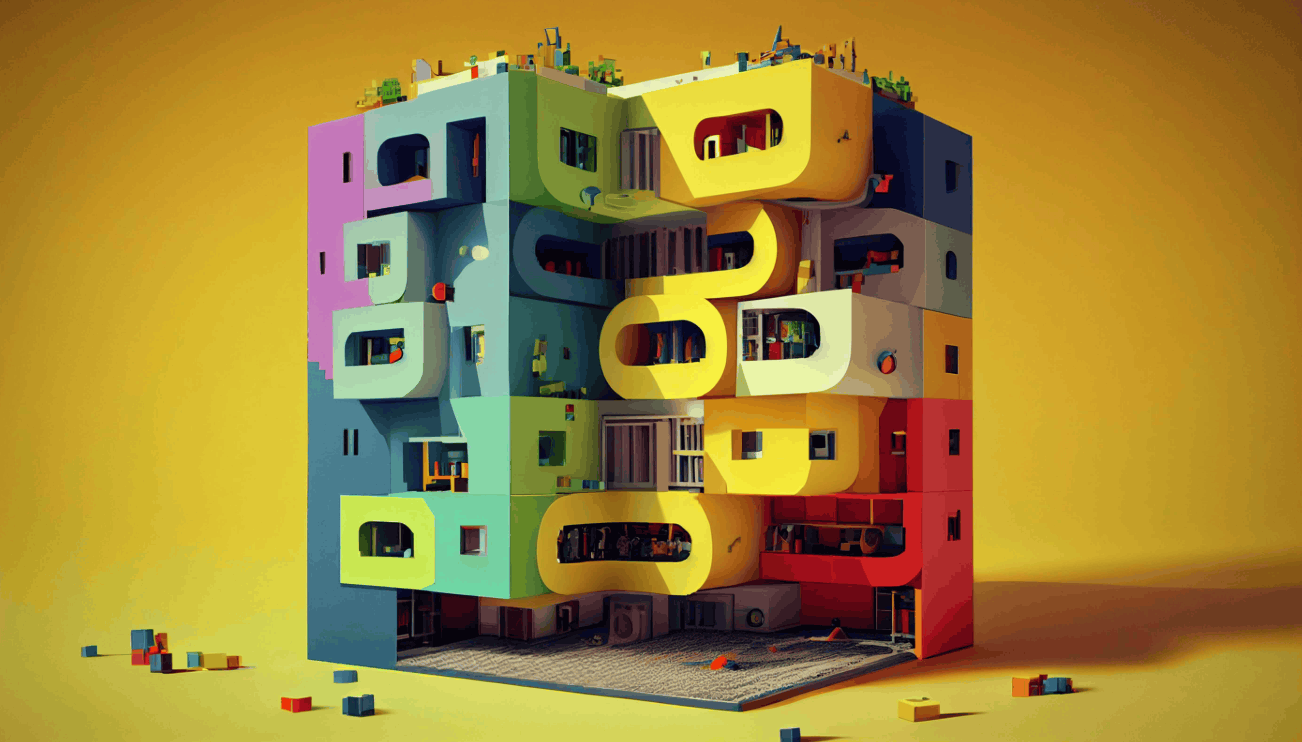
It can be understood through a simple comparison. Imagine a house. UX is like the functional blueprint, deciding how the rooms are arranged so that daily living is convenient. UI is like the furniture and decoration, deciding how beautiful, cozy and tasteful the house is. A beautiful house with an illogical layout will tire its occupants, while a practical house that is ugly will struggle to win people's affection.
Consider two more real-world examples. Major e-commerce platforms stand out for their attractive interfaces and easy-to-use navigation bars, which is the strength of UI. Meanwhile, online banking is a typical example of good UX when customers can log in, check balances, transfer money and pay bills smoothly and securely without many cumbersome steps.
5. Is UI or UX better
This is a common question, especially for people newly exploring this field, but in fact neither is better than the other. UI and UX complement each other and together create a complete product. Good UX brings natural, efficient and enjoyable interaction with the product, while good UI makes using it simple and friendly. Lacking either one, the product becomes unbalanced. A beautiful interface with a confusing flow will disappoint, while a logical flow with an unattractive interface will struggle to build trust.
Therefore, when it comes to choosing a direction, the answer depends on your strengths and interests. If you enjoy research, behavior analysis, problem-solving and systems thinking, UX may suit you better. If you are sensitive to aesthetics, colors and typography and love creating beautiful interfaces, UI will be a good starting point. At many companies, especially small businesses and startups, one person may take on both roles. Therefore, whichever direction you choose, you should still master the basics of both to work effectively and have more career options in the future.
6. Notable examples of UI UX design
Observing successful products is the best way to understand how UI UX design works in practice.
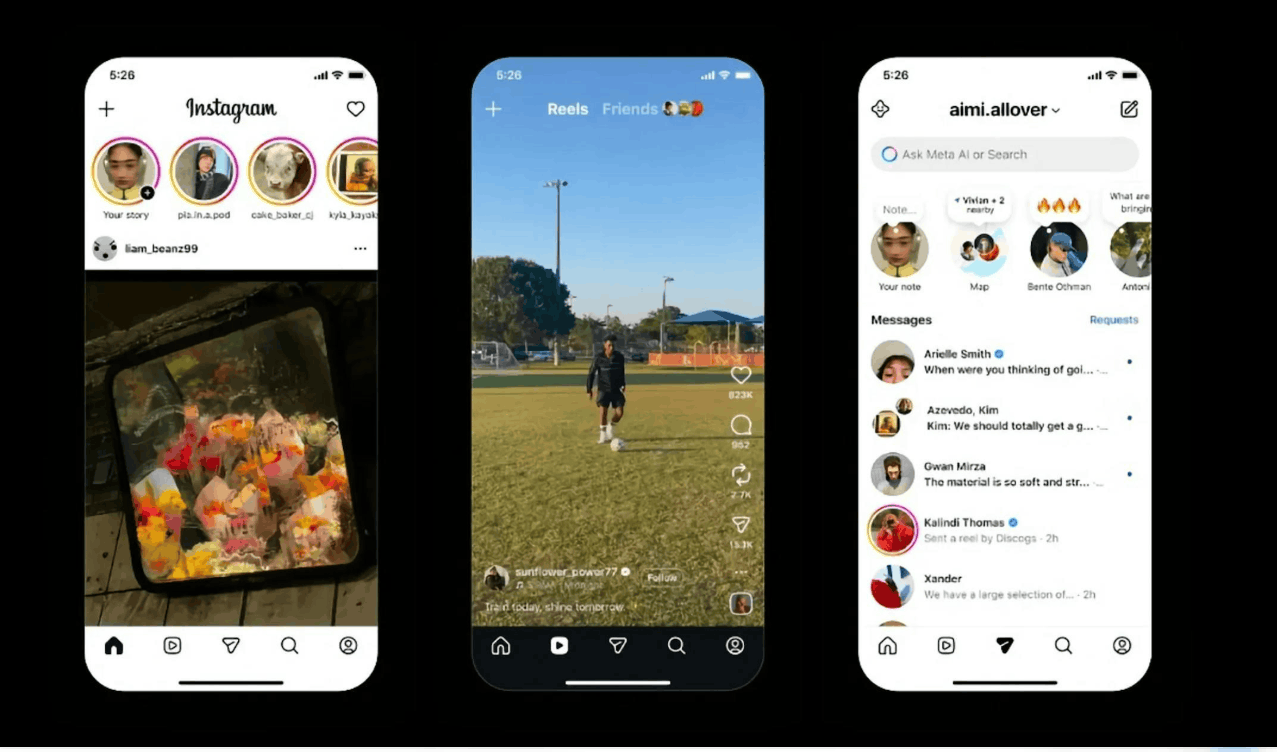
Instagram is a prominent example. The app's architecture lets users scroll through an almost endless stream of visual content for a long time without feeling overwhelmed. The balanced layout, the organized arrangement and the way the app places images at the center keep content as the focal point, while actions such as liking, commenting or sharing are all within reach.
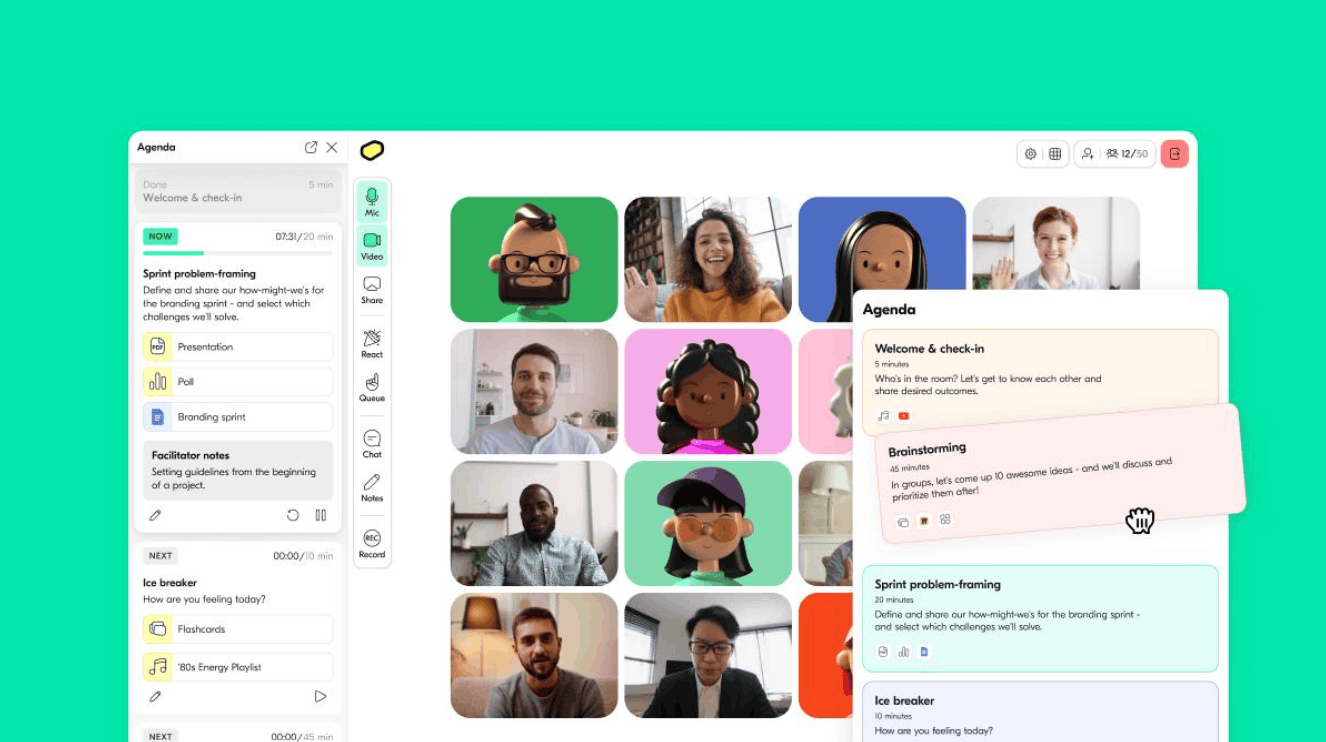
Butter is an online collaboration platform with the goal of making remote working sessions light and smooth. Their interface expresses that spirit very clearly with bright colors, lovely illustrations, wording full of personality and sometimes even GIF animations. The interface is simple, with plenty of white space and clear contrast, both convenient and good-looking, while conveying the brand's friendly personality.
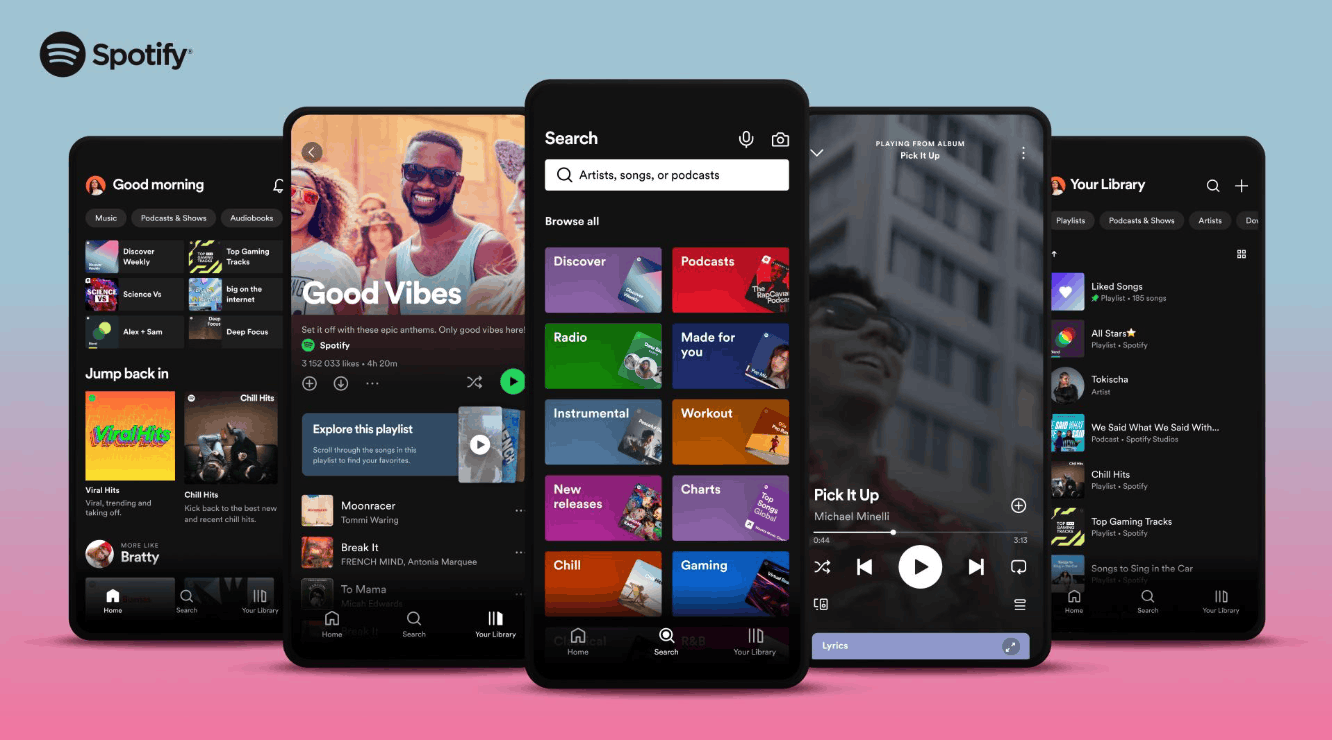
Spotify is another excellent example of the combination of UI and UX. The app has an elegant, clean design, a clear menu structure and intuitive gesture interactions on mobile devices. Its biggest strength lies in personalization, with playlists and music recommendations suited to each listener, along with many options such as creating your own playlists, a sleep timer or making friends to share music. The experience is kept consistent across many devices and platforms, so users can switch from phone to computer without interruption.
7. Conclusion
UI UX design is not just about making a product look better, but the art and science of putting people at the center of every design decision. UI brings an attractive and easy-to-operate appearance, UX ensures the entire usage journey is logical and memorable, and when combined harmoniously, they create products that make users want to come back.
The future of this field is very promising. As technology grows ever more complex, from voice interfaces, artificial intelligence, virtual reality and augmented reality to the Internet of Things, the demand for intuitive, easy-to-use and consistent experiences across many devices will only increase. If you are looking for a career that combines creativity, analytical thinking and real impact on the lives of millions of people, UI UX design is a path worth starting to explore today.





















VIP Products








Best Selling Products
Windows 10 & 11 Pro Key
36 USD
Autodesk All App Account Copyright
120 USD
Upgrade Duolingo Super
29 USD
ChatGPT Plus Account (GPT-4)
16 USD
Upgrade genuine Capture One account
120 USD
Upgrade Genuine Office 365
49 USD
Adobe Photoshop Copyright - Full App
120 USD
Genuine Adobe Illustrator account
99 USD
Capcut Pro 1 Year
39 USD
Plugin Retouch4me
69 USD
Genuine Cheap Canva Pro
39 USD
MidJourney Account
29 USD
Freepik Premium Account
59 USD
Copyright Adobe Lightroom Account
59 USD
Adobe Premiere Pro Account
99 USD