Best Selling Products

Upgrade Genuine Office 365
49 USD

Plugin Retouch4me
69 USD

Genuine Adobe Illustrator account
99 USD

ChatGPT Plus Account (GPT-4)
16 USD

Upgrade Duolingo Super
29 USD

Freepik Premium Account
59 USD

Upgrade genuine Capture One account
120 USD

Copyright Adobe Lightroom Account
59 USD

Windows 10 & 11 Pro Key
36 USD

Adobe Photoshop Copyright - Full App
120 USD

Adobe Premiere Pro Account
99 USD

Autodesk All App Account Copyright
120 USD

Capcut Pro 1 Year
39 USD

Genuine Cheap Canva Pro
39 USD

MidJourney Account
29 USD
What types of VPNs are there? Learn about 5 popular VPN types and how to choose the right one for you.
Nội dung
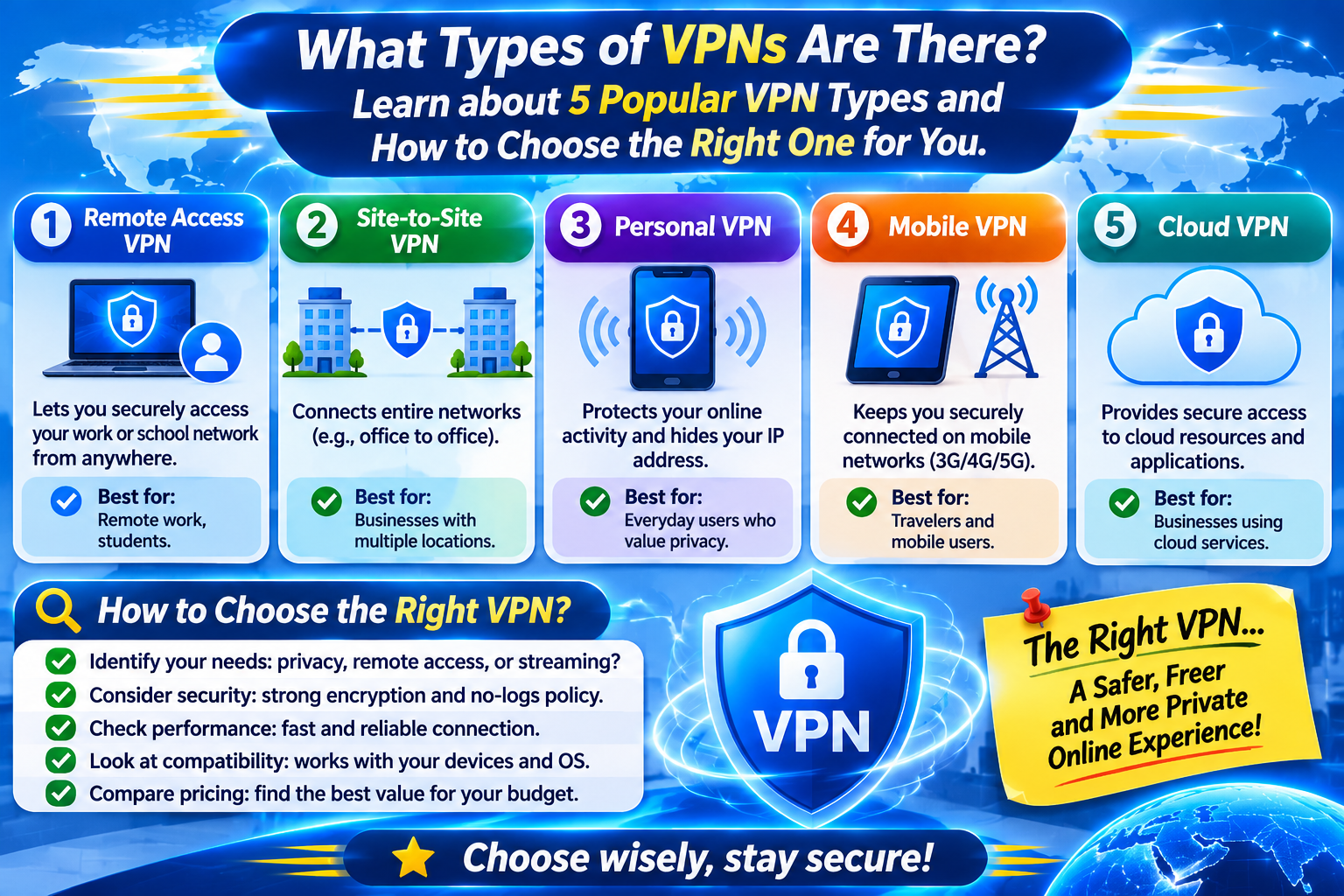
VPNs aren''t just one type; they come in many different forms to meet diverse user needs.
1. Personal VPN
Personal VPNs are the most popular type of VPN today, primarily designed for individual users who want to protect their privacy while using the internet. This is also the type of VPN that most users are familiar with, mentioning services like NordVPN, ExpressVPN, or ProtonVPN.
The way a personal VPN works is quite simple. When your device connects to a VPN, all internet traffic is routed through an intermediary VPN server before reaching the website or online service you're using. During this process, data is encrypted using secure VPN protocols, preventing third parties from tracking your online activity.
Thanks to this encryption mechanism, your internet service provider (ISP), hackers, or other users on the same Wi-Fi network cannot easily see which websites you are accessing, what data you are sending, or what online activities you are performing.
Personal VPNs are particularly useful in many everyday situations. When shopping online, a VPN helps protect payment information and personal data. When gaming online, a VPN can help reduce the risk of cyberattacks or improve server access in certain regions. When using public Wi-Fi at cafes, airports, or hotels, a VPN provides an extra layer of protection against data theft.

In addition to security, personal VPNs are also used to change IP addresses. This allows users to access online content from different regions, such as viewing country-restricted content or using online services while traveling.
However, personal VPNs primarily serve the needs of individual users and devices. They are not designed to manage a large network system like that of a business or organization with multiple offices.
2. VPN connects websites (Site-to-Site VPN)
Site-to-site VPNs are a type of VPN primarily developed for businesses and organizations with multiple internal networks that need to be interconnected. Unlike personal VPNs, which connect a single device to a VPN server, site-to-site VPNs create a link between two or more separate network systems.
For example, a company with offices in Vietnam, the US, and Europe could use a site-to-site VPN to connect the internal networks of each branch. Once set up, employees at different locations can access shared resources such as data servers, management systems, or internal files as if they were all working in the same office.
This type of VPN works by creating an encrypted tunnel between the routers or network gateways of each location. All data transmitted between networks is protected through secure VPN protocols, reducing the risk of theft or interference during transmission.

The biggest advantage of site-to-site VPNs is their ability to connect large-scale networks without the need to build an expensive dedicated network infrastructure. Businesses can leverage the public internet while maintaining the same level of security as a private network.
Site-to-site VPNs are generally divided into two main types:
Intranet-based site-to-site VPNs are used when an organization wants to connect multiple branches belonging to the same company. For example, the offices of a corporation can share internal data and applications through a VPN connection.
Extranet-based site-to-site VPNs are used when businesses need to connect with partners, suppliers, or third parties. This type allows for the sharing of certain resources while maintaining control over access.
While very useful in a business environment, site-to-site VPNs are not suitable for typical personal needs. Home or individual users rarely need this type of VPN because it requires a complex network system and often needs a technical team to manage it.
3. Remote Access VPN
Remote access VPNs are one of the most important types of VPNs for the modern work environment, especially as remote work becomes increasingly common.
This type of VPN allows users to securely connect to a private network from anywhere in the world. Instead of being physically present at the office, employees can use their personal computers, laptops, or mobile devices to access company systems through a VPN server.
Once successfully connected, the user's device functions almost as if it were on the company's internal network. They can access data files, management software, databases, or internal work tools without needing a direct connection at the office.

The most important aspect of a remote access VPN is its ability to protect data during transmission. When employees work from a coffee shop, hotel, or public Wi-Fi network, a VPN connection encrypts all traffic, reducing the risk of being monitored by hackers.
This type of VPN is particularly useful for:
-
Employees work from home.
-
The staff frequently travel for business.
-
The company has a workforce that is dispersed across multiple locations.
-
Experts need access to internal data when they are not in the office.
Compared to personal VPNs, remote access VPNs offer greater management capabilities. Businesses can control user accounts, grant access permissions, and monitor connection activity to ensure system security.
4. Mobile VPN
Mobile VPNs are designed specifically for devices that frequently change their connection environment, such as smartphones, tablets, or laptops.
Typically, when a device switches between different networks, such as from Wi-Fi to mobile data or from a home network to a public network, traditional VPN connections can be interrupted. This can leave data temporarily unprotected or require the user to reconnect manually.
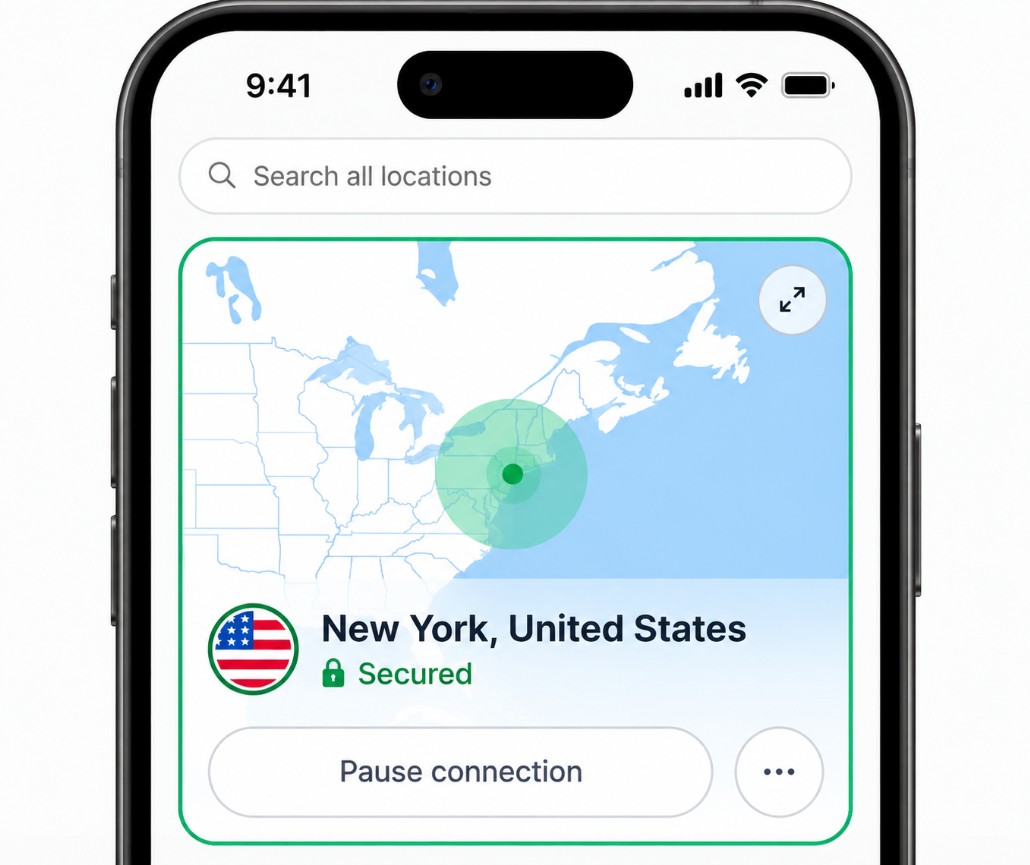
Mobile VPNs address this issue by maintaining a stable connection even when the device changes networks. Flexible VPN protocols allow for seamless switching without losing the connection session.
This is a particularly important feature for people who travel frequently. For example, a salesperson can start working in the office using Wi-Fi, then continue working on the go using a mobile network while maintaining a secure connection.
Mobile VPNs also offer many benefits when using public Wi-Fi. These networks often have low security levels and are easily targeted by data eavesdropping attacks. VPNs help encrypt information, protecting online activity from potential risks.
5. Browser-based VPN (Browser VPN/Proxy VPN)
Browser-based VPNs, also known as VPN proxies, are a type of VPN that works through extensions installed directly on web browsers such as Chrome, Firefox, or Edge.
Unlike traditional VPNs that protect the entire device, browser VPNs only encrypt traffic originating from that browser. This means that activities such as accessing websites, searching for information, or watching online content will be protected, but applications outside the browser, such as games, email software, or download applications, will not benefit from this protection.
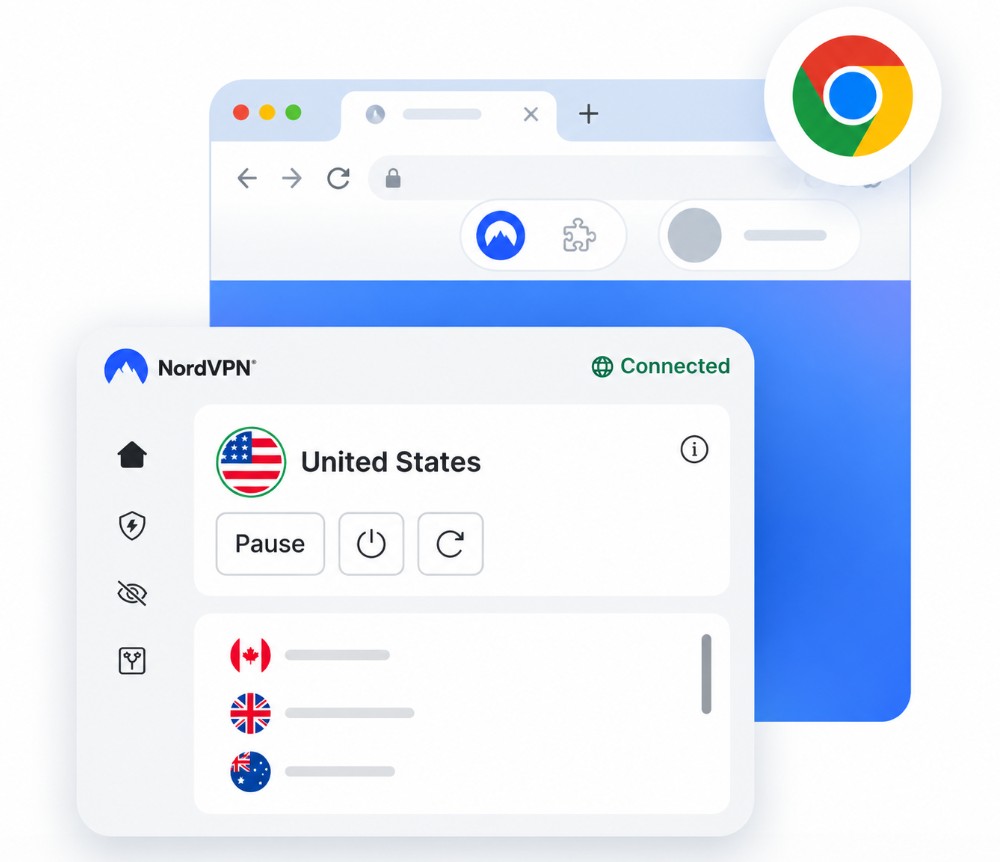
The biggest advantage of browser VPNs is their simplicity and speed. Users simply install the extension, log in, and activate the connection without any complicated configuration.
This type of VPN is suitable for those who only want to protect their basic web browsing activity or need to quickly change their IP address to access certain online content.
However, VPN proxies have some limitations. Because they only work within the browser, they cannot protect the entire device. Additionally, some free VPN utilities may limit speed, collect user data, or offer lower levels of security compared to professional VPN services.
Therefore, browser VPNs are suitable for simple needs, while those requiring comprehensive protection should opt for a system-wide VPN.
6. Differences between VPN types
Although all VPNs share the common goal of protecting internet connections, each type caters to a different group of users.
Personal VPNs are suitable for most general users who need to protect their privacy while using the internet daily. Site-to-site VPNs are geared towards businesses that need to connect multiple internal networks. Remote access VPNs serve the needs of flexible work and remote access to company resources.
Meanwhile, mobile VPNs focus on maintaining connectivity when users frequently change locations. Browser-based VPNs, on the other hand, are suitable for those who only need basic web browsing protection.
Choosing the right VPN depends on your intended use. An individual doesn't need a complex enterprise VPN system, while a large company might require more management features than a standard VPN.
7. Which type of VPN should I choose?
For individual users, a personal VPN is often the most suitable option as it meets most needs such as data protection, IP address masking, secure Wi-Fi usage, and access to international content.
If you frequently work remotely, a remote access VPN is an effective option for connecting to your company's system. Businesses with multiple offices should consider a site-to-site VPN to build a secure network connection between locations.
If you only need to protect your browser while accessing the web, a VPN proxy can be a quick and convenient solution. However, users should consider choosing reputable services to ensure that their personal data is not collected illegally.
Understanding the differences between various VPN types will help users choose the solution that best suits their needs. Whether you're an individual seeking privacy protection or a business needing to build a secure connection, VPNs remain one of the crucial technologies for creating a more secure internet environment.





















VIP Products








Best Selling Products
Upgrade Genuine Office 365
49 USD
Plugin Retouch4me
69 USD
Genuine Adobe Illustrator account
99 USD
ChatGPT Plus Account (GPT-4)
16 USD
Upgrade Duolingo Super
29 USD
Freepik Premium Account
59 USD
Upgrade genuine Capture One account
120 USD
Copyright Adobe Lightroom Account
59 USD
Windows 10 & 11 Pro Key
36 USD
Adobe Photoshop Copyright - Full App
120 USD
Adobe Premiere Pro Account
99 USD
Autodesk All App Account Copyright
120 USD
Capcut Pro 1 Year
39 USD
Genuine Cheap Canva Pro
39 USD
MidJourney Account
29 USD