Best Selling Products

Freepik Premium Account
59 USD

Adobe Premiere Pro Account
99 USD

ChatGPT Plus Account (GPT-4)
16 USD

MidJourney Account
29 USD

Plugin Retouch4me
69 USD

Windows 10 & 11 Pro Key
36 USD

Adobe Photoshop Copyright - Full App
120 USD

Genuine Cheap Canva Pro
39 USD

Copyright Adobe Lightroom Account
59 USD

Autodesk All App Account Copyright
120 USD

Upgrade Duolingo Super
29 USD

Genuine Adobe Illustrator account
99 USD

Upgrade genuine Capture One account
120 USD

Upgrade Genuine Office 365
49 USD

Capcut Pro 1 Year
39 USD
When Should You Buy a Tablet? The Most Cost-Saving Times to Buy
Nội dung
- 1.1. March–April: Consider early-year promotions
- 1.2. June–August: A suitable time for study needs
- 1.3. September–October: An opportunity to find previous-generation models
- 1.4. November: Hunting for deals on 11/11 and Black Friday
- 1.5. December: Take advantage of year-end promotions
- 2. Should you buy a tablet as soon as you need one?
- 3. Three factors to consider before buying a tablet
- 4. Conclusion
Learn about the suitable times of year to buy a tablet, from summer promotions to the 11/11 shopping festival and Black Friday. The article shares experience in hunting for deals, comparing prices and choosing a device that suits your usage needs.

1. Ideal times to buy a tablet
1.1. March–April: Consider early-year promotions
March and April are a period when users can follow early-year promotions or offers related to newly introduced technology products. Depending on the brand and market, some retailers may run discount programs to attract customers.
This is also a suitable time to research the market, compare tablet models and determine the product that best meets your personal needs. Instead of caring only about the discount level, buyers should consider the configuration, display quality, battery capacity and software support period.
However, offers in this period are not evenly available at all stores. Therefore, users should check the actual selling price and the promotion's terms of application before buying.
1.2. June–August: A suitable time for study needs
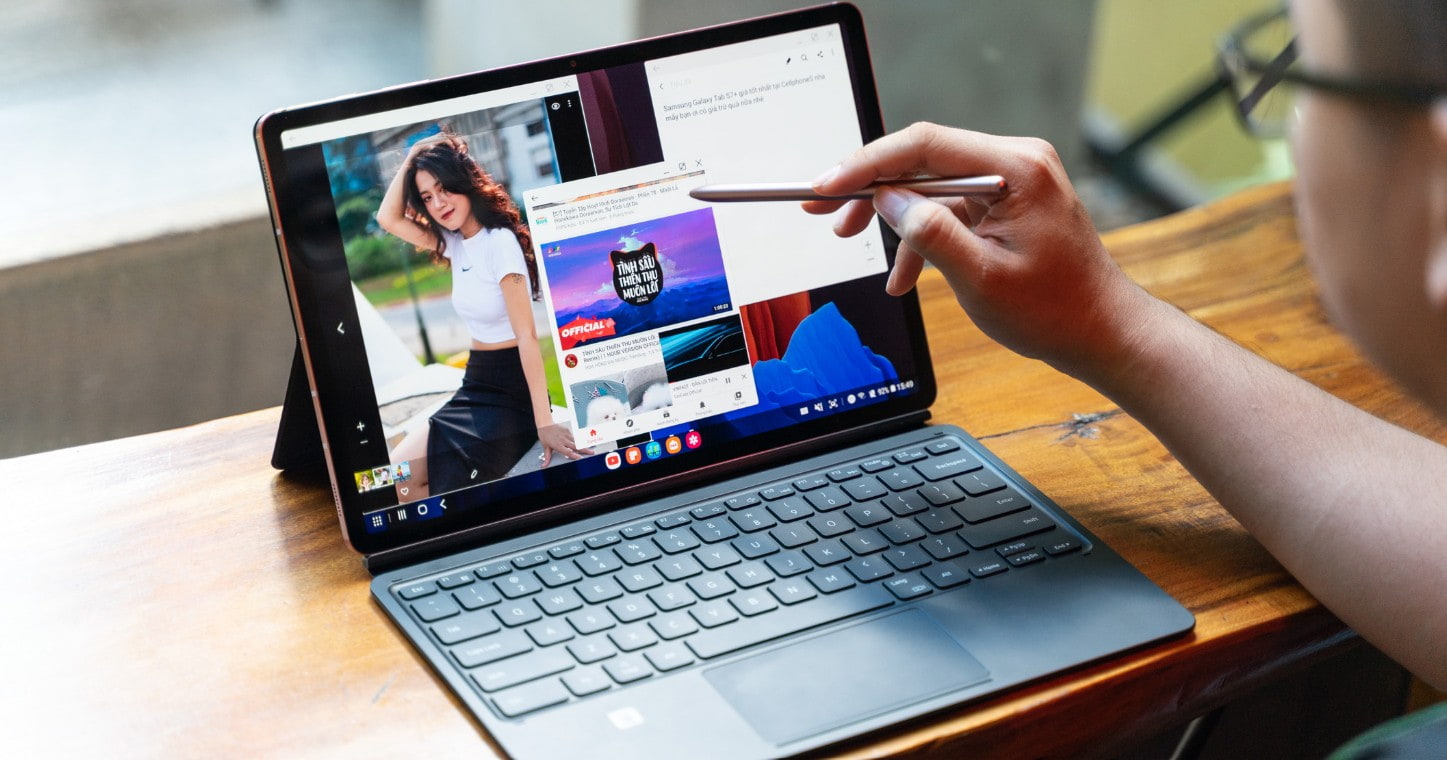
The period from June to August is usually associated with summer shopping programs and preparation for the new school year. This is a period worth noting for pupils, students, teachers and those who need devices to support learning.
A tablet can help users read e-textbooks, store documents, join online classes and take notes right on the screen. If the device supports a stylus, writing, highlighting important content or sketching mind maps also becomes more convenient.
During this period, buyers should follow promotions for pupils and students, if any. Some retailers may also apply seasonal discount policies or offer bundled accessories.
Even so, you should not choose a device just because it comes with many free accessories. What matters more is determining your usage needs, such as whether you need a stylus, a detachable keyboard or large storage capacity.
1.3. September–October: An opportunity to find previous-generation models
September and October are a period worth following if users are interested in previous-generation tablet models. When some brands introduce new products, older models may have their prices adjusted to stay competitive or to clear inventory.

This is a suitable choice for those who want a device with good performance but do not necessarily need the latest technology.
For example, if your needs are mainly reading books, watching videos, studying online and using basic office applications, a previous-generation model can still meet them well. In this case, choosing a product that has been on the market for some time can help save budget without significantly affecting the experience.
However, before buying, users need to check the remaining software support period, the condition of the goods, the warranty policy and compatibility with accessories. A device with a low price but nearly out of operating system update time is not necessarily an economical choice in the long run.
1.4. November: Hunting for deals on 11/11 and Black Friday
If the main goal is to optimize costs, November is one of the most notable periods of the year. The two prominent shopping events are the 11/11 festival and Black Friday.
11/11 is usually chosen by many e-commerce platforms to roll out discount programs, discount codes and payment offers. Buyers can find programs for many tablet lines, from the mainstream to the high-end segment.
Meanwhile, Black Friday is also an occasion worth following for electronic products. Depending on the retailer, the program may include direct discounts, offers for paying with certain methods or bundled gifts.
For 2026, 11/11 falls on a Wednesday, while Black Friday takes place on 27/11. These are two specific milestones for users to proactively plan their shopping.
However, not every product gets a deep discount on these occasions. To avoid buying just out of sale-hunting psychology, you should take three steps.
First, decide in advance on the model you want to buy and a reasonable price. Second, track the product's price before the promotion date to have a basis for comparison. Third, calculate the total cost after applying discount codes, shipping fees and payment conditions.

If the price after the offer is genuinely lower than usual and the product fully meets your needs, that is a deal worth considering.
1.5. December: Take advantage of year-end promotions
December is also a suitable time to look for tablets at attractive prices. Some retailers may run year-end shopping programs, holiday offers or discounts on products that need inventory clearance.
This is an opportunity for those who do not place too much importance on owning the latest model. If you choose the right product, you can save a sum of money and set aside the remaining budget for necessary accessories such as a protective case, keyboard or stylus.
Even so, buyers still need to pay attention to the product's origin and warranty conditions. In particular, for models with steep discounts, clearly confirm whether the device is new, used or returned goods.
2. Should you buy a tablet as soon as you need one?
Besides waiting for promotions, users need to assess how necessary the device is.
If the tablet serves work, study or important daily activities, buying as soon as you find a suitable product can be a reasonable decision. The cost saved by waiting is sometimes insignificant compared with the time and inconvenience traded away.
Conversely, if the device only serves entertainment needs or is not truly necessary, you can spend a few weeks tracking prices. At the end of October 2026, buyers who are not in a hurry can consider waiting for the 11/11 offers, Black Friday or year-end programs.
What matters is not to delay too long just in the hope that prices will keep falling. Selling prices also depend on supply, market demand and each retailer's policies. A suitable model at a good price today may be a more worthwhile choice than waiting for an offer that may not appear.

3. Three factors to consider before buying a tablet
First, determine your purpose of use.
If you mainly read books, watch movies and browse the web, you can prioritize a model with a good screen, durable battery and an affordable price. If you often take notes, study or work, consider stylus support, keyboard support and multitasking. For heavy gaming or video editing, processor performance, RAM capacity and heat dissipation will matter more.
Second, build a reasonable budget.
Before buying, determine the maximum amount you can afford. The budget should include the accessories you truly need, rather than relying only on the price of the device itself.
Do not choose a product more expensive than your finances allow just because the advertised discount is attractive. A moderately priced device that meets your needs well for many years is usually the more practical choice.
Third, evaluate long-term value in use.
Price is not the only criterion that determines whether a tablet is worth buying. Users should consider build quality, storage capacity, battery life, warranty policy and software update ability.
If you are torn between a new model and a previous-generation model, compare the price difference against the real improvements. When the performance difference does not greatly affect your needs, choosing the previous generation can save a considerable amount.

4. Conclusion
Whether you choose to buy right away or wait for a sale, always start from your real usage needs. A tablet worth buying is not necessarily the newest model or the product with the highest discount. It is a device that meets work, study and entertainment needs well, has a quality that matches the money spent and is capable of serving you for a long time.





















VIP Products








Best Selling Products
Freepik Premium Account
59 USD
Adobe Premiere Pro Account
99 USD
ChatGPT Plus Account (GPT-4)
16 USD
MidJourney Account
29 USD
Plugin Retouch4me
69 USD
Windows 10 & 11 Pro Key
36 USD
Adobe Photoshop Copyright - Full App
120 USD
Genuine Cheap Canva Pro
39 USD
Copyright Adobe Lightroom Account
59 USD
Autodesk All App Account Copyright
120 USD
Upgrade Duolingo Super
29 USD
Genuine Adobe Illustrator account
99 USD
Upgrade genuine Capture One account
120 USD
Upgrade Genuine Office 365
49 USD
Capcut Pro 1 Year
39 USD