Best Selling Products

Autodesk All App Account Copyright
120 USD

Adobe Premiere Pro Account
99 USD

Upgrade genuine Capture One account
120 USD

Adobe Photoshop Copyright - Full App
120 USD

Freepik Premium Account
59 USD

MidJourney Account
29 USD

Plugin Retouch4me
69 USD

Capcut Pro 1 Year
39 USD

Upgrade Genuine Office 365
49 USD

ChatGPT Plus Account (GPT-4)
16 USD

Genuine Cheap Canva Pro
39 USD

Copyright Adobe Lightroom Account
59 USD

Genuine Adobe Illustrator account
99 USD

Windows 10 & 11 Pro Key
36 USD

Upgrade Duolingo Super
29 USD
Why is Canva Pro 2026 a Smart Choice for Designers?
Nội dung
You don't need advanced graphic design skills to create professional-looking products with Canva Pro.
Among countless design tools, Canva has held a near-national position. Requiring no in-depth graphic design knowledge or resource-intensive software installations, Canva allows users to create beautiful designs in just minutes. However, as the demand for more professional use increased, the free version quickly revealed many limitations.
That's why Canva Pro is becoming an almost inevitable choice in 2026. With millions of premium resources, powerful support tools, and the ability to optimize workflows, Canva Pro is not just an upgrade, but a time-saving, cost-effective, and effort-saving solution for anyone working with visual content. This article will help you understand what Canva Pro is, why you really need it in 2026, the outstanding benefits of a licensed version, as well as the pros and cons of sharing a Canva Pro subscription.
Upgrade to Affordable Canva Pro
1. What is Canva Pro and why do you need it in 2026?
Canva Pro is the paid version of the Canva design platform, developed to serve the more diverse, ongoing, and professional design needs compared to the free version. While Canva Free is suitable for basic users who use it infrequently, Canva Pro is aimed at individuals and organizations who consider design an indispensable part of their daily work.
In 2026, the landscape for using Canva has changed significantly. Social media has become more prevalent, and short image and video content has become central to digital communication. Algorithms prioritize visual content, forcing personal and business brands to invest more in visuals to stand out in the "sea of content."
.jpg)
Canva Pro precisely meets that need by providing a comprehensive design ecosystem. Users not only have access to a vast library of premium templates, but also advanced editing tools, high-quality file export capabilities, and consistent brand management.
One key reason Canva Pro will be essential in 2026 is speed. In today's work environment, time is cost. Canva Pro significantly reduces design time thanks to its ready-made templates, automatic resizing, and the ability to store and reuse resources. Instead of spending hours on a design, you can complete it in minutes while maintaining quality.
Furthermore, Canva Pro is a reasonable alternative to many expensive professional design software programs. For those who are not graphic designers but still need beautiful and effective products, Canva Pro offers an ideal balance between cost, features, and usability.
2. Outstanding benefits of owning a licensed version of Canva Pro
The first and most obvious benefit of owning a licensed copy of Canva Pro is unlimited access to its premium resource library. While the free version is severely limited in terms of images, icons, videos, and fonts, Canva Pro opens up a world of virtually unlimited design possibilities. Users can freely choose high-quality images, stock videos, animations, and exclusive fonts without worrying about copyright issues.
The second benefit lies in the Brand Kit feature: an extremely important tool for businesses and personal branding professionals. Canva Pro allows you to store logos, color palettes, and fonts and apply them consistently across all designs. This helps ensure brand consistency, a vital element in modern communication and marketing.
.jpg)
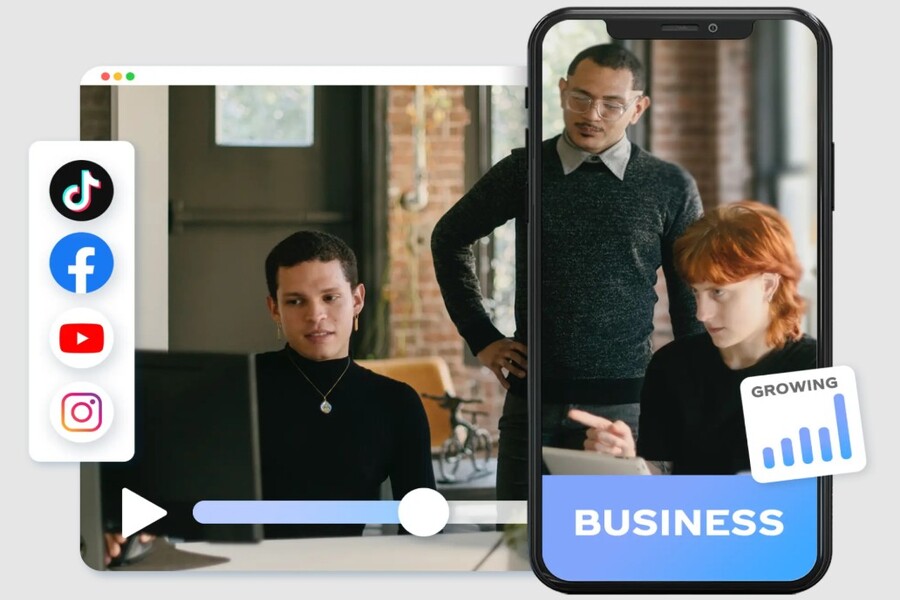
Another strength of Canva Pro is its ability to optimize workflows. The Magic Resize feature allows you to resize designs with just one click, enabling you to quickly transfer a design to various platforms such as Facebook, Instagram, TikTok, website banners, or presentation slides. This is a huge advantage for marketers, social media executives, and online shop owners.
In terms of output quality, Canva Pro allows for high-resolution file exports and supports various formats such as transparent PNG, print-quality PDF, and high-quality MP4 video. This makes your designs ready for both online and professional print environments.
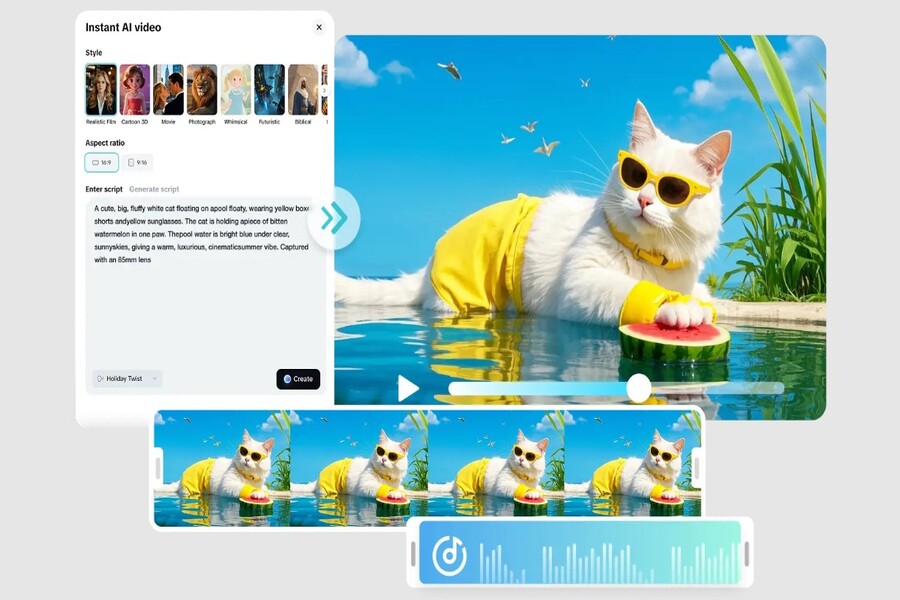
It's impossible not to mention the powerful AI features that Canva is integrating in 2026. Canva Pro prioritizes the use of AI tools such as image creation, content writing, layout suggestions, intelligent editing, and automatic background removal with high accuracy. These features help non-professional users create aesthetically pleasing and highly effective designs.
Most importantly, a licensed version of Canva Pro offers stability and peace of mind. Users don't have to worry about account suspension, data loss, or work interruptions—risks that are very common when using unofficial or cracked versions.
3. Advantages and disadvantages of buying Canva Pro together
Given that the price of genuine Canva Pro purchased directly from Canva is still a significant expense for many, group buying of Canva Pro has become popular. This solution allows users to access the Pro version at a considerably lower cost, but it also has advantages and disadvantages that need to be understood.
.jpg)
The biggest advantage of buying Canva Pro in a group is cost savings. Users can access almost all of Canva Pro's features for a fraction of the price of a single-user subscription. This is especially suitable for students, freelancers, new online businesses, or anyone who needs Canva Pro for short-term use.
Buying a shared Canva Pro subscription also allows users to quickly access professional design tools without making a large upfront investment. This is a reasonable way to "test" before deciding to upgrade to a private subscription if needs increase in the future.
However, the drawback of this model lies in its dependence on the provider. If purchased from an unreliable source, users may face risks such as account revocation, changes in access rights, or lack of support when problems occur. Additionally, some shared purchase packages may have limitations on Brand Kit management rights or may not be suitable for large businesses.
Therefore, when choosing to share Canva Pro, the most important factor is not the cheapest price, but the reliability and support policies of the provider. A trustworthy provider will help minimize risks and ensure a stable, long-term user experience.
4. Buy Canva Pro at SaDesign
In the increasingly competitive market for Canva Pro accounts, SaDesign has emerged as a trusted source for designers, marketers, and online businesses. With years of experience in design and creative tools, SaDesign not only sells accounts but also provides effective and secure solutions for using Canva Pro.
.jpg)
One of SaDesign's strengths is offering licensed Canva Pro at a reasonable price , suitable for a wide range of users. The registration and activation process is optimized for speed, allowing users to start using the software almost immediately without any waiting time.
SaDesign places a strong emphasis on customer experience throughout the entire usage process. When problems arise, users receive timely, clear, and transparent support . This is crucial because Canva Pro is often used for continuous work that cannot tolerate interruptions.
Furthermore, SaDesign has the advantage of understanding the needs of creative professionals in Vietnam. Beyond simply providing accounts, SaDesign also offers consulting services on how to use Canva Pro effectively, optimize design workflows, and maximize the platform's advanced features.
For individual entrepreneurs, freelancers, or small businesses, purchasing Canva Pro from SaDesign significantly saves costs while ensuring the use of a genuine, stable, and long-term license. This is why SaDesign is considered a smart choice in 2026.
Canva Pro 2026 not only helps you design better and faster, but also contributes to building a professional and sustainable image. In a world where content and visuals are highly competitive, investing in the right tools is a smart move for long-term success.





















VIP Products








Best Selling Products
Autodesk All App Account Copyright
120 USD
Adobe Premiere Pro Account
99 USD
Upgrade genuine Capture One account
120 USD
Adobe Photoshop Copyright - Full App
120 USD
Freepik Premium Account
59 USD
MidJourney Account
29 USD
Plugin Retouch4me
69 USD
Capcut Pro 1 Year
39 USD
Upgrade Genuine Office 365
49 USD
ChatGPT Plus Account (GPT-4)
16 USD
Genuine Cheap Canva Pro
39 USD
Copyright Adobe Lightroom Account
59 USD
Genuine Adobe Illustrator account
99 USD
Windows 10 & 11 Pro Key
36 USD
Upgrade Duolingo Super
29 USD