Best Selling Products

ChatGPT Plus Account (GPT-4)
16 USD

Adobe Premiere Pro Account
99 USD

Upgrade genuine Capture One account
120 USD

Genuine Cheap Canva Pro
39 USD

Capcut Pro 1 Year
39 USD

Plugin Retouch4me
69 USD

Adobe Photoshop Copyright - Full App
120 USD

Upgrade Genuine Office 365
49 USD

MidJourney Account
29 USD

Copyright Adobe Lightroom Account
59 USD

Windows 10 & 11 Pro Key
36 USD

Freepik Premium Account
59 USD

Upgrade Duolingo Super
29 USD

Genuine Adobe Illustrator account
99 USD

Autodesk All App Account Copyright
120 USD
Windows 11 is about to undergo major changes: Microsoft is upgrading 3 of the most anticipated features.
Nội dung
The new Windows 11 beta brings many practical changes instead of just focusing on the interface. Microsoft is improving sound management, expanding connectivity between computers and phones, and upgrading parental control tools.

1. Improved sound with a more intuitive experience.
Sound is one of the factors that directly affects the computer user experience, especially when users frequently listen to music, watch movies, play games, or participate in online meetings. However, in many previous versions of Windows, adjusting and managing sound was still quite fragmented, forcing users to access various settings areas to change options.
In a recent beta update, Microsoft began improving how the volume slider is displayed in Windows 11's sound settings. A notable change is the new interface's ability to display real-time audio activity right next to the volume adjustment slider.
This makes it easy for users to see the current sound level while using the device. When listening to music or watching videos, users can directly monitor the volume level instead of adjusting it intuitively. This seemingly small change provides a more natural experience, especially for those who frequently switch between different entertainment content.
Beyond just the interface, Microsoft has also moved many sound management options from the old Control Panel to the modern Settings area. Previously, some important settings remained in the traditional control panel, resulting in an inconsistent experience across different areas of Windows. Moving these options to Settings makes it easier for users to find and adjust them.
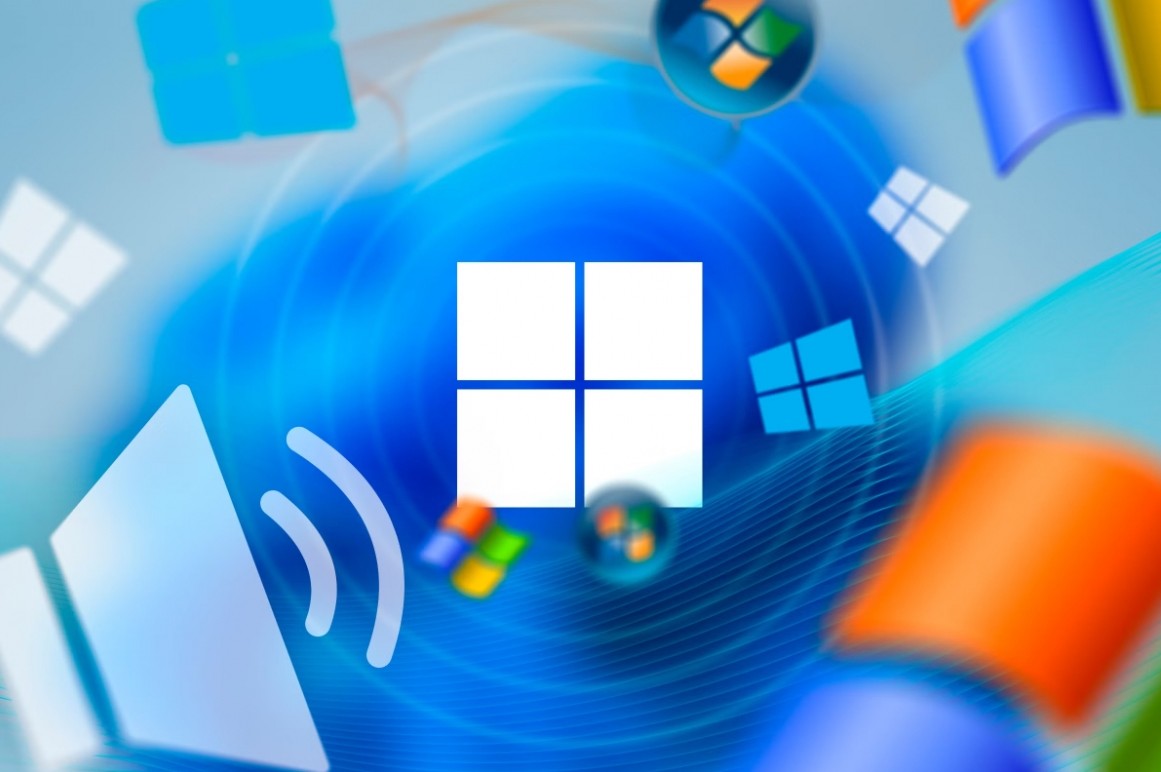
One notable feature is the ability to select the default audio device directly in the new settings. For users who use multiple devices such as Bluetooth headphones, external speakers, webcams with microphones, or monitors with built-in speakers, quickly switching between audio sources will be more convenient.
Additionally, Microsoft has added adaptive volume control for communication. When the system detects that the user is on a call or participating in an online meeting, Windows can automatically reduce the volume of other applications. This helps prevent conversations from being disrupted by background noise from browsers, music players, or entertainment software.
The audio device management page has also been reorganized to provide a simpler approach. Users can filter devices by input or output group, and enable or disable the display of devices no longer in use. For those who frequently connect multiple audio accessories, this change significantly reduces setup complexity.
Overall, the audio upgrades don't offer a huge functional change, but they address inconveniences encountered during daily use. Microsoft is demonstrating its focus on making Windows 11 more accessible to all user groups.
2. More seamless phone connectivity
With smartphones becoming an increasingly important part of work and personal life, the ability to connect computers and mobile devices is becoming a crucial competitive factor for modern operating systems. Microsoft continues to develop Phone Link to bridge the gap between Windows 11 and Android phones.
With the new update, Phone Link users can continue using mobile apps directly from the Windows taskbar. This makes switching between phone and computer more flexible, especially in situations where users are working on a task on their mobile device.
Previously, when receiving notifications or using an application on their phone, users often had to restart the device to continue their work. This inconvenience interrupted the workflow, especially when users were concentrating on their computer. With the new improvements, Windows 11 aims to create a more seamless work environment where phones and computers can support each other.
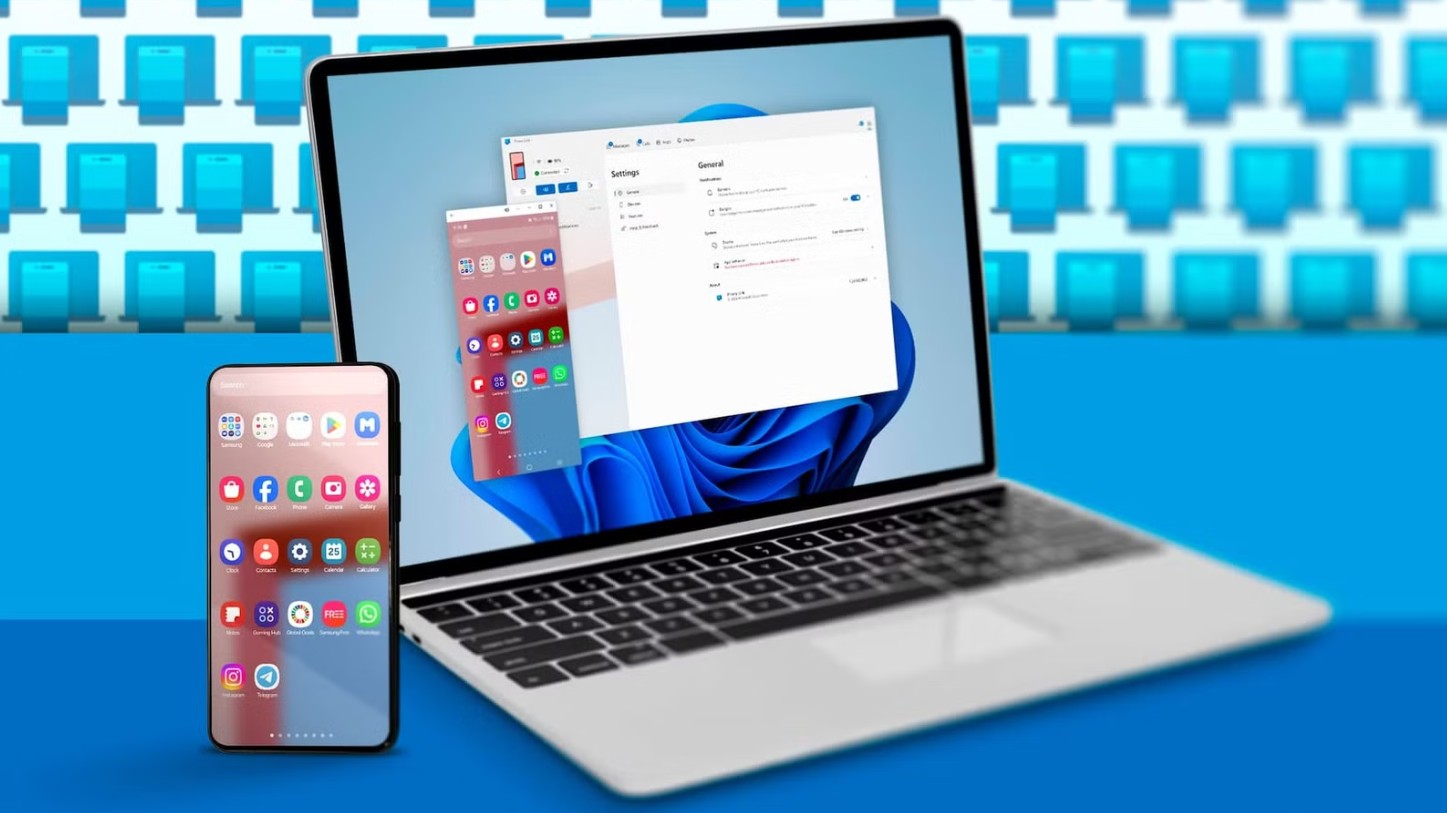
This feature is especially useful in common situations such as checking messages, quickly handling tasks on a mobile app, or continuing to watch content on their phone. Users don't need to constantly pick up and put down their phones, saving time and maintaining focus.
Microsoft views Phone Link as a crucial part of the Windows ecosystem. Instead of treating computers as standalone devices, the company aims to build a connected experience across multiple devices. This aligns with the general trend in the tech industry, as users increasingly own multiple personal devices and expect them to work together seamlessly.
Besides convenience, expanding the interoperability between phones and Windows 11 also helps the operating system compete better with other platforms that already have tightly integrated device ecosystems. Microsoft doesn't manufacture its own phones, so optimizing connectivity with mobile devices is crucial to maintaining Windows' position in the multi-platform technology environment.
Although the new feature is still in the testing phase with Insider users, this signals that Microsoft continues to invest in making Windows 11 a central hub for managing personal devices, rather than just an operating system for traditional computers.
3. Family safety has been significantly upgraded.
Besides audio and device connectivity, Microsoft also pays close attention to protecting young users through its Family Safety system. This tool is designed to help parents manage screen time, control content access, and monitor their children's online activity.
In the latest update, Microsoft focused on improving the parent experience based on real-world user feedback. One of the key changes is that the process for approving requests from children is now faster and more convenient.
Previous requests related to screen time, app access, or online purchases could require parents to go through many steps to review and respond to. With these new improvements, Microsoft aims to simplify this process so parents can make decisions more quickly while still maintaining control.
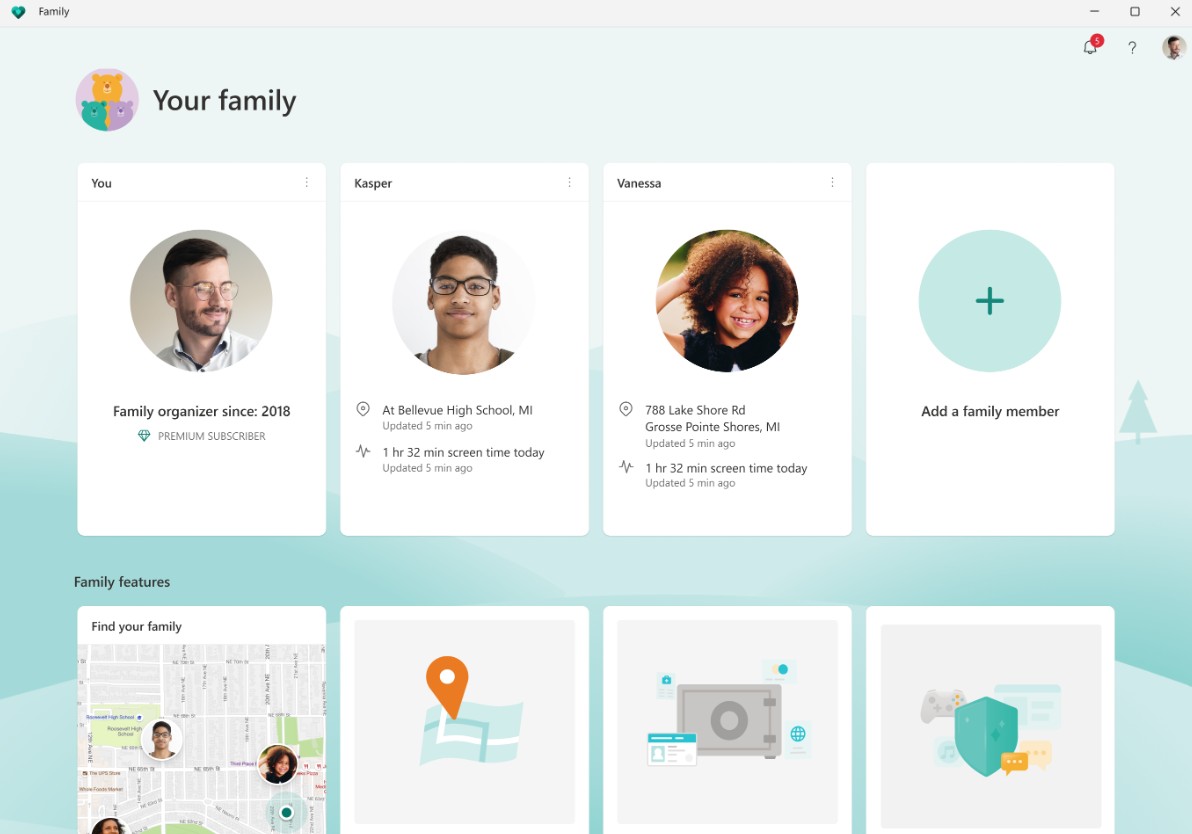
Managing screen time is becoming increasingly important as children are exposed to online environments from an early age. Computers not only serve educational purposes but also open up access to a wide range of entertainment content, social media, and online services. Therefore, family support tools play a crucial role in creating a safer technology-based environment.
Microsoft has also improved its activity reporting system to more accurately reflect what children are doing online. These reports give parents a clearer picture of their children's screen time habits, allowing them to make appropriate adjustments instead of simply imposing time limits mechanically.
Another change is the improved way wallet balances are displayed. When children use services related to digital purchases, parents can more easily track their finances. This helps limit impulsive spending and increases transparency in managing family accounts.
According to a Microsoft engineer, the changes in Family Safety stem from real-life family experiences. This shows that the company is trying to build features based on actual user needs rather than just technical development.
The focus on family safety also reflects a shift in how Microsoft views the role of Windows. The operating system is now not just a work tool, but also a platform serving the diverse needs of many family members. A well-managed system can help children access technology more safely, while also giving parents greater peace of mind during use.
4. A practical direction for Windows 11
Audio enhancements make adjustments more intuitive. Connectivity with smartphones allows for seamless collaboration across multiple devices. Meanwhile, Family Safety provides additional tools for managing technology use within the home.
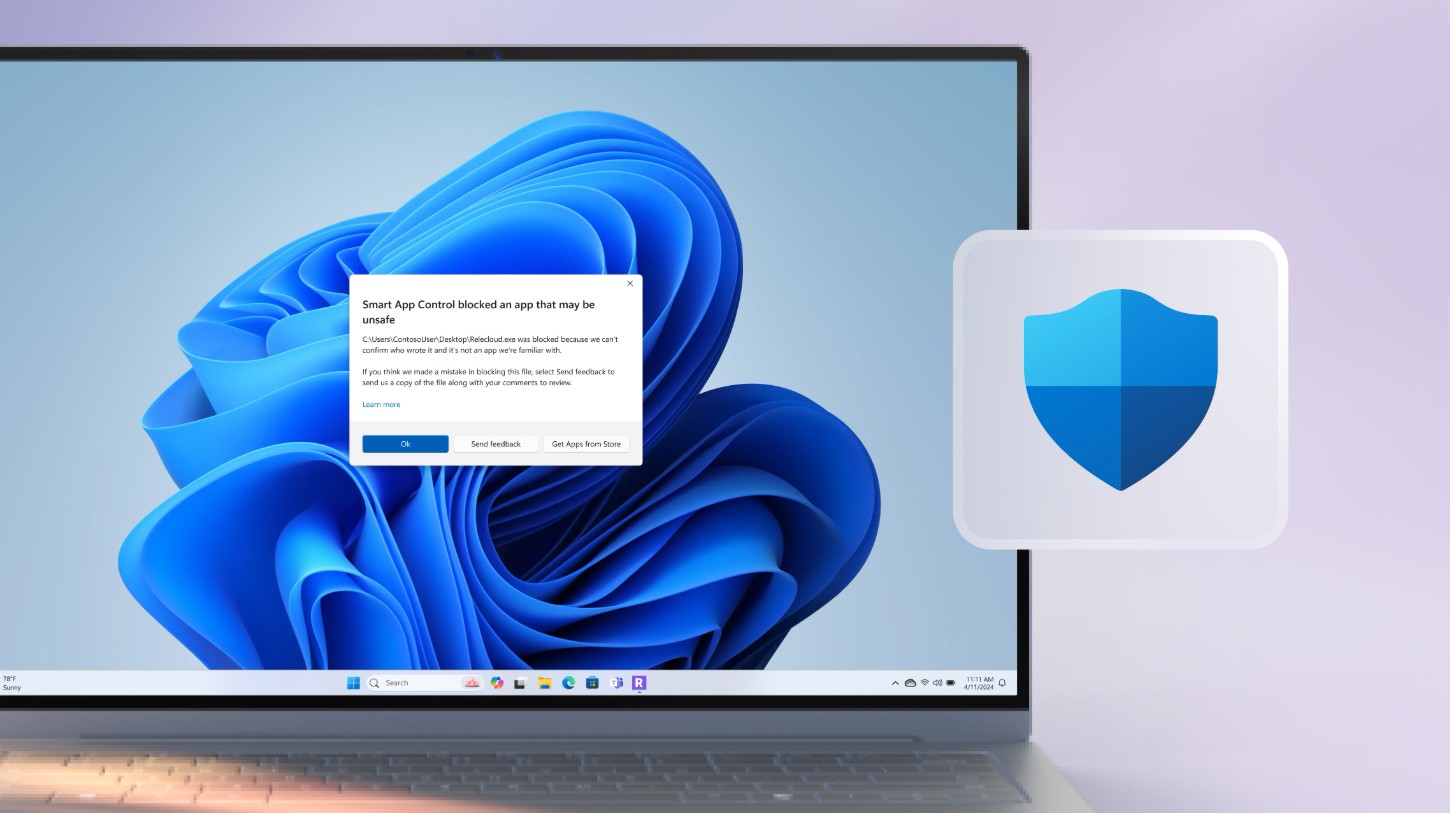
Currently, new features are still being tested by Microsoft through the Windows Insider program before a wider release. This testing phase allows the company to gather feedback from the community, detect bugs, and further refine the experience before making it available to all Windows 11 users.
If officially implemented, these changes may not create an immediate sense of breakthrough, but they will significantly improve long-term user experience. This is also a suitable direction for a mature operating system, where convenience, stability, and adaptability to real-world needs are more important than superficial changes.
With these new updates, Microsoft continues to affirm its goal of building Windows 11 as a more comprehensive platform, better meeting the needs of individual users, families, and modern work environments.





















VIP Products








Best Selling Products
ChatGPT Plus Account (GPT-4)
16 USD
Adobe Premiere Pro Account
99 USD
Upgrade genuine Capture One account
120 USD
Genuine Cheap Canva Pro
39 USD
Capcut Pro 1 Year
39 USD
Plugin Retouch4me
69 USD
Adobe Photoshop Copyright - Full App
120 USD
Upgrade Genuine Office 365
49 USD
MidJourney Account
29 USD
Copyright Adobe Lightroom Account
59 USD
Windows 10 & 11 Pro Key
36 USD
Freepik Premium Account
59 USD
Upgrade Duolingo Super
29 USD
Genuine Adobe Illustrator account
99 USD
Autodesk All App Account Copyright
120 USD