Best Selling Products

Genuine Cheap Canva Pro
39 USD

Capcut Pro 1 Year
39 USD

ChatGPT Plus Account (GPT-4)
16 USD

Copyright Adobe Lightroom Account
59 USD

Plugin Retouch4me
69 USD

Upgrade Duolingo Super
29 USD

Freepik Premium Account
59 USD

MidJourney Account
29 USD

Adobe Photoshop Copyright - Full App
120 USD

Upgrade Genuine Office 365
49 USD

Windows 10 & 11 Pro Key
36 USD

Autodesk All App Account Copyright
120 USD

Genuine Adobe Illustrator account
99 USD

Adobe Premiere Pro Account
99 USD

Upgrade genuine Capture One account
120 USD
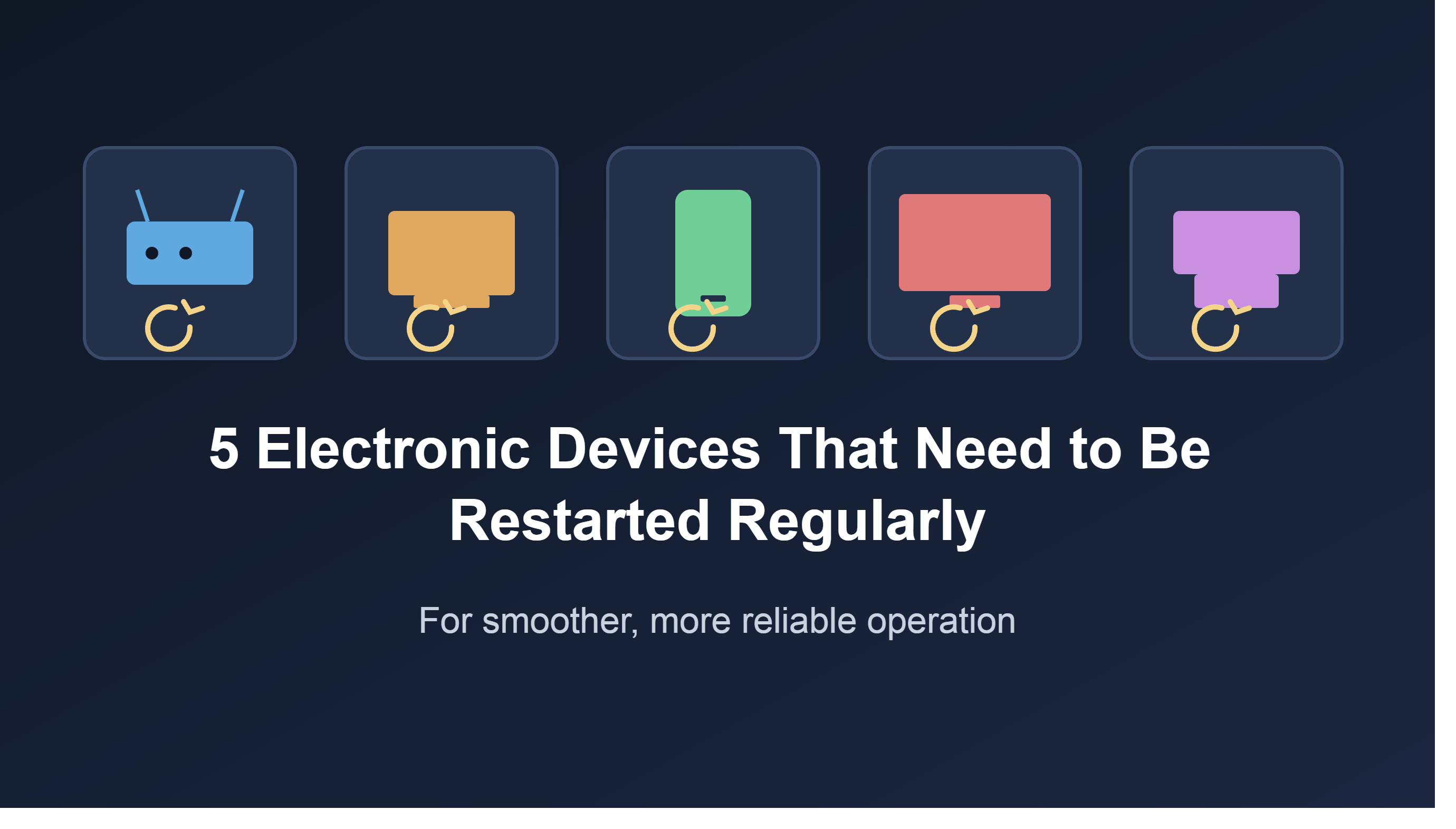
5 Electronic Devices That Need to Be Restarted Regularly for Smoother Operation
Nội dung
Many people have a habit of leaving their phones, computers, or Smart TVs running continuously without realizing that this can cause the devices to slow down over time. Regularly restarting them helps free up memory, close background processes, and improve overall performance.
1. Smartphone
Smartphones have become the center of all digital activities. We use them for communication, work, entertainment, online payments, photography, content editing, and daily task management. Because they handle so many tasks, smartphones often have to process dozens of processes simultaneously.
Many people have a habit of leaving their phones on for weeks or months at a time. In fact, this causes RAM to maintain a large amount of temporary data, background processes, and active system components. Over time, this data can cause memory leaks, making the device less efficient.
The most common symptoms include the phone becoming unresponsive, apps taking longer than usual to open, task switching becoming less smooth, or minor errors such as app crashes, network disconnections, and unusual battery drain. Although modern operating systems like Android and iOS are highly optimized, they are still susceptible to software conflicts that arise during long-term operation.
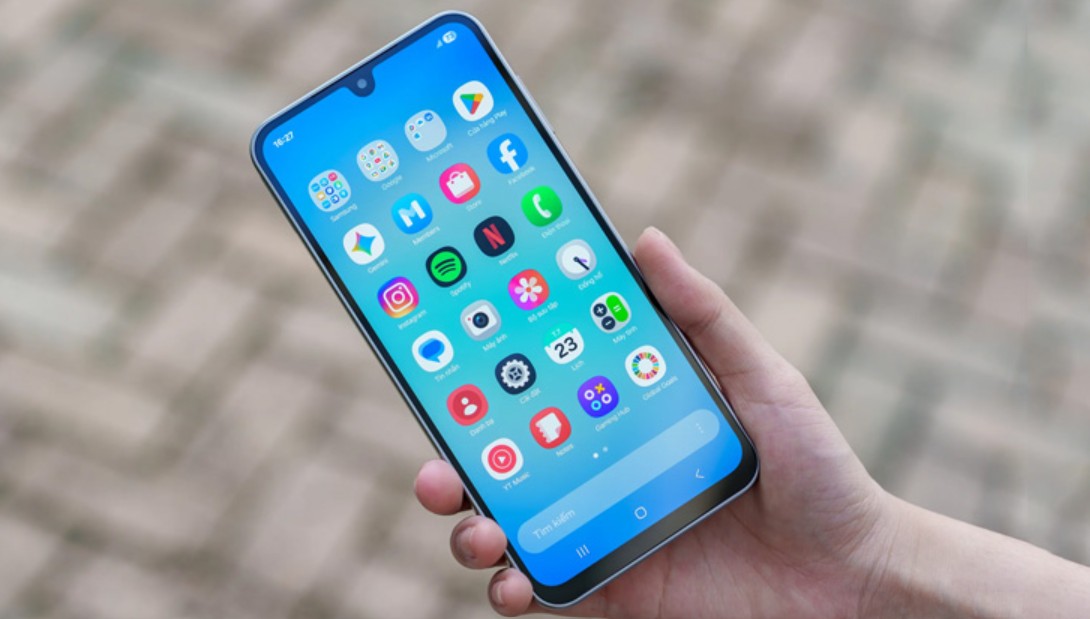
Restarting your phone effectively resolves these issues. When the device reboots, all RAM is cleared, unnecessary processes are closed, and the operating system is reloaded from scratch. This helps the device return to a more stable operating state.
Besides improving performance, restarting your phone is also crucial for security. Some cybersecurity experts believe this action can disrupt the operation of certain types of attacks or malware that are temporarily running in memory. Therefore, users are recommended to restart their phones at least once a week.
Another advantage is that many current phone models support scheduled automatic restarts. Users don't need to remember the time manually. The system will automatically select a suitable time, usually at night when the device is not in use.
For Android users, especially those with Samsung Galaxy devices, the Auto Restart feature automatically restarts the device at a set interval. Meanwhile, iPhone users can utilize automation tools to schedule a similar process.
If you notice your phone starting to slow down even with plenty of storage, try restarting it. In many cases, this simple solution provides noticeable results within minutes.
2. PCs, laptops, and tablets
Personal computers are the next group of devices that need to be restarted periodically. Whether it's a desktop computer, an office laptop, a tablet, or a home entertainment HTPC system, they all operate on similar resource management principles.
During use, the operating system constantly opens and closes hundreds of different processes. Each running application consumes a portion of system resources, including RAM, CPU, and temporary storage components. Even after the user closes an application, some background processes may continue to run.
Over time, temporary data accumulates, gradually reducing system performance. This is a common cause of slow computer startup, unresponsive applications, or sometimes unexplained errors.

Some people believe that using Sleep or Hibernate mode can completely replace the restart process. In reality, these two modes only save the current state so that users can quickly resume work when they turn on their computer. Running processes remain, meaning that any previously encountered errors or conflicts will continue to exist.
Restarting is completely different from Sleep. When you reboot, the operating system closes all active processes, frees up memory, and restarts all system services from scratch. This is an effective way to eliminate temporary errors without deep software intervention.
For Windows users, restarting also helps complete many important system updates. In many cases, computers become unstable simply because security patches haven't been fully applied due to users repeatedly delaying the restart process.
Even powerful computers with modern processors and large amounts of RAM are not exempt from this rule. High hardware performance cannot replace the need to maintain a healthy operating system.
Many IT experts believe that a week is the ideal timeframe for restarting a computer. If you frequently work with demanding software such as graphic design, video editing, programming, or large-scale data processing, regular reboots become even more necessary.
Think of this as a short break to help your system recover after days of continuous work. Just a few minutes of restarting can significantly improve your computer's stability throughout the following week.
3. Wi-Fi router and network modem
While phones and computers are devices that directly serve users, routers and modems are the connectivity platform for the entire digital ecosystem in the home.
These are the devices most often overlooked when it comes to rebooting. Many routers run continuously for months or even years without ever being rebooted. This causes network performance to gradually degrade over time.
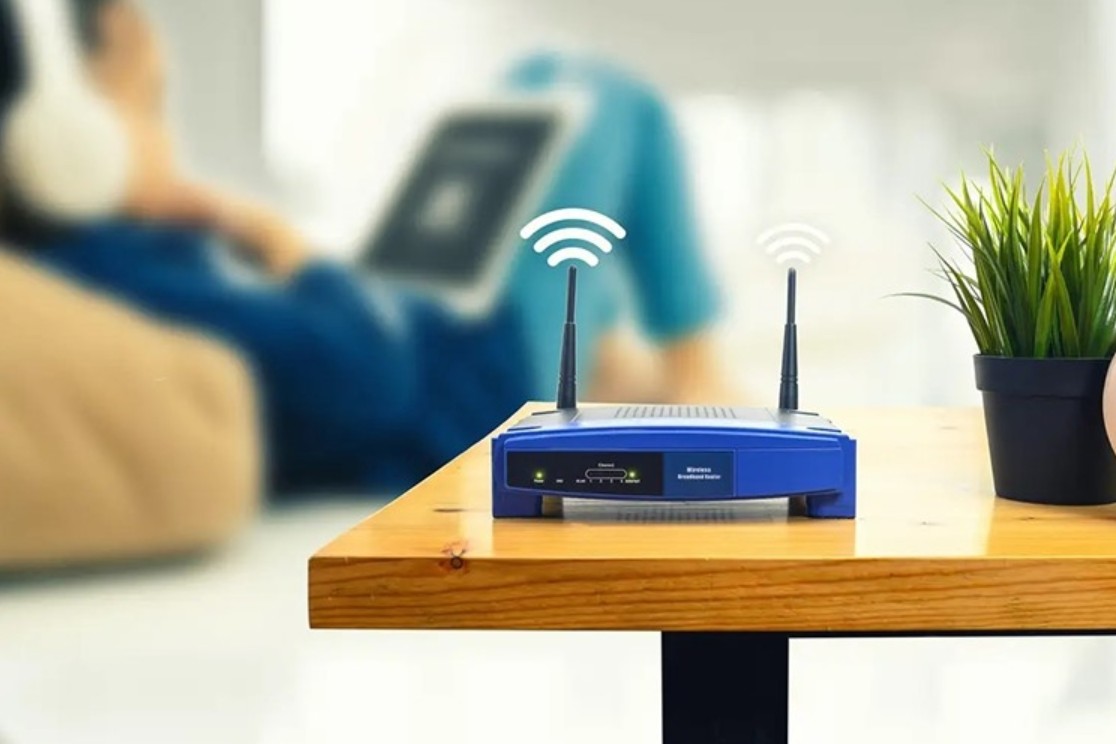
First, users need to clearly distinguish between two commonly confused concepts: Reset and Reboot.
A factory reset is the process of restoring a device to its original settings, returning it to its initial state as when it was first manufactured. This process will erase all network configurations, Wi-Fi names, passwords, and custom settings.
Meanwhile, rebooting simply involves turning the device off and then back on. This is a safe procedure and should be performed periodically.
After prolonged operation, routers have to handle thousands of connections from phones, laptops, smart TVs, security cameras, and other IoT devices. This continuous workload can lead to memory errors, overload, or reduced processing efficiency.
In that case, users often encounter phenomena such as:
• The Wi-Fi network is unusually slow even though the internet plan is stable.
• Data download speeds have decreased significantly.
Some devices are unable to connect to the network.
The router is overheating unusually.
• Random internet disconnections.
In many cases, restarting the router can resolve the problem immediately without any complicated technical measures.
The reboot process helps the device refresh its memory, re-establish network connections, and resynchronize with the internet service provider. This is why internet service providers' technical support often requires customers to restart their modem before proceeding with other checks.
For households or small offices, a monthly restart cycle is considered reasonable. However, if the system has a large number of connected devices or operates continuously 24/7, users may need to restart weekly to ensure optimal performance.
Many modern Wi-Fi 6 and Wi-Fi 7 routers also include a scheduled auto-restart feature. This is a very convenient solution to maintain network stability without manual intervention.
4. Handheld gaming console
The booming gaming market has led to a surge in modern handheld gaming devices. Names like Steam Deck, ASUS ROG Ally, and retro emulators are becoming increasingly popular among gamers.

The unique feature of these devices is that they possess processing power equivalent to a miniature computer. They run their own operating system, support multitasking, install applications, and perform many complex tasks beyond gaming.
Therefore, handheld gaming devices also encounter similar problems to smartphones and laptops when used continuously for extended periods.
During gameplay, the device must constantly process graphics, sound, network data, and many other system processes. Long gaming sessions lasting many hours can generate a large amount of temporary data in memory.
Over time, this increases the risk of errors such as lag, app crashes, reduced responsiveness, or software conflicts after system updates.
The Steam Deck is a prime example. The device often restarts automatically when installing operating system or Steam platform updates. However, without new updates, users can use the machine continuously for weeks without rebooting.
The same applies to the ROG Ally and many other Windows gaming PCs. Despite being equipped with powerful hardware, they still need periodic refreshes to maintain stable performance.
Restarting the system helps eliminate unnecessary background processes, free up RAM, and restart services related to graphics and power management. This results in a smoother gaming experience and reduces the risk of errors in demanding games.
For gamers who use their devices daily, restarting them at least once a week is a sensible option. This only takes a few minutes but can help the device run more smoothly in the long run.
Additionally, regular reboots facilitate the installation of software updates and system patches, contributing to improved compatibility with new games.
5. Smart TVs and media players
Today's smart TVs are no longer simply televisions used for watching traditional channels. They have become versatile entertainment centers with the ability to install apps, access the internet, stream high-definition video, and connect to various cloud services.

Essentially, Smart TVs function much like a large computer or smartphone. They have their own operating system, processor, RAM, and internal storage system.
However, many users are unaware of this and rarely restart their TVs during use.
In fact, Smart TVs also face similar problems to other electronic devices when operating continuously. After a long time, memory can become fragmented, background applications accumulate, and temporary data becomes increasingly abundant.
As a result, the TV may experience slow response times, long app loading times, stuttering, or even screen freezes.
Popular streaming platforms like Netflix, YouTube, Disney+, Prime Video, and IPTV apps all use caching to speed up access. When this data accumulates excessively, system performance can be significantly affected.
Not only Smart TVs, but media playback devices such as Apple TV, Roku, Fire TV Stick, or Android TV Box also need to be restarted periodically.
Most of these devices maintain a low power consumption state as long as they are plugged in. This means the operating system continues to run at a certain level even when the user has turned off the TV.
Regular restarts help free up memory, refresh network services, and re-initialize the operating system. This is a simple method to maintain stable performance and minimize annoying errors during entertainment.
Depending on usage frequency, users can restart their Smart TV weekly or at least once a month. If you frequently watch online content or use many apps, a weekly cycle will be more effective.
6. Restart properly to ensure your device always operates optimally.
Restarting is one of the simplest yet surprisingly effective operations for most modern tech devices. Whether it's a smartphone, computer, Wi-Fi router, handheld gaming console, or Smart TV, they all need to be refreshed periodically to maintain optimal performance.
Unlike putting the device into sleep or standby mode, restarting helps clear temporary data, free up RAM, close background processes, and restart the operating system from scratch. This not only improves performance but also contributes to increased stability, security, and device longevity.
A simple routine like restarting your phone and computer weekly, rebooting your router monthly, and regularly refreshing your Smart TV and gaming console can significantly reduce the number of errors you encounter during use.
In many cases, the solution to a slow or malfunctioning device doesn't lie in upgrading the hardware or reinstalling the operating system. Sometimes, all the device needs is simply a timely restart.





















VIP Products








Best Selling Products
Genuine Cheap Canva Pro
39 USD
Capcut Pro 1 Year
39 USD
ChatGPT Plus Account (GPT-4)
16 USD
Copyright Adobe Lightroom Account
59 USD
Plugin Retouch4me
69 USD
Upgrade Duolingo Super
29 USD
Freepik Premium Account
59 USD
MidJourney Account
29 USD
Adobe Photoshop Copyright - Full App
120 USD
Upgrade Genuine Office 365
49 USD
Windows 10 & 11 Pro Key
36 USD
Autodesk All App Account Copyright
120 USD
Genuine Adobe Illustrator account
99 USD
Adobe Premiere Pro Account
99 USD
Upgrade genuine Capture One account
120 USD