Best Selling Products

Freepik Premium Account
59 USD

MidJourney Account
29 USD

Genuine Cheap Canva Pro
39 USD

ChatGPT Plus Account (GPT-4)
16 USD

Genuine Adobe Illustrator account
99 USD

Upgrade genuine Capture One account
120 USD

Plugin Retouch4me
69 USD

Copyright Adobe Lightroom Account
59 USD

Windows 10 & 11 Pro Key
36 USD

Upgrade Genuine Office 365
49 USD

Upgrade Duolingo Super
29 USD

Adobe Premiere Pro Account
99 USD

Adobe Photoshop Copyright - Full App
120 USD

Autodesk All App Account Copyright
120 USD

Capcut Pro 1 Year
39 USD
Is Windows 11 26H2 Worth Waiting For? What Users Need to Know Before Upgrading
Nội dung
- 1. Windows 11 26H2 will no longer be a major upgrade.
- 2. What is the concept of an "invisible update"?
- 3. Why did Microsoft change its update strategy?
- 4. From Windows 11 24H2 to 26H2
- 5. The true role of Windows 11 26H2
- 6. Do users need to worry about hardware requirements?
- 7. Windows 11 26H1 and the story of the next-generation chip.
- 8. What benefits do users receive from the new update model?
- 9. Conclusion
Windows 11 26H2 is expected to be one of the least-noticed updates in Microsoft''s history. Instead of bringing a host of new features or major interface changes, this version is primarily released as an activation package for components already present in the system.
1. Windows 11 26H2 will no longer be a major upgrade.
In the past, each new version of Windows typically brought very noticeable changes.
Users have witnessed significant differences between Windows XP and Windows Vista, from Windows 7 to Windows 8, or from Windows 10 to Windows 11. Each upgrade involved a relatively long installation process, large download sizes, and a host of new features that appeared immediately after completion.
However, Windows 11 26H2 may not go in that direction.
Recent information suggests that Microsoft is continuing to use the enablement package model, also known as feature activation packages. This is the method the company previously used with Windows 11 25H2.
Essentially, Microsoft has quietly incorporated the necessary changes into the operating system through monthly cumulative updates. When it's time to release a new version, they simply send out a small activation package to unlock the features already present in the system.
This means users no longer have to download tens of GB of data or wait for installation processes that last for hours as before.
For machines running Windows 11 24H2 or 25H2, upgrading to 26H2 may only take a few minutes and a simple restart.
2. What is the concept of an "invisible update"?
If Windows 11 26H2 had to be described in a short phrase, many tech experts would say "invisible update" is the most appropriate term.
The reason is that most users may not notice the difference after the update.
There is no completely new interface.
No Start Menu has been redesigned.
There is no distinct Taskbar.
• No new applications have been released.
After restarting the computer, the desktop remained the same as before.
This is a complete contrast to what users experienced in previous generations of Windows. The new model makes each operating system version a technical milestone rather than a user experience-changing event. In other words, Microsoft is trying to make Windows updates as hassle-free as possible. Instead of forcing users to adapt to major changes every year, the company wants improvements to happen gradually through regular patches.
3. Why did Microsoft change its update strategy?
First and foremost is the issue of system stability.
For many years, major Windows feature updates have often come with the risk of unexpected bugs. Changing so many components at once makes it difficult for Microsoft to fully control software quality across millions of different hardware configurations.
When switching to a piecemeal update model, changes are rolled out gradually through monthly patches. If bugs arise, Microsoft can quickly detect and fix them before the feature is enabled on a large scale.
Secondly, there is the user experience factor.
Not everyone likes it when their computer suddenly changes its interface overnight after an update. Many businesses, in particular, don't want employees having to relearn new features every year. By keeping the system platform consistent and adding features only in small increments, Microsoft significantly reduces disruption in the workplace.
Thirdly, it's about optimizing development costs.
Maintaining a common technical platform across multiple versions helps Microsoft reduce the workload required when releasing new updates. This is a similar model to how modern mobile operating systems are developed.
4. From Windows 11 24H2 to 26H2
One of the most significant changes in Microsoft's new strategy is maintaining the same technical foundation across multiple versions of Windows.
Previously, each major update typically included significant changes at the core system level. Today, Windows 11 24H2, 25H2, and likely 26H2 as well, are all built on the same underlying platform.
This offers several benefits:
Developing hardware drivers has become simpler.
• Improved software compatibility.
Businesses can deploy upgrades more easily.
The risk of serious errors occurring is reduced.
For end users, the most noticeable result is a faster and more stable update process. Instead of having to change a whole host of core components, the operating system only needs to enable features that already exist in the current platform.
5. The true role of Windows 11 26H2
If it doesn't offer many new features, what's the point of Windows 11 26H2?
The answer lies in the support lifecycle.
In the modern Windows ecosystem, each version comes with a period of official support from Microsoft. When users upgrade to a new version, they not only receive security patches but also continue to receive technical support for many years to come.
For Windows 11 26H2, this might be the most important value.
The Home, Pro, Pro Education, and Pro for Workstations editions are expected to be supported until October 2028. Meanwhile, the Enterprise, Education, and IoT Enterprise editions will have extended support until October 2029.
6. Do users need to worry about hardware requirements?
One of the most contentious issues since the launch of Windows 11 has been hardware requirements. Many computers are perfectly powerful but still unsupported due to a lack of TPM 2.0 or not being on Microsoft's list of approved CPUs. The good news is that Windows 11 26H2 doesn't seem likely to change the current requirements. This means that devices currently running Windows 11 24H2 or 25H2 stably will almost certainly be able to upgrade to 26H2.
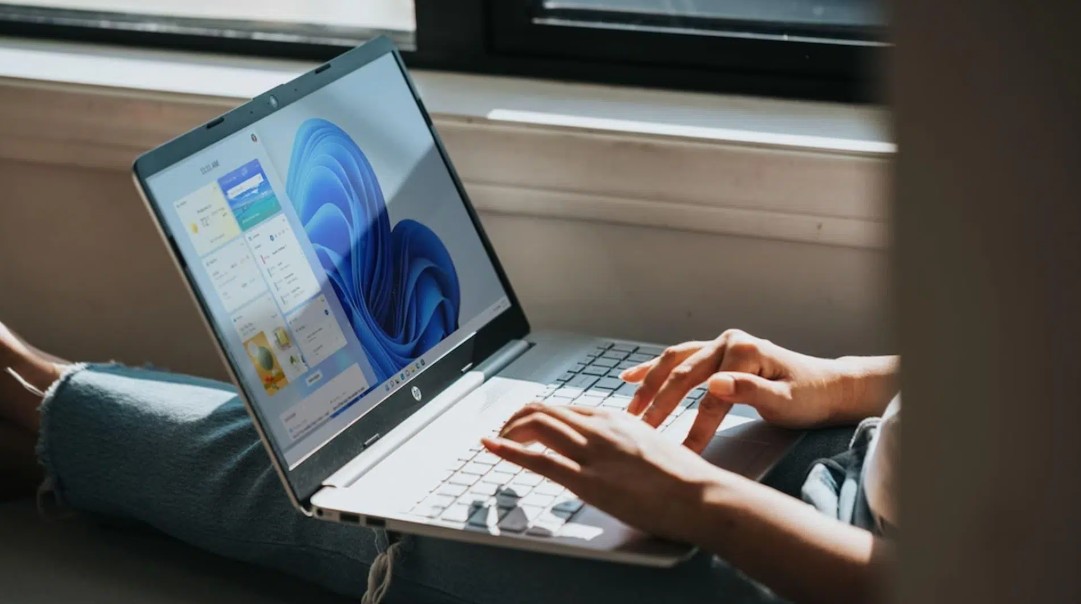
The minimum standards still include:
• 4 GB of RAM.
• 64 GB of storage capacity.
• Dual-core 64-bit processor.
· TPM 2.0.
· Secure Boot.
As a result, users don't need to worry about upgrading their hardware just to run the latest version of Windows.
7. Windows 11 26H1 and the story of the next-generation chip.
Alongside 26H2, many sources suggest that Microsoft is also preparing Windows 11 26H1. However, this is not a version aimed at the general consumer. The main goal of 26H1 is believed to be to support new hardware platforms such as Nvidia N1 or Snapdragon X2. These are next-generation chips expected to appear in many AI PCs in the future.
Developing a separate branch of Windows allows Microsoft to optimize hardware compatibility without affecting the stable platform used by millions of users. For most individual users, the existence of 26H1 will not make a significant difference in their daily experience.
8. What benefits do users receive from the new update model?
Despite lacking the glamour of traditional upgrades, Microsoft's new strategy still delivers several clear benefits.
Shorter update times .
Smaller download size .
Fewer errors occur.
• Fewer work disruptions.
• Better software compatibility.
• Businesses can manage the system more easily.
These are the factors that most users are actually more interested in than a new interface or a few rarely used features.
According to many experts, the maturity of Windows has forced Microsoft to prioritize stability over constant change.
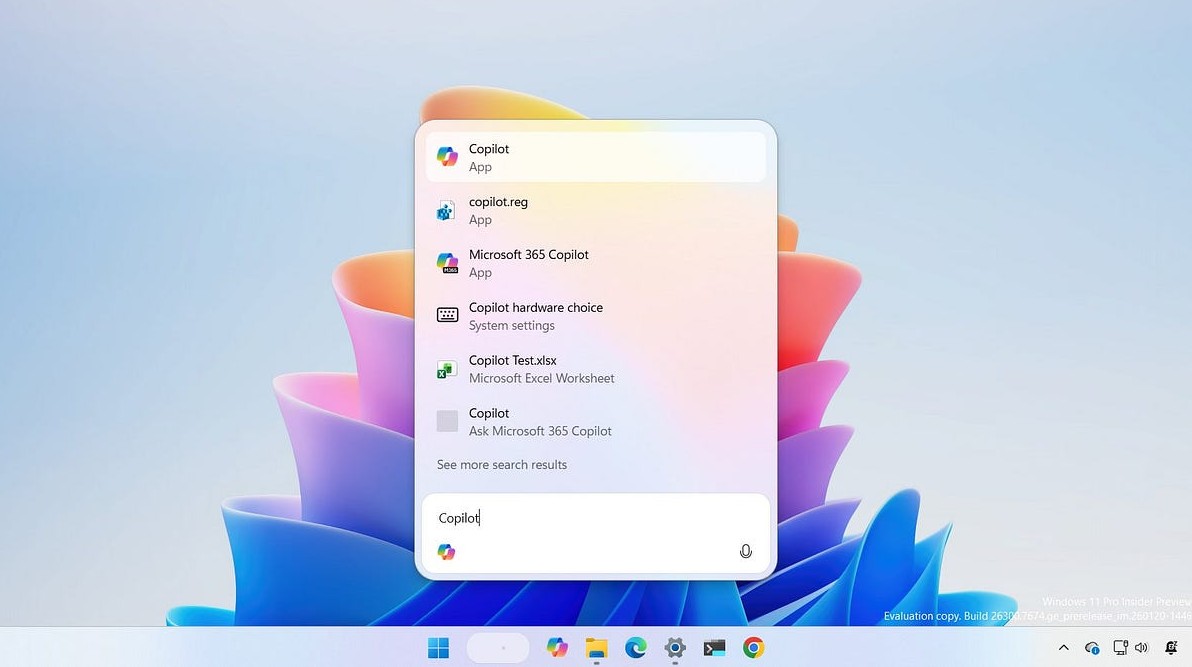
That's also why modern versions of Windows are increasingly resembling a continuously improving service rather than separate products released annually.
9. Conclusion
Windows 11 26H2 may well go down in history as one of the most "invisible" updates Microsoft has ever released. There are no major interface changes, no revolutionary features, and no requirement for users to get used to a completely new environment.
Instead, this version clearly reflects Microsoft's new strategy: prioritizing stability, simplifying the upgrade process, and delivering features in small increments through monthly updates.
For average users, this could be good news. Upgrading to Windows will be faster, safer, and less disruptive than ever before. As for Microsoft, Windows 11 26H2 shows that the world's most popular operating system is transforming from a product with periodic updates to a platform of services that is continuously improved over time.





















VIP Products








Best Selling Products
Freepik Premium Account
59 USD
MidJourney Account
29 USD
Genuine Cheap Canva Pro
39 USD
ChatGPT Plus Account (GPT-4)
16 USD
Genuine Adobe Illustrator account
99 USD
Upgrade genuine Capture One account
120 USD
Plugin Retouch4me
69 USD
Copyright Adobe Lightroom Account
59 USD
Windows 10 & 11 Pro Key
36 USD
Upgrade Genuine Office 365
49 USD
Upgrade Duolingo Super
29 USD
Adobe Premiere Pro Account
99 USD
Adobe Photoshop Copyright - Full App
120 USD
Autodesk All App Account Copyright
120 USD
Capcut Pro 1 Year
39 USD