Best Selling Products

Adobe Photoshop Copyright - Full App
120 USD

Copyright Adobe Lightroom Account
59 USD

Windows 10 & 11 Pro Key
36 USD

Upgrade Genuine Office 365
49 USD

ChatGPT Plus Account (GPT-4)
16 USD

Autodesk All App Account Copyright
120 USD

MidJourney Account
29 USD

Upgrade genuine Capture One account
120 USD

Upgrade Duolingo Super
29 USD

Genuine Adobe Illustrator account
99 USD

Plugin Retouch4me
69 USD

Capcut Pro 1 Year
39 USD

Freepik Premium Account
59 USD

Adobe Premiere Pro Account
99 USD

Genuine Cheap Canva Pro
39 USD
5 Mistakes When Using a Laptop That Cause the Battery to Degrade Faster Than You Think
Nội dung
A laptop battery can last for many years if used properly. However, just a few small habits during daily use can significantly reduce its lifespan. Let’s explore the common mistakes that many people are making without realizing it.
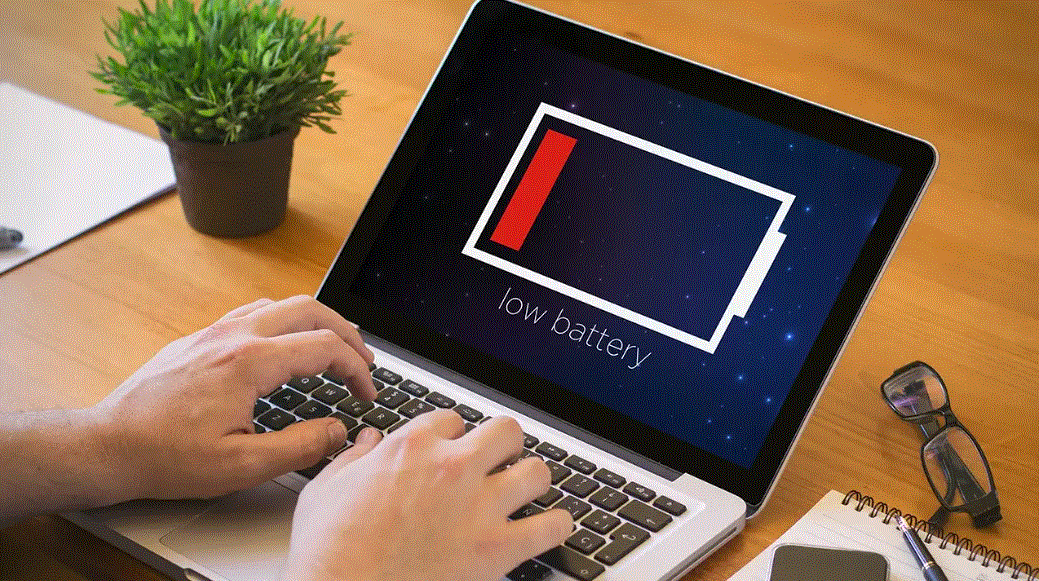
1. Keeping Your Laptop Plugged In Continuously for Long Periods
One of the most common habits among laptop users today is keeping the charger connected at all times while using the device. Many people believe that maintaining a constant charge ensures the battery stays full and the laptop operates reliably, especially during long work sessions at home or in the office. However, for lithium-ion batteries, remaining at a full charge for extended periods is not an ideal condition.
Lithium-ion batteries operate through chemical reactions inside individual battery cells. When the battery remains fully charged at 100% for long periods, the chemical stress inside the cells increases, accelerating the aging process. This means battery capacity gradually decreases over time, resulting in shorter usage durations between charges. Many studies show that lithium-ion batteries achieve their best lifespan when operating between approximately 20% and 80% charge rather than constantly staying at 100%.
In practice, many laptop manufacturers have recognized this issue and integrated intelligent battery management features into their systems. These features can automatically limit maximum charging levels to around 80% when the laptop remains plugged in for extended periods. The goal is to reduce battery stress and extend its lifespan. However, not all users enable or take advantage of these features.
%20(1).jpg)
To better protect the battery, users should adjust how they use their laptops at a desk. Instead of keeping the charger connected constantly, it is beneficial to use the battery for a period before recharging. Maintaining a natural charge-discharge cycle helps the battery remain healthier and reduces the risk of premature wear. Additionally, unplugging the charger when the battery reaches around 80–90% is a simple yet effective way to extend battery life.
2. Letting the Battery Drain Completely Before Charging
Another common habit is allowing the laptop battery to discharge completely before recharging it. Many users still believe this practice helps “calibrate” the battery and maintain its maximum capacity. This belief originated during the era of older battery technologies such as NiCd and NiMH batteries. These batteries suffered from a phenomenon known as the “memory effect,” which could reduce capacity if they were not fully discharged before recharging.
Modern lithium-ion batteries do not have this problem. In fact, allowing the battery to drain completely can actually damage it. When battery levels become extremely low, the chemical reactions inside the battery cells become less stable. If deep discharges occur frequently, battery capacity declines more rapidly, reducing the amount of time the laptop can operate between charges.
Additionally, when the battery reaches a critically low level, the laptop’s battery protection system automatically shuts down the device to prevent damage. However, if this situation occurs repeatedly, the battery cells may age faster. In some cases, the battery may lose its ability to retain charge and require replacement much sooner than expected.
The most effective battery practice is to recharge when the battery level reaches around 20% to 30%. Maintaining the battery between approximately 20% and 80% is considered the safest operating range, helping the battery remain stable and reducing the rate of aging. This habit not only extends battery lifespan but also ensures the laptop is always ready when needed.
%20(1).jpg)
3. Using Your Laptop in Excessively High Temperatures
Temperature is one of the most significant factors affecting the lifespan of lithium-ion batteries. When a laptop operates in a hot environment or experiences prolonged overheating, the chemical reactions inside the battery accelerate, causing the battery to age more quickly than normal.
Laptops commonly generate heat during demanding tasks such as gaming, video editing, graphic rendering, or running high-performance software. Additionally, placing a laptop on a bed, pillow, or sofa can reduce cooling efficiency. These soft surfaces often block ventilation openings, preventing proper airflow and increasing internal temperatures.
When temperatures rise excessively, not only the battery but also other components such as the CPU, GPU, and storage drive may be affected. Prolonged exposure to high temperatures can reduce system performance and shorten the lifespan of several critical components.
To minimize overheating, users should place laptops on flat, well-ventilated surfaces during use. Using a laptop stand or cooling pad can also significantly improve airflow. Furthermore, regularly cleaning the cooling system to remove dust buildup helps maintain more stable operating temperatures.
%20(1).jpg)
4. Using an Incompatible or Low-Quality Charger
The charger plays a critical role in supplying power and charging the laptop battery. Every laptop model is designed to operate with specific voltage and power requirements. Using an incompatible or low-quality charger can seriously affect both the battery and the laptop’s electrical system.
If the charger provides less power than the laptop requires, charging may become slower, and the system may need to work harder to maintain power delivery. This can generate additional heat and negatively impact battery health. Conversely, if the charger supplies unstable voltage or fails to meet proper standards, internal laptop components may become overloaded or damaged.
Today’s market contains many inexpensive chargers of uncertain origin. These products often lack adequate voltage protection systems and can cause issues such as inconsistent charging, overheating, or even electrical short circuits and fire hazards.
To ensure safety and protect the laptop battery, users should use genuine chargers or certified products approved by the manufacturer. Although these chargers may cost more, they represent an essential investment in protecting the device and avoiding unnecessary risks.
%20(1).jpg)
5. Storing Your Laptop When the Battery Is Completely Drained
Another mistake many people make is storing a laptop for an extended period with the battery completely depleted. This commonly occurs when a laptop is not used for several weeks or months. However, for lithium-ion batteries, remaining in a fully discharged state for a prolonged period can cause serious damage.
When a battery is deeply discharged and not recharged for a long time, the battery cells can lose their ability to store electrical energy efficiently. In severe cases, the battery may completely lose its ability to accept a charge. This can prevent the laptop from starting unless the battery is replaced.
Experts recommend charging the battery to approximately 50% before storing a laptop for a long period. This charge level is considered optimal because it minimizes chemical stress within the battery while helping preserve cell health. In addition, the laptop should be stored in a cool, dry location away from direct sunlight to reduce the effects of temperature exposure.
Taking care of a laptop battery does not require advanced technical knowledge. It mainly involves changing a few everyday habits. When users understand how lithium-ion batteries work and adopt proper charging practices, laptop batteries can maintain strong performance for many years. This not only extends the lifespan of the device but also provides a more reliable user experience while reducing future repair and replacement costs.





















VIP Products








Best Selling Products
Adobe Photoshop Copyright - Full App
120 USD
Copyright Adobe Lightroom Account
59 USD
Windows 10 & 11 Pro Key
36 USD
Upgrade Genuine Office 365
49 USD
ChatGPT Plus Account (GPT-4)
16 USD
Autodesk All App Account Copyright
120 USD
MidJourney Account
29 USD
Upgrade genuine Capture One account
120 USD
Upgrade Duolingo Super
29 USD
Genuine Adobe Illustrator account
99 USD
Plugin Retouch4me
69 USD
Capcut Pro 1 Year
39 USD
Freepik Premium Account
59 USD
Adobe Premiere Pro Account
99 USD
Genuine Cheap Canva Pro
39 USD