Best Selling Products

Adobe Premiere Pro Account
99 USD

Upgrade Duolingo Super
29 USD

Freepik Premium Account
59 USD

Plugin Retouch4me
69 USD

ChatGPT Plus Account (GPT-4)
16 USD

Genuine Adobe Illustrator account
99 USD

Windows 10 & 11 Pro Key
36 USD

Upgrade genuine Capture One account
120 USD

MidJourney Account
29 USD

Capcut Pro 1 Year
39 USD

Copyright Adobe Lightroom Account
59 USD

Autodesk All App Account Copyright
120 USD

Adobe Photoshop Copyright - Full App
120 USD

Upgrade Genuine Office 365
49 USD

Genuine Cheap Canva Pro
39 USD
5 Risks of Buying Cheap Used Laptops That Not Everyone Knows About
Nội dung
- 1. Components may malfunction or fail.
- 1.1. Hardware failures that are difficult to detect.
- 1.2. Inspect the laptop before buying.
- 2. Hardware can quickly become obsolete.
- 2.1. Performance no longer meets requirements.
- 2.2. Software Compatibility
- 3. The battery and storage drive have degraded.
- 3.1. The battery is worn out.
- 3.2. Storage drives with potential risks
- 4. Limited or no warranty
- 4.1. Risk of incurring costs
- 4.2. Prioritize reputable suppliers.
- 5. Short remaining lifespan and difficult to resell.
- 5.1. Difficult to upgrade in the long term.
- 5.2. Resale value decreases rapidly
- 6. Is it a good idea to buy a cheap, used laptop?
Cheap used laptops are a cost-saving option, but they don''''t always offer long-term benefits. Learn about 5 common drawbacks of buying a used laptop.
1. Components may malfunction or fail.
The biggest risk when buying a used laptop lies in the actual condition of the device. Unlike new laptops, buyers cannot know exactly how intensively the machine was used by its previous owner.
1.1. Hardware failures that are difficult to detect.
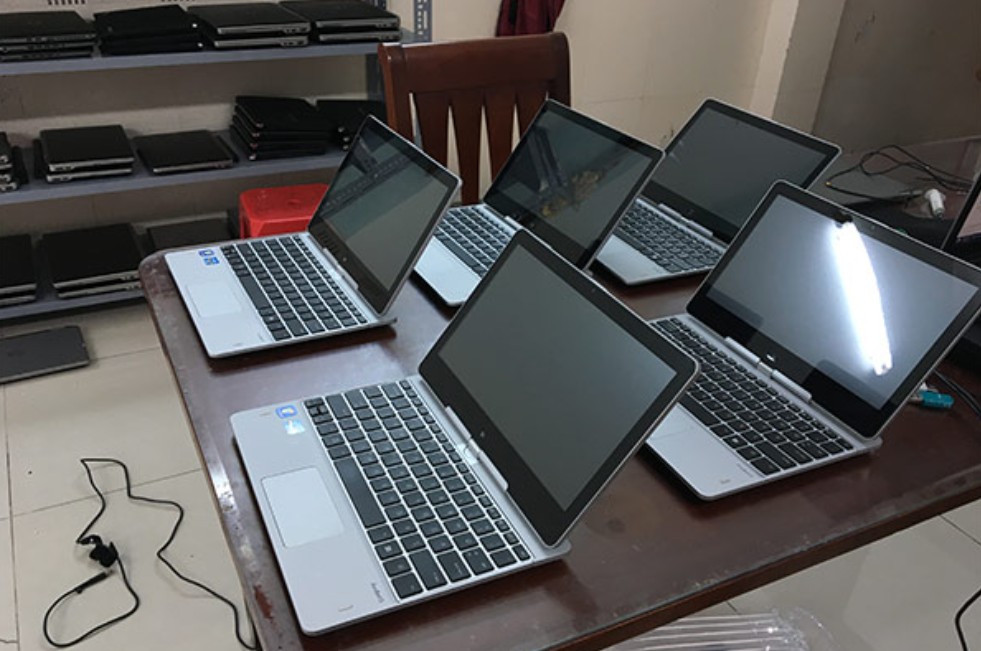
Signs such as dents or scratches on the casing, malfunctioning keyboard keys, or unusual screen display can often be detected during a physical inspection. However, some hardware faults may not be apparent on the first inspection.
For example, USB ports might be malfunctioning, the power supply unstable, the cooling fan noisy, or the hinges weak. These problems may only become apparent after some time of use.
In particular, a laptop that has been dropped or subjected to significant physical impact may still boot up normally, but it carries the risk of developing problems later on. If the seller does not provide a complete usage history, the buyer will almost certainly not know exactly what problems the device has experienced.
1.2. Inspect the laptop before buying.
If you still decide to buy a used laptop, you should check the machine following a specific procedure instead of just looking at its appearance and trying to get it to start up.
Step 1: Inspect the entire casing, corners, and hinge area for any dents or cracks.
Step 2: Test the screen at various brightness levels, observing for abnormal pixels, flickering, or uneven colors.
Step 3: Test the entire keyboard, touchpad, and function keys.
Step 4: Check each connection port such as USB, USB-C, HDMI, audio jack, and card reader slot if available.
Step 5: Check the speakers, webcam, microphone, and Wi-Fi connection.
Step 6: Restart the computer several times to detect any abnormal startup conditions.
Step 7: Run some real-world tasks for a sufficient amount of time to see if the machine overheats, freezes, or shuts down unexpectedly.
Thorough inspection may not completely eliminate the risk, but it helps reduce the likelihood of purchasing a device with serious defects.
2. Hardware can quickly become obsolete.
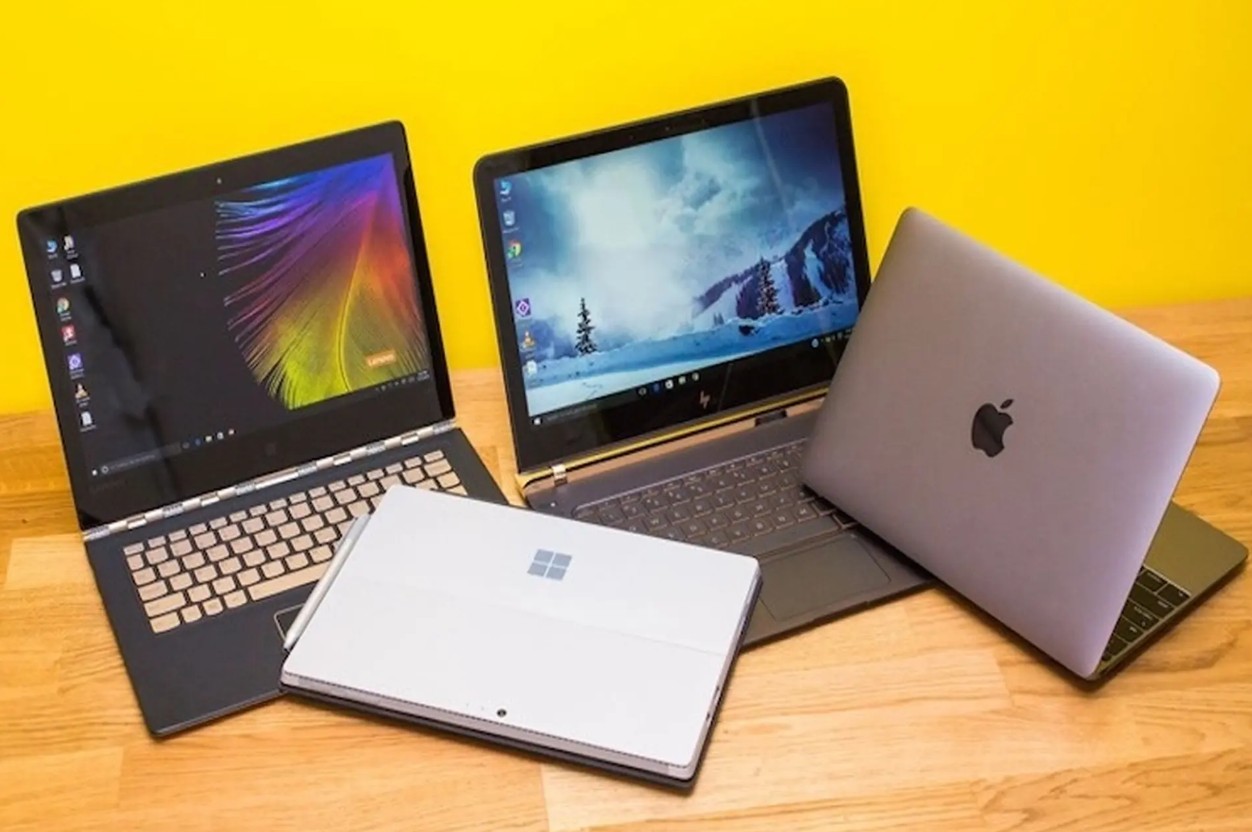
One reason used laptops are cheaper is that they have been used for a certain period of time. This also means that the processor, graphics chip, memory, and connectivity technologies in the machine may be significantly older than current products.
2.1. Performance no longer meets requirements.
Software is constantly being updated and often requires more resources. A laptop that was powerful when it was first released may not necessarily provide the same experience after many years.
Tasks such as video editing, processing high-resolution images, 3D rendering, or running multiple applications simultaneously can significantly slow down older laptops.
This is why buyers shouldn't just look at specifications like Core i5 or Core i7. Even with the same name, processors from different generations can have vastly different performance levels and compatibility.
2.2. Software Compatibility
New operating systems and software are also factors to consider. Some older laptops may not meet the hardware or firmware requirements of newer operating systems.
In particular, Windows 10's official support ends in October 2025, so at this point, buying a used laptop that's only compatible with Windows 10 requires careful consideration of security and long-term support.
Some people may choose a different operating system, but this isn't always suitable for their work or study needs. Therefore, before buying, you should check the compatibility of the machine with the operating system and software you intend to use.
3. The battery and storage drive have degraded.
The battery and storage drive are two components that require special attention when buying a used laptop. These are both components with limited lifespans and are subject to wear and tear during use.
3.1. The battery is worn out.
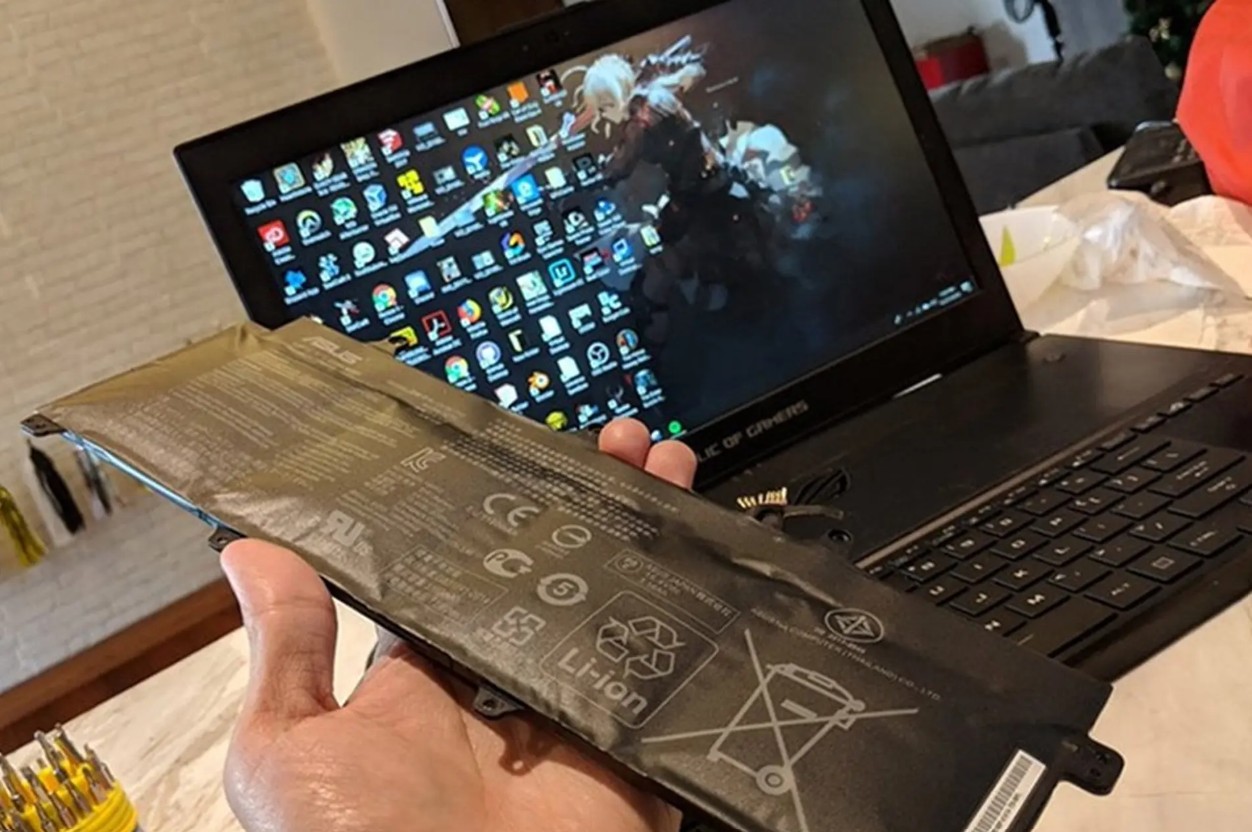
Laptop batteries have a limited number of charging cycles. After prolonged use, their actual capacity typically decreases compared to their original design capacity.
The most noticeable signs are short battery life, rapid battery drain, or frequent charging reminders. If the battery is severely degraded, replacing it may become an expense shortly after purchase.
Therefore, when evaluating the value of a used laptop, you shouldn't just look at the selling price. You also need to consider the possibility of needing to replace the battery in the near future.
3.2. Storage drives with potential risks
Both SSDs and HDDs should be tested before purchase. With HDDs, prolonged use can increase the risk of mechanical failure. SSDs have no moving parts but also have limitations in terms of data write durability.
Besides hardware issues, used laptops from unreliable sources also risk containing unwanted software or previous user data. Therefore, after purchasing a used laptop, users should back up essential data, wipe the system clean, and reinstall the operating system from a trusted source.
If the storage drive shows signs of degradation, replacing it with a new one should also be included in the total cost of ownership.
4. Limited or no warranty
A warranty is a significant advantage when buying a new laptop, but buyers of used laptops often don't receive the same level of protection.
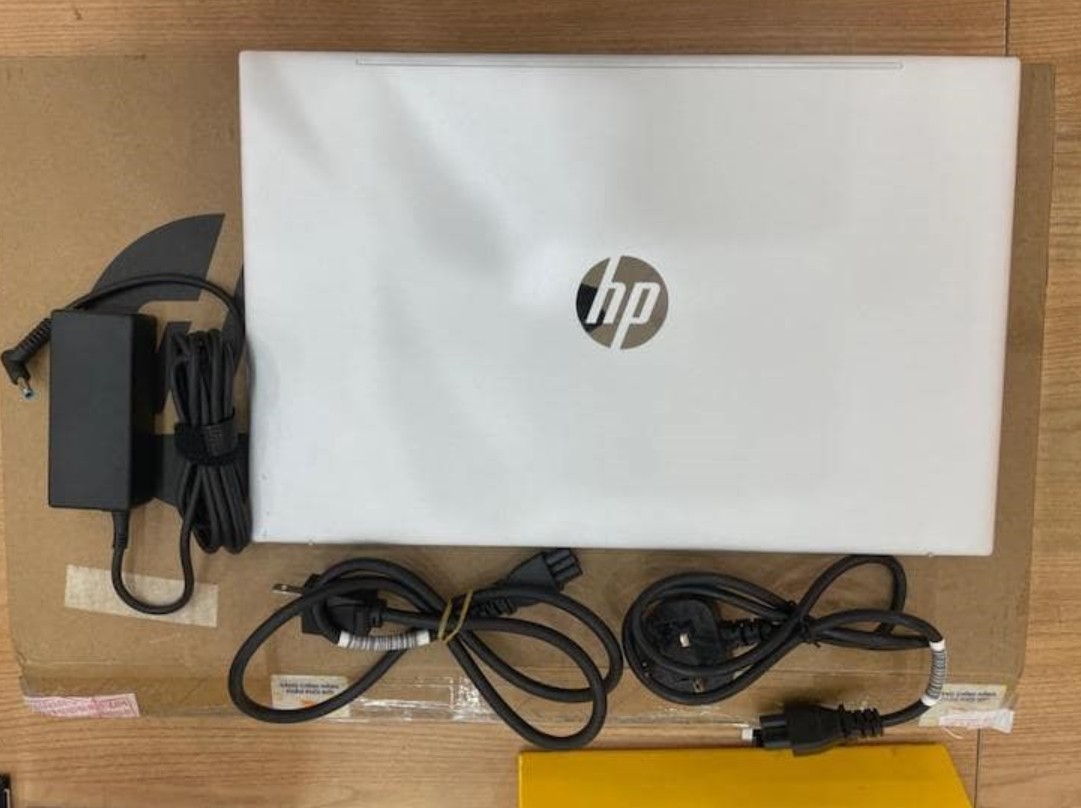
If buying from individuals, many transactions are conducted with very limited or even no warranty. When the device malfunctions after purchase, the user may have to bear the full cost of repairs themselves.
4.1. Risk of incurring costs
Not all laptop problems have low repair costs. Some issues related to the motherboard, power supply, or screen can make the repair costs significantly higher.
This creates a fairly simple equation: if a used laptop is a few million dong cheaper than a new one, but then requires many repairs or component replacements, the initial savings can quickly disappear.
4.2. Prioritize reputable suppliers.
When buying a used laptop, users should prioritize products with clear inspection and warranty policies. Refurbished laptops from reputable manufacturers or vendors generally offer a higher level of peace of mind compared to transactions with individuals without guarantees.
Before making a payment, it's essential to clearly inquire about the warranty period, coverage, return and exchange conditions, and which components are covered. This is crucial information that is often overlooked when buyers focus too much on price.
5. Short remaining lifespan and difficult to resell.
Used laptops not only have a longer lifespan but also a lower resale value . When buying a device that has been used for many years, the buyer is continuing to use the remaining lifespan of the product.
5.1. Difficult to upgrade in the long term.
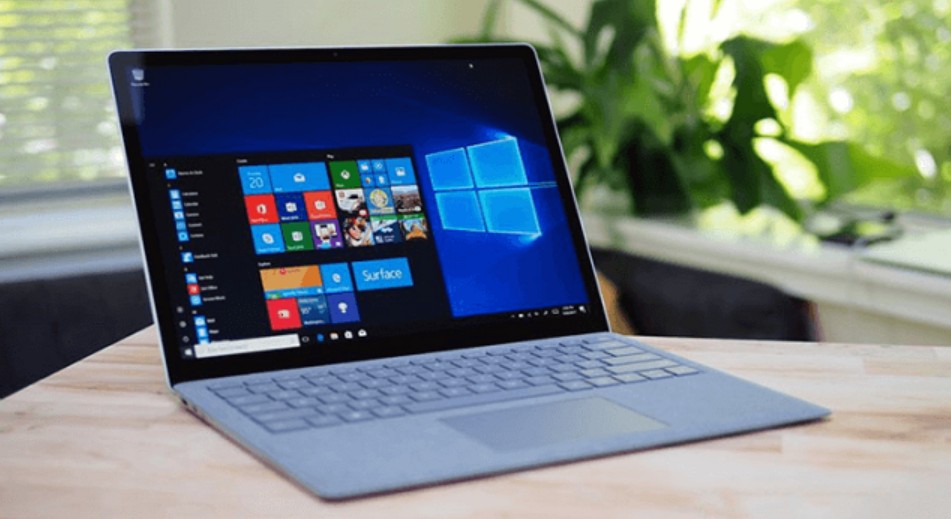
Some modern laptops have a thin design and integrate many components directly onto the motherboard. This can limit upgrade or repair options compared to older laptop models with more accessible designs.
If the RAM or storage cannot be upgraded, the machine may quickly run out of resources as usage demands increase.
Therefore, before buying, you need to check the upgradeability of RAM, SSD, and other components. Don't assume that all laptops have easily replaceable components.
5.2. Resale value decreases rapidly
After several years of use, laptops that have passed through many hands will find it difficult to compete with older models of newer generation. The market is constantly introducing new devices with faster processors, better battery life, and more modern connectivity technology.
If you buy a very old laptop just because it's cheap, you might find yourself having to sell it at a very low price when you want to upgrade.
This is why you should consider the total cost of ownership , rather than just comparing the initial purchase price. A slightly more expensive laptop with a shorter lifespan, good upgradeability, and remaining warranty might sometimes be a more economical choice in the long run.
6. Is it a good idea to buy a cheap, used laptop?
Used laptops aren't always a bad option. If you can find one with a clear origin, good condition, suitable specifications, and a reasonable price, it can still be a worthwhile and economical choice.
However, buyers need to clearly define their needs before making a choice. If only used for basic tasks, an older model may suffice. Conversely, if needed for video editing, graphic design, programming, or using professional software for many years, a device with sufficiently new hardware and good upgradeability should be prioritized.
A cheap laptop isn't necessarily the most economical choice. Purchase price, repair costs, upgrade costs, and remaining lifespan are the factors that need to be considered when making the right decision.





















VIP Products








Best Selling Products
Adobe Premiere Pro Account
99 USD
Upgrade Duolingo Super
29 USD
Freepik Premium Account
59 USD
Plugin Retouch4me
69 USD
ChatGPT Plus Account (GPT-4)
16 USD
Genuine Adobe Illustrator account
99 USD
Windows 10 & 11 Pro Key
36 USD
Upgrade genuine Capture One account
120 USD
MidJourney Account
29 USD
Capcut Pro 1 Year
39 USD
Copyright Adobe Lightroom Account
59 USD
Autodesk All App Account Copyright
120 USD
Adobe Photoshop Copyright - Full App
120 USD
Upgrade Genuine Office 365
49 USD
Genuine Cheap Canva Pro
39 USD