Best Selling Products

Genuine Cheap Canva Pro
39 USD

Autodesk All App Account Copyright
120 USD

ChatGPT Plus Account (GPT-4)
16 USD

Upgrade Genuine Office 365
49 USD

Windows 10 & 11 Pro Key
36 USD

Genuine Adobe Illustrator account
99 USD

Copyright Adobe Lightroom Account
59 USD

Upgrade genuine Capture One account
120 USD

Capcut Pro 1 Year
39 USD

Adobe Premiere Pro Account
99 USD

Freepik Premium Account
59 USD

Upgrade Duolingo Super
29 USD

MidJourney Account
29 USD

Plugin Retouch4me
69 USD

Adobe Photoshop Copyright - Full App
120 USD
How to create Noir images using Adobe Firefly for free from A-Z.
Nội dung
- 1. Explore the noir style
- 1.1. Control your mood through description.
- 1.2. Refine every detail
- 1.3. Notes on usage rights
- 1.4. Expanding the noir style
- 2. How to create noir images with Adobe Firefly
- Step 1: Open Adobe Firefly
- Step 2: Describe the noir scene.
- Step 3: Customize settings
- Step 4: Create and refine
- Step 5: Download and share
- 3. Why should you use Adobe Firefly to create noir images?
- 3.1. Support for commercial use
- 3.2. Precise Customization
- 3.3. Creating images quickly
- 3.4. Seamless integration with Adobe
- 4. Tips for writing effective prompt noir
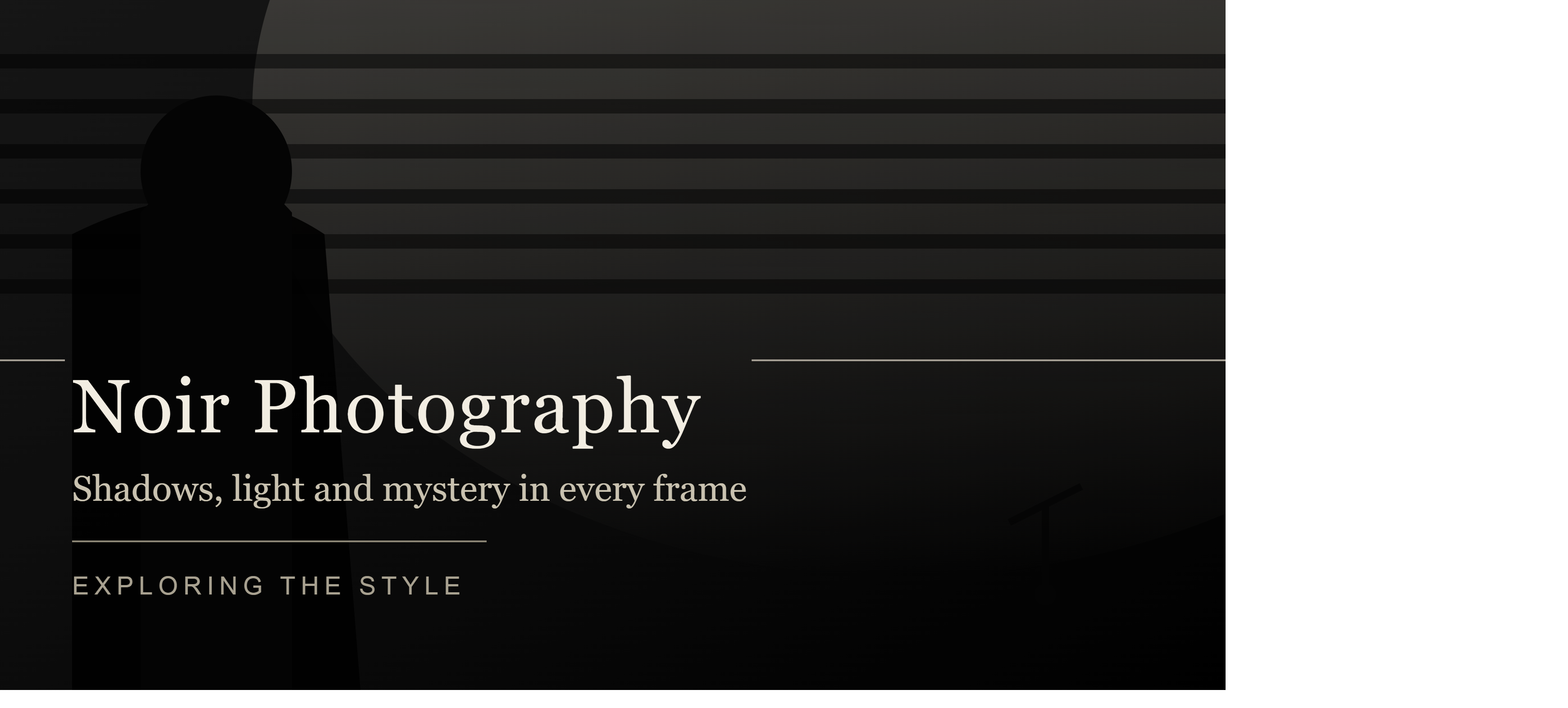
Adobe Firefly helps transform Film Noir ideas into emotionally resonant cinematic images with just a text command.
1. Explore the noir style
The appeal of noir lies in its ability to tell a story through light, shadow, and space. A noir image doesn't necessarily need a detective character or a crime scene. More important is the sense of mystery, solitude, tension, or contemplation that the image evokes.
1.1. Control your mood through description.
One of the advantages of AI-powered image creation is the ability to control the mood through language. Simply changing the words describing the light or atmosphere can alter the overall feeling of the image.
If you want a mysterious image, you can focus on a "misty atmosphere," "deep shadows," or "isolated streetlight." If you want a stronger cinematic style, you can add "cinematic lighting," "dramatic contrast," and a "mood atmosphere."
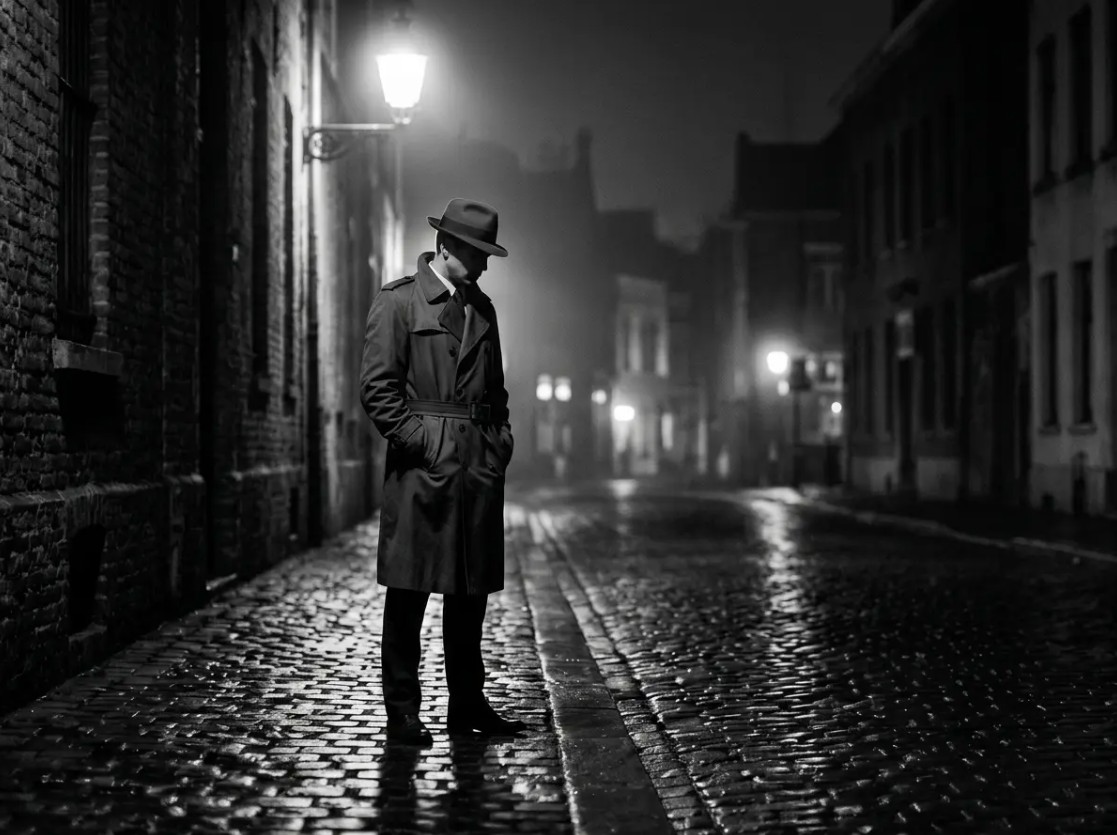
Example sentence: "A deserted alley shrouded in mist under a single street lamp, the wet pavement reflecting light, deep shadows, high contrast, mysterious atmosphere, cinematic noir photography."
You could also switch to a scene with a character: "A solitary figure stands behind rain-soaked curtains, only seeing silhouettes in the dim light, the city at night behind, high contrast, deep shadows, atmospheric classic film noir."
The key is to describe not only the "subject" but also the light, the environment, and the emotions .
1.2. Refine every detail
After obtaining the initial result, continue to refine it instead of recreating it entirely from scratch. Keywords related to contrast, lighting direction, shadows, and image texture can help bring the result closer to the classic noir style.
You could try phrases like "high contrast" , "deep shadows" , "dramatic side lighting" , "hard rim light" , "silver gelatin film tones" or "monochromatic cinematic photography" .
For example: "A person standing under streetlights in a rainy street at midnight, dramatic side lighting, high contrast, deep shadows, silver gelatin film tones, wet pavement reflections, classic film noir photography."
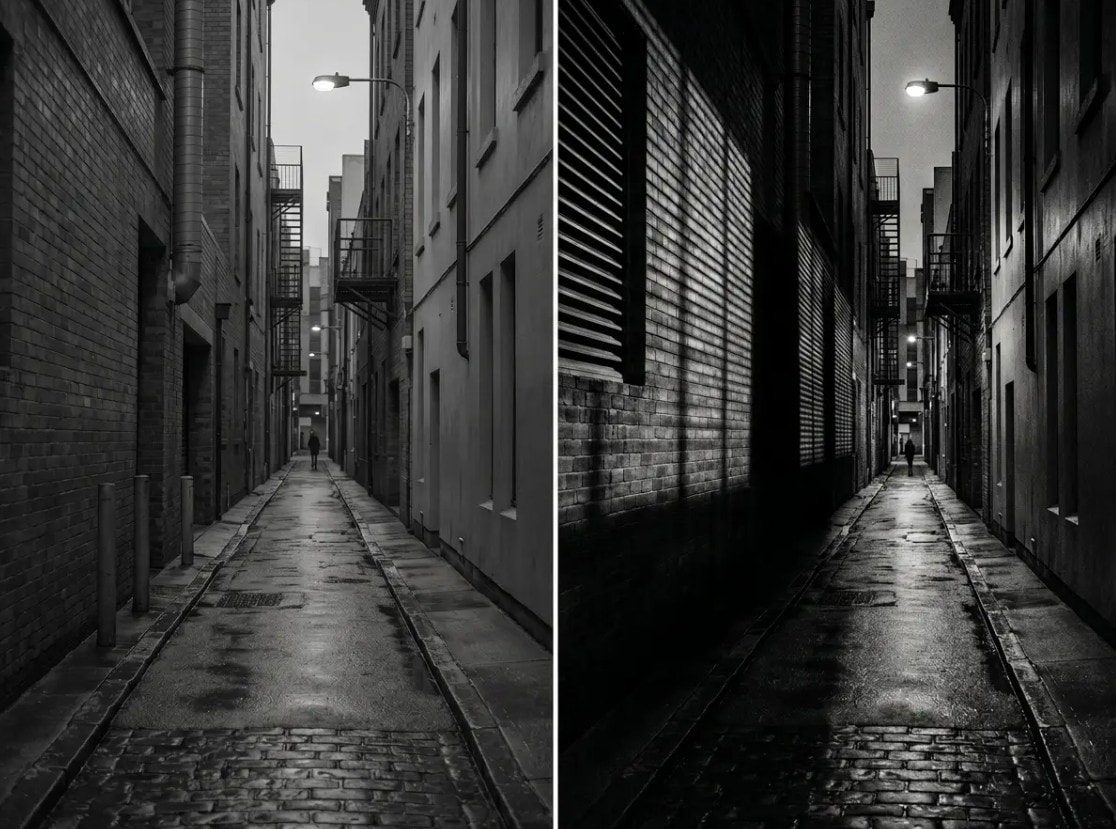
If you want a more modern image, change the style description to: "A solitary figure walks through a rain-covered modern city, neo-noir cinematic photography, cool blue accents, deep shadows, dramatic lighting, reflective wet streets, atmospheric night scene."
Firefly also supports workflows that utilize reference images in relevant features, helping users better orient themselves toward the structure, style, or overall composition of an image. Adobe has developed structural referencing capabilities so that the resulting images can follow the layout of the reference image.
1.3. Notes on usage rights
One notable aspect of Firefly is its commercially safe approach . Adobe states that Firefly models are trained on content that Adobe owns or is licensed to use, including Adobe Stock and public domain content; Adobe also states that it does not use customer content to train Firefly.
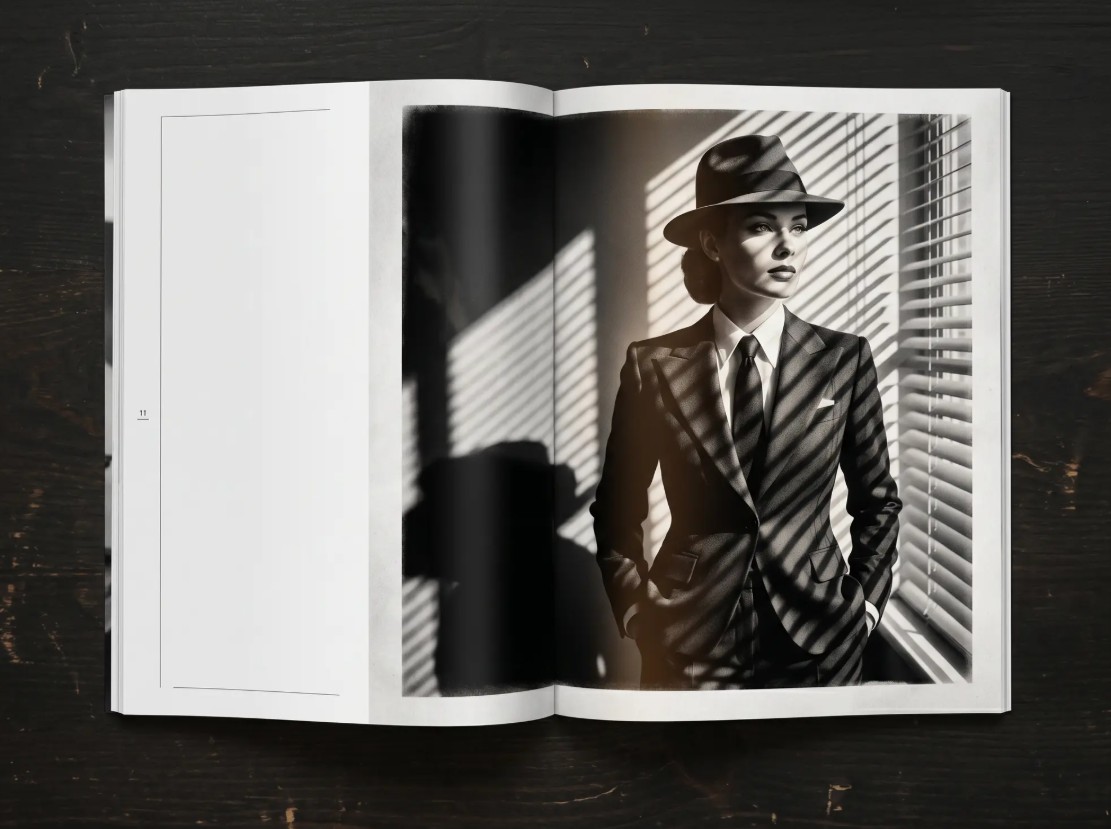
This makes Firefly suitable for a wide range of professional creative workflows. The images generated can be used in projects such as content design, editorial writing, presentations, communications, or creative products, depending on the terms applicable to the feature and model you use.
Adobe now also distinguishes between Adobe's own Firefly models and third-party partner models. With partner models, users need to check the specific terms and conditions before using them for commercial purposes.
Therefore, if the goal is to create noir imagery for a professional project, be sure to check the model labels, terms of use, and permissions for each feature before publishing.
1.4. Expanding the noir style
Noir isn't limited to just black and white photos. This is a particularly interesting aspect when using AI to create images.
You can create a classic noir style with black and white tones, strong contrast, and deep shadows. With neo-noir , images can utilize cool blue, purple, or modern colored light sources as accents. Meanwhile, warm orange lighting can evoke the feel of classic detective films.
Ví dụ: "Classic black and white film noir portrait, hard directional lighting, deep shadows, dramatic expression, silver gelatin film tones, cinematic composition."
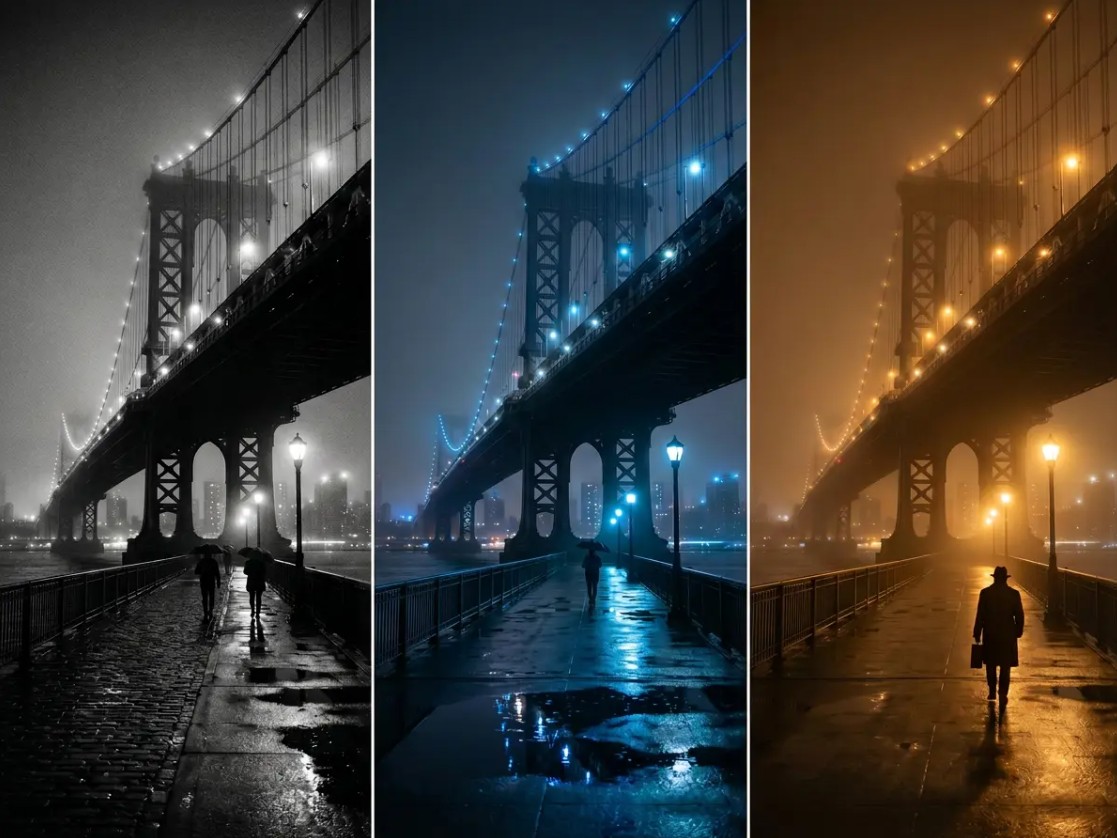
Hoặc: "Modern neo-noir city at night, solitary figure walking through rain, cool blue and cyan accents, deep shadows, cinematic lighting, wet street reflections."
Small changes in the color palette can transform the same idea into completely different images.
2. How to create noir images with Adobe Firefly
The process of creating noir images using Firefly is relatively intuitive. However, to achieve good results, you shouldn't just enter a short command and stop. Think of the image creation process as a loop of description, testing, and refinement.
Step 1: Open Adobe Firefly
Access Adobe Firefly and select the Create Image feature to begin the process of creating an image using text descriptions.
The interface and options may vary depending on the Firefly version, account plan, and features offered by Adobe at the time of use.
Step 2: Describe the noir scene.
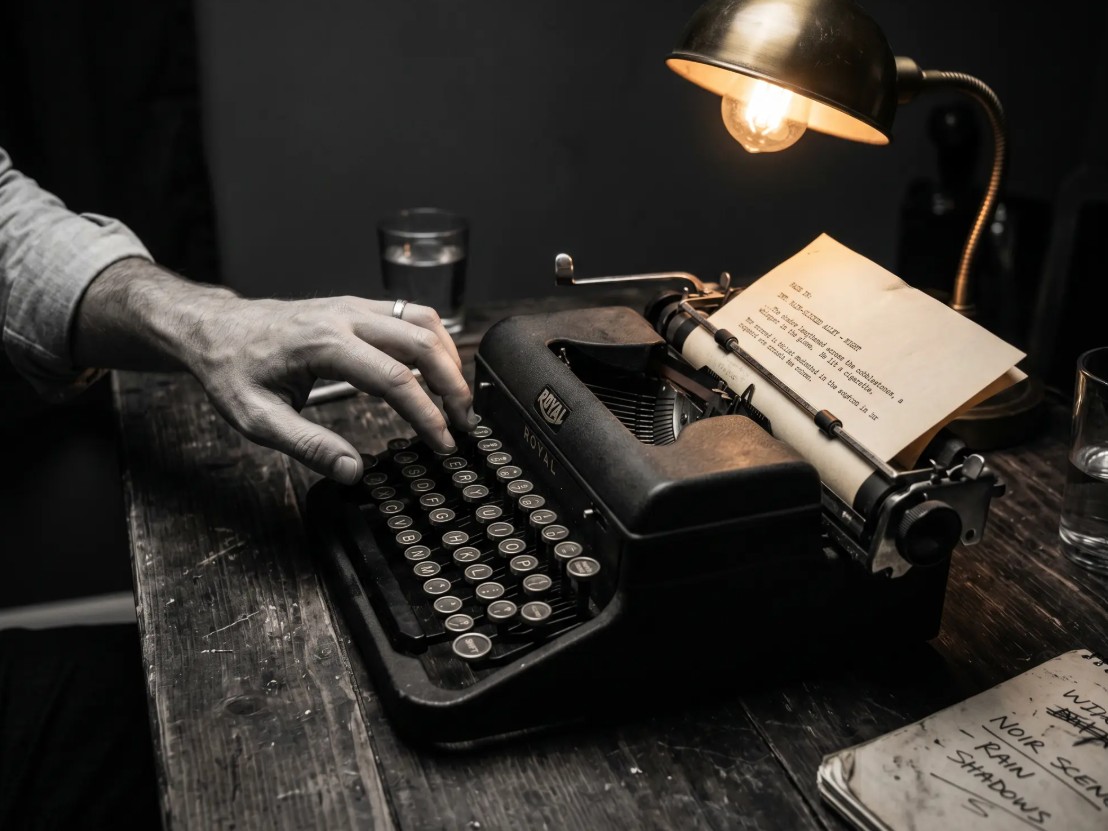
In the command input box, clearly describe the scene you want to create. Start with the subject and background, then add lighting, weather, atmosphere, and style.
For example: "A man stands alone in a rain-covered alley at night, streetlights shining obliquely from above, the wet pavement reflecting the light, a light fog, deep shadows, high contrast, classic cinematic film noir."
A good command should tell Firefly what's in the image, what the lighting is like, and what emotion the image should convey .
Step 3: Customize settings
After entering the command, adjust the available image settings. Depending on the Firefly version, you can control the aspect ratio, style, color, or other image elements.
If you want to create images for your articles, a horizontal layout is usually suitable for the content space. If you want to design posters or social media content, a vertical layout might be more appropriate.
Choose your settings based on where the images will be used, rather than just on personal preference.
Step 4: Create and refine
Select "Create Image" and view the results generated by Firefly. Don't rush to choose the first result. Check the lighting, subject positioning, contrast, background, and empty space in the composition.
If the image is too bright, add: "deep shadows, low-key lighting, high contrast."
If the image isn't cinematic enough, add: "cinematic composition, dramatic lighting, atmospheric depth."
If you want to enhance the classic noir feel: "black and white, silver gelatin film tones, classic film noir aesthetic."
Continue adjusting until the image achieves the desired aesthetic.
Step 5: Download and share
Once completed, you can export the image using the options provided by Firefly and incorporate it into the next design process.
Firefly is also integrated with the Adobe ecosystem, allowing it to be combined with tools like Photoshop and Adobe Express in the creative workflow. Adobe describes Firefly as part of the process from idea to final editing.
3. Why should you use Adobe Firefly to create noir images?
Firefly is well-suited to the noir style because it allows users to control the image right from the conceptual stage. Instead of having to find a suitable real-life setting, users can directly describe the desired scene and continue to make adjustments.
3.1. Support for commercial use
Firefly was developed by Adobe with safety in mind for commercial use. Adobe states that Firefly models are trained on licensed or public-domain content, rather than using client content for training.
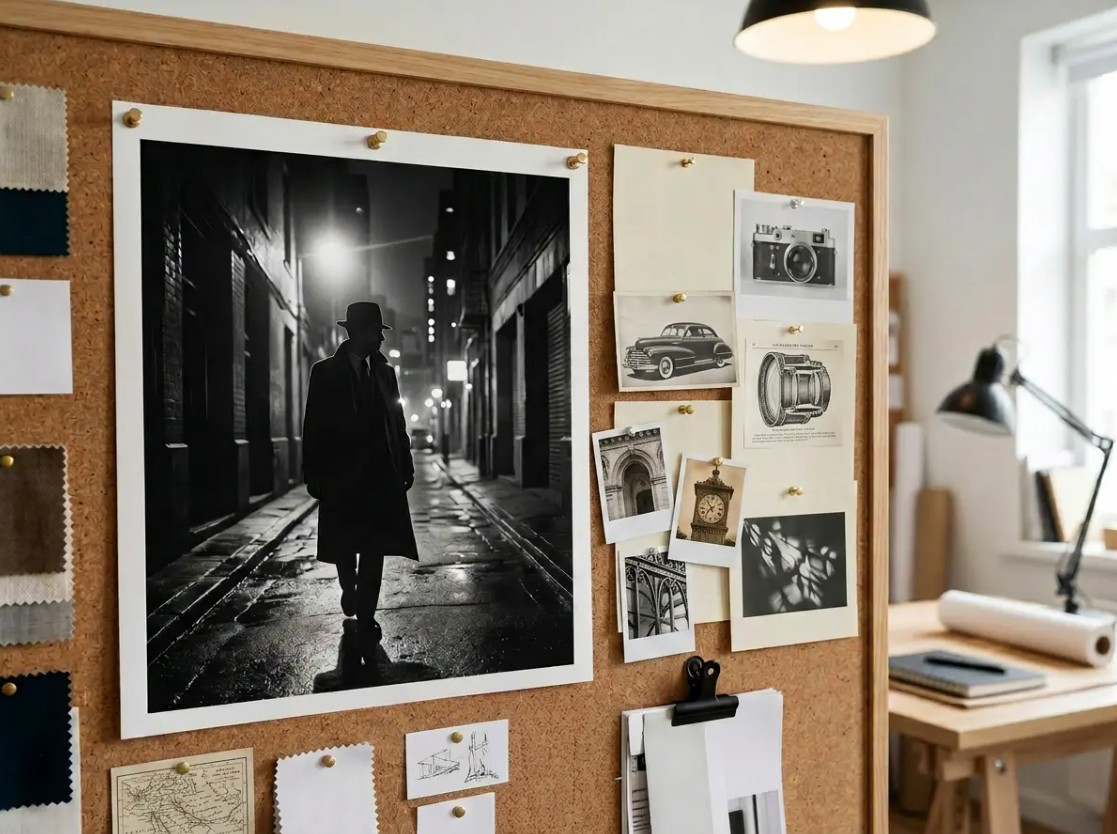
This is especially useful for content creators, designers, and communicators who need to create visuals for professional projects. However, for important commercial projects, users should still check the current terms and conditions and model information before using it.
3.2. Precise Customization
Noir is a style that relies heavily on light and contrast. Therefore, the ability to describe specific details allows the user to better control the results.
Instead of typing: "Photo noir."
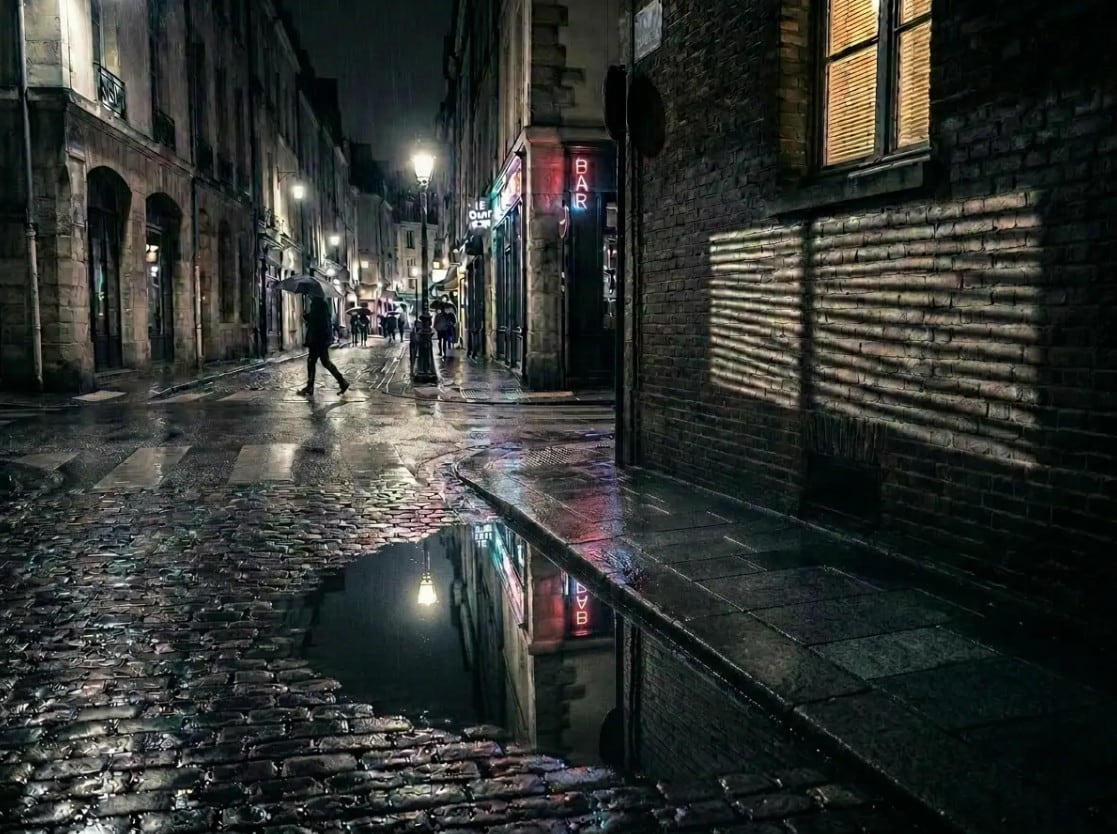
Describe it as: "Black and white portrait noir, oblique lighting from the left, half the face in shadow, high contrast, deep shadows, cinematic atmosphere, silver gelatin film tones."
The more purposeful the command, the easier it is for the user to orient the results according to the original idea.
3.3. Creating images quickly
One of the biggest advantages of AI image generation is speed. From an initial idea, Firefly can quickly generate image options for you to evaluate.
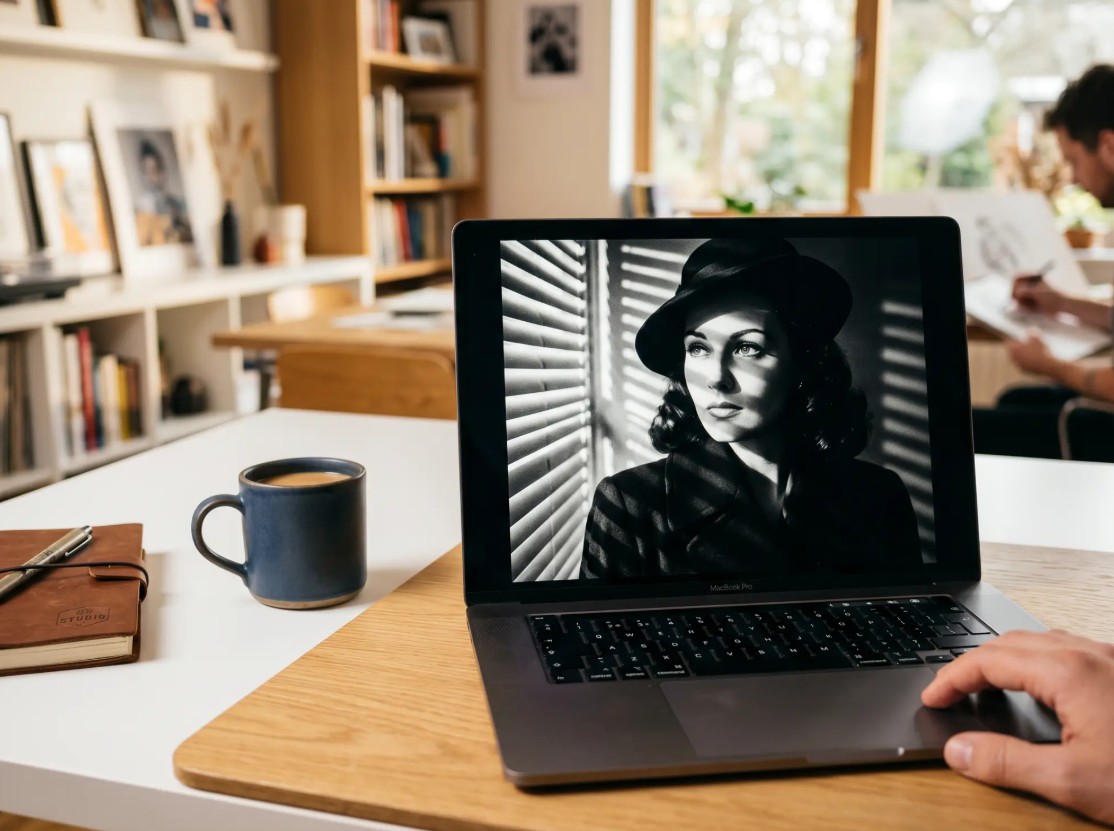
This is very helpful during the concept development phase. Instead of spending a lot of time preparing for a test shoot, you can create multiple different interpretations of the same idea, and then choose the right direction to develop further.
3.4. Seamless integration with Adobe
Firefly isn't necessarily the end point of the process. Images can continue to be edited within the Adobe ecosystem. Photoshop is suitable for tasks requiring fine-tuning such as retouching, color correction, layer processing, and image finishing; Adobe Express is better suited for faster content design.
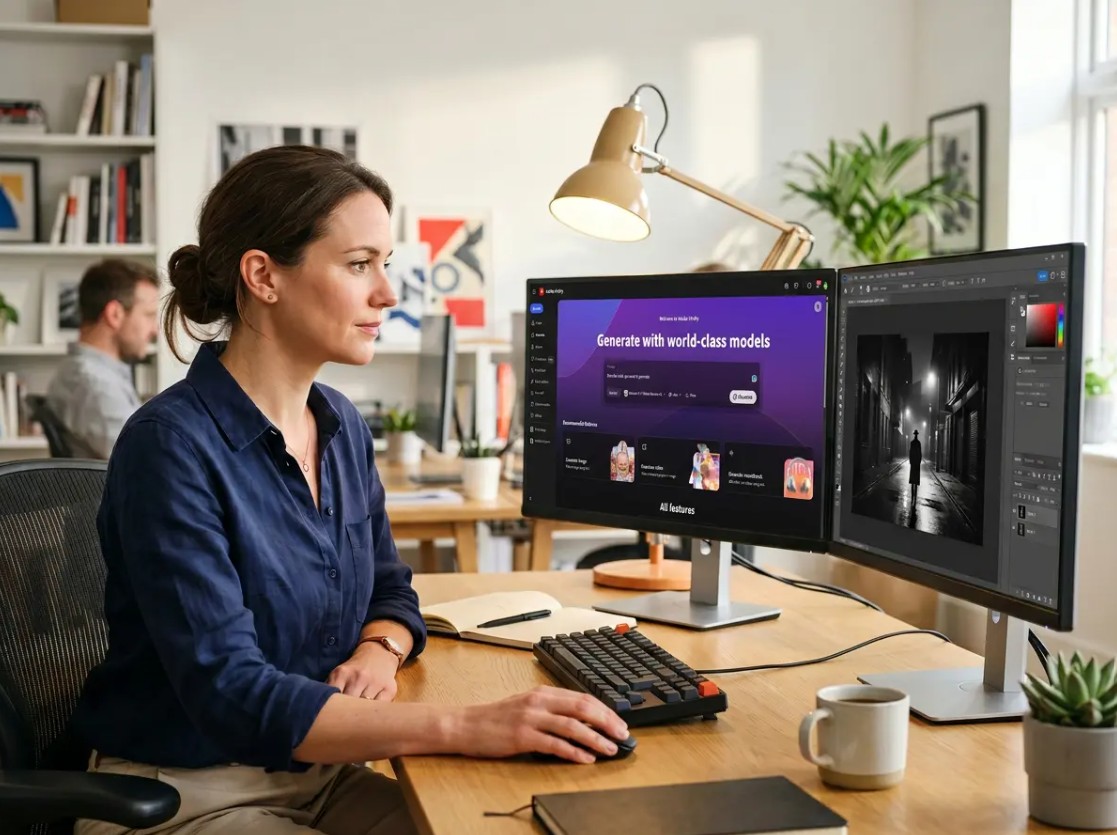
Adobe currently describes Firefly and Photoshop as a combined workflow, where Firefly assists in ideation and image creation, while Photoshop handles the more precise editing steps.
4. Tips for writing effective prompt noir
To create compelling noir photography, build your prompt sequentially from the general to the specific. First, identify the subject , then the background , lighting , color , atmosphere , and finally the photographic style .
For example, instead of just writing: "A person in the city of noir."
Let's develop it into: "A solitary figure walks down a rainy city street at night, yellow streetlights shining obliquely through the mist, the pavement reflecting light, a dark background, high contrast, deep shadows, cinematic neo-noir photography."
This writing style helps to make ideas clearer and creates more room for further refinement.
You can also create multiple versions of the same layout by changing just one element. For example, keep the characters and background the same but change "warm amber lighting" to "cool blue lighting". Then you can easily see how color affects the overall mood.
To create impressive noir photography, start with a simple scene that clearly depicts the lighting and atmosphere, then continuously refine each element. By combining Firefly with Photoshop or other Adobe tools, you can build a workflow from initial concept to finished image without needing a physical shoot.





















VIP Products








Best Selling Products
Genuine Cheap Canva Pro
39 USD
Autodesk All App Account Copyright
120 USD
ChatGPT Plus Account (GPT-4)
16 USD
Upgrade Genuine Office 365
49 USD
Windows 10 & 11 Pro Key
36 USD
Genuine Adobe Illustrator account
99 USD
Copyright Adobe Lightroom Account
59 USD
Upgrade genuine Capture One account
120 USD
Capcut Pro 1 Year
39 USD
Adobe Premiere Pro Account
99 USD
Freepik Premium Account
59 USD
Upgrade Duolingo Super
29 USD
MidJourney Account
29 USD
Plugin Retouch4me
69 USD
Adobe Photoshop Copyright - Full App
120 USD