Best Selling Products

Windows 10 & 11 Pro Key
36 USD

Upgrade Duolingo Super
29 USD

Upgrade genuine Capture One account
120 USD

Capcut Pro 1 Year
39 USD

Freepik Premium Account
59 USD

MidJourney Account
29 USD

Autodesk All App Account Copyright
120 USD

Copyright Adobe Lightroom Account
59 USD

Genuine Adobe Illustrator account
99 USD

Adobe Premiere Pro Account
99 USD

Plugin Retouch4me
69 USD

Upgrade Genuine Office 365
49 USD

Genuine Cheap Canva Pro
39 USD

ChatGPT Plus Account (GPT-4)
16 USD

Adobe Photoshop Copyright - Full App
120 USD
What are the benefits of AI generation for creators?
Nội dung
AI generation is opening up new ways for designers, marketers, developers, and creators to develop ideas more quickly. From a simple command, AI can assist in generating images, experimenting with colors, editing designs, and exploring new creative avenues.
1. What is AI generation?
Generating AI is a form of artificial intelligence capable of creating new content based on patterns the system learns from existing data. The generated content can include text, images, videos, audio, and computer code.
This technology isn't entirely new. For decades, AI systems have been used in chatbots, language processing, and many other fields. However, the development of neural networks and large-scale language models has significantly improved the quality of AI-generated content.
Modern AI models can be trained on massive datasets, including hundreds of millions of examples. This allows AI to identify patterns in the data, predict relevant content, and generate text, images, or other types of content based on user requests.
For creators, the most noteworthy aspect lies in how this technology can be integrated into the workflow. You don't need to be an AI expert to get started. A natural language command can become the starting point for a visual idea, a design layout, or an entirely new creative direction.

2. How does AI create and enhance creative work?
AI generation can support many different stages in the creative process. From idea generation to testing, refining, and finalizing the product, AI tools can help shorten implementation time while still giving users control over the final direction.
2.1. Overcoming creative barriers
One of the common challenges for creators is not knowing where to begin. When ideas are unclear, AI generation can become a tool for sparking inspiration.
Instead of waiting for a complete idea to emerge, you can simply start with a simple command.
Ví dụ: The dog drives the pink convertible through the clouds.

With just this command, the AI can generate a unique visual concept of a dog driving a pink convertible amidst the clouds.
From the initial result, you can continue to expand the idea. Add a friend to the dog, change the car into a giant eagle, or transform the entire setting into a surreal world.

The important thing isn't whether the first image is perfect or not. It can serve as a visual sketch to help you see a direction you hadn't considered before.
AI can therefore help break free from familiar creative patterns. Instead of relying solely on existing ideas, creators can quickly experiment with many different possibilities.
2.2. Work faster
AI generation is not only useful in the ideation phase but also helps develop ideas faster.
Tools like Generative Fill in Photoshop and the Adobe Firefly web application allow users to add or modify elements in images using text commands.
For example, after creating an image of a dog driving a flying car, you can then ask the AI to add sunglasses or a baseball cap to the character.
Another command might start from a simple idea: The fluffy dog surfs

From here, AI can help form a new image for you to continue developing.
Let's say you're designing an advertising poster for a pet store. Instead of taking your own photos or searching for a suitable image, you can create an image based on your idea, edit it until you're satisfied, and then add promotional information in Adobe Photoshop or Adobe Express.
This process reduces the time spent on repetitive tasks, allowing creators to quickly move on to the next step.
2.3. Continuous customization and testing
AI generation can function like a creative partner. Users provide commands, receive results, evaluate them, and then modify the commands to create a new version.
This process can be repeated many times.
If the initial idea is too complicated, you can start with a simple command like: “fluffy dog”
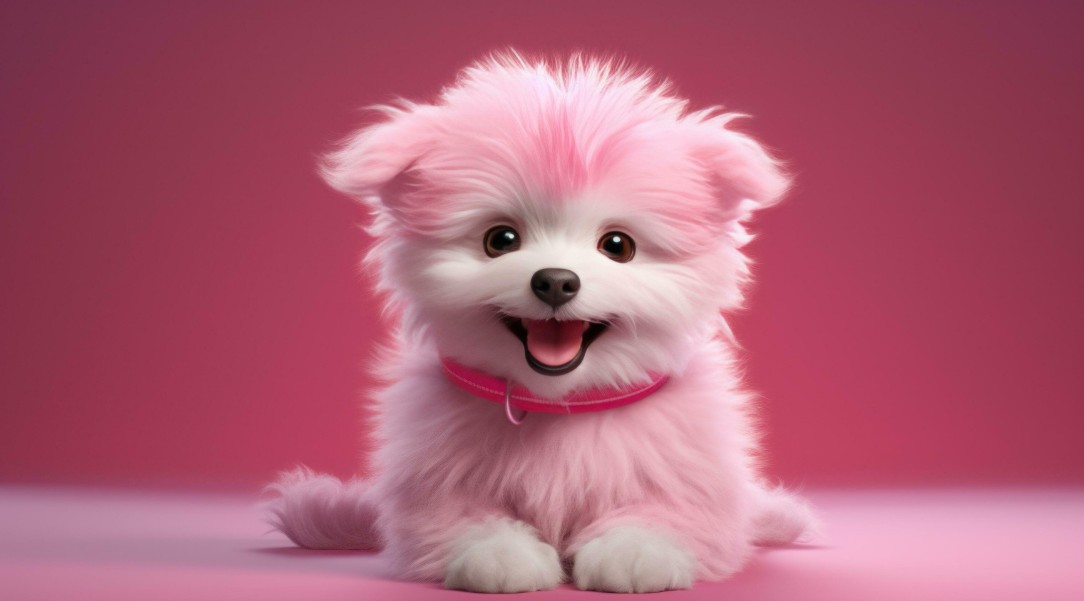
Then observe the results and see what ideas the image evokes next. You could add context, change the action, adjust the style, or try a completely different theme.
If you're unsure exactly what you want to create, starting with a short description is a good way to explore. Some AI tools even offer command suggestions, helping users further develop their ideas.
AI generation also supports color experimentation. When working with vector graphics but unsure about the color palette, Generative Recolor in Adobe Illustrator can help you quickly explore many different color variations.
Instead of manually adjusting each color, designers can experiment with various color combinations to find the best fit for the project.
3. Things to consider when creating artwork using AI
AI generation offers many benefits, but not all tools are created equal. The quality and effectiveness of an AI model depend significantly on the data used for training.
The size, quality, and diversity of the dataset can affect the ability to create content. In addition, human bias in training data is also a factor that needs to be considered.
Therefore, creators should not assume that every AI-generated result is completely accurate or suitable on the first try. Results need to be checked, evaluated, and refined before being incorporated into the final product.
Adobe states that Firefly undergoes continuous internal testing for safety and bias issues. The AI features also have feedback mechanisms allowing users to report concerns, thereby supporting the technology improvement process.
A simple command to experiment with creating an image could be: Lemon-colored soda with bubbles
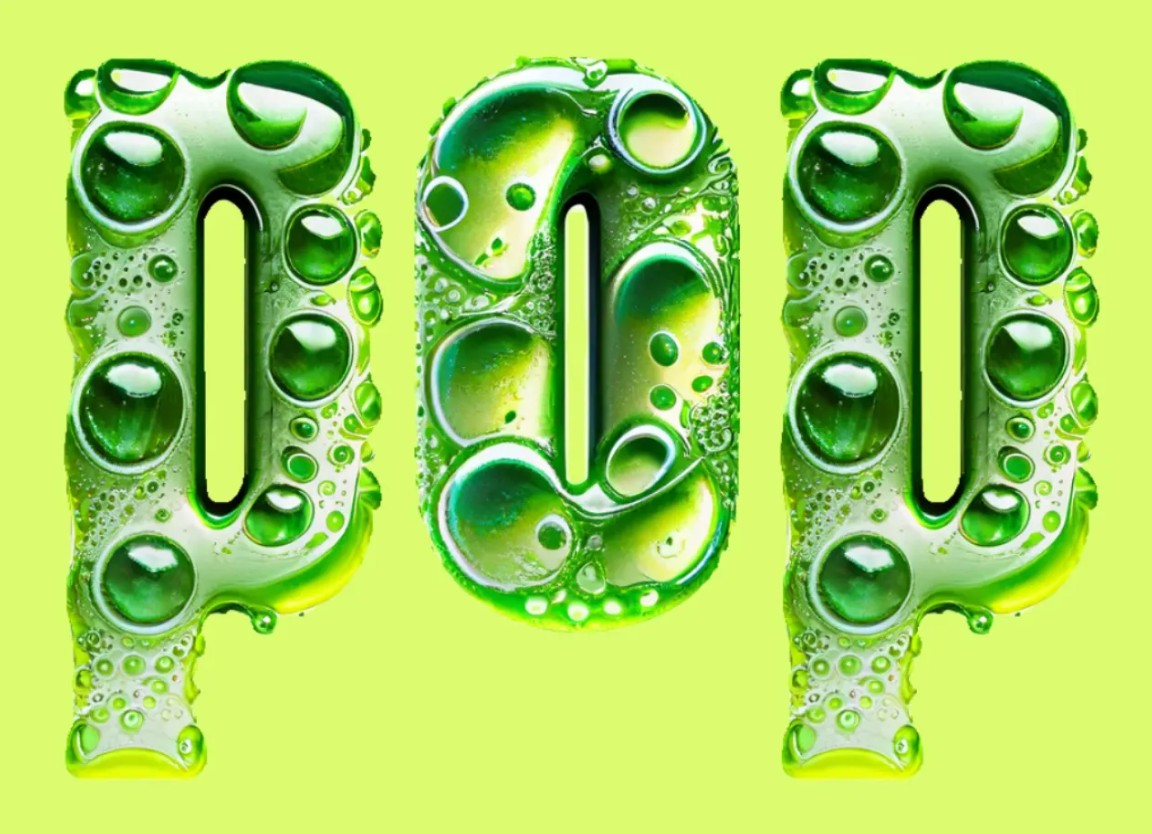
When working with AI, it's crucial to maintain a proactive human role. AI can generate content, but creators still need to decide which content aligns with the project's goals, brand, messaging, and style.
4. Get started with Adobe Firefly
One simple way to experience the benefits of AI generation is to start with Adobe Firefly . The Firefly web application allows users to create images and illustrations from scratch using its Text-to-Image feature .
By simply describing their idea in text, users can begin creating images and then further refine the results. In addition to Text to Image, Firefly offers many other features such as Text Effects and Generative Fill , expanding creative possibilities.
Notably, Firefly technology isn't limited to a standalone application. Many of its AI-generated features are integrated into familiar Adobe Creative Cloud applications.
In Adobe Photoshop , the Generative Expand function can be used to expand an image beyond its original frame. This is useful when you need to change the aspect ratio of an image or create more space for the composition.
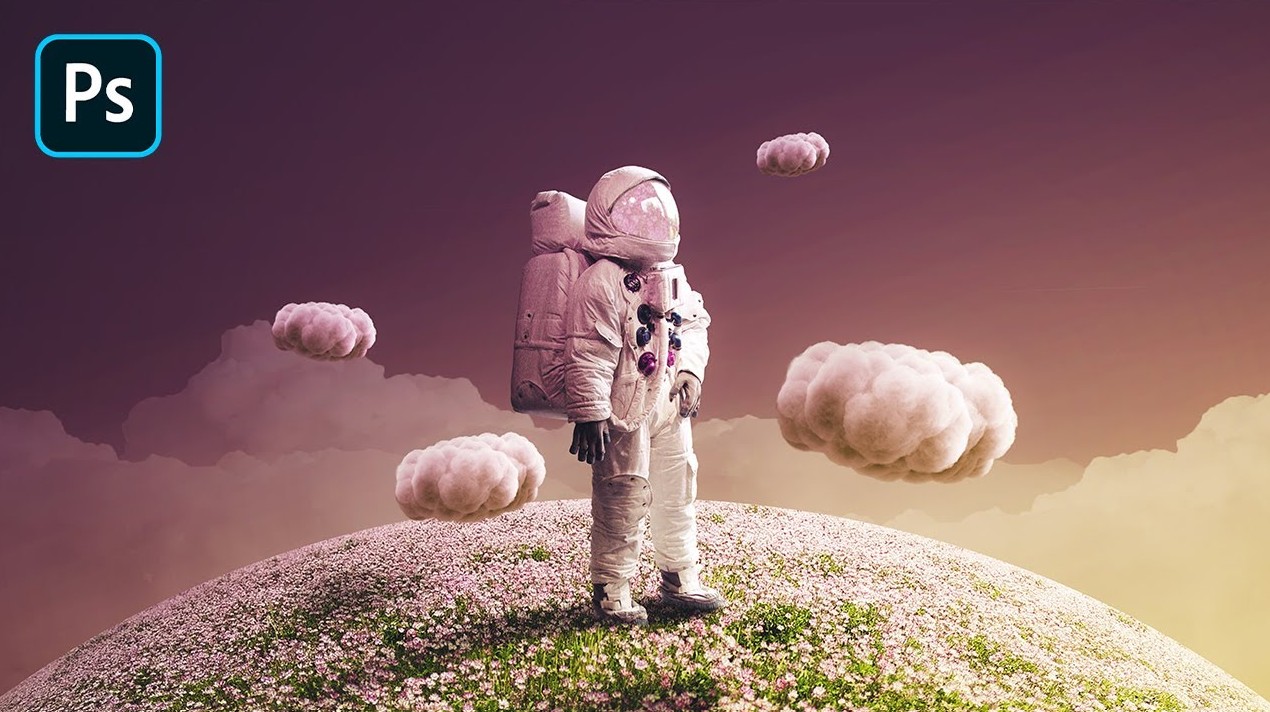
In Adobe Illustrator , users can create vector graphics using text commands and experiment with color options using Generative Recolor.
In Adobe Express , text statements can support the design prototyping process, helping to transform initial ideas into visual layouts more quickly.
This combination creates a more seamless creative process. Designers can start with an idea, use AI to explore it, continue refining it in a professional application, and then finalize the product.
5. AI cannot replace creativity.
One of the big questions as AI evolves is whether this technology will replace human innovators. In fact, how AI is used will greatly determine its role in the workflow.
AI can generate images, text, or design options based on requirements. However, humans still set the goals, choose the creative direction, evaluate the results, and decide on the final product.
A designer can use AI to generate a range of initial ideas, but still needs expertise to choose the right option. A marketer can use AI to experiment with various images for a campaign, but must still ensure the content aligns with the brand message.
In this way, AI proliferates more as a tool to expand capabilities than as a complete replacement for creative thinking.
In the future, as AI capabilities continue to develop, the creative toolkit will expand even further. For creators, this means more ways to turn ideas into reality faster, experiment more freely, and dedicate more time to the parts that truly require creative thinking.





















VIP Products








Best Selling Products
Windows 10 & 11 Pro Key
36 USD
Upgrade Duolingo Super
29 USD
Upgrade genuine Capture One account
120 USD
Capcut Pro 1 Year
39 USD
Freepik Premium Account
59 USD
MidJourney Account
29 USD
Autodesk All App Account Copyright
120 USD
Copyright Adobe Lightroom Account
59 USD
Genuine Adobe Illustrator account
99 USD
Adobe Premiere Pro Account
99 USD
Plugin Retouch4me
69 USD
Upgrade Genuine Office 365
49 USD
Genuine Cheap Canva Pro
39 USD
ChatGPT Plus Account (GPT-4)
16 USD
Adobe Photoshop Copyright - Full App
120 USD