Best Selling Products

MidJourney Account
29 USD

Copyright Adobe Lightroom Account
59 USD

Genuine Adobe Illustrator account
99 USD

Plugin Retouch4me
69 USD

Capcut Pro 1 Year
39 USD

Genuine Cheap Canva Pro
39 USD

Upgrade Genuine Office 365
49 USD

Freepik Premium Account
59 USD

Adobe Photoshop Copyright - Full App
120 USD

Autodesk All App Account Copyright
120 USD

Adobe Premiere Pro Account
99 USD

ChatGPT Plus Account (GPT-4)
16 USD

Windows 10 & 11 Pro Key
36 USD

Upgrade Duolingo Super
29 USD

Upgrade genuine Capture One account
120 USD
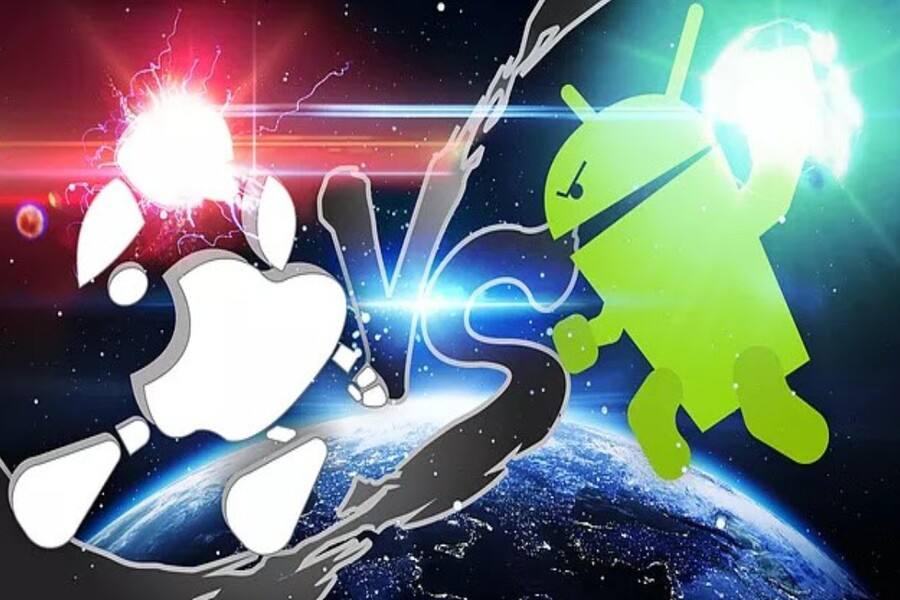
7 special features on Android that make many iPhone users envious.
Nội dung
- 1. Convenient scrolling screenshot feature
- 2. Memory expandability via memory card.
- 3. Duplicate the application to use multiple accounts.
- 4. Multiple user profiles on the same device
- 5. Split-screen multitasking
- 6. Reverse wireless charging for other devices.
- 7. Desktop mode when connecting a monitor.
Android has long been known for its flexibility and high degree of customization. It offers many convenient features that the iPhone doesn't yet fully support. This is what makes many iOS users curious and eager to experience them.
1. Convenient scrolling screenshot feature
One of the features highly appreciated by many Android users is the scrolling screenshot capability. This feature allows users to capture the entire content of a webpage, a conversation, or a long document with a simple tap. In practice, when using a smartphone to read information online or follow long conversations in messaging apps, capturing the entire content can sometimes be quite difficult if the device only allows capturing individual parts of the screen.
On many Android devices today, after taking a regular screenshot, the system will display an additional option for a scrolling screenshot. When the user activates this feature, the phone will automatically scroll down the page and continue recording the content below. The system then combines these sections into a complete, long image. This allows users to save all the necessary content in a single image without having to take multiple screenshots.
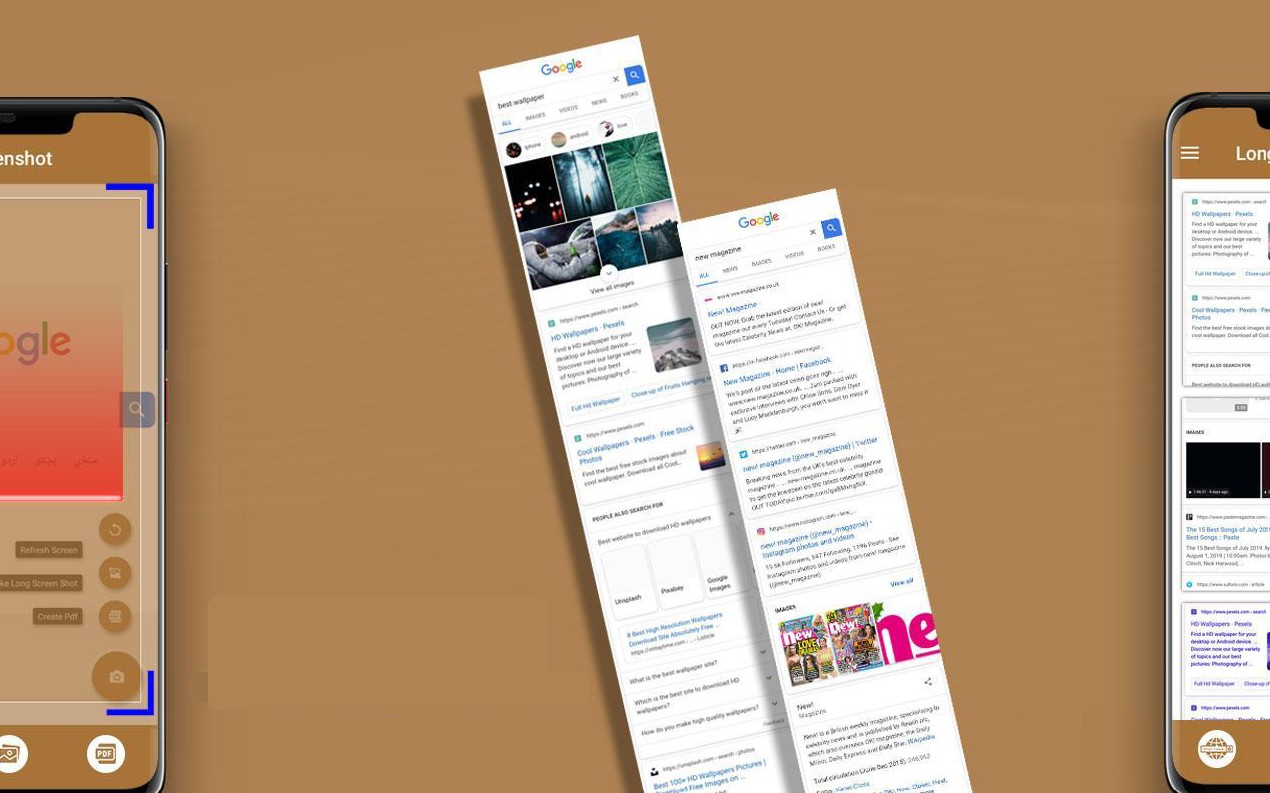
This feature is particularly useful in many practical situations. For example, when needing to save a long article from the internet, users only need to take one screenshot instead of taking multiple photos and manually stitching them together. Similarly, when wanting to save the entire content of an important conversation, the scrolling screenshot feature saves a lot of time.
Meanwhile, on iPhones, the ability to take scrolling screenshots is still quite limited. The iOS operating system only supports scrolling screenshots in certain applications such as web browsers or when viewing PDF documents. Users cannot apply this feature to many other applications such as messaging platforms or social networks. Therefore, this is still considered one of the Android features that many iPhone users regret missing.
2. Memory expandability via memory card.
Storage capacity has always been a crucial issue for smartphone users, especially in today's context where phones are used for taking photos, recording videos, storing documents, and installing various applications. With the development of high-resolution cameras and 4K video, storage space on phones can quickly fill up.
One of the major advantages of many Android smartphones is the ability to expand storage via microSD card. Thanks to the memory card slot, users can easily increase the device's storage capacity by adding a large-capacity memory card. This gives them more flexibility in managing data and they don't have to worry too much about running out of storage space.
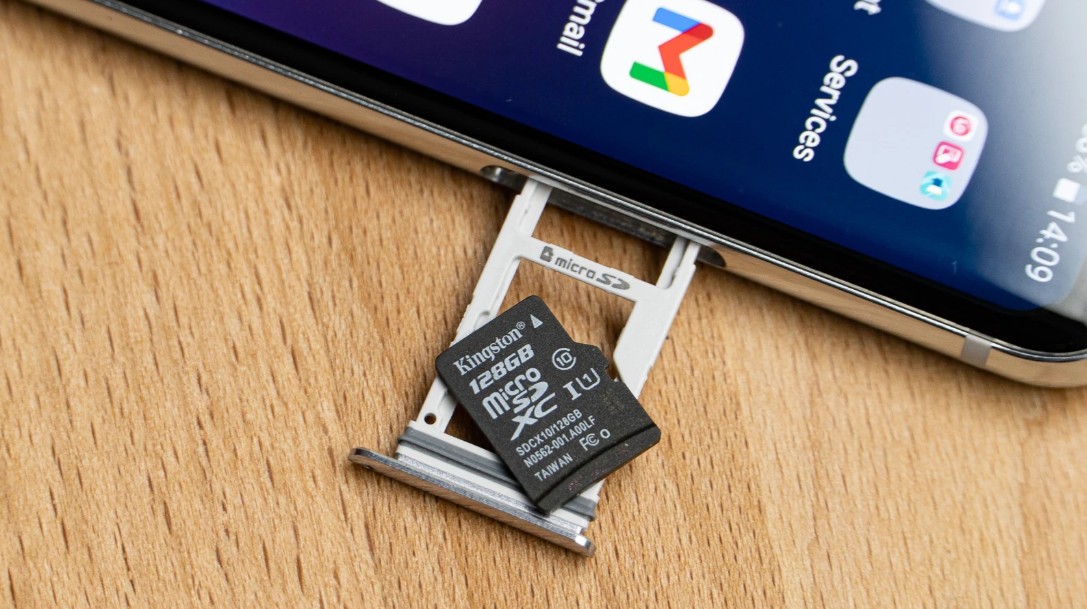
In contrast, iPhones do not support memory card slots. Users must choose storage capacity when purchasing the device, and if that capacity is insufficient, the only solution is to use cloud storage services or transfer data to another device. This is quite inconvenient for many people, especially when they want to store many photos or videos on their phone.
Expandable storage is a prime example of Android's flexible design philosophy. Users can proactively adjust storage capacity according to their needs without changing devices. This is a small detail, but it offers significant benefits in the long run.
3. Duplicate the application to use multiple accounts.
In the age of rapidly developing social media, many people often use multiple accounts for different purposes. One account might be for work, while another serves personal or family needs. Constantly switching between accounts can sometimes cause inconvenience.
Android has addressed this issue with its app cloning feature. This feature allows users to create two independent versions of the same app on their phone. Each version can log in with a different account, allowing users to use multiple accounts simultaneously without logging out.
For example, users can use two social media accounts on the same device, or manage multiple messaging accounts without constantly switching between them. Many Android phone manufacturers, such as Samsung, Xiaomi, and Huawei, have integrated this feature into their operating systems under various names.
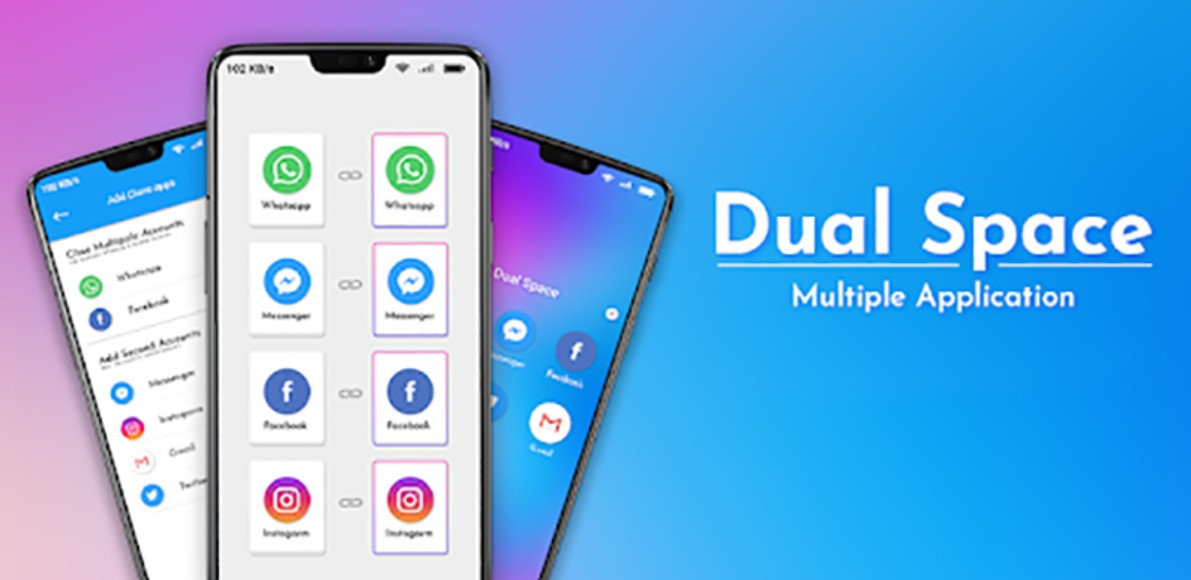
On iPhones, using multiple accounts within the same app often requires logging out and logging back in. This makes the experience less flexible compared to Android. Therefore, the app cloning feature is considered one of the conveniences that many iPhone users hope Apple will add in the future.
4. Multiple user profiles on the same device
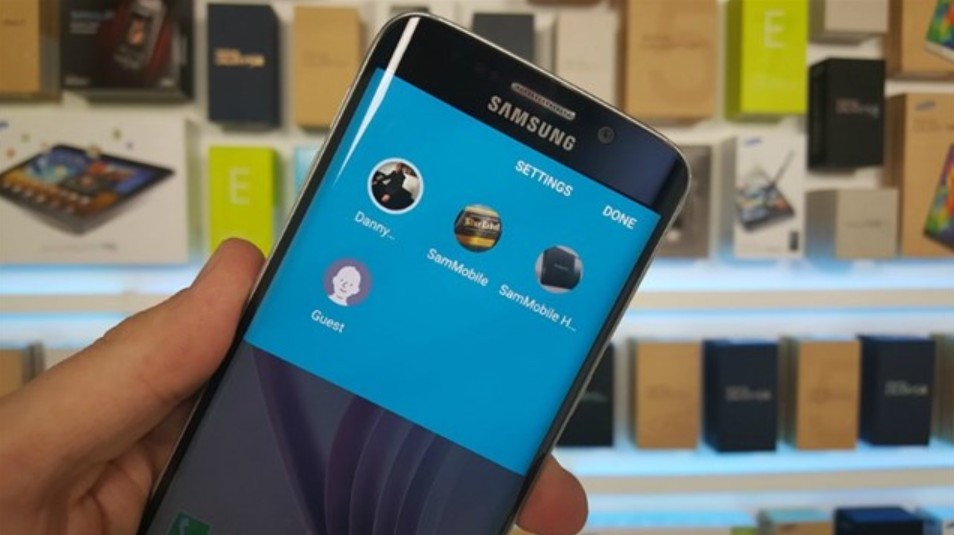
Another interesting feature of Android is the ability to create multiple user profiles on the same device. Each profile can have its own data, apps, and settings, similar to how computer operating systems manage user accounts.
This feature is particularly useful in situations where sharing a device is necessary. For example, when lending a phone to a family member, users can switch to guest mode to protect personal data. This ensures privacy while still allowing others to use the device.
Additionally, many people use this feature to separate work and personal life. One profile can be used for work applications, while the other is for leisure activities. This allows users to manage data more effectively and avoid confusion between different purposes.
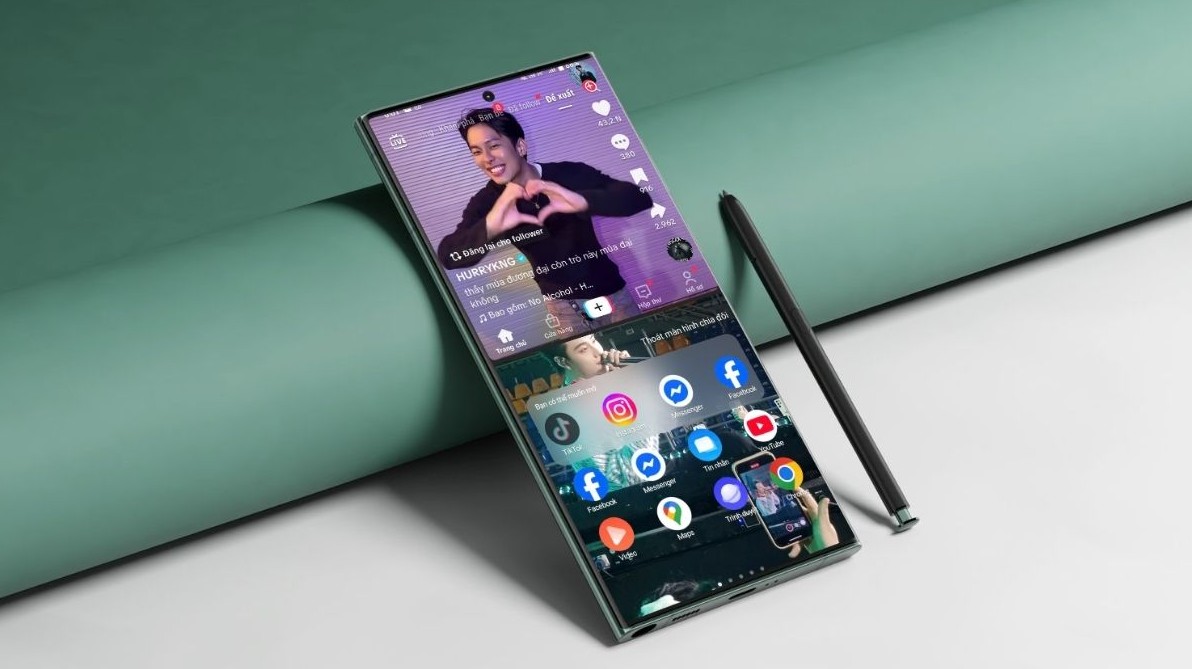
5. Split-screen multitasking
Multitasking is one of Android's traditional strengths. On many Android devices, users can split the screen to run two apps simultaneously. This helps to maximize the display area of the smartphone, especially on devices with large screens.
For example, users can watch videos while chatting with friends, or read documents while taking notes on important information. This feature makes smartphones a more versatile work tool, especially in situations requiring multiple tasks to be handled simultaneously.
Although iOS also supports multitasking to a certain extent, split-screen functionality on iPhones is not as common as on Android. This is why many people believe Android has an advantage in terms of multitasking capabilities.
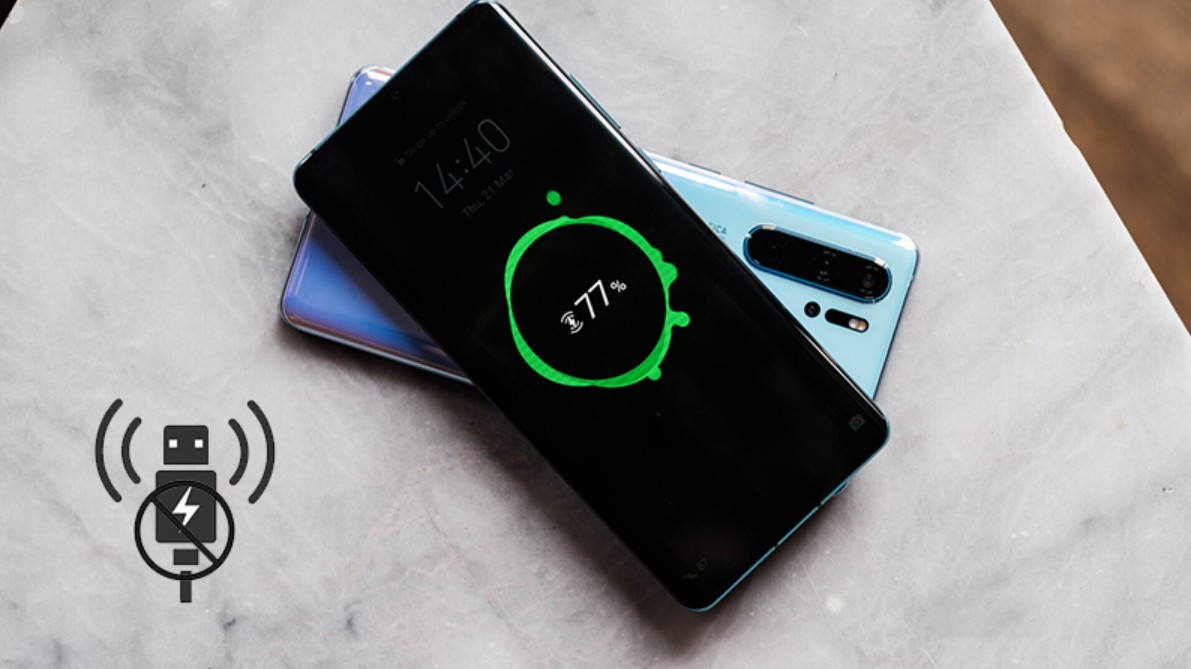
6. Reverse wireless charging for other devices.
Another interesting feature on many high-end Android smartphones is wireless reverse charging. With this feature, the phone can act as a portable charging dock to power other devices such as wireless headphones or smartwatches.
When reverse charging is activated, users simply place the device to be charged on the back of the phone. Energy will be transferred from the phone's battery to the other device via wireless charging technology. This is very convenient when users forget to bring their charger or need to quickly charge an accessory device.
Although this isn't a feature used daily, in many emergency situations it can be a very useful solution.
7. Desktop mode when connecting a monitor.
One of Android's most impressive features is its ability to switch to desktop mode when connected to an external display. When the phone is connected to a large screen, the interface can change to resemble a computer operating system, allowing users to open multiple application windows and work with a mouse or keyboard.
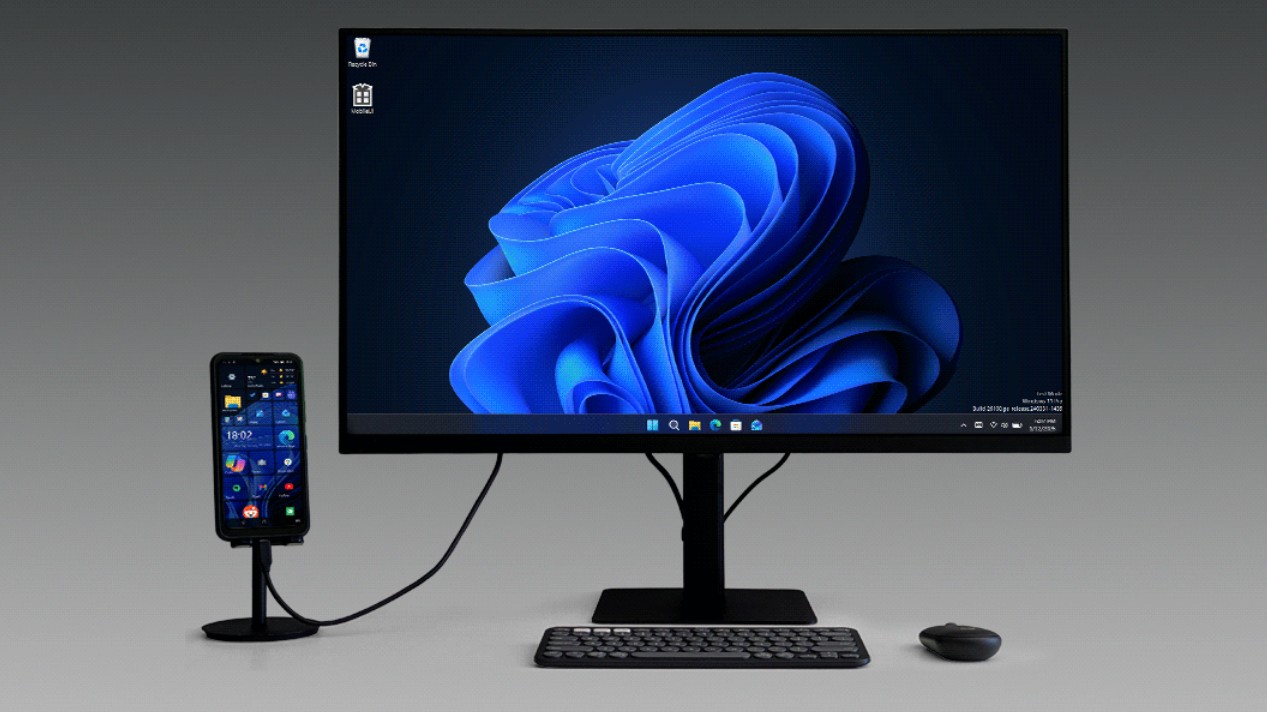
Several manufacturers have developed their own solutions for this feature, most notably Samsung DeX. Thanks to this, smartphones can act as a mini-computer when needed. Users can conveniently edit documents, browse the web, or even project content onto a large screen.
This feature shows that smartphones are becoming increasingly powerful and capable of replacing many other devices in certain situations.
The differences between Android and iOS will likely persist because each platform pursues its own development philosophy. These differences have created diversity in the smartphone market and provided more choices for users worldwide.





















VIP Products








Best Selling Products
MidJourney Account
29 USD
Copyright Adobe Lightroom Account
59 USD
Genuine Adobe Illustrator account
99 USD
Plugin Retouch4me
69 USD
Capcut Pro 1 Year
39 USD
Genuine Cheap Canva Pro
39 USD
Upgrade Genuine Office 365
49 USD
Freepik Premium Account
59 USD
Adobe Photoshop Copyright - Full App
120 USD
Autodesk All App Account Copyright
120 USD
Adobe Premiere Pro Account
99 USD
ChatGPT Plus Account (GPT-4)
16 USD
Windows 10 & 11 Pro Key
36 USD
Upgrade Duolingo Super
29 USD
Upgrade genuine Capture One account
120 USD