Best Selling Products

Upgrade Genuine Office 365
49 USD

ChatGPT Plus Account (GPT-4)
16 USD

Genuine Adobe Illustrator account
99 USD

Autodesk All App Account Copyright
120 USD

Capcut Pro 1 Year
39 USD

Windows 10 & 11 Pro Key
36 USD

Copyright Adobe Lightroom Account
59 USD

Adobe Photoshop Copyright - Full App
120 USD

Plugin Retouch4me
69 USD

Upgrade Duolingo Super
29 USD

Freepik Premium Account
59 USD

Upgrade genuine Capture One account
120 USD

MidJourney Account
29 USD

Adobe Premiere Pro Account
99 USD

Genuine Cheap Canva Pro
39 USD
A compilation of commands to create stunning Black Friday discount images using AI.
Nội dung
- 1. Compilation of commands to create Black Friday shopping images using AI.
- 1.1. Prompt: Modern, minimalist style
- 1.2. Prompt: Dynamic and vibrant style
- 1.3. Prompt on technology and electronics topics
- 1.4. Prompt for the fashion and cosmetics industry
- 1.5. Prompt for the Food and Beverage Industry
- 1.6. Prompt poster for Black Friday 50% off
- 1.7. Black Friday prompt banner for online stores
- 1.8. Image prompt: Customers shopping on Black Friday
- 1.9. Prompt to create 3D-style Black Friday images
- 1.10. Prompt Black Friday: Luxurious and high-end style.
- 2. Formula for creating standard AI commands for Black Friday images
- 3. How to use the prompt to create Black Friday images effectively
- 4. Things to note when using AI to create Black Friday images.
- 5. Conclusion
Black Friday is a time when brands launch promotional campaigns to attract customers and boost sales. Besides attractive prices, visually appealing advertising images are crucial for products to stand out amidst a sea of discounts. Instead of spending time on manual photography and design, you can use AI to create professional posters, banners, and advertising images with just a few commands. Below is a set of prompts for creating beautiful, creative, and easy-to-apply Black Friday images for various industries. Let''s explore them with Sadesign!

1. Compilation of commands to create Black Friday shopping images using AI.
To have AI generate images that accurately reflect your vision, you should provide detailed descriptions of the product, context, colors, and design style. Below are some commands that can be used directly or customized to your needs.
1.1. Prompt: Modern, minimalist style
Minimalist style is suitable for brands that appreciate sophistication and professionalism. The design focuses on the product, using a monochromatic background and soft lighting to create emphasis.
Sample prompt:
"Create a Black Friday advertising image for [Product Name] in a modern, minimalist style. Place the product on the right, with a white and light gray background, and studio lighting from the upper left corner creating soft shadows. Leave ample space on the left for additional discount information. The image should be sharp, the composition balanced, and no additional text or fake logos should be added."
1.2. Prompt: Dynamic and vibrant style
If targeting younger customers, you can opt for a dynamic style with neon red, black, and yellow color schemes. Lighting effects, glitter, and movement will help create images with a strong Black Friday shopping vibe.
Sample prompt:
"Design a Black Friday poster for [Product Name] with a youthful and dynamic style. Use a black background combined with vibrant red and gold accents, surrounded by neon lights, glitter, and motion effects. Place the product in the center, creating depth with cinematic lighting and realistic shadows. The image is striking and the advertising quality is professional."

1.3. Prompt on technology and electronics topics
Items like phones, laptops, and headphones often suit a futuristic style. Dark backgrounds, blue lighting, and metal display stands help make the devices appear more modern and high-end.
Sample prompt:
"Create a futuristic-style Black Friday advertising image for [Name of tech device]. Place the product on a matte black display stand, with a background of glowing blue and purple electronic circuits. Utilize LED edge lighting, subtle reflective surfaces, and a delicate hazy smoke effect. Leave space at the top for inserting promotional content. The image should be realistic and sharp in 3D."
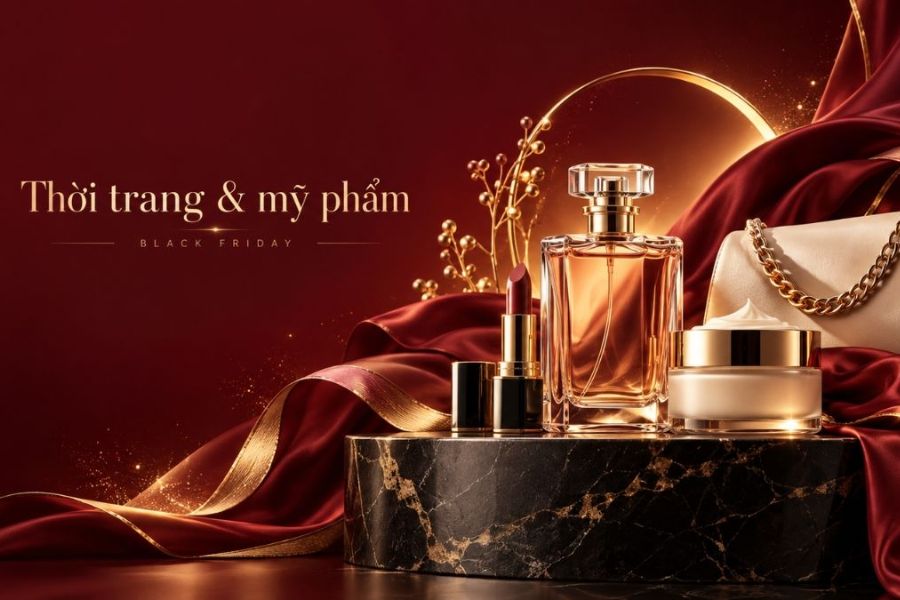
1.4. Prompt for the fashion and cosmetics industry
In the beauty and fashion industries, imagery needs to convey elegance, sophistication, and highlight the product's quality. You can use satin silk, marble, and gold accents to create striking visual effects.
Sample prompt:
"Create a luxurious Black Friday advertising image for [Product Name]. Place the product on a black marble base, with a soft, deep red satin fabric behind it. Warm yellow lighting from behind creates a subtle highlight. The composition resembles a high-end fashion magazine photo, with the product clearly visible and space at the top for additional promotional information."
1.5. Prompt for the Food and Beverage Industry
Food and beverage images should highlight the color, texture, and appeal of the food. Details like steam, ice, and fresh ingredients will help make the images more vibrant.
Sample prompt:
"Create a professional-style Black Friday advertising image for [Name of food or drink]. Place the food in the center on a dark wood table, surrounded by fresh, complementary ingredients. Use natural, angled lighting to highlight the colors and textures of the food. If it's a cold drink, add condensation on the rim of the glass; if it's a hot item, create a gentle steam effect. The image should be realistic and appealing, leaving space to insert promotional content."
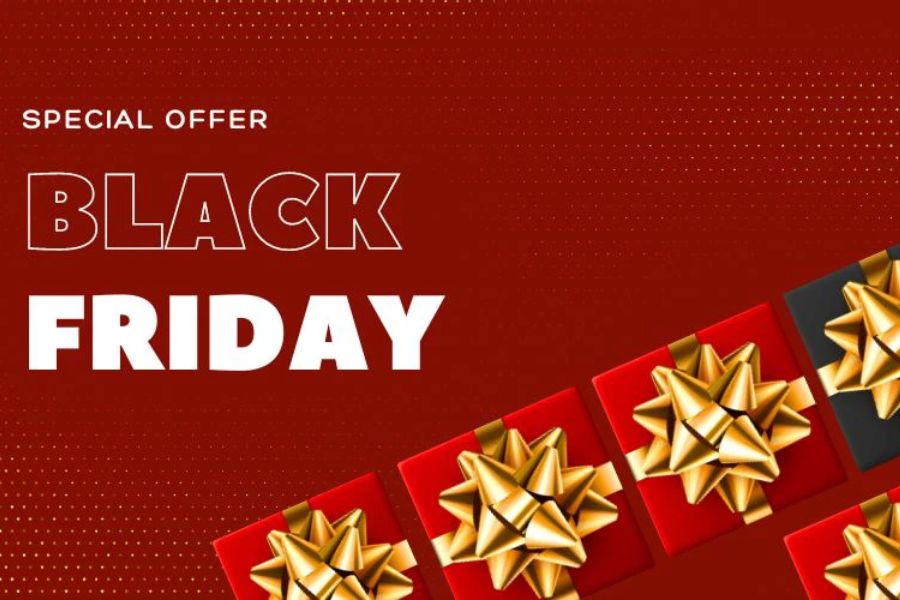
1.6. Prompt poster for Black Friday 50% off
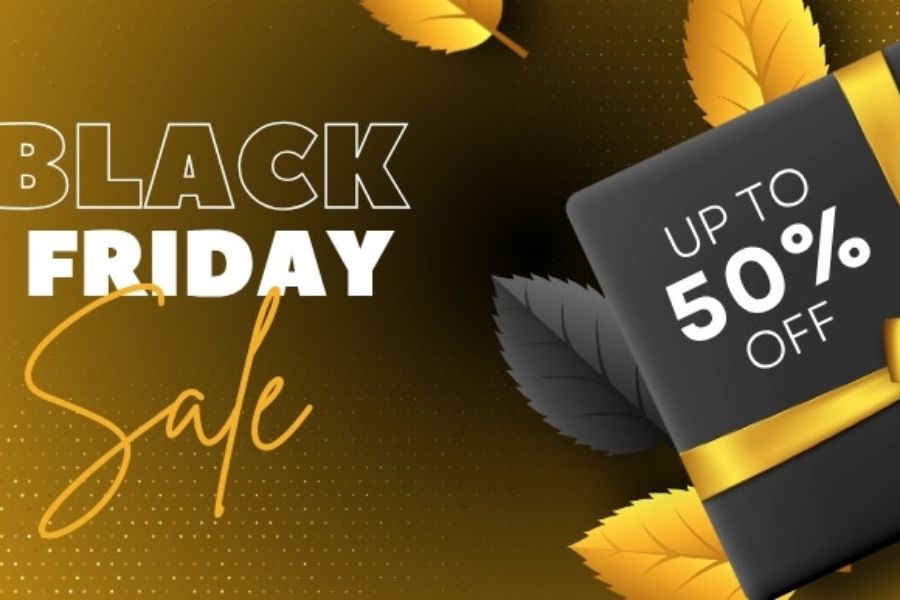
Discount posters need a clear focal point so customers can quickly identify the offer. Large numbers combined with 3D effects and contrasting colors will make the design more eye-catching.
Sample prompt:
"Design a Black Friday poster with a 50% discount theme. Use a black background combined with vibrant red and gold accents. At the center is a large 3D number 50% with a shiny metallic effect and surrounding light. Add decorations such as gift boxes, ribbons, and glitter. The layout should be balanced, eye-catching, and leave space at the bottom to add the promotion time."
1.7. Black Friday prompt banner for online stores
This banner is suitable for promoting sales on websites, TikTok Shop, Shopee, and social media. The design should have a clear layout, highlight the product, and have space for promotional information.
Sample prompt:
"Create a Black Friday advertising banner for a store specializing in [Product Category], with a 16:9 aspect ratio. Use a black background with red and gold accents. Arrange featured products on the right side, with studio lighting and realistic shadows. Leave ample space on the left for the headline, discount code, and promotional information. Modern, professional style with sharp images."
1.8. Image prompt: Customers shopping on Black Friday
Images of customers shopping make advertising campaigns more relatable and engaging. You can ask the AI to create a shopping mall setting with shopping bags, display counters, and bright lights.
Sample prompt:
"Create a Black Friday advertising image featuring a group of young people excitedly shopping at a modern shopping mall. The characters are carrying shopping bags, displaying cheerful and natural expressions, and wearing trendy, youthful outfits. The space is decorated with red, black, and yellow lighting, and the display counters are beautifully arranged. The wide-angle shot, cinematic lighting, and realistic, vibrant imagery are all key elements."
1.9. Prompt to create 3D-style Black Friday images
3D design gives the poster depth and a distinctive feel. Geometric shapes, gift boxes, and metallic effects are details that suit this theme.
Sample prompt:
"Create a modern 3D Black Friday poster. Use black and red geometric shapes arranged in multiple layers. At the center is a giant, glossy red gift box, surrounded by swirling gold ribbons. Add neon lighting effects, sparkling particles, and realistic shadows. The perspective creates strong depth and sharp images."
1.10. Prompt Black Friday: Luxurious and high-end style.
Not every brand needs to use vibrant colors. For high-end stores, shades of black, champagne gold, and creamy white will help convey a sense of sophistication.
Sample prompt:
"Create a premium Black Friday advertising image for [Brand or Product Name]. Use a velvet black background combined with champagne gold accents, with the product placed on a natural stone pedestal. Soft yellow lighting from behind creates a subtle, luminous outline. The layout is minimalist and elegant, without excessive decorative effects. The image is sharp and of commercial advertising quality."
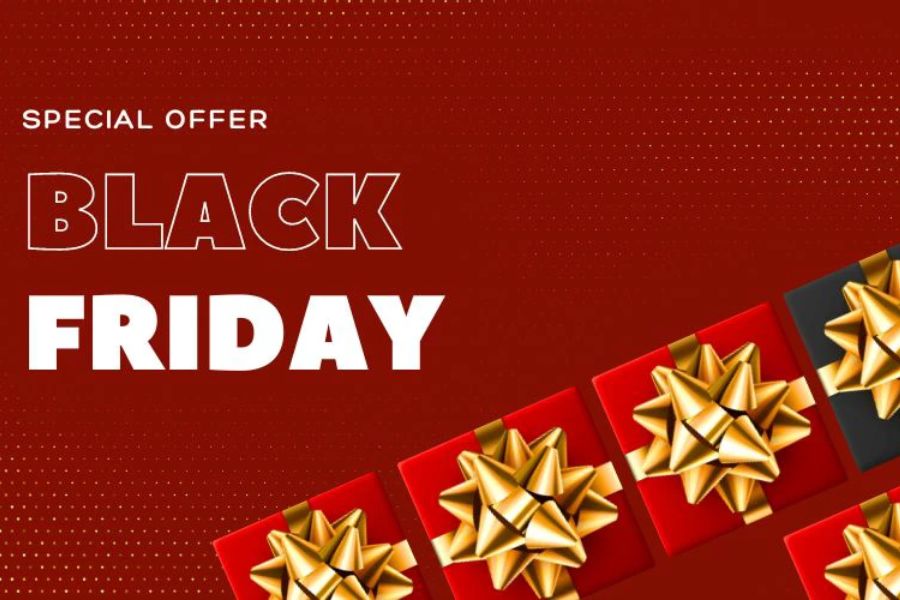
2. Formula for creating standard AI commands for Black Friday images
An effective prompt needs to have enough information for the AI to accurately understand the request. You can apply the following five-factor formula:
-
Product: State the name, color, material, and characteristics that must remain unchanged.
-
Background: Describe the backdrop, display stand, and decorative items.
-
Lighting: Determine the desired tone, direction of light, and effect.
-
Style: Choose from 3D, minimalist, modern, or luxurious designs.
-
Layout: Determine the product placement, the blank space for text insertion, and the aspect ratio.
Complete example prompt:
"Create a Black Friday advertising image for [Product Name], placed on a black platform with a burgundy red background, studio lighting from the left. The style should be elegant, with the product on the right side of the frame, leaving 1/3 of the left space for the discount information. Aspect ratio 16:9, sharp image, no fake text or logos."
3. How to use the prompt to create Black Friday images effectively
After preparing your commands, you can import them into ChatGPT, Gemini, or a suitable AI image creation tool to begin designing.
-
Choose an AI tool: Select a tool that can generate images and support loading reference images if needed.
-
Prepare product images: Upload original images so the AI can use them to identify the style, color, and distinguishing features.
-
Input prompt: Copy the appropriate command, replace the product name, and adjust the context to your liking.
-
Create and edit photos: Check the results, and ask the AI to change the lighting, background color, or composition if it's not to your liking.
-
Finalize the design: Use Canva or Photoshop to add the logo, price, discount code, and promotion period.
4. Things to note when using AI to create Black Friday images.
To ensure your advertising images are effective, you need to pay attention to several factors during the creation and editing process:
-
Choose appropriate colors: You can use red, black, yellow, or your brand's signature colors.
-
Set the aspect ratio: Choose 16:9 for horizontal banners or 9:16 for vertical content on TikTok and Reels.
-
Leave a safe zone: Avoid placing products and important information too close to the edges of the image or in areas easily obscured by the interface.
-
Check the text content: AI can produce spelling errors, incorrect numbers, and misspelled characters, so additional information needs to be added using design software.
-
Ensure product authenticity: Carefully check the packaging, logo, color, and design before using them in advertising.
-
Maintain a consistent style: Images within the same campaign should have consistent colors and layouts.
5. Conclusion
With the Black Friday image creation commands compiled above, you can easily create posters, banners, and advertising images suitable for various industries. Simply change the product, color, and background in the prompt, and the AI can help you realize many unique design ideas. Combine this with post-production editing to perfect the image, ensure accurate information, and create a distinctive look for your Black Friday shopping campaign.





















VIP Products








Best Selling Products
Upgrade Genuine Office 365
49 USD
ChatGPT Plus Account (GPT-4)
16 USD
Genuine Adobe Illustrator account
99 USD
Autodesk All App Account Copyright
120 USD
Capcut Pro 1 Year
39 USD
Windows 10 & 11 Pro Key
36 USD
Copyright Adobe Lightroom Account
59 USD
Adobe Photoshop Copyright - Full App
120 USD
Plugin Retouch4me
69 USD
Upgrade Duolingo Super
29 USD
Freepik Premium Account
59 USD
Upgrade genuine Capture One account
120 USD
MidJourney Account
29 USD
Adobe Premiere Pro Account
99 USD
Genuine Cheap Canva Pro
39 USD