Best Selling Products

Upgrade genuine Capture One account
120 USD

MidJourney Account
29 USD

Adobe Premiere Pro Account
99 USD

Genuine Adobe Illustrator account
99 USD

Freepik Premium Account
59 USD

Autodesk All App Account Copyright
120 USD

Upgrade Duolingo Super
29 USD

Plugin Retouch4me
69 USD

Adobe Photoshop Copyright - Full App
120 USD

Copyright Adobe Lightroom Account
59 USD

Windows 10 & 11 Pro Key
36 USD

Genuine Cheap Canva Pro
39 USD

Capcut Pro 1 Year
39 USD

Upgrade Genuine Office 365
49 USD

ChatGPT Plus Account (GPT-4)
16 USD
A compilation of useful resources for designers.
Nội dung
Design resources are a crucial foundation that helps designers transform ideas into professional and impressive visual products.
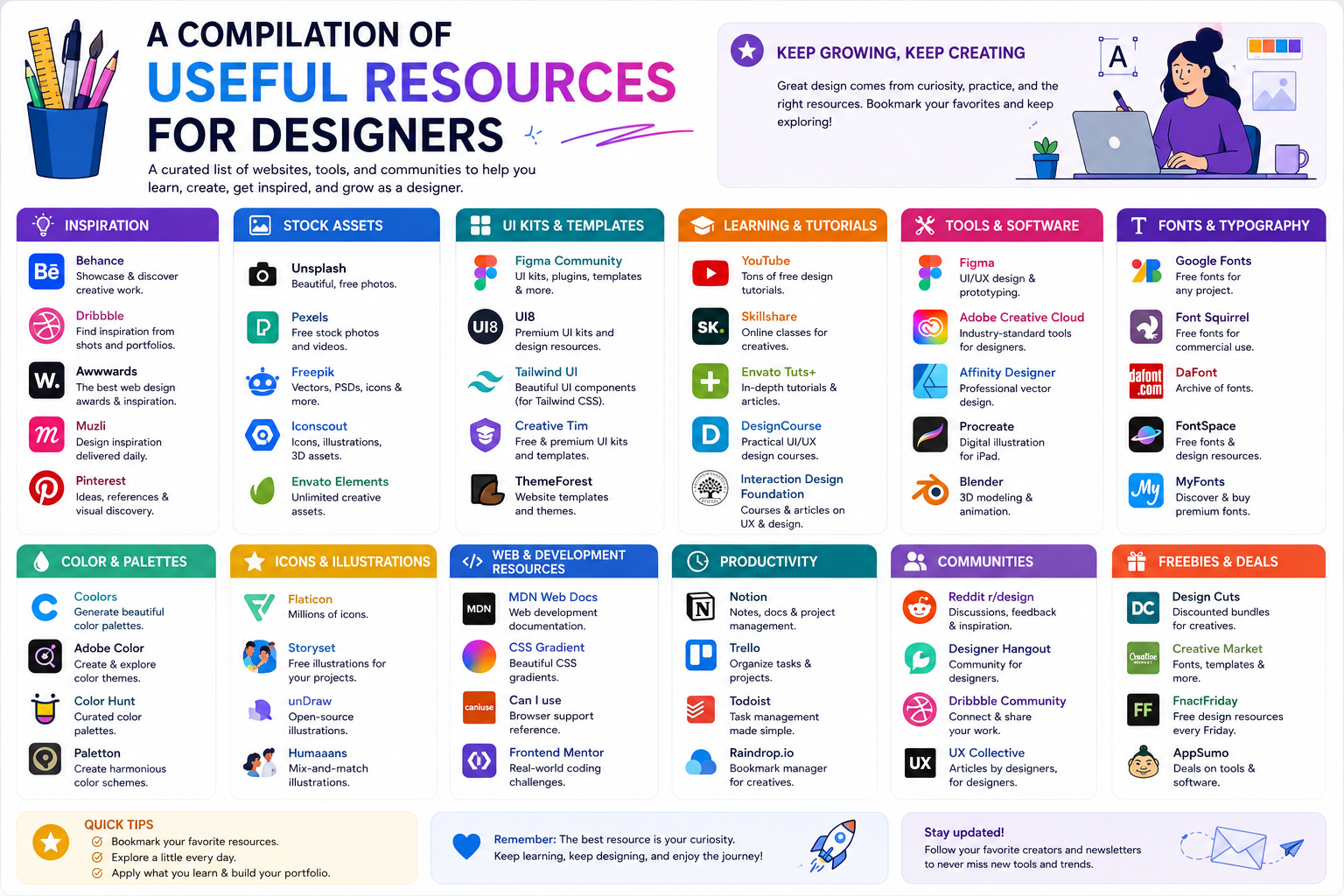
1. Find effective design resources.
The first step when starting a project is to determine what kind of resources you actually need. This step may seem simple, but it has a significant impact on the entire search process. Without clearly defining the requirements, designers can easily download too many resources that they ultimately won't use.
Start by defining the purpose of the design. An advertising poster will require different resources than a website interface, social media post, or brand identity. For example, website design might need icons, fonts, hero images, and illustrations, while a poster might focus more on photography, typography, and texture.
Next, determine the visual style. Does the design need to feel modern, minimalist, classic, youthful, or professional? Defining the style early on helps designers build a more specific set of search keywords.
Instead of searching for a general keyword like "business," you can use more specific phrases such as "modern business office," "minimalist business workspace," or "professional team meeting." The more specific the keyword, the closer the search results will be to your actual needs.
Next, you need to check the size and format of the resources. Images for printing need to be high-resolution, while images on a website may need to be optimized for file size. Icons should preferably be in vector format if they need to be resized frequently.
Most importantly, don't forget to check the license. A free resource doesn't mean it can be used arbitrarily in any situation. Designers should carefully read the terms and conditions of each source before incorporating resources into commercial projects.
2. Explore high-quality photo archives
Images are one of the most frequently used resources in design. A well-chosen image can quickly convey a message and evoke emotion without needing many additional elements.
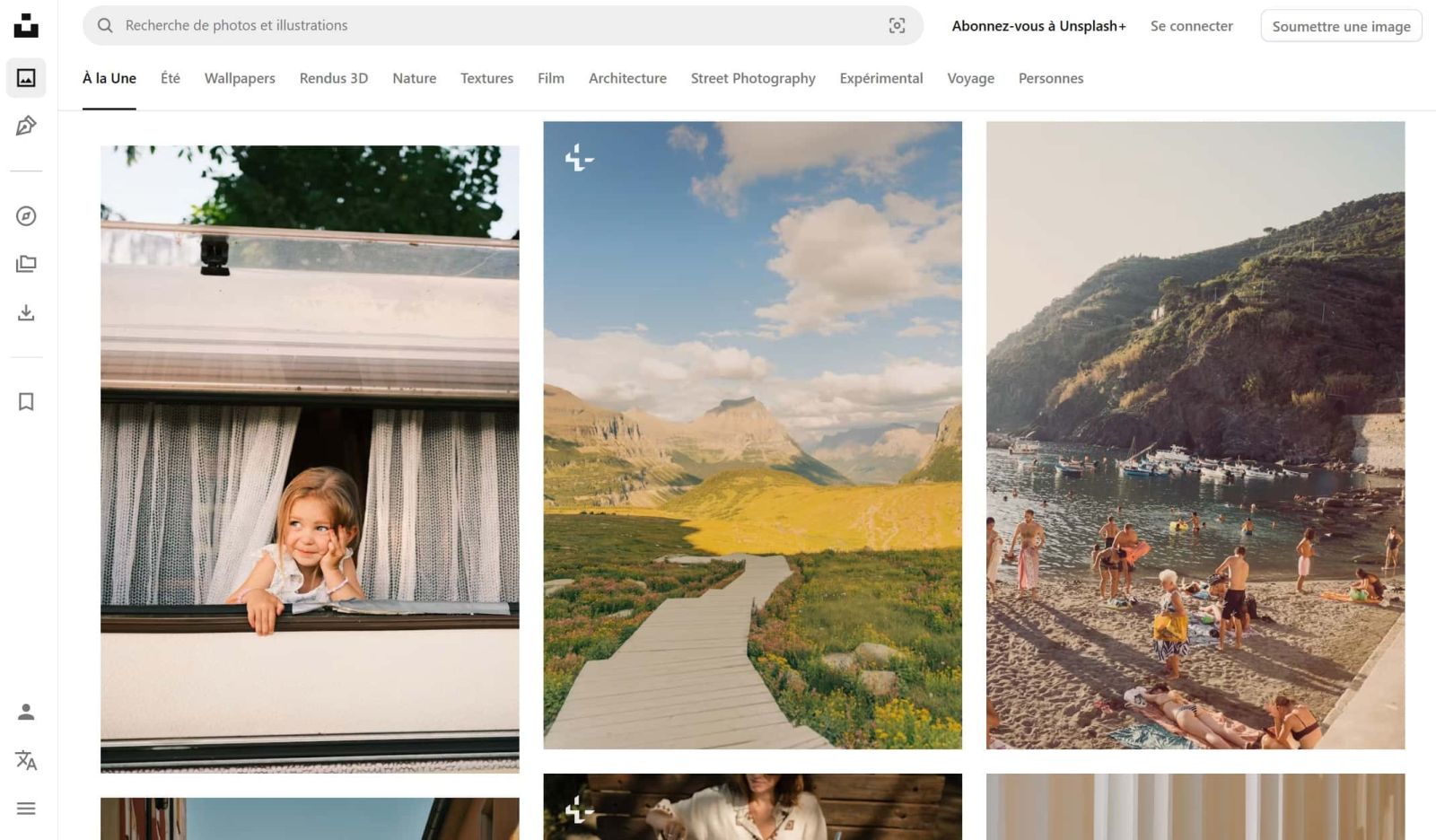
Image libraries like Unsplash, Pexels, and Pixabay offer a vast array of images for various purposes. Designers can find portraits, landscapes, architecture, technology, fashion, business, and many other topics.
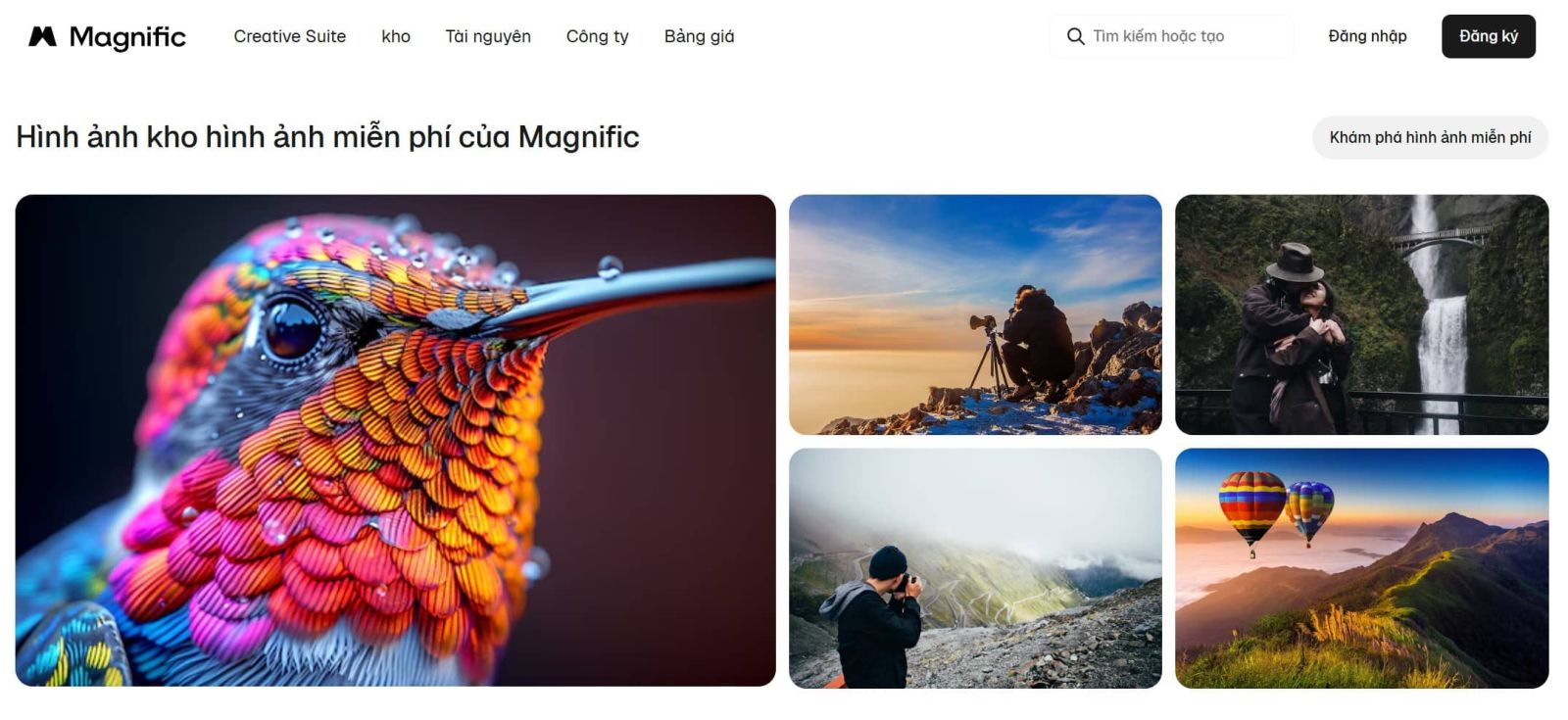
When searching, keywords are a key factor in determining the quality of results. Instead of just searching for "coffee," you can be more specific about the context, lighting, or style, such as "coffee shop interior warm light" or "miniature coffee table." Matching the subject with visual characteristics helps to produce more relevant results.
Another factor to consider is the image's composition. If the image is used as a banner with text, prioritize images with ample space on one side for typography. If used as a background image, pay attention to areas with appropriate contrast so the content doesn't get lost.
Resolution should also be checked before downloading. A beautiful image that is too small may become pixelated when enlarged. Conversely, images with very high resolution are sometimes unnecessary for web design and can increase page size.
In addition to image quality, the license should always be checked. The terms of use vary from platform to platform and can change over time. Therefore, designers should read the licensing information directly from the source before using resources in commercial products.
3. Use professional icon sets.
Icons are small but have a big impact on the visual experience. A well-designed icon system can make the interface easier to understand and create consistency across screens.
Platforms like Flaticon and The Noun Project offer a wide variety of icon sets with diverse styles. Designers can find icons in outline, filled, rounded, or more complex illustration styles.
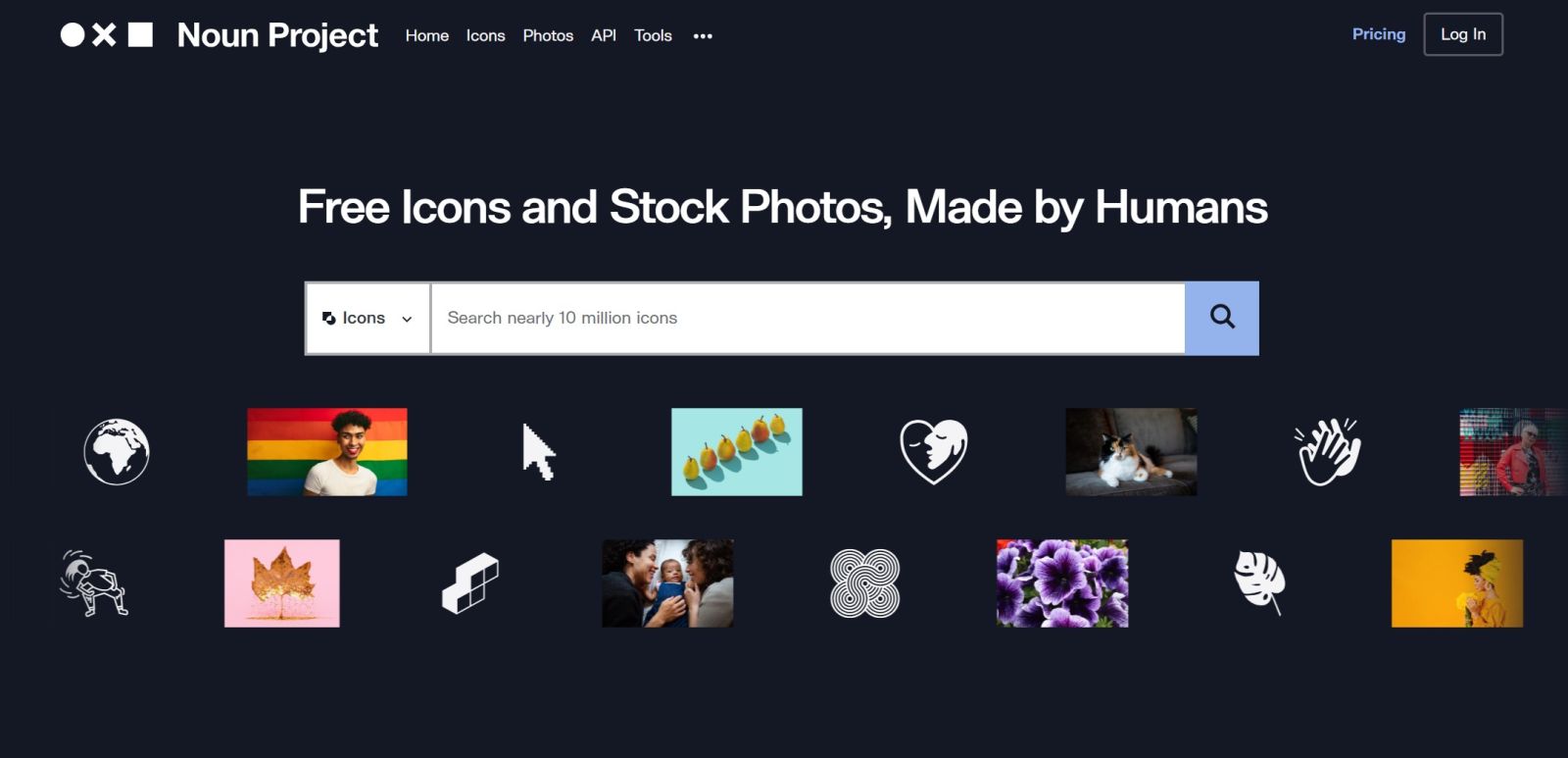
The important thing isn't choosing each individual icon to be beautiful, but rather selecting a consistent icon system. If one icon uses thin lines while the next icon has overly thick lines, the overall interface will easily become unbalanced.
When choosing icons, pay attention to line thickness, size, proportions, rounded corners, and color usage. These elements should be maintained throughout the project.
If a project requires many icons, downloading a complete icon set is often more efficient than sourcing individual icons from different sources. A unified set reduces editing time and ensures consistency.
Designers should also check the license before using icons, especially for commercial projects. Some resources may require attribution or restrict certain forms of use. If unsure, double-check the terms before incorporating the icon into the final product.
4. Choose the right font.
Typography is not only a means of conveying content but also contributes to the personality of a design. A suitable font can make a brand appear modern, high-end, friendly, or powerful.
Google Fonts and Adobe Fonts are two popular resources for designers. These platforms offer a wide selection of fonts across various categories, from serif and sans-serif to display and handwriting fonts.
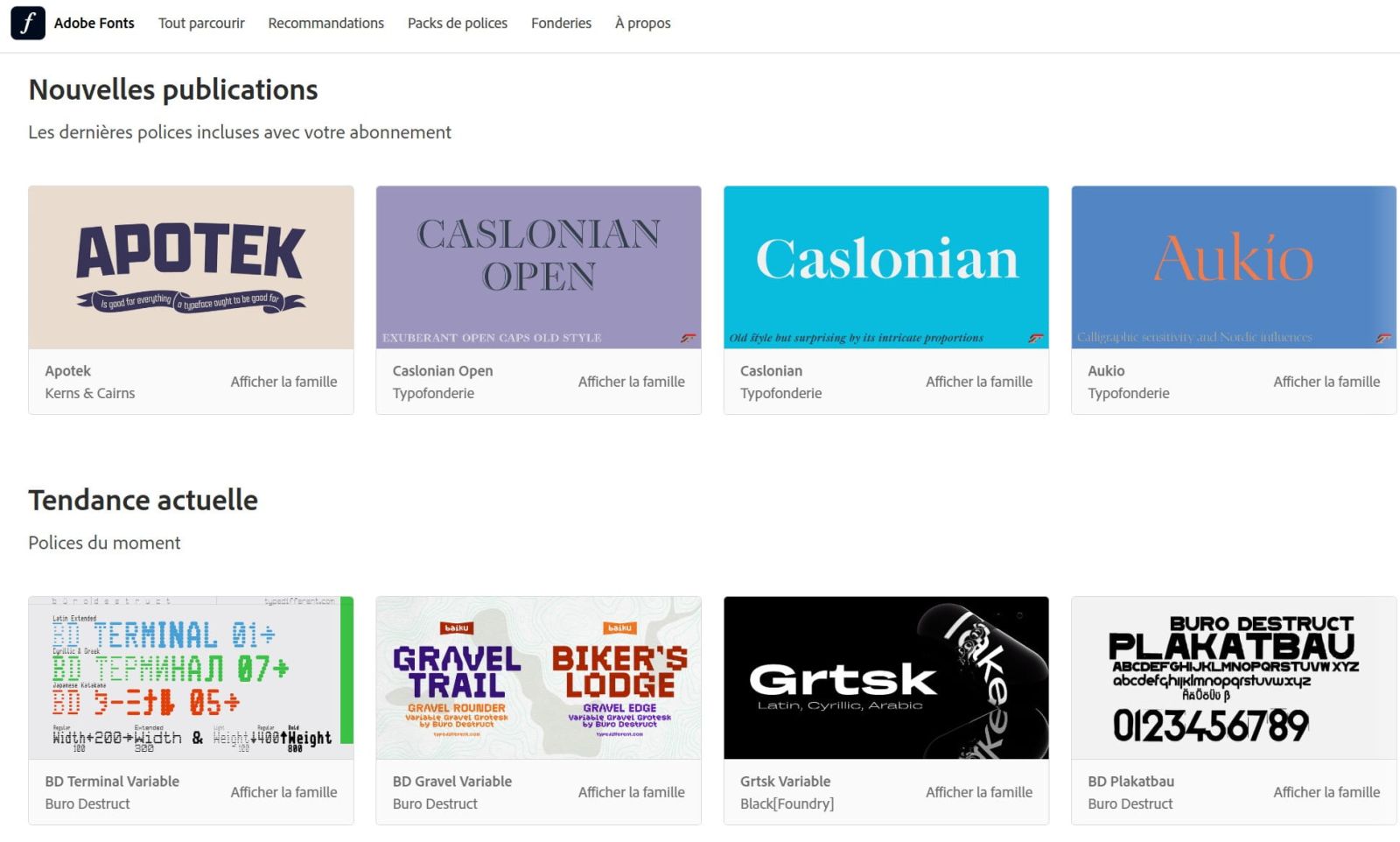
When choosing a font, the first factor to consider is readability. A font that looks beautiful but is difficult to read will reduce the effectiveness of conveying information. This is especially important for websites, application interfaces, or designs containing a lot of content.
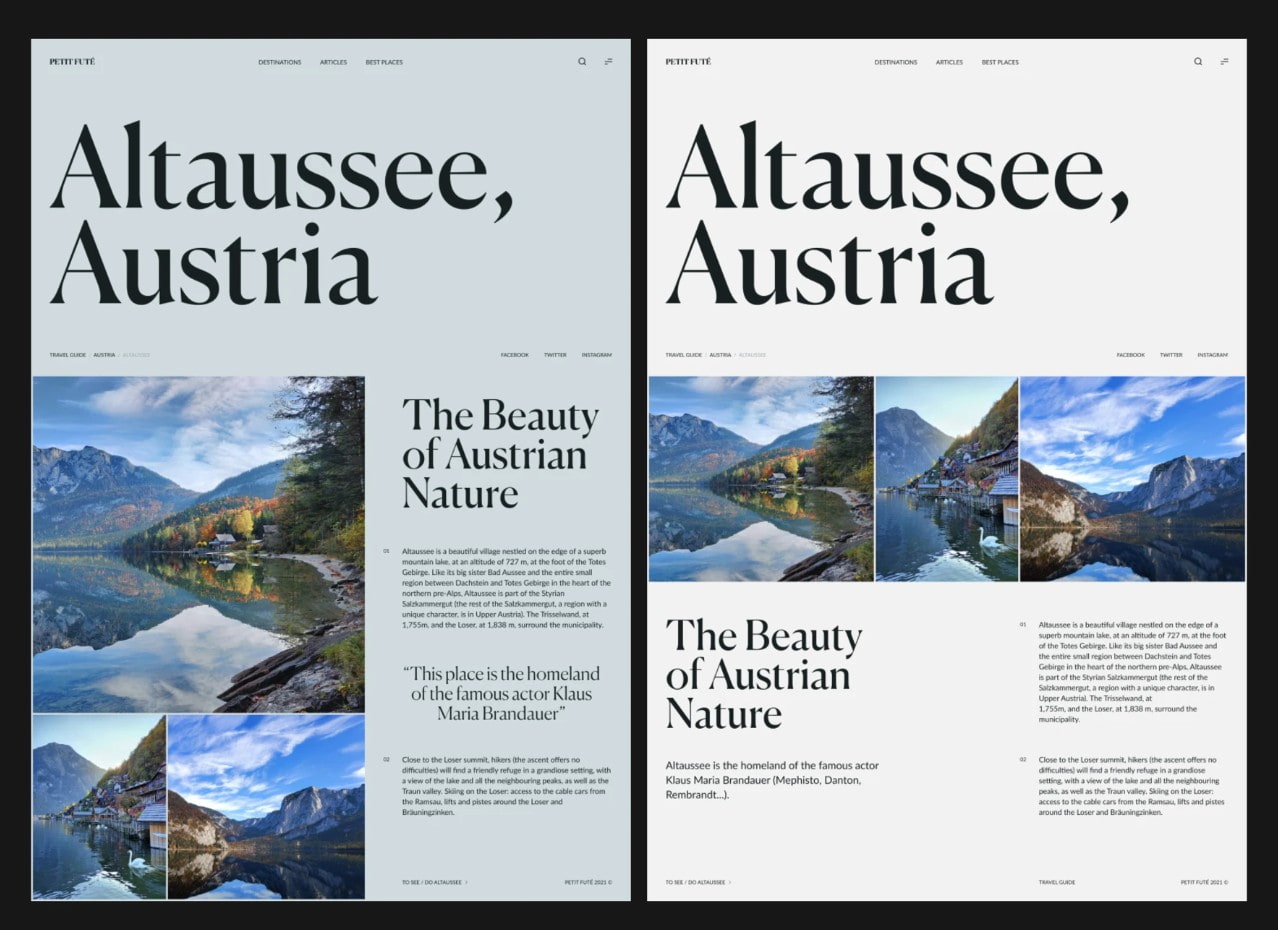
After considering readability, designers may then consider the font's personality. Serif fonts often convey a traditional or sophisticated feel, while sans-serif fonts tend to offer a modern and clean aesthetic. Display fonts can add emphasis but shouldn't be overused in a layout.
When combining two fonts, look for a controlled contrast. A common approach is to use a display font for headings and a sans-serif font for the body text. This difference helps to create a hierarchy of information without sacrificing design unity.
Designers should also check for Vietnamese language support before using a font. A font lacking sufficient Vietnamese characters may cause incorrect text display or require replacement with a different font.
Finally, it's essential to check the font's license, especially when the design is being used for branding or commercial products. Choosing the right font from the start helps avoid having to change the typography later.
5. Search for design tools
After preparing the images, icons, and fonts, the next step is choosing the tools to bring the idea to life. No single software program is suitable for every project. The tool should be selected based on the goals, complexity, and skill level of the designer.
Adobe Creative Cloud is a popular ecosystem with many software programs serving different needs. Photoshop is suitable for photo editing and raster design, Illustrator is powerful for vector graphics, InDesign is suitable for layout and publishing, while After Effects supports motion graphics and visual effects.
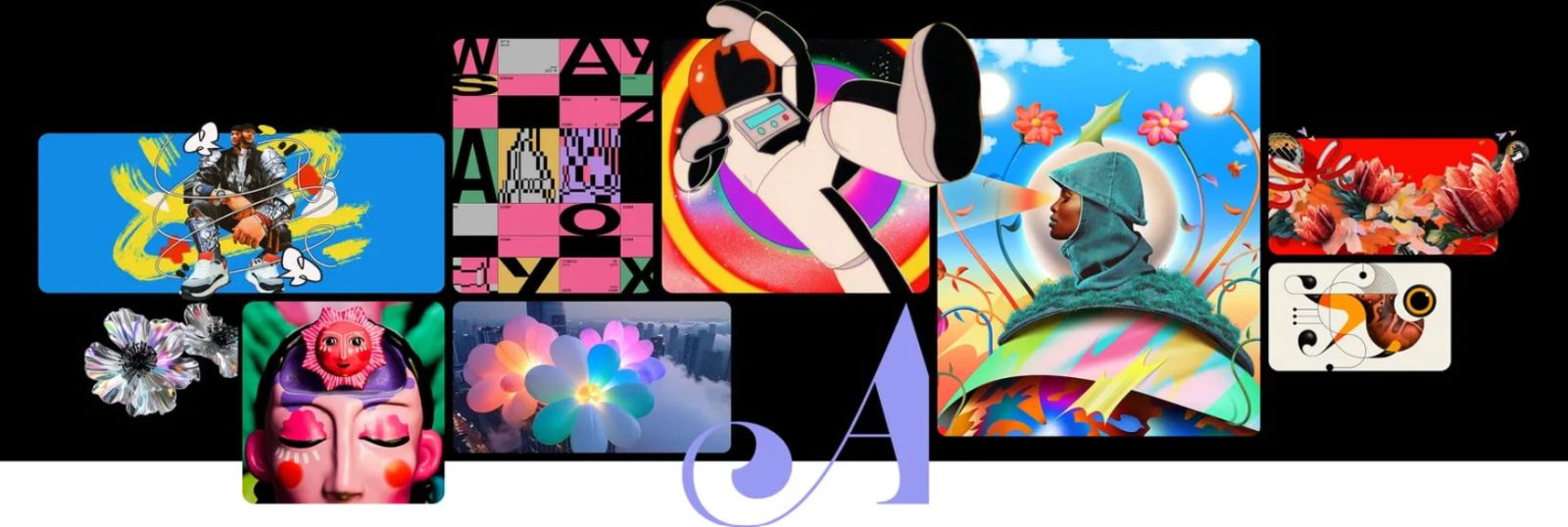
For UI and digital product design, Figma is a noteworthy choice thanks to its online capabilities and collaborative support. Multiple team members can edit, comment on, and manage designs together in one environment.
Canva focuses on simplicity and accessibility. Users can use pre-made templates to quickly create social media posts, presentations, posters, or many other types of visual content.
When choosing tools, budget is also a factor to consider. Not every project requires professional software with complex features. If you only need to do basic designs, a simple tool can help complete the job faster.
Conversely, for projects requiring in-depth image editing, complex vector graphics, professional layouts, or long-term workflows, using specialized tools will offer more benefits.
6. Building a resource library
Once designers have found quality resources, they should build a personal library instead of searching from scratch for each project. This is a simple way to save time in the long run.
Resources can be categorized into folders such as Photos, Icons, Fonts, Textures, Mockups, Templates, and References. Within each folder, further subdivisions can be made by theme or style.
Clearly naming files is also very important. A file with a name that accurately describes its content will be much easier to find than default names like "image123" or "download-final".
For fonts and icons, be sure to save information about the download source and license. This is especially useful when the project is for commercial use and you need to check the usage rights later.
Designers should also regularly remove resources that are no longer needed. A library that is too large but disorganized can sometimes make searching more difficult.
7. Use resources responsibly.
Design resources can speed up the work, but they shouldn't be used indiscriminately. Downloading an image or font from the internet doesn't automatically grant the user commercial rights to it.
Before using, check the source, license type, and accompanying conditions. If attribution is required, comply with it. If the resource is only permitted for personal use, do not incorporate it into a commercial product.
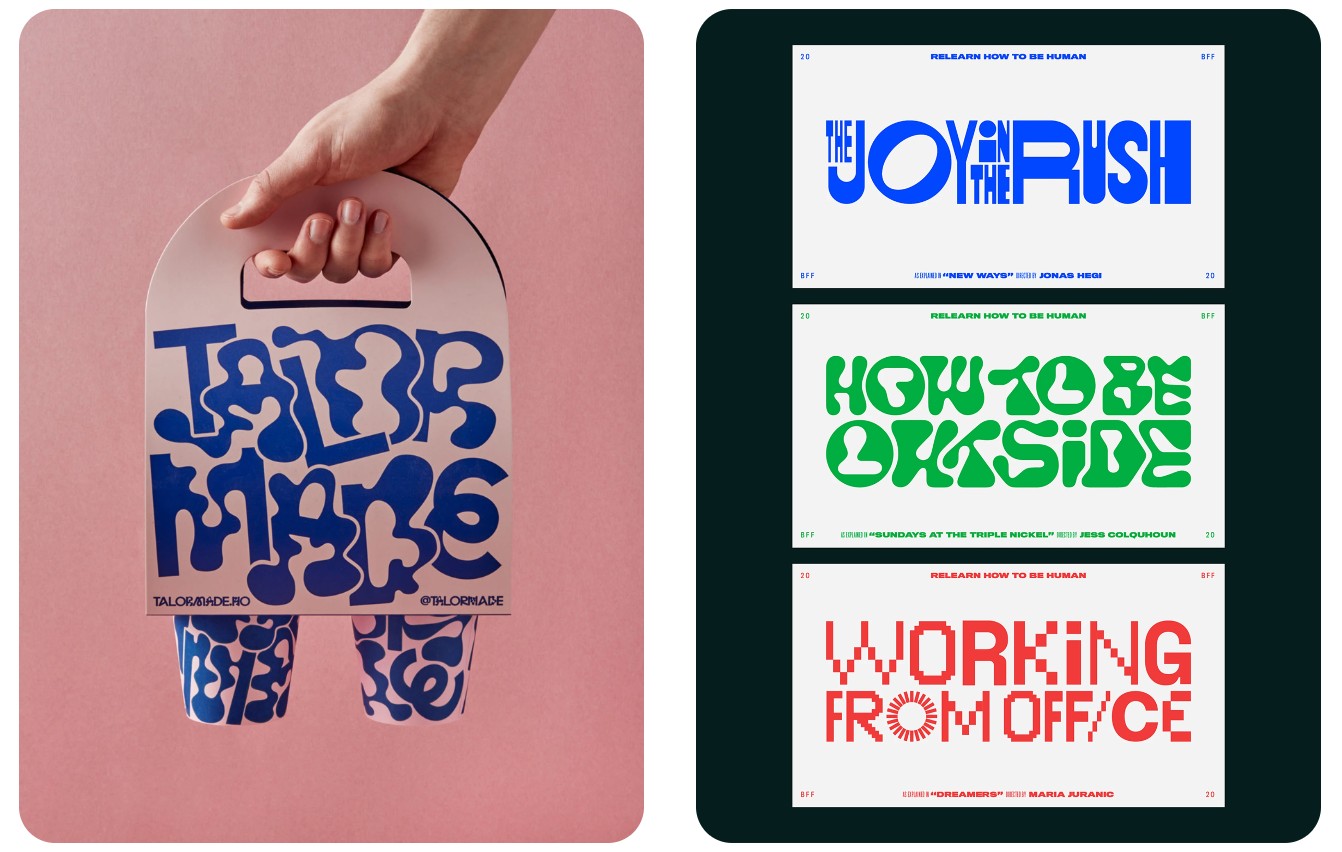
Besides copyright issues, designers also need to pay attention to the suitability of the resources. A high-quality image that doesn't match the brand can still diminish the value of the design.
Resources should be seen as supporting materials for ideas, not as a substitute for creative thinking. A good designer isn't necessarily someone who possesses the most resources, but rather someone who knows how to select and transform them into a valuable product.
In modern design, resources are merely a starting point. The ultimate value lies in the ability to transform available materials into a clear, consistent visual concept that aligns with the project's goals. When quality resources are combined with sound design thinking, the creative process becomes faster, more efficient, and more professional.





















VIP Products








Best Selling Products
Upgrade genuine Capture One account
120 USD
MidJourney Account
29 USD
Adobe Premiere Pro Account
99 USD
Genuine Adobe Illustrator account
99 USD
Freepik Premium Account
59 USD
Autodesk All App Account Copyright
120 USD
Upgrade Duolingo Super
29 USD
Plugin Retouch4me
69 USD
Adobe Photoshop Copyright - Full App
120 USD
Copyright Adobe Lightroom Account
59 USD
Windows 10 & 11 Pro Key
36 USD
Genuine Cheap Canva Pro
39 USD
Capcut Pro 1 Year
39 USD
Upgrade Genuine Office 365
49 USD
ChatGPT Plus Account (GPT-4)
16 USD