Best Selling Products

Adobe Premiere Pro Account
99 USD

ChatGPT Plus Account (GPT-4)
16 USD

Adobe Photoshop Copyright - Full App
120 USD

Genuine Adobe Illustrator account
99 USD

Genuine Cheap Canva Pro
39 USD

MidJourney Account
29 USD

Upgrade genuine Capture One account
120 USD

Upgrade Duolingo Super
29 USD

Plugin Retouch4me
69 USD

Copyright Adobe Lightroom Account
59 USD

Capcut Pro 1 Year
39 USD

Upgrade Genuine Office 365
49 USD

Autodesk All App Account Copyright
120 USD

Freepik Premium Account
59 USD

Windows 10 & 11 Pro Key
36 USD
A multi-tool platform: Sync helps you store, share, and protect your data all in one place.
Nội dung
- 1. Secure storage and collaboration ecosystem
- 1.1. Connecting teams for effective work
- 1.2. Access data anytime, anywhere.
- 1.3. Secure Sharing and Collaboration
- 1.4. Professional file sharing with clients
- 1.5. Save space with Sync CloudFiles
- 1.6. Real-time data backup
- 1.7. Security and compliance with international standards
- 2. Unlimited potential for growth.
- 3. Why choose Sync?
- 4. Conclusion
Sync is a cloud storage platform designed with a focus on protecting privacy and data security.
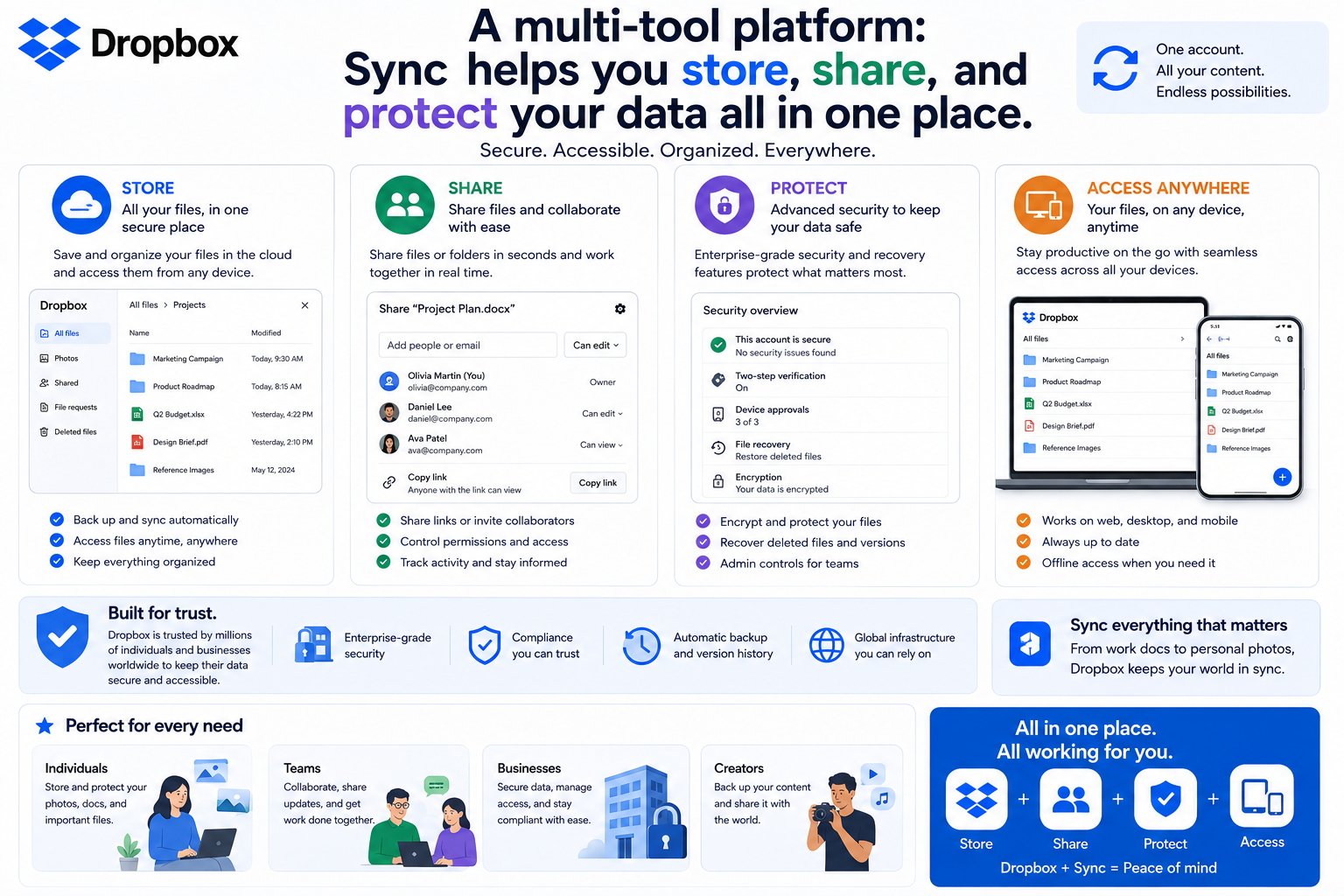
1. Secure storage and collaboration ecosystem
Sync is not simply a cloud storage service; it's a platform that connects people, data, and workflows on a single system.
1.1. Connecting teams for effective work
In the modern workplace, collaboration among team members, partners, and clients plays a crucial role in overall performance. Sync simplifies this process by creating a centralized workspace where all necessary documents and data are stored, managed, and updated on a single platform.
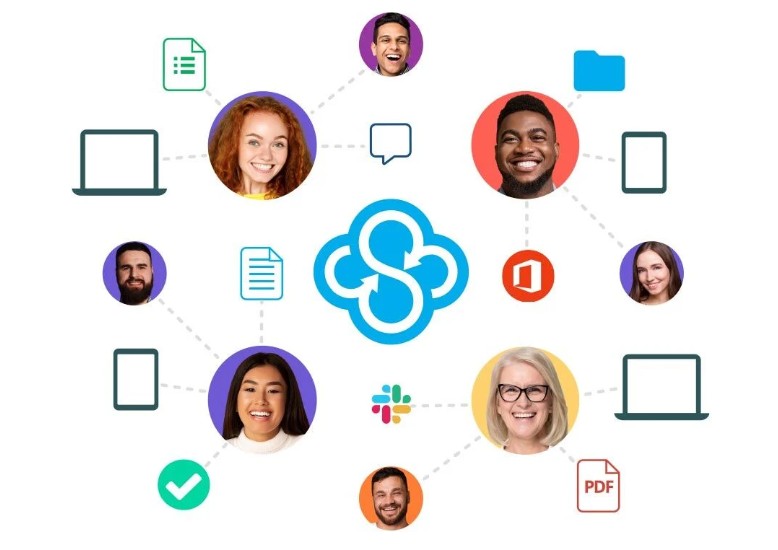
Instead of sending multiple versions of documents via email or messaging apps, users can directly share the work folder with relevant people. Any changes to the files are automatically synchronized, ensuring members always have access to the latest version and avoiding confusion caused by using outdated documents.
Sync's flexible connectivity is particularly well-suited for businesses with remote work models or teams dispersed across multiple locations. Whether working in the office, at home, or in another country, team members can collaborate effectively on the same data system.
1.2. Access data anytime, anywhere.
One of the key advantages of cloud storage is the ability to access data without limitations in space and time. Sync allows users to open and manage files through applications on computers, mobile devices, or web browsers, ensuring continuous workflow.
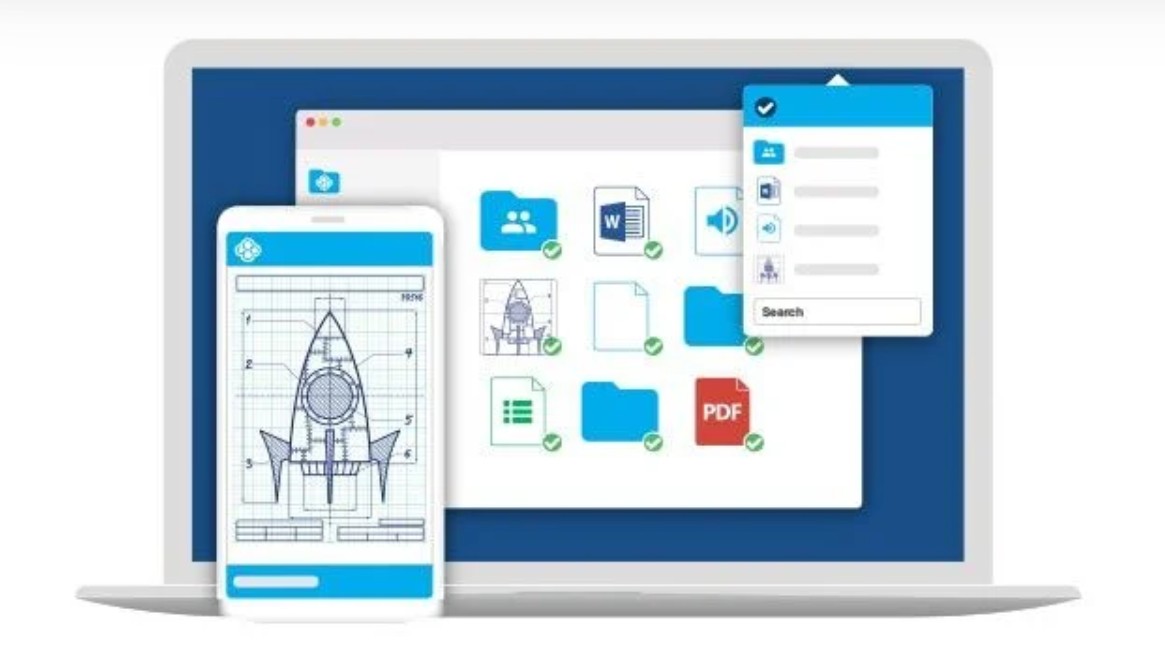
Users can start editing documents on their office computer, continue working on their phone while on the go, or quickly check information via a web browser. All changes are automatically updated across connected devices, ensuring data consistency and availability.
This feature is particularly useful for individuals who travel frequently, remote workers, or businesses that need to maintain continuous data access in a variety of situations.
1.3. Secure Sharing and Collaboration
Sync offers flexible data sharing capabilities while maintaining owner control. Users can create shared folders for colleagues, partners, or clients without sending each file individually.
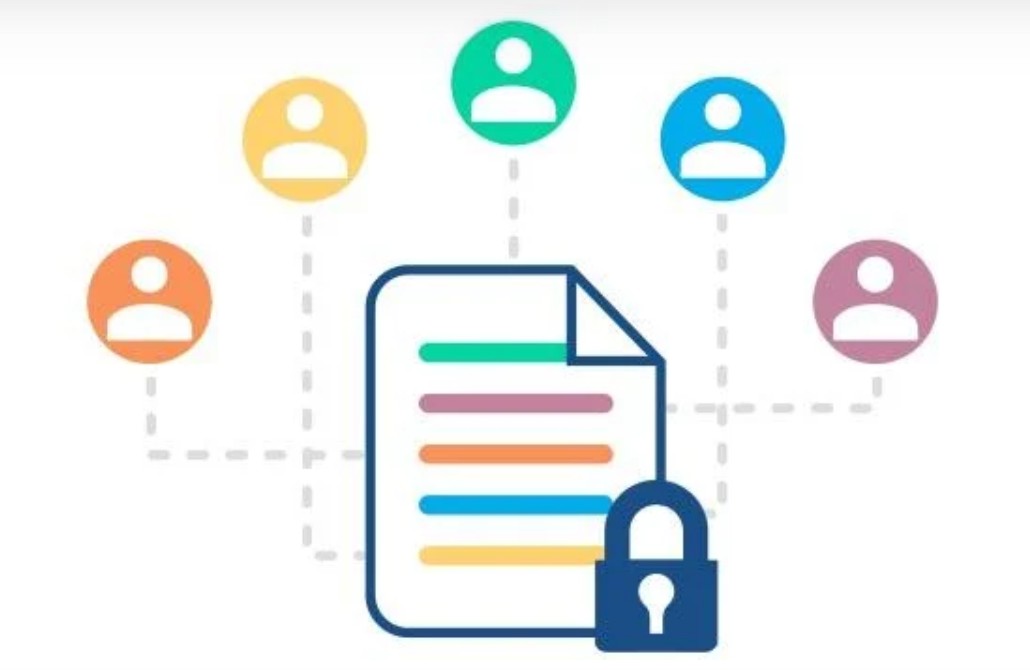
The system allows users to set access permissions tailored to each individual, such as viewing, editing, or downloading data only. This enables businesses to share essential information without losing control over critical documents.
In addition to convenience, security is always a top priority for Sync. Access control mechanisms help minimize the risk of data being shared with the wrong people or used for purposes other than its intended use. This is crucial for organizations that frequently work with customer data or internal information.
1.4. Professional file sharing with clients
In addition to sharing internal data, Sync also helps businesses build professional document exchange processes with customers through a customized, branded file sharing portal. Documents sent can display the company's logo and unique branding, creating a more professional and trustworthy impression.
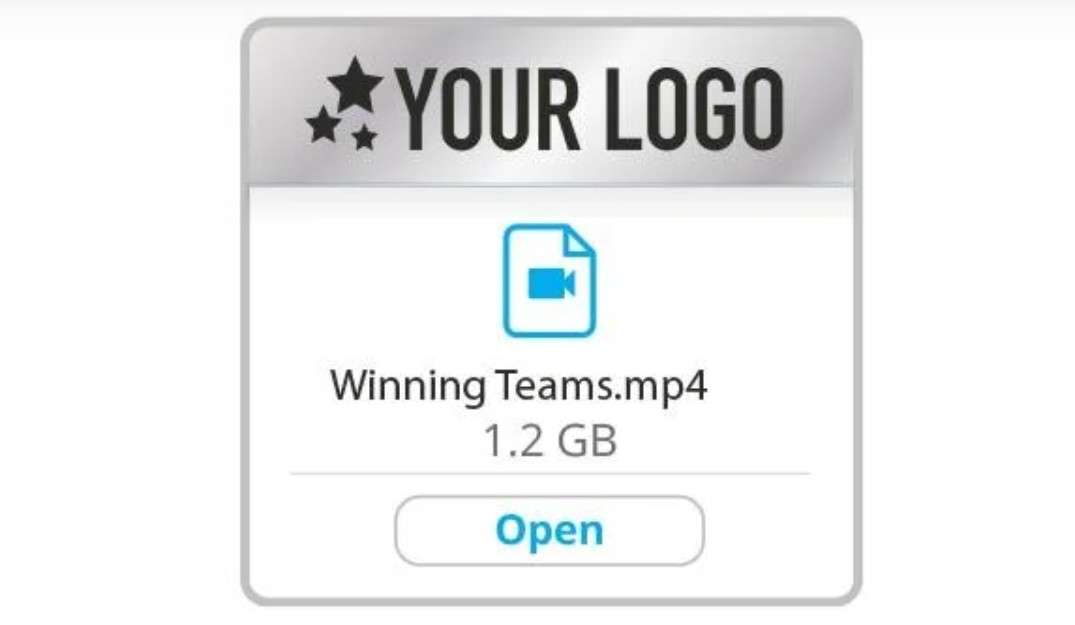
This feature is particularly suitable for consulting firms, design companies, agencies, service businesses, or organizations that frequently send and receive documents with clients. Instead of using conventional sharing links, businesses can create a consistent data exchange experience with a strong brand image.
Combining secure sharing capabilities with a professional interface, Sync not only supports data management but also contributes to improving the quality of interaction between businesses and customers.
1.5. Save space with Sync CloudFiles
For individuals and businesses that frequently work with large amounts of data, insufficient computer storage can significantly impact productivity. Sync CloudFiles was developed to address this issue through Files on Demand technology .
This feature allows users to access and manage all cloud-stored data directly from Windows Explorer or Mac Finder without downloading the entire file. Files are only downloaded when the user opens or edits them, significantly saving hard drive space.
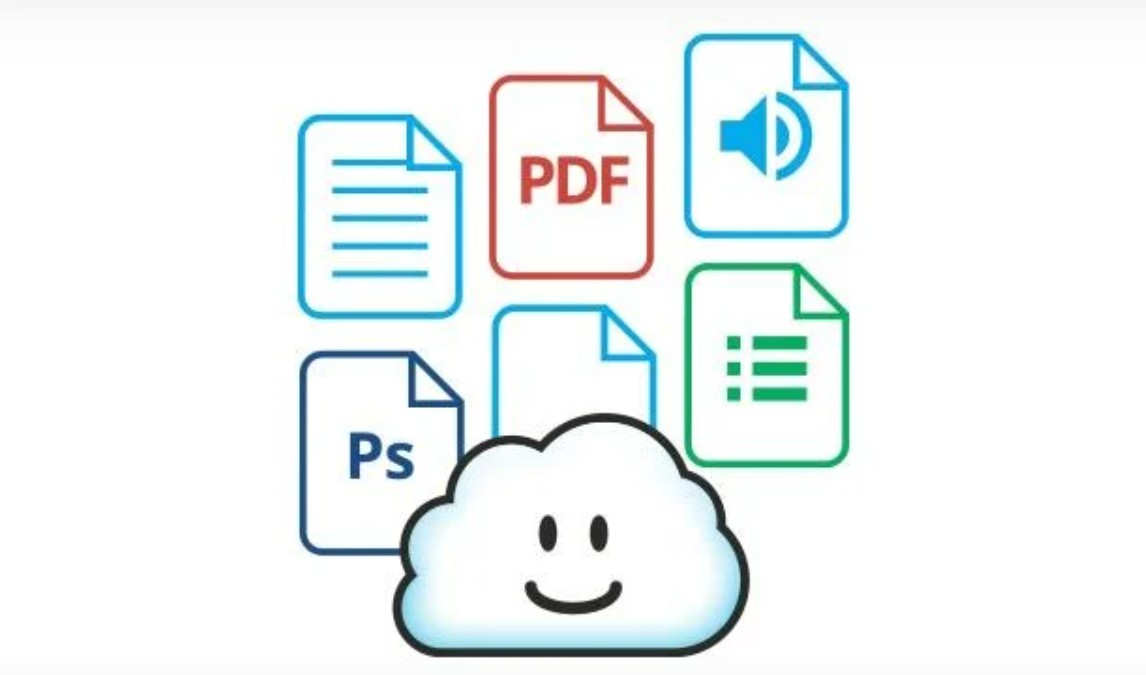
Thanks to this, users can still work with thousands of files without worrying about device memory limits. This is a particularly useful solution for content creators, design teams, media companies, or organizations that process large amounts of data daily.
1.6. Real-time data backup
Data loss can have serious consequences for both individuals and businesses. Sync helps mitigate this risk by providing continuous, real-time data backups.
Any changes to synchronized folders will be automatically updated to the cloud system. In the event of problems such as device failure, accidental file deletion, or ransomware attacks, users can recover data and continue their work without significant interruption.
Rapid data recovery capabilities help businesses protect critical digital assets, minimize remediation costs, and maintain stable operations in all situations.
1.7. Security and compliance with international standards
Security is the most important foundation in Sync's development philosophy. The service uses end-to-end encryption technology, where data is encrypted right from the user's device before being transmitted and stored on the system.
This mechanism ensures that only authorized users can access data content. Even Sync cannot view or decrypt customers' private files. This is a differentiating factor that makes the platform a suitable choice for users who prioritize privacy.
In addition to encryption technology, Sync is built on enterprise-grade security infrastructure and meets numerous international data protection standards. This gives organizations peace of mind when storing critical information such as internal documents, customer data, contracts, or highly confidential projects.
2. Unlimited potential for growth.
One of Sync's standout advantages is its ability to provide flexible storage space, allowing individuals and businesses to easily scale their usage without being limited by capacity or data transfer volume. In the context of ever-increasing data volumes, from documents, images, and videos to large-scale projects, a scalable platform is crucial for ensuring continuous workflow.
With Sync, users don't need to worry about extra charges for sharing large files or limitations that disrupt collaboration. The service packages offer flexible cloud storage and data transfer options to suit a wide range of needs, from personal to business use.

In particular, Sync is a suitable choice for organizations that frequently handle large amounts of data such as images, videos, technical documents, or creative projects. Its scalability allows businesses to avoid constantly switching platforms as storage needs increase, while also optimizing data management processes.
Centralizing storage, sharing, and backup on a single system enables teams to work more efficiently, reducing reliance on multiple tools. With its long-term scalability, Sync provides a stable, secure work environment ready to meet future growth needs.
3. Why choose Sync?
Sync's biggest differentiator lies in its product development philosophy centered around privacy. From its inception, the platform's goal has been to create a secure cloud storage service where data is entirely under the user's control.
After more than ten years of development, Sync continues to expand its features while remaining committed to protecting privacy with end-to-end encryption technology. It's a secure space to store important documents, share ideas, collaborate with colleagues, and implement long-term projects without compromising security.
Not only suitable for individual users, Sync also effectively meets the needs of businesses thanks to its flexible collaboration capabilities, detailed access control management, real-time backups, and internationally standardized infrastructure. The combination of simplicity, high performance, and data protection has made Sync a reliable choice for organizations that prioritize privacy.
4. Conclusion
Sync meets these requirements with end-to-end encryption technology, intelligent synchronization systems, secure sharing capabilities, real-time backups, and a professional collaboration environment. With a philosophy of prioritizing user privacy, Sync not only helps store data but also provides a secure digital space for working, sharing, and developing important ideas for the future.





















VIP Products








Best Selling Products
Adobe Premiere Pro Account
99 USD
ChatGPT Plus Account (GPT-4)
16 USD
Adobe Photoshop Copyright - Full App
120 USD
Genuine Adobe Illustrator account
99 USD
Genuine Cheap Canva Pro
39 USD
MidJourney Account
29 USD
Upgrade genuine Capture One account
120 USD
Upgrade Duolingo Super
29 USD
Plugin Retouch4me
69 USD
Copyright Adobe Lightroom Account
59 USD
Capcut Pro 1 Year
39 USD
Upgrade Genuine Office 365
49 USD
Autodesk All App Account Copyright
120 USD
Freepik Premium Account
59 USD
Windows 10 & 11 Pro Key
36 USD