Best Selling Products

Genuine Adobe Illustrator account
99 USD

Windows 10 & 11 Pro Key
36 USD

Copyright Adobe Lightroom Account
59 USD

Adobe Premiere Pro Account
99 USD

Upgrade genuine Capture One account
120 USD

Capcut Pro 1 Year
39 USD

Upgrade Duolingo Super
29 USD

Autodesk All App Account Copyright
120 USD

Genuine Cheap Canva Pro
39 USD

ChatGPT Plus Account (GPT-4)
16 USD

Adobe Photoshop Copyright - Full App
120 USD

MidJourney Account
29 USD

Freepik Premium Account
59 USD

Upgrade Genuine Office 365
49 USD

Plugin Retouch4me
69 USD
AI Character Generator: How to Create Unique and Professional AI Characters Quickly
Nội dung
- 1. Features of CapCut AI Character Creator
- 1.1. Diverse character design styles
- 1.2. Refine facial details and composition
- 1.3. Create characters in bulk with just one click.
- 1.4. Customization after creation
- 2. How to create a character with AI in CapCut
- 2.1. Step 1: Open the AI character creator.
- 2.2. Step 2: Create an AI character
- 2.3. Step 3: Export and Share
- 3. Benefits of CapCut AI Character Generator
- 3.1. Optimizing the creative process
- 3.2. Unlocking Creative Potential
- 3.3. Achieving professional results
- 4. Practical application scenarios
- 4.1. Marketing and Branding
- 4.2. Storytelling and Animation
- 4.3. Educational content
- 4.4. Social media content
Discover how AI Character Generator helps you create unique characters in minutes without needing advanced design skills.
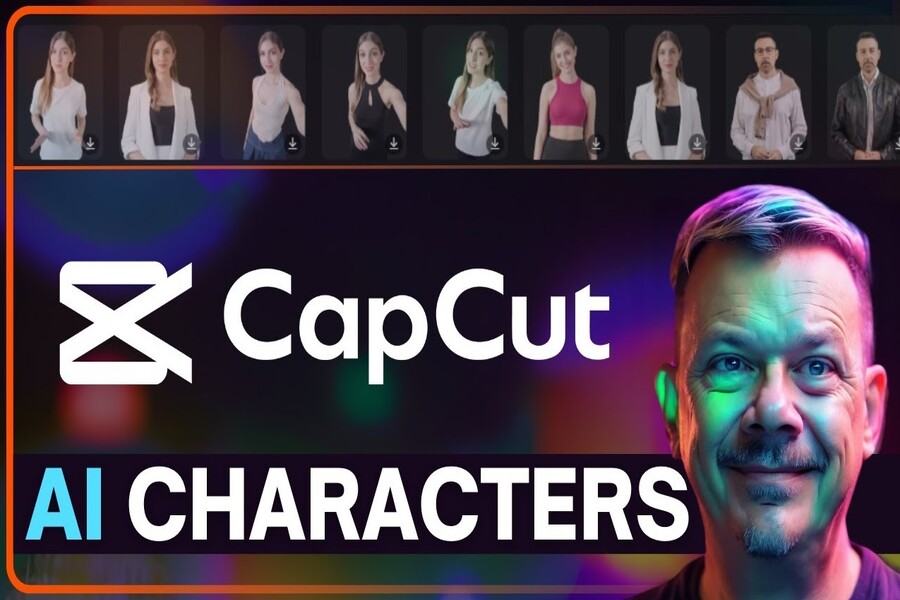
1. Features of CapCut AI Character Creator
CapCut AI Character Creator is designed to meet the diverse needs of users in creating high-quality animated characters.
1.1. Diverse character design styles
One of CapCut AI Character Creator's most notable strengths is its ability to offer a wide variety of design styles. Users can choose from hyper-realistic portrait styles with high detail to cartoon, comic book, or abstract art illustration styles. This diversity makes it easy to adapt to many different uses, from entertainment and educational content to commercial advertising.
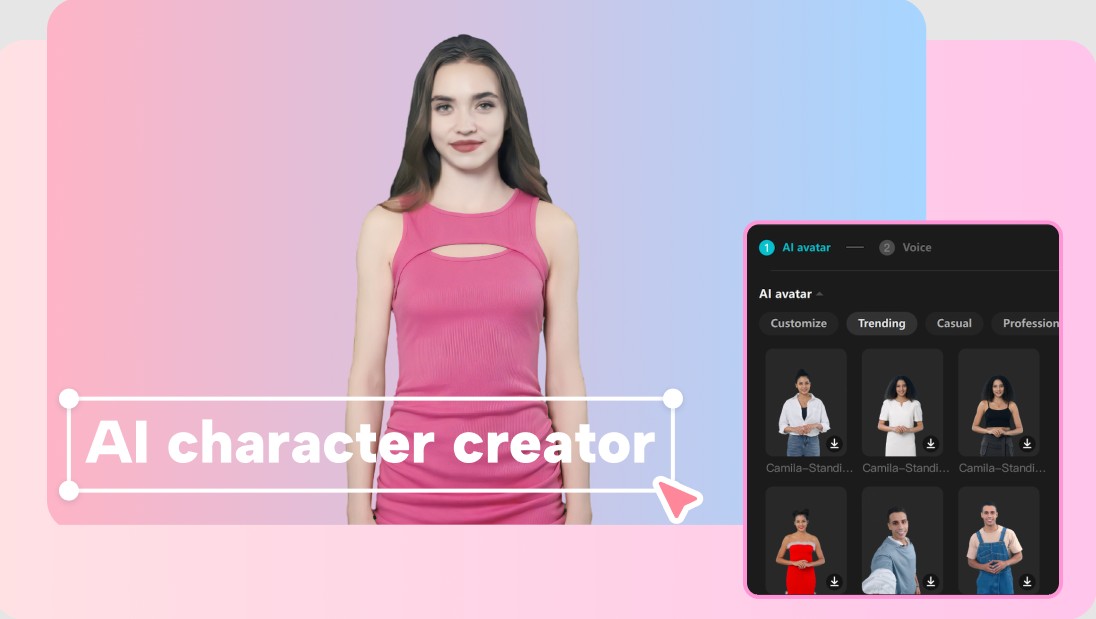
Having multiple style options not only increases flexibility but also expands creative possibilities. You can experiment with many ideas without being limited by individual skill. This is especially helpful during concept development, where rapid experimentation can help you find the most suitable direction. Furthermore, the ability to maintain stylistic consistency across characters creates a cohesive visual system, which is crucial in brand building.
1.2. Refine facial details and composition
Unlike many other AI tools that only provide automatic results with little room for intervention, CapCut offers the ability to edit details after creation. Users can adjust elements such as expression, gaze, facial angle, or facial proportions to achieve the desired result. The face cropping tool makes it easy to extract or combine elements from various sources, creating unique characters while maintaining balance and harmony.
Detail control not only enhances image quality but also gives the final product a professional feel. When you can fine-tune every small element, you can easily create highly personalized characters that perfectly match the message or story you want to convey. This is a significant advantage, especially in projects requiring high consistency and precision.
1.3. Create characters in bulk with just one click.
In large projects, creating numerous characters manually can be a time-consuming task. CapCut solves this problem with its one-click batch character creation feature. You can quickly build a diverse character library while maintaining consistency in style and quality.
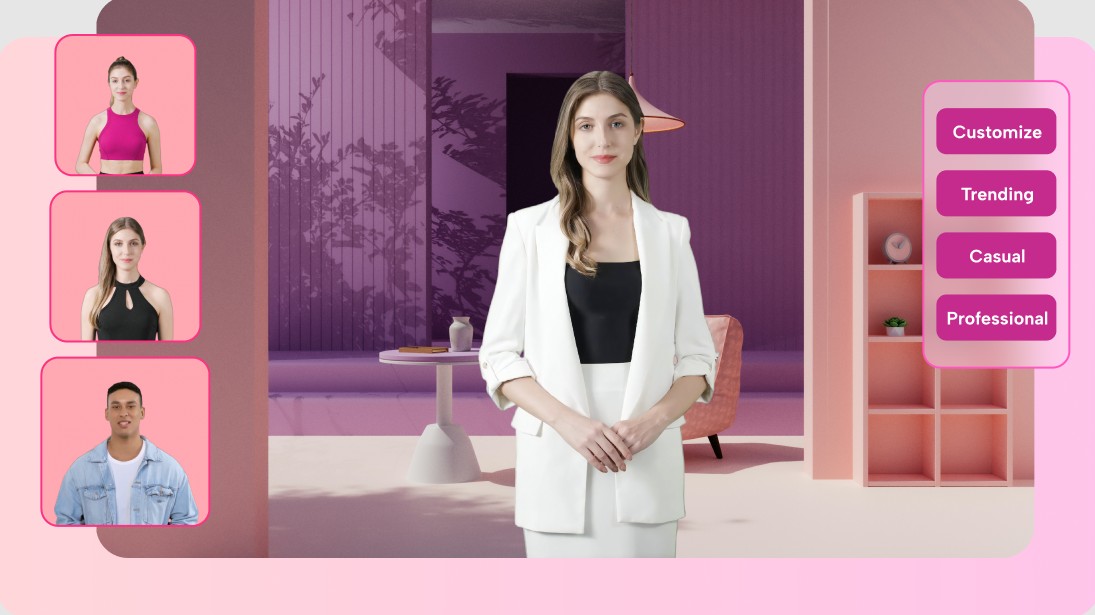
This feature is particularly useful in marketing campaigns or long-term storytelling projects where multiple different characters are needed while maintaining visual coherence. Instead of spending hours designing each character, you can create a batch in minutes, then simply fine-tune the necessary details. This optimizes the workflow and significantly increases efficiency.
1.4. Customization after creation
After creating your character, CapCut allows you to continue editing to achieve the perfect result. The inpainting tool lets you edit only parts of the image without affecting others, making adjustments easier and more precise. You can change the background, add details, or adjust colors flexibly.
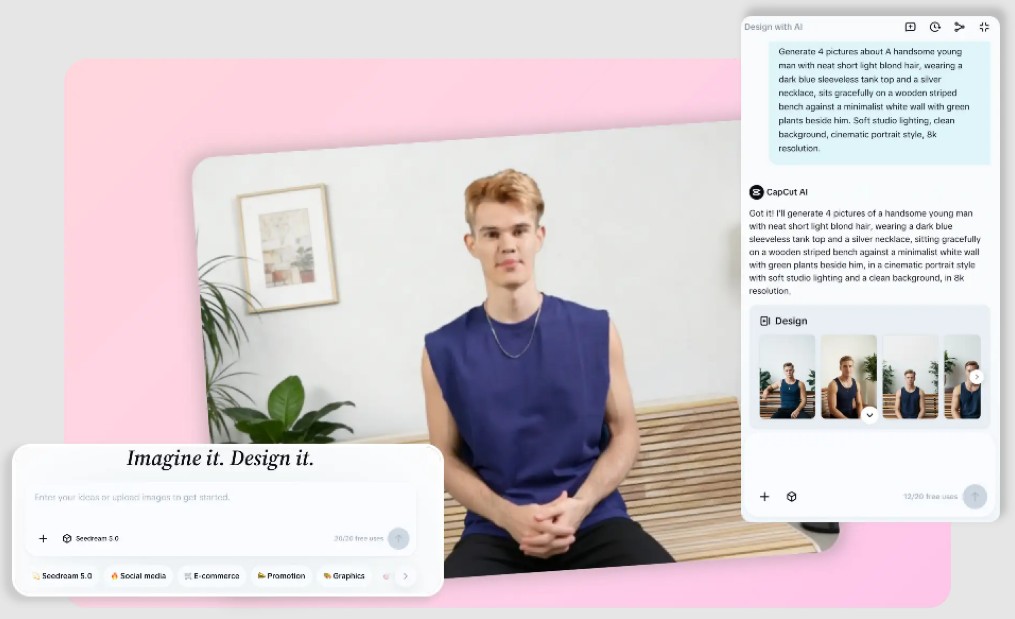
This feature allows you to avoid being limited by the initial AI output. Instead, you can view it as a starting point and continue developing the character according to your own ideas. This provides creative freedom and ensures that each product meets the highest standards.
2. How to create a character with AI in CapCut
The character creation process with CapCut AI Character Generator is designed to simplify the user experience as much as possible while still ensuring professional-quality output.
2.1. Step 1: Open the AI character creator.
First, you need to access CapCut through your browser and navigate to the AI Studio area, then select Design Studio. The interface is designed to be intuitive, helping you quickly get acquainted and start using it without much difficulty. Advanced AI technology integrated into the system ensures that the modeling process is fast and accurate.
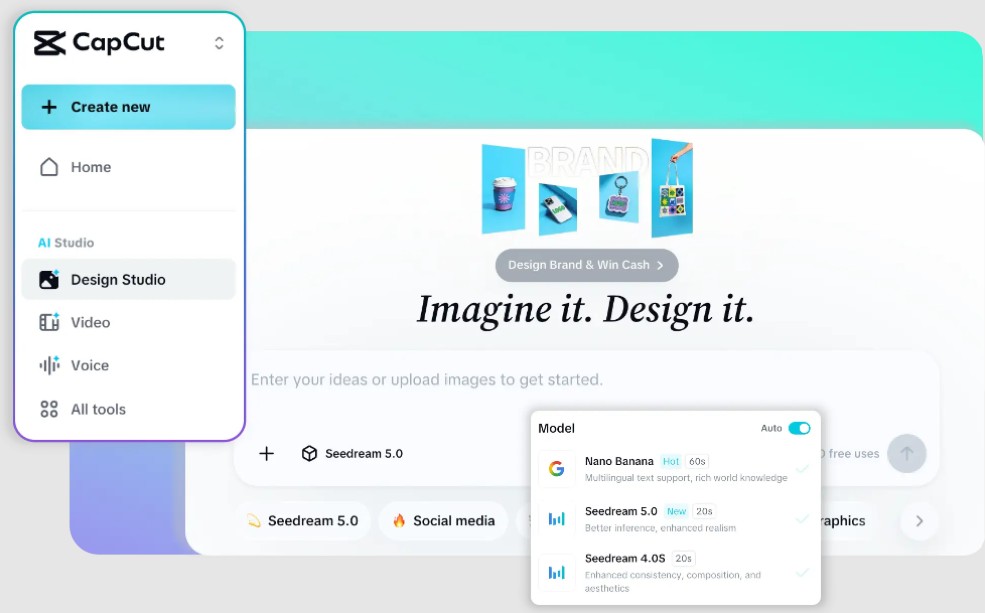
2.2. Step 2: Create an AI character
After accessing the tool, you can enter a detailed description of the character you want to create. This is a crucial step because the quality of the result depends heavily on the detail of the description. You can describe the appearance, style, emotions, or background so that the AI can better understand your idea. Additionally, using reference images also helps improve the accuracy of the results.
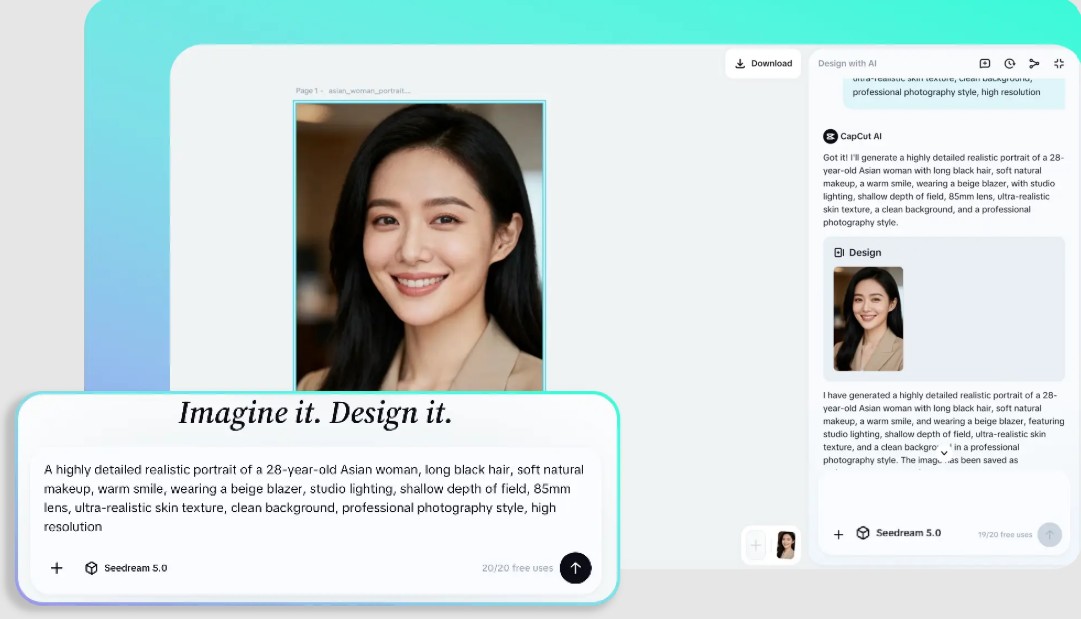
Once complete, simply press the create button and wait for the system to process. The results will be displayed immediately, allowing you to review and further edit if needed. The conversational AI feature lets you interact with the system to easily refine the results.
2.3. Step 3: Export and Share
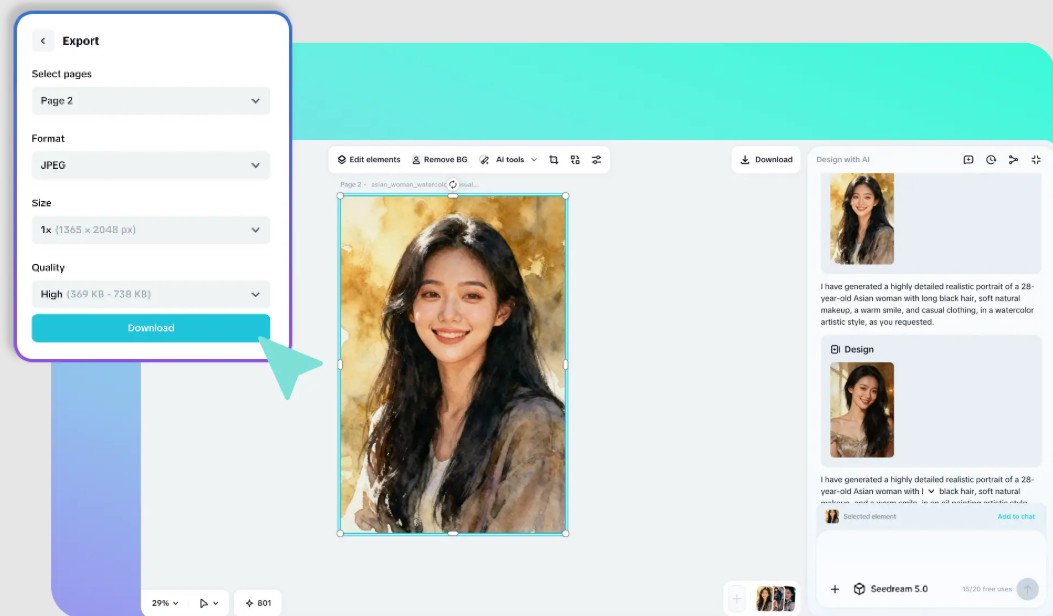
Once you've finished creating your character, you can export the image in high resolution for use on various platforms. CapCut supports multiple formats and sizes, making it easy to integrate your character into projects such as videos, social media posts, or presentations. Additionally, extra tools help you optimize the image, ensuring the final product is always of the highest quality.
3. Benefits of CapCut AI Character Generator
Using an AI Character Generator not only saves time but also brings many significant benefits to the creative process.
3.1. Optimizing the creative process
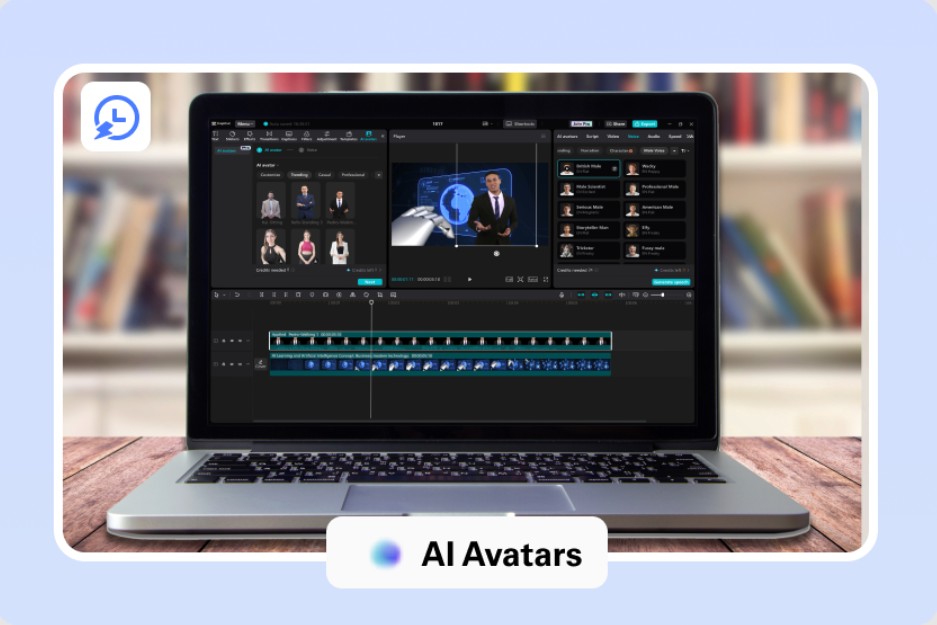
CapCut automates many steps in the design process, from modeling to editing. This helps you reduce manual workload and focus on more important elements like ideas and content.
Beyond simply saving time, AI also helps minimize errors in the design process. Tasks that previously required high precision, such as facial proportions, lighting, and color matching, are now handled automatically by the system with high accuracy. This is especially useful for those without a background in design who still want to create high-quality products.
Furthermore, automation makes it easier to scale up content production. While creating dozens or hundreds of characters was previously almost impossible in a short amount of time, you can now do it in just minutes. This offers a significant advantage in marketing campaigns or projects requiring large volumes of content.
3.2. Unlocking Creative Potential
One of AI's greatest strengths is its ability to "suggest creative ideas." When you input a description, the system doesn't just generate a single result; it can suggest multiple variations. This allows you to view the idea from different perspectives, helping you choose the most suitable approach. It's like working with a creative team, where each version is a new idea for you to consider.
Furthermore, AI helps you break through familiar limitations in design thinking. You can easily experiment with styles you've never considered before, thereby expanding your creative scope and creating more unique products. This is a crucial factor in helping you stand out in an increasingly competitive content environment.
3.3. Achieving professional results
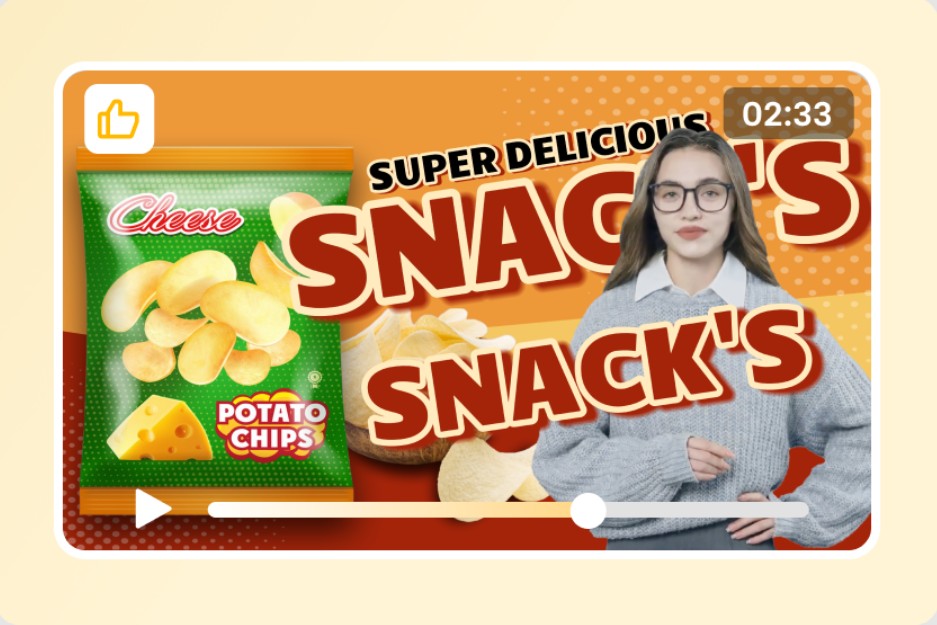
CapCut ensures that the images produced are of high quality, with consistency in lighting, proportions, and style. This helps you create products that can be used in professional environments, from marketing to commercial content.
Another key benefit is the ability to maintain consistency throughout the entire project. When you're creating multiple characters for the same campaign or story, keeping them consistent in style and quality is crucial. AI makes this easy, ensuring that all visuals are synchronized and professional.
Furthermore, high-quality output saves you the cost of hiring designers or post-production editing. The images created can be used immediately without further processing, shortening project completion time. This is especially useful for small businesses or individuals creating independent content.
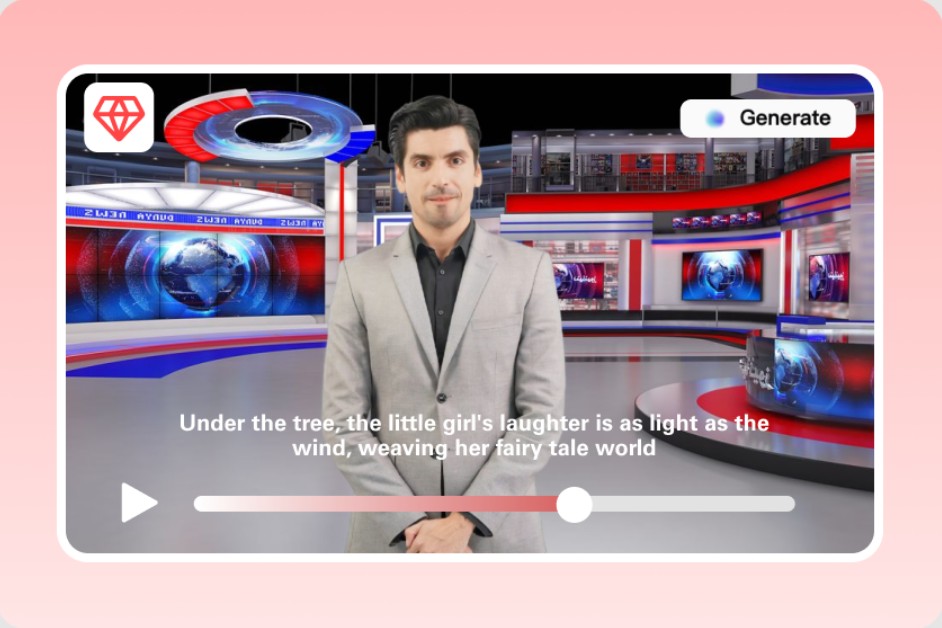
4. Practical application scenarios
AI Character Generators can be applied in many different fields, providing practical value to users in various situations.
4.1. Marketing and Branding
AI characters can become brand ambassadors, helping to increase brand recognition and create differentiation. You can use them in advertisements, social media posts, or marketing campaigns to capture customer attention.
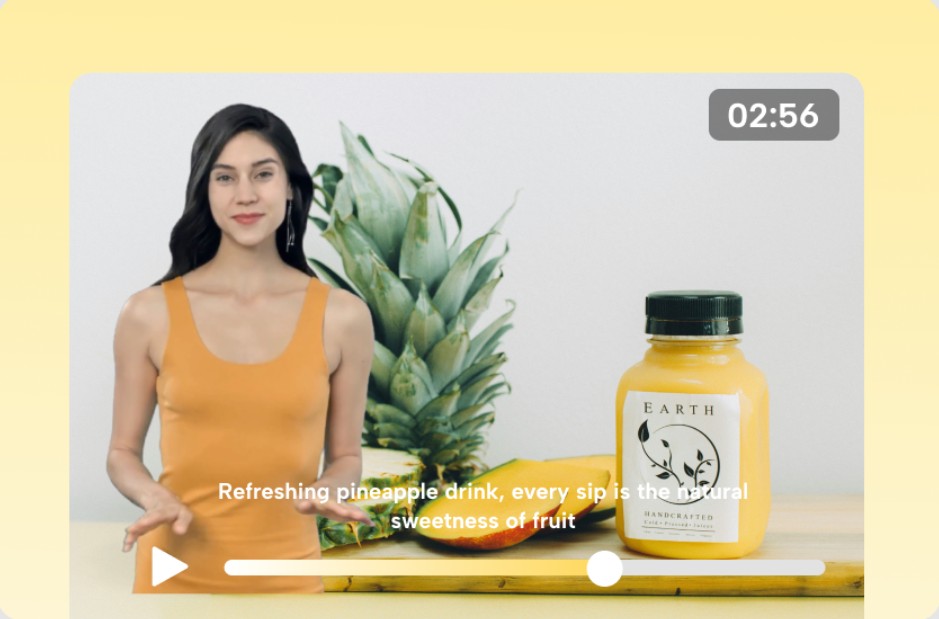
4.2. Storytelling and Animation
In the field of storytelling, creating diverse characters makes a story more vibrant and engaging. You can use these characters in comics, storyboards, or video content.
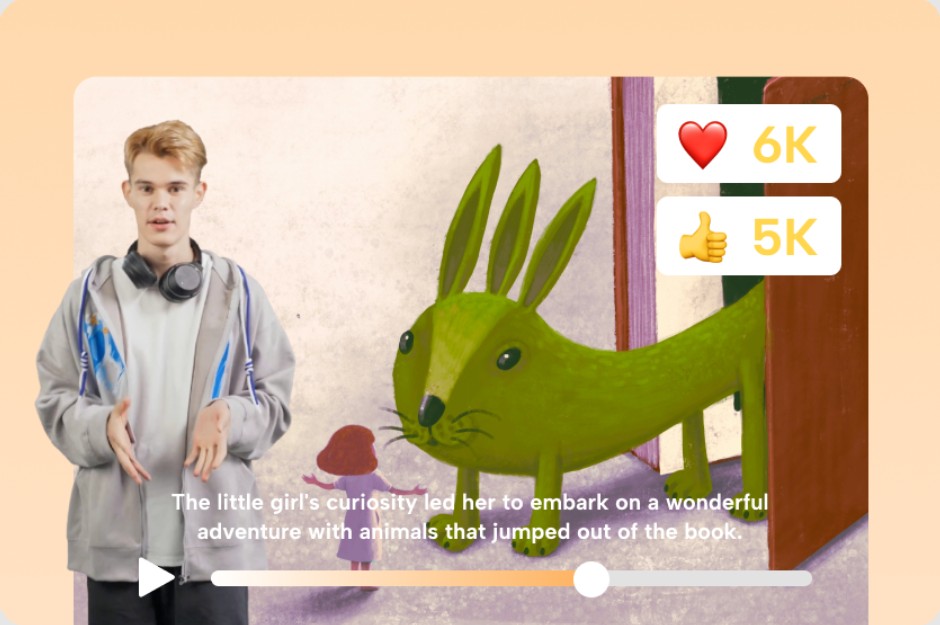
4.3. Educational content
In education, AI characters help illustrate concepts visually, making them easier for learners to understand and remember. This is a useful tool for online lectures and learning materials.
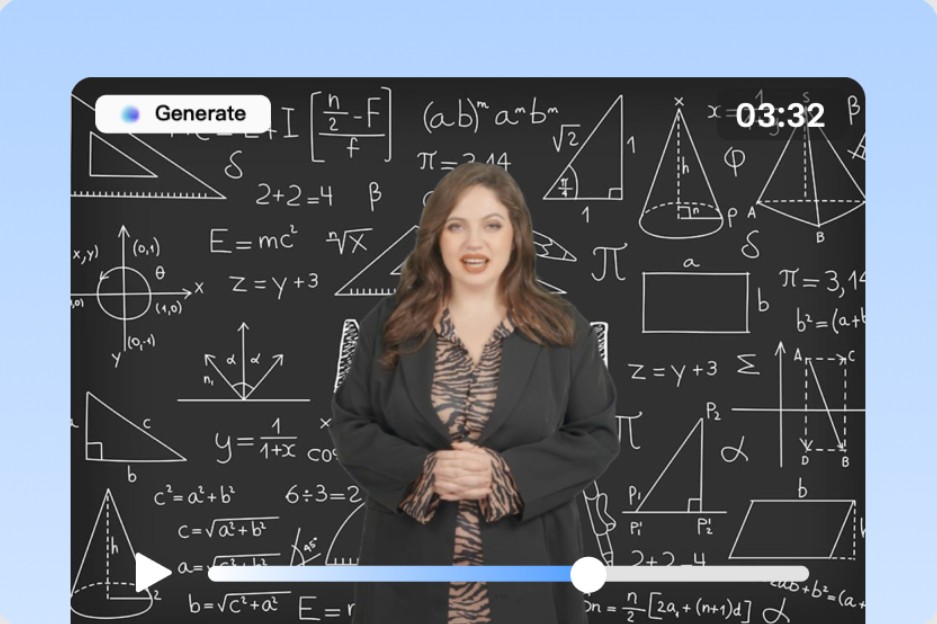
4.4. Social media content
AI characters can be used to create unique content on social media, from stickers to short videos, helping to increase engagement and attract viewers.

AI Character Generator is ushering in a new era in character design, where creativity is no longer limited by technical skills. With CapCut, anyone can create unique, high-quality characters in a short amount of time.





















VIP Products








Best Selling Products
Genuine Adobe Illustrator account
99 USD
Windows 10 & 11 Pro Key
36 USD
Copyright Adobe Lightroom Account
59 USD
Adobe Premiere Pro Account
99 USD
Upgrade genuine Capture One account
120 USD
Capcut Pro 1 Year
39 USD
Upgrade Duolingo Super
29 USD
Autodesk All App Account Copyright
120 USD
Genuine Cheap Canva Pro
39 USD
ChatGPT Plus Account (GPT-4)
16 USD
Adobe Photoshop Copyright - Full App
120 USD
MidJourney Account
29 USD
Freepik Premium Account
59 USD
Upgrade Genuine Office 365
49 USD
Plugin Retouch4me
69 USD