Best Selling Products

Capcut Pro 1 Year
39 USD

Plugin Retouch4me
69 USD

Upgrade Genuine Office 365
49 USD

Genuine Adobe Illustrator account
99 USD

Adobe Premiere Pro Account
99 USD

Freepik Premium Account
59 USD

Upgrade Duolingo Super
29 USD

Windows 10 & 11 Pro Key
36 USD

MidJourney Account
29 USD

Genuine Cheap Canva Pro
39 USD

Autodesk All App Account Copyright
120 USD

Copyright Adobe Lightroom Account
59 USD

Upgrade genuine Capture One account
120 USD

ChatGPT Plus Account (GPT-4)
16 USD

Adobe Photoshop Copyright - Full App
120 USD
Create Beautiful Tattoos in 30 Seconds with AI on CapCut – Have You Tried It Yet?
Nội dung
- 1. Key features of CapCut AI Tattoo Generator
- 1.1. Creating custom tattoos using artificial intelligence
- 1.2. Flexibility in design and personalization options
- 1.3. Tools for editing and exporting high-quality images
- 2. Benefits of using AI-powered tattoo creation tools
- 2.1. Fast and efficient design
- 2.2. Fostering creativity
- 2.3. Beginner-friendly experience
- 3. Application Cases of CapCut AI Tattoo Generator
- 3.1. Planning your personal tattoo
- 3.2. The workflow in an artist's studio
- 3.3. Sharing on social media
- 4. How to easily create AI tattoos online
- 4.1. Step 1: Access CapCut AI Studio
- 4.2. Step 2: Enter your reminder and upload your image.
- 4.3. Step 3: Review and download your design template
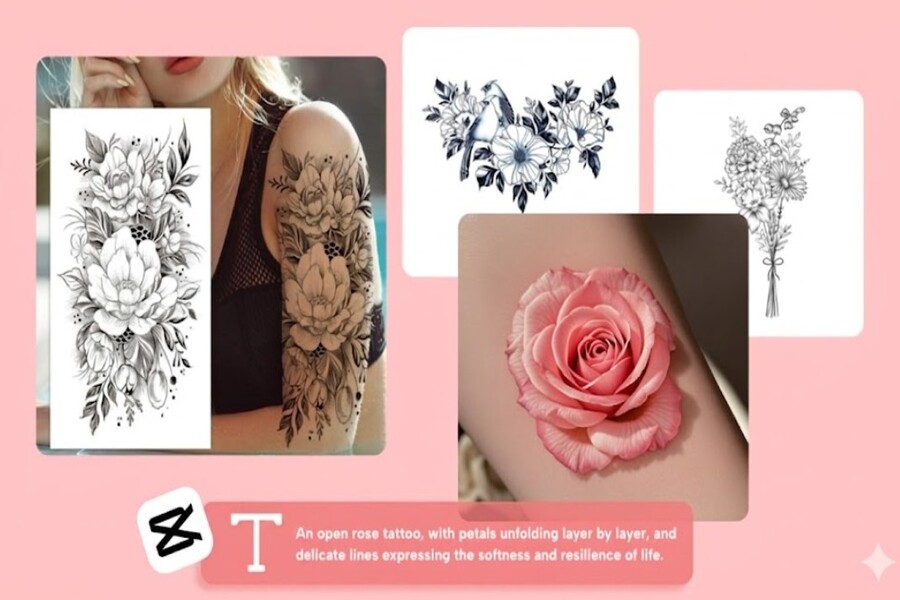
Discover how AI-powered tattoo creation tools help you turn your ideas into unique designs in just seconds.
1. Key features of CapCut AI Tattoo Generator
CapCut AI Tattoo Generator was developed to provide a comprehensive tattoo design experience, from concept to finished product.
1.1. Creating custom tattoos using artificial intelligence
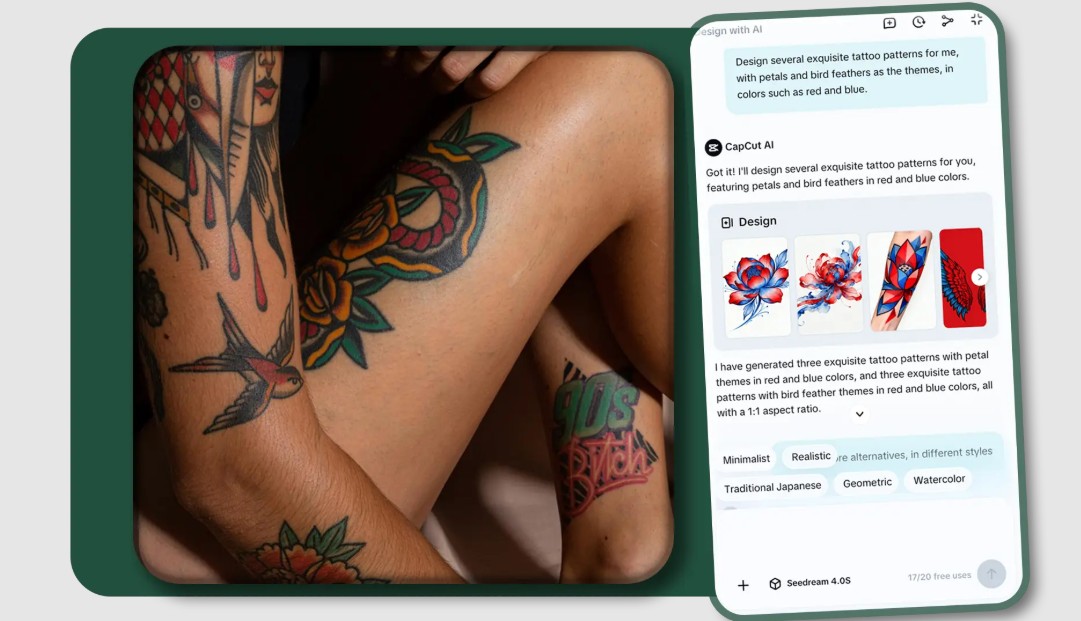
One of the tool's most outstanding features is its ability to create tattoos from descriptive text. Simply enter a few keywords or short descriptive sentences, and the system will automatically generate various designs based on your requirements. This helps you quickly visualize your ideas and gives you many options to compare.
The tool supports a variety of styles such as minimalist, realistic, tribal, or abstract art, allowing you to explore many different creative directions. The ability to create multiple versions simultaneously makes the selection process easier and expands the scope of creativity. Not only for beginners, this feature is also a powerful source of inspiration for professional tattoo artists when developing new ideas.
1.2. Flexibility in design and personalization options
Beyond just creating designs, CapCut allows for deep customization of the details. You can adjust the size, color, line thickness, and overall layout to suit the tattoo placement on your body and your personal style.
One notable feature is the ability to combine multiple different ideas within a single design. You can draw inspiration from various sources, combining symbolic elements, images, and styles to create a unique tattoo. Additionally, the AI-powered coloring tool allows you to experiment with different color palettes, finding the most suitable version without having to start from scratch.
This flexibility allows users to avoid being limited by pre-existing templates, and to freely create as they wish. This is a crucial factor that makes each tattoo unique and highly personal.
1.3. Tools for editing and exporting high-quality images
After creating your design, you can continue editing to perfect every small detail. CapCut provides powerful editing tools that allow you to change the layout, adjust sharpness, and fine-tune colors precisely.
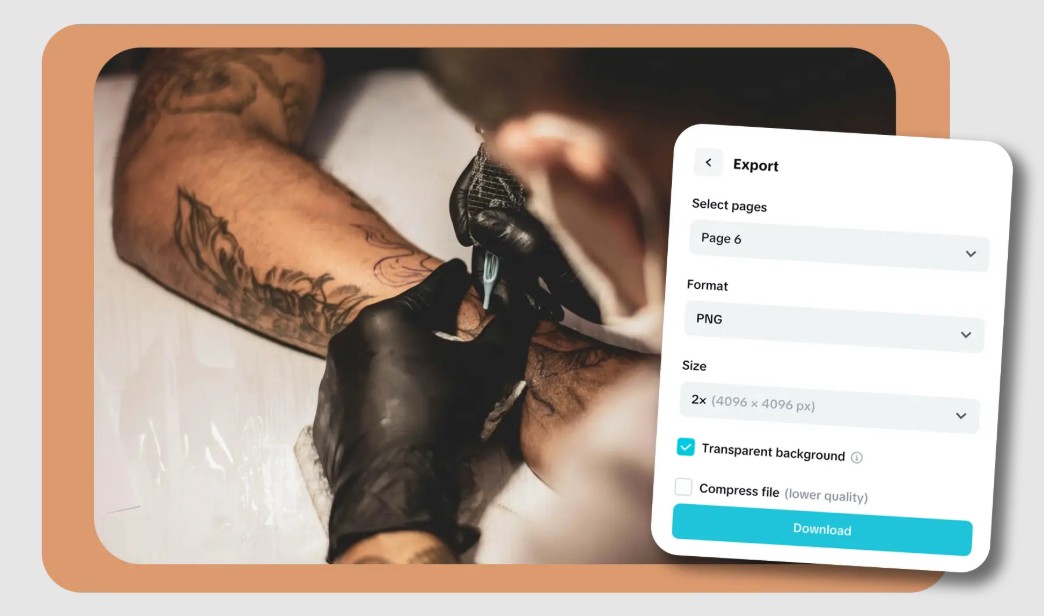
A major advantage is that all designs can be exported in high resolution, ready for printing or use as reference material at the tattoo studio. This ensures that your tattoo will be accurately reproduced when transitioning from design to reality.
Furthermore, the ability to make multiple edits without compromising quality allows you to freely experiment and refine your design until you achieve the desired result. This gives the user complete control, making the creative process easier and more precise.
2. Benefits of using AI-powered tattoo creation tools
AI-powered tattoo creation tools not only offer convenience but also bring about significant changes in how we approach tattoo design.
2.1. Fast and efficient design
One of the biggest benefits of AI is speed. Instead of spending hours or even days sketching and editing, you can generate multiple designs in just seconds. This allows you to quickly compare and choose the best option.
Not having to draw by hand or explain your ideas repeatedly to the tattoo artist also reduces stress during the preparation process. You can bring your completed design to the studio, making the communication easier and more efficient.
2.2. Fostering creativity
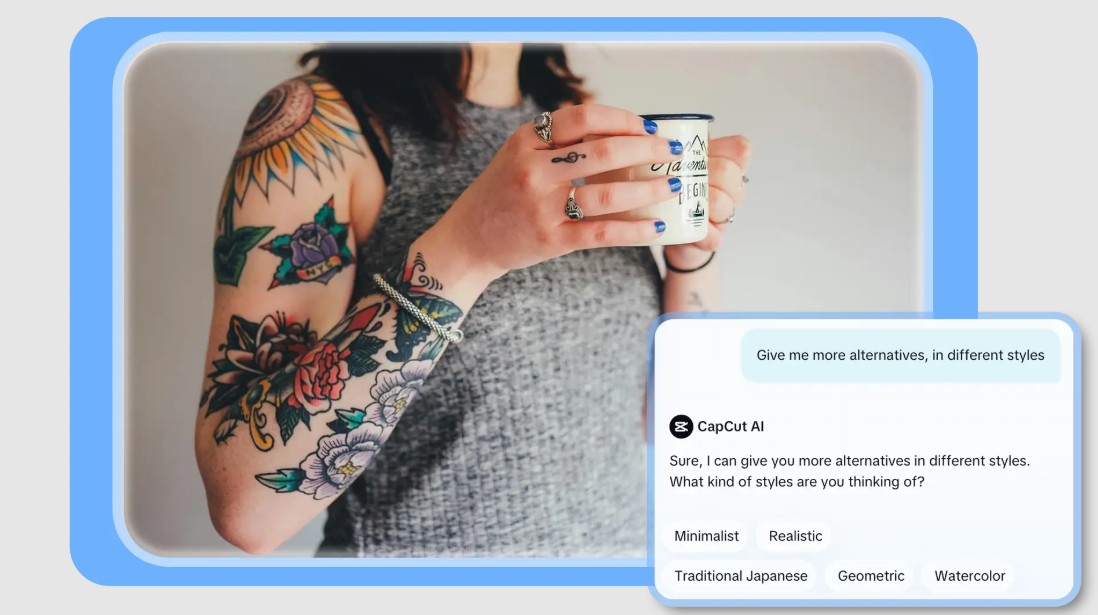
AI not only executes requests but also has the ability to suggest new ideas. When you input a description, the system can generate many different variations, helping you explore styles you've never considered before.
This allows you to avoid being confined to a specific pattern and to freely experiment. You can combine different elements, creating unique and highly personal designs. This process not only improves the quality of the tattoo but also provides an enjoyable creative experience.
2.3. Beginner-friendly experience
Another strength of AI-powered tattoo creation tools is their ease of use. Even if you've never designed before, you can still create beautiful tattoos with just a few simple steps.
The intuitive interface and simple process allow users to quickly become familiar with and use it effectively. No complex software installation or advanced skills are required; you can easily access this technology. This opens up opportunities for many people to participate in creative processes that they might previously have considered too difficult.
3. Application Cases of CapCut AI Tattoo Generator
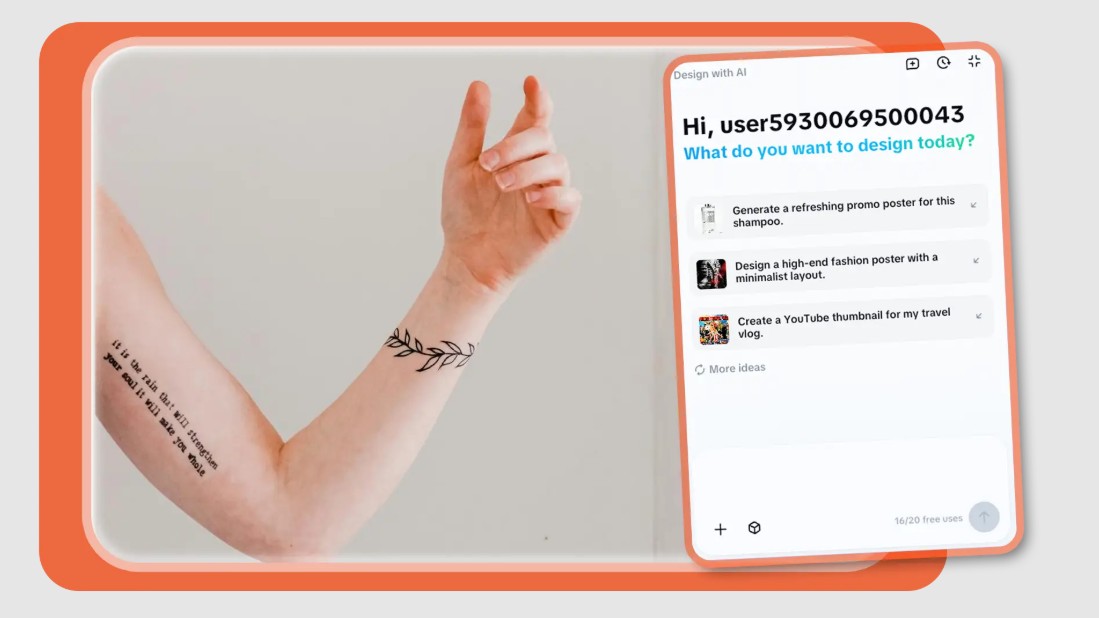
AI-powered tattoo creation tools are not only used for personal purposes but are also widely applied in many different fields.
3.1. Planning your personal tattoo
For those considering getting a tattoo, testing out designs beforehand is crucial. AI allows you to preview multiple versions, helping you choose the design that best suits your body and style.
You can experiment with different positions, sizes, and styles without risk. This gives you more confidence when making a final decision, avoiding unsuitable choices.
3.2. The workflow in an artist's studio
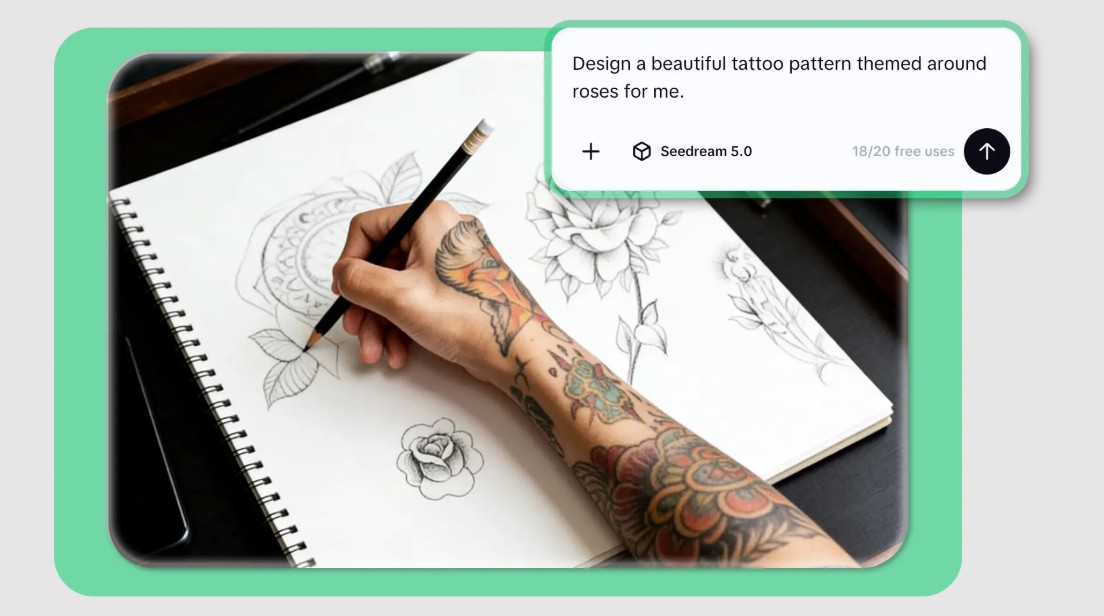
For tattoo artists, AI is a powerful tool for creating quick sketches. Instead of hand-drawing each design, they can use AI to generate multiple options for clients in a short amount of time.
This not only saves time but also improves the customer experience. Customers can instantly view multiple options and make quick decisions, making the workflow at the studio more efficient.
3.3. Sharing on social media
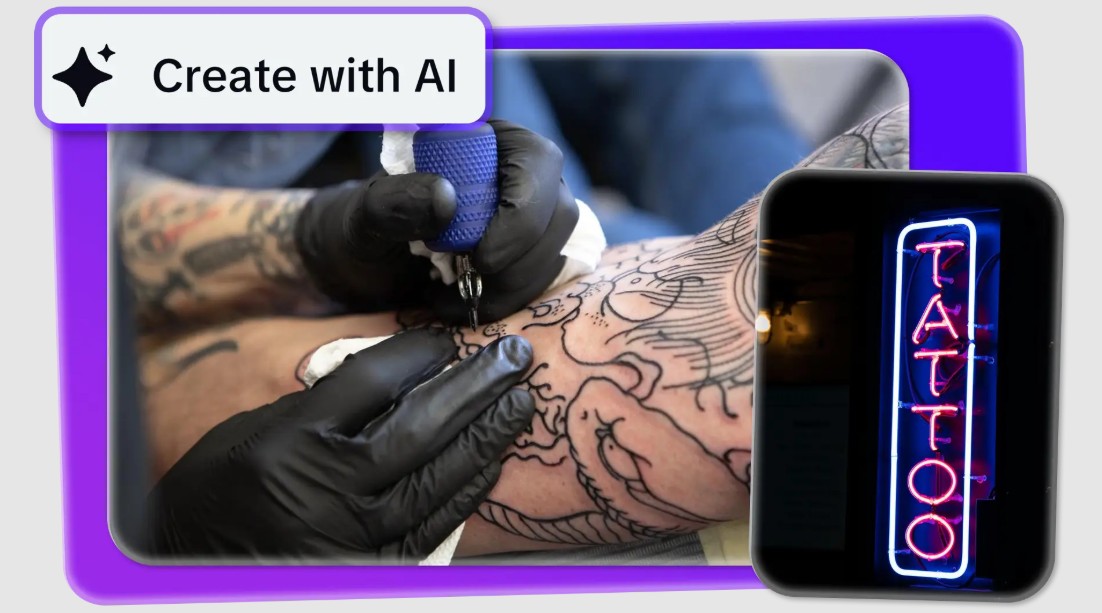
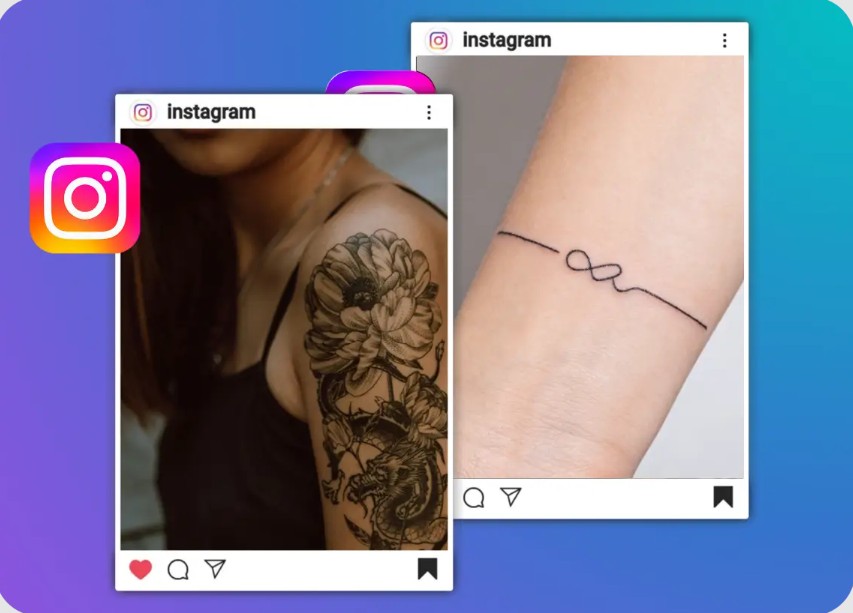
Content creators can use AI to generate unique tattoo designs and share them on social media. These images not only attract attention but also help increase engagement with viewers.
You can create collections of tattoos, short videos, or engaging posts to build your personal brand and attract a larger following. This is an effective way to combine art and media.
4. How to easily create AI tattoos online
CapCut's AI-powered tattoo creation process is designed to be simple and easy to use, allowing you to quickly turn your ideas into reality.
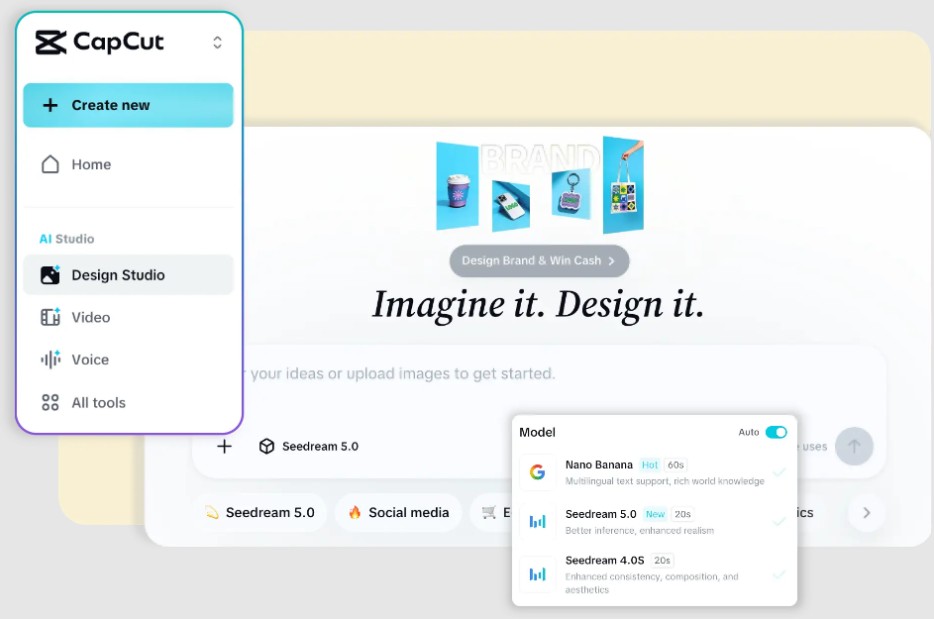
4.1. Step 1: Access CapCut AI Studio
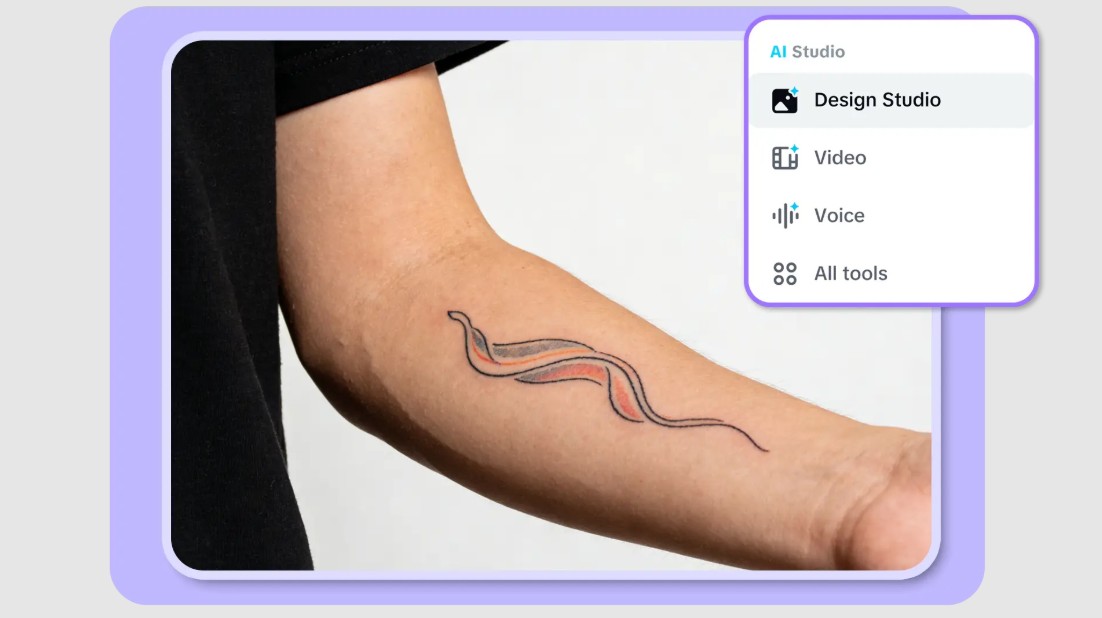
First, you need to open CapCut and log in to your account. Then, navigate to AI Studio and select Design Studio, which contains the AI-powered design tools. The interface here is well-organized, making it easy to find the necessary features without getting confused.
Upon accessing this area, you'll find various AI tools, but the tattoo creator is specifically designed to optimize the creation of artistic and detailed images. Getting familiar with the interface only takes a few minutes, thanks to its intuitive layout and clear instructions. This is a foundational step to help you begin your creative journey smoothly and without technical obstacles.
4.2. Step 2: Enter your reminder and upload your image.
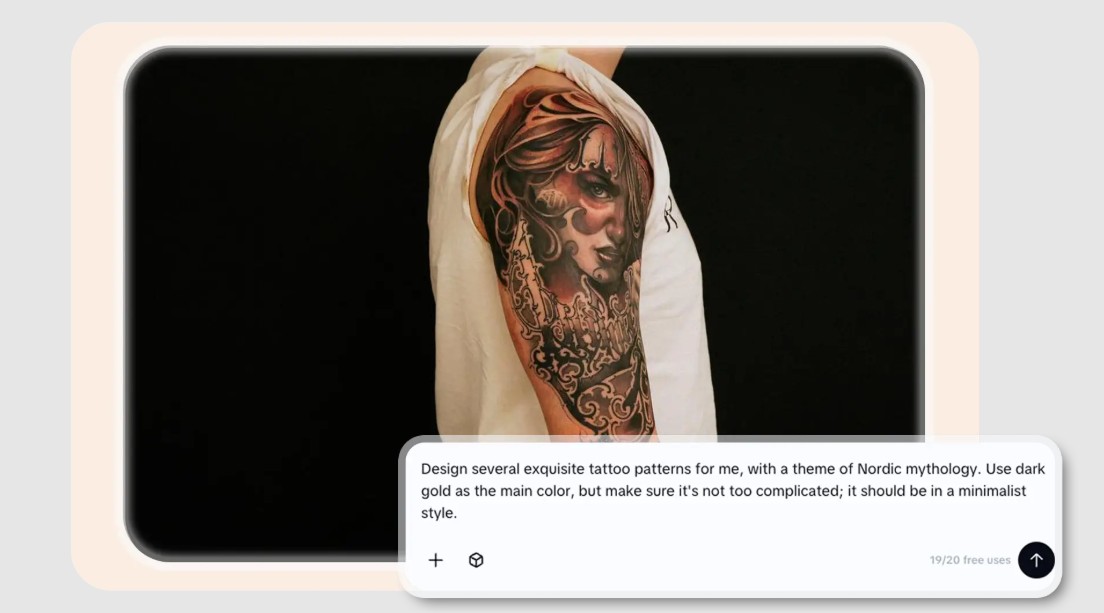
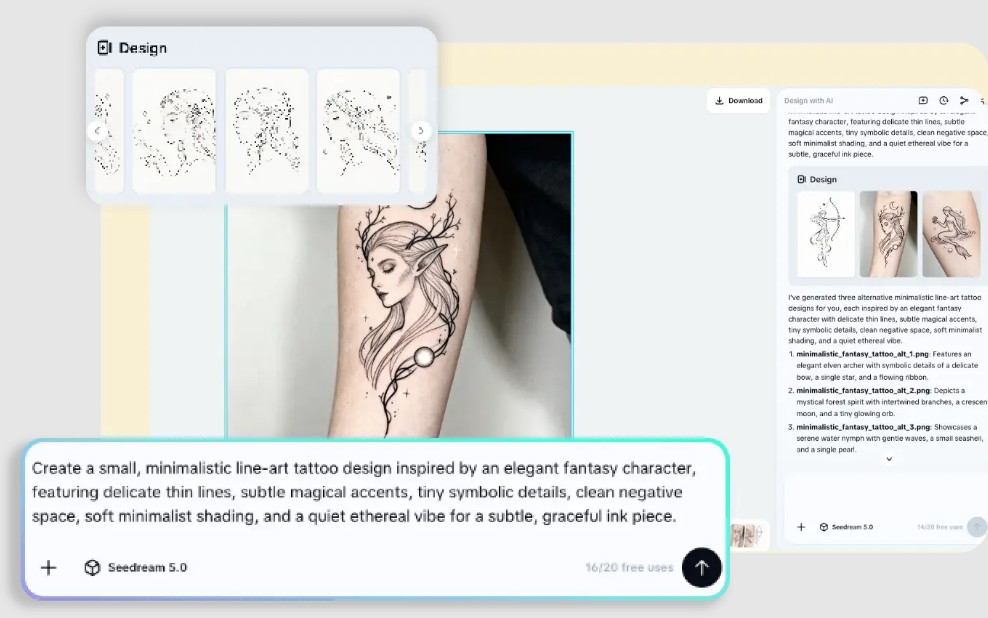
Enter a description of the tattoo you want to create, the more detailed the better. This is the most important step because the AI will use this information to generate the design. A good description should include the style, theme, size, intended placement on the body, and the emotion you want to convey. For example, instead of just writing "dragon tattoo," you could be more specific, such as "Japanese-style dragon tattoo, thin lines, winding around the arm, black and white."
In addition to entering text, you can also upload reference images. This could be a portrait, a design you like, or any image related to your idea. The AI will use this image to better understand the desired style and layout, thereby creating results that are closer to your expectations.
A helpful tip is to try several different versions of the description to compare the results. Changing a few small details in the prompt can make a big difference in the final design. Also, if you want the tattoo to fit a specific location on your body, describe it clearly so the AI can adjust the layout accordingly.
4.3. Step 3: Review and download your design template
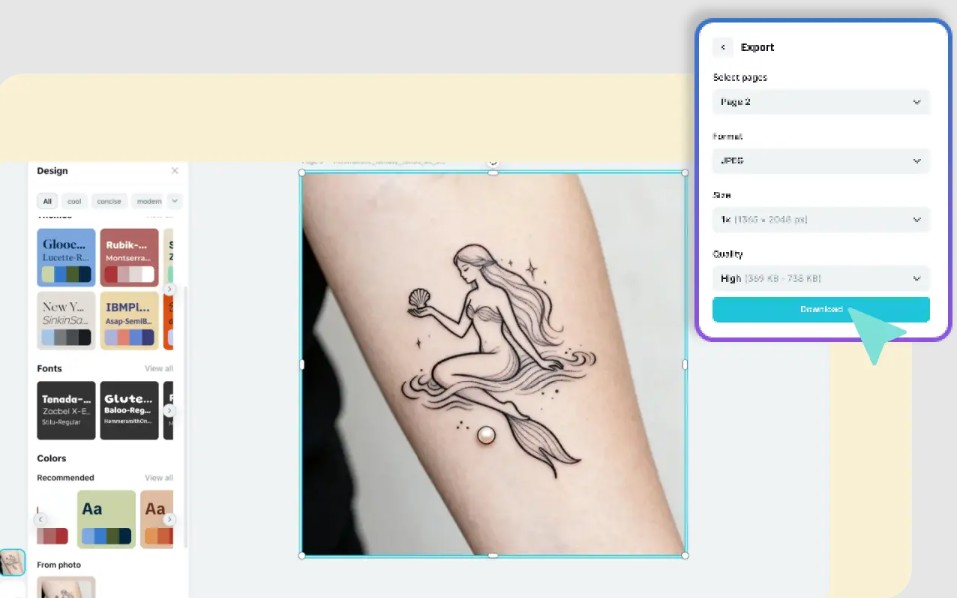
After clicking "create," the system will provide several different designs for you to choose from. You should take the time to review each design, paying attention to elements such as lines, proportions, balance, and how well they match your initial idea.
If you're not satisfied, you can completely edit the prompts or use the built-in editing tools to fine-tune the design. Repeating this process multiple times will help you gradually perfect the tattoo to your liking. This is a major advantage of AI over traditional methods, as you can experiment unlimitedly without incurring additional costs.
Once you've chosen a design you like, you can download it in high resolution. This file can be used for sharing on social media, for storage, or brought directly to the tattoo studio as a reference. Thanks to the high image quality, the tattoo artist can easily reproduce the design accurately.
AI-powered tattoo creation tools are changing the way we approach the art of tattooing. With the ability to generate unique designs quickly and easily, AI has opened up opportunities for people to express their individuality more creatively.





















VIP Products








Best Selling Products
Capcut Pro 1 Year
39 USD
Plugin Retouch4me
69 USD
Upgrade Genuine Office 365
49 USD
Genuine Adobe Illustrator account
99 USD
Adobe Premiere Pro Account
99 USD
Freepik Premium Account
59 USD
Upgrade Duolingo Super
29 USD
Windows 10 & 11 Pro Key
36 USD
MidJourney Account
29 USD
Genuine Cheap Canva Pro
39 USD
Autodesk All App Account Copyright
120 USD
Copyright Adobe Lightroom Account
59 USD
Upgrade genuine Capture One account
120 USD
ChatGPT Plus Account (GPT-4)
16 USD
Adobe Photoshop Copyright - Full App
120 USD