Best Selling Products

Upgrade genuine Capture One account
120 USD

Capcut Pro 1 Year
39 USD

Plugin Retouch4me
69 USD

Copyright Adobe Lightroom Account
59 USD

Upgrade Duolingo Super
29 USD

ChatGPT Plus Account (GPT-4)
16 USD

Windows 10 & 11 Pro Key
36 USD

MidJourney Account
29 USD

Adobe Photoshop Copyright - Full App
120 USD

Autodesk All App Account Copyright
120 USD

Freepik Premium Account
59 USD

Upgrade Genuine Office 365
49 USD

Genuine Cheap Canva Pro
39 USD

Adobe Premiere Pro Account
99 USD

Genuine Adobe Illustrator account
99 USD
Best Mind Mapping Software of 2026: Comparison of Canva, XMind, EdrawMind, and Ayoa
Discover the top mind mapping software currently available, with a detailed comparison of features, advantages, disadvantages, and costs. This article will help you choose the right tool for effective learning, work, and content creation.
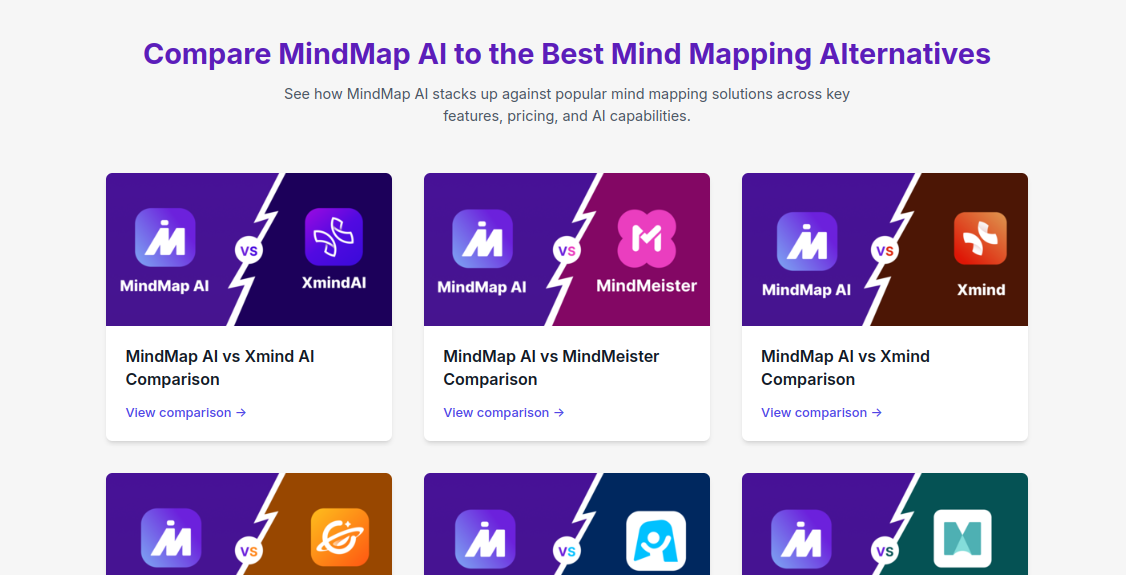
1. Canva
Canva is not only a familiar graphic design tool but has also evolved into a powerful online mind mapping platform, particularly suitable for modern users who value intuitiveness and speed. Canva's biggest highlight lies in its extremely user-friendly experience, allowing anyone, even those with no prior design experience, to create a clear and beautiful mind map in just minutes. Its extensive template system, with styles ranging from minimalist to creative, makes it easy to get started without having to build from scratch.
One of Canva's most valuable advantages is its online whiteboard feature with virtually unlimited space, allowing you to develop ideas in many directions without being restricted by canvas size. This is ideal for brainstorming sessions or when developing complex ideas that require multiple branches of information. Additionally, real-time collaboration allows multiple people to edit, comment on, and contribute ideas to the same diagram, thereby improving teamwork efficiency and reducing communication time.
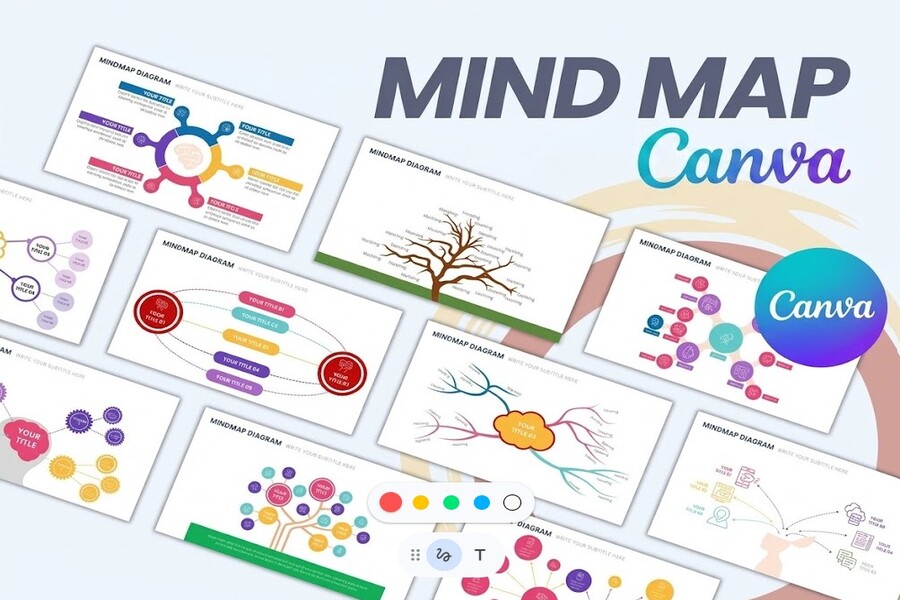
Canva also boasts a vast library of graphic resources including images, icons, videos, and stickers, making mind maps not only clear but also more vibrant and memorable. Features like drag-and-drop, customizable colors, fonts, and layouts allow users to personalize their mind maps to their specific needs. Furthermore, Canva supports integrating mind maps into documents, presentation slides, or websites, making it easy to present and share ideas in various contexts. However, Canva focuses on visual and creative elements, so it's not ideal for managing complex projects or handling in-depth data.
2. Edraw Mind Map
EdrawMind is one of the highly-rated professional mind mapping software programs, known for its balance of powerful features and flexible usability. It's a suitable tool for both individuals and businesses, especially for those who need to combine idea development and project management. Compared to design-focused tools like Canva, EdrawMind delves deeper into information organization and project implementation.
EdrawMind's outstanding strength lies in its diverse ecosystem of features. In addition to creating traditional mind maps, the software also supports the creation of organizational charts, timelines, project charts, and many other forms of information representation. This allows users to go beyond brainstorming and transform ideas into concrete action plans. Importantly, EdrawMind integrates AI tools that automatically generate diagrams from text content, suggest ideas, and optimize information structure, thereby saving time and improving work efficiency.
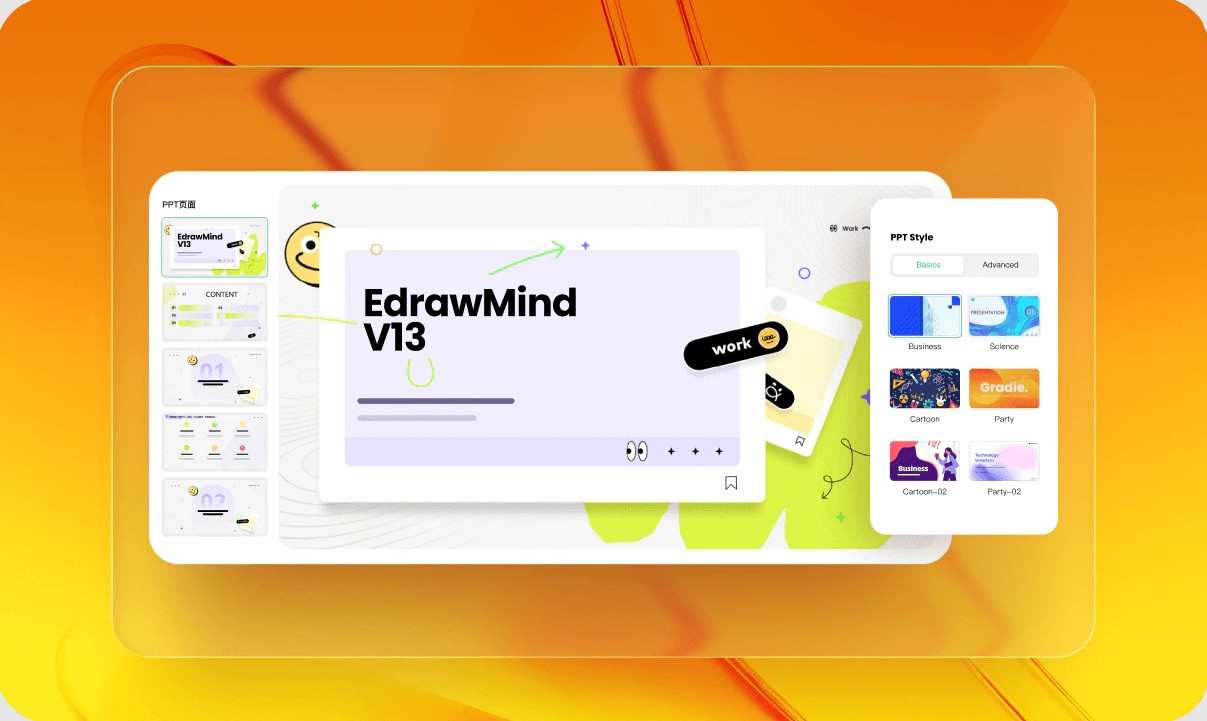
Another notable advantage is the ability to project directly from mind maps. You can transform a mind map into a presentation in just a few steps without switching to other software. This is very useful in business or educational environments where presenting ideas is crucial. Additionally, EdrawMind supports multiple platforms, allowing users to work on computers, web browsers, and mobile devices, and continuously synchronizes data to ensure a seamless experience.
However, due to its many advanced features, EdrawMind's interface can feel a bit complex for beginners. Some advanced features also require a fee for full use.
3. XMind
XMind is one of the oldest and most popular mind mapping software programs available today, trusted by users worldwide. Launched in 2006, XMind has continuously improved to provide a simple yet effective experience, suitable for both beginners and professional users. A key feature of XMind is its minimalist interface, focusing on content and preventing users from being distracted by complex design elements.
XMind's strength lies in its focus on the core principles of mind mapping. The software offers various layouts such as tree, logic chart, timeline, and fishbone, giving you flexibility in presenting information depending on your needs. Additionally, XMind has a system of pre-designed themes, allowing you to change the diagram style with just one click while maintaining aesthetic appeal.
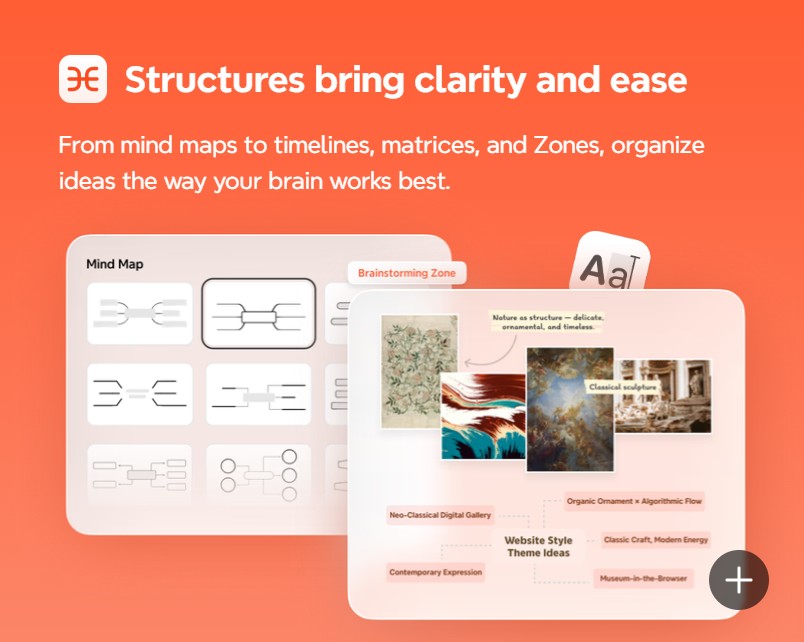
A major plus is that XMind has a free version with all the basic features, making it very suitable for students or individual users. The software also supports exporting files in many formats, making it easy to share or integrate with other tools. However, compared to modern platforms, XMind is limited in its real-time collaboration capabilities and lacks deep integration of project management features. Therefore, this tool is best suited for personal note-taking, studying, or independent idea development rather than large-scale team work.
4. iMindMap (Ayoa)
Ayoa is an evolved version of iMindMap, a renowned tool associated with modern mind mapping methods. It's considered one of the most advanced software programs currently available, seamlessly integrating mind mapping, task management, and artificial intelligence within a single platform. Beyond simply helping users take notes and develop ideas, Ayoa acts as a comprehensive work ecosystem, suitable for both creative individuals and professional teams.
Ayoa's most noticeable feature is its "organic" mind mapping style with soft curves, mimicking how the human brain naturally connects information. Instead of straight and rigid branches, Ayoa allows you to create flexible, visually rich diagrams, thereby enhancing memory retention and stimulating creative thinking. In addition, the software offers various diagram types such as radial maps, speed maps, and capture maps, catering to diverse needs from quick brainstorming to detailed planning.
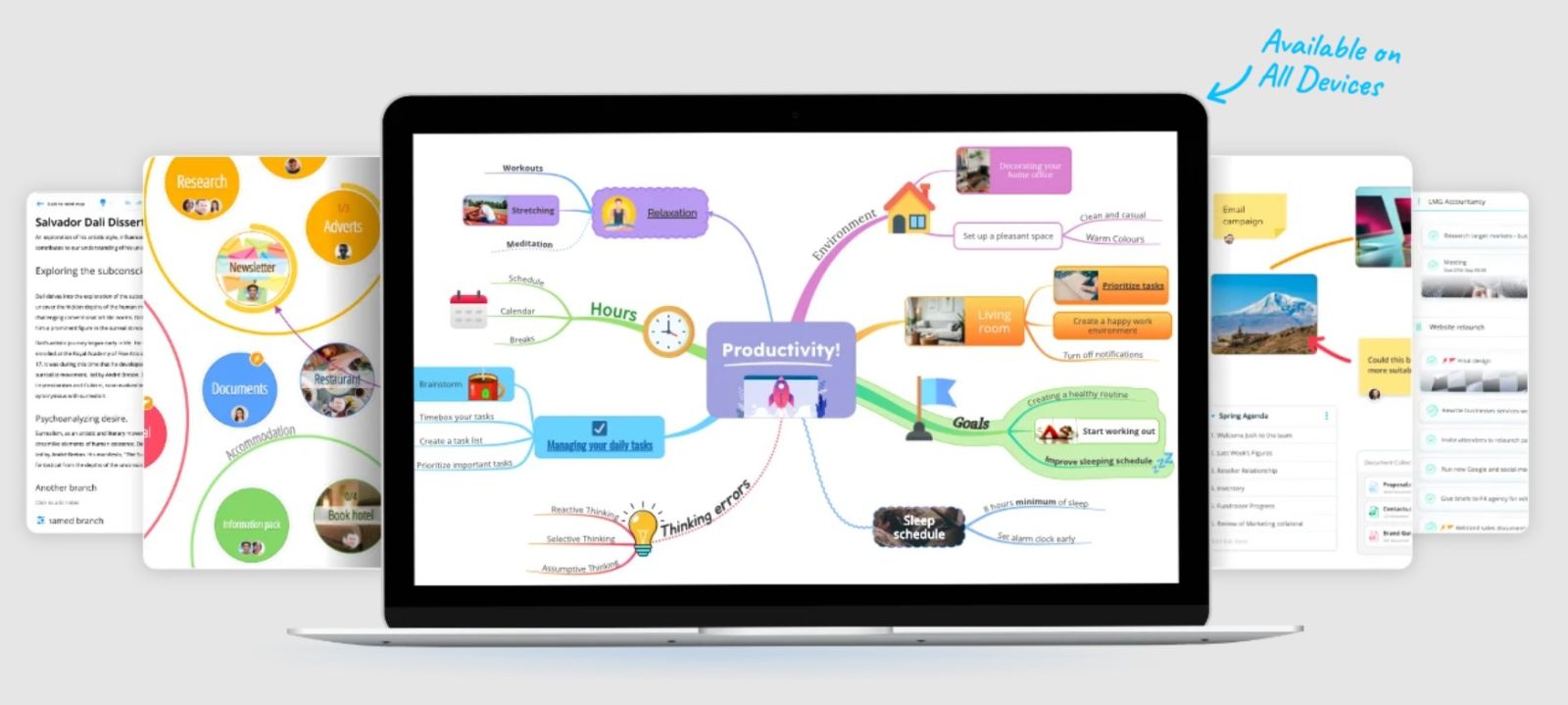
Not only is Ayoa strong in terms of thinking skills, but it also excels in task management. Users can directly convert mind maps into management formats such as task boards or Gantt charts, helping to track project progress clearly and systematically. This is especially useful in professional work environments where ideas need to be translated into concrete actions. Furthermore, Ayoa integrates AI to suggest ideas, support content expansion, and help users overcome bottlenecks in the creative process.
Ayoa also supports working across multiple platforms and allows for real-time collaboration, making it easy for team members to exchange and develop ideas together. However, with its comprehensive feature set, Ayoa's price is higher than some other software on the market.
5. Which software should I choose?
Choosing mind mapping software shouldn't be based on the question "which one is best," but rather on your actual needs. Each tool has its own strengths and serves different purposes. If you prioritize simplicity, intuitiveness, and the ability to create visually appealing designs, especially when working in teams or presenting ideas, then Canva is a very suitable choice. It's an ideal tool for beginners or anyone who needs to create diagrams quickly while maintaining aesthetics.
Meanwhile, if you need more professional software that combines mind mapping and task management, while also leveraging AI features to boost productivity, then EdrawMind is a worthwhile option. This tool is suitable for business environments or those working on complex projects.
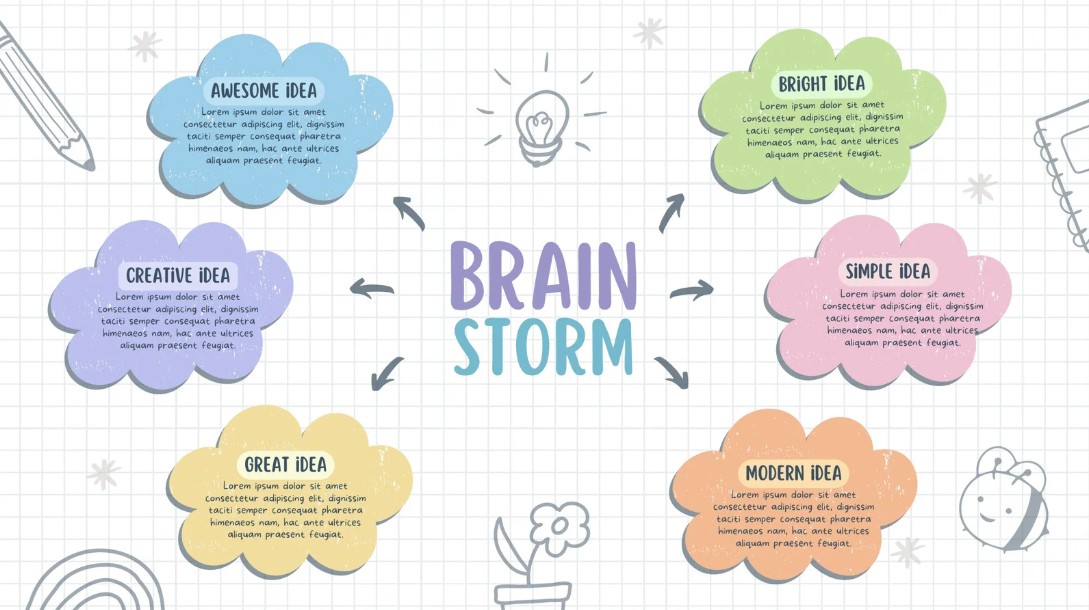
If you value minimalism, lightness, and freeness, and only need a tool focused on note-taking and personal idea development, then XMind is a sensible option. It's a popular choice among students and those who appreciate simplicity and efficiency.
Ultimately, if you're looking for a comprehensive platform where you can both develop ideas, manage tasks, and track project progress all within a single system, Ayoa is a top contender. While it may cost more, what this tool offers is well worth it for those needing a deep and long-term solution.
Mind mapping has become an indispensable tool in modern learning and work. Choosing the right software will help you optimize your thinking, improve efficiency, and develop ideas effectively. The four tools mentioned in this article are all top choices today, each with its own strengths to suit different needs.





















VIP Products








Best Selling Products
Upgrade genuine Capture One account
120 USD
Capcut Pro 1 Year
39 USD
Plugin Retouch4me
69 USD
Copyright Adobe Lightroom Account
59 USD
Upgrade Duolingo Super
29 USD
ChatGPT Plus Account (GPT-4)
16 USD
Windows 10 & 11 Pro Key
36 USD
MidJourney Account
29 USD
Adobe Photoshop Copyright - Full App
120 USD
Autodesk All App Account Copyright
120 USD
Freepik Premium Account
59 USD
Upgrade Genuine Office 365
49 USD
Genuine Cheap Canva Pro
39 USD
Adobe Premiere Pro Account
99 USD
Genuine Adobe Illustrator account
99 USD