Best Selling Products

Upgrade Genuine Office 365
49 USD

Capcut Pro 1 Year
39 USD

Freepik Premium Account
59 USD

ChatGPT Plus Account (GPT-4)
16 USD

Adobe Photoshop Copyright - Full App
120 USD

Autodesk All App Account Copyright
120 USD

Plugin Retouch4me
69 USD

Copyright Adobe Lightroom Account
59 USD

Upgrade genuine Capture One account
120 USD

Upgrade Duolingo Super
29 USD

MidJourney Account
29 USD

Genuine Adobe Illustrator account
99 USD

Adobe Premiere Pro Account
99 USD

Windows 10 & 11 Pro Key
36 USD

Genuine Cheap Canva Pro
39 USD
The Best AI Video Editing Tools to Help You Create Impressive Videos
Nội dung
- 1. Professional editing with a variety of effects and filters.
- 1.1. Diverse effects
- 1.2. Powerful search engine
- 1.3. Main frame and graph
- 1.4. Color Circle and Auto-Adjustment
- 2. AI-generated content
- 2.1. Converting a script into a video
- 2.2. AI-powered content writing tools
- 2.3. Creating intelligent effects
- 3. Unleash your creativity with CapCut on your computer.
- 3.1. The perfect tool for content creators
- 3.2. Optimization for TikTok and YouTube
- 3.3. Smart Search and Effective Project Management
- 3.4. Advanced tools for professional users
- 3.5. Automatically generate subtitles
Discover how artificial intelligence is completely transforming the way we edit videos, from automatic content generation to professional optimization of effects and color grading.
1. Professional editing with a variety of effects and filters.
1.1. Diverse effects
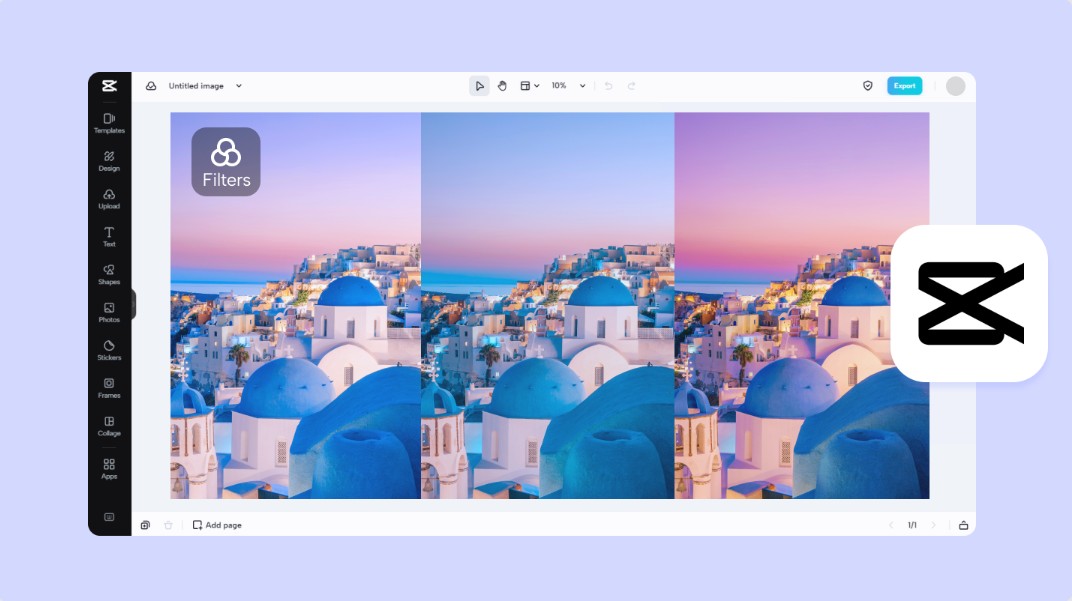
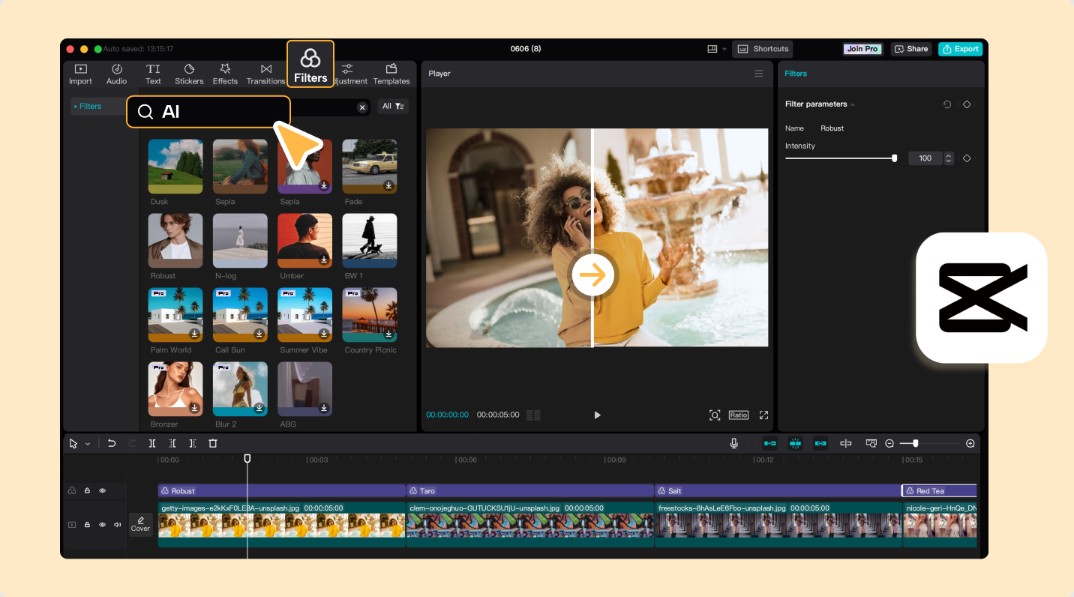
Video effects are not just decorative elements; they also serve as a storytelling language. The right effect can highlight emotions, increase drama, or create a distinct difference in a video. When you apply modern effects like cinematic, retro, glitch, or slow motion, you're shaping how viewers perceive the content. This is especially important in building a personal brand or unique creative style, as each effect carries a different "voice." Experimenting with various effects helps you discover the style that suits you best, creating highly recognizable videos that easily leave a lasting impression on viewers. No longer limited to simple presets, today's tools allow for deep customization of every detail, from effect intensity to how it interacts with light and color in the video, giving creators maximum control.
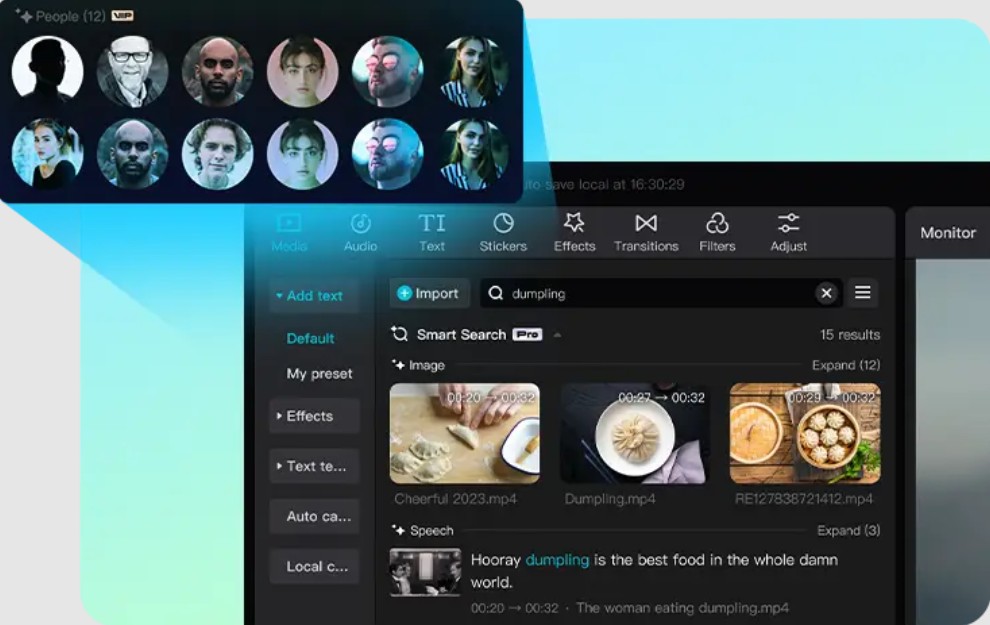
1.2. Powerful search engine
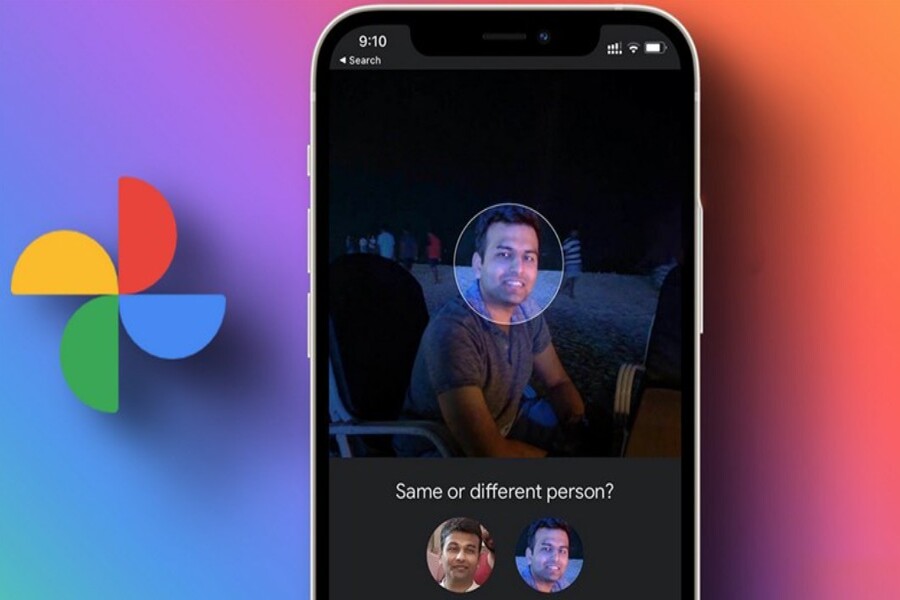
When working with video, especially on long or complex projects, managing and searching for resources becomes a major challenge. Hundreds, even thousands, of clips, audio, and images can make it incredibly time-consuming to find a specific piece of content. This is where intelligent search tools come into play. Instead of remembering file names or storage locations, you can search based on content such as the subject appearing, dialogue, or even the character's face. Intelligent recognition technology makes this process faster and more accurate than ever before. This not only saves time but also significantly reduces stress, allowing you to focus more on creativity rather than data management. When the workflow becomes smoother, you'll have more room to experiment and develop ideas, ultimately improving the quality of the final product.
1.3. Main frame and graph
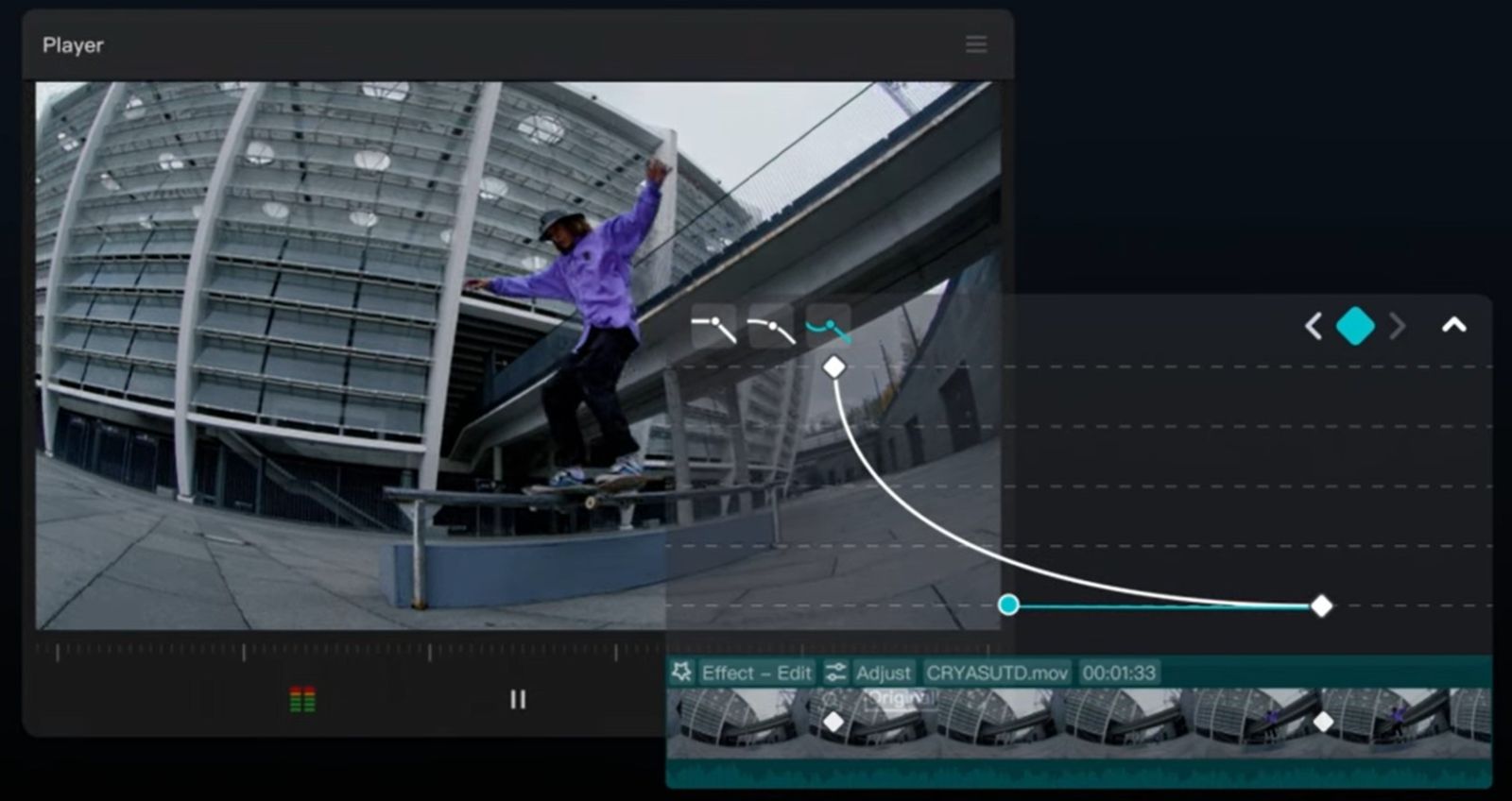
One of the key differences between amateur and professional video is how motion is handled. Keyframes are fundamental tools that allow you to control the changes in video elements over time, from position and size to blur and color. When combined with motion control graphs, you can create smoother and more natural effects, rather than stiff movements. Understanding and mastering keyframes helps you create subtle transitions, gentle zoom effects, or complex movements while maintaining fluidity. This is an indispensable tool for anyone who wants to improve the quality of their videos to a professional level. When you control every small detail in the movement, your video will become more vibrant and captivating from the very first seconds.
1.4. Color Circle and Auto-Adjustment
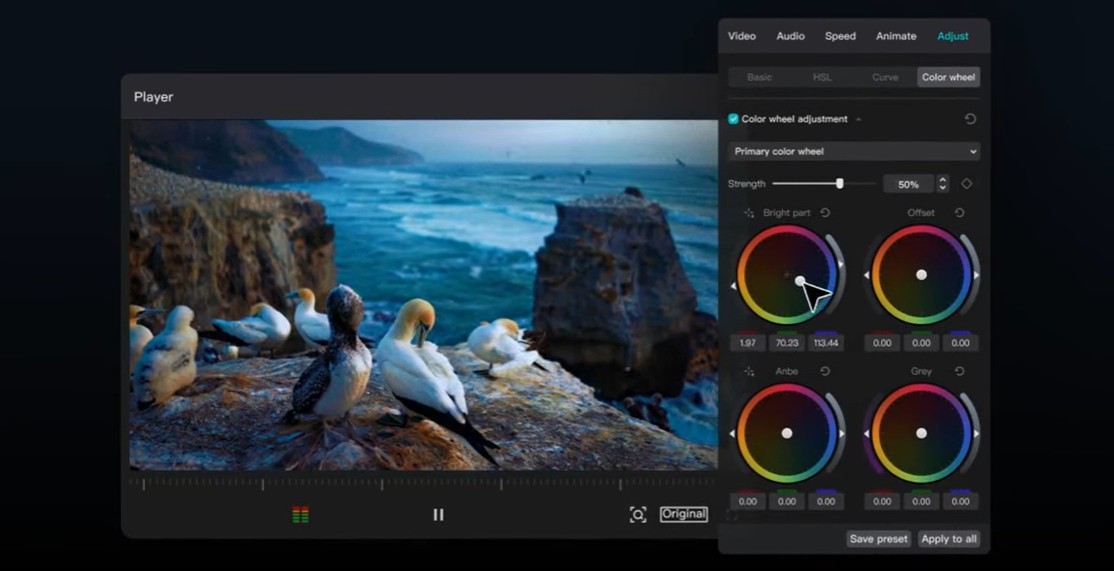
Color is a powerful element that strongly influences viewers' emotions. A video with well-handled color can convey a message more clearly, create the right atmosphere, and enhance overall aesthetic value. The color wheel is a powerful tool that allows you to precisely adjust color tones, from bright and neutral to dark areas. This helps you create unique color styles that suit the content and message of your video. In addition, the automatic adjustment feature offers significant convenience, especially for beginners. With just a simple operation, the system can analyze and optimize color, light, and contrast, making the video more balanced and professional. The combination of manual and automatic editing provides flexibility, allowing you to save time while ensuring the highest image quality.
2. AI-generated content
Instead of going through many complicated steps, you can now turn your idea into a finished product in a short amount of time thanks to AI.
2.1. Converting a script into a video
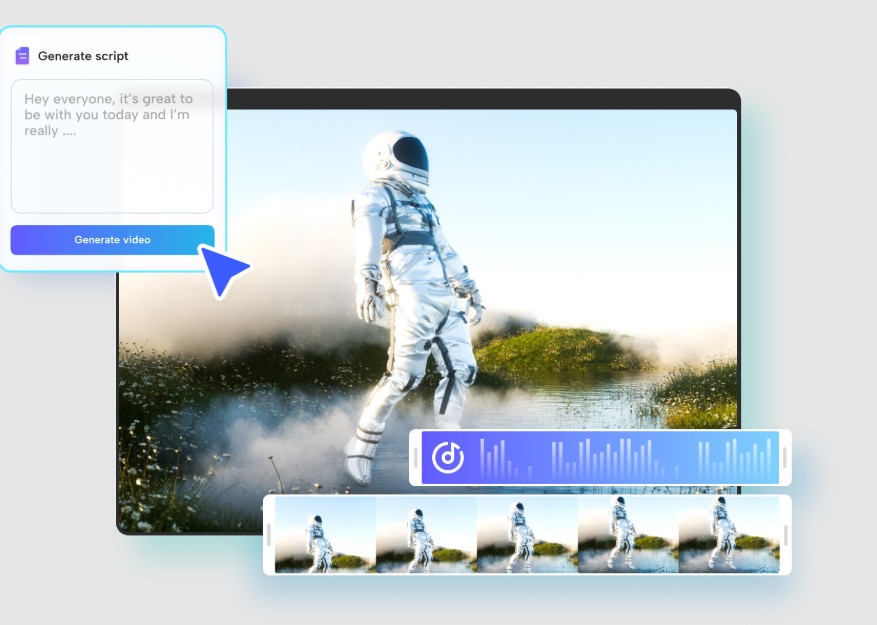
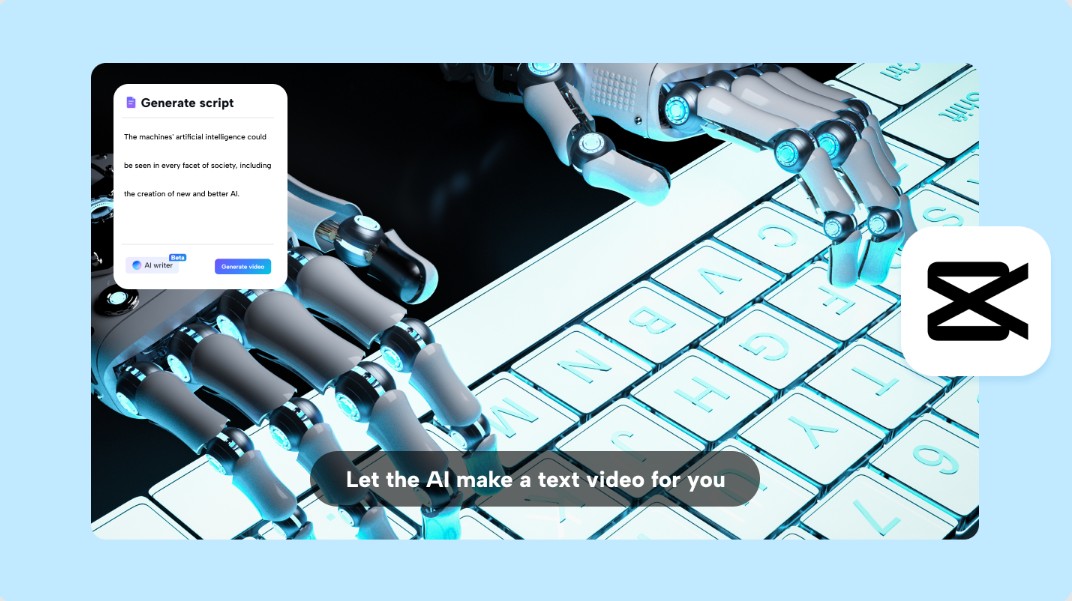
One of the most impressive applications of AI in video editing is its ability to convert text into video. Simply input a description or script, and the system automatically generates appropriate footage, images, and effects. This eliminates many technical barriers, especially for those without video editing experience. The creative process becomes more intuitive and accessible, allowing you to focus on developing ideas rather than worrying about technical details. This is an ideal tool for marketers, content creators, or anyone wanting to bring their ideas to life quickly and efficiently.
2.2. AI-powered content writing tools
Creating a compelling script is always a crucial step in video production. However, not everyone possesses strong writing skills or has the time to develop ideas. AI-powered content creation tools address this by providing suggestions, building scripts, and optimizing content based on your goals. From writing dialogue and scene descriptions to generating engaging captions, AI can provide comprehensive support at every stage. This not only saves time but also enhances content quality, ensuring your videos always have a clear and compelling message.
2.3. Creating intelligent effects
AI not only assists at the content level but also directly participates in the editing process by creating intelligent effects. The system can identify subjects in the video, analyze the context, and automatically apply appropriate effects. This saves you time and effort while ensuring that effects are applied accurately and naturally. The combination of artificial intelligence and traditional editing tools delivers a completely new creative experience, where you can focus on your ideas and let technology handle the complex parts.
3. Unleash your creativity with CapCut on your computer.
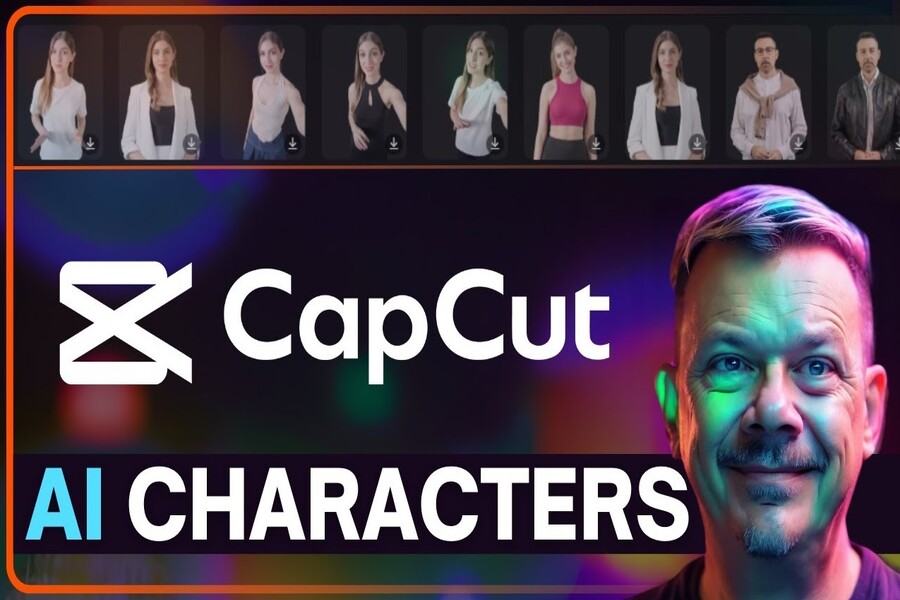
Among the video editing tools available today, CapCut on the desktop stands out as a comprehensive solution, combining ease of use with professional power. It's suitable for both beginners and experienced creators, providing a flexible and efficient workspace.
3.1. The perfect tool for content creators
CapCut offers a rich creative ecosystem with numerous effects, video templates, and intuitive editing tools. Users can easily get started without extensive prior knowledge, while still having all the tools to develop their skills and improve product quality. The combination of simplicity and power makes CapCut an ideal choice for a wide range of users.
3.2. Optimization for TikTok and YouTube
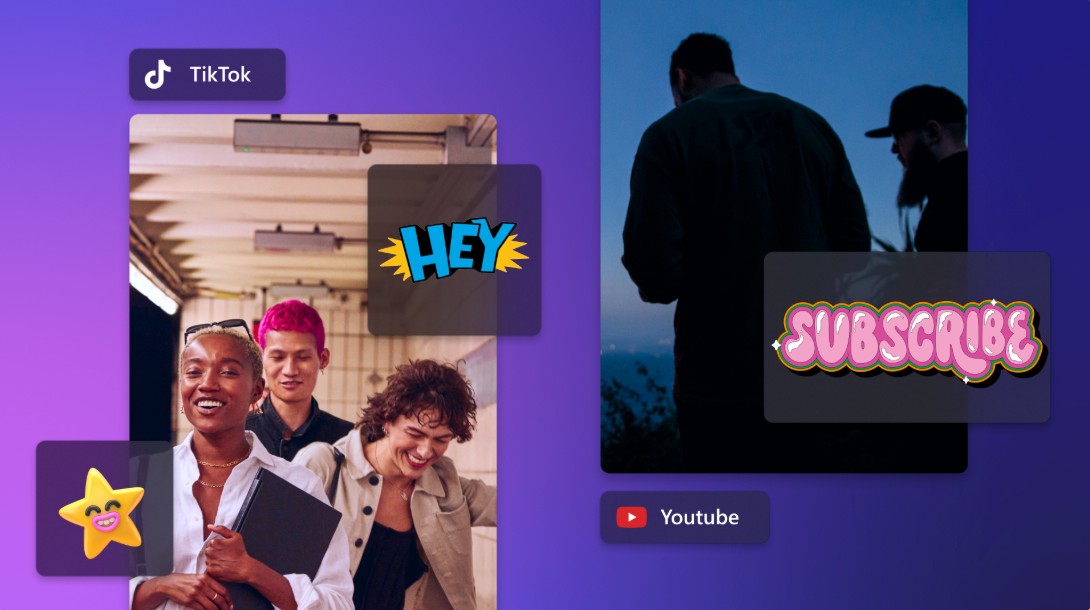
The ability to optimize videos for different platforms is one of its notable strengths. You can easily adjust the aspect ratio, ensuring the subject is always within the display area, and export the video with just one click. This makes sharing quick and convenient, while also ensuring the video maintains the best possible quality when uploaded.
3.3. Smart Search and Effective Project Management
The intelligent search feature allows you to quickly access the files you need, while storage and synchronization capabilities enable you to work across multiple devices. This is especially useful in the modern work environment, where flexibility and collaboration are crucial.
3.4. Advanced tools for professional users
For advanced users, CapCut offers a full range of tools such as keyframes, curves, color circles, and keyboard shortcuts. These tools give you detailed control over the editing process, allowing you to create high-quality videos with a strong personal touch.
3.5. Automatically generate subtitles
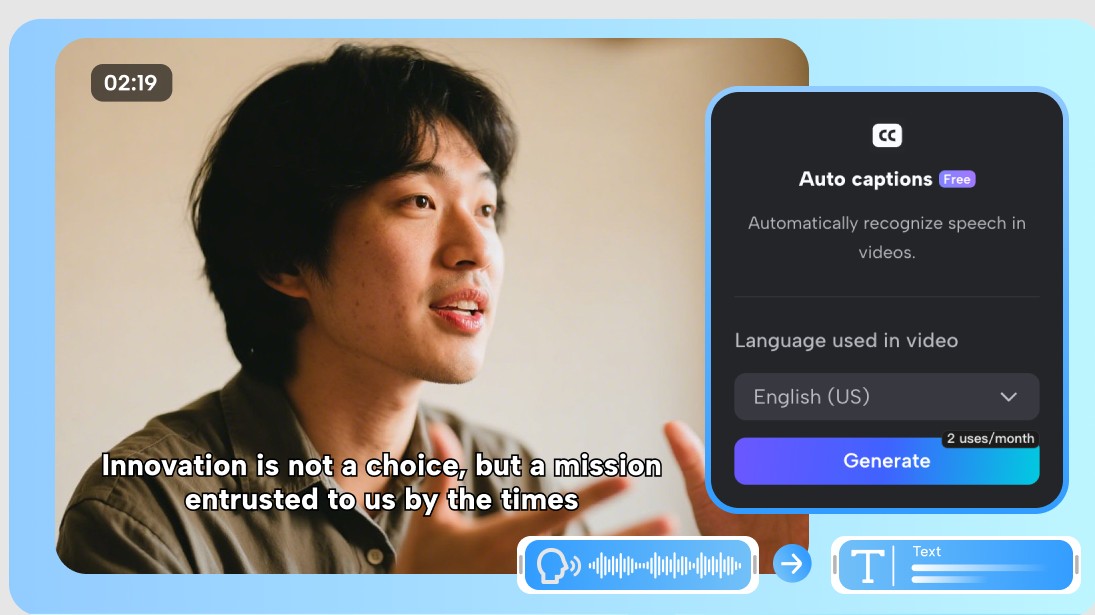
Automatic subtitle generation is a major step forward in optimizing the viewer experience. Subtitles not only make videos more accessible but also increase engagement and keep viewers engaged for longer. This is a crucial element in content development strategies across digital platforms.
Creating a standout video is no longer a distant dream. With the help of AI and modern tools, you can absolutely turn your ideas into high-quality products. The important thing is that you understand and utilize these technologies effectively, while continuously learning and experimenting.





















VIP Products








Best Selling Products
Upgrade Genuine Office 365
49 USD
Capcut Pro 1 Year
39 USD
Freepik Premium Account
59 USD
ChatGPT Plus Account (GPT-4)
16 USD
Adobe Photoshop Copyright - Full App
120 USD
Autodesk All App Account Copyright
120 USD
Plugin Retouch4me
69 USD
Copyright Adobe Lightroom Account
59 USD
Upgrade genuine Capture One account
120 USD
Upgrade Duolingo Super
29 USD
MidJourney Account
29 USD
Genuine Adobe Illustrator account
99 USD
Adobe Premiere Pro Account
99 USD
Windows 10 & 11 Pro Key
36 USD
Genuine Cheap Canva Pro
39 USD