Best Selling Products

Copyright Adobe Lightroom Account
59 USD

Windows 10 & 11 Pro Key
36 USD

MidJourney Account
29 USD

Upgrade Genuine Office 365
49 USD

Genuine Adobe Illustrator account
99 USD

Freepik Premium Account
59 USD

Capcut Pro 1 Year
39 USD

Upgrade Duolingo Super
29 USD

Upgrade genuine Capture One account
120 USD

ChatGPT Plus Account (GPT-4)
16 USD

Genuine Cheap Canva Pro
39 USD

Adobe Premiere Pro Account
99 USD

Adobe Photoshop Copyright - Full App
120 USD

Plugin Retouch4me
69 USD

Autodesk All App Account Copyright
120 USD
Buy Adobe Full App: The Solution for Using the Complete Set of Professional Creative Tools
Nội dung
- 1. What is Adobe Full App?
- 2. What software is included in Adobe Full App?
- 2.1. Adobe Photoshop
- 2.2. Adobe Illustrator
- 2.3. Adobe Premiere Pro
- 2.4. Adobe After Effects
- 2.5. Adobe Lightroom
- 2.6. Other Adobe applications
- 3. Why should you buy the full Adobe app instead of buying each software separately?
- 4. Who should buy Adobe Full App?
- 5. Things you need to know before buying Adobe Full App
- 6. Simple guide to buying Adobe Full App
- 7. Things to note when using Adobe Full App
- 8. Buy Adobe Full App at Sadesign - reputable and affordable.
- 9. Conclusion
In the fields of design, image editing, video editing, and digital content creation, Adobe has always been a trusted name. However, purchasing individual software programs can be costly, especially for those who frequently work with multiple tools. This is why the Adobe Full App package has become a popular choice. With just one subscription, users can access many popular creative applications, serving a variety of needs from basic to professional. So, what are the benefits of buying Adobe Full App, what software is included, and what should you keep in mind before subscribing? Let''s explore the details in the article below.
1. What is Adobe Full App?
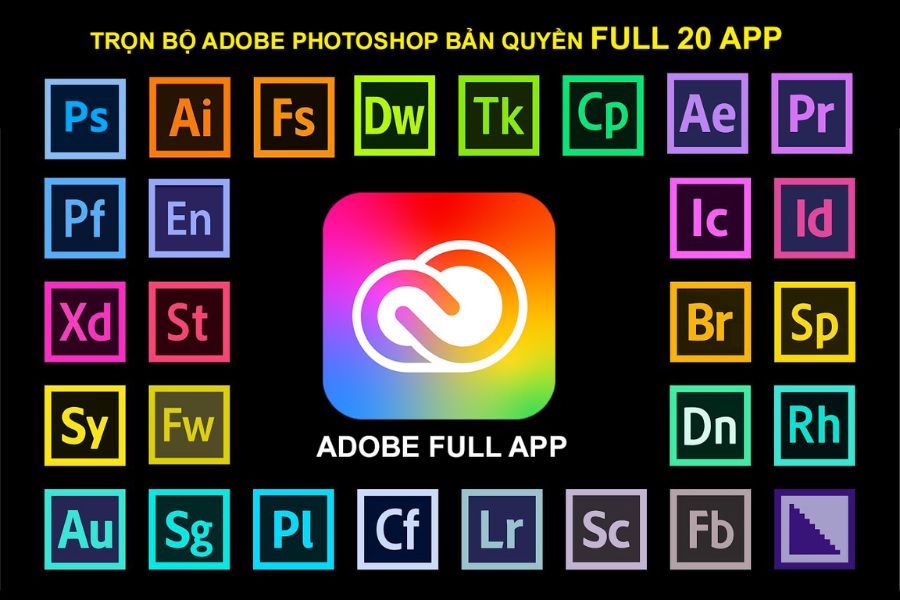
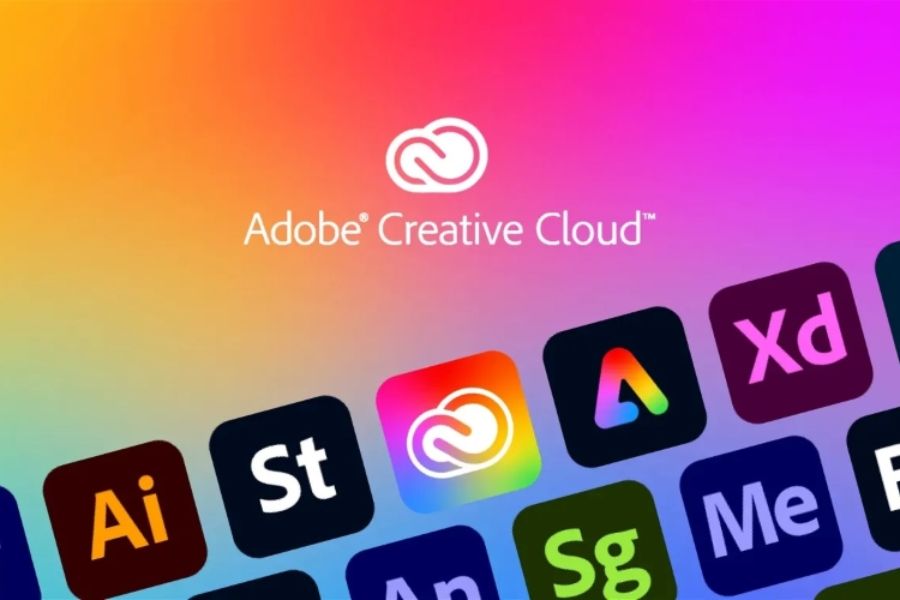
Adobe Full App is the common name for the Creative Cloud All Apps subscription package, which allows users to use multiple creative applications within the Adobe ecosystem in a single service package. Instead of having to purchase Photoshop, Illustrator, or Premiere Pro separately, users can access a wide range of tools for graphic design, photo editing, video editing, content creation, and document processing.
This package is suitable for those who frequently work in creative fields or want to use a variety of different software programs flexibly. Depending on your needs, you can switch between applications without subscribing to separate packages.
Some key features of Adobe Full App:
-
A bundle of Adobe's innovative software in one subscription package.
-
Support for designing images, graphics, videos, audio, and documents.
-
Compatible applications can be installed on the computer.
-
Supports resource synchronization and management through the Creative Cloud ecosystem.
-
New features are updated according to the policies of each application and service package.
2. What software is included in Adobe Full App?
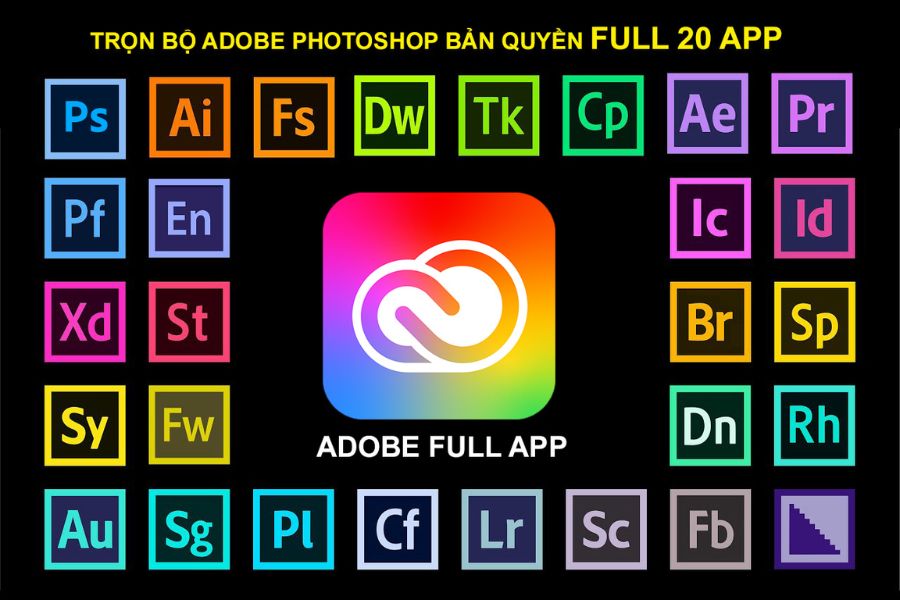
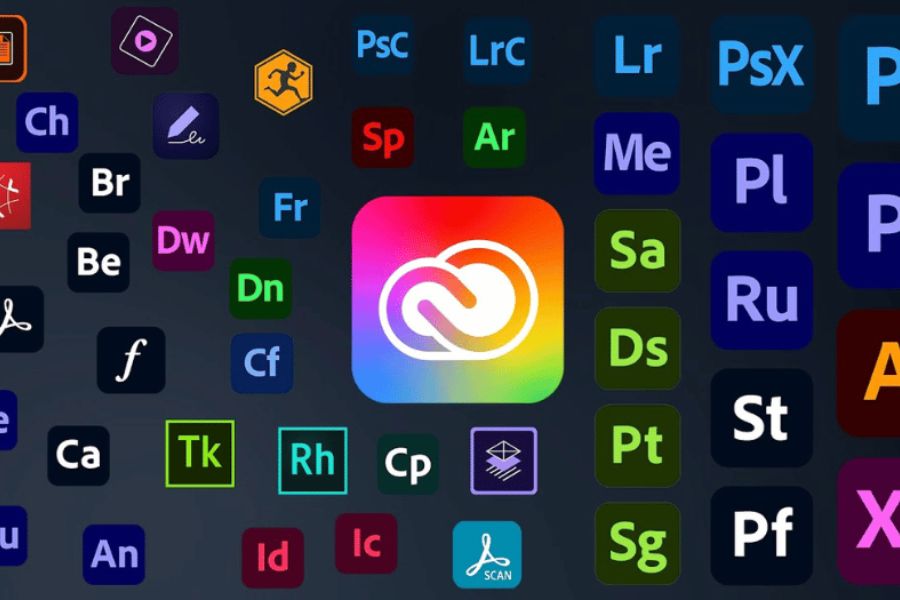
The appeal of Adobe Full App lies in its rich application ecosystem. Each software program is developed to handle a specific set of tasks, making it easy for users to combine multiple tools within a single project.
Some typical applications within the Adobe ecosystem include:
2.1. Adobe Photoshop
Photoshop is a familiar tool for anyone who frequently edits images, designs banners and posters, or creates advertising content. The software offers many features such as cropping, color correction, object removal, creating effects, and image processing using AI.
2.2. Adobe Illustrator
Illustrator specializes in vector graphic design, suitable for creating logos, brand identities, icons, illustrations, and communication materials. Designs can be scaled up or down while maintaining sharpness.
2.3. Adobe Premiere Pro
Premiere Pro is professional video editing software that supports cutting, splicing, color grading, adding effects, processing audio, and exporting videos. It's a useful tool for content creators, marketers, and video production companies.
2.4. Adobe After Effects
After Effects is used to create visual effects, motion graphics, and video special effects. The software is suitable for those who want to create intros, animations, text effects, or videos with eye-catching motion.
2.5. Adobe Lightroom
Lightroom supports image editing and management, making it particularly suitable for photographers, content creators, and anyone who loves taking pictures. Users can adjust lighting, color, contrast, and create a consistent image style.
2.6. Other Adobe applications
In addition to the software mentioned above, the All Apps package also provides many other tools depending on the list of applications and usage conditions at any given time, such as:
-
Adobe InDesign: Design magazines, books, catalogs, and multi-page documents.
-
Adobe Acrobat Pro: Edit, convert, and manage PDF files.
-
Adobe Audition: Record, edit, and process audio.
-
Adobe Animate: Create 2D animations and interactive content.
-
Adobe Dreamweaver: Supports website design and development.
-
Adobe Express: Quickly design images, videos, and media content.
3. Why should you buy the full Adobe app instead of buying each software separately?
If your work frequently involves images, videos, and graphic design, owning multiple Adobe software programs will provide significant flexibility. Instead of having to consider subscribing to each application individually, the Full App package brings together the necessary tools in a single option.
Notable benefits include:
-
Cost savings: You can use multiple applications within a single package instead of paying separately for each software.
-
Workflow flexibility: Easily switch between Photoshop, Illustrator, Premiere Pro, and other applications depending on the project.
-
Supports diverse creative possibilities: Can combine photo editing, graphic design, video production, and audio processing.
-
Accessing new features: Users can update the app according to the benefits of their subscription plan.
-
Increased work efficiency: Tools within the same ecosystem make the process of exchanging and processing resources more convenient.
4. Who should buy Adobe Full App?
Adobe Full App isn't necessarily for everyone. If you only need to edit a few photos or use a single software program for simple tasks, a separate package might be more economical. Conversely, those who frequently use multiple creative tools will find more value in a subscription package.
Some groups to consider:
-
Professional designer: Needs Photoshop, Illustrator, and InDesign to complete numerous design projects.
-
Photographer: Uses Lightroom and Photoshop to edit and manage images.
-
Video editor: Premiere Pro, After Effects, and Audition are required for video editing, effects creation, and audio processing.
-
Content creator: Regularly designs images, promotional videos, thumbnails, and social media content.
-
Businesses and agencies need a wide range of tools to implement communication campaigns, build brands, and produce content.
-
Creative students: Want to familiarize themselves with professional software for studying and building a portfolio.
5. Things you need to know before buying Adobe Full App
Before subscribing, you should carefully review the service package information to avoid choosing the wrong version or encountering difficulties during use. A package with an attractive price may not be suitable if it doesn't meet your needs in terms of equipment, duration, or storage capacity.
Here are the factors to check:
-
Application list: Confirm whether the software you need is included in your subscription package. Some packages may exclude specialized applications such as Substance 3D.
-
Validity period: Check the monthly or yearly plan, activation date, and expiration date.
-
Number of devices: Understand the policies for logging in, activating, and using the service simultaneously on multiple machines.
-
Cloud storage capacity: Consider your needs for storing images, videos, and documents online.
-
AI usage permissions: Check the number of generative credits and feature limitations if you frequently use AI tools.
-
Warranty policy: Clearly inquire about the scope of support, warranty period, and how to handle account issues.
-
Provider: Prioritize providers that are transparent about account types, usage rights, and registration conditions.
In particular, you should back up important projects to your own computer or hard drive. Don't rely entirely on cloud storage because access and data may be affected when your subscription ends.
6. Simple guide to buying Adobe Full App
After selecting a suitable package, you can proceed with registration by following the basic steps below. If purchasing through a service provider, discuss the account creation and activation method beforehand to avoid any misunderstandings.
Step 1: Identify usage needs
List the necessary software such as Photoshop, Illustrator, Premiere Pro, or After Effects. Also, determine the number of devices and the duration of use.
Step 2: Find a reputable supplier
Check information about the Adobe Full App package, pricing, benefits, and support policies. Prioritize providers with clear contact information and transparent service terms.
Step 3: Choose a subscription plan
Choose a version that suits your budget and needs. If you already have a personal Adobe account, ask your provider if you can upgrade directly on your current account.
Step 4: Proceed with payment and activation.
Complete the payment as instructed, then check your account information, validity period, and access rights to the registered applications.
Step 5: Install and test the software
Download Creative Cloud Desktop from the official Adobe website, log in, and install the necessary applications. Open each software program to test its functionality before starting your work.
7. Things to note when using Adobe Full App
After purchasing the Adobe Full App package, using it correctly will help you take full advantage of its features and avoid unexpected problems. Here are some important notes:
-
Do not share your login information with unrelated people.
-
Regularly check your subscription deadline so you can proactively renew it.
-
Update the application from Creative Cloud Desktop or the official Adobe source.
-
Check your computer's specifications before installing demanding software like Premiere Pro and After Effects.
-
Back up your important design files, videos, and documents.
-
Avoid installing cracked versions or software from unknown sources simultaneously to prevent conflicts and security risks.
-
Carefully review the account usage rights, number of devices, and support policies of the provider.
8. Buy Adobe Full App at Sadesign - reputable and affordable.
If you're looking for a place to buy Adobe Full App at a reasonable price with ongoing support, Sadesign is a good option to consider. They offer Adobe Creative Cloud packages with various subscription options, from single-app purchases to full app packages, allowing users to easily choose according to their budget and work needs.
When you purchase Adobe software from Sadesign, you can receive notable benefits:
-
Multiple subscription packages: Choose Photoshop alone, Photoshop combined with Lightroom, or Creative Cloud Pro Full App.
-
Reasonable cost: There are many subscription periods and options to choose from.
-
Installation support: Guidance on installing and activating the software.
-
Technical support: We have a team of consultants available to answer any questions you may have during use.
-
Package warranty: Support is available during the registration period, subject to specific conditions.
-
Convenient payment: Quick and easy ordering and payment process.
-
Invoice support: You can contact us for advice regarding VAT invoices.
Specifically, Sadesign now offers the Creative Cloud Pro Full App option for those who need to use many creative tools in one package. Before making a payment, you should clearly confirm the account type, duration, number of devices, cloud storage, and access to AI features to ensure it meets your needs.
9. Conclusion
Purchasing the full Adobe app is a suitable solution for those who frequently work with graphic design, image editing, video editing, and professional content creation. Having multiple tools in one package gives you more control over project implementation, saves time, and optimizes costs compared to subscribing to separate applications. However, be sure to carefully review the benefits, terms, and usage policies before purchasing. If you need advice and support for affordable Adobe subscriptions, you can check out Sadesign's Creative Cloud packages to choose the right option





















VIP Products








Best Selling Products
Copyright Adobe Lightroom Account
59 USD
Windows 10 & 11 Pro Key
36 USD
MidJourney Account
29 USD
Upgrade Genuine Office 365
49 USD
Genuine Adobe Illustrator account
99 USD
Freepik Premium Account
59 USD
Capcut Pro 1 Year
39 USD
Upgrade Duolingo Super
29 USD
Upgrade genuine Capture One account
120 USD
ChatGPT Plus Account (GPT-4)
16 USD
Genuine Cheap Canva Pro
39 USD
Adobe Premiere Pro Account
99 USD
Adobe Photoshop Copyright - Full App
120 USD
Plugin Retouch4me
69 USD
Autodesk All App Account Copyright
120 USD
Articles on the same topic