Best Selling Products

Autodesk All App Account Copyright
120 USD

Upgrade Genuine Office 365
49 USD

MidJourney Account
29 USD

Plugin Retouch4me
69 USD

Upgrade Duolingo Super
29 USD

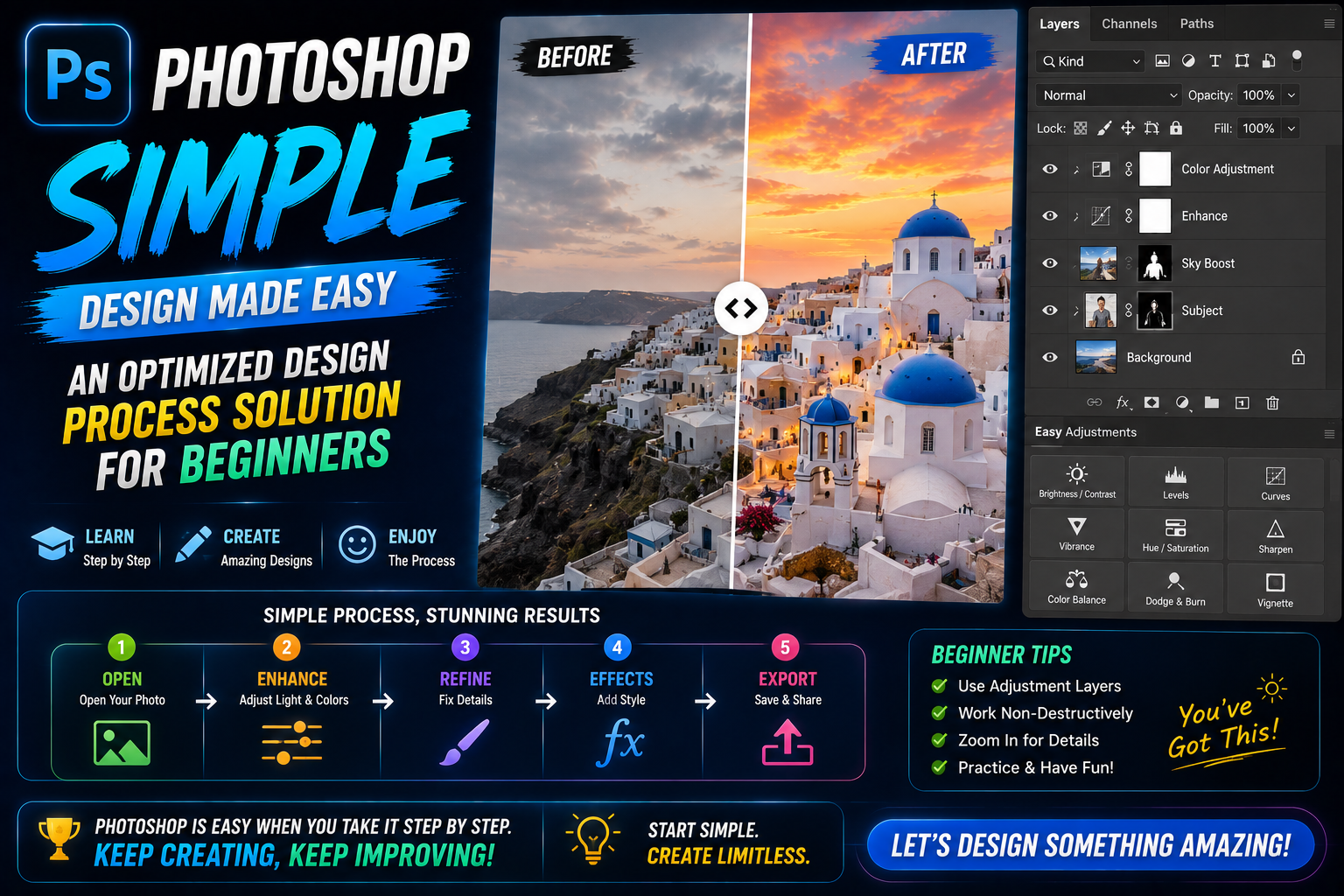
Adobe Photoshop Copyright - Full App
120 USD

Windows 10 & 11 Pro Key
36 USD

Adobe Premiere Pro Account
99 USD

Genuine Adobe Illustrator account
99 USD

Copyright Adobe Lightroom Account
59 USD

Freepik Premium Account
59 USD

ChatGPT Plus Account (GPT-4)
16 USD

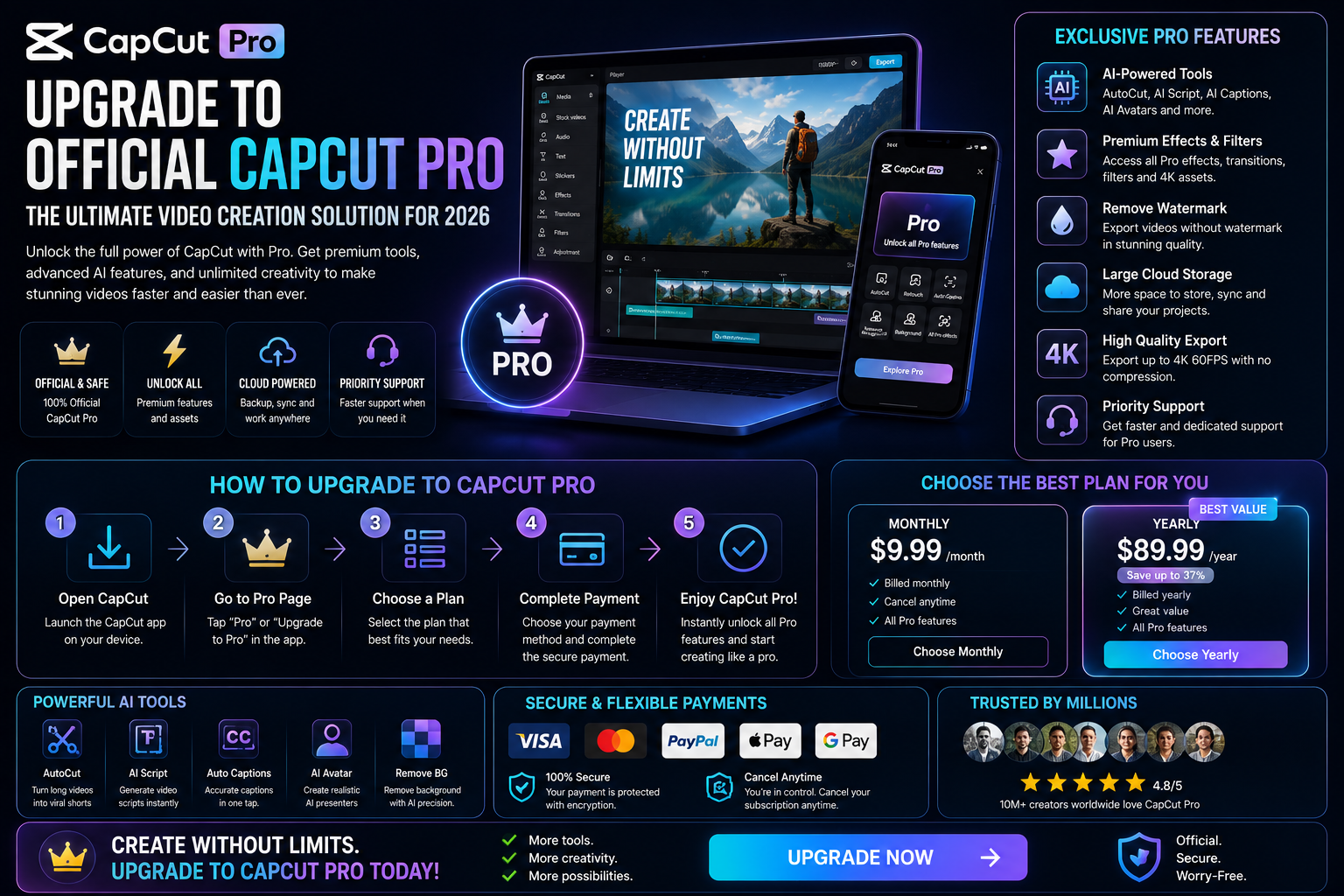
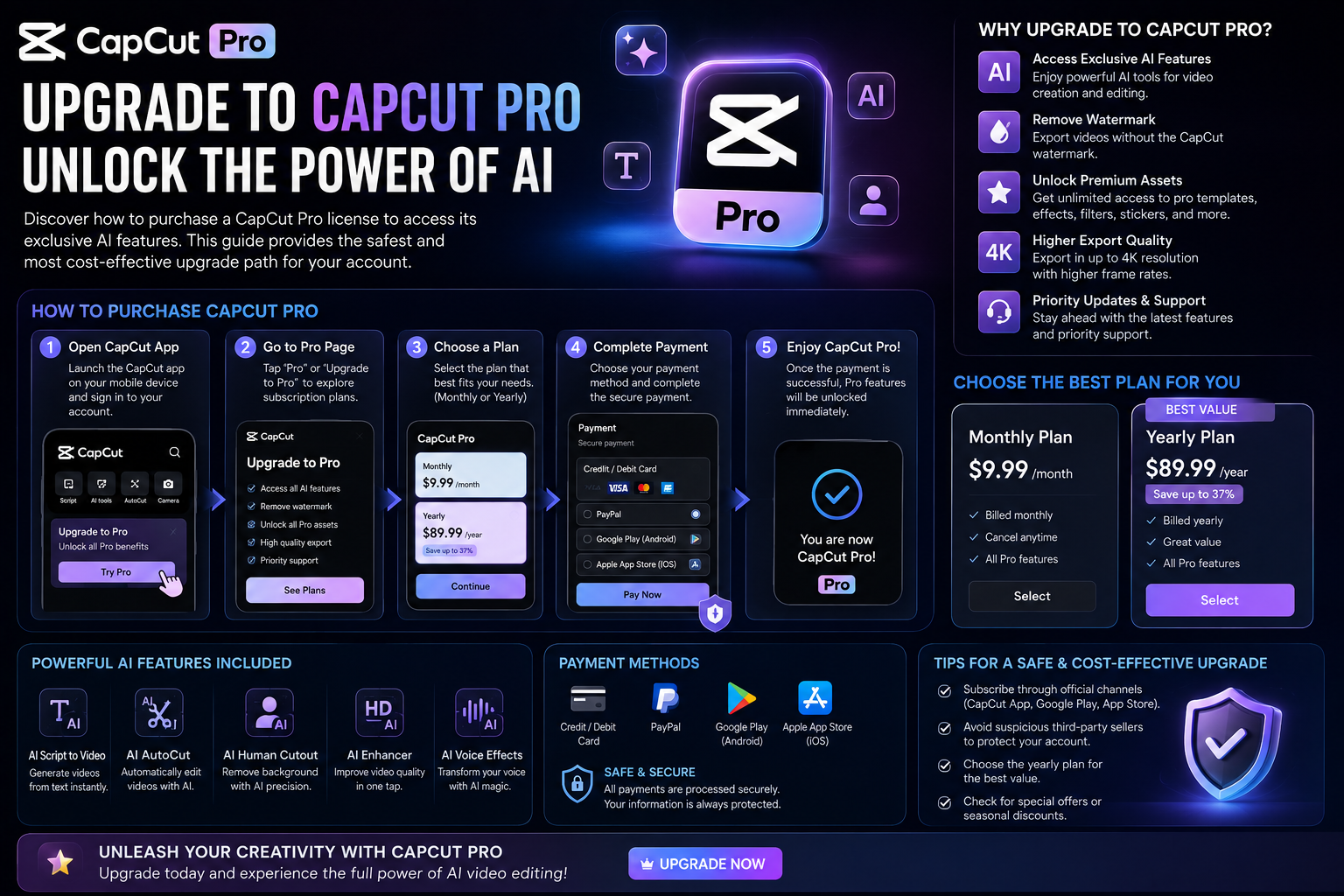
Capcut Pro 1 Year
39 USD

Genuine Cheap Canva Pro
39 USD

Upgrade genuine Capture One account
120 USD
Canva for Students: Secrets to Designing Professional Slides and CVs in 2026
Nội dung
- 1. The outstanding benefits of students using Canva for their studies.
- 1.1. Optimizing group assignment time
- 1.2. A vast repository of free resources for educational purposes.
- 1.3. Providing strong support for extracurricular activities and personal projects.
- 2. How to design presentation slides that will impress your instructor.
- 2.1. Choosing a Template Suitable for Each Specialization
- 2.2. Using subtle animation effects
- 3. Secrets to creating a CV and Portfolio that impress recruiters.
- 3.1. Standard and eye-catching CV layout according to ATS standards.
- 3.2. Digitizing your Portfolio using Direct Links
- 4. AppVip.ai - A Pro account upgrade solution for Vietnamese students.
- 5. Using Canva in project management and personal life.
- 5.1. Designing the Timetable and Planner
- 5.2. Creating content for student clubs
- 6. Mistakes to avoid when students first start designing.
- 6.1. The error of using too many different fonts.
- 6.2. Colors that contrast too strongly or too weakly.
- 7. Discover the power of AI in Canva for research.
- 7.1. Converting text reports to slides automatically
- 7.2. Summarizing content and creating images using descriptions (Text to Image)
- 8. Tips for managing your design document archive scientifically.
- 8.1. Using a semester-based folder system.
- 8.2. Name files according to clear and standardized guidelines.
- 9. The importance of studying design for future careers.
- 9.1. Make a good impression on recruiters while you're still a student.
- 9.2. Foundation for learning advanced graphic design software
- 10. Conclusion
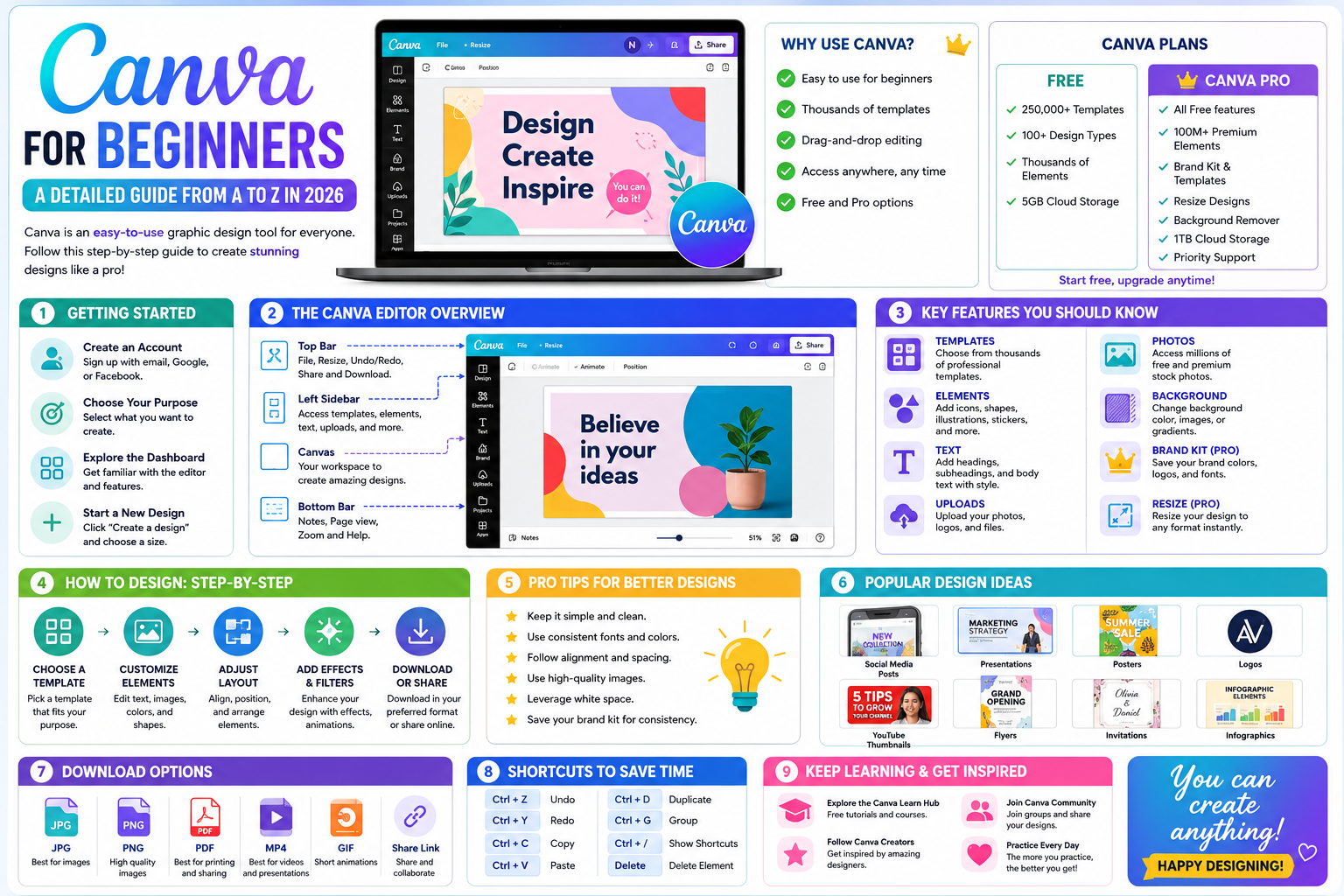
This detailed guide shows students how to use Canva to optimize presentations, create impressive CVs, and manage academic projects efficiently and save time.
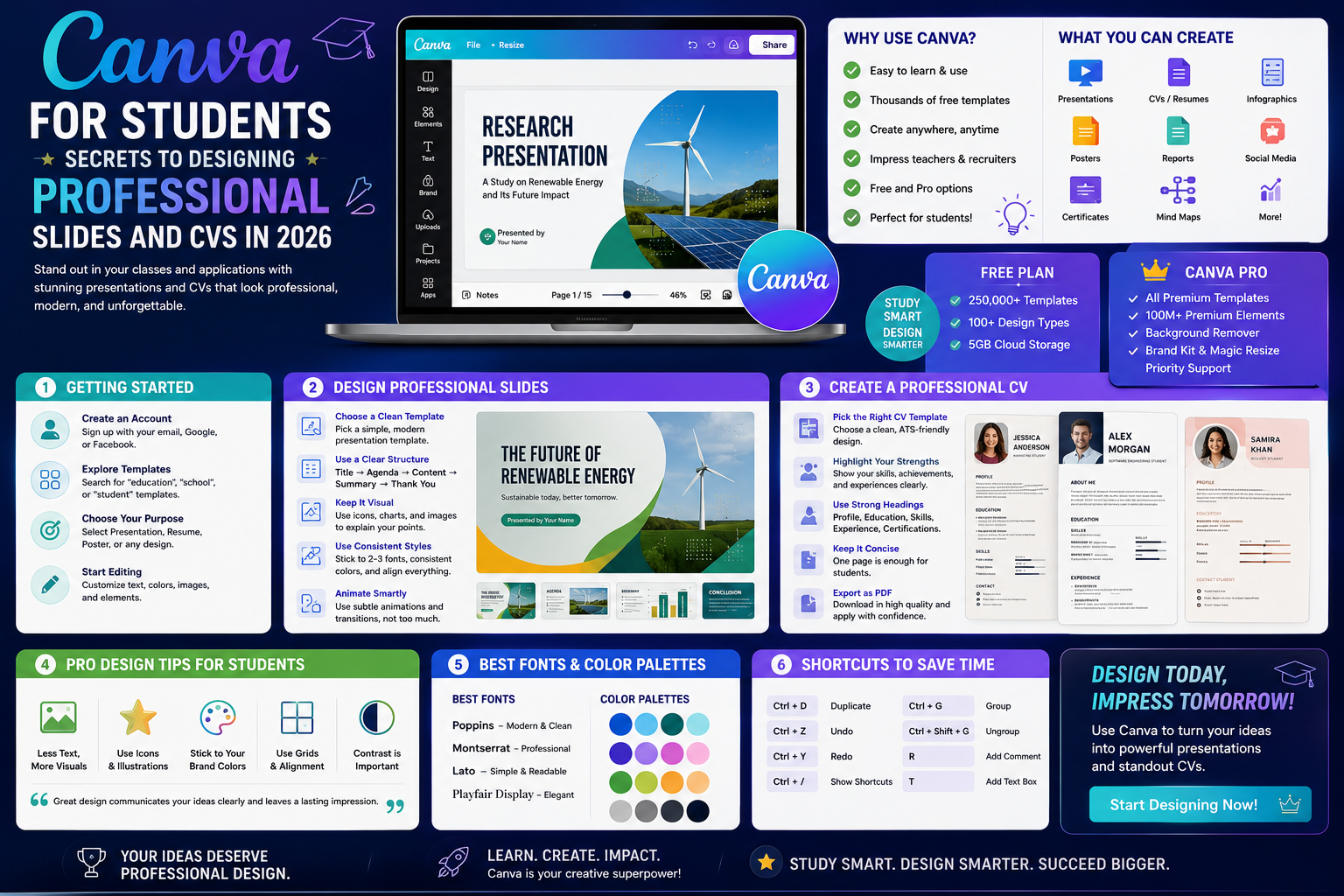
1. The outstanding benefits of students using Canva for their studies.
This ecosystem offers maximum flexibility for student life, which is always busy with packed schedules of studying and part-time work.
1.1. Optimizing group assignment time
Real-time collaboration allows multiple team members to edit a design simultaneously from anywhere. This completely eliminates the need to send and receive large files, making the content unification process smoother and faster than ever before.
1.2. A vast repository of free resources for educational purposes.
Students often have limited budgets, so access to millions of free images, charts, and icons is an invaluable privilege. These resources help make essays or internship reports more engaging, avoiding the dryness of plain text.
1.3. Providing strong support for extracurricular activities and personal projects.
Student life isn't just about academics; it also includes organizing events, fundraising, and doing media work for clubs. The ability to create posters, standees, or Facebook banners in a snap allows young people to be more flexible in implementing promotional campaigns. Instead of waiting for members to have graphic design skills, anyone in the group can become a real "designer," ensuring that work is always completed on time. This is the foundation for accumulating practical experience, which will enhance their resumes later on.
2. How to design presentation slides that will impress your instructor.
Presentations are the heart of classroom discussions, and Canva provides all the tools to turn them into a work of art.
2.1. Choosing a Template Suitable for Each Specialization
Whether you're studying Economics, Engineering, or the Arts, our template library has styles to suit every need. Medical students can find specialized anatomical templates, while marketing students will find market analysis slides with highly modern and visually appealing charts.
2.2. Using subtle animation effects
A professional presentation shouldn't have too many distracting effects, but the smooth movement of the headings will help capture the audience's attention. Utilizing smooth page transitions helps to connect the knowledge logically, creating a good impression of meticulousness in the eyes of the lecturer.
3. Secrets to creating a CV and Portfolio that impress recruiters.
For graduating students, a well-crafted CV is your ticket to your dream job interview.
3.1. Standard and eye-catching CV layout according to ATS standards.
Canva allows for flexible customization of your portfolio structure while maintaining a professional and organized approach. You can easily change the main color scheme to match the culture of the company you're applying to, demonstrating thorough research and a serious attitude.
3.2. Digitizing your Portfolio using Direct Links
Instead of expensive printing, students can create an online portfolio page right on this platform. Submitting a professional link containing all your completed projects will help you score major points for being proactive and tech-savvy.

4. AppVip.ai - A Pro account upgrade solution for Vietnamese students.
In the journey to conquering creative heights, advanced features are essential for breakthroughs. The website appvip.ai is currently a leading reputable source providing solutions for upgrading design accounts at extremely student-friendly prices. Here, you can access the full range of AI features, automatic background removal, and an unlimited resource library without worrying about the cost. Using this service ensures stability and security, preventing interruptions to your learning process due to account issues. This is a smart choice for young people to optimize their work tools even with a limited budget.
5. Using Canva in project management and personal life.
Beyond just helping with assignments, this tool also helps students organize their lives in a more systematic way.
5.1. Designing the Timetable and Planner
Using planner templates helps you visually track deadlines and exam schedules. Decorating your planner to your personal preferences also creates motivation for studying, helping to reduce stress during high-pressure exams.
5.2. Creating content for student clubs
If you're a member of the communications team in a club, Canva is the number one tool for designing event posters, Facebook banners, or short TikTok videos. Eye-catching visuals will help your club's events attract widespread student interest across the campus.
6. Mistakes to avoid when students first start designing.
Even though the tool is very easy to use, beginners often make basic mistakes that diminish the aesthetic value of the artwork.
6.1. The error of using too many different fonts.
Combining too many fonts on a single slide often creates a cluttered and unprofessional look. Students should adhere to a rule of using a maximum of 2-3 fonts to maintain balance and help viewers easily grasp the main information.
6.2. Colors that contrast too strongly or too weakly.
Using gold text on a white background or red text on a blue background is a visual disaster. Prioritize harmonious color palettes or use Canva's color suggestions to ensure your content remains easily readable even in low-light conditions.
7. Discover the power of AI in Canva for research.
By 2026, artificial intelligence will have become an integral part of this platform, providing strong support for students in data processing.
7.1. Converting text reports to slides automatically
The Magic Design feature lets you upload a raw document file, and AI will automatically arrange it into a complete presentation slide set. This saves students hours of manual design time, allowing them to focus more deeply on the content and presentation.
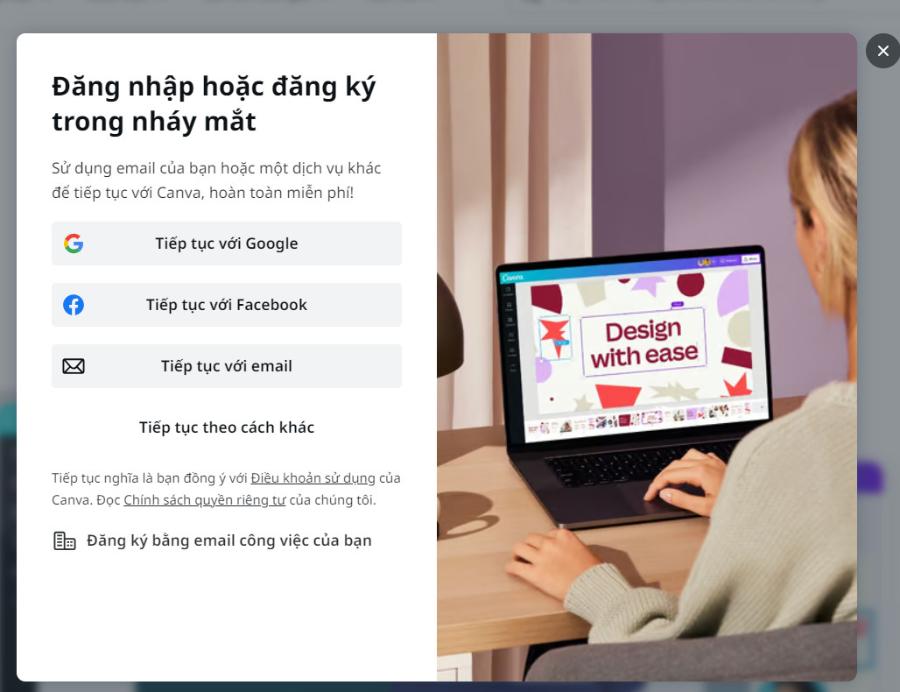
7.2. Summarizing content and creating images using descriptions (Text to Image)
When you need a unique illustration for your research topic that you can't find online, AI can help you create it from just a few lines of description. This capability opens up endless creative possibilities, making scientific topics more interesting and vibrant.
8. Tips for managing your design document archive scientifically.
With hundreds of assignments each semester, organizing your files neatly will save you a lot of time searching.
8.1. Using a semester-based folder system.
Students should organize their folders by academic year or specific subject. This makes it easier to find old materials for review or reuse design templates for similar projects in the future.
8.2. Name files according to clear and standardized guidelines.
Instead of naming your project "Final", "Final 2", or "Final Final", use the following structure: [Subject Name] [Assignment Name] [Date]. This approach demonstrates a professional work ethic and is highly beneficial when you begin your internship at larger companies.
9. The importance of studying design for future careers.
Proficiency in using Canva has now become a common requirement in job descriptions (JDs) for Marketing, Human Resources, and Business.
9.1. Make a good impression on recruiters while you're still a student.
An intern who can design visually appealing reports will always be valued more highly than someone who only knows basic Word. This is clear evidence of flexibility and the ability to learn new tools in the digital age.
9.2. Foundation for learning advanced graphic design software
Getting familiar with layout and color theory in Canva is a great stepping stone if you want to progress further with Adobe Photoshop or Illustrator. Basic design knowledge will never be superfluous, no matter what field you work in later.
10. Conclusion
The journey of conquering knowledge in university will become much more brilliant and effective with the help of modern creative tools. Mastering Canva not only helps students overcome difficult assignments but also opens the door to a world of unique ideas. Whether you are a freshman or preparing for your graduation project, investing in graphic design skills will always be a wise decision.





















VIP Products








Best Selling Products
Autodesk All App Account Copyright
120 USD
Upgrade Genuine Office 365
49 USD
MidJourney Account
29 USD
Plugin Retouch4me
69 USD
Upgrade Duolingo Super
29 USD
Adobe Photoshop Copyright - Full App
120 USD
Windows 10 & 11 Pro Key
36 USD
Adobe Premiere Pro Account
99 USD
Genuine Adobe Illustrator account
99 USD
Copyright Adobe Lightroom Account
59 USD
Freepik Premium Account
59 USD
ChatGPT Plus Account (GPT-4)
16 USD
Capcut Pro 1 Year
39 USD
Genuine Cheap Canva Pro
39 USD
Upgrade genuine Capture One account
120 USD