Best Selling Products

Adobe Premiere Pro Account
99 USD

Freepik Premium Account
59 USD

Windows 10 & 11 Pro Key
36 USD

Autodesk All App Account Copyright
120 USD

Capcut Pro 1 Year
39 USD

Genuine Cheap Canva Pro
39 USD

Upgrade Genuine Office 365
49 USD

Copyright Adobe Lightroom Account
59 USD

ChatGPT Plus Account (GPT-4)
16 USD

Upgrade genuine Capture One account
120 USD

Genuine Adobe Illustrator account
99 USD

Adobe Photoshop Copyright - Full App
120 USD

MidJourney Account
29 USD

Upgrade Duolingo Super
29 USD

Plugin Retouch4me
69 USD
Capture One 26.6: Is AI portrait retouching powerful enough to replace Lightroom?
Nội dung
The Retouch Faces feature and performance enhancements make Capture One 26.6 a worthwhile option for portrait photographers. This article provides an in-depth analysis of whether now is the time to abandon Lightroom.
1. What is Capture One?
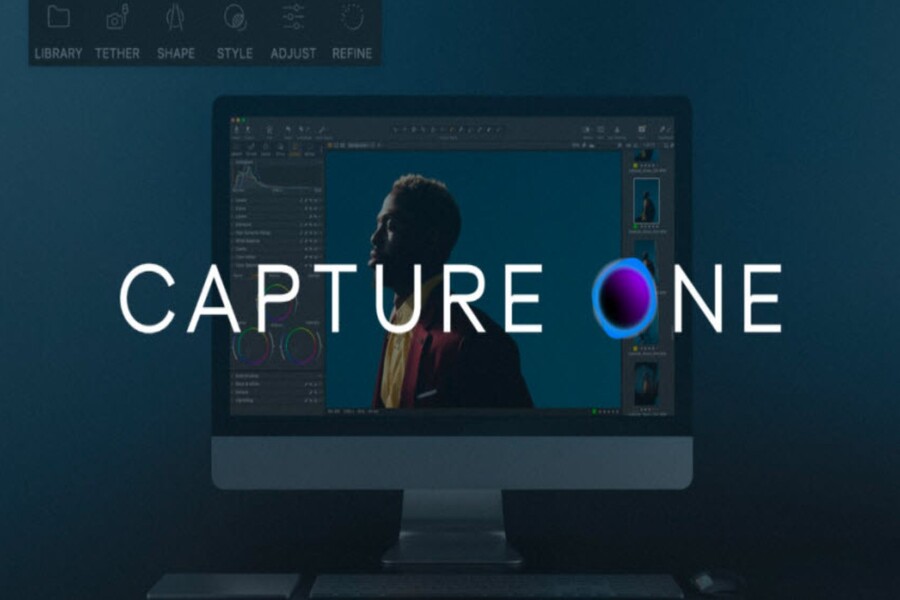
Capture One is professional photo editing software developed by Capture One A/S, formerly known as Phase One: a brand associated with high-end medium format camera systems. This origin strongly influenced Capture One's development philosophy from the very beginning: focusing on maximum image quality, color accuracy, and high detail control.
Unlike many photo editing software programs aimed at the general user, Capture One was built from the outset for professional photographers and studio environments. This is evident in its RAW image processing engine, which is highly regarded in the commercial photography community. Capture One is capable of preserving detail well in both bright and dark areas, minimizing overexposure or loss of shadow detail, while reproducing colors faithfully and with depth.
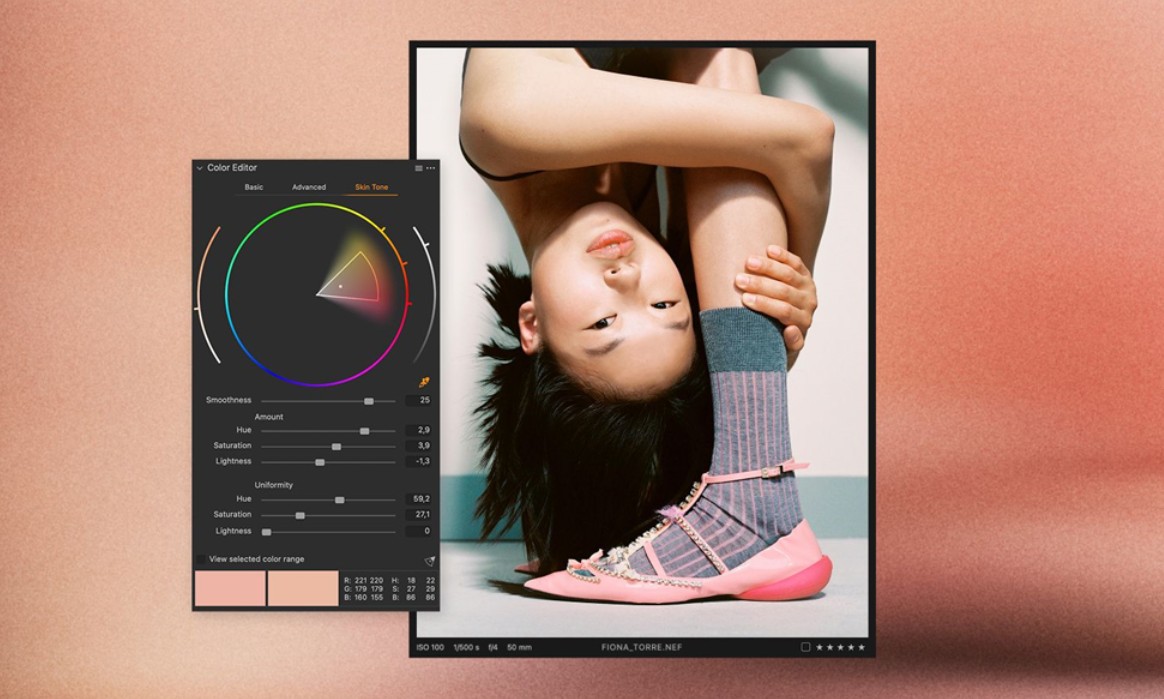
In portrait photography, skin tone is an extremely important factor. Capture One is highly regarded by many photographers for its natural skin tone processing, minimal color cast, and ease of control during deep editing. Capture One's Color Editor and Skin Tone tools allow users to precisely and evenly adjust skin tone without affecting other color areas in the image. This is a significant advantage compared to Lightroom, where many users still rely on external presets or plugins to achieve desired results.
In addition to image editing, Capture One stands out for its flexible file management capabilities. The software offers two parallel workflow models: Catalog and Session. Catalog is suitable for users familiar with Lightroom, while Session is Capture One's signature strength, particularly useful in studio environments and commercial projects. With Session, each shoot is organized as an independent project with a clear folder structure, making it easy to manage data, work collaboratively, and deliver files to clients.
The combination of high-quality RAW processing, a detailed editing toolset, and a professional workflow has helped Capture One establish its own unique position, making it a direct competitor to Lightroom. And Capture One 26.6 is proof that this software is not standing outside the AI wave, but is choosing a very distinct approach.
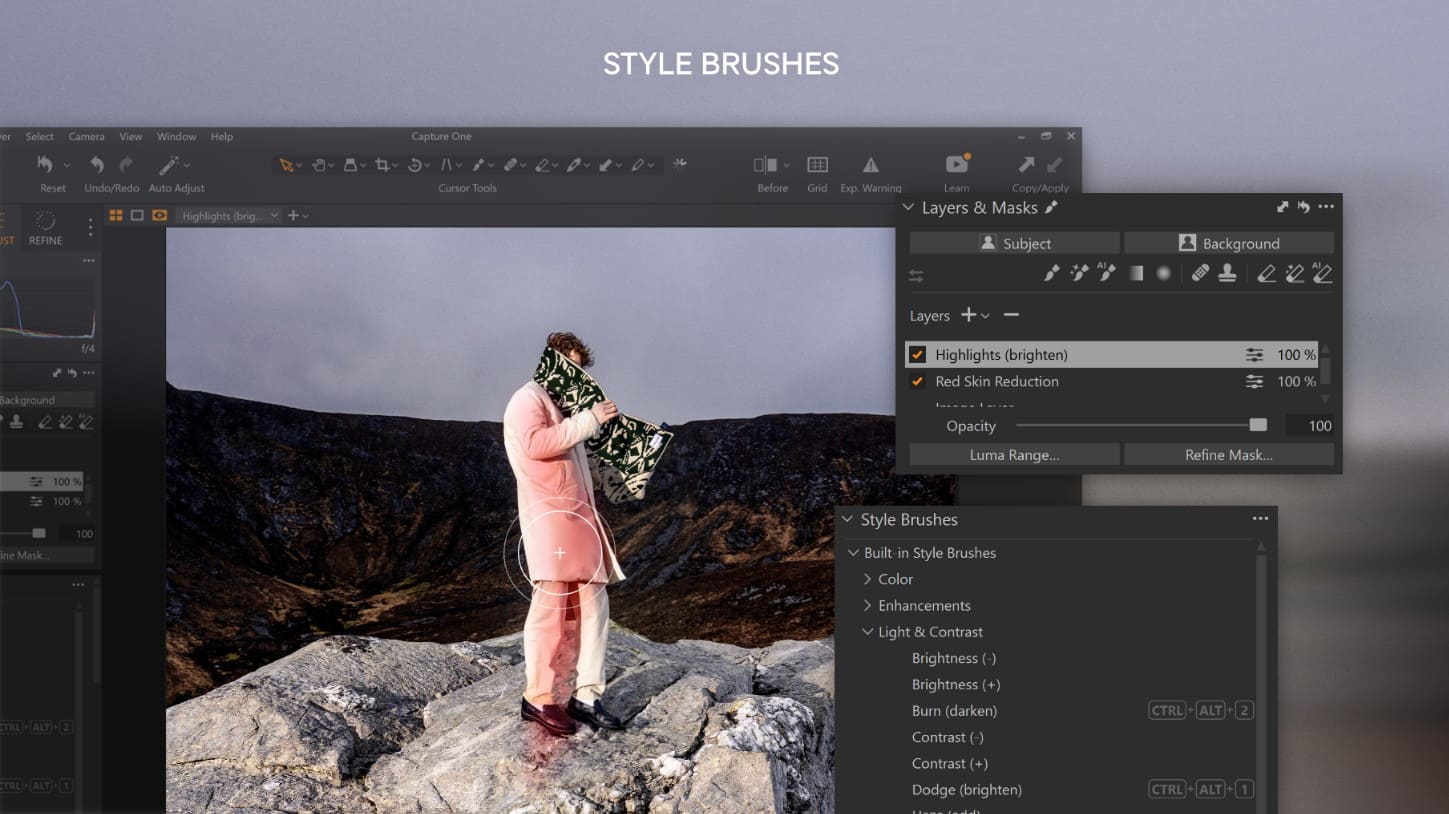
2. What features does the new version include?
Capture One 26.6 isn't a "refreshed interface" update or a plethora of small tools. Instead, this version focuses on three main pillars: AI-powered portrait editing, optimized project management workflows, and improved overall performance, especially on macOS. These are all key issues that Capture One users care about in their daily work.
2.1. Retouch Faces: Portrait editing using AI
The Retouch Faces feature is the biggest highlight and the factor that has made Capture One 26.6 so talked about in the photography community. This is the first time Capture One has officially integrated an AI-based portrait editing tool, instead of relying entirely on manual operations or third-party plugins.
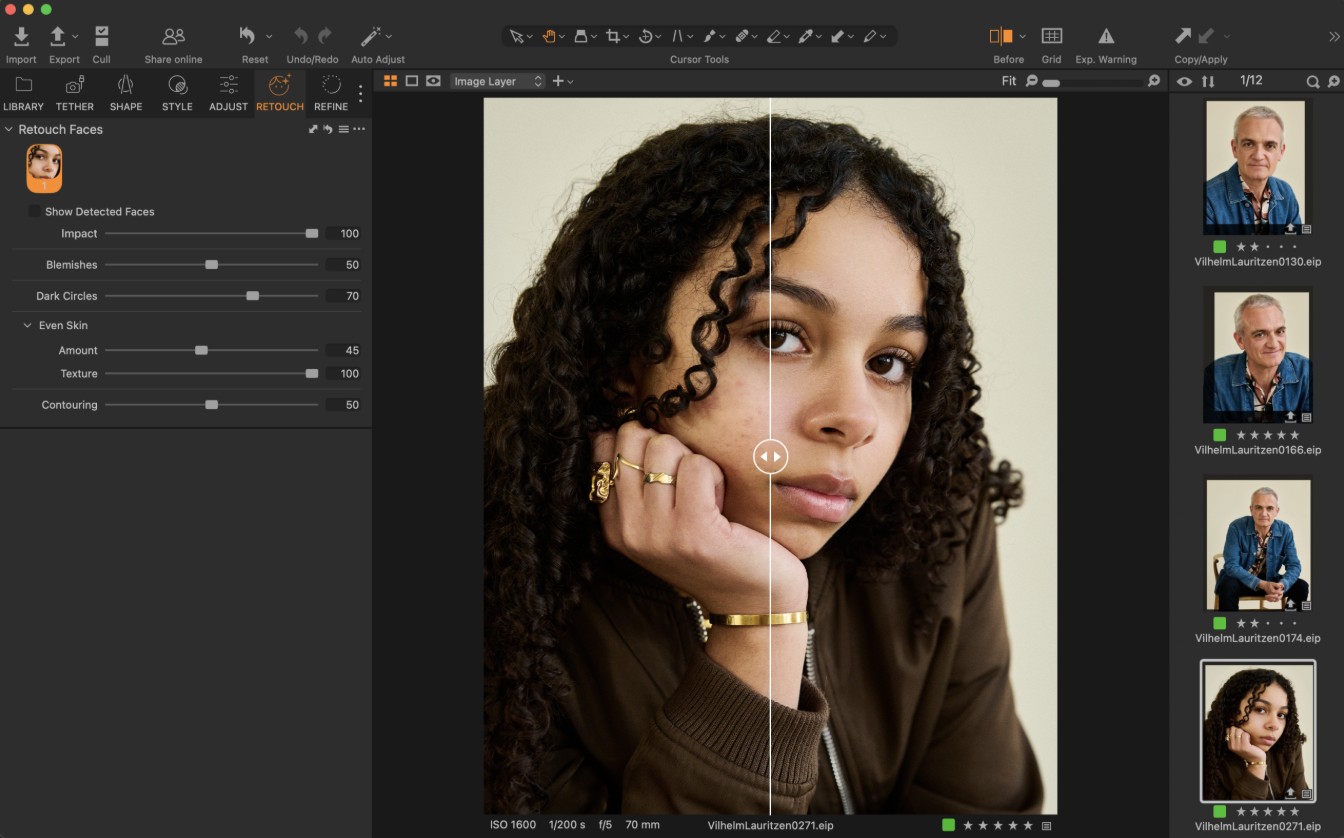
Retouch Faces works by automatically identifying faces in photos, then analyzing skin areas, eyes, and facial structure. Based on this analysis, users can perform common post-production portrait edits such as removing blemishes, reducing dark circles, smoothing skin, and contouring the face. Importantly, the entire process remains non-destructive, not damaging the original file.
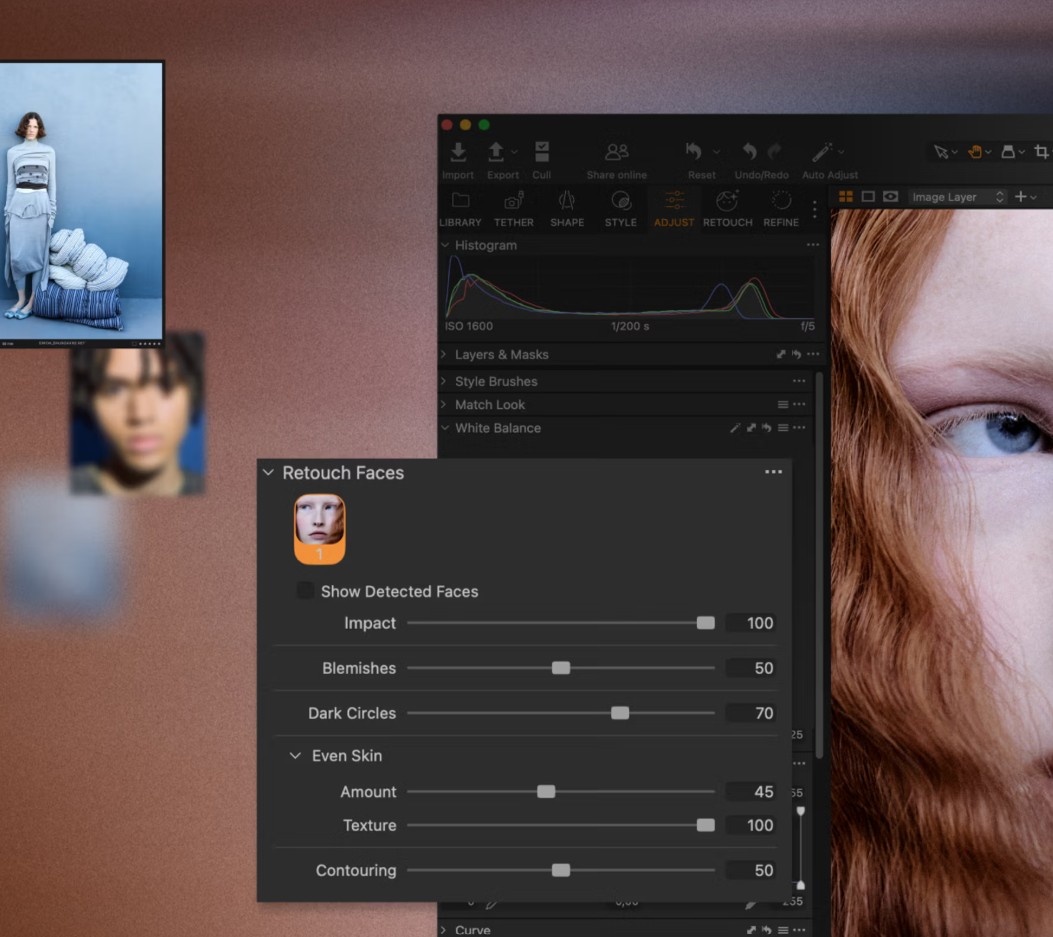
Unlike some other AI portrait editing tools that tend to overdo it, Capture One's Retouch Faces is designed with a very clear philosophy: to assist, not replace, the photographer's eye. The sliders are finely tuned, allowing users to control the intensity of the effect, from very subtle adjustments to maintain a natural look for lifestyle photos, to more pronounced adjustments for beauty or advertising shots.
One notable feature is that Retouch Faces doesn't just apply to a single image. In batch portrait shoots, users can synchronize these AI editing settings across multiple photos, saving a significant amount of time compared to manually retouching each file. This is a major advantage over the traditional workflow in Photoshop.
Compared to Lightroom, Retouch Faces may not offer as many presets or beauty effects, but it scores points for its subtlety and ability to blend seamlessly into Capture One's overall color palette. For photographers who prioritize realism and detail control, this is a very valuable step forward.
2.2. Session Builder: Automate the workflow for photo shoots
If Retouch Faces represents a leap forward in AI image editing, then Session Builder clearly demonstrates the professional workflow philosophy that is in Capture One's DNA. This tool was created to solve a familiar problem: managing files and folders for large photo shoots.
Session Builder allows users to automatically set up the folder structure from the start, including folder naming conventions, file numbering, and image categorization by session, client, or concept. Instead of manually creating a new session, users can create presets for each project type, such as product photography, personal portraits, or fashion lookbooks.
In a studio environment, where multiple shoots can take place in a single day, Session Builder helps minimize data management errors and increases consistency in file delivery to clients or post-production teams. This is an advantage that Lightroom, with its traditional catalog model, still lacks.
When combined with Session Builder and new AI editing features, Capture One 26.6 delivers a seamless workflow from image import and editing to final file export. This is particularly suitable for professional studios where time and precision are paramount.
2.3. Performance improvements for macOS and user experience
In addition to its outstanding features, Capture One 26.6 also focuses on improving performance, especially on Macs using Apple Silicon chips. Users can notice faster image import speeds, smoother editing, and significantly optimized handling of demanding tasks such as retouching and exporting.
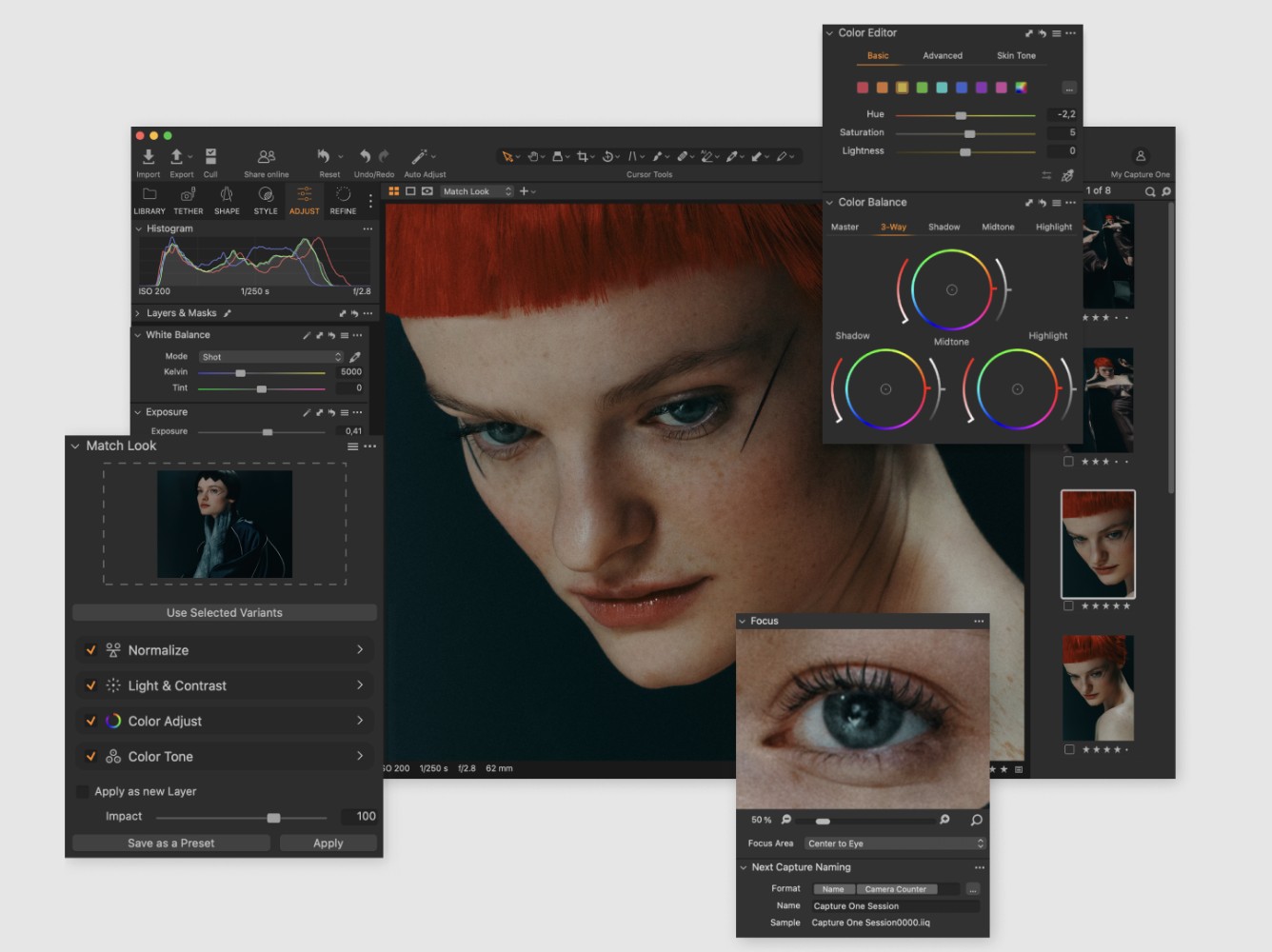
The user interface has also been refined to be more intuitive, reducing the number of steps in common tasks. These changes may not be too "noisy," but they provide a better user experience in the long run, especially for those who work long hours continuously in the software.
3. Capture One 26.6 and direct competition with Lightroom
When comparing Capture One 26.6 to Lightroom, the difference in development philosophy is clear. Lightroom aims for a broad ecosystem, tightly integrated with Photoshop and cloud services, along with many user-friendly AI tools for the average user. Meanwhile, Capture One focuses on image quality, color accuracy, and professional workflow.
With Retouch Faces, Capture One has officially entered the AI portrait editing arena. However, instead of competing on the number of features, Capture One chooses to compete on subtlety and control. This makes Capture One 26.6 a very attractive option for photographers who want to maintain their personal style and high image quality, while still leveraging the power of AI to save time.
In the competition with Lightroom, Capture One 26.6 may not be the choice for everyone, but for professional photographers, especially those who work extensively with portraits and color photography, it's a very significant step forward. Capture One isn't trying to be a second Lightroom; it's forging its own path: AI serving creativity, not replacing it.





















VIP Products








Best Selling Products
Adobe Premiere Pro Account
99 USD
Freepik Premium Account
59 USD
Windows 10 & 11 Pro Key
36 USD
Autodesk All App Account Copyright
120 USD
Capcut Pro 1 Year
39 USD
Genuine Cheap Canva Pro
39 USD
Upgrade Genuine Office 365
49 USD
Copyright Adobe Lightroom Account
59 USD
ChatGPT Plus Account (GPT-4)
16 USD
Upgrade genuine Capture One account
120 USD
Genuine Adobe Illustrator account
99 USD
Adobe Photoshop Copyright - Full App
120 USD
MidJourney Account
29 USD
Upgrade Duolingo Super
29 USD
Plugin Retouch4me
69 USD