Best Selling Products

Capcut Pro 1 Year
39 USD

Freepik Premium Account
59 USD

Genuine Cheap Canva Pro
39 USD

Upgrade Genuine Office 365
49 USD

Adobe Photoshop Copyright - Full App
120 USD

Windows 10 & 11 Pro Key
36 USD

Adobe Premiere Pro Account
99 USD

Copyright Adobe Lightroom Account
59 USD

Upgrade Duolingo Super
29 USD

ChatGPT Plus Account (GPT-4)
16 USD

Upgrade genuine Capture One account
120 USD

MidJourney Account
29 USD

Plugin Retouch4me
69 USD

Genuine Adobe Illustrator account
99 USD

Autodesk All App Account Copyright
120 USD
Create Mind Maps Online for Free on Canva: A Detailed Guide from A to Z
Nội dung
Never used Canva before? Don't worry! This guide will help you create a mind map quickly in just a few steps.
1. What is a mind map?
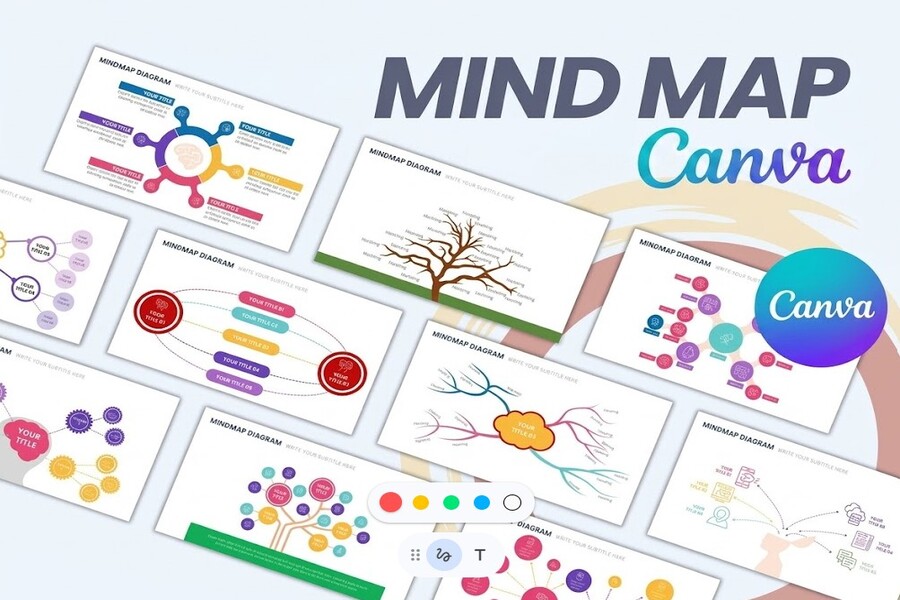
Mind mapping is a method of representing information in a branching format, where a central topic is placed prominently and branches out to related ideas. Unlike traditional note-taking, which is linear, mind mapping allows you to organize information in a network structure, reflecting how the brain actually works when linking and expanding ideas. This helps users not only absorb information faster but also remember it longer and understand the relationships between elements more deeply.
When creating a mind map, you typically start with a keyword or main topic at the center, then expand into first-level branches representing the main ideas. From each first-level branch, you continue to develop smaller branches to elaborate on the details. This process is like "breaking down" your thoughts, helping you move from the general to the specific naturally. The special feature of mind maps is their ability to combine text, colors, images, and symbols, thereby stimulating both hemispheres of the brain to work together, improving thinking and memory efficiency.
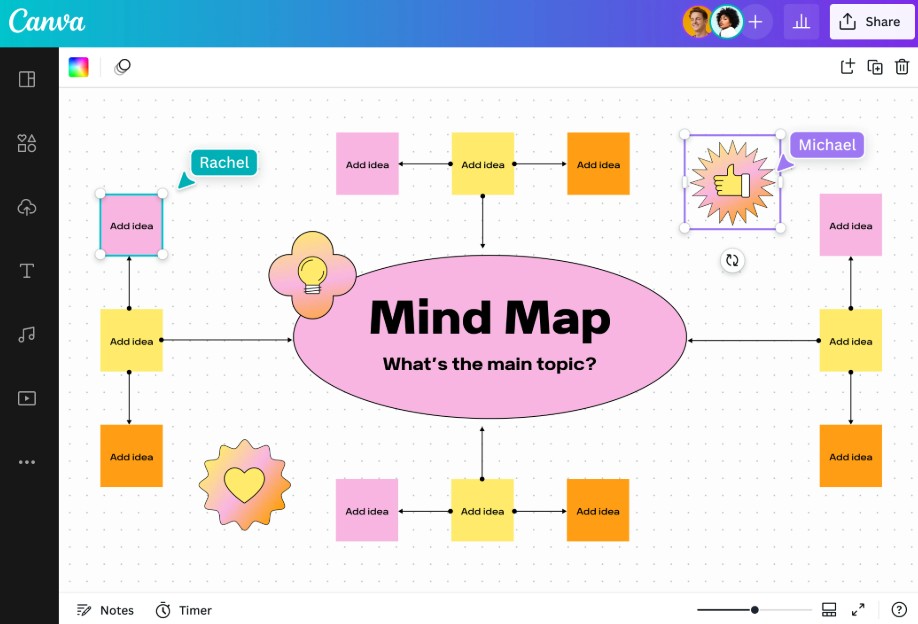
In the digital environment, creating mind maps has become much more flexible thanks to online tools. Instead of drawing by hand or using complex software, you can create diagrams directly on platforms like Canva with a user-friendly interface, simple drag-and-drop functionality, and almost unlimited customization options. This has made mind mapping no longer a tool exclusively for those with design skills, but a popular means for anyone who wants to organize ideas effectively.
2. Why should you use mind maps on Canva?
2.1. Organizing Ideas Effectively
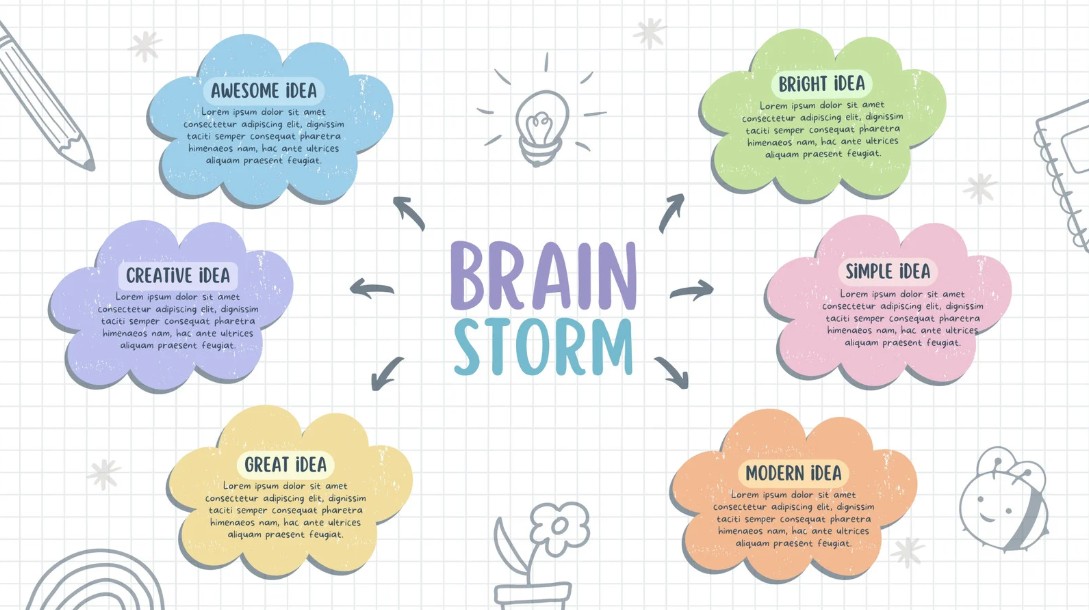
One of the most obvious benefits of mind maps is their ability to organize ideas in a scientific and easy-to-understand way. When you have many thoughts at once, writing them down in list form often fails to show the relationships between ideas. Conversely, mind maps help you organize information in a hierarchical structure, making it easy to identify the main idea, supporting ideas, and how they are linked together. With Canva, you can quickly choose a suitable diagram template and customize the content to your needs, using tools such as shapes, connectors, and notes to build a clear and intuitive system of ideas.
2.2. Stimulating thinking
The combination of images, colors, and layout in mind maps stimulates the brain more effectively than simply reading text. Canva provides a rich content library that allows you to add images, icons, and graphics to your diagrams, making the content more vibrant and memorable. Additionally, features like text-to-image conversion help you transform abstract ideas into concrete visuals, opening up many avenues for creative thinking.
2.3. Collaborating with a team
In the age of remote work, online collaboration is incredibly important. Canva provides a shared workspace where everyone can participate in the mind mapping process. You simply share a link to invite others to edit, comment, and contribute ideas. This makes the discussion process more flexible and efficient, unconstrained by geographical distance or the devices used.
2.4. Harvest more, share more
Mind maps are not just for note-taking; they're also a tool for presenting and sharing ideas. Once completed, you can export your mind map in various formats or embed it in documents, presentations, and websites. Canva makes sharing easier than ever, allowing you to spread your ideas to a wider audience and receive feedback to improve your content.
3. How to create a mind map
Creating mind maps on Canva doesn't require advanced design skills; just a little logical thinking and creativity. Thanks to its user-friendly interface and intuitive tools, you can get started immediately and quickly create a professional mind map.
Step 1: Open Canva
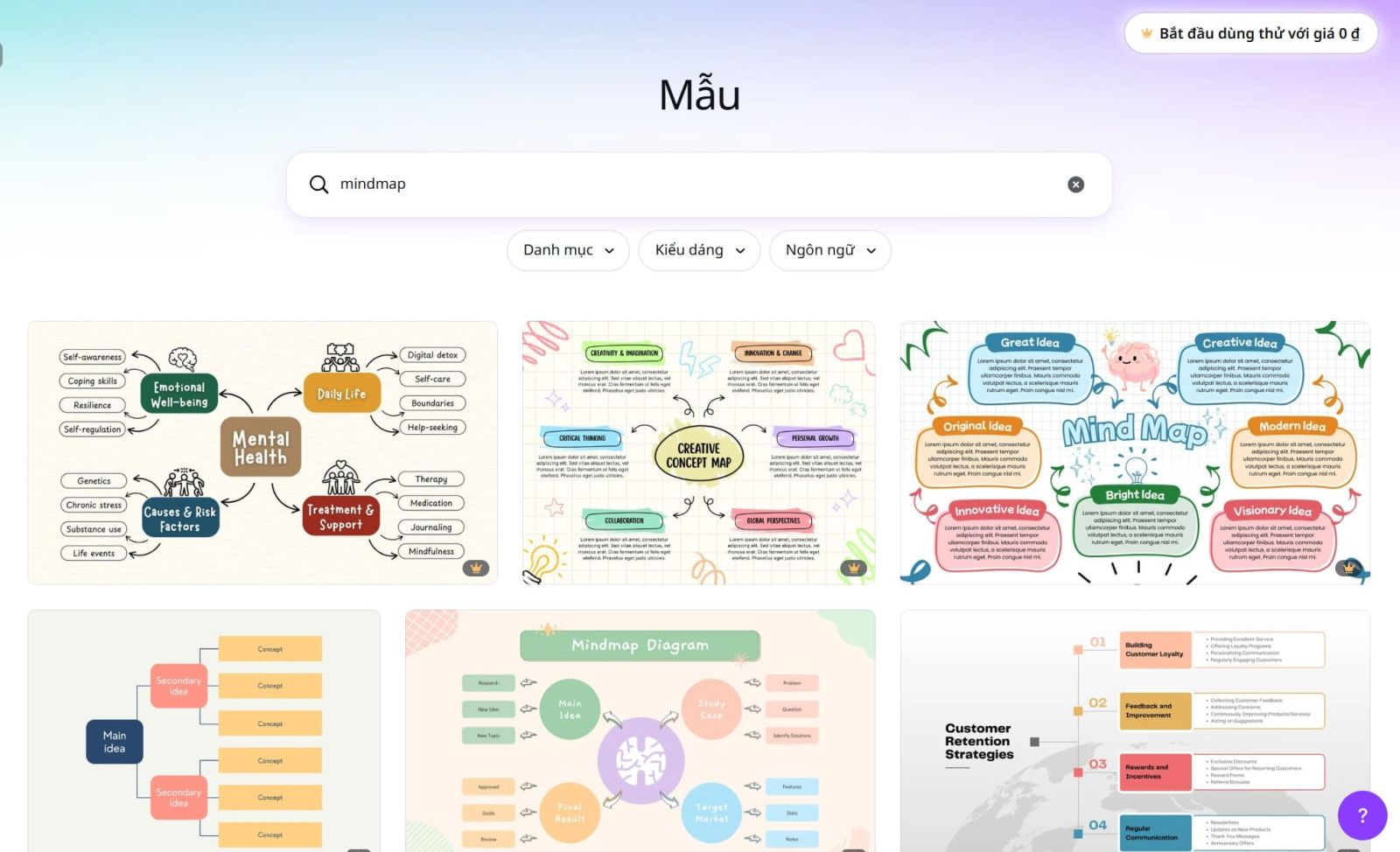
First, access Canva through your browser or mobile app. After logging in, enter the keyword "Mind map" into the search bar to start a new design. Canva will take you to the whiteboard interface, where you can work in a large and flexible space.
Step 2: Choose a mind map template
Canva offers a wide variety of pre-designed mind map templates in many different styles. You can choose a template that suits your needs, from studying and working to content creation. These templates are all easily editable, saving you time and allowing you to focus on developing your ideas.
Step 3: Brainstorm using whiteboard tools
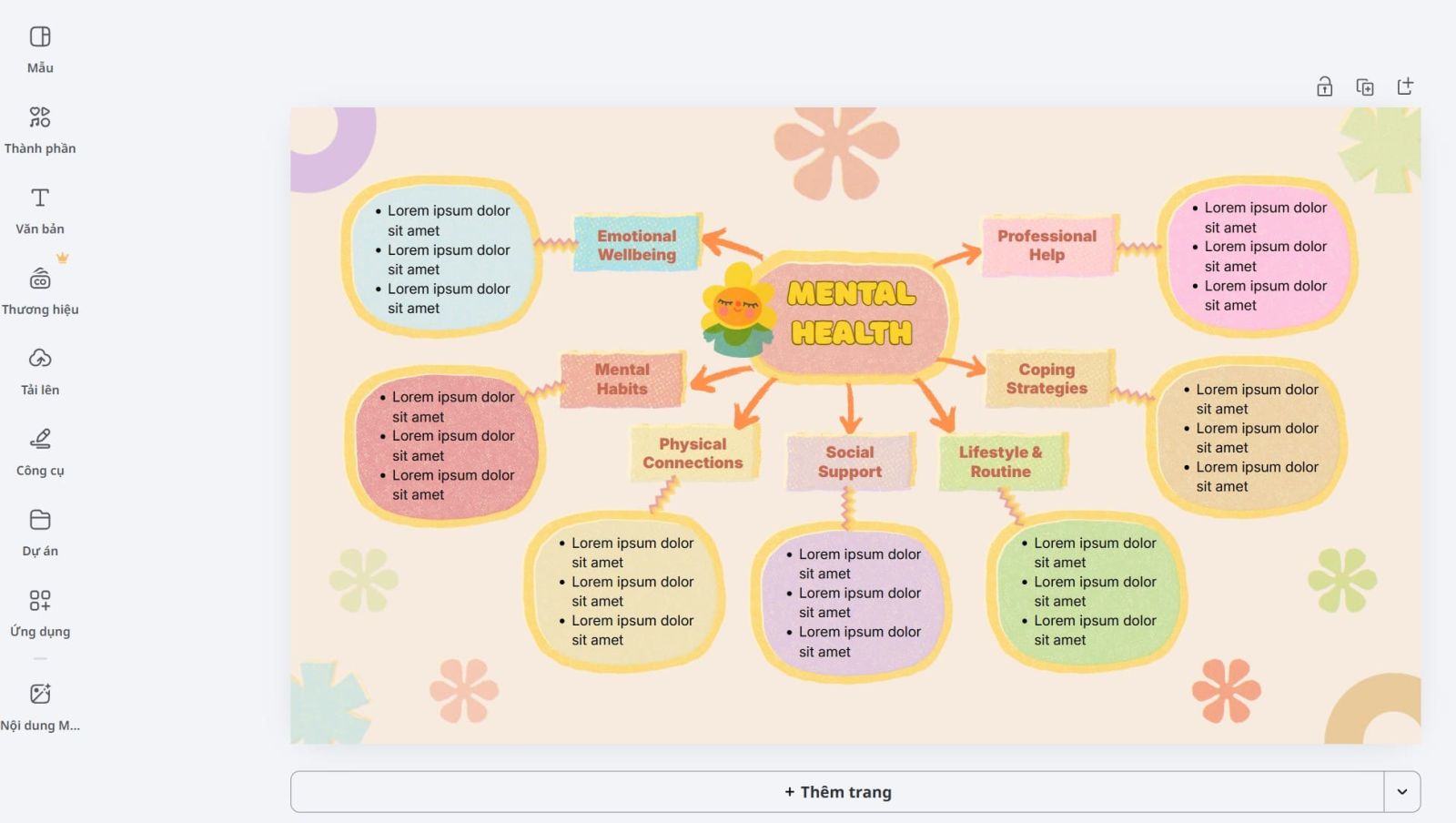
After choosing a template, you begin building the diagram by defining the main theme and developing sub-branches. Canva provides many supporting tools such as shapes, connectors, arrows, notes, and icons to help you implement your ideas visually. This is the most important stage as it determines the structure of the entire diagram.
Step 4: Create a mind map
Once you have the basic ideas, you can refine the diagram by rearranging the layout, using color to categorize and highlight important information. You can also add images, videos, or stickers to make it more engaging and easier for viewers to understand. Canva allows you unlimited creativity, transforming mind maps into a product that is both useful and aesthetically pleasing.
Step 5: Share and discuss
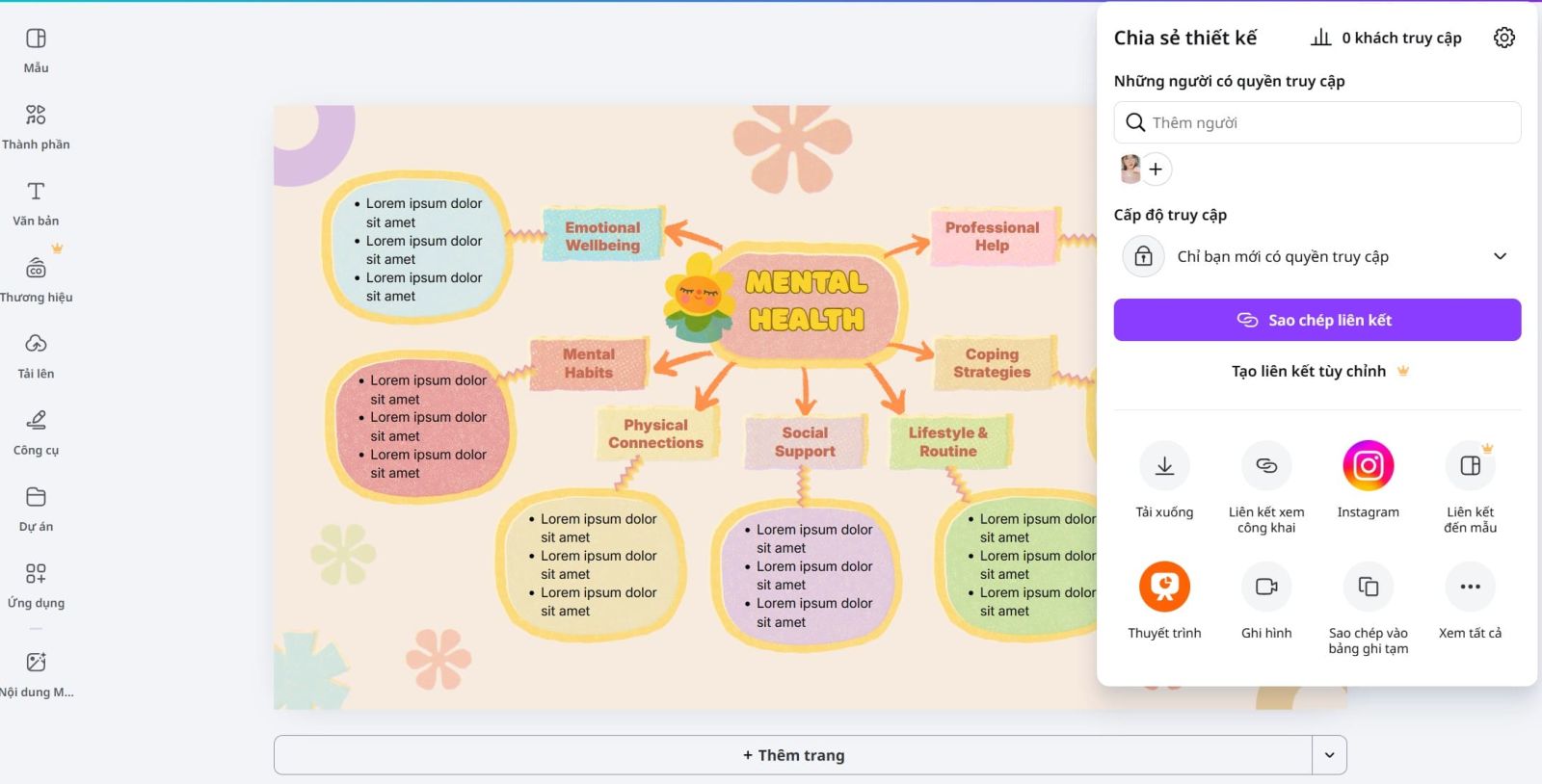
Once completed, you can share the diagram with others via a link or download it in various formats. Canva also supports live presentations, making it easy to use mind maps in presentations or group meetings. Sharing not only helps spread ideas but also opens up opportunities to receive feedback and improve the content.
4. Key features of Canva Whiteboard
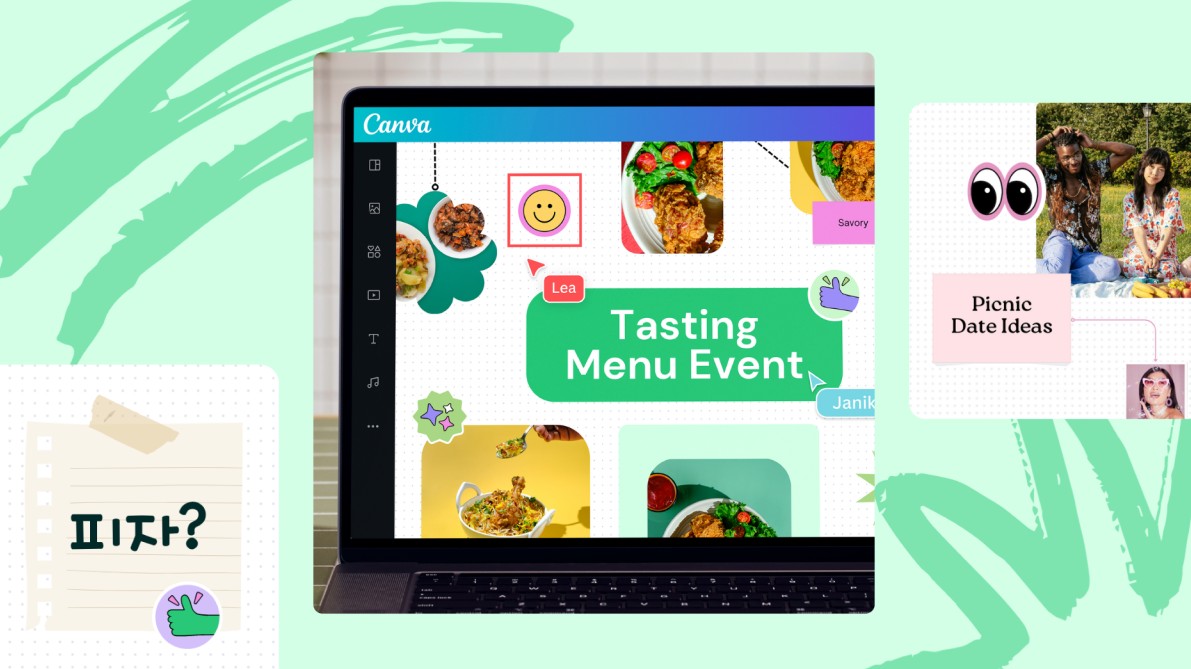
Canva is not just a design tool, but also a powerful visual thinking platform with its modern online whiteboard feature. Using a whiteboard on Canva gives you a nearly limitless workspace, allowing you to freely expand your ideas without being restricted by a canvas. This is especially useful when building complex mind maps or brainstorming in groups, where ideas need to be developed continuously and flexibly.
In addition, Canva offers a professional library of diverse templates, saving you design time and allowing you to focus on content. Tools like sticky notes, shapes, arrows, and icons help connect ideas clearly, while stickers and countdown timers increase interaction during discussions. Real-time collaboration allows multiple people to edit on a single board, track changes, and communicate directly, making teamwork more efficient regardless of location. Furthermore, Canva supports integrating diagrams into documents, presentations, or websites, making it easy to present and share ideas professionally.
5. Practical applications of mind maps
Mind maps are widely used in many fields due to their ability to visualize and organize information effectively. In learning, this tool helps students summarize lessons, memorize knowledge, and systematize content logically. For teachers, mind maps make lectures easier to understand and more engaging.
In the workplace, mind maps support planning, problem analysis, and strategy development. Teams can use them for brainstorming, project management, and more effective collaboration, especially when combined with Canva's collaboration capabilities. For content creators, it's a useful tool for building ideas, outlining articles, or scripts in a coherent manner. Additionally, mind maps help manage personal goals, time, and daily life plans, becoming a powerful tool for anyone wanting to improve their thinking and work efficiency.
Mind mapping is not just a note-taking method, but also a powerful thinking tool that helps you organize, develop, and communicate ideas effectively. With the support of Canva, creating mind maps becomes simple, intuitive, and inspiring. From learning to work, from individuals to teams, Canva mind maps provide practical value and help you master information in any situation. If you are looking for a way to improve productivity and unlock your creative potential, this is a tool you shouldn't miss.





















VIP Products








Best Selling Products
Capcut Pro 1 Year
39 USD
Freepik Premium Account
59 USD
Genuine Cheap Canva Pro
39 USD
Upgrade Genuine Office 365
49 USD
Adobe Photoshop Copyright - Full App
120 USD
Windows 10 & 11 Pro Key
36 USD
Adobe Premiere Pro Account
99 USD
Copyright Adobe Lightroom Account
59 USD
Upgrade Duolingo Super
29 USD
ChatGPT Plus Account (GPT-4)
16 USD
Upgrade genuine Capture One account
120 USD
MidJourney Account
29 USD
Plugin Retouch4me
69 USD
Genuine Adobe Illustrator account
99 USD
Autodesk All App Account Copyright
120 USD