Best Selling Products

Autodesk All App Account Copyright
120 USD

Windows 10 & 11 Pro Key
36 USD

Genuine Cheap Canva Pro
39 USD

Copyright Adobe Lightroom Account
59 USD

Upgrade Genuine Office 365
49 USD

Upgrade genuine Capture One account
120 USD

Adobe Premiere Pro Account
99 USD

Genuine Adobe Illustrator account
99 USD

Plugin Retouch4me
69 USD

MidJourney Account
29 USD

ChatGPT Plus Account (GPT-4)
16 USD

Freepik Premium Account
59 USD

Capcut Pro 1 Year
39 USD

Upgrade Duolingo Super
29 USD

Adobe Photoshop Copyright - Full App
120 USD
Don't rush to connect to public Wi-Fi if you don't know these scary facts.
Nội dung
Public Wi-Fi offers convenience and instant connectivity everywhere, but hidden behind that "free" facade are numerous security risks that users often overlook.
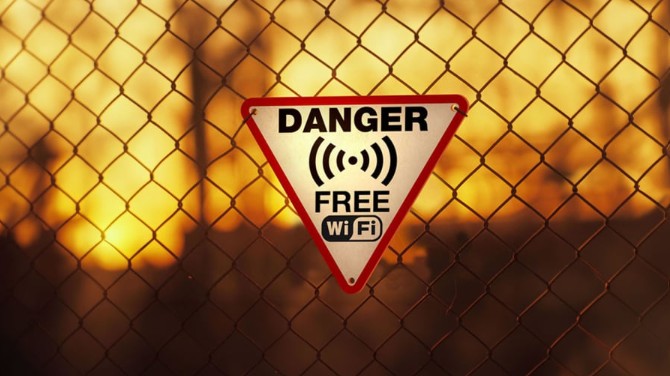
From corner cafes, airports, shopping malls to train stations and hotels, you can find "Free Wi-Fi" everywhere. With just a few seconds of connection, you can instantly browse the web, work, or entertain yourself without worrying about data limits. However, behind this seemingly harmless convenience lurks countless sophisticated security threats that most users are still unaware of.
Connecting to a public Wi-Fi network that doesn't require a password opens a huge door for anyone with technical skills, including hackers, to see, intercept, or steal the data being transmitted. An email packet, a Facebook login, or even a tap to open a banking app—all can be recorded without your knowledge. That's why many cybersecurity experts compare connecting to unprotected public Wi-Fi to entering a jungle without armor: it might be safe for the first few minutes, but the risks are everywhere.
More worryingly, most users still have the mindset of "nobody's targeting me." But in reality, hackers don't choose a target because of who you are, but because you are in the most vulnerable state. Once your device sends unencrypted data, it becomes easy prey in the public cyberspace.
1. The invisible trade-offs of connecting to public Wi-Fi.
Public Wi-Fi offers immediate convenience: fast access, no password required, no limits. But in the digital world, nothing is truly free. What you're trading might not be money, but your personal data, browsing history, and privacy.
Many public Wi-Fi networks, especially in shopping malls, large cafes, or airports, require users to “agree to terms of service” before accessing them. The problem is, most of us don’t read them carefully. And within that small amount of text, there may be terms that allow the collection of browsing data, GPS location, device information, or even consumer behavior. Every click, every page you visit, can be recorded and analyzed for advertising purposes or for selling data to third parties.
The problem isn't just about being tracked. Hackers can exploit this lack of vigilance to create fake Wi-Fi hotspots with names similar to the real network, such as "CoffeeShop_FreeWiFi" instead of "CoffeeShop_WiFi". When users connect, all their data passes through the attacker's system. They can read, intercept, or modify information while the user still believes they are using the internet "securely".
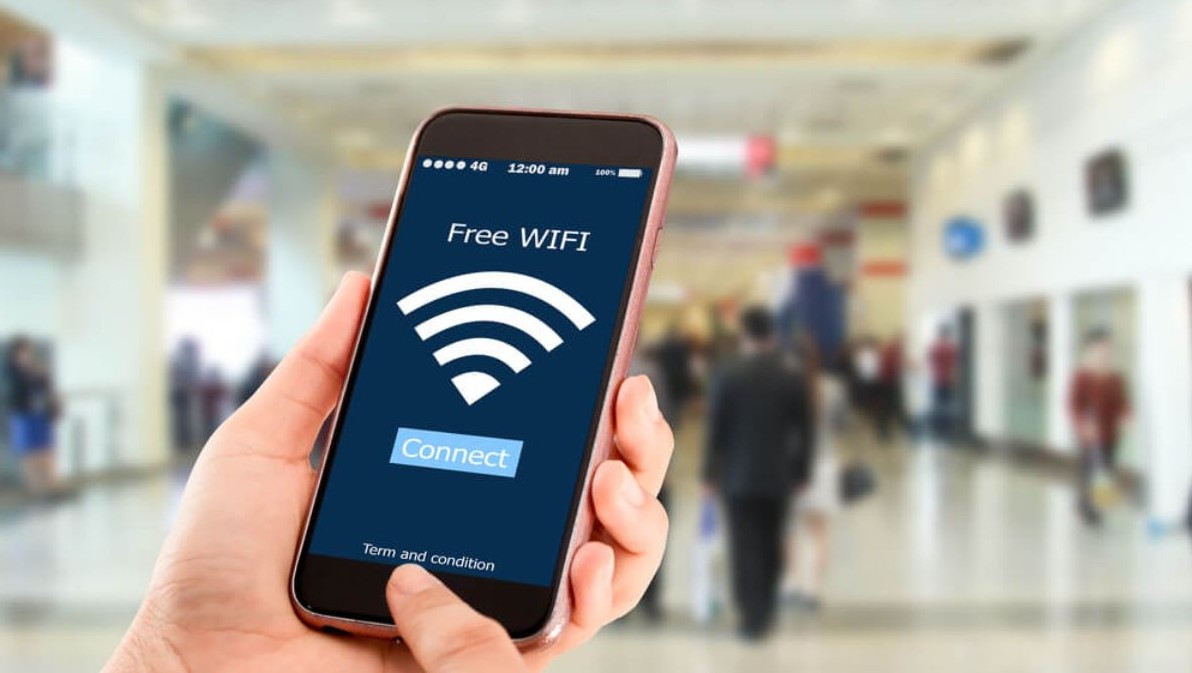
Another common attack technique is called Man-in-the-Middle (MitM). Hackers act as intermediaries between the user and the real server, copying all transmitted data. When you log into your email, social media, or bank account, your information is saved without your knowledge.
There are also cases where hackers don't need to attack data; they can simply install spyware on your device via Wi-Fi. This software will silently record keyboard activity, messages, calls, or even camera access without your permission.
Once data has been compromised, recovery is nearly impossible. And sadly, most victims only discover it when it's too late: social media accounts are hacked, email passwords are changed, or credit cards are debited en masse.
2. When security becomes a "luxury" in the age of open connectivity.
We live in an era where the internet is considered a basic right, yet online security has become a rare privilege. Among the millions of internet users every day, only a few truly understand that every connection carries inherent risks.
For those working in creative fields, design, or digital media, public Wi-Fi connectivity is unavoidable. A design project in progress, an urgent client submission, or a remote work session at a coffee shop—all require internet access. But this dependence makes us all the more susceptible to the trap of convenience.
Today's cyberattack tools no longer require extraordinary skills. Anyone with a little security knowledge can download free software like Wireshark, Aircrack-ng, or Cain & Abel to eavesdrop on, analyze, and extract data from public Wi-Fi networks. All it takes is a few minutes to install.
A study in the US showed that in a crowded coffee shop, just one person using eavesdropping software could collect over 5,000 packets of personal data in less than 30 minutes. This included over 200 social media logins and at least 20 bank accounts. And the horrifying thing is that none of the compromised devices displayed any warnings.
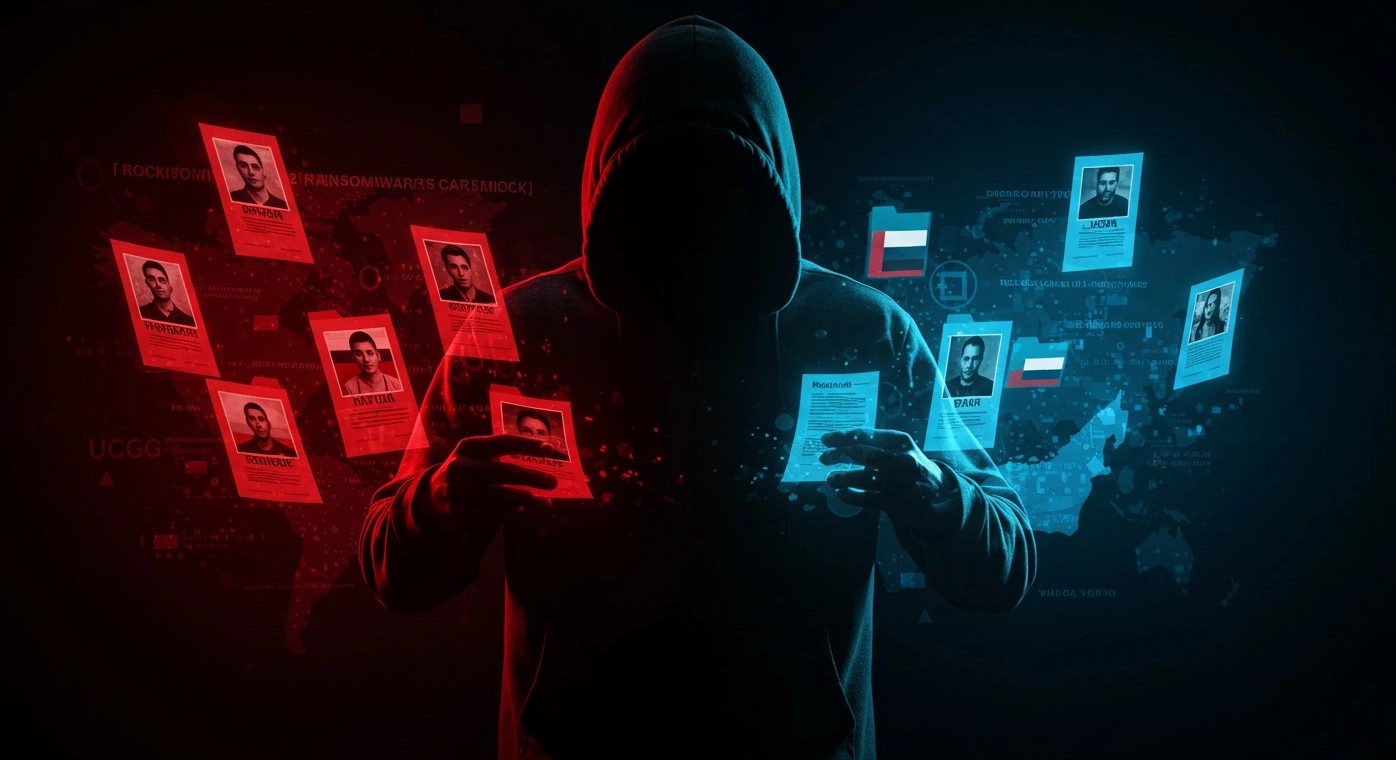
This proves that security is no longer a distant issue but a real, everyday concern. The more careless users are, the more opportunities hackers have. Even if you're not directly connecting to a public Wi-Fi network, leaving it on auto-connect mode is enough for the device to "identify" and send data to previously remembered access points.
3. Safe ways to connect to public Wi-Fi
Of course, no one can completely avoid using public Wi-Fi, especially when traveling or needing to work urgently. But there are measures that can significantly reduce the risks.
The first important step is to verify the network source before connecting. Ask a staff member at a restaurant or hotel reception to ensure you are using the official network. Many users have been attacked simply by connecting to a Wi-Fi network with a similar name.
The second, and arguably most important, step is using a VPN (Virtual Private Network) . This is the solution highly recommended by cybersecurity experts. When a VPN is activated, all your data is encrypted and transmitted through a secure tunnel, making it virtually impossible for hackers to read the content. A VPN also helps to hide your real IP address, reducing the likelihood of being tracked or located.
A quality VPN can also detect dangerous networks, warn you when you're about to connect to an unsafe access point, and even block malicious ads. Despite being a small application, a VPN truly acts as an invisible shield between you and the complex world of the internet.
Additionally, users should disable the automatic Wi-Fi connection feature on their phones or laptops. This prevents the device from automatically reconnecting to old networks.

If you absolutely must log in to your personal account, make sure the website you're visiting uses the secure HTTPS protocol . The small padlock icon in the address bar is not just a symbol; it's proof that data is being encrypted between you and the server.
Additionally, enabling two-factor authentication (2FA) for your bank, social media, or email accounts is also an effective layer of protection. Even if hackers obtain your password, they still cannot access your account without the verification code sent to your phone.
4. Use a VPN
It's undeniable that VPNs are one of the most important tools in the open internet era. However, many people are still hesitant to use them because they think they're complicated or only for tech-savvy people. In reality, a modern VPN application only requires a few taps to activate, and its effectiveness in protecting personal data is undeniable.
VPNs work on the principle of two-way data encryption. When you access the internet through a VPN, all information sent and received is "encapsulated" in a layer of encryption that is virtually impossible to decrypt. Hackers can see that you are connected, but they will never know what you are doing.
Some premium VPN services also offer advanced security features such as malware blocking, DNS leak protection, and emergency network lockout (Kill Switch): automatically disconnecting the internet if the VPN is interrupted, preventing data from being leaked.
For those working in creative fields, design, or marketing, a VPN is also a tool for securely accessing international data repositories, testing advertising in different markets, or securing project files stored in the cloud. In other words, a VPN not only protects you from hackers but also expands your creative space safely.
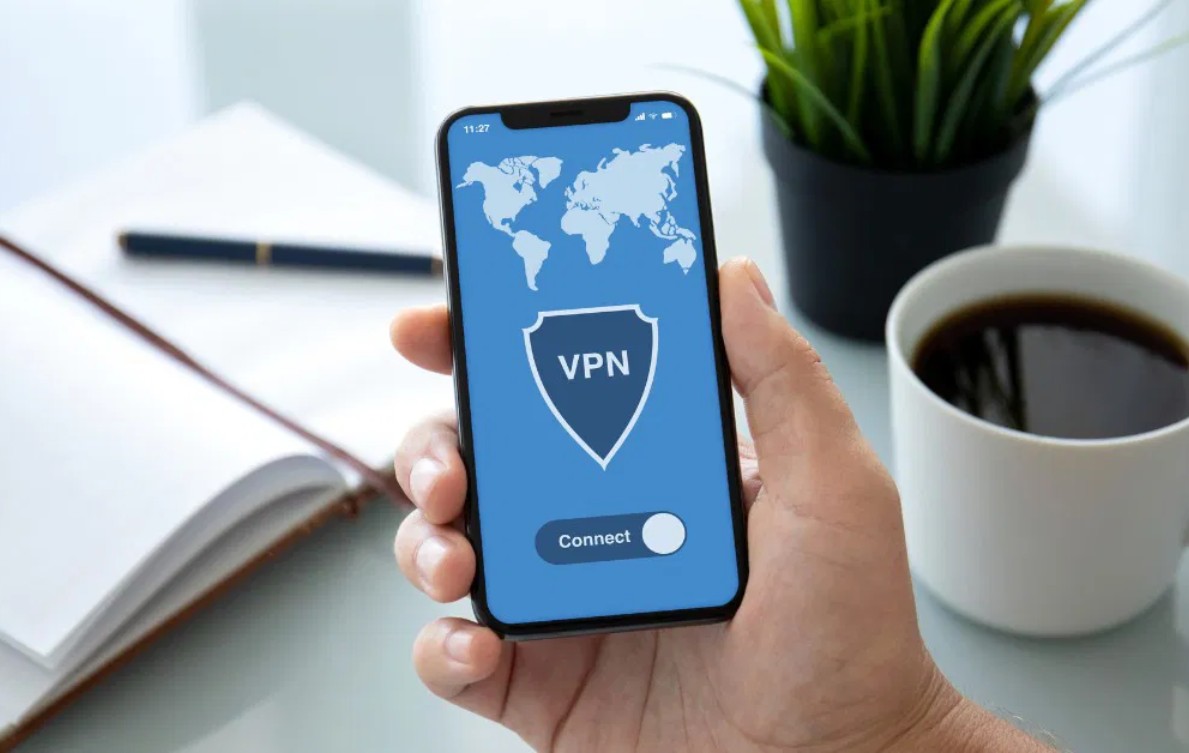
In the connected age, each user possesses a vast amount of personal information: search history, location data, contacts, emails, photos, bank accounts, etc. A lost device can be replaced, but lost data is lost forever.
Therefore, security is not just the job of IT professionals or network providers, but the responsibility of every individual. Being cautious when connecting to public Wi-Fi, controlling app access permissions, and regularly updating software are simple steps that yield significant results.
Public Wi-Fi was created to serve people, offering convenience, flexibility, and connectivity anytime, anywhere. But this very convenience is also a trap that causes many people to lose something more valuable than money: personal data and online security.
No technology is completely secure; it's only the users who know how to protect themselves. In a world where hackers are increasingly sophisticated, where data is gold and information is power, everyone needs to learn how to "survive" in the digital environment not through fear, but through knowledge and security awareness.
So, the next time you're about to connect to a free public Wi-Fi network, pause for a few seconds and ask yourself: How much is this convenience worth at the cost of your own safety?





















VIP Products








Best Selling Products
Autodesk All App Account Copyright
120 USD
Windows 10 & 11 Pro Key
36 USD
Genuine Cheap Canva Pro
39 USD
Copyright Adobe Lightroom Account
59 USD
Upgrade Genuine Office 365
49 USD
Upgrade genuine Capture One account
120 USD
Adobe Premiere Pro Account
99 USD
Genuine Adobe Illustrator account
99 USD
Plugin Retouch4me
69 USD
MidJourney Account
29 USD
ChatGPT Plus Account (GPT-4)
16 USD
Freepik Premium Account
59 USD
Capcut Pro 1 Year
39 USD
Upgrade Duolingo Super
29 USD
Adobe Photoshop Copyright - Full App
120 USD