Best Selling Products

ChatGPT Plus Account (GPT-4)
16 USD

Adobe Premiere Pro Account
99 USD

Copyright Adobe Lightroom Account
59 USD

Plugin Retouch4me
69 USD

Upgrade Duolingo Super
29 USD

Freepik Premium Account
59 USD

Genuine Adobe Illustrator account
99 USD

Windows 10 & 11 Pro Key
36 USD

Capcut Pro 1 Year
39 USD

Genuine Cheap Canva Pro
39 USD

MidJourney Account
29 USD

Upgrade Genuine Office 365
49 USD

Upgrade genuine Capture One account
120 USD

Adobe Photoshop Copyright - Full App
120 USD

Autodesk All App Account Copyright
120 USD
Download the Extremely Impressive Lightroom Natural Presets Collection
Nội dung
- 1. What are lightroom natural presets?
- 2. Who should use lightroom natural presets
- 3. Lightroom natural presets for computers help make landscape photos more professional
- 4. Lightroom natural presets for mobile devices for quick and convenient photo editing
- 5. Extremely impressive results when using lightroom natural presets for photo editing
- 5.1 Lightroom natural presets samples 1 and 2
- 5.2 Lightroom natural presets samples 3 and 4
- 5.3 Lightroom natural presets samples 5 and 6
- 5.4 Lightroom natural presets samples 7 and 8
- 6. Conclusion
You do not need professional photo editing skills to easily own stunning images with harmonious lighting and colors that are incredibly impressive for posting on social media or preserving memories.
1. What are lightroom natural presets?
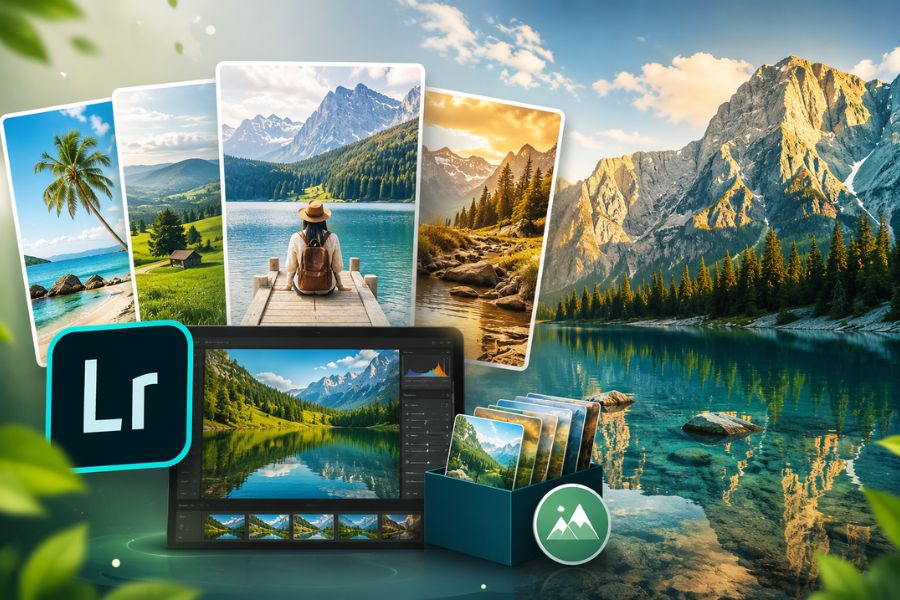
Lightroom natural presets are pre-made color adjustment settings created in Adobe Lightroom to help images look more natural, harmonious, and deeper while preserving their original authenticity. Instead of manually adjusting every parameter such as lighting, contrast, skin tones, or color temperature, users simply apply a preset to instantly transform the photo into the desired style. The biggest highlight of lightroom natural presets is their ability to beautify photos without making colors too harsh or over-edited, allowing the image to remain soft, clear, and visually pleasing. This is also why natural-tone presets are highly favored by young users, photographers, and photo enthusiasts for editing travel, portrait, or daily landscape shots.
Not only do they save editing time, but lightroom natural presets also bring consistency to an entire photo album, making personal profiles look more professional and attractive. Photos with dull lighting or lifeless colors can be significantly enhanced, becoming more vibrant while still maintaining natural elegance. These presets are especially suitable for almost every photography style, from outdoor scenes, cafés, beaches, and sunsets to everyday moments. With just a few simple steps on a phone or computer, you can own influencer-style stunning images without requiring advanced editing skills. Thanks to their convenience and effectiveness, lightroom natural presets have become one of today’s most loved photo editing trends.
2. Who should use lightroom natural presets
Lightroom natural presets are suitable for anyone who loves photography and wants beautiful images with a natural, soft, yet eye-catching style. With fast color editing, easy usability, and no need for advanced expertise, these presets help users save significant post-processing time while still creating photos with harmonious, clear, and professional colors. Whether you use Adobe Lightroom on mobile or desktop, lightroom natural presets optimize your workflow and make photos more captivating in just a few simple steps.
People who love taking aesthetic photos and regularly post on social media, wanting a consistent and attractive feed.
Those who enjoy photographing travel, landscapes, cafés, or lifestyle moments in a natural and soft style.
Beginners learning photo editing who do not yet know how to deeply adjust colors in Lightroom.
Freelancers, content creators, or reviewers who need quick photo editing while maintaining professional quality.
Photographers wanting to save editing time for large photo batches while ensuring harmonious color tones.
Online shop owners who need bright and appealing product images without overly saturated colors.
Anyone who loves Korean-style clear, bright tones while preserving natural skin colors in portraits.
.PNG)
3. Lightroom natural presets for computers help make landscape photos more professional
If you often edit photos with Adobe Lightroom on your computer, then the lightroom natural presets collection will definitely be an extremely useful tool. These presets are specifically designed to improve colors for landscape, travel, beach, or outdoor images with imperfect lighting. With just a few simple steps, photos become clearer, sharper, and more dimensional without spending too much time manually adjusting settings. This is an ideal solution for both beginners and those who want to optimize editing speed while maintaining professional quality.
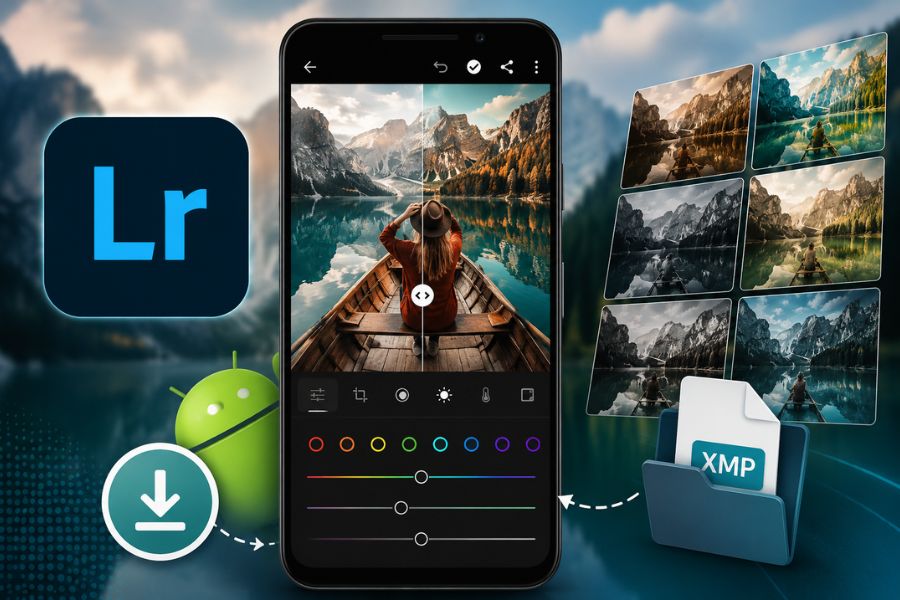
Appvip.ai has compiled many lightroom natural presets for computers with modern tones, easy usability, and compatibility with many different photo styles. For Lightroom 2019 and earlier, presets come in .lrtemplate format, while Lightroom 2020 and later use .xmp files for better compatibility with newer software versions. After downloading, simply extract the file and import the preset into Lightroom to immediately apply it to your landscape photo collection. Nature scenes that once looked dull will be transformed into vivid, harmonious, and highly captivating images perfect for sharing on social media.
Download link: HERE
4. Lightroom natural presets for mobile devices for quick and convenient photo editing
Besides the desktop version, Appvip.ai also provides lightroom natural presets for mobile devices in .dng format, making them extremely convenient. This is the perfect choice for those who love quick editing directly on smartphones while still achieving beautiful and professional color tones. By simply using Lightroom Mobile, you can easily import presets into the app and apply them to photos within minutes. These presets are optimized to preserve natural colors while enhancing skies, greenery, blue seas, or outdoor sunlight without making the image overly saturated.
The biggest advantage of lightroom natural presets on mobile is fast editing while still ensuring high visual quality. Travel photos, café shots, landscapes, or everyday moments become more stunning and consistent without requiring advanced editing skills. After downloading the preset to your device, simply extract the file, import it into Lightroom Mobile, and apply it to your chosen images. This is an easy way for anyone to create beautiful photos with natural, modern, and highly attractive styles to share with friends or post on social media.
Download link: HERE
5. Extremely impressive results when using lightroom natural presets for photo editing
After applying lightroom natural presets in Adobe Lightroom, landscape photos that once looked plain become much more vivid, dimensional, and captivating. Each preset has its own color style, allowing users to choose the perfect tone for various scenes such as beaches, mountains, rivers, lakes, or classic vintage styles. Not only do these presets beautify images, but they also preserve the photo’s natural essence, creating a harmonious and comfortable viewing experience.
5.1 Lightroom natural presets samples 1 and 2
The first two lightroom natural presets are especially suitable for beach, sky, or landscape photos dominated by blue tones. Blue and cyan color combinations make the entire image clearer, brighter, and more relaxing. After editing, the sea and sky become more prominent while still preserving natural realism without looking overly vivid or harsh. This is an excellent choice for beach travel photos, vacations, or outdoor shoots with a soft and modern style.
(1).jpg)
5.2 Lightroom natural presets samples 3 and 4
If you love photographing nature, mountains, forests, or green travel routes, then presets 3 and 4 are extremely ideal choices. With bright green tones as the main highlight, these presets make scenery look majestic, lively, and more attractive. Trees, hills, and grasslands become clearer while still feeling natural. Especially, these lightroom natural presets also help subjects blend harmoniously into surrounding landscapes, creating more impressive and dimensional results.
.jpg)
5.3 Lightroom natural presets samples 5 and 6
Presets 5 and 6 are suitable for scenic travel photos, lakes, rivers, or locations with beautiful natural lighting. Their highlight lies in smooth color transitions from dark to light, making photos stand out while still feeling gentle for long viewing. Colors become more harmonious, clarity is enhanced, and fine details within the frame become more noticeable. This group of lightroom natural presets is loved by many users because of its versatility and suitability for many photo styles.
.jpg)
5.4 Lightroom natural presets samples 7 and 8
The final two presets feature a nostalgic vintage style with soft golden tones. When applied, the image feels warm, peaceful, and highly artistic. Travel photos, cafés, street scenes, or daily-life shots become more captivating thanks to deep warm color effects that are not too dark. This is the perfect choice for those who love soft vintage editing styles and want to create unique highlights for their photo albums.
.jpg)
6. Conclusion
Using lightroom natural presets is a quick way to upgrade image quality without spending too much time on manual editing. With natural, harmonious tones and easy application for many different photography styles, these presets help your photos become more attractive, professional, and distinctive. Whether for landscapes, travel, portraits, or daily-life photos, simply applying the right preset gives you beautiful results ready to share with friends and family. If you love soft yet eye-catching editing styles, do not miss this extremely impressive lightroom natural presets collection to make every moment shine brighter every day.





















VIP Products








Best Selling Products
ChatGPT Plus Account (GPT-4)
16 USD
Adobe Premiere Pro Account
99 USD
Copyright Adobe Lightroom Account
59 USD
Plugin Retouch4me
69 USD
Upgrade Duolingo Super
29 USD
Freepik Premium Account
59 USD
Genuine Adobe Illustrator account
99 USD
Windows 10 & 11 Pro Key
36 USD
Capcut Pro 1 Year
39 USD
Genuine Cheap Canva Pro
39 USD
MidJourney Account
29 USD
Upgrade Genuine Office 365
49 USD
Upgrade genuine Capture One account
120 USD
Adobe Photoshop Copyright - Full App
120 USD
Autodesk All App Account Copyright
120 USD