Best Selling Products

Plugin Retouch4me
69 USD

Windows 10 & 11 Pro Key
36 USD

Genuine Adobe Illustrator account
99 USD

ChatGPT Plus Account (GPT-4)
16 USD

Upgrade Duolingo Super
29 USD

MidJourney Account
29 USD

Autodesk All App Account Copyright
120 USD

Adobe Photoshop Copyright - Full App
120 USD

Capcut Pro 1 Year
39 USD

Freepik Premium Account
59 USD

Copyright Adobe Lightroom Account
59 USD

Adobe Premiere Pro Account
99 USD

Genuine Cheap Canva Pro
39 USD

Upgrade Genuine Office 365
49 USD

Upgrade genuine Capture One account
120 USD
Goodbye “Storage Full”: Google Is Preparing a Lifesaver Solution for Android
Nội dung
- 1. The “Storage Full” Nightmare on Android Phones
- 2. Automatic Backup: Google’s New Solution for Android
- 3. An Alternative to Cloud Storage and Its Outstanding Benefits
- 4. The Competition Between Google and Apple in the Digital Ecosystem
- 5. A Way Out for Older Smartphones and Everyday Users
- 6. How to Optimize Android Storage Before the Feature Launches
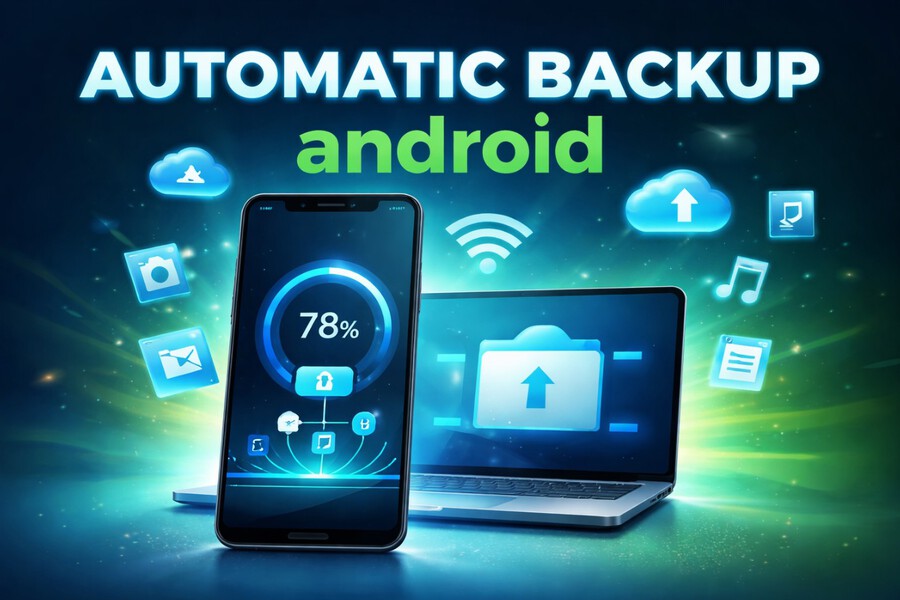
Google is testing an Automatic Backup feature that allows Android users to automatically back up data to a computer in order to free up storage space. This solution promises to put an end to the “Storage Full” problem without relying on paid cloud services.
1. The “Storage Full” Nightmare on Android Phones
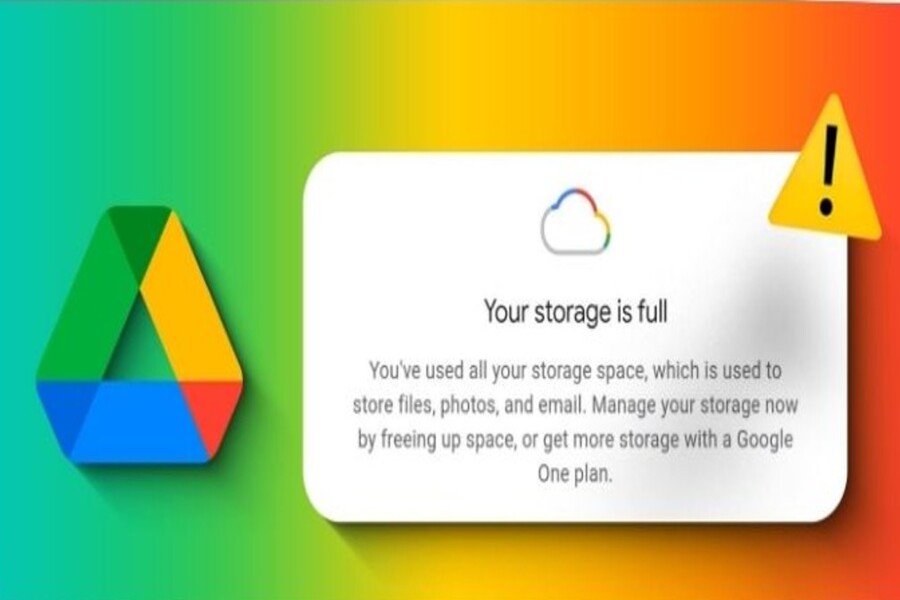
For millions of Android users worldwide, the “Storage Full” notification is not just a warning—it is a persistent source of frustration. When storage capacity reaches its limit, users can no longer install new apps, take photos, record videos, or update software. This directly affects the user experience and device performance.
The main cause of this issue comes from the rapid growth of digital data. In the era of social media and multimedia content, users continuously create and store photos, videos, messages, and documents. Platforms such as TikTok, Facebook, Instagram, and YouTube have made capturing and sharing moments more common than ever. However, this habit also causes phone storage to fill up quickly.
Smartphones with 64GB or 128GB of storage are now becoming increasingly restrictive. Photos taken with high-resolution cameras, 4K videos, and modern applications all consume significant storage space. In addition, temporary files and application caches further reduce available storage.
.jpg)
Storage shortages not only cause inconvenience but also impact device performance. When free space drops to a low level, devices may become slower, freeze more frequently, and consume more power. This is why users are always looking forward to an effective and convenient solution.
2. Automatic Backup: Google’s New Solution for Android
According to findings from Android Authority, Google is testing an Automatic Backup feature to help users free up storage space. This tool is integrated directly into Quick Share, the familiar file-sharing platform within the Android ecosystem.
The Automatic Backup feature allows smartphones to automatically back up large files such as photos, videos, and audio files to personal computers. When the mobile device and computer are connected to the same Wi-Fi network, the backup process takes place seamlessly and securely.
.jpg)
The most notable aspect of this solution is its automation capability. Users only need to set it up once, and the system will automatically copy data according to a schedule. As a result, storage management becomes simpler and more efficient. Once data has been stored on the computer, users can delete the original files from their phones to free up space.
Automatic Backup offers many practical benefits. First, it helps optimize storage space without requiring intermediate devices. In addition, it enables users to protect important data securely, reducing the risk of information loss.
The introduction of Automatic Backup marks an important step forward in Google’s development strategy, aimed at enhancing user experience and strengthening Android’s position in the global market.
3. An Alternative to Cloud Storage and Its Outstanding Benefits
For many years, cloud storage has been the go-to solution for data management. Services such as Google One and iCloud allow users to back up and access data from anywhere. However, limited free storage often forces users to pay recurring fees to expand their storage capacity.
Automatic Backup provides an effective alternative. Instead of depending on online servers, users can store data directly on their personal computers. This not only helps save costs but also enhances data control and security.
A local backup solution is particularly useful for individuals who prefer not to upload personal information to cloud platforms. Storing data on private hard drives reduces risks related to privacy and cybersecurity.
.jpg)
In addition, Automatic Backup delivers benefits in terms of speed and convenience. When optimized, the data transfer process can be completed quickly, helping users save time. This represents an important step toward simplifying data management on mobile devices.
4. The Competition Between Google and Apple in the Digital Ecosystem
The arrival of Automatic Backup demonstrates Google’s effort to narrow the gap with Apple. For years, iPhone users have been able to back up their entire devices to computers through tools such as iTunes or Finder.
Apple’s ecosystem is renowned for its seamless synchronization. Users can restore all data, including applications, settings, and passwords, when switching to a new device. This is a major advantage that helps Apple maintain strong customer loyalty.
Meanwhile, Android has long been praised for its flexibility but criticized for lacking consistency in backup experiences. Google’s development of Automatic Backup is a strategic move aimed at increasing the platform’s competitiveness.
Although the feature currently focuses on backing up multimedia data, experts expect Google to expand its capabilities in the future. Once fully developed, Automatic Backup could provide an experience comparable to Apple’s ecosystem.
.jpg)
5. A Way Out for Older Smartphones and Everyday Users
One of the greatest benefits of Automatic Backup is its ability to support older Android devices. For users with smartphones that have limited storage capacity, storage shortages occur frequently and often force them to upgrade their devices.
With this new feature, users can easily transfer data to a computer to free up space. This helps extend device lifespan and reduces upgrade costs. It is especially valuable in developing markets, where users tend to keep their smartphones for longer periods.
In addition, Automatic Backup simplifies data management for users who are not particularly tech-savvy. The automated process removes complicated steps, delivering a more user-friendly and accessible experience.
Beyond economic benefits, this feature also contributes to environmental sustainability. Extending the lifespan of devices helps reduce electronic waste, aligning with the technology industry's growing focus on sustainable development.
6. How to Optimize Android Storage Before the Feature Launches
First, users should regularly review and delete unnecessary files. Duplicate photos, videos, outdated documents, and downloaded content from social media applications often consume a considerable amount of storage space. Regular cleanup can free up storage and optimize device performance.
In addition, clearing application cache data is a simple yet effective solution. Over time, applications accumulate temporary files that can overload storage. Removing this data helps improve processing speed and overall system performance.
.jpg)
Users can also take advantage of Android’s built-in file management tools, such as Files by Google. These tools can detect duplicate files, low-quality photos, and rarely used applications, helping optimize storage space in a smart and convenient way.
Furthermore, backing up data to cloud platforms such as Google Drive or Google Photos remains a useful way to protect important information. Although free storage is limited, this approach can still help reduce storage pressure before Automatic Backup becomes officially available.
For devices that support it, using a microSD card is a cost-effective and practical solution. Users should also uninstall applications they no longer use, as many apps can occupy several gigabytes of storage and continue running in the background, affecting device performance.
Overall, combining current storage optimization methods with the future Automatic Backup feature will provide a more complete and convenient experience. Once Google officially releases this tool, Android users will gain another powerful solution to permanently address the “Storage Full” problem, allowing them to enjoy technology more efficiently and sustainably.





















VIP Products








Best Selling Products
Plugin Retouch4me
69 USD
Windows 10 & 11 Pro Key
36 USD
Genuine Adobe Illustrator account
99 USD
ChatGPT Plus Account (GPT-4)
16 USD
Upgrade Duolingo Super
29 USD
MidJourney Account
29 USD
Autodesk All App Account Copyright
120 USD
Adobe Photoshop Copyright - Full App
120 USD
Capcut Pro 1 Year
39 USD
Freepik Premium Account
59 USD
Copyright Adobe Lightroom Account
59 USD
Adobe Premiere Pro Account
99 USD
Genuine Cheap Canva Pro
39 USD
Upgrade Genuine Office 365
49 USD
Upgrade genuine Capture One account
120 USD