Best Selling Products

MidJourney Account
29 USD

Genuine Cheap Canva Pro
39 USD

Adobe Photoshop Copyright - Full App
120 USD

Genuine Adobe Illustrator account
99 USD

Windows 10 & 11 Pro Key
36 USD

Copyright Adobe Lightroom Account
59 USD

Upgrade genuine Capture One account
120 USD

Upgrade Genuine Office 365
49 USD

Freepik Premium Account
59 USD

ChatGPT Plus Account (GPT-4)
16 USD

Upgrade Duolingo Super
29 USD

Autodesk All App Account Copyright
120 USD

Plugin Retouch4me
69 USD

Capcut Pro 1 Year
39 USD

Adobe Premiere Pro Account
99 USD
Google Drive Unlimited: A Guide to Buying Storage and Optimizing Your Work
Nội dung
- 1. Google One: A solution for purchasing Google Drive storage for individuals.
- 1.1. What is Google One?
- 1.2. Benefits of purchasing Google Drive storage through Google One
- 1.3. Google One packages and how to choose the right one.
- 2. Google Workspace: A quick and easy solution for businesses/organizations to purchase Drive storage.
- 2.1. What is Google Workspace?
- 2.2. Benefits of purchasing Google Drive storage through Google Workspace
- 2.3. Google Workspace packages and how to choose the right one.
- 3. Important things to note when buying Google Drive storage.
- 4. Where can I buy Google Drive storage reliably and at a reasonable price?
- 4.1. Buy directly from Google
- 4.2. Purchase through reputable authorized partners.
From Google One to Google Workspace, learn how to buy storage and optimize your daily workflow with Drive.
Text files, images, videos, project documents, and design files are increasingly taking up storage space. In this context, having a large, secure, and flexible cloud storage space is essential. Google Drive, part of the Google ecosystem, has become a popular storage solution, allowing users to access data from any device while supporting effective online collaboration.
However, free Google accounts only offer 15GB of storage, which quickly becomes limited when users store many multimedia files or important documents. The need for larger, more stable storage space has led to the emergence of upgrade solutions, most notably Google One for individuals and Google Workspace for businesses . These solutions not only expand storage capacity but also provide features that optimize workflow, professional data management, and information security.
In this article, we will delve into analyzing each solution, evaluating its benefits, guiding you in choosing the right package, highlighting important considerations when purchasing Google Drive storage, and pointing out reputable places to buy it, ensuring safety and optimizing costs.
1. Google One: A solution for purchasing Google Drive storage for individuals.
1.1. What is Google One?
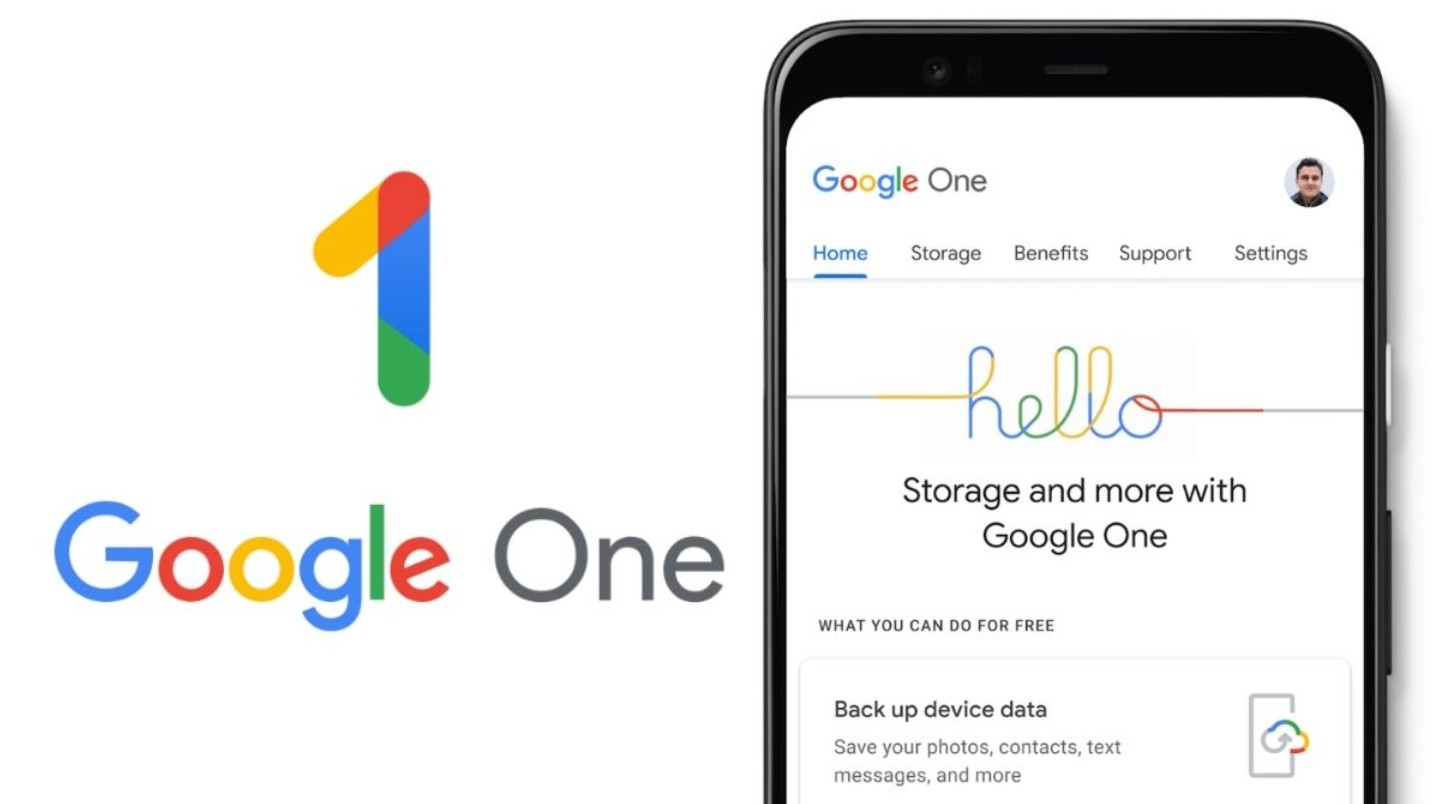
Google One is Google's official service for individual users, allowing them to expand storage capacity across Google Drive, Google Photos, and Gmail. It's not simply about buying more storage; it's a comprehensive service package that integrates data management, technical support, and the ability to share storage with family or small groups.
One of the highlights of Google One is its direct integration with Google accounts, allowing for seamless storage upgrades across all Google services. This means that when upgrading storage, users don't need to perform many complicated steps; all services like Gmail, Drive, and Photos benefit. Google One also provides intuitive data management tools, allowing users to track usage by file type, clean up unnecessary files, and optimize storage space.

In addition, Google One offers direct support from Google, helping users resolve issues related to accounts, data synchronization, or advanced settings. Therefore, Google One is not just a storage solution but also a professional personal data management tool.
1.2. Benefits of purchasing Google Drive storage through Google One
Purchasing Google Drive storage through Google One offers several practical benefits for individual users. First, the upgrade removes the 15GB free limit, providing 100GB to 2TB or more, allowing you to store emails, photos, videos, documents, and other important files without worrying about running out of space.
Another benefit is the family sharing feature, which allows up to five members to share the purchased storage. This helps entire families or groups of friends utilize storage space efficiently without having to purchase multiple individual packages. This feature is especially useful for families with multiple devices, study groups, or users with multiple Google accounts.
Google One also provides direct technical support from Google. Users can contact a team of professionals to resolve data-related issues, set up accounts, or manage storage, ensuring everything runs smoothly and efficiently.
Additionally, Google One offers advanced storage management and data security tools, including file type usage tracking, unnecessary data cleanup, and security alerts for detected unusual activity. All of these features help users manage their personal data intelligently and securely, optimizing their cloud storage experience.
1.3. Google One packages and how to choose the right one.
Google One offers various storage plans, ranging from 100GB to 2TB, to meet individual needs. The 100GB plan is a basic option for those who only need to store emails, documents, and a few images. The 200GB plan is suitable for users who store many images, short videos, or diverse work documents.
For professional users, content creators, photographers, or those who frequently work with high-quality video, a 2TB or higher plan will meet their large storage needs while also integrating advanced sharing and management features. When choosing a suitable plan, users should consider their current storage capacity, monthly data growth rate, and future backup needs.
One advantage of Google One is its flexibility in upgrading and downgrading plans. Users can start with a smaller plan and upgrade when they need more storage, which helps optimize costs and avoid waste.
2. Google Workspace: A quick and easy solution for businesses/organizations to purchase Drive storage.
2.1. What is Google Workspace?
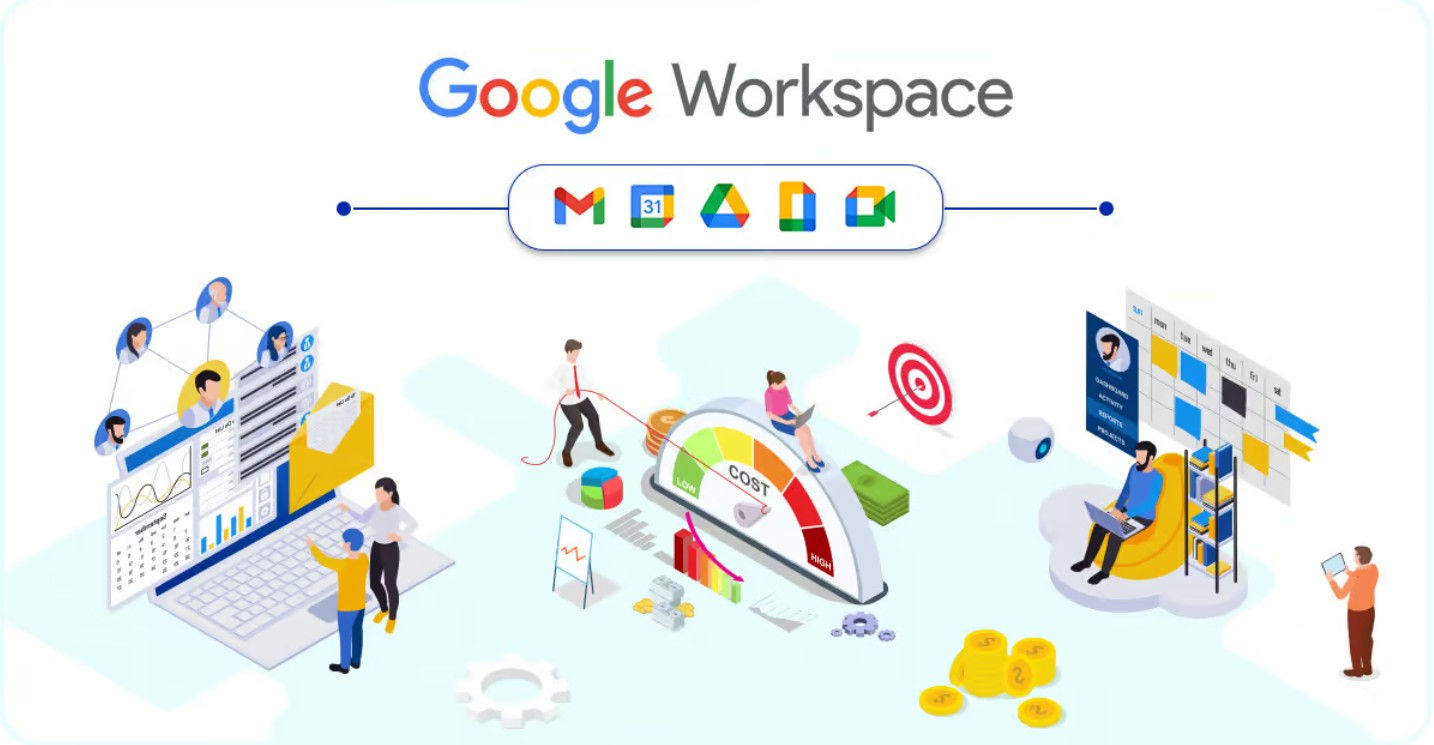
Google Workspace is a comprehensive cloud platform for businesses and organizations, integrating Gmail Enterprise, Google Drive, Docs, Sheets, Slides, Meet, and many other collaboration tools. It's a professional data storage and management solution, offering not only large storage capacity but also user management, data security, and real-time collaboration capabilities.
With Google Workspace, businesses not only purchase additional Drive storage but also benefit from advanced administrative features, including access control, activity tracking, data reporting, and device management. This is crucial for organizations requiring strict security and compliance with international standards.
2.2. Benefits of purchasing Google Drive storage through Google Workspace
Purchasing Google Drive storage through Google Workspace offers significant advantages over Google One. First, businesses receive substantial storage capacity, ranging from 30GB per account to several TB for advanced plans, ensuring ample space for company data, projects, and multimedia documents.
Google Workspace also provides user management and access control, helping to tightly control data. Administrators can assign permissions to departments, projects, or individuals, ensuring that critical data is only accessed by authorized personnel.
Another key benefit is real-time collaboration across Google Docs, Sheets, and Slides, combined with Drive, which helps teams work more efficiently. Members can edit simultaneously, track versions, and manage shared data, minimizing the risk of data loss or editing errors.
Google Workspace also integrates advanced security and international standard compliance, including device management, two-factor authentication, access control, and security reporting. This helps businesses store critical data while meeting legal requirements and industry standards.
2.3. Google Workspace packages and how to choose the right one.
Google Workspace offers various plans, from Business Starter, Business Standard, and Business Plus to Enterprise plans, with different Drive storage capacities. The Starter plan provides 30GB per user, suitable for small businesses or startup teams. The Standard and Plus plans offer 2TB to 5TB per user, meeting the storage and collaboration needs of medium to large businesses.
When choosing a plan, businesses need to consider the number of users, expected storage capacity, collaboration needs, and security level. Additionally, anticipating future data growth is crucial to avoid sudden upgrades and disruptions to business operations. Google Workspace allows for flexible plan expansion or customization to meet the specific needs of the business.

3. Important things to note when buying Google Drive storage.
Before purchasing Google Drive storage, users need to consider several key factors to optimize efficiency and cost. First, determine your intended use: personal storage, team collaboration, or backing up important data. This will help you choose the right plan and avoid waste.
Secondly, security and privacy should be considered, especially with sensitive or important data. Prioritize packages with advanced security features, access control, and user activity tracking.
Third, consider the possibility of upgrading or downgrading your plan. Both Google One and Google Workspace allow for flexible storage adjustments, helping to optimize costs and meet growing data needs.
Finally, it's essential to compare prices, offers, and support services from official sources and reputable partners to ensure you purchase storage safely and receive technical support when needed.
4. Where can I buy Google Drive storage reliably and at a reasonable price?
4.1. Buy directly from Google
The safest and most common way is to purchase directly from Google One or Google Workspace through your Google account. This ensures security, transparent pricing, and full benefits from Google. When purchasing directly, users receive upgrade notifications right on Drive, support international card payments or e-wallets, and can upgrade or cancel at any time.
4.2. Purchase through reputable authorized partners.
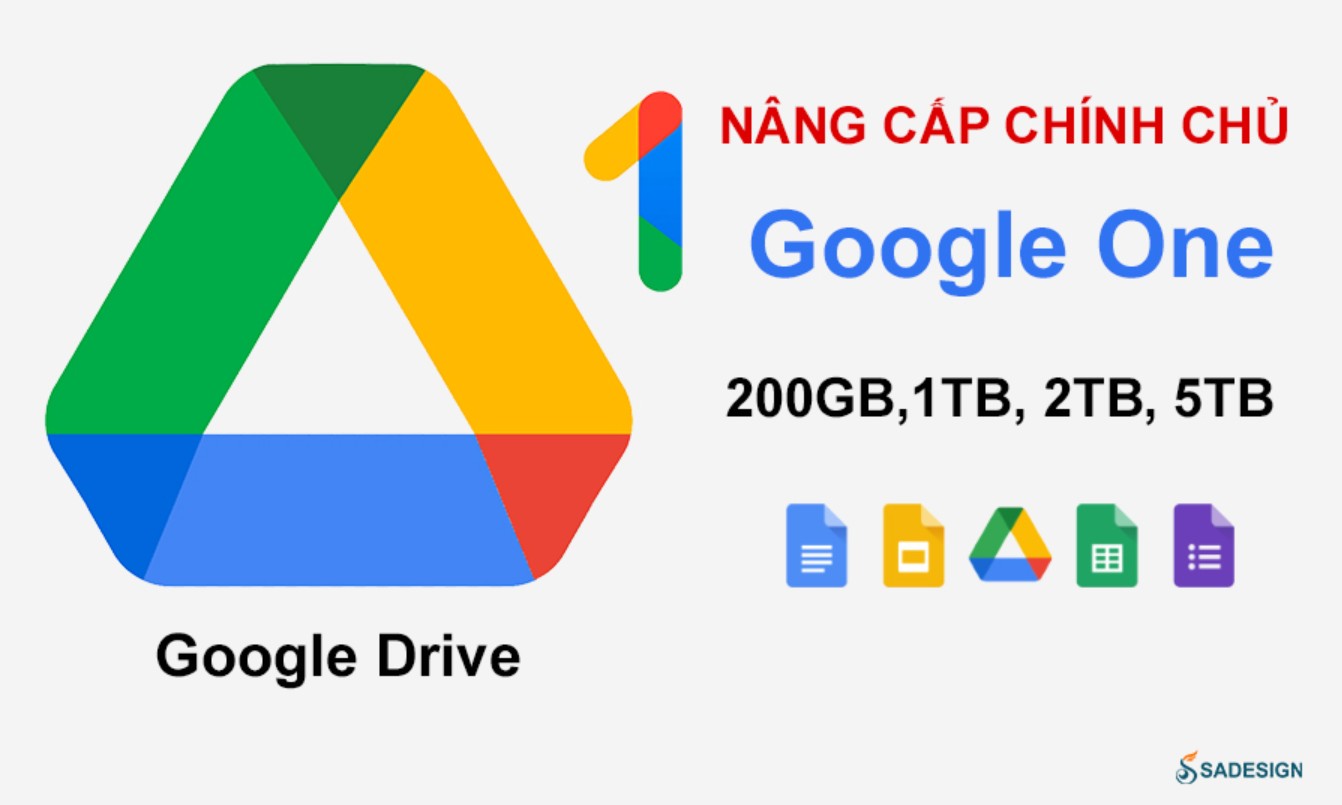
Purchasing through SaDesign offers many benefits that users shouldn't overlook. First and foremost, SaDesign is committed to credibility and quality . All Google One and Google Workspace packages offered are genuine, completely legal, ensuring maximum benefits for customers and avoiding the risk of buying counterfeit, unverified, or unofficial packages.
In addition, comprehensive technical support and warranty are a strong point of SaDesign. When purchasing storage, customers will receive detailed instructions on activating, setting up, and managing their storage package, and will also receive prompt support if they encounter problems or need customization or upgrades.
In terms of pricing , SaDesign always ensures that it offers Google Drive packages at reasonable and competitive prices, along with promotions and advice on choosing the right package to suit each customer's actual needs. Users not only get genuine Google Drive storage but also receive an optimal cost-effective solution and a comprehensive service experience .
Choosing SaDesign means you have complete peace of mind regarding quality, warranty, and long-term support , making Google Drive upgrades simple, fast, and efficient. This is the ideal solution for those who want to maximize the benefits of storage capacity without technical obstacles or concerns about the provider's reliability.
Purchasing Google Drive storage not only expands your storage space but is also a crucial step in optimizing workflows, improving data management efficiency, and enhancing online collaboration. For individuals, Google One offers a flexible, easy-to-use solution with seamless integration and features for sharing, managing, and securing data. For businesses, Google Workspace provides ample storage, user management, access control, enhanced security, and real-time collaboration tools. Before purchasing storage, consider your intended use, required storage capacity, security needs, and choose the right plan .





















VIP Products








Best Selling Products
MidJourney Account
29 USD
Genuine Cheap Canva Pro
39 USD
Adobe Photoshop Copyright - Full App
120 USD
Genuine Adobe Illustrator account
99 USD
Windows 10 & 11 Pro Key
36 USD
Copyright Adobe Lightroom Account
59 USD
Upgrade genuine Capture One account
120 USD
Upgrade Genuine Office 365
49 USD
Freepik Premium Account
59 USD
ChatGPT Plus Account (GPT-4)
16 USD
Upgrade Duolingo Super
29 USD
Autodesk All App Account Copyright
120 USD
Plugin Retouch4me
69 USD
Capcut Pro 1 Year
39 USD
Adobe Premiere Pro Account
99 USD