Best Selling Products

Adobe Premiere Pro Account
99 USD

Upgrade Genuine Office 365
49 USD

Genuine Adobe Illustrator account
99 USD

Autodesk All App Account Copyright
120 USD

MidJourney Account
29 USD

Plugin Retouch4me
69 USD

ChatGPT Plus Account (GPT-4)
16 USD

Adobe Photoshop Copyright - Full App
120 USD

Freepik Premium Account
59 USD

Windows 10 & 11 Pro Key
36 USD

Upgrade Duolingo Super
29 USD

Upgrade genuine Capture One account
120 USD

Genuine Cheap Canva Pro
39 USD

Capcut Pro 1 Year
39 USD

Copyright Adobe Lightroom Account
59 USD
Increasing Google Drive storage: Is Google One or Google Workspace a better choice?
Nội dung
- 1. Why is upgrading your Google Drive account important?
- 1.1. Expand storage capacity
- 1.2. Effective data management
- 1.3. Providing good support for the evolving needs of businesses.
- 1.4. Enhanced Security
- 1.5. Professional technical support
- 2. Solutions for quickly upgrading your Google Drive account
- 2.1. Upgrade via Google One (for individuals)
- 2.2. Upgrade your Google Workspace service plan (for businesses)
- 2.3. Useful tips for effectively managing Google Drive storage.
- 2.4. Upgrading your Google Drive account at SaDesign
Learn about the differences between Google One and Google Workspace to decide which upgrade plan best suits your personal or business needs.
Google Drive has become a popular platform for storing and sharing data thanks to its seamless integration with Google services like Gmail, Google Docs, Sheets, and Slides. However, as the need for data storage and management increases, the free version of Google Drive with its limited 15GB of storage becomes insufficient. Upgrading your account becomes essential to ensure your work and data continue to run smoothly.
This raises a crucial question: when upgrading, should users choose Google One or Google Workspace ? Each solution offers different benefits, serving either personal or business purposes. This article provides a detailed analysis, helping you understand the advantages and disadvantages of each option and how to maximize Google Drive features for effective data management.
1. Why is upgrading your Google Drive account important?
Upgrading your Google Drive account not only increases storage capacity, but also offers significant advantages in data management, security, and team collaboration, which are especially important for businesses and professional users.
1.1. Expand storage capacity
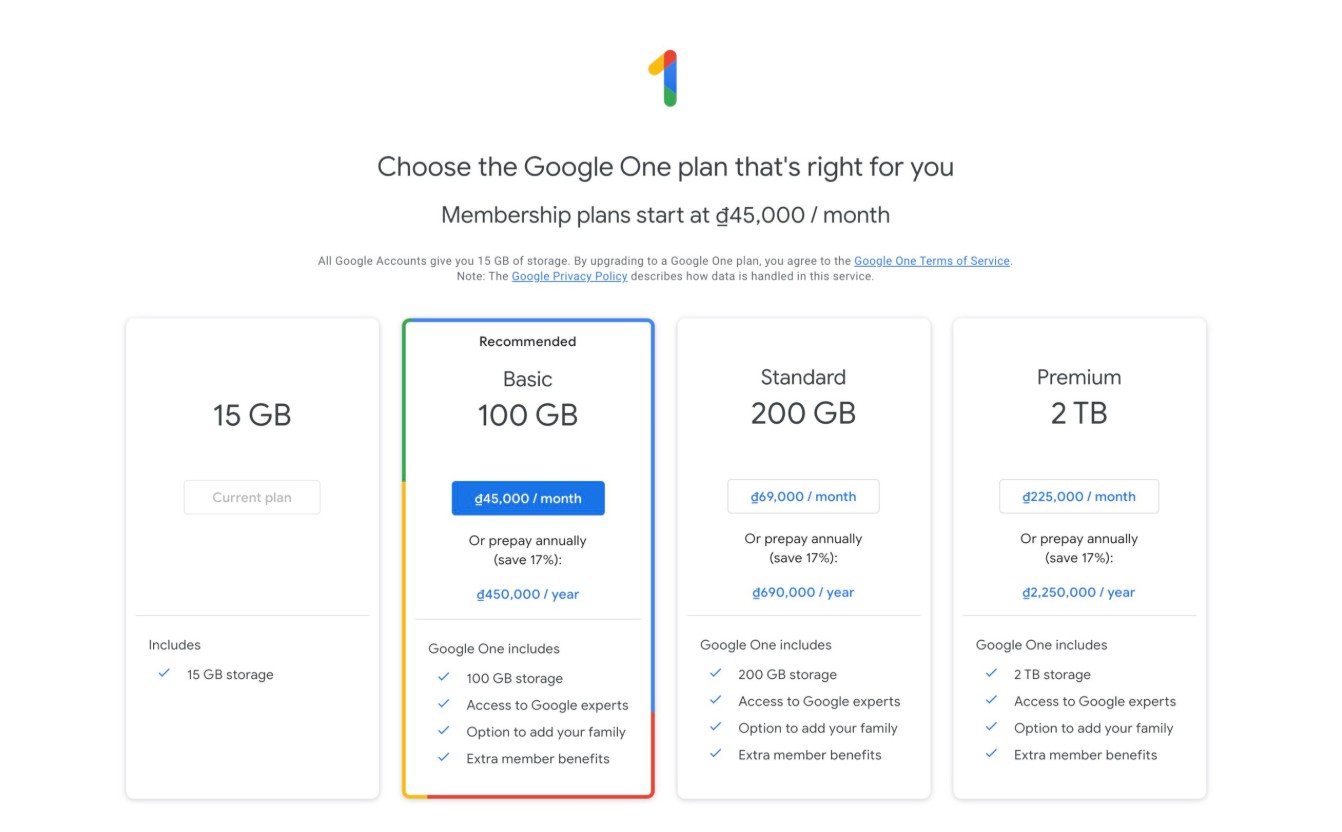
Storage capacity is a major reason many people consider upgrading their account. The free version only offers 15GB, shared between Gmail, Google Drive, and Google Photos. As users store emails, documents, images, and videos, this space quickly fills up.
Google One and Google Workspace offer a range of storage options from 100GB to 2TB, and even unlimited storage in premium business plans. With expanded storage capabilities, users no longer need to delete old data and can easily manage large projects, photo collections, videos, or important documents without worrying about running out of space.
Upgrading storage capacity also helps with long-term data storage, from email backups and work projects to important personal data such as commemorative photos, study materials, or electronic contracts. Expanding storage directly impacts the ability to maintain work operations and ensure data is always available when needed.
1.2. Effective data management
Another benefit of upgrading your account is more efficient data management. Google Drive Advanced offers tools to categorize files, organize them by folder, add labels, and tag them with keywords, helping users quickly find the documents they need.
For businesses, Google Workspace includes advanced file management features, allowing for access control, editing history tracking, and centralized user management. This helps ensure data is organized efficiently, reducing the risk of errors or data loss. Users can assign access permissions by group, department, or project, thereby ensuring security and flexibility in document sharing.
Effective data management also includes the ability to synchronize data across multiple devices, allowing users to access documents anytime, anywhere without worrying about missing data. In addition, Google Drive's intelligent storage and search features save time and improve work efficiency.
1.3. Providing good support for the evolving needs of businesses.
For businesses, the need for internal data storage and sharing is often much greater than for individuals. Google Workspace packages are designed to meet these needs. Businesses can store customer data, internal databases, and large project documents on Drive, and share them internally securely and efficiently.
The Workspace package also provides advanced tools to support team collaboration, such as an expanded version of Google Meet for online meetings, a shared calendar for team members, and the ability to edit documents in real time. This allows project teams to work together more closely, reduce email communication time, and increase productivity.
User and domain management is a key differentiator. Businesses can create email addresses with their own domain, such as your_name@your_company_name.com, and control access, security, and the activities of all employees through a centralized dashboard. This helps maintain security, consistency, and professionalism in internal operations.
1.4. Enhanced Security
Security is always a top priority in cloud data storage, especially for businesses or individuals storing sensitive data. Upgrading your Google Drive account provides enhanced security features, including two-factor authentication, detailed access permissions, login activity checks, data sharing monitoring, and security alerts.
Google Workspace also provides in-depth security policies for administrators, allowing them to set up group access permissions, restrict data sharing outside the organization, and control access to critical documents. This ensures businesses can be confident that internal and customer data is always protected.
1.5. Professional technical support
Another key benefit of upgrading your account is professional technical support. Google One users receive direct support from Google, helping to resolve issues related to storage, access permissions, data synchronization, or software problems.
Google Workspace provides advanced support services for businesses, including deployment guidance, user management, security, and data backup solutions. Professional technical support helps businesses run smoothly, minimizes downtime, and ensures system stability.
2. Solutions for quickly upgrading your Google Drive account
After realizing the benefits of the upgrade, users need to choose a solution that suits their personal or business needs.
2.1. Upgrade via Google One (for individuals)
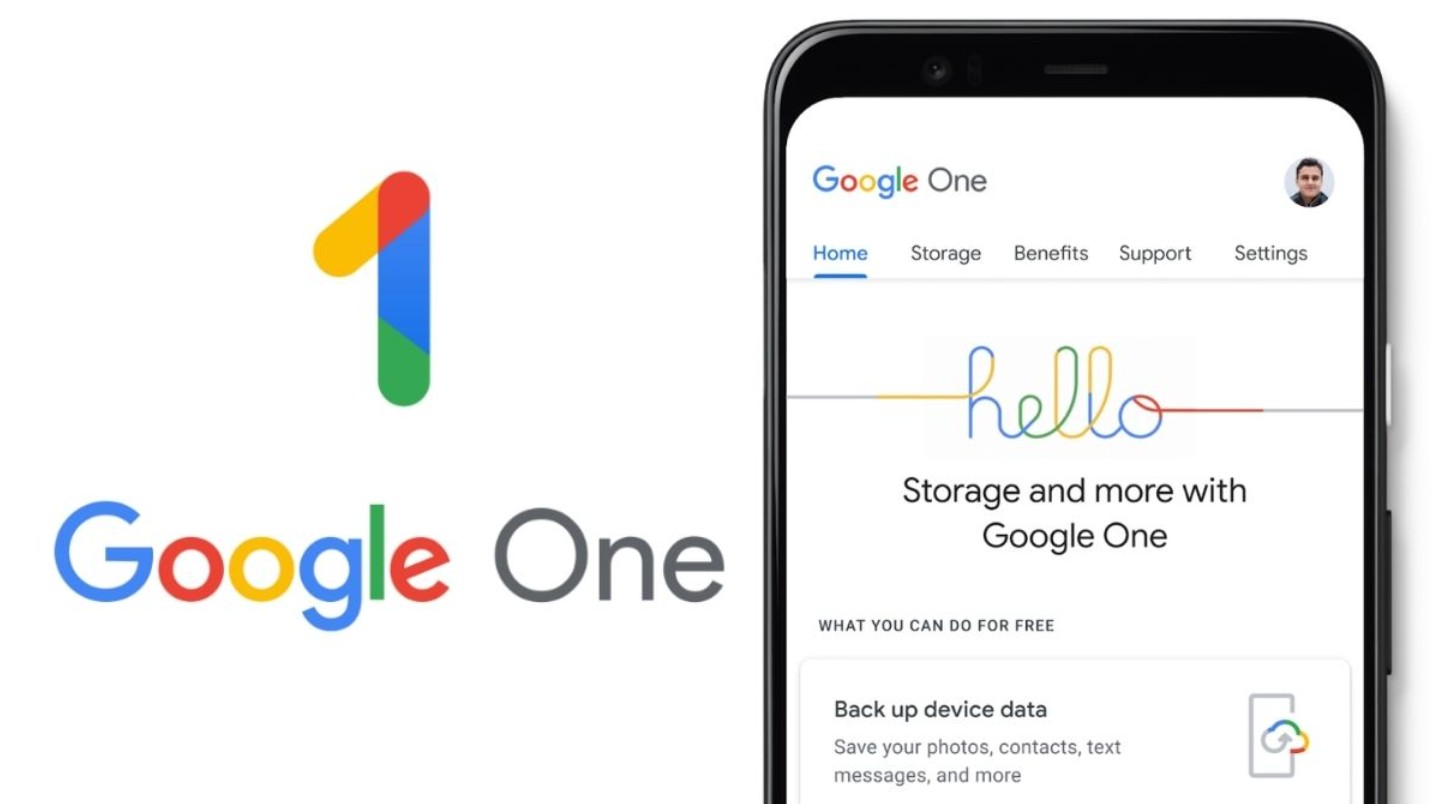
Google One is a Drive storage upgrade service for individual users. Google One packages offer a variety of options from 100GB, 200GB to 2TB, meeting the growing demand for data storage. Upgrading to Google One also allows sharing storage with up to 5 family members, saving costs and enabling centralized data management.
In addition to expanding storage capacity, Google One offers phone backups, photo and video storage, and other member benefits within the Google ecosystem. Upgrading is simple: log in to your Google account, choose a suitable plan, and pay online. Activation is almost instantaneous, allowing you to expand your storage immediately without complicated procedures.
2.2. Upgrade your Google Workspace service plan (for businesses)
For businesses, Google Workspace is a comprehensive option. Workspace packages not only offer ample Drive storage but also include business email with a custom domain, real-time collaboration tools like Google Docs, Sheets, and Slides, enhanced Google Meet, and a centralized management dashboard.
Google Workspace is suitable for a wide range of businesses, from small to large. Basic plans allow for quick deployment for small businesses, while premium enterprise plans offer unlimited storage, advanced security features, and in-depth technical support. This enables organizations to manage users, control access, and protect critical data without worrying about work disruptions.
2.3. Useful tips for effectively managing Google Drive storage.
In addition to upgrading, smart Drive storage management is crucial for optimizing the experience. Users should organize folders by project, label them with keywords, delete or move unnecessary files, and use compression or automatic backup features to save space.
For businesses, granting access permissions by department and project, and monitoring editing activities, helps keep data under control. Planning for regular storage upgrades, combined with using Google One for individuals and Google Workspace for teams or organizations, ensures data availability and optimizes costs.
Other tips include taking advantage of Google Drive's smart search and filtering tools, deleting duplicate data, and storing important files on Drive instead of a physical hard drive to ensure accessibility anytime, anywhere.
2.4. Upgrading your Google Drive account at SaDesign
By choosing to purchase through SaDesign , you are placing your trust in an officially authorized partner committed to providing transparent, reliable, and high-quality services.
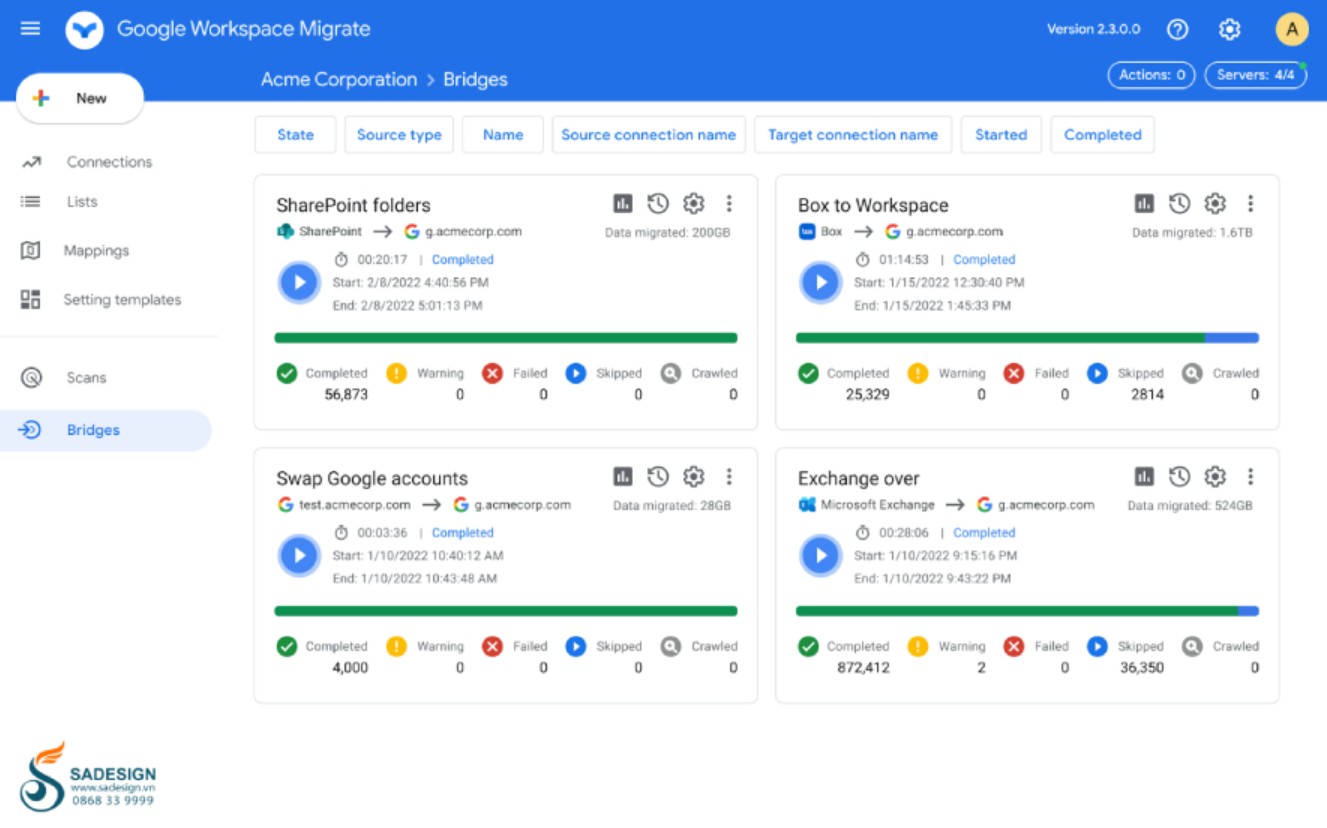
Reputation and quality assurance are the foundations SaDesign has built over many years of operation. All Google Drive products and service packages are verified for origin, ensuring copyright and legality, helping buyers avoid risks related to unofficial accounts or fraudulent activities. The SaDesign team is always ready to provide detailed advice on Google One or Google Workspace packages, analyzing customer needs to offer the most suitable solutions.
SaDesign not only provides products but also offers professional support and warranty policies . Any issues arising during upgrades or usage are quickly resolved by our technical support team, from account activation to troubleshooting. This policy ensures complete peace of mind for customers, guaranteeing a seamless and efficient experience.
Furthermore, reasonable and transparent pricing is a priority at SaDesign. Storage packages are offered at competitive prices, with no hidden costs, suitable for both individuals and businesses. SaDesign also supports flexible upgrade options, helping customers save money while still having all the necessary storage and features.
Choosing SaDesign means you're choosing a reputable partner that provides genuine Google Drive services, dedicated support, and reasonable prices, making the storage upgrade process easy, safe, and optimized for your work.
Upgrading your Google Drive account is a crucial decision for optimizing storage, managing data, and improving work efficiency. Google One is a suitable choice for individuals with flexible storage, family sharing, and direct technical support. Google Workspace is a comprehensive solution for businesses, offering large storage capacity, advanced collaboration tools, centralized user management, and high-level data security.





















VIP Products








Best Selling Products
Adobe Premiere Pro Account
99 USD
Upgrade Genuine Office 365
49 USD
Genuine Adobe Illustrator account
99 USD
Autodesk All App Account Copyright
120 USD
MidJourney Account
29 USD
Plugin Retouch4me
69 USD
ChatGPT Plus Account (GPT-4)
16 USD
Adobe Photoshop Copyright - Full App
120 USD
Freepik Premium Account
59 USD
Windows 10 & 11 Pro Key
36 USD
Upgrade Duolingo Super
29 USD
Upgrade genuine Capture One account
120 USD
Genuine Cheap Canva Pro
39 USD
Capcut Pro 1 Year
39 USD
Copyright Adobe Lightroom Account
59 USD