Best Selling Products

Genuine Cheap Canva Pro
39 USD

MidJourney Account
29 USD

Upgrade genuine Capture One account
120 USD

Freepik Premium Account
59 USD

Copyright Adobe Lightroom Account
59 USD

Windows 10 & 11 Pro Key
36 USD

Genuine Adobe Illustrator account
99 USD

Adobe Premiere Pro Account
99 USD

Upgrade Duolingo Super
29 USD

Autodesk All App Account Copyright
120 USD

Upgrade Genuine Office 365
49 USD

ChatGPT Plus Account (GPT-4)
16 USD

Adobe Photoshop Copyright - Full App
120 USD

Plugin Retouch4me
69 USD

Capcut Pro 1 Year
39 USD
Speed up your workflow with 5 powerful AI features on Google Workspace.
Nội dung
When artificial intelligence is integrated directly into Gmail, Docs, Sheets, and Meet, productivity is taken to a whole new level. Discover 5 AI features that help you save time and handle tasks smarter.
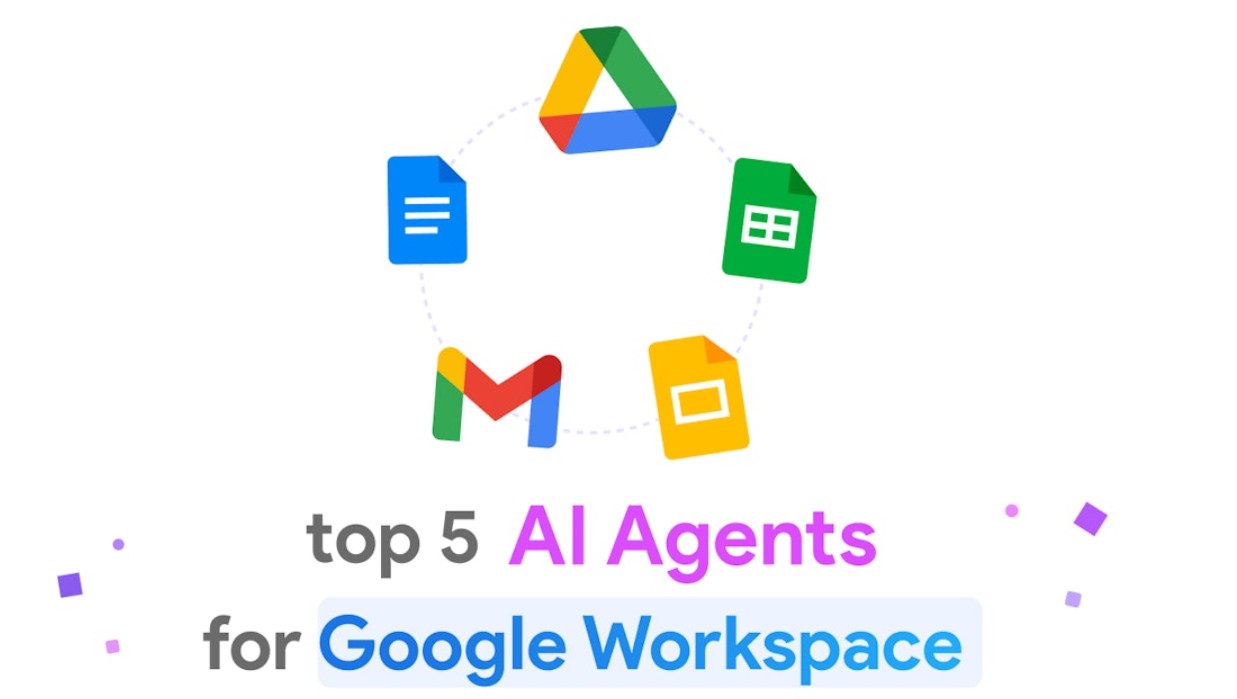
Google Workspace, the world's leading online office suite, has continuously evolved to meet these needs. With the introduction of Duet AI (now integrated into the Gemini for Workspace system), Google has redefined how people work, making complex tasks simpler and faster than ever before. In this article, we will explore five of the most outstanding AI features that make Google Workspace a comprehensive intelligent assistant, supporting businesses and individuals in achieving superior productivity in the digital age.
1. How does AI in Google Workspace increase productivity?
AI in Google Workspace is not just an “extra feature,” but the heart of the intelligent work experience. Google's goal is not to replace humans, but to amplify their creative abilities and productivity.
Previously, users had to spend hours writing emails, processing data, or designing slides. Now, thanks to AI, these tasks are automated to a higher degree, saving time and minimizing errors. Google calls this “collaborative AI”: collaborative artificial intelligence, where humans and AI work together naturally and seamlessly.
For example, when you type content in Gmail, AI can predict the next sentence, suggest ways to write more professionally, or even automatically compose a complete email based on just a few short lines of description. In Sheets, AI can analyze thousands of lines of data and create illustrative charts in seconds.
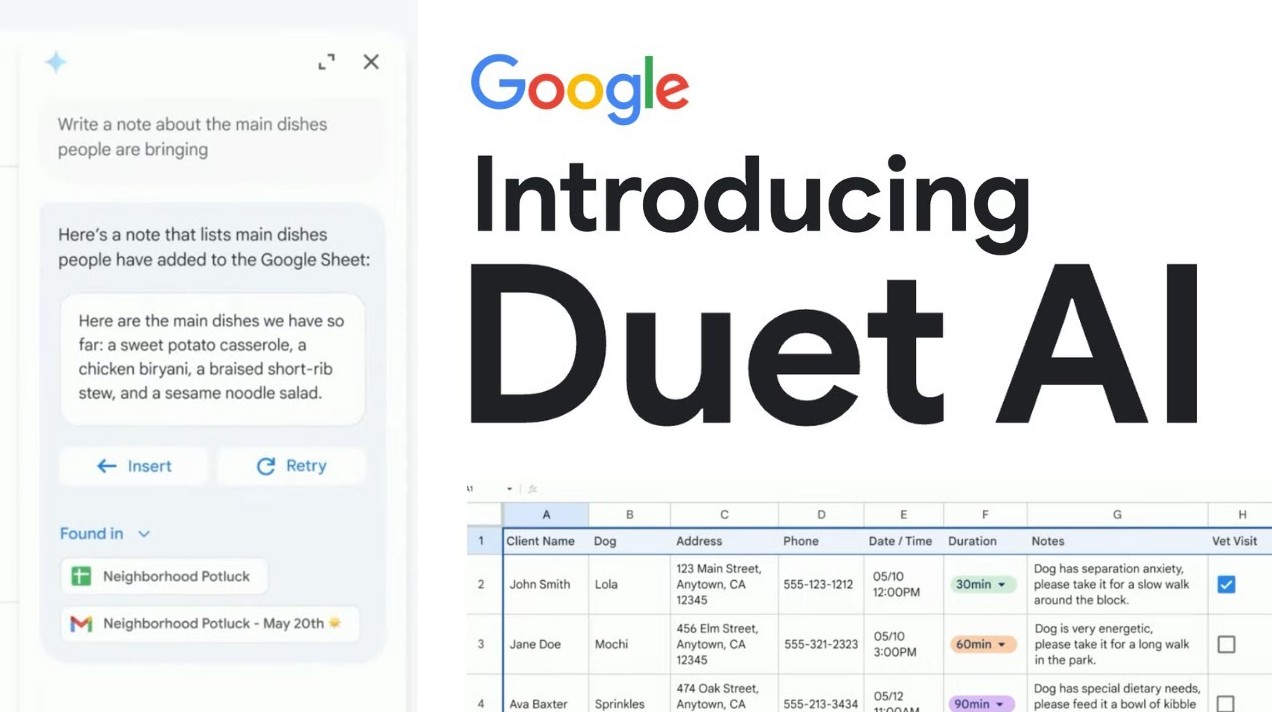
Thanks to its direct integration into familiar tools like Gmail, Docs, Sheets, Slides, and Meet, AI not only speeds up work but also frees people from repetitive tasks, allowing them to focus more on strategic thinking and creativity.
2. Gmail & Docs: Write and process content faster
If you used to spend dozens of minutes writing an important email or editing a document, AI in Gmail and Docs has made writing easier and more natural than ever before.
Google's Help Me Write technology, first introduced at I/O 2023, has been groundbreaking. This feature allows users to simply describe their request in a short sentence, for example: "Write a thank-you email to a client after completing a website design project."
In just a few seconds, the AI will automatically generate a complete draft with a professional tone, adjustable to suit each situation.
In Docs, AI not only helps with content writing but also edits grammar, improves style, shortens sentences, and optimizes wording. Writers can request: "Summarize this text into three short paragraphs" or "Rewrite the content with a more professional tone."
Furthermore, AI in Docs can automatically generate outlines, suggest suitable headings, and even draft entire reports based on user-provided data.
The power of Gmail and Docs with AI lies not only in saving time but also in its ability to help users communicate more clearly, consistently, and professionally—something any individual or business needs in the digital age.
3. Sheets: Intelligent Data Analysis
In the modern business world, data is the driving force behind every decision. However, not everyone possesses the skills to analyze complex data. This is where AI in Google Sheets demonstrates its value.
With the "Help Me Organize" feature, users simply need to describe the task in natural language, for example: "Create a project management board including task names, responsible persons, progress, and deadlines."
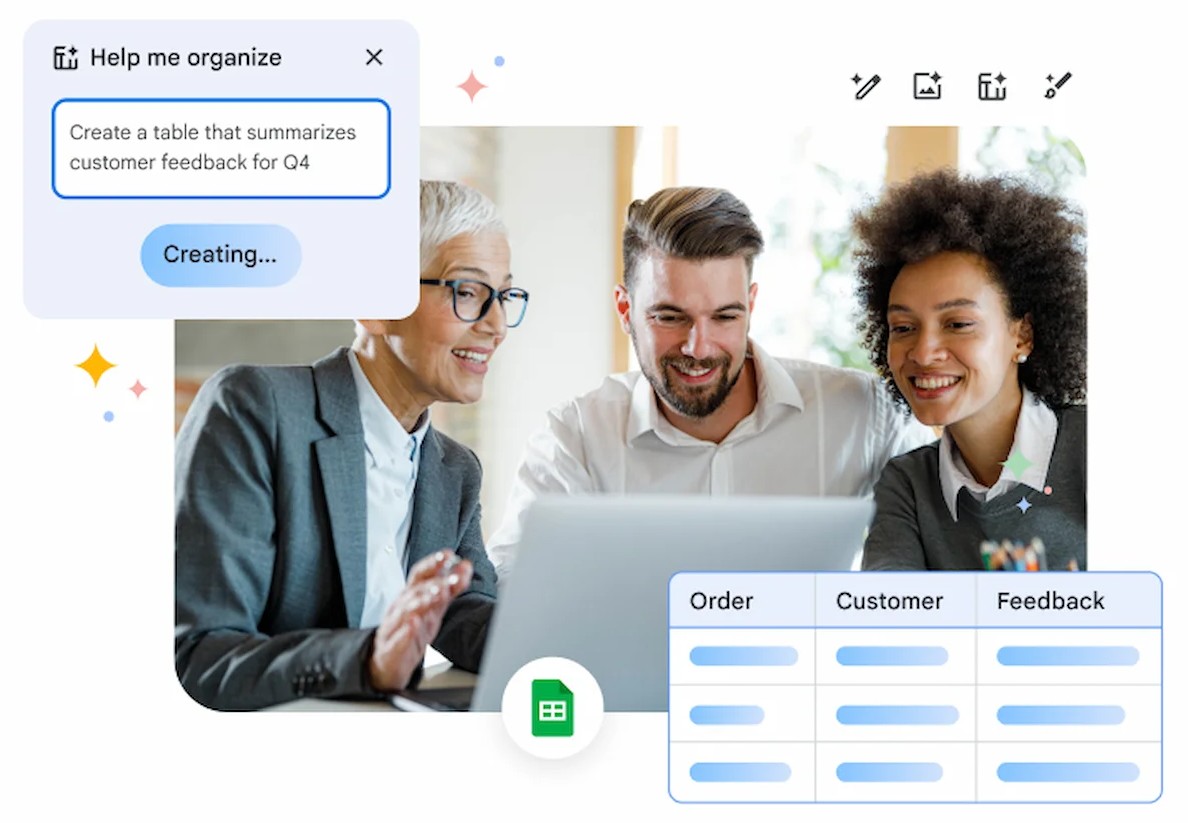
Immediately, the AI will automatically create a table with a clear format and pre-set calculation formulas, allowing users to start working right away without spending time on configuration.
In addition, AI can analyze data and provide visual suggestions: you simply ask, "Did sales increase or decrease this month compared to last month?" and the system will automatically generate a chart or comparison table.
In particular, Google has integrated machine learning tools to identify trends, detect data discrepancies, and suggest next steps. For example, if revenue drops suddenly, AI can automatically alert you and show potential causes.
This feature transforms Sheets from just a spreadsheet tool into a virtual data analyst, helping users make faster, more accurate, and more scientifically-based decisions.
4. Slides: Fast, beautiful, and professional presentations.
Not everyone has the ability to design or know how to present engaging content. Thanks to AI in Google Slides, users can now create impressive presentations in just minutes.
The "Help Me Visualize" technology allows users to enter a description, for example: "Create a product presentation slideshow with modern graphic design, bright colors, and minimalist style."
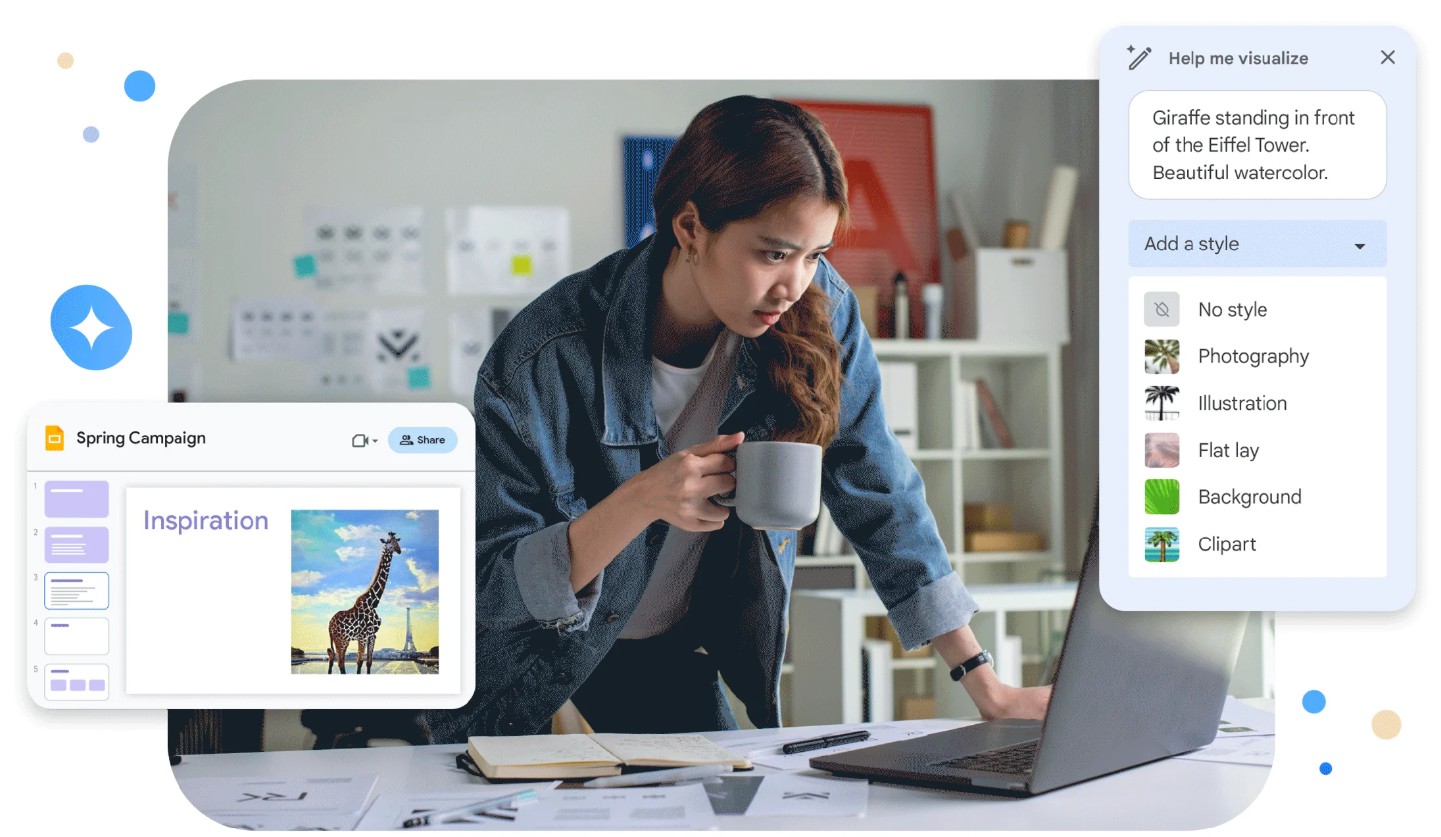
The AI will automatically generate layouts, select illustrations, suggest fonts, and choose suitable color schemes. You can customize it if you wish, but the AI will handle most of the heavy lifting.
Slides also features AI-powered image creation, thanks to Google Image's Text-to-Image technology, allowing users to create original illustrations based on their desired content. This is especially useful for designers, marketers, or teachers who need unique images without relying on pre-existing image libraries.
In addition, AI also supports automatic content alignment, suggests logical layouts, and checks for consistency in color and font throughout the presentation, saving users hours of manual fine-tuning.
As a result, with just a few steps, you can create a professional, modern, and personalized presentation that meets international design standards.
5. Meet: Outstandingly Effective Meetings
One of Google Workspace's most powerful innovations lies in Google Meet, where AI makes meetings smarter and more efficient than ever before.

AI in Meet goes beyond simply noise cancellation and lighting adjustments; it also offers automatic summarization and translation features. After each meeting, the system can automatically generate minutes, list key tasks, and send the transcripts to attendees.
Google has also implemented real-time translation technology, enabling live bilingual translation on the screen, helping international teams work more seamlessly. For example, an English speaker can be instantly translated into Vietnamese for the listener, and vice versa.
With AI, Meet also analyzes the emotions and engagement levels of participants, helping the facilitator understand the meeting atmosphere and adjust their presentation accordingly.
When combined with AI Notes, Google Meet becomes a full-time virtual secretary, not only assisting during meetings but also tracking and reminding users of subsequent actions. This significantly saves businesses time in compiling information while ensuring that no important tasks are missed.
6. Implementing Google Workspace AI with SaDesign
When you choose to upgrade your Google Workspace through SaDesign , you're not only acquiring a powerful work tool, but you're also placing your trust in an officially authorized partner committed to providing transparent, reliable, and high-quality service .
Reputation and quality are the foundations that SaDesign has built over the years. All Google Workspace service packages are guaranteed to have legal licenses , helping businesses avoid risks from unofficial accounts or fraudulent activities. SaDesign's team of experienced professionals is always ready to provide detailed advice and recommend the most suitable Workspace package , ensuring that businesses or individuals receive the optimal solution for productivity and work efficiency.
SaDesign not only provides products but also offers professional support and warranty policies . Any issues arising during the upgrade or use of the Workspace are handled quickly, ensuring your experience is always seamless, secure, and stable .
Transparent and competitive pricing is a top priority. Workspace upgrade packages are offered at clear prices, with no hidden fees, suitable for the needs of individuals, startups, and large enterprises. SaDesign also supports flexible upgrade package options, helping customers optimize costs while ensuring all necessary features and capacity are provided.
Artificial intelligence is redefining how we work, and Google Workspace is one of the pioneering platforms bringing this technology closer to individuals and organizations. From writing emails and processing data to designing slides and organizing meetings, every task is becoming faster, smarter, and more accurate.





















VIP Products








Best Selling Products
Genuine Cheap Canva Pro
39 USD
MidJourney Account
29 USD
Upgrade genuine Capture One account
120 USD
Freepik Premium Account
59 USD
Copyright Adobe Lightroom Account
59 USD
Windows 10 & 11 Pro Key
36 USD
Genuine Adobe Illustrator account
99 USD
Adobe Premiere Pro Account
99 USD
Upgrade Duolingo Super
29 USD
Autodesk All App Account Copyright
120 USD
Upgrade Genuine Office 365
49 USD
ChatGPT Plus Account (GPT-4)
16 USD
Adobe Photoshop Copyright - Full App
120 USD
Plugin Retouch4me
69 USD
Capcut Pro 1 Year
39 USD