Best Selling Products

MidJourney Account
29 USD

Genuine Adobe Illustrator account
99 USD

Capcut Pro 1 Year
39 USD

Adobe Premiere Pro Account
99 USD

Adobe Photoshop Copyright - Full App
120 USD

ChatGPT Plus Account (GPT-4)
16 USD

Upgrade Genuine Office 365
49 USD

Upgrade Duolingo Super
29 USD

Copyright Adobe Lightroom Account
59 USD

Upgrade genuine Capture One account
120 USD

Freepik Premium Account
59 USD

Genuine Cheap Canva Pro
39 USD

Plugin Retouch4me
69 USD

Windows 10 & 11 Pro Key
36 USD

Autodesk All App Account Copyright
120 USD
Google Meet or Microsoft Teams: Which solution enhances remote work productivity?
Nội dung
- 1. General introduction to Google Meet and Microsoft Teams
- 1.1. Google Meet
- 1.2. Microsoft Teams
- 2. Compare the similarities between Google Meet and Microsoft Teams.
- 2.1. Online video conferencing platform
- 2.2. Integration with other tools
- 2.3. Effective Collaboration
- 2.4. Mobile device support
- 2.5. There are free and paid versions.
- 3. Compare the differences between Google Meet and Microsoft Teams.
- 4. Should I use Google Meet or Microsoft Teams?
Both support online meetings, document sharing, and group chat. However, differences in operation, interface, and integration result in completely different user experiences.
From small group meetings and online classes to large-scale conferences, both Google Meet and Microsoft Teams offer stable, user-friendly experiences and deep integration with familiar office ecosystems. However, significant differences still exist between the two platforms. This article will provide a comprehensive comparison of Google Meet and Microsoft Teams , offering an objective and clear view to help you choose the tool best suited to your personal or business needs.
1. General introduction to Google Meet and Microsoft Teams
1.1. Google Meet
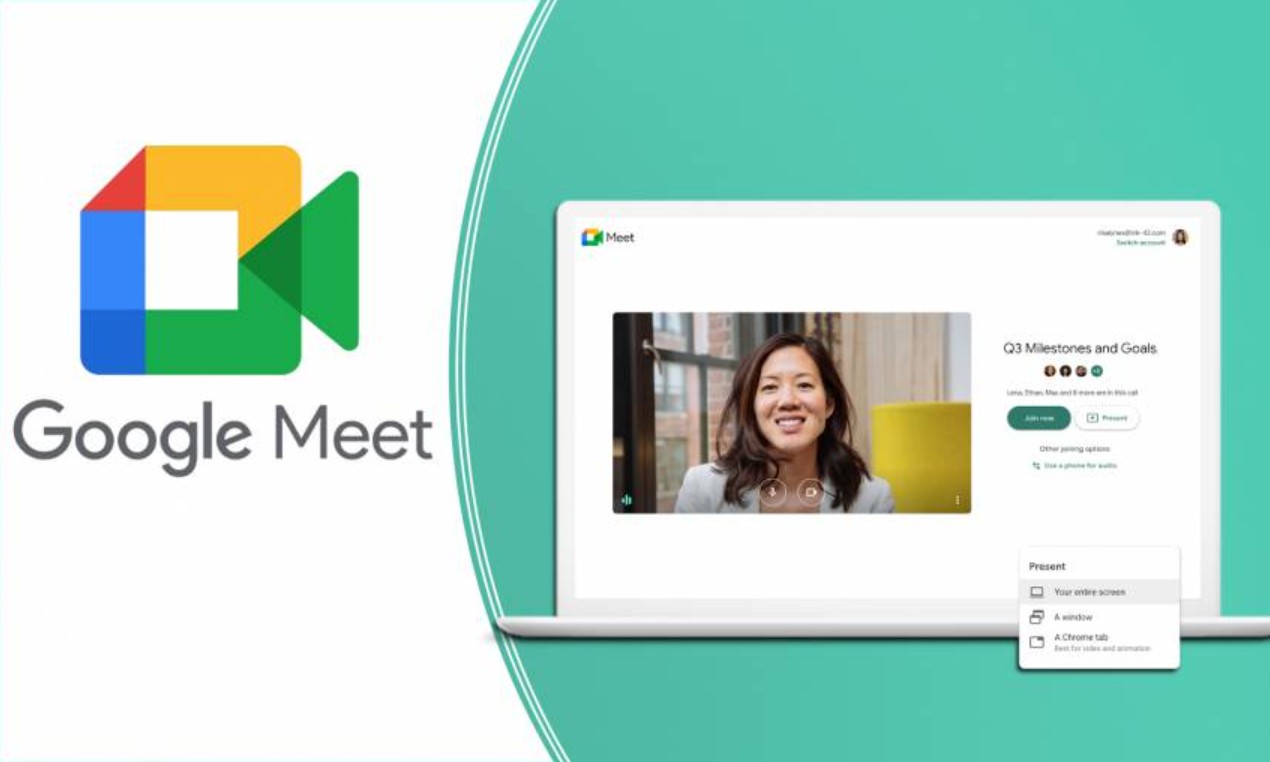
Google Meet is a product of the Google Workspace productivity suite (formerly G Suite), officially launched in 2017 as an upgrade to Google Hangouts. It's a video conferencing platform developed by Google, allowing users to easily hold online meetings, share screens, chat, and record meeting content.
Google Meet's strengths lie in its minimalist interface, fast connection speed, and deep integration with other applications in the Google ecosystem such as Gmail, Google Calendar, Google Docs, Sheets, and Slides. Users only need a Google account to create and join meetings in seconds, without complicated setup.
Another advantage of Google Meet is its high stability and security. Data is encrypted during transmission, ensuring the safety of conversations and business information. Google also continuously improves image and audio quality, while adding intelligent features such as automatic noise reduction, live subtitles, and backlight adjustment to optimize the online meeting experience.
1.2. Microsoft Teams
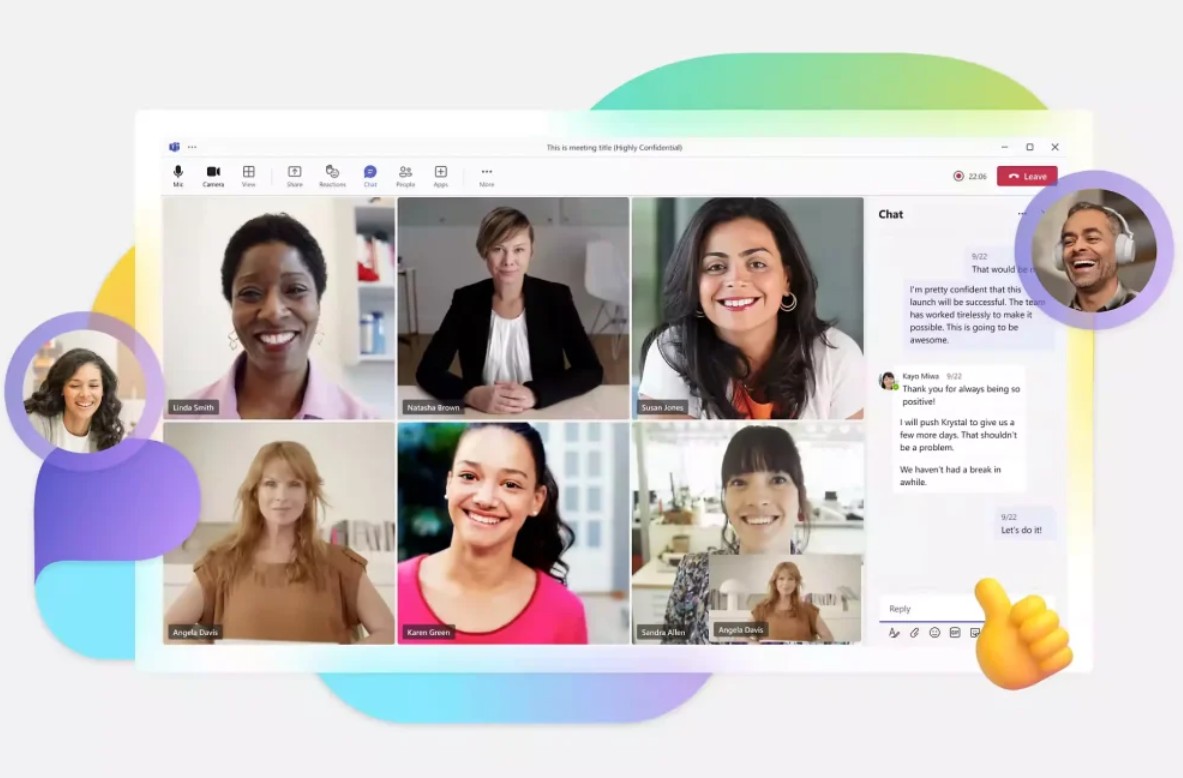
Microsoft Teams, launched in 2017, is a meeting and collaboration platform developed by Microsoft. Teams is not just a video conferencing tool; it's a comprehensive team-building hub, combining chat, video calls, document sharing, and project management in a unified space.
Teams is tightly integrated with the Microsoft 365 suite of applications (Office 365), which includes Word, Excel, PowerPoint, Outlook, and OneDrive. This makes Teams the "heart" of the digital work model for many businesses, especially those already familiar with the Microsoft ecosystem.
One of Microsoft Teams' outstanding strengths is its flexible customization and scalability. In addition to supporting video conferencing for thousands of participants, Teams allows integration with hundreds of third-party applications such as Trello, Asana, Zoom, and Salesforce. Furthermore, Teams' administration system provides businesses with strong control over security, user management, and access control.
2. Compare the similarities between Google Meet and Microsoft Teams.
Both Google Meet and Microsoft Teams are powerful online meeting platforms that effectively serve the needs of communication, teamwork, and remote training. Below are some notable similarities between these two tools.
2.1. Online video conferencing platform
Both platforms are designed for high-quality video conferencing with the ability to share audio, video, and content in real time. Users can create meeting rooms, invite others via a link, and easily turn their cameras or microphones on or off.
Both Google Meet and Microsoft Teams support large group meetings, ranging from a few dozen to hundreds of participants. In their advanced enterprise plans, both also support meeting recording, document sharing, and even livestreaming to thousands of people simultaneously.
2.2. Integration with other tools
One key similarity is their strong integration with work ecosystems. Google Meet works seamlessly within the Google Workspace environment, while Microsoft Teams is perfectly compatible with Microsoft 365.
This allows users to easily schedule meetings via Calendar, send invitations via email, share documents directly during the meeting, and collaborate directly on files without switching applications.
2.3. Effective Collaboration
Both Google Meet and Microsoft Teams support real-time collaboration, allowing team members to work together from anywhere.
In Meet, you can share your screen, give slide presentations directly from Google Slides, or take quick notes in Google Docs. In Teams, you can create chat channels, manage teams, share files via OneDrive, and collaborate on Word or PowerPoint documents right within the meeting window.
Both platforms offer a chat feature that runs parallel to video calls, allowing users to take notes, send links, or ask questions during discussions without interrupting the meeting.
2.4. Mobile device support
Google Meet and Microsoft Teams both have mobile apps on both Android and iOS, allowing users to join meetings anytime, anywhere.
This is especially useful for remote workers or teams that travel frequently. Both mobile apps support HD video, screen sharing, and use enterprise accounts to synchronize meeting data.
2.5. There are free and paid versions.
Both platforms offer free versions suitable for individual users and small groups, as well as paid packages for businesses with more advanced features.
The free version of Google Meet allows meetings up to 60 minutes and 100 participants, while Teams supports similar durations with a higher number of participants depending on the plan. Paid plans extend the time limit, add management features, cloud storage, and enhanced security.
3. Compare the differences between Google Meet and Microsoft Teams.
Despite many similarities, Google Meet and Microsoft Teams clearly demonstrate differences in their development philosophies, interfaces, and operating methods.
In terms of user interface , Google Meet follows a minimalist, user-friendly, and easy-to-use approach. Beginners can quickly join a meeting with just a single link. Meanwhile, Microsoft Teams has a more complex interface, as in addition to video conferencing, it includes a range of features for group management, chat, and projects.
In terms of collaboration capabilities , Google Meet focuses on a simple meeting experience, while Microsoft Teams aims for a more integrated workspace . If you only need video conferencing, Google Meet is a lightweight and quick option. But if you want to build a more in-depth team working environment, Teams proves superior.
In terms of ecosystem integration , Google Meet is suitable for those who use Gmail, Google Drive, or Google Calendar as their primary tools. Conversely, Teams is the optimal choice for businesses using Outlook, Office 365, and SharePoint.
In terms of limitations and performance , Teams can host meetings with thousands of people in its large enterprise packages, while Google Meet has lower limits. However, Meet generally offers greater stability in weak internet environments, thanks to Google's intelligent data compression mechanism.
Furthermore, AI and automation features are also differentiating factors. Microsoft Teams is equipped with many advanced support tools such as Copilot AI, automatic meeting note-taking, and next-action suggestions. Google Meet is also developing strongly in this area, with features such as automatic lighting adjustment, intelligent subtitle creation, and background noise removal.
In terms of cost , both offer competitive pricing, but Teams often provides greater value for businesses already purchasing Microsoft 365, as it's directly integrated without significant additional fees. Google Meet, on the other hand, appeals to individual users or small startups due to its flexible pricing and ease of management.
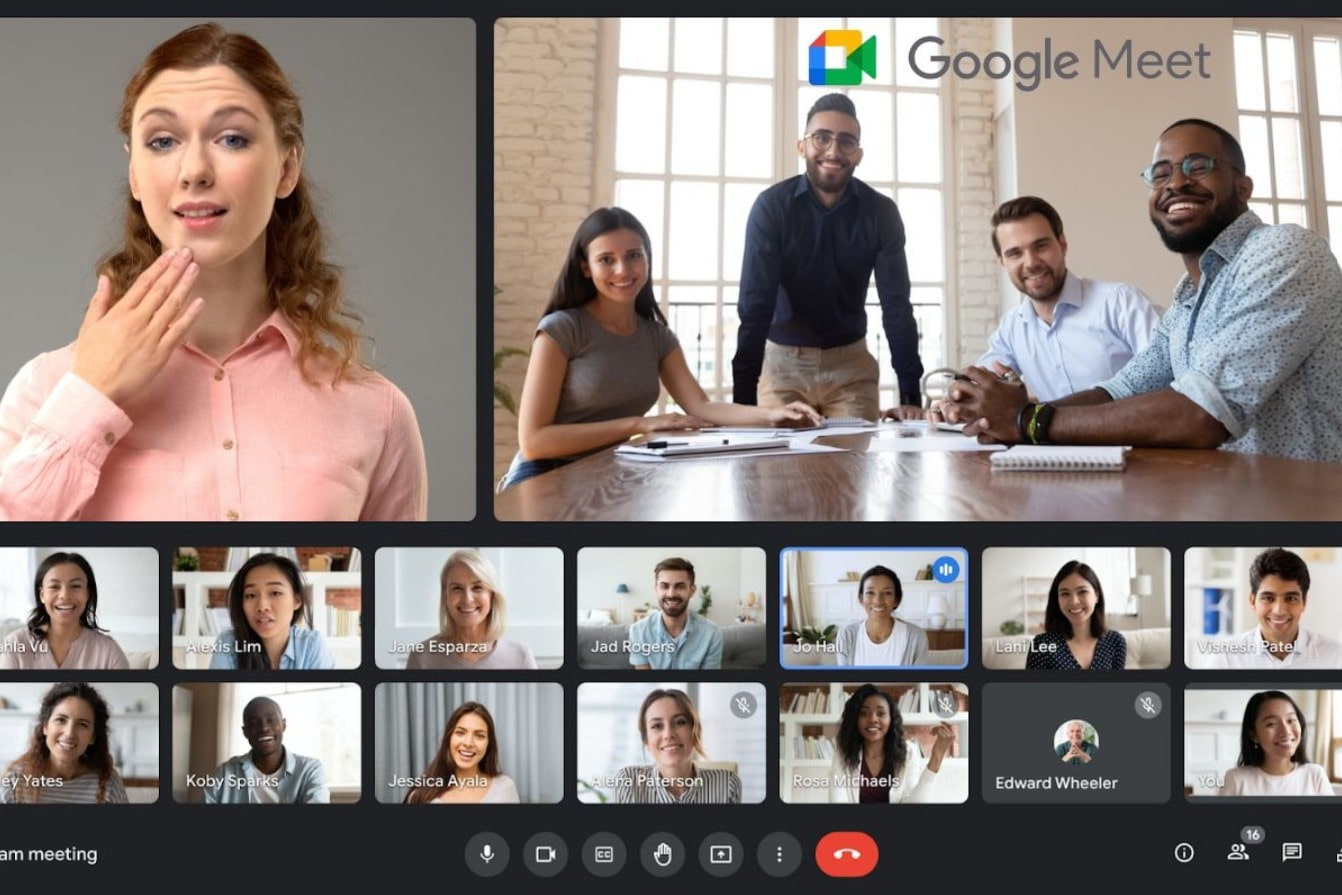
4. Should I use Google Meet or Microsoft Teams?
The question of whether to choose Google Meet or Microsoft Teams depends on the intended use and the size of the organization.
If you're an individual user, teacher, student, or small group, Google Meet is an ideal choice. Its simple interface, fast connection capabilities, and compatibility with Gmail, Google Docs, and Calendar make organizing meetings easy, smooth, and with minimal technical issues.
Conversely, if you are a large business, organization, or professional work team, Microsoft Teams will be more effective. Teams is not just an online meeting tool, but also a comprehensive management and collaboration platform that supports planning, document sharing, task assignment, and internal information exchange.
In other words, Google Meet is a meeting tool, while Microsoft Teams is a comprehensive digital work environment.
If you're already familiar with Google Workspace, choose Meet to take advantage of its synchronization capabilities. However, if your business operates within the Microsoft 365 ecosystem, Teams is definitely a worthwhile investment.
Google Meet and Microsoft Teams are two of the most powerful and popular online meeting platforms available today. Each tool has its own advantages, suitable for different users and purposes.
Ultimately, the important thing isn't which tool is better, but which one is more suitable. If you need a simple, fast meeting platform, choose Google Meet. But if you need a synchronized, flexible, and powerful work ecosystem, Microsoft Teams will certainly be a reliable companion.





















VIP Products








Best Selling Products
MidJourney Account
29 USD
Genuine Adobe Illustrator account
99 USD
Capcut Pro 1 Year
39 USD
Adobe Premiere Pro Account
99 USD
Adobe Photoshop Copyright - Full App
120 USD
ChatGPT Plus Account (GPT-4)
16 USD
Upgrade Genuine Office 365
49 USD
Upgrade Duolingo Super
29 USD
Copyright Adobe Lightroom Account
59 USD
Upgrade genuine Capture One account
120 USD
Freepik Premium Account
59 USD
Genuine Cheap Canva Pro
39 USD
Plugin Retouch4me
69 USD
Windows 10 & 11 Pro Key
36 USD
Autodesk All App Account Copyright
120 USD