Best Selling Products

Copyright Adobe Lightroom Account
59 USD

Freepik Premium Account
59 USD

Adobe Photoshop Copyright - Full App
120 USD

ChatGPT Plus Account (GPT-4)
16 USD

Upgrade Genuine Office 365
49 USD

Autodesk All App Account Copyright
120 USD

Plugin Retouch4me
69 USD

Adobe Premiere Pro Account
99 USD

Capcut Pro 1 Year
39 USD

Genuine Adobe Illustrator account
99 USD

Genuine Cheap Canva Pro
39 USD

Windows 10 & 11 Pro Key
36 USD

MidJourney Account
29 USD

Upgrade genuine Capture One account
120 USD

Upgrade Duolingo Super
29 USD
YouTube Peak Points feature: Algorithm selects "golden hours" for advertising.
Nội dung
- 1. Learn about YouTube Peak Points
- 2. When and where will YouTube Peak Points appear?
- 2.1. When do Peak Points ads appear?
- 2.2. Display Location of Peak Points Ads
- 3. Why do users hate YouTube Peak Points?
- 4. How to block YouTube Peak Points ads
- 4.1. Mua YouTube Premium
- 4.2. Using the Cốc Cốc browser
- 4.3. Installing an ad-blocking extension
- 4.4. Use YouTube alternatives.
Instead of displaying ads randomly, YouTube can now identify when viewers are most focused to show them the most relevant ads.
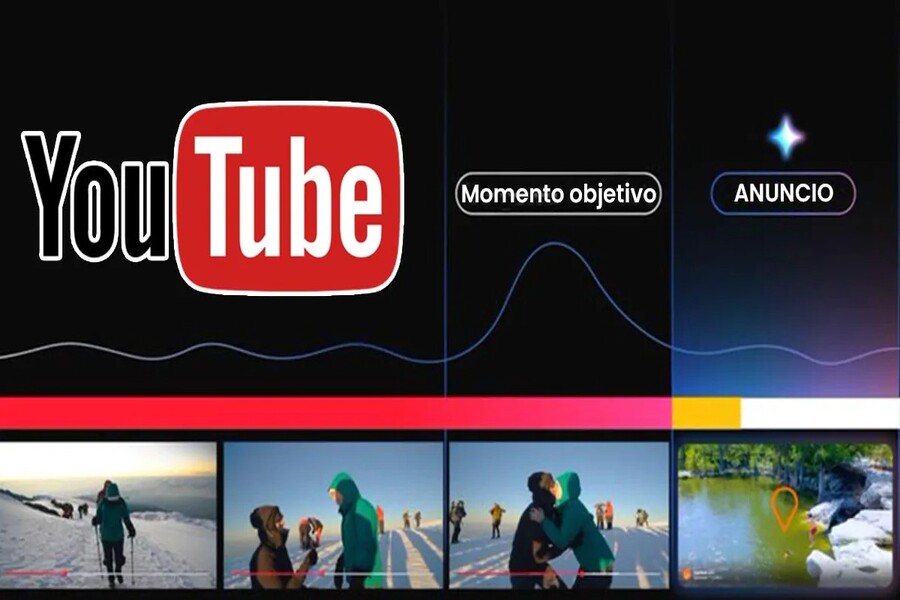
Users have recently started noticing a strange phenomenon called " YouTube Peak Points ." If you've ever watched an exciting video and suddenly been interrupted by a short, multi-second ad, you've likely encountered an ad at Peak Points. This is a form of advertising optimized by YouTube's algorithm, appearing at the "peak point" of the video's viewership.
While YouTube Peak Points are an effective strategy for reaching potential customers from an advertiser's perspective, they can be one of the most frustrating experiences for users. So what exactly are YouTube Peak Points, why do they appear, and how can you block them? This article will answer all those questions, helping you better understand the mechanism behind this type of advertising, and providing detailed instructions on how to control your video viewing experience.
1. Learn about YouTube Peak Points
To understand YouTube Peak Points, we need to start with how YouTube operates its advertising system. Unlike other platforms, YouTube uses artificial intelligence (AI) and user behavior data to identify the "peak points" in each video. It is at these points that ads are inserted.
Specifically, "Peak Points" can be understood as peak interaction points during video playback, when the algorithm detects a sudden surge in views, watch time, viewer retention rate, or interaction frequency (comments, likes, shares). At these points, the likelihood of viewers staying with the video is higher, and therefore, YouTube chooses this as the ideal time to display ads, ensuring the highest ad impression and view rate.
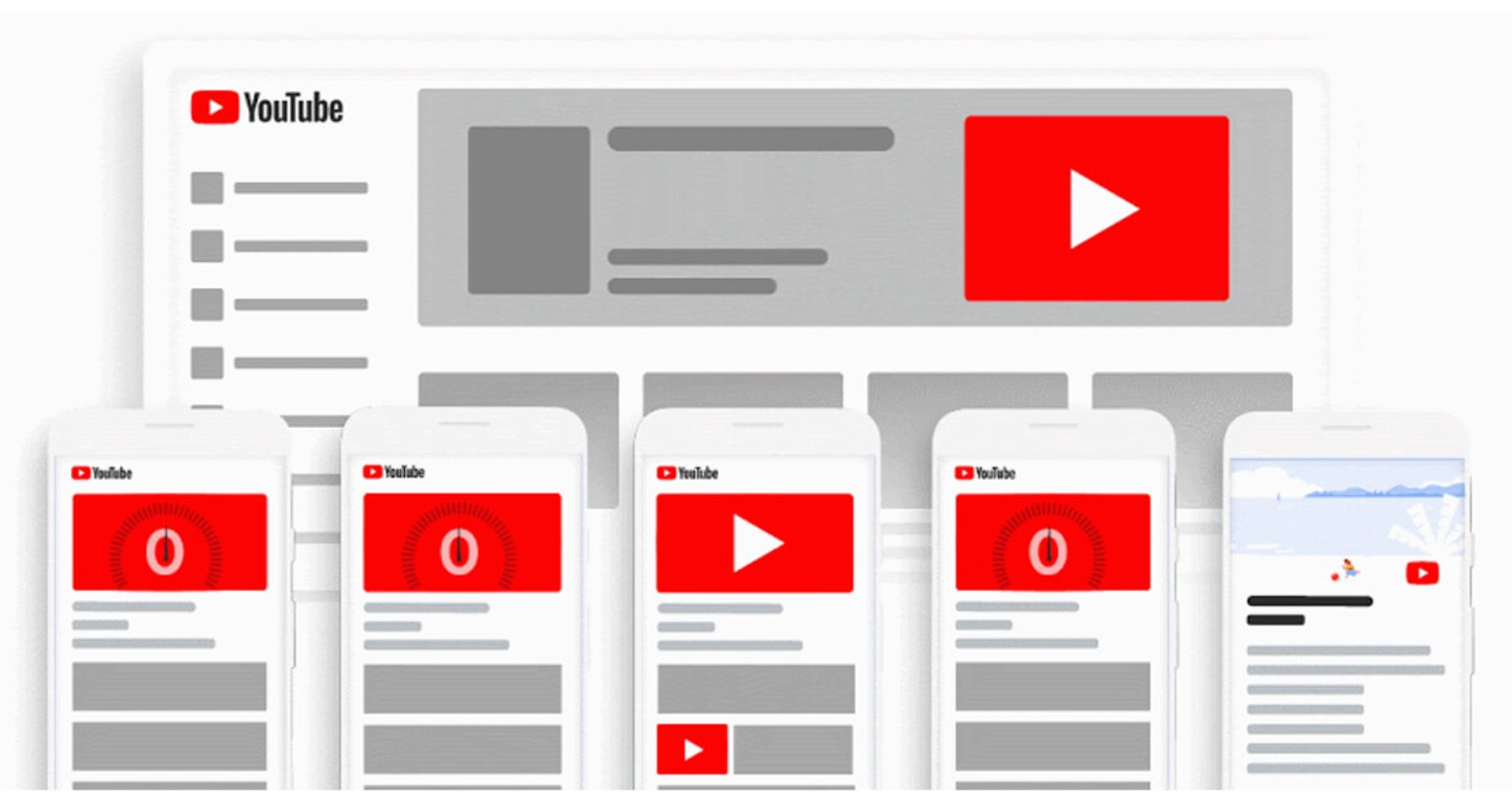
In other words, Peak Points isn't a new ad format, but rather an intelligent distribution mechanism applied to all existing ad formats on YouTube, including pre-roll, mid-roll, or even banner ads displayed during playback.
Technically, YouTube's algorithm analyzes viewer behavior data to identify these "hot spots." A video that's going viral, experiencing a surge in views, or has engaging content that keeps viewers glued to it for longer—all of these are considered suitable "peak points" for displaying ads.
From a business perspective, this is a smart tactic. Advertising at Peak Points allows them to reach customers at the moment of highest attention, increasing brand recall and optimizing advertising budgets. However, from the viewer's perspective, the sudden interruption causes significant frustration, especially when the advertisement is repetitive or prolonged.
2. When and where will YouTube Peak Points appear?
One of the things that users are most curious about is when and where Peak Points ads appear. Although YouTube doesn't publicly disclose its algorithm, through observation and community feedback, it can be determined that YouTube Peak Points ads are often displayed at "peak" moments in the video viewing experience.
2.1. When do Peak Points ads appear?
Typically, Peak Point ads appear in three common scenarios.
First, when viewers are at the most engaging part of a video, such as a dramatic action sequence, a climactic scene in a music video, or a reveal moment in a product review video. YouTube's algorithm predicts that viewers are highly focused and less likely to leave the video, making this the "golden" time to insert the ad.
Secondly, there's the issue of rapid video view growth. If a video suddenly experiences a surge in views, YouTube will consider it a signal that the content is "hot" and has high commercial value. Advertisements are therefore prioritized and displayed more frequently, especially in-video ads.
Finally, Peak Point ads appear when videos have a high retention rate, meaning when the majority of viewers continue watching after a certain amount of time. This is considered a "safe" time to display ads without fear of users leaving.
2.2. Display Location of Peak Points Ads
Peak Points ads vary not only in timing but also in placement. Most ads appear mid-roll, as this is when YouTube is most likely to insert ads that viewers are less likely to skip.
Others appear before the video starts, especially if the video is on the "trending" list. The algorithm understands that users are willing to wait a few seconds before watching the expected video, so ads at this stage are still effective.
There are also cases where Peak Point ads appear directly during video playback as an overlay or small banner at the bottom of the screen. With this type of ad, the video continues to play, but viewers are drawn to the image or advertising message displayed below.
On mobile devices, Peak Points ads can be displayed even more flexibly, perhaps while users are rewinding a video or switching between videos in a playlist. All of these instances are identified by YouTube's AI as "potential touchpoints" to increase ad impression rates.
3. Why do users hate YouTube Peak Points?
Undeniably, advertising helps YouTube remain free for billions of users worldwide, while also generating revenue for content creators. However, ads at Peak Points are what viewers find most annoying, as they directly interfere with their emotions and viewing experience.
The first and most obvious reason is the abrupt interruption. When viewers are engrossed in a video, especially during a climactic scene, a sudden commercial interrupts them, disrupting their flow and even causing them to lose interest in the entire video. This is particularly frustrating when the commercial is repetitive or cannot be skipped within the first few seconds.
The second reason is the increasingly dense advertising. Previously, users only encountered ads at the beginning of videos, but now, many videos as short as 10 minutes can contain 3-4 ads, and even more for videos over 20 minutes. The feeling of "watching a YouTube video is like watching TV with commercials in between" makes many people impatient and want to leave the platform.
Ultimately, there's a deeper reason: users feel YouTube is prioritizing profit over the viewer experience. When ads appear at crucial moments, it's not only intrusive but also erodes user trust that YouTube cares about their experience. This feeling of having their experience "sold" for advertising revenue leads many to switch to other platforms like TikTok, Netflix, or ad-free video streaming apps.
4. How to block YouTube Peak Points ads
After understanding how YouTube Peak Points work, the question is: How can you block or reduce these ads? Below are four of the most common and effective methods, chosen by many users.
4.1. Mua YouTube Premium
The safest and most legitimate solution is to subscribe to YouTube Premium. For just 79,000 VND/month, users can watch videos without any annoying ads. In addition, Premium comes with many other attractive benefits such as offline video viewing, music playback with the screen off, and access to YouTube Music Premium for high-quality music.
Furthermore, subscribing to Premium not only provides you with a better experience but also supports content creators, as YouTube will share revenue from the Premium package with channels based on your views.
4.2. Using the Cốc Cốc browser
If you don't want to pay, Cốc Cốc is a great option. This browser has built-in automatic ad blocking, allowing you to watch YouTube videos seamlessly without installing any additional tools.
Cốc Cốc not only removes ads during videos, but also blocks ads on most other websites. What's special is that this browser supports both computers and phones, providing a seamless experience across devices.
4.3. Installing an ad-blocking extension
If you're still loyal to Chrome or Firefox, you can use extensions like AdBlock, AdGuard, or uBlock Origin. These tools work by filtering and preventing your browser from loading ad content from YouTube's servers.
When activated, most ads are removed before the video plays, leaving you virtually undisturbed by Peak Points. However, because YouTube frequently changes its ad display structure, the effectiveness of these extensions can fluctuate, requiring you to update them regularly.
4.4. Use YouTube alternatives.
Some Android users choose to use YouTube Vanced, NewPipe, or SmartTubeNext, all of which are apps that allow you to watch videos without ads. These apps let you enjoy full-featured YouTube content without being interrupted by advertisements.
However, it's important to note that these are unofficial applications not supported by Google. Installation requires using an APK file, which may pose security risks. Therefore, if you choose this option, download from a reliable source and avoid logging in with your personal Google account to prevent potential problems.
YouTube Peak Points is part of YouTube's smart advertising strategy designed to optimize benefits for advertisers and the system. However, from a user's perspective, it's a frustrating experience. When ads appear at peak times, they not only disrupt but also cause many people to leave the platform.
Ultimately, advertising isn't the enemy, but an essential part of the content economy. The issue lies in how we manage and optimize our own viewing experience. And if YouTube wants to retain users, perhaps the platform should listen to and reconsider how Peak Points are impacting its global audience.





















VIP Products








Best Selling Products
Copyright Adobe Lightroom Account
59 USD
Freepik Premium Account
59 USD
Adobe Photoshop Copyright - Full App
120 USD
ChatGPT Plus Account (GPT-4)
16 USD
Upgrade Genuine Office 365
49 USD
Autodesk All App Account Copyright
120 USD
Plugin Retouch4me
69 USD
Adobe Premiere Pro Account
99 USD
Capcut Pro 1 Year
39 USD
Genuine Adobe Illustrator account
99 USD
Genuine Cheap Canva Pro
39 USD
Windows 10 & 11 Pro Key
36 USD
MidJourney Account
29 USD
Upgrade genuine Capture One account
120 USD
Upgrade Duolingo Super
29 USD