Best Selling Products

Adobe Premiere Pro Account
99 USD

Windows 10 & 11 Pro Key
36 USD

Upgrade Duolingo Super
29 USD

MidJourney Account
29 USD

Capcut Pro 1 Year
39 USD

Genuine Cheap Canva Pro
39 USD

Autodesk All App Account Copyright
120 USD

Plugin Retouch4me
69 USD

ChatGPT Plus Account (GPT-4)
16 USD

Genuine Adobe Illustrator account
99 USD

Copyright Adobe Lightroom Account
59 USD

Freepik Premium Account
59 USD

Upgrade genuine Capture One account
120 USD

Upgrade Genuine Office 365
49 USD

Adobe Photoshop Copyright - Full App
120 USD
How Microsoft Teams helps businesses operate more flexibly and efficiently.
Nội dung
- 1. Benefits of using Microsoft Teams
- 2. Key features of Microsoft Teams
- 2.1. Chat Function
- 2.2. Emojis and Personal Feedback
- 2.3. Ability to arrange speakers for webinars
- 2.4. Group chat and shared channels
- 2.5. Online Meetings
- 2.6. Organizing workshops/conferences
- 2.7. Data stored in SharePoint
- 2.8. Support for capturing meeting information
- 2.9. Direct Collaboration
With its combination of artificial intelligence, robust security, and diverse application integration capabilities, Microsoft Teams is leading the hybrid work trend.
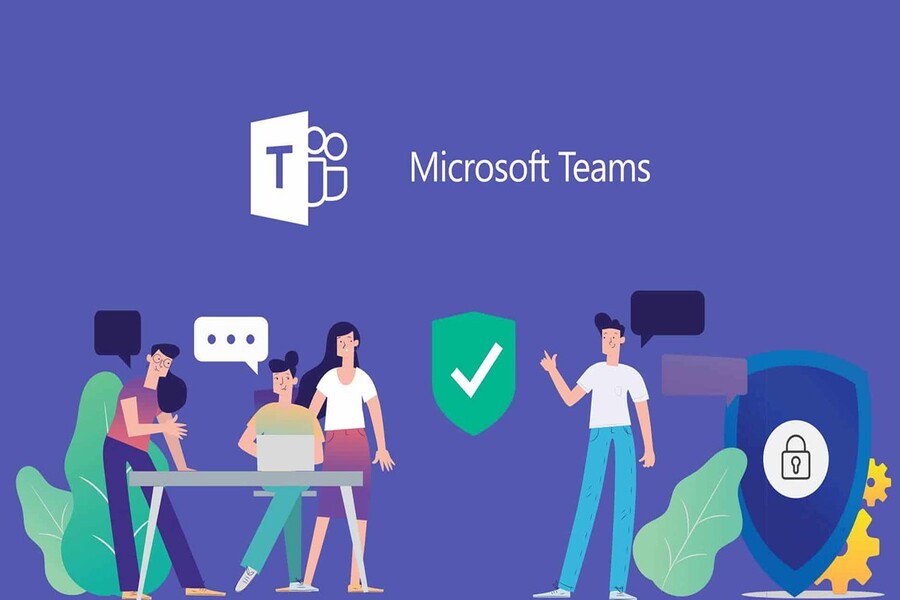
Microsoft Teams is the answer to that need. Developed by Microsoft as part of the Microsoft 365 (Office 365) ecosystem, Teams is not just an online meeting application but also a comprehensive work coordination and business collaboration hub. With its user-friendly interface, powerful integration capabilities, and hundreds of intelligent features, Microsoft Teams has become an indispensable tool in the digital work environment of millions of businesses worldwide. This article will help you better understand the outstanding features of Microsoft Teams , explore the practical benefits this platform brings to businesses, and why it is considered one of the most effective collaboration tools today.
1. Benefits of using Microsoft Teams
Microsoft Teams offers businesses numerous outstanding benefits, not only in meetings but also in increasing productivity, reducing costs, and building a connected work culture.
First and foremost, Teams helps centralize the entire workflow onto a single platform. From sending messages and holding video meetings to sharing documents and managing projects, everything is done within a unified workspace. This eliminates the fragmentation of using too many separate applications and saves employees time switching between tools.
Secondly, Microsoft Teams promotes real-time collaboration. Multiple people can edit Word documents, Excel spreadsheets, or PowerPoint presentations simultaneously. Information is instantly synchronized across the cloud, ensuring that all members are always working on the latest version of the document.
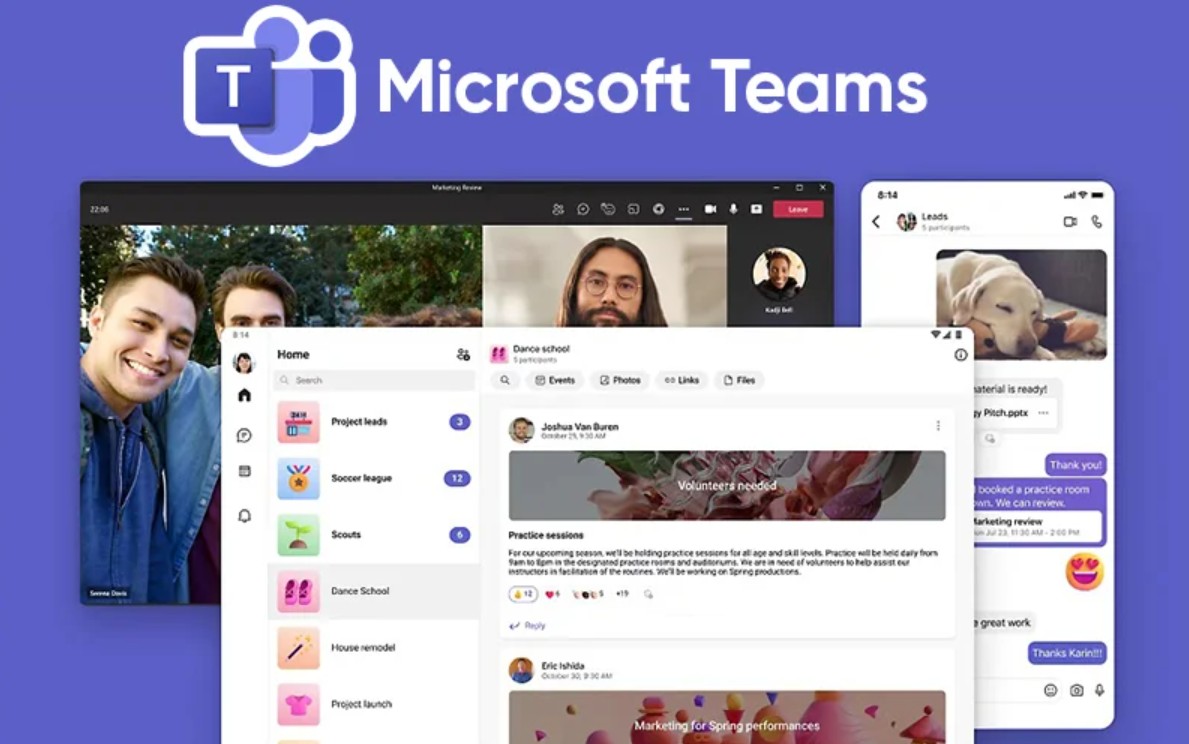
Another key benefit is that Teams enhances internal communication efficiency. Employees can easily exchange information quickly via messaging, create private groups for individual projects, or schedule online meetings directly within the app without needing external tools.
In addition, Teams effectively supports remote work, helping businesses maintain productivity in all circumstances. Thanks to its multi-device accessibility, employees can work flexibly without geographical limitations.
Finally, with advanced security features inherited from Microsoft 365, Teams ensures the safety of all business data. Meetings, documents, and messages are all encrypted, giving businesses peace of mind when exchanging sensitive information.
2. Key features of Microsoft Teams
What makes Microsoft Teams so powerful is the diversity and depth of its features. Teams not only helps organize online meetings but also serves as a comprehensive communication and collaboration platform, supporting most needs in the modern workplace.
2.1. Chat Function
Chat is a core feature of Microsoft Teams, enabling users to communicate effectively in real time. You can chat directly with an individual or create groups for quick project discussions.
Unlike email, Teams chat offers an instant interactive experience. Conversations are saved within each channel, making it easy to retrieve information or attachments at any time.
What's special about Teams is its intuitive chat interface, allowing users to attach files, send images, Office documents, or links directly within the chat window. This feature makes exchanging information and sharing data convenient, synchronized, and reduces confusion during work.
2.2. Emojis and Personal Feedback
To create a friendly atmosphere, Microsoft Teams allows users to use emojis, GIFs, and stickers in conversations. These seemingly small elements contribute greatly to fostering emotion and connection in an online work environment that can easily become dry and uninteresting.
Additionally, Teams allows users to add reactions to individual messages, such as "Like," "Laugh," "Surprised," and "Thank you," enabling quick responses without having to retype. For large work teams, this saves time and fosters a closer connection among members.
Microsoft understands that communication is not just about words, but also about emotions. And Teams has skillfully incorporated that into every small detail of the user experience.
2.3. Ability to arrange speakers for webinars
For large-scale online events such as conferences, training sessions, or webinars, Microsoft Teams offers professional speaker scheduling and management features. Organizers can assign roles to each participant, such as moderator, speaker, or audience member, ensuring the meeting runs smoothly and according to plan.
Teams also supports customizable display interfaces, allowing you to show multiple speakers simultaneously or focus on the speaker at hand. This is very useful for online training sessions, where viewers need to follow the content clearly and professionally.
Furthermore, the platform offers options to record workshops, share slides, ask questions live, and track attendance data, making it easy for businesses to evaluate the effectiveness of each event.
2.4. Group chat and shared channels
One of Microsoft Teams' strengths is its ability to organize conversations into teams and channels. Each team represents a project, department, or topic, and within each team, smaller channels can be created to discuss specific aspects of the work in detail.
This helps businesses avoid information clutter while keeping discussions clearly categorized. Team members can easily track progress, exchange documents, and engage in work-related conversations without being overwhelmed by unnecessary messages.
Additionally, within each channel, users can integrate applications such as Planner, OneNote, or Trello to manage tasks, take notes, and track project progress directly without leaving Teams.
2.5. Online Meetings
Online meetings are the heart of Microsoft Teams. The application allows you to hold video meetings with high-quality image and sound, supporting hundreds of participants simultaneously.
Users can schedule meetings directly within Teams or sync with Outlook, and share links with people outside the organization without needing a Microsoft account. During meetings, you can share your screen, present documents, discuss via simultaneous chat, or record the entire meeting for later review.
Microsoft has also equipped Teams with a range of intelligent features such as background effects, noise filtering, automatic voice recognition, and real-time subtitle generation, making meetings smoother and more professional.
2.6. Organizing workshops/conferences
Beyond internal meetings, Microsoft Teams is a powerful tool for online conferences and events. The platform supports conferences with thousands of participants, offering flexible interaction, discussion groupings (breakout rooms), and integrated live survey tools.

Businesses can organize customer conferences, staff training sessions, or product launch events entirely online while still ensuring a high level of interaction.
In particular, Teams also supports live event streaming on enterprise platforms, allowing thousands of people to watch simultaneously without interruption.
2.7. Data stored in SharePoint
One of the biggest advantages of Microsoft Teams is that all data, documents, and attachments are automatically stored on SharePoint and OneDrive.
This not only ensures high security but also allows users to easily access, edit, and share documents without worrying about data loss. Thanks to a strict permission system, administrators can precisely control who can view and edit documents, helping to protect business information optimally.
Additionally, all changes to the file are logged in real time, making it easy to restore an older version when needed.
2.8. Support for capturing meeting information
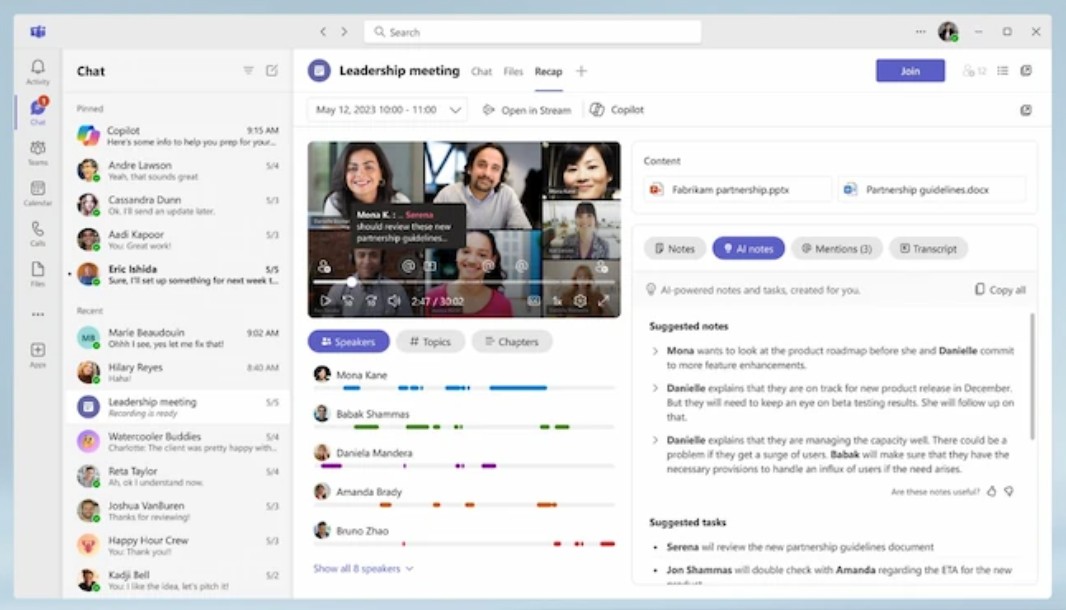
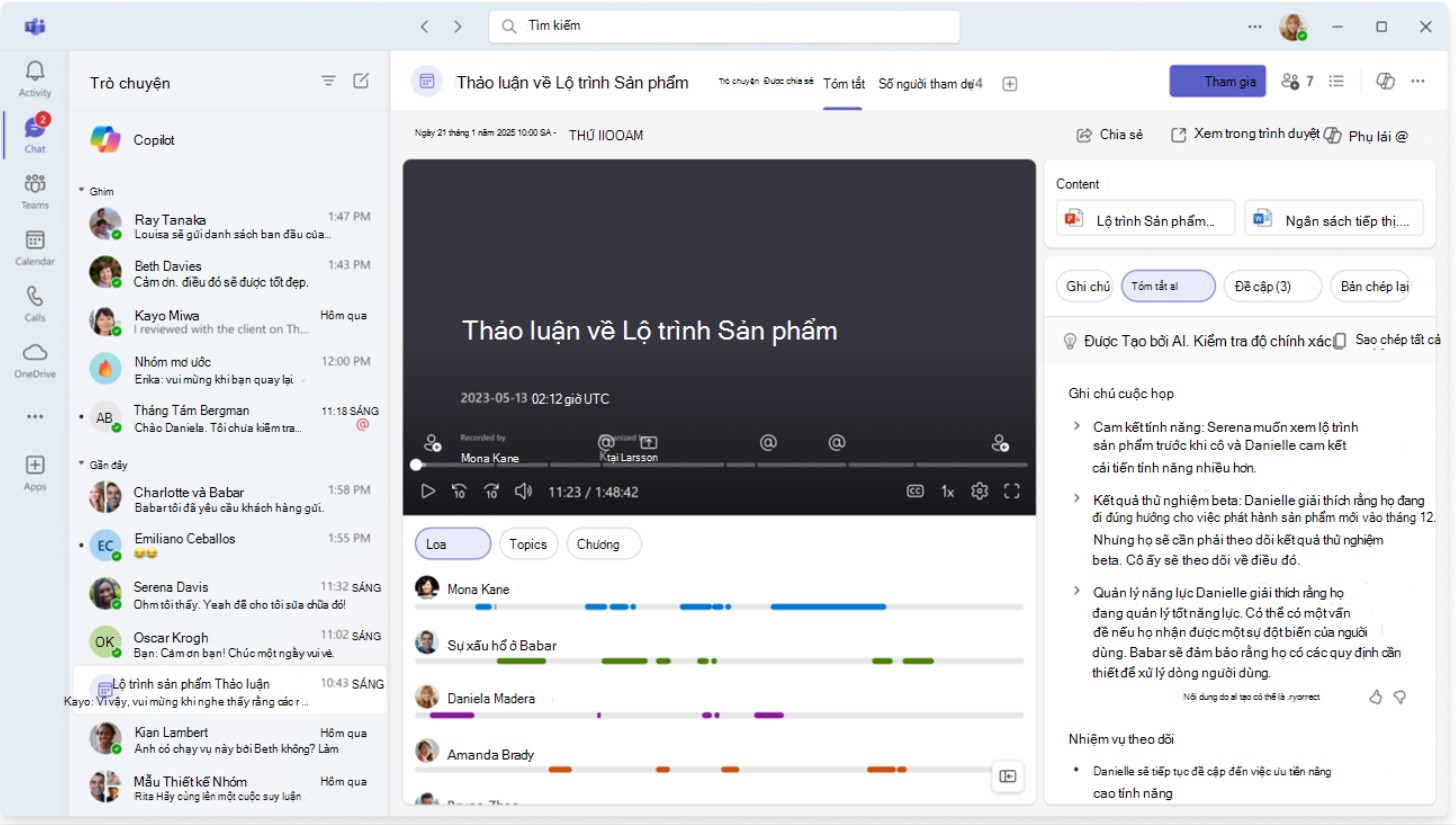
Another highlight is Teams' ability to automatically record meeting notes and create meeting recaps. After the meeting ends, users can review the main points, participant list, recording links, and shared documents.
This is extremely useful for those who cannot attend the meeting, or who need to review important information without having to listen to the entire video again.
When integrated with Copilot AI, Teams can also automatically extract key points, create to-do lists, and suggest next steps, significantly saving time in report compilation.
2.9. Direct Collaboration
Microsoft Teams is not just for meetings and chatting; it's a true collaborative workspace. You can open and edit Word, Excel, or PowerPoint documents with your colleagues right within the Teams window.
All changes are updated in real time, completely eliminating "duplicate files" or "outdated versions." This feature is especially useful for creative teams, marketing teams, or projects requiring collaboration from multiple people.
Furthermore, Teams supports integration with hundreds of other applications such as Asana, Jira, Zoom, and Adobe Creative Cloud, allowing businesses to customize their work environment to their specific needs.
Microsoft Teams has transcended the concept of a "video conferencing application" to become a comprehensive collaboration solution for modern businesses. With advancements in artificial intelligence, robust scalability, and enterprise-grade security, Microsoft Teams not only helps organizations operate more efficiently but also fosters a flexible work culture.





















VIP Products








Best Selling Products
Adobe Premiere Pro Account
99 USD
Windows 10 & 11 Pro Key
36 USD
Upgrade Duolingo Super
29 USD
MidJourney Account
29 USD
Capcut Pro 1 Year
39 USD
Genuine Cheap Canva Pro
39 USD
Autodesk All App Account Copyright
120 USD
Plugin Retouch4me
69 USD
ChatGPT Plus Account (GPT-4)
16 USD
Genuine Adobe Illustrator account
99 USD
Copyright Adobe Lightroom Account
59 USD
Freepik Premium Account
59 USD
Upgrade genuine Capture One account
120 USD
Upgrade Genuine Office 365
49 USD
Adobe Photoshop Copyright - Full App
120 USD