Best Selling Products

Genuine Adobe Illustrator account
99 USD

Adobe Photoshop Copyright - Full App
120 USD

Freepik Premium Account
59 USD

Copyright Adobe Lightroom Account
59 USD

Upgrade genuine Capture One account
120 USD

ChatGPT Plus Account (GPT-4)
16 USD

Upgrade Genuine Office 365
49 USD

Autodesk All App Account Copyright
120 USD

Capcut Pro 1 Year
39 USD

MidJourney Account
29 USD

Upgrade Duolingo Super
29 USD

Plugin Retouch4me
69 USD

Adobe Premiere Pro Account
99 USD

Windows 10 & 11 Pro Key
36 USD

Genuine Cheap Canva Pro
39 USD
Guide to Buying Kling AI iOS from A to Z
Nội dung
- 1. Kling AI on iOS is what?
- 2. Kling AI iOS Pricing Table 2026
- 3. Main features of Kling AI iOS
- 3.1 Text-to-Video – Turn ideas into videos from text
- 3.2 Image-to-Video – Turn static images into dynamic videos
- 3.3 Extend Video – Expand content more flexibly
- 3.4 Create high-quality videos up to 1080p
- 3.5 Realistic physics simulation in every motion
- 3.6 Easy creative experience on iPhone/iPad
- 4. Detailed guide on how to use Kling AI iOS for beginners
- 4.1 Step 1: Download the Kling AI app from App Store
- 4.2 Step 2: Register and log in to your account
- 4.3 Step 3: Choose the appropriate video creation feature
- 4.4 Step 4: Enter a detailed prompt
- 4.5 Step 5: Generate the video and download
- 5. Where to buy Kling AI iOS at a good price?
- 6. Conclusion
Many new users still encounter difficulties when trying to buy Kling AI iOS, from choosing the correct version, setting up an Apple ID account, to payment methods and activating the service plan.
1. Kling AI on iOS is what?
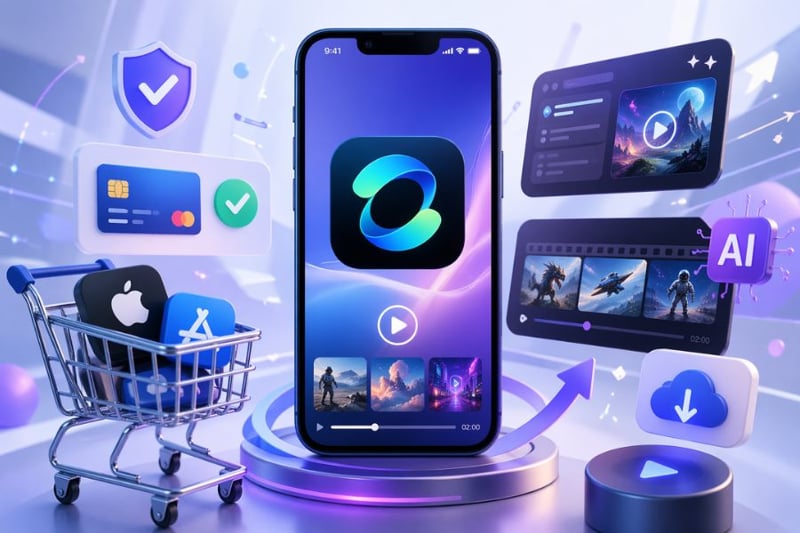
Kling AI on iOS is a mobile application powered by artificial intelligence that allows users to create high-quality videos directly from text or images on iPhone and iPad. The highlight of this platform is its ability to generate videos up to 2 minutes long with resolutions up to 1080p, delivering sharp visuals and smooth, realistic motion. Developed by Kuaishou, Kling AI aims to simplify the video production process, enabling anyone to turn ideas into visual content with just a few simple steps.
Not only limited to basic video creation, Kling AI on iOS also stands out with its realistic physics simulation, natural motion rendering, and support for professional content creation directly on mobile devices. As a result, users can easily produce videos for marketing, social media, or personal creativity without needing complex editing software. Therefore, the demand to buy Kling AI iOS is increasing, especially among those who want to leverage AI power to enhance content quality quickly and efficiently.
2. Kling AI iOS Pricing Table 2026
Kling AI offers multiple flexible service plans to meet various needs from individuals to businesses. Below is the latest pricing table to help you easily choose when you want to buy Kling AI iOS
| No. | Service package | Price/month | Credits/month | Note |
| 1 | Basic Package | ~$6.99 | 660 credits | Suitable for individual users, basic experience. |
| 2 | Advanced Package | ~25.99$ | 3000 credits | For frequent users and content creators. |
| 3 | Professional Package | $64.99 | 8000 credits | Suitable for intensive work and large-scale content production. |
Detailed information for each plan
Basic Plan: This is a suitable option for beginners or individuals who want to try the service. It provides basic features such as creating AI videos from text or images with limited usage, enough for you to get familiar before upgrading when buying Kling AI iOS.
Advanced Plan: This plan is suitable for content creators, marketers, or frequent users. With more credits, you can create more videos, use advanced features, and significantly improve work efficiency.
Professional Plan: This is a premium plan for advanced users or businesses. With a large number of credits, you can produce content at scale, fully leverage AI capabilities, and ensure high productivity when buying Kling AI iOS.
3. Main features of Kling AI iOS
3.1 Text-to-Video – Turn ideas into videos from text
Text-to-Video is one of the most outstanding features of Kling AI iOS, allowing users to input text and have the AI automatically generate a complete video. You only need to describe the scene, characters, or situation, and Kling AI will analyze and create a video with appropriate motion, lighting, and composition. This helps users with no video editing skills still produce professional content easily, especially useful for content creators and marketers who want to quickly turn ideas into videos.
3.2 Image-to-Video – Turn static images into dynamic videos
Image-to-Video is a feature that brings still images to life by adding natural motion. Users simply upload an image, and Kling AI will analyze it and apply motion effects, depth, and context to transform it into a vivid video. This feature is ideal for social media content, advertising, or storytelling, helping increase engagement and emotional impact.
3.3 Extend Video – Expand content more flexibly
The video extension feature allows users to lengthen an existing clip without reducing image quality. AI automatically generates additional frames that match the original content, ensuring smooth and natural continuity. This is very useful when you want to expand ideas without recreating everything from scratch, saving time and optimizing the creative workflow on iOS.
3.4 Create high-quality videos up to 1080p
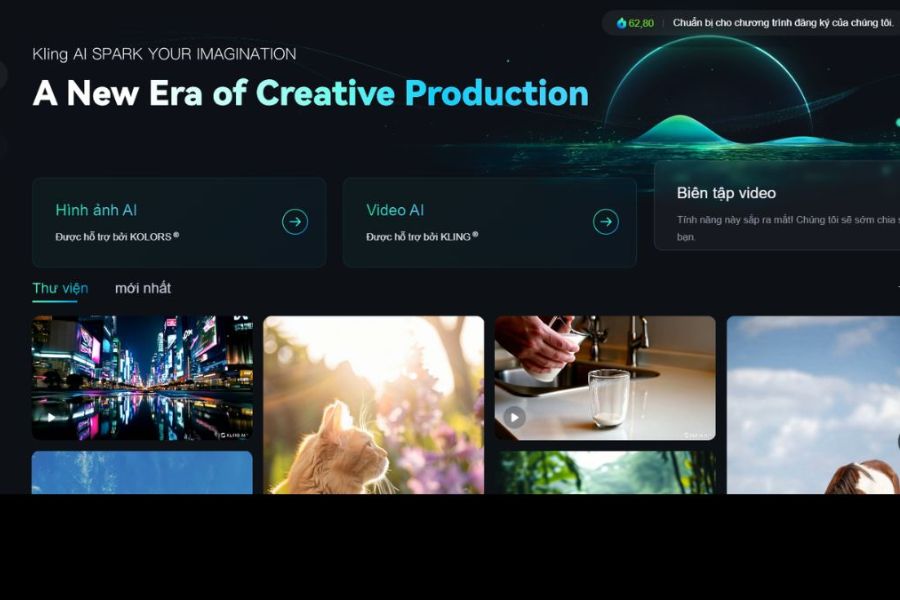
Kling AI iOS supports exporting videos with resolutions up to 1080p, delivering sharp and professional visuals. Thanks to advanced AI processing, details are clearly rendered, colors are balanced, and motion is smooth. This allows content to be used immediately on platforms like TikTok, YouTube, or advertising without much post-editing.
3.5 Realistic physics simulation in every motion
Another strength of Kling AI iOS is its ability to simulate physics naturally, making motion more realistic. From character movement and lighting changes to environmental effects, everything is intelligently processed by AI. As a result, videos not only look good but also feel realistic, enhancing content quality and engagement.
3.6 Easy creative experience on iPhone/iPad
All features of Kling AI iOS are optimized for mobile use, allowing users to work quickly and conveniently anywhere. Without needing a powerful computer or complex software, you can still create professional videos with just a few taps. This convenience is a key reason why demand for buying Kling AI iOS continues to grow, especially among digital content creators.
4. Detailed guide on how to use Kling AI iOS for beginners
4.1 Step 1: Download the Kling AI app from App Store
To get started, access the App Store on your iPhone or iPad and search for the Kling AI application. After downloading and installing, make sure your device has a stable internet connection for smooth usage. This is the first important step to access this powerful AI tool, especially if you are planning to buy Kling AI iOS for long-term use.
4.2 Step 2: Register and log in to your account
After opening the app, register an account using your email, phone number, or Apple ID. The process is quick and user-friendly. Creating an account not only helps store data but also ensures synchronization across multiple devices, which is especially important after purchasing Kling AI iOS to fully utilize its features.
4.3 Step 3: Choose the appropriate video creation feature
Kling AI iOS provides multiple modes such as Text-to-Video or Image-to-Video, depending on your needs. You can create videos from text or turn static images into animated content. Choosing the right feature from the beginning helps save time and optimize efficiency, especially after investing in Kling AI iOS.
4.4 Step 4: Enter a detailed prompt
This is the most important step determining output quality. You need to input a clear description of the content, context, characters, or desired style. The more detailed the prompt, the better the AI understands your idea and produces accurate results. Professional users often invest effort in prompts to maximize results after buying Kling AI iOS.
4.5 Step 5: Generate the video and download
After completing the description, simply press generate and wait for processing. Kling AI will automatically create a video with appropriate motion, lighting, and effects. Once done, you can preview, edit if needed, and download it for work or social media sharing. This final step helps you fully utilize the value of Kling AI iOS and turn ideas into real products.
5. Where to buy Kling AI iOS at a good price?
If you are looking to buy Kling AI iOS at a reasonable price with a simple process, Appvip.ai is a popular choice today. Here, you can easily select plans that suit your needs, from basic to advanced, without having to handle complicated payment steps on iOS. Account upgrades are fast, saving time and allowing immediate use after completion.
In addition, when buying Kling AI iOS this way, you still get full access to features such as creating videos from text or images with high quality up to 1080p directly on iPhone/iPad. The Kling AI app itself also supports direct purchases via the App Store with automatic payment through Apple ID, but external purchasing is more suitable for users who want to optimize costs and simplify the process.
6. Conclusion
Buying Kling AI iOS is not too complicated, but it requires users to follow each step correctly to avoid errors during registration and payment. Once you understand the full process—from preparing an Apple ID account, choosing the right plan, setting up payment methods, to confirming activation—you can use Kling AI smoothly on your iPhone or iPad device.





















VIP Products








Best Selling Products
Genuine Adobe Illustrator account
99 USD
Adobe Photoshop Copyright - Full App
120 USD
Freepik Premium Account
59 USD
Copyright Adobe Lightroom Account
59 USD
Upgrade genuine Capture One account
120 USD
ChatGPT Plus Account (GPT-4)
16 USD
Upgrade Genuine Office 365
49 USD
Autodesk All App Account Copyright
120 USD
Capcut Pro 1 Year
39 USD
MidJourney Account
29 USD
Upgrade Duolingo Super
29 USD
Plugin Retouch4me
69 USD
Adobe Premiere Pro Account
99 USD
Windows 10 & 11 Pro Key
36 USD
Genuine Cheap Canva Pro
39 USD