Best Selling Products

ChatGPT Plus Account (GPT-4)
16 USD

Capcut Pro 1 Year
39 USD

Freepik Premium Account
59 USD

Plugin Retouch4me
69 USD

Autodesk All App Account Copyright
120 USD

Upgrade Duolingo Super
29 USD

Upgrade Genuine Office 365
49 USD

Genuine Adobe Illustrator account
99 USD

Upgrade genuine Capture One account
120 USD

Copyright Adobe Lightroom Account
59 USD

MidJourney Account
29 USD

Adobe Photoshop Copyright - Full App
120 USD

Adobe Premiere Pro Account
99 USD

Genuine Cheap Canva Pro
39 USD

Windows 10 & 11 Pro Key
36 USD
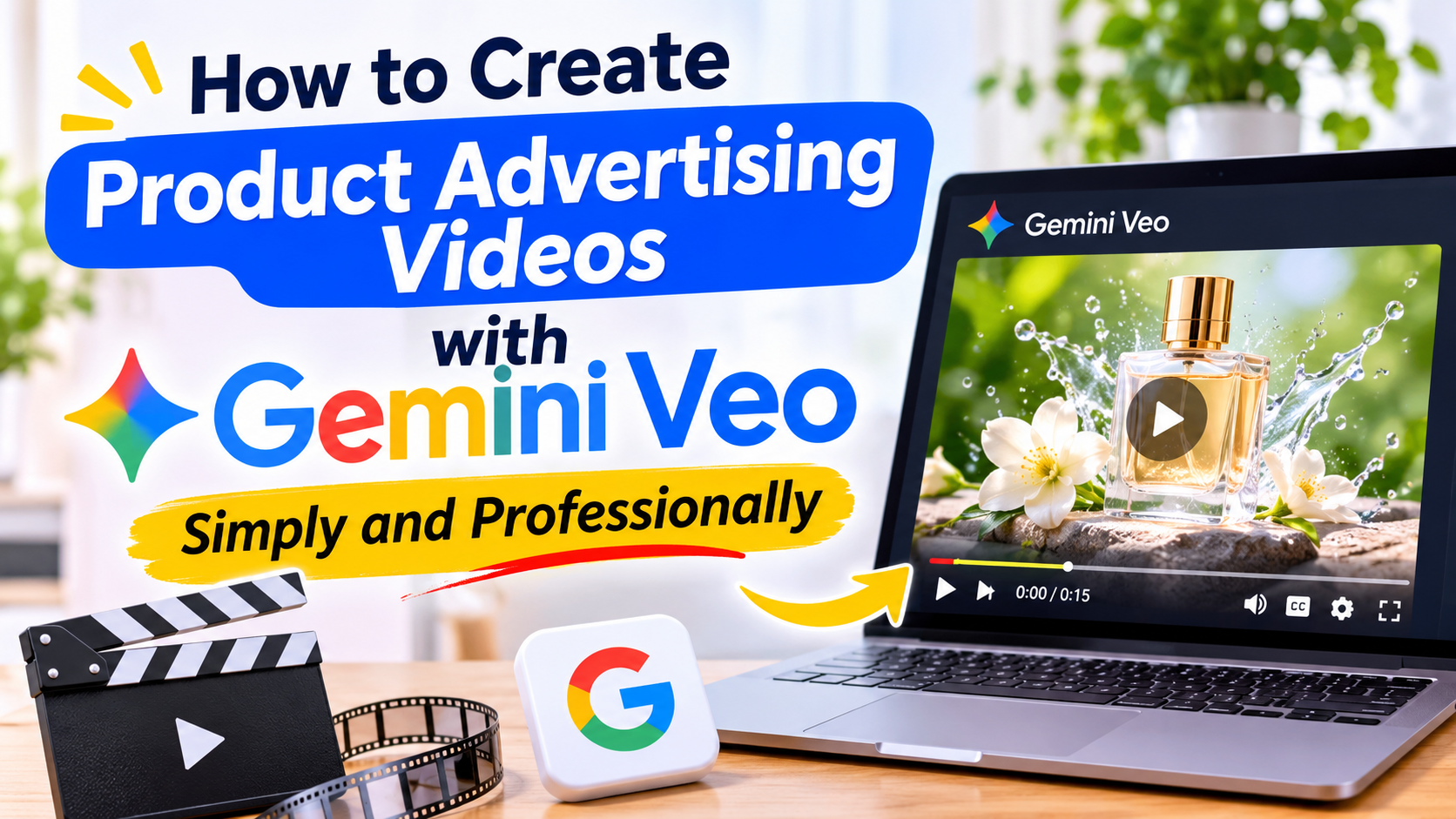
How to Create Product Advertising Videos with Gemini Veo Simply and Professionally
Nội dung
- 1. What is Gemini Veo? Can it create advertising videos?
- 2. What do I need to prepare before creating a promotional video using Gemini Veo?
- 3. Instructions on how to create product advertising videos using Gemini Veo
- Step 1: Access Gemini and select the video creation feature.
- Step 2: Prepare product images
- Step 3: Write the description for the video advertisement.
- Step 4: Create the video and check the results.
- Step 5: Create additional camera angles to make the video more engaging.
- Step 6: Edit and finalize the advertising video.
- 4. Tips for writing prompts to create beautiful advertising videos using Gemini Veo
- 5. Suggested prompts for creating promotional videos for each product type.
- 5.1. Cosmetic advertising videos
- 5.2. Fashion advertising videos
- 5.3. Video advertisements for household appliances
- 5.4. Video advertising accessories
- 6. Things to note when using Gemini Veo to create advertising videos.
- 8. Conclusion
In online business, an attractive advertising video can help a product capture attention and make an impression on customers from the very first seconds.
1. What is Gemini Veo? Can it create advertising videos?
Gemini Veo is Google's AI video creation tool, capable of converting text or image descriptions into moving footage. The tool assists users in building scenes, selecting visual styles, adjusting camera angles, and creating motion effects according to their desired ideas. This is a useful solution for online businesses, content creators, and companies wanting to produce advertising videos without investing heavily in filming and editing equipment. Some notable advantages of using Gemini Veo for advertising videos include:
-
Save time: Shorten the traditional set preparation and filming process.
-
Easy to be creative: Experiment with different advertising styles simply by changing the wording.
-
Vivid visuals: Creates movement, lighting effects, and diverse camera angles.
-
Versatile application: Suitable for a wide range of industries such as cosmetics, fashion, technology products, and accessories.
-
Accessible: Even those without video editing experience can start creating videos.
However, AI can sometimes produce inaccurate product images regarding logos, packaging, colors, or design details. Therefore, you should carefully review the video before using it for commercial purposes.
2. What do I need to prepare before creating a promotional video using Gemini Veo?
To create a compelling video that accurately showcases your product, you should prepare high-quality images along with a specific advertising concept. Instead of simply entering the product name and asking AI to generate a video, identify your target audience, the key features you want to highlight, and the desired visual style. For example, a cosmetics video might utilize soft lighting and a sophisticated setting, while fashion accessories are best suited to close-up shots and eye-catching movements. Content to prepare beforehand includes:
-
Product images: Clear, well-lit photos that fully show the shape and color of the product.
-
Product information: Name, material, uses, and key features.
-
Advertising concept: Determine whether the video should focus on introduction, experience, or highlighting benefits.
-
Visual style: Choose from elegant, youthful, minimalist, or modern styles.
-
Key message: Prepare a short, memorable, and relevant introductory statement for your target audience.
3. Instructions on how to create product advertising videos using Gemini Veo
After preparing all the necessary images and ideas, you can start creating your advertising video using Gemini Veo. The process below will guide you through the content development step-by-step, from selecting images to editing and finalizing the video.
Step 1: Access Gemini and select the video creation feature.
First, visit the Gemini website at https://gemini.google.com/ and log in with your Google account. Depending on your account, region, and supported service plan, you may find video creation features or access to the Veo model within the interface. Check the available options to select the correct feature before you begin. If you are not yet granted access, you need to check the access conditions and limitations of your current account plan.
Step 2: Prepare product images
Next, upload the product image you want to use as the main subject in your video if the interface supports creating videos from photos. Prioritize images with a simple background, a clear angle, and that don't lose important details. For example, if you want to advertise a handbag, choose an image that clearly shows the style, strap, color, and material. The clearer the input image, the better the AI can create content that matches your initial idea.
Step 3: Write the description for the video advertisement.
This is a crucial step that largely determines the video creation outcome. Instead of entering general requests like "create a video advertising a beautiful bag," you should specifically describe the subject, setting, lighting, camera angles, and desired movement. A detailed command will help the AI better understand the advertising style you're aiming for.
You can refer to the following command:
"Create a promotional video for a cream-colored women's handbag, maintaining the style and design details of the product as shown in the reference image. Place the bag on a table in a luxurious setting, with soft natural light streaming in from a window. The camera slowly zooms in, focusing on the material, stitching, and prominent details. The style should be high-end fashion advertising, with realistic imagery, smooth movement, and sophisticated composition."
When writing prompts, you should pay attention to the following factors:
-
Subject: Accurately describe the name and characteristics of the product.
-
Context: Determine the space where the product will appear.
-
Camera angle: Use descriptions such as close-up, wide shot, or camera movement.
-
Lighting: Choose between natural light, studio lighting, or cinematic lighting.
-
Style: Determine whether the advertising video should be modern, elegant, or youthful.
-
Quality: Requires clear images, natural motion, and minimal distortion.
Step 4: Create the video and check the results.
After completing the command, send the request to Gemini Veo to begin processing. The video creation process may take some time depending on the model version and system status. Once the video is created, review the entire content to assess its suitability to the original idea. Pay particular attention to the product's shape, color, logo, movement, and details that may have been altered by the AI. If the result is not as desired, you can adjust the prompt, add more specific descriptions, and recreate it.
Step 5: Create additional camera angles to make the video more engaging.
A well-designed video with multiple camera angles often creates a professional feel and allows customers to observe the product more clearly. Instead of using a single scene, you can create several short video clips with different camera angles and combine them into a complete content. For example, with a perfume bottle, you could create an overall introductory scene, a close-up of the bottle's material, and a scene of the product appearing in a luxurious setting. Maintain a consistent visual style and color scheme so that the combined clips don't feel disjointed.
Step 6: Edit and finalize the advertising video.
Once you have the necessary footage, use video editing tools to combine scenes, add background music, insert text, and adjust the duration. You can choose familiar software like CapCut to perform these operations. Prioritize an engaging opening, a middle section that highlights the product, and a clear call to action at the end. If posting the video to TikTok or Reels, consider a vertical 9:16 aspect ratio to take advantage of screen space on mobile devices. Finally, export the video in suitable quality and review it once before uploading.
4. Tips for writing prompts to create beautiful advertising videos using Gemini Veo
The quality of AI videos depends heavily on how the user articulates their request. A good prompt doesn't necessarily need to be long, but it should contain clear information, avoiding vague descriptions or including too many irrelevant ideas in a single command. You should focus on one main message and choose a supporting context to highlight the product.
Here are some tips to help improve results:
-
Detailed product description: Clearly state the color, shape, material, and identifying characteristics.
-
Choose one consistent style: Avoid combining too many different styles in a short video.
-
Use descriptive language to convey movement: For example, the camera moves closer, rotates slightly, or moves in slow motion.
-
Determine the lighting: Appropriate lighting helps the product stand out and creates a professional feel.
-
Limit unnecessary details: Focus on the product instead of creating too many objects in the scene.
-
Experiment with multiple versions: Change each element in the prompt to find the best result.
5. Suggested prompts for creating promotional videos for each product type.
Each product category has its own characteristics, so the way you create videos needs to change to suit your target customers. You can refer to some of the commands below and adjust them to the actual product images.
5.1. Cosmetic advertising videos
"Create a commercial video featuring a bottle of skin serum placed on a white stone pedestal in a minimalist studio setting. Soft lighting reflects off the bottle, and the camera slowly zooms in to highlight the packaging design and product texture. The style is high-end beauty, with realistic imagery, subtle colors, and smooth motion."
5.2. Fashion advertising videos
"Create a promotional video for a women's dress with an elegant design, set in a modern environment. The camera should move smoothly, focusing on the fabric, stitching, and silhouette of the garment. Natural lighting, a youthful fashion style, realistic imagery, and a professional composition are all essential."
5.3. Video advertisements for household appliances
"Create a video advertisement for a blender placed on a modern kitchen counter. The camera zooms in on the design, then switches to a wide angle showing the product in a real-life usage environment. The lighting is bright, the colors are vibrant, the advertising style is intimate and family-friendly, and the movements are natural."
5.4. Video advertising accessories
"Create a promotional video for a black women's handbag placed on a luxurious display table. The camera subtly pans around the product, focusing on the clasp, strap, and design details. Soft studio lighting, a minimalist background, and a high-end fashion advertising style."
6. Things to note when using Gemini Veo to create advertising videos.
While AI can help create visually appealing videos, you still need to control the quality of the content before incorporating it into your advertising campaign. Product introduction videos, in particular, need to be truthful and avoid creating images or information that mislead customers about the actual product. Some points to consider include:
-
Verify authenticity: Compare the color, style, packaging, and characteristics of the product with the genuine item.
-
Avoid misleading advertising: Refrain from using images or information that claim benefits that have not been verified.
-
Copyright notice: Use of images, sounds, and resources is permitted only with legal authorization.
-
Check platform policies: Ensure the video complies with TikTok, Facebook, or YouTube's advertising and content guidelines.
-
Disclosure AI content when necessary: Comply with platform requirements for transparency regarding content created or edited using AI.
-
Check the text and logo: Don't assume that AI will always accurately display the brand name or information on the packaging.
8. Conclusion
Creating product promotional videos with Gemini Veo is a new approach that helps individual businesses and enterprises save time, expand creative ideas, and diversify marketing content. With just input images and well-structured commands, you can create lively product introduction videos without going through the entire traditional filming and editing process.





















VIP Products








Best Selling Products
ChatGPT Plus Account (GPT-4)
16 USD
Capcut Pro 1 Year
39 USD
Freepik Premium Account
59 USD
Plugin Retouch4me
69 USD
Autodesk All App Account Copyright
120 USD
Upgrade Duolingo Super
29 USD
Upgrade Genuine Office 365
49 USD
Genuine Adobe Illustrator account
99 USD
Upgrade genuine Capture One account
120 USD
Copyright Adobe Lightroom Account
59 USD
MidJourney Account
29 USD
Adobe Photoshop Copyright - Full App
120 USD
Adobe Premiere Pro Account
99 USD
Genuine Cheap Canva Pro
39 USD
Windows 10 & 11 Pro Key
36 USD