Best Selling Products

Autodesk All App Account Copyright
120 USD

ChatGPT Plus Account (GPT-4)
16 USD

Freepik Premium Account
59 USD

Genuine Cheap Canva Pro
39 USD

Copyright Adobe Lightroom Account
59 USD

Adobe Premiere Pro Account
99 USD

Windows 10 & 11 Pro Key
36 USD

Capcut Pro 1 Year
39 USD

Upgrade Genuine Office 365
49 USD

Upgrade genuine Capture One account
120 USD

Adobe Photoshop Copyright - Full App
120 USD

Upgrade Duolingo Super
29 USD

Genuine Adobe Illustrator account
99 USD

MidJourney Account
29 USD

Plugin Retouch4me
69 USD
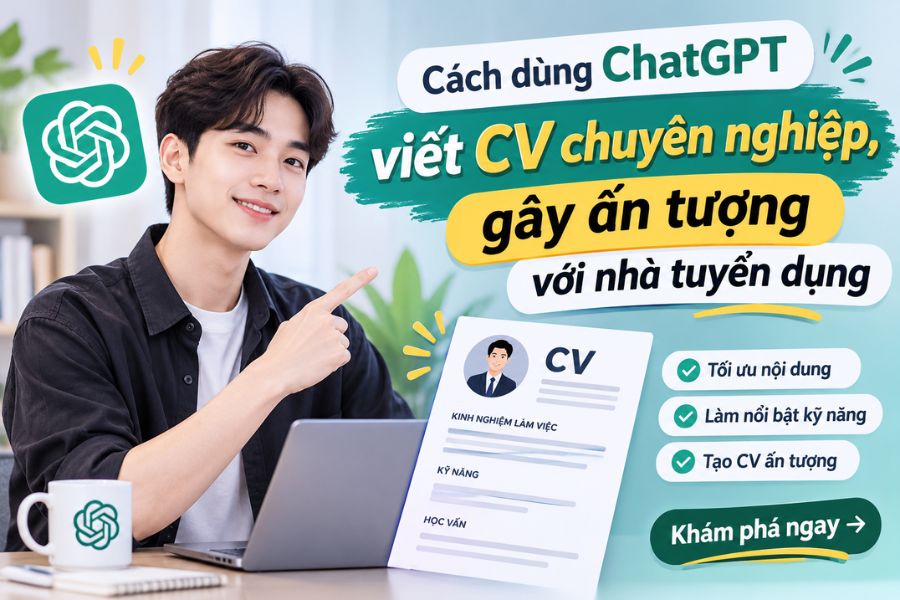
How to use ChatGPT to write a professional CV that impresses recruiters.
Nội dung
- 1. Why should you use ChatGPT to write your CV?
- 2. A step-by-step guide on how to use ChatGPT to write a professional CV.
- Step 1: Identify the job position you want to apply for.
- Step 2: Provide personal information and work experience.
- Step 3: Ask ChatGPT to write your self-introduction and career goals.
- Step 4: Optimize the work experience section.
- Step 5: Suggest suitable professional and soft skills.
- Step 6: Adjust your CV to suit each job position.
- Step 7: Ask ChatGPT to check for errors and optimize your CV content.
- Step 8: Finalize the layout and design of your CV.
- 3. Some tips for using ChatGPT to write an effective CV.
- 4. Conclusion
A well-structured and professional CV is the first step in making a good impression on recruiters and increasing your chances of getting an interview. However, not everyone knows how to present their experience, highlight their skills, or choose persuasive language. This is especially true for recent graduates with limited experience or those looking to change careers; creating an impressive CV can be a significant challenge. Instead of spending hours struggling with wording and layout, you can use ChatGPT to simplify the process. This AI tool can assist in content creation, sentence editing, skill suggestions, and personalizing your CV for each specific position. Simply provide relevant information and clearly state your requirements, and you can create a professional, easy-to-read CV that effectively showcases your abilities. Let''s explore how to use ChatGPT to write your CV with the detailed instructions below!
1. Why should you use ChatGPT to write your CV?
ChatGPT is an AI tool capable of processing natural language, helping users quickly build and refine their CV content. Instead of having to think of every word yourself, you can provide information about your education, work experience, skills, and desired position. ChatGPT will use that data to suggest a suitable presentation style, making the content clearer and more professional.
One notable advantage is that ChatGPT can tailor your CV to various industries and levels. For example, if you're applying for a Marketing position, the tool can suggest ways to highlight experience in content creation, social media management, or advertising campaign implementation. Meanwhile, for an Accounting position, the content will focus more on professional skills, data processing abilities, and the use of accounting software.
In addition, ChatGPT helps detect lengthy sentences, unnatural phrasing, or information that isn't truly outstanding. You can request the tool to rewrite the content in a concise, formal, or dynamic style depending on the work environment. This makes the CV creation process more convenient, even if you don't have much experience writing resumes.
2. A step-by-step guide on how to use ChatGPT to write a professional CV.
To create a truly high-quality CV, you shouldn't just ask ChatGPT to write the entire content at once. Instead, break the process down into specific steps so the tool understands your personal information, career goals, and the requirements of the position you're applying for.
Step 1: Identify the job position you want to apply for.
Before you start writing your CV, you need to clearly define the job you want to apply for. This is crucial information that helps ChatGPT choose the appropriate wording, skills, and experience. You should prepare the job title, field of activity, job level, and some requirements mentioned in the job posting. If you already have a job description (JD), copy the content and send it directly to ChatGPT for analysis.
You can use the following statement:
“I want to apply for a Marketing Staff position at an e-commerce company. Please analyze the typical requirements for this position, identify the key professional skills, soft skills, and experience that should be showcased in my CV. Prioritize content relevant to candidates with one year of experience.”
Based on the information you provide, ChatGPT will help you identify the elements that need to be highlighted in your resume. This also forms the basis for building a well-structured CV, avoiding the situation of presenting too much information without focusing on what recruiters are truly interested in.
Step 2: Provide personal information and work experience.
After identifying the position you're applying for, you need to prepare basic information for ChatGPT to build your content. Necessary data typically includes your full name, contact information, education level, work experience, professional skills, certifications, and notable achievements. If you've ever participated in internships, part-time jobs, extracurricular activities, or personal projects, you should also provide this information so the tool has more data to utilize.
It's crucial to describe your work as specifically as possible. Instead of simply stating you worked as a Marketing employee, you should share tasks such as writing marketing content, managing fan pages, planning content, or assisting with advertising campaigns. If you have specific data, such as the number of posts per month, engagement growth rate, or revenue contribution, include it to make your CV more convincing.
You can enter the command:
"Based on the information I've provided below, please reorganize your work experience, education, and skills into a professional CV structure. Keep it truthful; do not add achievements or experiences that you don't possess. Prioritize information directly relevant to the Marketing position I'm applying for."
ChatGPT will help you systematize data and identify valuable content. This ensures you don't miss out on seemingly small experiences that could still demonstrate your capabilities.

Step 3: Ask ChatGPT to write your self-introduction and career goals.
The self-introduction and career objectives section is usually at the beginning of a CV, helping recruiters quickly get a picture of the applicant. However, many people often make the mistake of writing overly general content such as "hardworking," "enthusiastic," "responsible," and "eager to learn." While this information isn't wrong, it's not enough to differentiate you from hundreds of other applications.
You can ask ChatGPT to rewrite your introduction based on your actual experience, strengths, and career aspirations. Request that the tool use approximately 3 to 5 sentences, focusing on your expertise, outstanding experience, and the value you can contribute to the company. For recent graduates, the content should emphasize your professional knowledge, internships, and ability to adapt to the work environment.
Example statement:
“Please write a self-introduction for my CV applying for a Marketing Staff position. I am a Marketing graduate with one year of experience in content creation and fanpage management. I want to showcase my proactiveness, ability to grasp trends, and creative thinking. Write it as a short paragraph of about four sentences, in a professional and natural style, avoiding clichés.”
After receiving the results, you should reread and adjust any details that don't accurately reflect your personality or abilities. A good introduction doesn't need to be overly flowery; what's important is that it helps the recruiter understand who you are, what your strengths are, and what your goals are.
Step 4: Optimize the work experience section.
Work experience is one of the things recruiters look for when evaluating a candidate's suitability. Instead of listing a series of tasks performed, you should present it in a way that emphasizes your role, responsibilities, and achievements. This is also where ChatGPT can effectively assist by transforming simple job descriptions into more professional content.
For example, the sentence "Write Facebook posts for the company" could be rephrased as "Develop and implement Facebook marketing content, ensuring the message is consistent with the brand's direction." If you have specific metrics, you can add them, such as the number of content produced, engagement growth, or campaign effectiveness. However, you should absolutely not ask ChatGPT to create fictitious numbers just to make your CV look more impressive.
You can use the following statement:
“Please rewrite the work experience section below in a professional CV style. Use strong action verbs, concise sentences, and focus on responsibilities and results. Do not add information beyond the data I have provided. Prioritize language that makes it easy for the recruiter to see my professional skills.”
This way, the jobs you've held will be presented more clearly, focused, and easier to follow. In particular, if you've held many different positions, you can ask ChatGPT to sort your experience by relevance to the job you're applying for.
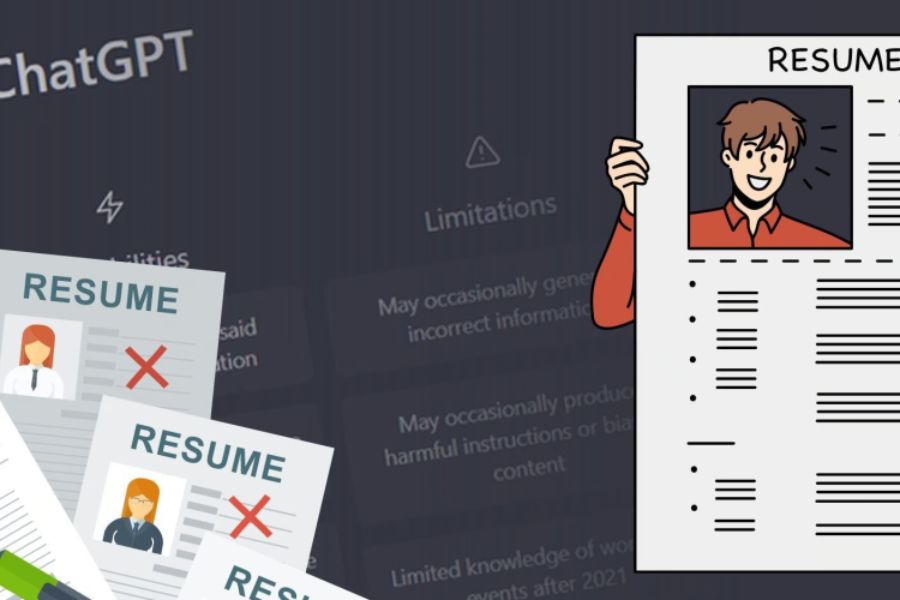
Step 5: Suggest suitable professional and soft skills.
A compelling CV cannot be complete without a skills section. This is where you showcase the abilities that can directly support the job, from professional knowledge to communication skills, teamwork, and problem-solving. However, listing too many irrelevant skills can make the CV look scattered and unfocused.
ChatGPT can help you analyze job descriptions to identify the skills employers prioritize. For example, for a Graphic Designer position, skills such as Photoshop and Illustrator proficiency, aesthetic sense, and the ability to create visual content might be emphasized. Meanwhile, a Sales Representative position typically requires consulting, negotiation, customer service, and time management skills.
Try this command:
"Based on my job description and experience, please suggest six of the most relevant skills to include in my CV. Divide them into two groups: professional skills and soft skills. Prioritize skills that can be demonstrated through practical experience, and avoid listing abilities I don't yet possess."
After receiving the suggestions, choose the skills you are truly proficient in and can provide examples to demonstrate during the interview. Don't try to include all the skills suggested by ChatGPT in your CV if you don't possess them.
Step 6: Adjust your CV to suit each job position.
A common mistake is using the same CV to apply for multiple jobs. While this saves time, it can result in a resume that doesn't reflect the specific needs of each company. In reality, each position has its own requirements and evaluation criteria, so you should tailor your CV accordingly.
With ChatGPT, you simply provide your current CV along with a description of the new position. The tool will analyze similarities, identify key information to emphasize, and suggest ways to rearrange the content. For example, when applying for two positions—Content Marketing and Social Media—you can share some experience but need to shift the focus to suit each job.
Reference command:
“I will send my current CV and the job description for the position I am applying for. Analyze the relevance of the two pieces of information, pointing out what information needs to be added, adjusted, or highlighted. Then, optimize the CV to meet the recruitment requirements without distorting my actual experience.”
Personalizing your resume helps recruiters quickly identify the key match between you and the position being advertised. It also helps create a more clearly defined CV, rather than just a simple compilation of personal information.

Step 7: Ask ChatGPT to check for errors and optimize your CV content.
After completing the main sections, don't rush to send your application. Take the time to review the entire content. Small errors such as spelling mistakes, missing punctuation, inconsistent writing style, or overly long sentences can all affect the professionalism of your CV.
You can copy the entire CV content into ChatGPT and ask the tool to review each section. In addition to checking for language errors, ask the AI to assess clarity, logic, and the ability to highlight the candidate's abilities. If using an English CV, you can also request grammar checks, word usage adjustments, and style adjustments for a more natural feel.
Suggested command:
"Imagine you're an experienced recruiter. Read and evaluate the CV below based on the following criteria: content structure, professionalism, suitability for the position, spelling errors, and expression. Identify areas for improvement, suggest specific revisions, and rewrite sections that need improvement."
Another approach is to ask ChatGPT to act as a recruiter to critically evaluate your CV. You can ask what information is unconvincing, what parts lack evidence, and why your application might not be selected. This feedback will help you view your CV from an objective perspective before submitting it to the company.
Step 8: Finalize the layout and design of your CV.
Good content needs to be presented in a logical way. A CV with too many colors, different fonts, or illogically arranged information can be difficult for recruiters to follow. Therefore, after completing the content using ChatGPT, you should choose a simple, modern layout that is appropriate for the industry you are applying for.
You can ask ChatGPT to suggest a CV structure that includes sections such as personal information, self-introduction, career goals, work experience, education, skills, and certifications. For those with many years of experience, the experience section should be prioritized. Conversely, recent graduates can highlight their education, personal projects, extracurricular activities, and internships.
Alternatively, you can use Canva or Microsoft Word to design your CV based on the content you've prepared. Prioritize templates with a clear layout, reasonable whitespace, harmonious colors, and easy-to-read font sizes. If applying to companies that use automated application screening systems (ATS), you should limit complex tables, decorative icons, and graphic details that may make it difficult for the system to read the information.
3. Some tips for using ChatGPT to write an effective CV.
Although ChatGPT can be very helpful in building a CV, you still need to review the content before using it. AI tools can sometimes provide inaccurate information, exaggerate details, or suggest skills that don't match your actual abilities. Therefore, consider the results generated by ChatGPT as a draft for reference and editing; do not copy them verbatim without checking.
In addition, you should avoid using overly formulaic or repetitive sentences. Phrases like "highly responsible," "able to handle work pressure," or "always striving to learn" are frequently found in many CVs. Instead of just making statements, use real-world examples to demonstrate your abilities. For instance, if you want to showcase your teamwork skills, you could mention a project you participated in and your specific role.
Another important point is that you should avoid sharing unnecessary sensitive personal information when using AI tools. You should only provide data for profile building purposes, and you can hide your phone number, detailed address, or other private information during the exchange.

4. Conclusion
Knowing how to use ChatGPT to write your CV will save you considerable time while improving the quality of your content and how you showcase your personal abilities. From defining career goals and building your introduction to optimizing your experience, checking for errors, and adjusting your resume for each position, AI tools can be a useful aid in your job search. However, a truly impressive CV isn't about flowery language, but about accurately reflecting the candidate's skills, experience, and value. Therefore, utilize ChatGPT to perfect your resume, but don't forget to add your personal touch, verify all information, and select the most relevant content. A well-prepared, scientifically presented, and clearly-oriented CV will give you more confidence when impressing recruiters.





















VIP Products








Best Selling Products
Autodesk All App Account Copyright
120 USD
ChatGPT Plus Account (GPT-4)
16 USD
Freepik Premium Account
59 USD
Genuine Cheap Canva Pro
39 USD
Copyright Adobe Lightroom Account
59 USD
Adobe Premiere Pro Account
99 USD
Windows 10 & 11 Pro Key
36 USD
Capcut Pro 1 Year
39 USD
Upgrade Genuine Office 365
49 USD
Upgrade genuine Capture One account
120 USD
Adobe Photoshop Copyright - Full App
120 USD
Upgrade Duolingo Super
29 USD
Genuine Adobe Illustrator account
99 USD
MidJourney Account
29 USD
Plugin Retouch4me
69 USD