Best Selling Products

Copyright Adobe Lightroom Account
59 USD

Upgrade Duolingo Super
29 USD

Adobe Photoshop Copyright - Full App
120 USD

Windows 10 & 11 Pro Key
36 USD

Upgrade Genuine Office 365
49 USD

Genuine Cheap Canva Pro
39 USD

ChatGPT Plus Account (GPT-4)
16 USD

Adobe Premiere Pro Account
99 USD

Genuine Adobe Illustrator account
99 USD

Freepik Premium Account
59 USD

Plugin Retouch4me
69 USD

MidJourney Account
29 USD

Capcut Pro 1 Year
39 USD

Autodesk All App Account Copyright
120 USD

Upgrade genuine Capture One account
120 USD
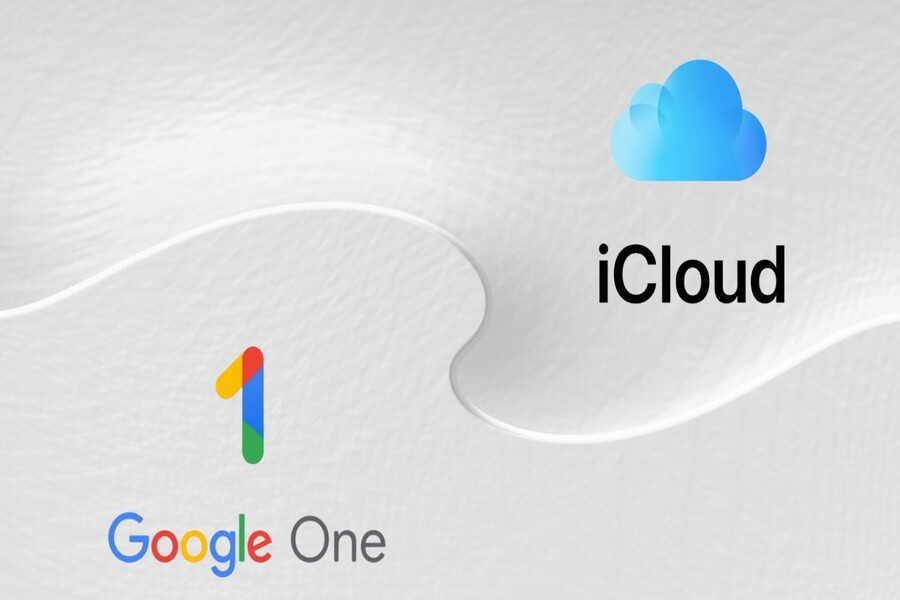
iCloud or Google Photos: Which storage solution is more reliable for users?
Nội dung
With the seamless integration of iCloud and the AI power of Google Photos, users face a difficult choice.
For iPhone users, choosing where to store thousands of precious photos has never been an easy decision. With the advancement of mobile technology, the iPhone has become the device for capturing important moments in life: a trip, a birthday party, a child's graduation, a spontaneous selfie, or even just a screenshot to remember a task. Each photo carries its own story.
Therefore, finding a stable, smart, and long-term storage solution is a concern for any iPhone user. On one side is iCloud , the default service built by Apple and deeply integrated into its entire ecosystem. On the other side is Google Photos , renowned for its powerful search capabilities, superior AI algorithms, and versatility across multiple platforms.
The question is: Which is the best choice? Which is right for each type of user? Why are some people absolutely loyal to iCloud, while others can't live without Google Photos? The rivalry between these two platforms isn't simply about comparing free storage or interface. It also reflects different design philosophies, how the two companies approach data storage, and the increasingly high expectations of modern users.
1. Google Photos or iCloud: Which is the better choice for backing up photos?
Today, the iPhone is more than just a communication device or entertainment tool. With the rapid advancement of camera technology, it has become the primary camera for hundreds of millions of users worldwide. iPhone cameras can capture high-quality photos, record 4K video, create bokeh effects, handle low-light and night photography, and perform post-processing directly within the Photos app. All these improvements have resulted in increasingly larger file sizes for photos and videos. A photo taken with the 48MP sensor of an iPhone 14 Pro or 15 Pro can be tens of megabytes. A few minutes of 4K video can take up several gigabytes.
iPhones with 64GB or 128GB of storage quickly become "overwhelmed." When internal storage starts to fill up, users truly realize the importance of a stable cloud storage platform. This is where the story of Google Photos and iCloud becomes central.
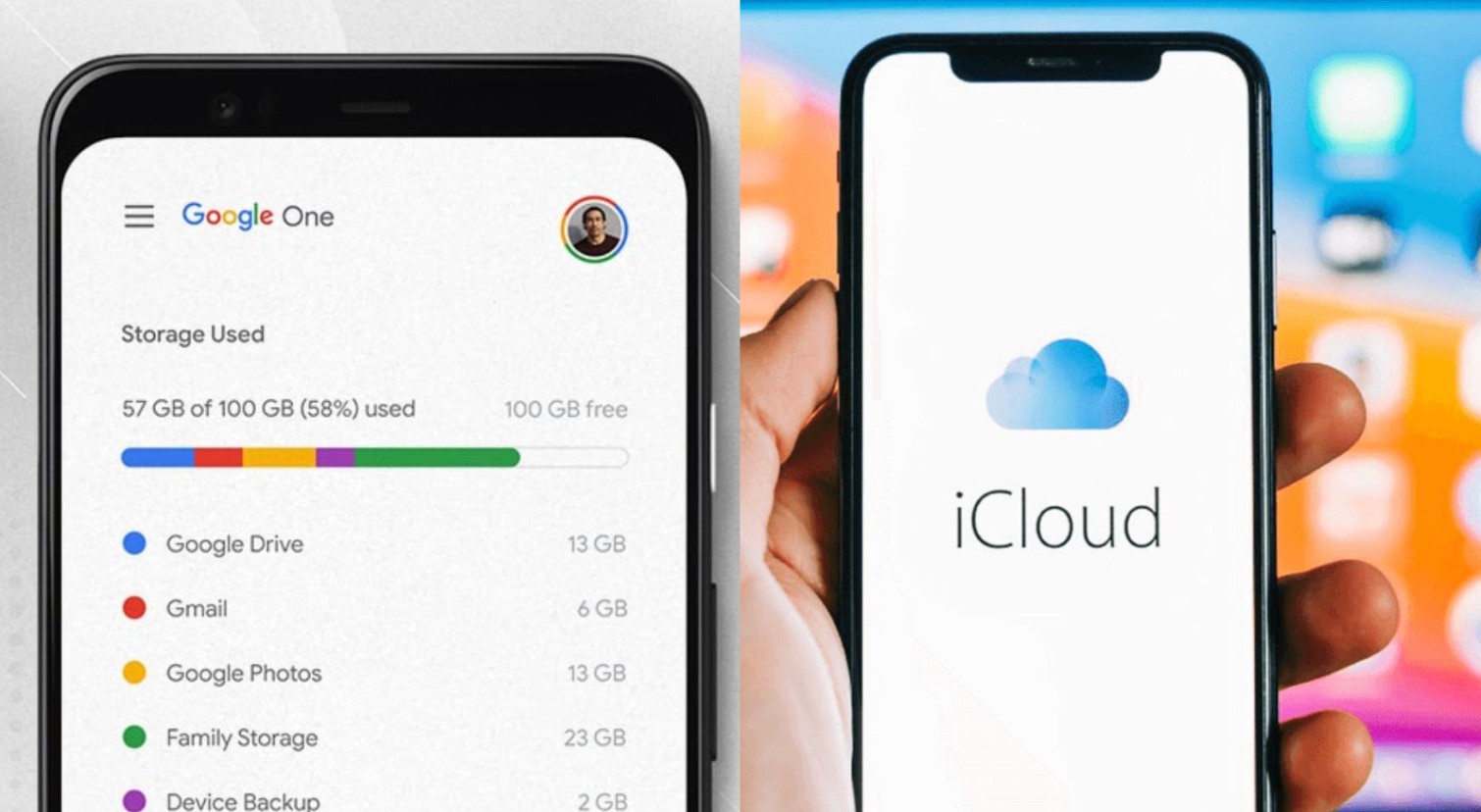
Apple is a renowned brand known for its philosophy of simplicity, efficiency, and elegance. However, in the area of free cloud storage, Apple has created a significant barrier for users. Since 2011, Apple has only offered 5GB of free storage per iCloud account. This number has remained unchanged for over a decade.
It's worth noting that this 5GB isn't just for photos and videos. It also has to handle all other content such as iCloud Backups, iMessages, documents on iCloud Drive, app data, and many other things. If you have multiple devices logged into the same Apple ID account, the amount of data that needs to be synced increases many times over.
This often causes iCloud to become "full" after only a short period of use. Many iPhone users receive the "iCloud storage is full" warning just a few months after purchasing their device, forcing them to delete photos or upgrade to a paid iCloud+ plan with higher storage capacity. This is why many people consider iCloud a "free but not truly free" solution.
Meanwhile, Google Photos offers 15GB of free storage , although this is shared with Gmail and Google Drive. Even so, 15GB is still three times the amount of iCloud, giving users more ample storage space. For most average users with basic photo storage needs, 15GB can last for months or even years without needing an upgrade.
Although Google discontinued its “High Quality unlimited” photo storage program in 2021, 15GB still offers a significant advantage over Apple. A new Gmail account is also easier to sign up for than creating an Apple ID, allowing users to quickly expand their storage by using multiple accounts if desired.
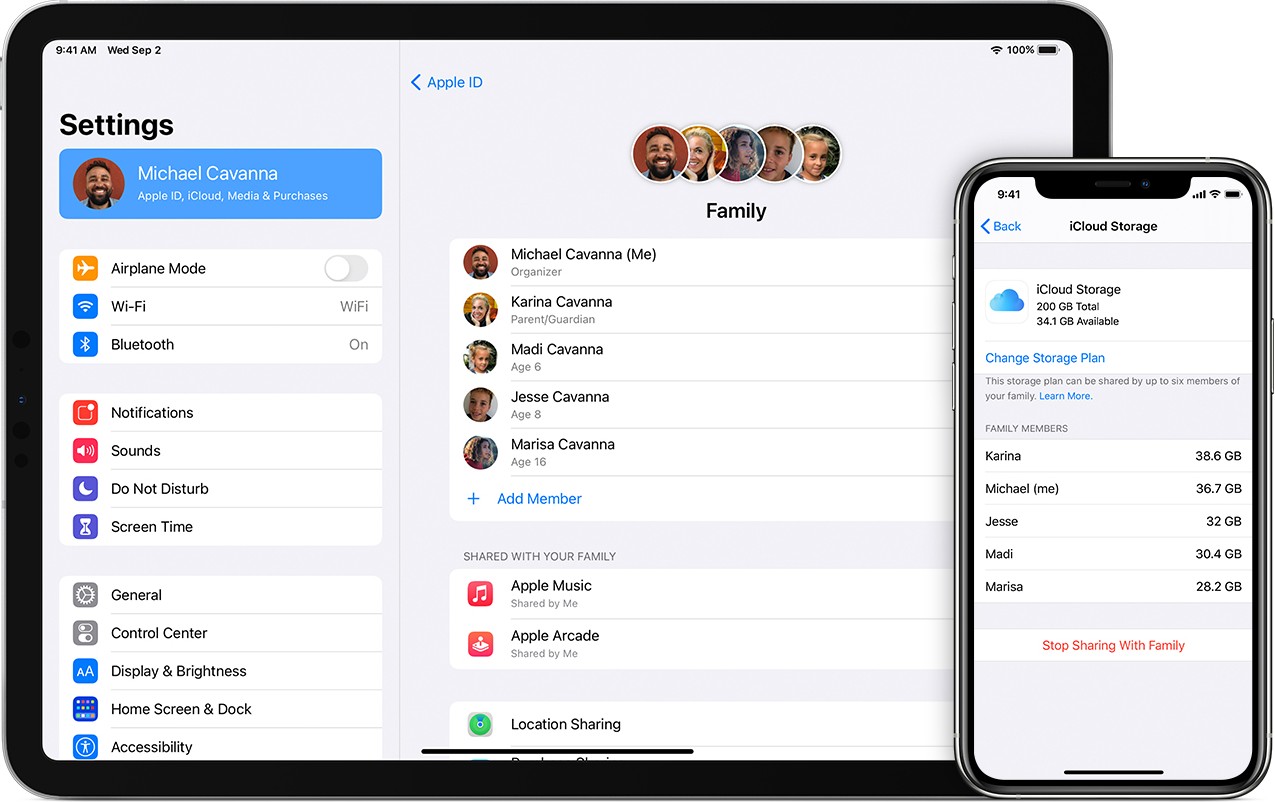
One of the most significant differences between iCloud and Google Photos lies in their operating philosophies.
iCloud: Minimalist, seamless, and silent.
iCloud is deeply integrated into iOS, iPadOS, and macOS by Apple. When you enable iCloud Photos, all the photos you take will automatically sync to the cloud without any additional setup. Apple designed iCloud to operate silently, uncomplicatedly, and without manual intervention.
iCloud's greatest strength lies in its seamlessness. When you take a photo on your iPhone, edit it on your iPad, and then open it on your Mac, all changes are instantly synchronized. No need to export files, no need for manual syncing, no need to download photos. Even the Photos app interface is the same across Apple devices, making it easy for users to get used to and maintain their usage habits.
iCloud is suitable for those who value stability and don't want to install additional apps. It's like a natural extension of Apple devices, designed to work harmoniously within the same ecosystem.
Google Photos: Proactive, flexible, and packed with superior AI features.
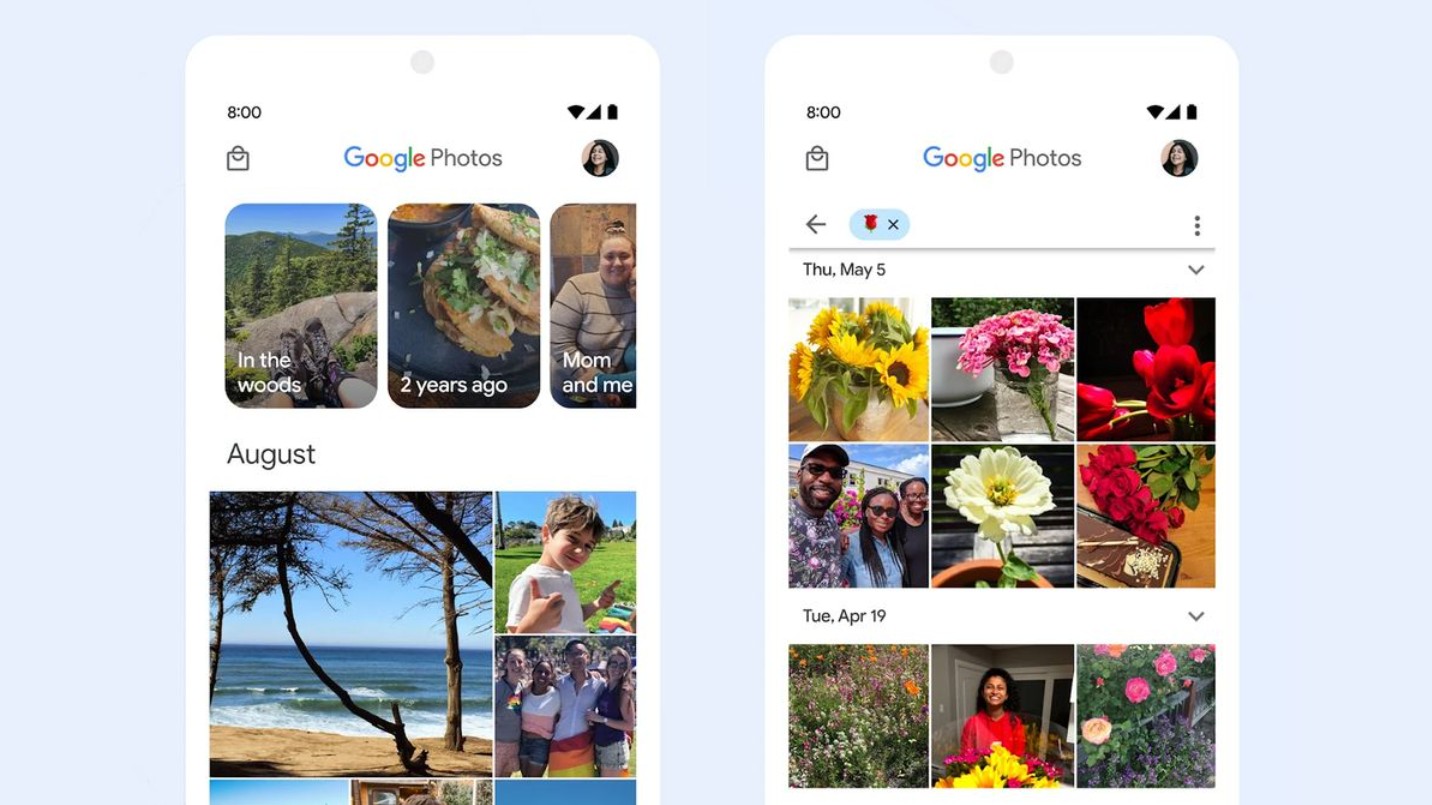
Conversely, Google Photos is considered the smartest photo storage platform currently available. With its advantages in machine learning algorithms and massive data infrastructure, Google Photos is capable of recognizing objects, classifying photos, and searching for photos with extreme accuracy.
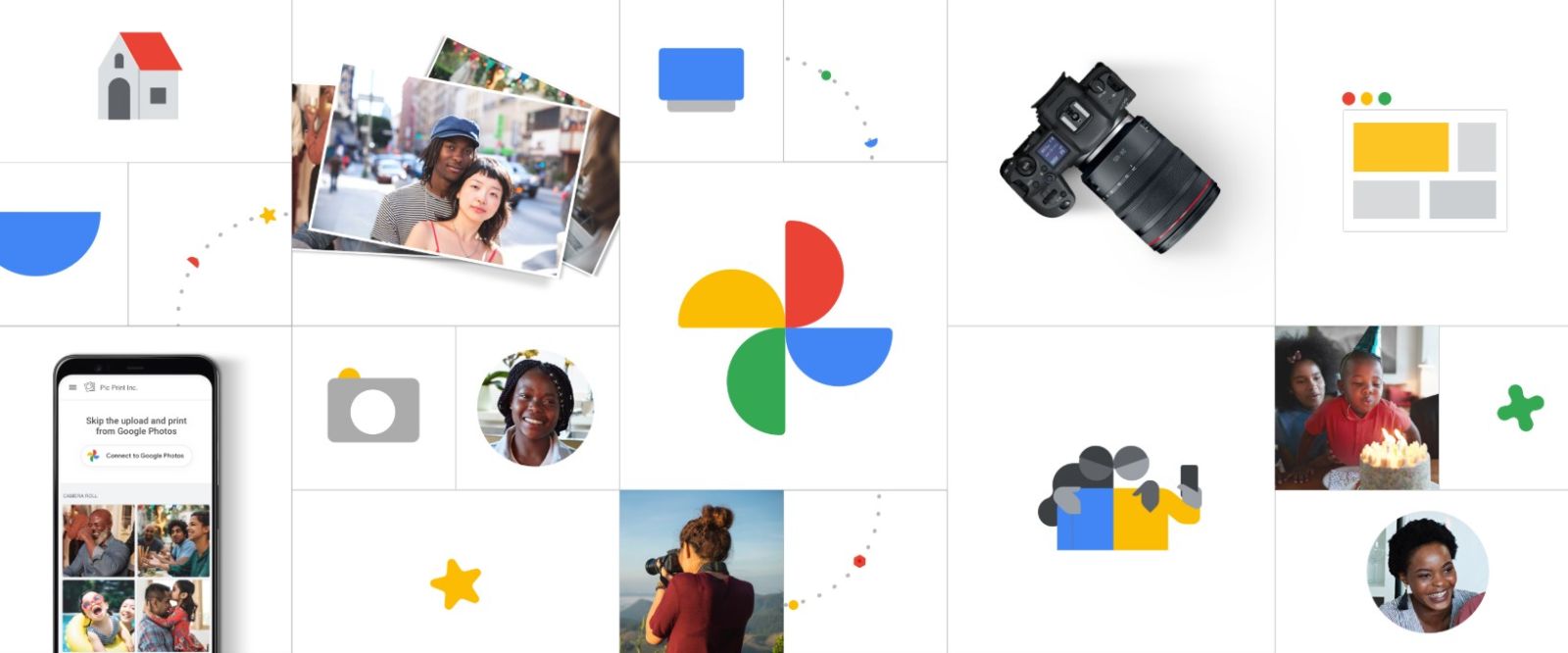
You can search for photos using just a simple description like "white dog," "Phu Quoc beach," "red ao dai," "motorcycle," "birthday party," "electricity bill," "class reunion," etc., even if you've never tagged a photo. Google Photos also has the ability to recognize faces and group photos of the same person over many years.
One reason users love Google Photos is its ability to evoke memories. The app automatically creates collections and albums by year, event, or face, and even creates commemorative videos with background music. These features bring a special feeling to users, something iCloud almost completely lacks.
Google Photos also offers greater flexibility in access. You can open the app on iPhone, Android, Windows, Mac, Chromebook, or any device with a web browser. This makes Google Photos a top choice for those who don't fully utilize the Apple ecosystem.
2. Which option would be suitable?
Not all users have the same needs. The choice between iCloud and Google Photos depends on device usage habits, tech literacy, budget, and expectations for a photo storage platform. Below is a detailed analysis for each user group.
2.1. "Pure Apple" users
If you only use an iPhone, iPad, MacBook, or Apple Watch and are familiar with how Apple operates, iCloud offers the most consistent and hassle-free experience. With iCloud, you don't need to worry too much about backups. Everything happens automatically, silently, and efficiently.
iCloud also works well with supporting features like Shared Albums, iCloud Shared Library, and AirDrop. All are designed in the Apple style: unified, easy to understand, and error-free.
The only drawback you have to accept is the cost. Most Apple users opt for the 50GB, 200GB, or 2TB plan. The monthly cost might not seem like much, but over the years it's still a significant investment.
2.2. Cross-platform users
If you use a Windows laptop, Android tablet, Smart TV, or frequently access photos from multiple devices, Google Photos is a much more suitable option. With Google Photos, you simply log in with your Google account to access all your photos from anywhere.
iCloud has a web version and an iCloud for Windows app, but it doesn't offer the same smooth experience as Google Photos. On non-Apple devices, iCloud appears to be limited in features and stability.
Google Photos also makes it easy to share photos with others, especially when many family members don't use iPhones.
2.3. Users want to save costs.
With 15GB of free storage initially, Google Photos offers a cost advantage. You can combine both platforms if you want to save money, for example:
– Save important photos on iCloud to sync with your Apple device
– Save the rest on Google Photos to reduce the load on iCloud
Additionally, Google One is often more affordable than iCloud when comparing the same storage capacity.
2.4. Users appreciate AI, fast search, and smart features.
This group will definitely prefer Google Photos. Features such as object recognition, text scanning in photos, keyword search, memory recall, automatic albums, video compilations, etc., make Google Photos the most versatile storage tool available today.
Meanwhile, iCloud Photos works reliably but is quite "classic" and simple, lacking many advanced AI features.
2.5. Users prioritize data security.
This group of users believes in Apple's philosophy that "privacy is a fundamental human right." iCloud now supports Advanced Data Protection: a very strong end-to-end encryption mechanism. This helps to better protect your photos and personal data.
Google Photos is also secure, but because Google uses data to improve its AI, many users still have reservations.
There isn't one single right option for everyone. Choosing the right service depends on how you use your device and your expectations for the storage experience.
Choose iCloud if you live within the Apple ecosystem and desire a seamless, stable, and simple experience.
Choose Google Photos if you frequently use multiple operating systems, need intelligent AI, or want to take advantage of more free storage.





















VIP Products








Best Selling Products
Copyright Adobe Lightroom Account
59 USD
Upgrade Duolingo Super
29 USD
Adobe Photoshop Copyright - Full App
120 USD
Windows 10 & 11 Pro Key
36 USD
Upgrade Genuine Office 365
49 USD
Genuine Cheap Canva Pro
39 USD
ChatGPT Plus Account (GPT-4)
16 USD
Adobe Premiere Pro Account
99 USD
Genuine Adobe Illustrator account
99 USD
Freepik Premium Account
59 USD
Plugin Retouch4me
69 USD
MidJourney Account
29 USD
Capcut Pro 1 Year
39 USD
Autodesk All App Account Copyright
120 USD
Upgrade genuine Capture One account
120 USD