Best Selling Products

Freepik Premium Account
59 USD

Plugin Retouch4me
69 USD

Capcut Pro 1 Year
39 USD

Genuine Cheap Canva Pro
39 USD

Copyright Adobe Lightroom Account
59 USD

ChatGPT Plus Account (GPT-4)
16 USD

Windows 10 & 11 Pro Key
36 USD

Genuine Adobe Illustrator account
99 USD

Upgrade Duolingo Super
29 USD

Autodesk All App Account Copyright
120 USD

MidJourney Account
29 USD

Upgrade genuine Capture One account
120 USD

Adobe Premiere Pro Account
99 USD

Adobe Photoshop Copyright - Full App
120 USD

Upgrade Genuine Office 365
49 USD
Important criteria for choosing a laptop that few people pay attention to.
Nội dung
Besides the processor and RAM capacity, many other factors determine the performance and durability of a laptop. However, not everyone pays attention to these details when choosing one. Careful consideration will help you invest in the right machine for your needs.
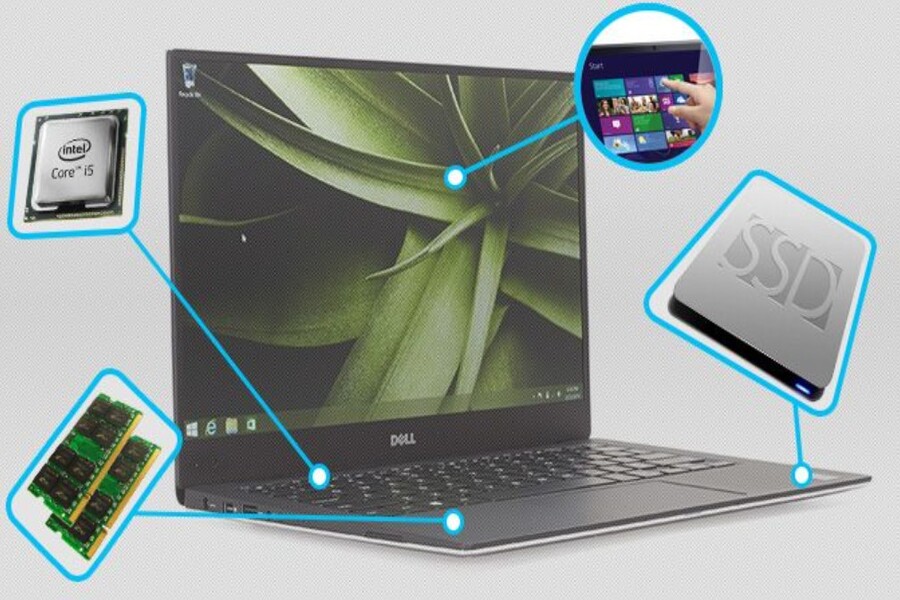
1. A powerful configuration isn't always the best option.
Over the years, the laptop market has witnessed intense competition among manufacturers regarding hardware performance. Companies constantly introduce new processors, larger RAM capacities, and more powerful graphics cards to attract consumer attention. This has inadvertently led many to believe that a good laptop must have the most powerful configuration possible. However, this approach is not always sound.
In reality, most laptop users today only use their machines for basic tasks such as word processing, email, spreadsheets, online learning, or watching videos. These tasks don't require very powerful hardware and can be handled smoothly by many mid-range laptops. Buying a machine with specifications far exceeding their actual needs could result in users paying more without fully utilizing the device's capabilities.
Furthermore, a more powerful configuration sometimes means the machine consumes more power and generates more heat. This can cause the laptop to overheat quickly during continuous operation, thus affecting the user experience. A machine with a moderate configuration but optimized for performance and power efficiency can sometimes provide a more stable and pleasant experience over the long term.
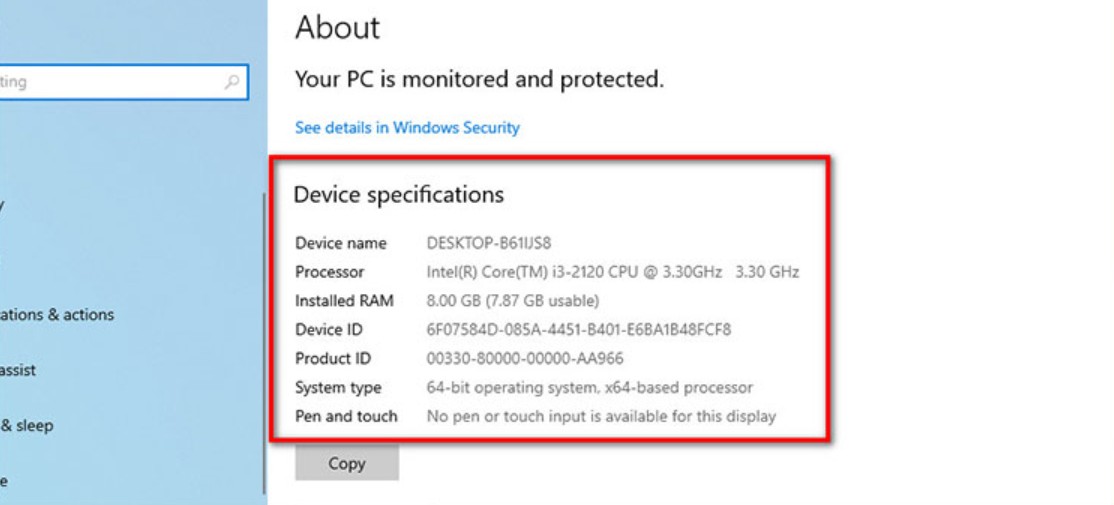
Choosing the right configuration also helps users optimize costs. Instead of investing the entire budget in a powerful CPU or GPU, users can allocate the cost to other equally important factors such as a high-quality screen, large storage capacity, or a longer-lasting battery. These factors directly affect the daily user experience.
Therefore, before deciding to buy a laptop, users should clearly define their needs. If it's only for office work and basic entertainment, a mid-range laptop will suffice. Conversely, if the work involves graphics, programming, or processing large amounts of data, investing in a powerful configuration is necessary. Most importantly, there should be a balance between performance and overall user experience.
2. Battery life
One of the biggest advantages of laptops over desktop computers is portability. Users can carry the device with them and work anywhere, such as in cafes, libraries, offices, or while traveling. However, this portability is only truly realized when the laptop has a long enough battery life to operate for many hours without needing to be plugged in.
In reality, many people consider battery life as a secondary factor when buying a laptop. They often focus more on the specifications and rarely pay attention to how long the machine can operate on a single charge. This can lead to unpleasant experiences after use.
If a laptop has a short battery life, users will have to constantly carry a charger or look for a power outlet whenever they work. This is especially inconvenient in situations such as business trips, studying at a library, or working in a crowded cafe. A laptop with a weak battery can interrupt a user's work midway as the battery drains quickly.
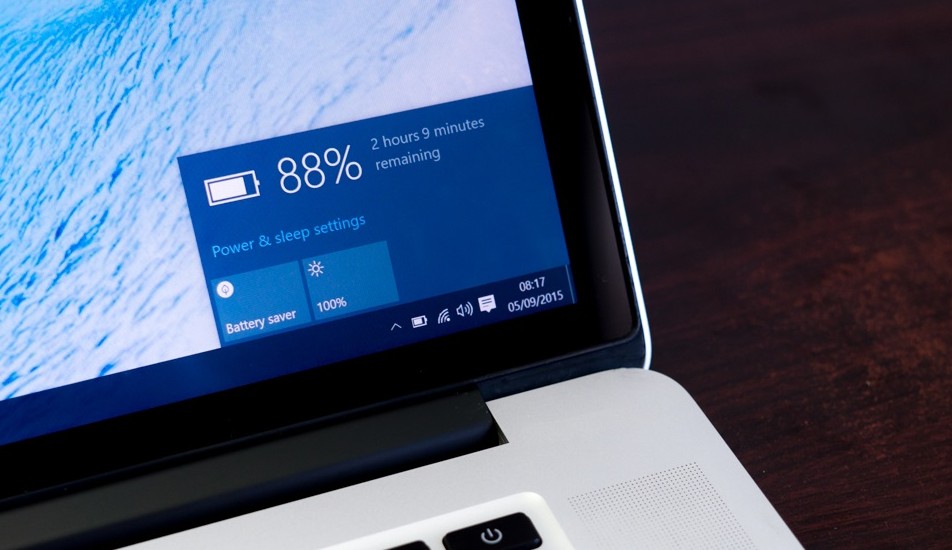
Conversely, laptops with long battery life offer great flexibility. Users can work continuously for hours without worrying about charging. This is especially useful in the context of the increasing prevalence of remote work and flexible working arrangements.
Besides battery capacity, the power consumption of the hardware also affects actual usage time. Modern processors are often designed to balance performance and power efficiency, helping to extend battery life. Therefore, when buying a laptop, users should learn more about the device's actual battery performance instead of just relying on the battery capacity stated on paper.
3. Temperature and noise
Another important but often overlooked factor when buying a laptop is the cooling system and fan noise. During operation, components like the CPU and GPU generate heat. If the cooling system is ineffective, the machine's temperature can rise, affecting performance and the lifespan of the components.
When a laptop overheats, the system may automatically reduce performance to prevent overheating. This causes the machine to operate slower than its hardware capabilities allow. Additionally, high temperatures can be uncomfortable for users during prolonged use, especially when resting their hands on the keyboard or propping the laptop on their lap.
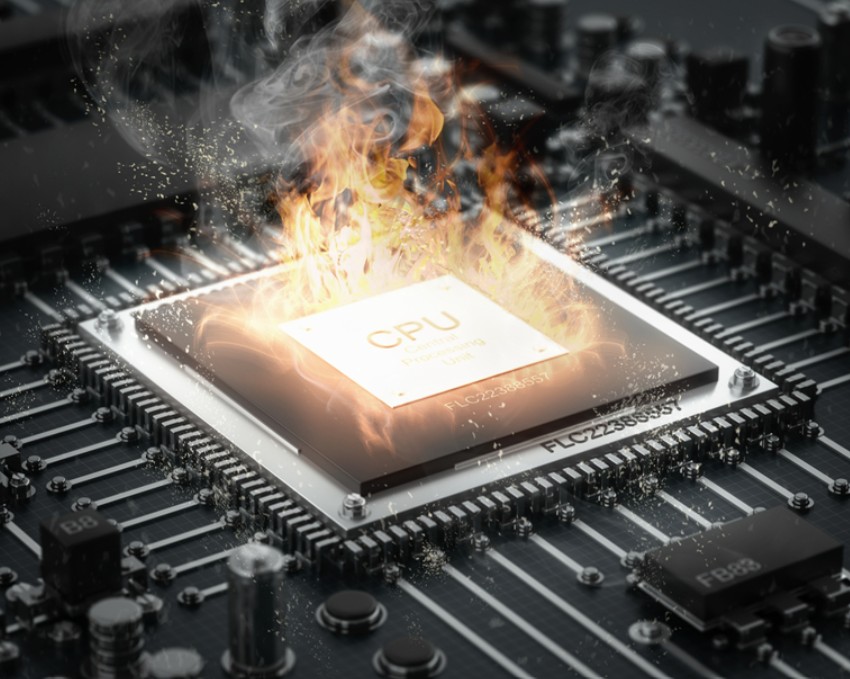
Besides temperature, fan noise is also a factor affecting the user experience. When the machine has to operate at high intensity, the cooling fan usually spins faster to cool the system, thus creating noise. In quiet environments such as libraries or meeting rooms, this noise can be annoying and affect concentration.
Well-designed laptops typically have efficient cooling systems, which help maintain stable temperatures and minimize noise. Therefore, before purchasing a laptop, users should consult real-world reviews regarding the device's temperature and noise levels to ensure a comfortable user experience.
4. Screen
The screen is the part that users interact with most when using a laptop. On average, many people look at their computer screens for 6 to 8 hours a day for work or study. Therefore, screen quality has a significant impact on the user experience and their health.
However, when choosing a laptop, many people only focus on screen size or resolution, overlooking other factors such as brightness, color accuracy, or eye protection technology. Meanwhile, these factors play a crucial role in reducing eye strain during prolonged work.
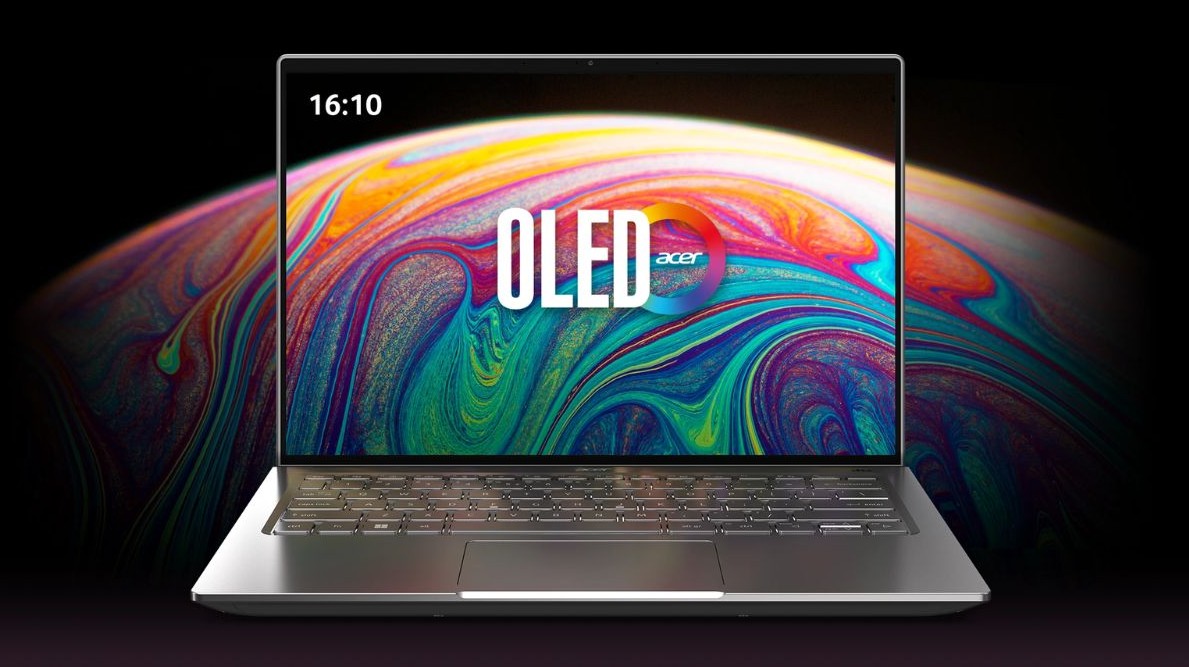
One of the common problems when using electronic devices is the blue light emitted from the screen. Blue light can cause eye strain and affect sleep if exposed for extended periods, especially at night. To address this issue, many manufacturers have integrated blue light reduction technologies or used higher-quality display panels.
Additionally, the screen aspect ratio is also a noteworthy factor. Laptops with 16:10 or 3:2 aspect ratios allow for more vertical content display compared to the traditional 16:9 ratio. This is very useful when working with text, reading documents, or programming. A good screen not only provides beautiful images but also helps improve work efficiency.
5. Upgradeability
A laptop isn't just used for a few months; it often accompanies users for many years. During that time, usage needs may change, and software may increasingly demand more hardware resources. Therefore, upgradeability is a crucial factor in extending the lifespan of a laptop.
If a laptop allows for RAM or storage upgrades, users can improve its performance after a period of use without replacing the entire device. For example, when the RAM capacity is no longer sufficient for modern applications, upgrading the RAM can help the machine run more smoothly. Similarly, replacing the hard drive with a larger one also increases data storage space.
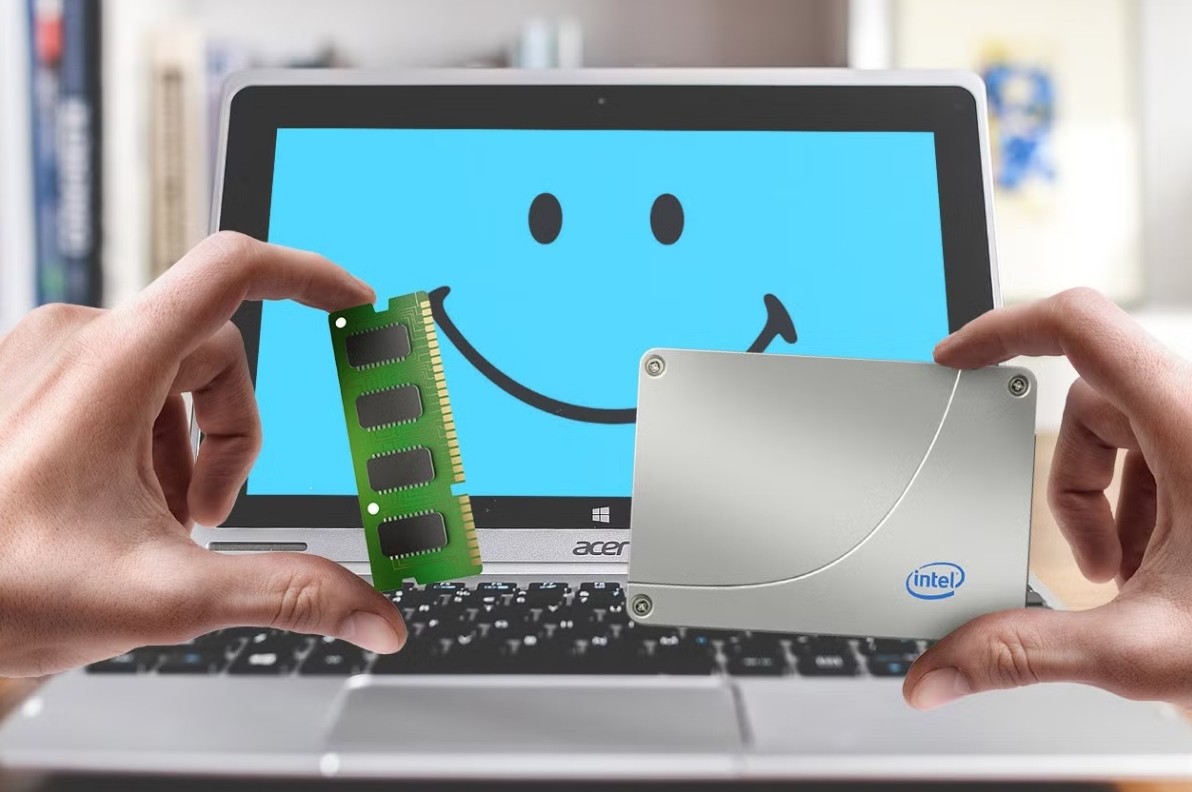
Conversely, many current thin and light laptop models are designed with components soldered directly onto the motherboard, making upgrades difficult or impossible. This forces users to replace their machines when the configuration no longer meets their needs.
Therefore, when buying a laptop, users should find out if the device supports hardware upgrades. This is a factor that helps protect the investment value of the device and ensures the laptop can serve well for a long time.
A good laptop isn't necessarily the most powerful one, but rather one that strikes a balance between performance, usability, and durability. By understanding these often-overlooked crucial factors, users can make smarter purchasing decisions and choose the device that best suits their needs.





















VIP Products








Best Selling Products
Freepik Premium Account
59 USD
Plugin Retouch4me
69 USD
Capcut Pro 1 Year
39 USD
Genuine Cheap Canva Pro
39 USD
Copyright Adobe Lightroom Account
59 USD
ChatGPT Plus Account (GPT-4)
16 USD
Windows 10 & 11 Pro Key
36 USD
Genuine Adobe Illustrator account
99 USD
Upgrade Duolingo Super
29 USD
Autodesk All App Account Copyright
120 USD
MidJourney Account
29 USD
Upgrade genuine Capture One account
120 USD
Adobe Premiere Pro Account
99 USD
Adobe Photoshop Copyright - Full App
120 USD
Upgrade Genuine Office 365
49 USD